Can Teachers Detect AI Essays?

Quick Answer

Can Teachers Detect AI Essays?

Teachers can sometimes identify AI-generated essays by reviewing writing patterns, draft history, citations, and differences from a student’s usual work. However, AI detection tools only estimate probability and can produce false positives. Platforms like Apporto TrustEd support evidence-based authorship verification instead of relying solely on automated detection.

It didn’t start as a scandal. It started as a quiet shift. After 2023, generative AI stopped being a novelty and became background noise in student life. Tools that once felt experimental were suddenly everywhere. Unsurprisingly, student essays began to change too.

Smoother. Faster. Sometimes eerily consistent. That’s when the question surfaced, again and again: can teachers detect AI essays at all?

Many schools responded by updating syllabi, adding AI policy disclosures almost overnight. Not because they had clear answers, but because uncertainty itself became disruptive. Detection anxiety now affects both sides of the desk.

Students fear false accusations. Instructors worry about missing misuse. Meanwhile, academic integrity enforcement is quietly shifting. Less punishment. More verification. That shift matters, especially as false accusations move from edge cases to documented institutional risk.


Can Teachers Actually Tell If an Essay Was Written by AI?

The honest answer is less dramatic than most people expect.

Teachers rarely rely on intuition alone. The idea of a professor simply “knowing” an essay was written by AI makes for a good headline, but it’s not how real decisions are made.

Detection is comparative, not absolute. An essay is read in context. Against a student’s own writing history. Against drafts, in-class work, discussion posts, even the rhythm of how ideas usually unfold on the page.

Sudden stylistic jumps don’t trigger conclusions. They trigger review. Educators look for mismatches between process and product, not perfection itself.

They weigh multiple signals before escalating concerns, because most cases live in a gray zone. Suspicion, yes. Certainty, rarely. Human written text can be polished. AI-generated text can be edited. That overlap is exactly why most teachers proceed cautiously.


What Do AI Detection Tools Really Do (and What They Don’t)?
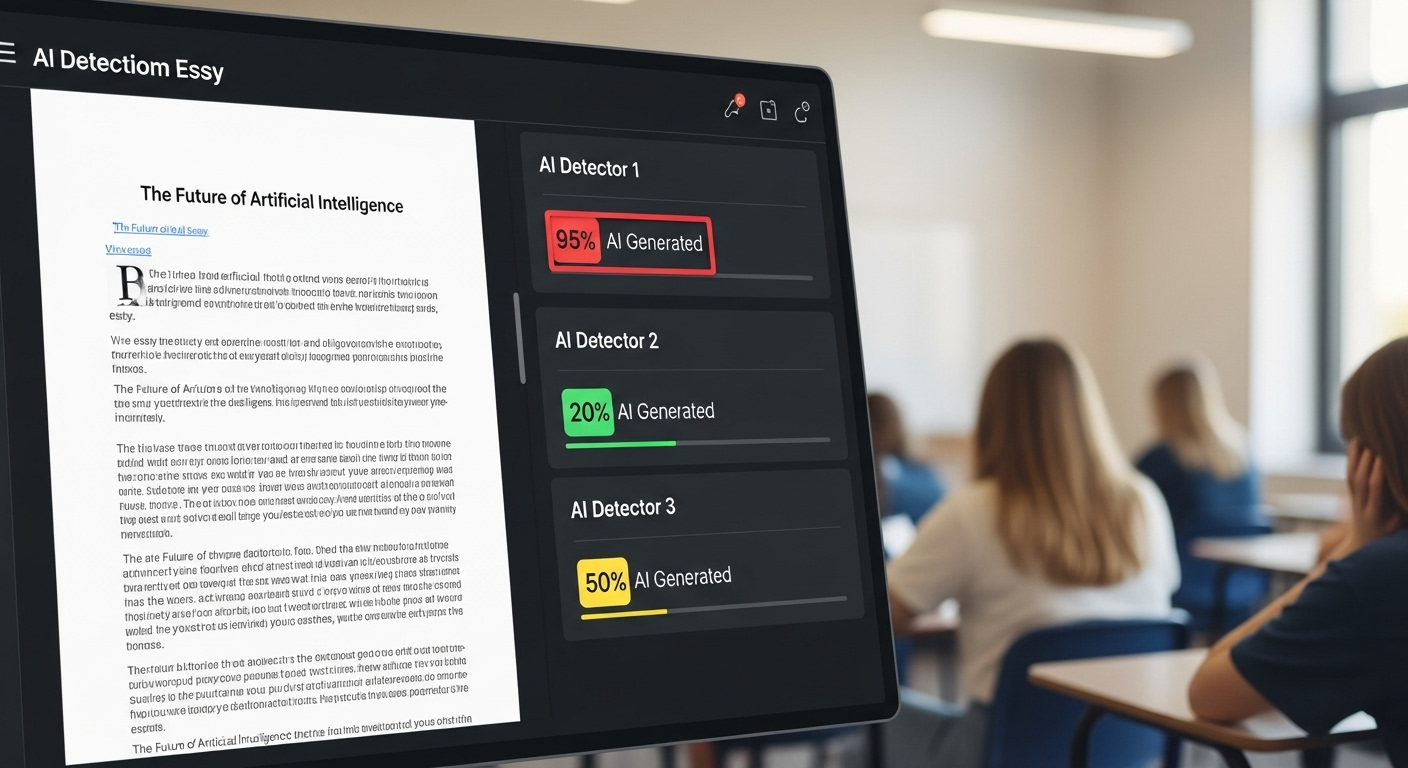
Digital dashboard displaying conflicting AI detection scores for the same student essay.

AI detection tools don’t identify authorship. They estimate likelihood.

Under the hood, detection software analyzes linguistic patterns, sentence structure, and probability distributions that resemble known AI-generated text.

The output is a score, not a verdict. One tool might flag an essay as “likely AI-generated” while another rates the same text as human-written. Conflicting results are common, not exceptional.

Accuracy drops sharply once a student edits, rewrites, or partially authors the text themselves. Hybrid writing breaks most detection systems.

Non-native English patterns further complicate things, and high-performing human writers are frequently misflagged, especially when their writing is clear, consistent, and grammatically tight.

What AI detection tools do:

  • Probability scoring, not proof
  • Pattern similarity analysis
  • Section-level flagging

What they do not do:

  • Confirm intent or authorship
  • Access writing process or drafts
  • Understand context or learning history

False positive rates are a known problem. That’s why most educators treat detection tools as signals, not evidence.


What Writing Signals Raise Red Flags for Teachers?

Sometimes it’s not what’s wrong with an essay. It’s what’s missing.

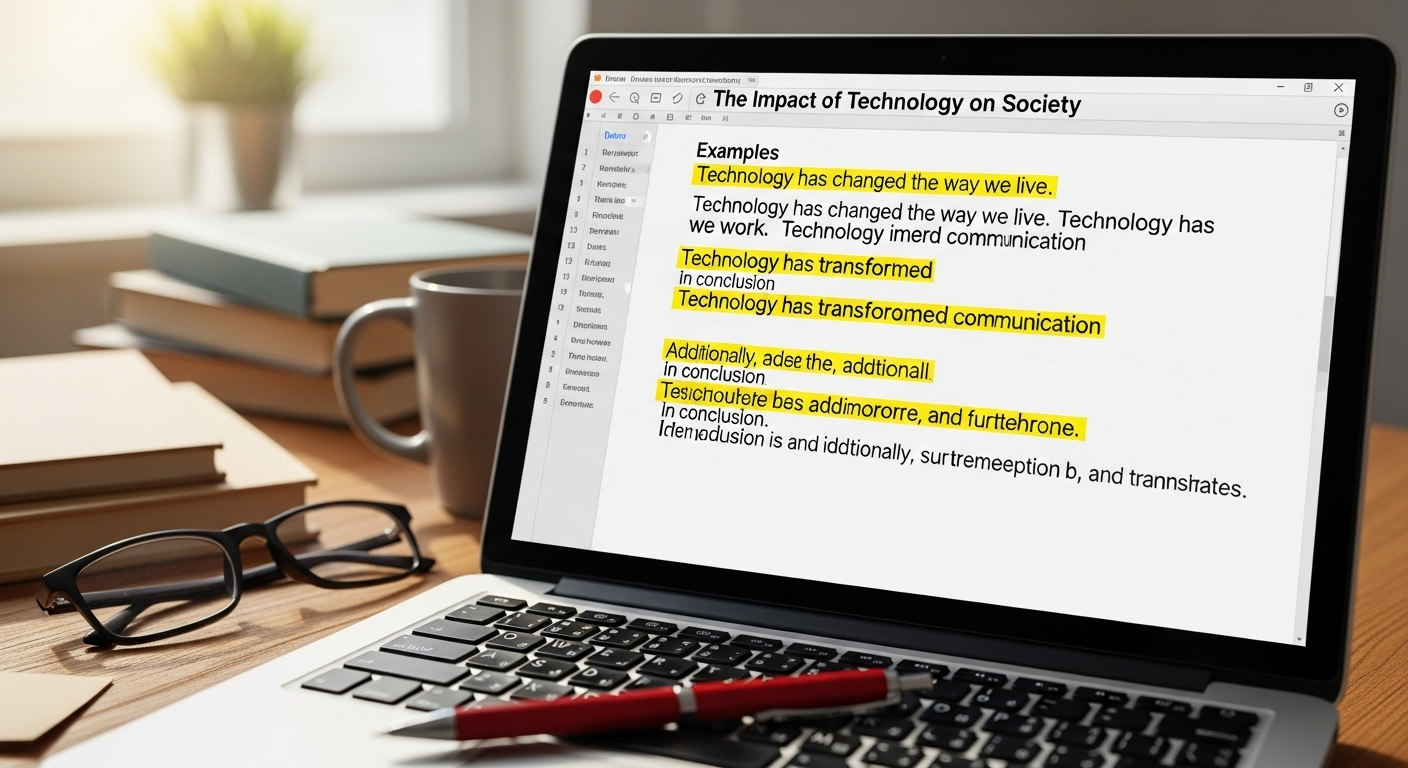
AI-generated content tends to arrive fully polished, almost suspiciously so. Perfect grammar. Clean transitions. No hesitation. Yet beneath that surface, teachers often notice a lack of developmental thinking. Ideas don’t wander. They don’t struggle. They don’t revise themselves mid-paragraph the way human thinking usually does during the writing process.

Another signal shows up in tone. Many AI essays sit in a neutral, academic middle ground. Safe. Careful. Bloodless. There’s little risk-taking, no sharp turns, no course-specific vocabulary that signals real engagement with lectures, discussions, or readings. The writing could belong to almost any class. Or any student.

Fabricated citations raise the loudest alarm. Generative AI models are known to hallucinate sources, quotes, or page numbers. When references don’t exist, concern shifts quickly from suspicion to verification.

Common red flags teachers watch for:

  • Uniform sentence structure repeated across paragraphs
  • Predictable transitions and formulaic phrasing
  • Vague evidence that sounds researched but isn’t
  • Absence of personal voice, reflection, or position

None of this proves AI use. But together, these patterns invite closer scrutiny.


Why AI Detection Software Alone Isn’t Reliable

Educator questioning AI detection results displayed on a digital dashboard.

Detection software feels authoritative. The dashboards. The percentages. The labels. But the science underneath is far less settled than the interface suggests.

Large language models are fundamentally non-deterministic. The same prompt can generate different outputs across sessions, versions, or even seconds apart.

As AI writing grows more human-like, detection accuracy declines rather than improves. Edited or partially written AI text further degrades reliability, producing wildly different results across tools.

False positives are not edge cases. High-performing students, English learners, and students with strong command of structure are disproportionately flagged.

That raises serious academic integrity and equity concerns. Institutions have learned, sometimes the hard way, that a false accusation carries reputational and legal risk.

Because of this, many universities explicitly prohibit detector-only decisions. AI detection systems are now treated as indicators, not evidence. A signal. Not a verdict.


How Teachers Actually Verify Authorship Today

Verification has quietly shifted from “gotcha” moments to pattern analysis over time.

Teachers compare drafts. They review version history and timestamps when platforms allow it.

They look at how ideas evolved across weeks, not just how they appear in the final submission. In-class writing samples serve as baselines, offering a snapshot of a student’s natural writing style under normal conditions.

Oral explanation has become especially valuable. Asking a student to explain their argument, sources, or reasoning often reveals whether the work reflects genuine understanding or surface-level assembly. Consistency matters more than polish.

Common authorship verification practices include:

  • Draft history and revision comparison
  • In-class writing baselines
  • Oral defenses or follow-up questions
  • Style continuity across assignments

This mosaic approach reduces false accusations while preserving academic integrity.


Why “Definitive Proof” of AI Use Is So Hard to Claim

Because the idea of a clean line no longer matches reality.

AI-generated text is probabilistic, not fixed. Large language models don’t produce identical outputs from the same prompt.

Students increasingly edit AI-generated drafts manually, blending their own writing with suggested phrasing. Hybrid authorship is now common, even when use policies are unclear.

Detection tools don’t see the writing process. They don’t know which sentences were drafted first, which were revised, or which reflect original thought. They analyze a final snapshot stripped of context.

That’s why definitive proof is rare. Most cases remain probabilistic, not conclusive. Responsible institutions acknowledge this uncertainty instead of pretending it doesn’t exist.

And honestly, that restraint may be the most human part of the system left.


The Real Risk: False Positives and Broken Trust

The sharpest danger isn’t that AI slips past detection. It’s that a student gets flagged when nothing dishonest actually happened.

False positives from AI detection systems are now well documented across education. A probability score gets misread as proof. A rushed decision turns into an accusation.

What follows is rarely clean. Appeals. Grievances. Meetings with administrators. Sometimes, formal academic misconduct proceedings that linger far longer than the original assignment ever should have.

The damage goes beyond paperwork. Trust erodes. Students become guarded. Teachers become wary. Classroom dynamics shift from collaboration to quiet suspicion, and that tension affects learning far more than any single essay ever could.

Worse still, disciplinary errors tend to land unevenly. English learners, first-generation students, and those with non-standard writing styles are disproportionately flagged by AI detection tools. That reality has pushed many institutions to step back.

Increasingly, schools are moving toward evidence-based review frameworks, where suspicion triggers verification, not punishment. The goal is clarity. And fairness. Not a win-loss outcome.


How Teachers Are Redesigning Assignments to Reduce AI Misuse

Teacher guiding students through multi-stage assignment drafts in a modern classroom.

Instead of chasing detection scores, many educators are changing the game entirely.

Assignment design has become the first line of defense. Process matters more than polish now. Teachers are breaking large submissions into visible stages, making the learning process harder to outsource and easier to understand.

Reflection has become central. When students explain how they arrived at an idea, not just what the idea is, misuse becomes both less tempting and easier to spot.

Personalization plays a role too. Prompts tied to class discussions, lived experience, or local context don’t translate cleanly through generic AI tools.

Common redesign strategies include:

  • Draft milestones submitted over time
  • Reflection logs explaining decisions and revisions
  • Oral explanations or in-class writing components
  • Personalized prompts tied to specific course moments

These approaches strengthen critical thinking while quietly reducing AI misuse. No detectors required.


Why Open Conversations About AI Matter More Than Detection

When expectations around AI use are vague, students guess. Some guess wrong. Clear guidelines, discussed openly, reduce misuse far more effectively than punitive enforcement ever has. Students are more likely to comply when they understand why boundaries exist, not just where they’re drawn.

Open conversations also support ethical AI literacy. Students learn when AI use is appropriate, when it crosses a line, and how to engage responsibly with powerful tools they’ll encounter long after graduation.

Punitive-only approaches tend to backfire. They increase adversarial behavior, encourage concealment, and damage trust. Dialogue does the opposite. It normalizes questions, encourages disclosure, and keeps the focus on learning rather than enforcement.

In classrooms where AI is discussed openly, misuse rates drop. That pattern is repeating itself across institutions.


Where TrustEd Fits Into This New Reality
Apporto's page for TrustEd highlighting academic integrity and AI-powered authenticity analytics.

This is precisely where TrustEd was designed to operate.

TrustEd doesn’t try to guess whether text is AI-generated. It doesn’t assign probability scores or pretend to offer certainty where none exists. Instead, it focuses on authorship verification—grounded in evidence, context, and human review.

By combining writing history, submission patterns, and instructor-led evaluation, TrustEd helps institutions verify originality without relying on fragile detection signals.

That approach dramatically reduces false positives and supports decisions that are defensible, fair, and aligned with academic integrity policies.

TrustEd reinforces:

  • Verification over detection
  • Human-led judgment over automation
  • Fairness-first workflows over punitive shortcuts
  • Trust preservation over suspicion


The Takeaway

AI detection tools are imperfect by design. They surface signals, not truths. Treating them as verdicts creates more harm than clarity.

Human judgment remains central. Verification beats accusation every time. And institutions that balance academic integrity with fairness are better positioned to navigate what comes next.

The future isn’t about catching students. It’s about protecting learning, trust, and credibility in environments where AI is simply part of the landscape now.

If your institution is ready to move beyond fragile detection and toward defensible authorship verification, explore how TrustEd helps reduce false accusations, strengthen academic integrity, and preserve trust where it matters most.


Frequently Asked Questions (FAQs)


1. Can AI detection tools definitively prove that an essay was written by AI?

No. AI detection tools provide probability-based estimates rather than definitive proof of authorship. They analyze writing patterns and linguistic signals, but human review, writing history, and contextual evaluation are still necessary for reliable academic integrity decisions.

2. How common are false positives in AI essay detection?

False positives are increasingly common in AI essay detection, especially among high-performing writers and non-native English speakers. Because AI detectors rely on pattern recognition instead of confirmed authorship, authentic student writing can sometimes be incorrectly flagged as AI-generated

3. Why do detection tools struggle with hybrid or edited writing?

AI detection tools struggle with hybrid writing because students often revise, edit, or combine AI-generated text with their own work. These mixed writing patterns reduce detection accuracy and make it difficult for systems to distinguish between assisted writing and authentic authorship.

4. Can university prove you used AI?

Universities rarely rely on AI detection scores alone to prove AI use. Most institutions combine writing analysis, draft history, in-class work, citation checks, and instructor review to evaluate whether submitted work reflects authentic student authorship.

5. How are schools responding to the limitations of AI detection?

Many schools are shifting toward evidence-based verification methods instead of relying only on AI detection scores. Educators increasingly use draft reviews, oral explanations, writing history, and process-based assignments to reduce false accusations and strengthen academic integrity practices.

6. Why is my writing detected as AI?

Writing may be flagged as AI-generated because of highly consistent grammar, predictable sentence structure, repetitive phrasing, or formal academic tone. High-performing writers and non-native English speakers are also more likely to experience false positives from AI detection tools.


Are AI-Generated Essays Plagiarized?

Quick Answer

Are AI-Generated Essays Plagiarized?

AI-generated essays are not automatically plagiarism because they often create original text rather than directly copying sources. However, submitting AI-written work as personal academic writing without disclosure may violate academic integrity policies. Institutions increasingly use authorship verification methods and platforms like Apporto TrustEd alongside traditional plagiarism detection.

Tools that can draft, revise, and reshape essays are now part of everyday student life, whether institutions like it or not. And that’s where the confusion starts.

Students ask whether AI-generated essays are plagiarized. Faculty debate where originality ends and misconduct begins. Policies change mid-semester. Everyone feels a bit off balance.

The real tension isn’t just about AI-generated content. It’s about authorship, intent, and ethical use. An essay can be technically original yet still violate academic integrity.

Another might involve AI assistance and remain perfectly acceptable. The line isn’t obvious, and pretending it is only makes things worse.

Mislabeling AI use as plagiarism has real consequences. False accusations damage trust, derail learning, and turn a teaching moment into a disciplinary one.

That’s why this question keeps resurfacing. And why the answer demands nuance, not shortcuts.


What Counts as Plagiarism in Academic Writing?

Plagiarism occurs when someone presents another person’s words, ideas, or intellectual labor as their own without proper credit. That definition hasn’t changed, even as tools have. Whether the source is a book, an article, a website, or another student, the principle is the same. Ownership matters.

Proper citation is what separates ethical academic work from misconduct. Quoting, paraphrasing, and building on existing ideas are all expected in higher education, as long as sources are acknowledged clearly and consistently.

Intent also plays a role. Accidentally missing a citation is different from deliberately passing off someone else’s work as original. And crucially, plagiarism is not just about similarity scores or detection thresholds. It’s about authorship and accountability.

In other words, plagiarism isn’t a technical glitch. It’s a breach of academic trust.


Is AI-Generated Content the Same Thing as Plagiarism?

Student submitting AI-generated essay while academic integrity warning appears on screen.

AI-generated text is produced by machines, not humans. Large language models generate content by predicting likely word sequences, not by copying a single existing source verbatim. That’s why many AI-generated essays don’t trigger traditional plagiarism checkers at all.

Still, submitting AI-generated work as your own writing crosses an important line. Even if the text is technically “original,” the student did not author the ideas, structure, or reasoning. That misrepresentation violates core authorship norms in academic writing.

Because of this, many institutions treat undisclosed AI-generated work as academic dishonesty, even when no direct copying is detected. In some cases, it’s equated with contract cheating, where someone else does the work on a student’s behalf.

So while AI-generated content isn’t plagiarism by definition, presenting it as personal academic work often is.


Why AI Detection and Plagiarism Detection Are Not the Same

Plagiarism detection tools and AI detection tools do fundamentally different jobs. Treating them as interchangeable leads to bad decisions fast.

Plagiarism checkers scan text against existing sources to find overlaps. AI detection tools, by contrast, analyze statistical patterns to estimate whether text resembles machine-generated writing. They don’t look for copied material. They look for predictability.

And that distinction matters, because AI detection scores are probabilities, not verdicts.

Key differences worth keeping in mind:

  • Plagiarism tools compare submissions to known databases of published work
  • AI detectors analyze sentence structure, word choice, and pattern regularity
  • Neither tool can determine intent, authorship, or how the text was produced
  • False positives are common, especially for strong or non-native writers

Detection scores are signals. Indicators. Starting points for review. They are not evidence on their own, and treating them as such has already caused real harm in academic settings.

That’s why institutions are rethinking how these tools should—and shouldn’t—be used.


When Does Using AI Become Academic Misconduct?

Academic honesty checklist showing AI disclosure requirements.

For most educational institutions, the line isn’t whether AI was used. It’s how it was used and whether that use was disclosed. Many academic integrity policies now explicitly require students to state when AI tools supported an assignment. Ignore that requirement, and you’ve already crossed into misconduct territory.

Using AI to write entire papers, especially without permission, is often treated the same way as contract cheating. In other words, outsourcing the work.

The logic is simple, even if the technology isn’t: if the thinking, structure, and wording didn’t come from the student, authorship has been misrepresented.

That said, policies vary. Some instructors allow AI for brainstorming or language polishing. Others ban it outright. The common thread isn’t the tool. It’s compliance. Failing to follow course-specific guidelines is usually the core violation, not the presence of AI itself.

And that nuance matters more than ever.


Can AI-Generated Essays Be “Original” but Still Unethical?

Originality isn’t the same thing as authorship. An AI-generated essay can pass plagiarism detection tools because it doesn’t directly copy existing sources. No matching text. No flagged overlaps. Clean report. Still unethical.

Why? Because the ideas, reasoning, and voice aren’t the student’s. Ethical academic writing requires ownership. Not just of the final words on the page, but of the thinking behind them. When AI handles that thinking, even partially, the student steps back from authorship.

This gap has led some institutions to adopt the informal term “AI-giarism.” Not plagiarism in the traditional sense, but a misrepresentation of who did the intellectual work.

Using AI-assisted writing responsibly means staying in the driver’s seat. Editing is different from delegating. Assistance isn’t the same as replacement. That distinction isn’t philosophical anymore. It’s policy-driven, and it’s being enforced.


How AI Models Can Accidentally Introduce Plagiarism

AI writing tool producing academic-style text with source ambiguity and citation alerts.

Large language models are trained on vast amounts of existing text. That scale is impressive. It’s also risky. AI output can sometimes closely resemble known sources, especially when prompted for summaries, explanations, or academic-style writing.

Problems tend to show up in predictable ways:

  • Near-paraphrase risk where wording is altered just enough to evade detection but still mirrors source material
  • Fabricated citations, sometimes called hallucinations, that look scholarly but don’t exist
  • Source ambiguity, where ideas are blended without clear attribution

And here’s the part students often miss: responsibility doesn’t shift. Even if the AI produced the text, the student is accountable for accuracy, citations, and proper credit. AI doesn’t excuse plagiarism. It can accidentally create it.

Which is why blind trust in AI output is a gamble. Sometimes a costly one.


What Most Academic Integrity Policies Say About AI Today

Most academic integrity policies are moving away from blanket bans and toward disclosure-based models. Instead of pretending AI doesn’t exist, institutions are spelling out when and how it may be used.

A few trends show up again and again. Undisclosed AI use is commonly treated as misconduct. AI assistance for brainstorming, outlining, or editing is often allowed with permission. Full delegation of authorship, however, remains prohibited.

What’s new is the emphasis on transparency. Students aren’t expected to avoid AI entirely. They’re expected to explain how it was used. That shift reflects reality. It also gives institutions a more defensible position when disputes arise.

Ethical use now lives in the details. The syllabus. The assignment brief. The disclosure statement. Miss those, and intent stops mattering.


Why AI Detection Alone Can’t Decide Plagiarism

Educator questioning AI detection scores before making academic integrity decisions.

Detection tools are tempting. They feel decisive. Numbers feel authoritative. But AI detection systems are probabilistic by design. They estimate likelihood. They do not establish fact. False positives are common, especially for strong writers, multilingual students, or anyone with a polished academic style.

That creates real risk. Students have already been falsely accused based on detector scores alone. Appeals follow. Trust erodes. In some cases, institutions face legal and reputational consequences.

Most universities now caution against detector-only decisions for a reason. AI detection can flag content for review, but it cannot determine authorship, intent, or ethical context. Treating it as proof turns a diagnostic tool into a disciplinary weapon.

And that’s a line many institutions no longer want to cross.


How Institutions Are Moving From Detection to Verification

Instead of asking, “Did AI write this?” institutions are increasingly asking, “Can authorship be verified?” That shift moves the focus from accusation to evidence.

Verification relies on process, not probability. Draft histories. Writing timelines. Revision patterns. In-class writing samples. Oral explanations of submitted arguments. These signals tell a richer story than any detector score ever could.

When institutions prioritize verification, appeals drop. Disciplinary errors decline. Students feel heard instead of hunted. And academic integrity becomes enforceable without becoming adversarial.

It’s slower. More human. And increasingly viewed as best practice in AI-assisted learning environments.


Where TrustEd Fits in the AI–Plagiarism Debate

Apporto's page for TrustEd highlighting academic integrity and AI-powered authenticity analytics.

This is exactly the gap TrustEd was built to address. TrustEd doesn’t try to guess whether a piece of writing was produced by AI. Instead, it focuses on authorship verification. Evidence over inference. Process over probability.

By combining writing history, contextual signals, and structured human review, TrustEd helps institutions make defensible decisions without defaulting to accusation. False positives drop. Disputes shrink. Integrity policies become enforceable without collateral damage.

The emphasis is fairness-first. Human-led. Aligned with evolving academic standards that recognize AI as part of the learning landscape, not a threat to be blindly hunted.


The Bottom Line

The real issue isn’t whether AI wrote the words. It’s whether authorship was misrepresented. Plagiarism, academic dishonesty, and ethical violations all hinge on ownership, transparency, and policy compliance.

AI-generated essays can be original in a technical sense and still violate academic integrity. That’s why institutions are moving away from simplistic labels and toward verification-based approaches that balance fairness with rigor.

As classrooms adapt to AI-assisted writing, the goal isn’t punishment. It’s trust.

Explore how TrustEd helps institutions verify authorship, reduce false accusations, and uphold academic integrity in AI-assisted classrooms.


Frequently Asked Questions (FAQs)


1. Is AI-generated writing automatically considered plagiarism?

No, not automatically. AI-generated text doesn’t always copy existing sources, so it may not meet the traditional definition of plagiarism. However, submitting it as personal academic work without disclosure often violates authorship and integrity policies.

2. Can plagiarism detectors catch AI-generated content?

Not reliably. Plagiarism detection tools compare text to known sources, while AI-generated essays may be entirely new. That’s why AI detection tools exist, though they rely on probabilities and produce frequent false positives.

3. What if AI helped edit but didn’t write the essay?

That depends on institutional policy and instructor guidelines. Many courses allow AI-assisted editing if disclosed. The key factor is whether the ideas, reasoning, and structure remain the student’s own work.

4. Why do some policies treat AI use like contract cheating?

Because undisclosed AI use can mirror outsourcing. If a student submits work they didn’t author intellectually, institutions often classify it alongside paying someone else to complete an assignment.

5. How should students properly disclose AI use?

Students should follow course-specific instructions, typically noting AI assistance in a reflection, appendix, or disclosure statement. Transparency matters more than the specific tool used.

6.What protects students from false accusations?

Verification-based approaches. Draft histories, writing samples, and human review provide context that detection tools alone cannot. Systems like TrustEd help institutions avoid mislabeling and preserve trust.

How to Use AI Ethically as a Student Essay

Quick Answer

How to Use AI Ethically as a Student Essay?

Students should use AI ethically in essays by treating it as a support tool for brainstorming, outlining, grammar checks, and concept clarification rather than replacing their own thinking or writing.Platforms like Apporto TrustEd help institutions evaluate authorship fairly while supporting responsible AI-assisted learning.

AI didn’t knock before walking into academic life. One semester it was a novelty, the next it was everywhere. Brainstorming topics. Fixing grammar. Explaining dense concepts at 2 a.m. So it’s no surprise that students now feel caught in the middle, unsure where helpful ends and harmful begins. Generative artificial intelligence is evolving rapidly and changing the educational landscape, making it even harder for students and educators to keep up.

Most students aren’t looking for shortcuts or loopholes. They’re looking for clarity. What’s allowed. What’s risky. Ethics is now central to these discussions, as students and educators navigate the boundaries of responsible AI use in academic writing.

What crosses the line. Meanwhile, colleges are quietly shifting gears. Instead of outright bans on AI-generated content, many are moving toward regulating how AI is used, and why. That’s where the confusion deepens.

Is using AI to outline an essay the same as letting it write the essay? Is feedback assistance still your own work? These questions sit at the heart of modern academic integrity. Ethical AI use today isn’t just about following rules. It’s about learning assurance. Proving the thinking, the struggle, and the voice are genuinely yours.

Colleges are increasingly concerned about AI-generated essays and are developing methods to detect them.


Introduction to AI in Education

Artificial intelligence is rapidly reshaping the landscape of education, offering students and educators new ways to approach learning, research, and writing. AI tools are now a common part of the academic toolkit, assisting with everything from organizing research papers to providing instant feedback on college essays. In the high-stakes world of college admissions, these tools can help students navigate the complex application process and present their best selves through compelling writing.

However, the real value of AI in education comes from using these tools ethically. Teaching students how to use AI tools responsibly means encouraging them to maintain their own voice and original thinking throughout the writing process. Rather than replacing student effort, AI should serve as a support system—helping to clarify ideas, improve structure, and refine grammar, while leaving the core reasoning and creativity in the hands of the student.

By integrating AI tools thoughtfully, educators can foster critical thinking and writing skills that are essential for success in higher education. The goal is not just to produce polished assignments, but to help students learn, grow, and express their unique perspectives in every piece of writing. As AI becomes more embedded in the classroom, learning how to use these tools ethically is a crucial part of preparing for college, research, and beyond.


What Does “Using AI Ethically” Actually Mean for Students?

Student thoughtfully using AI as a writing assistant while actively drafting their own essay.

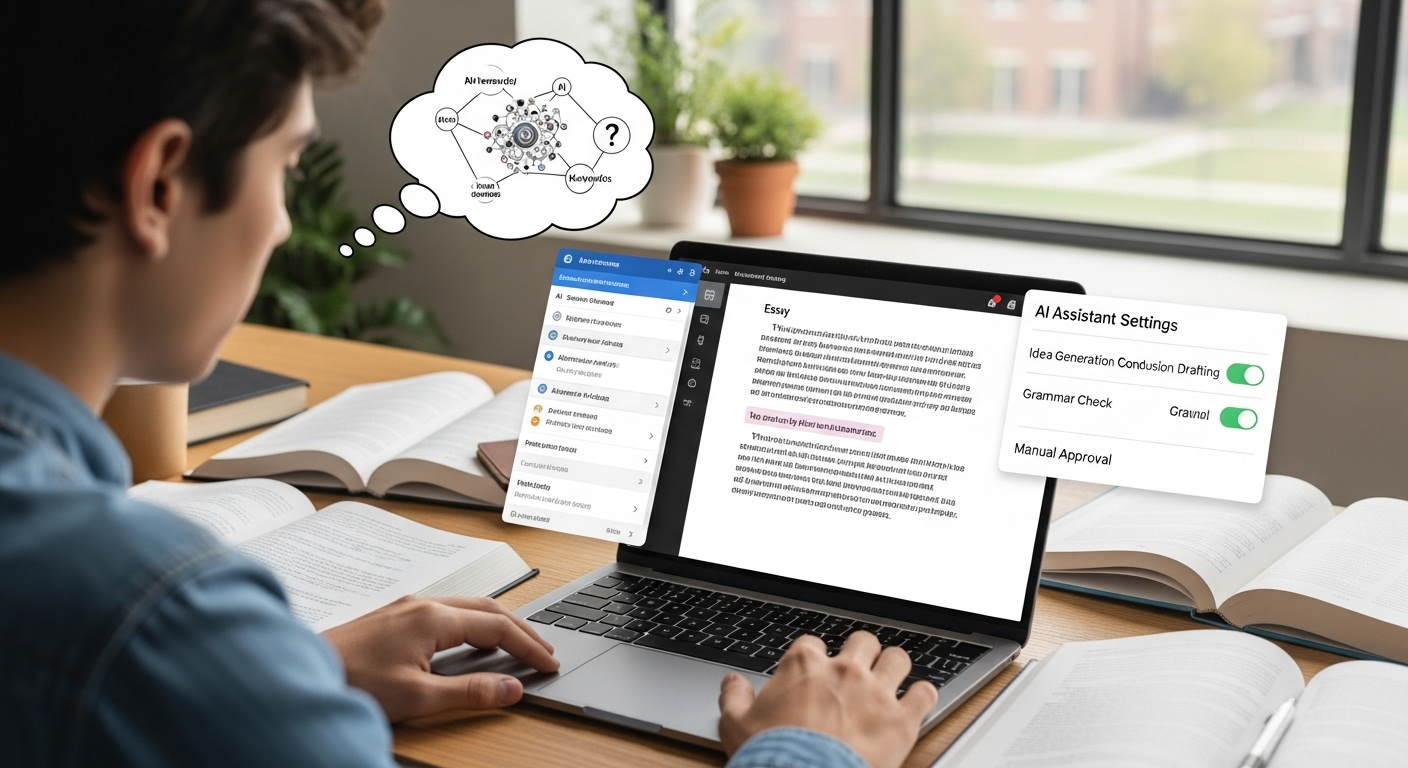
Ethical AI use isn’t a loophole. It’s more like a guardrail. The idea, plain and honest, is that AI should support your thinking, not sneak in and do the thinking for you—this is the core of AI ethics in academic work. When you use AI ethically, you stay in the driver’s seat. The wheel matters.

In practical terms, that means the final essay must still carry your intellectual fingerprints. Your reasoning. Your choices. Your missteps, even.

AI can help clarify a concept you’re stuck on, suggest ways to organize a messy draft, or point out where an argument loses steam. That’s assistance. Not replacement.

Think of AI as a patient tutor or a sharp-eyed editor, not a ghostwriter tapping away in the background. If the ideas, analysis, or conclusions didn’t come from your own thinking, then the work stops being yours. And that’s where academic writing breaks down.

Increasingly, institutions care less about polish and more about authorship. Do you understand what you submitted? Can you explain it, defend it, extend it? Ethical use lives in that space, where AI helps you learn without standing in for you.

Ethical AI use generally boils down to a few key principles.


How Colleges and Universities Define Ethical AI Use Today

Here’s where things get uneven. As of now, roughly 43 percent of the top 100 universities now have explicit AI policies for applications, up from just 12% in 2023, and that number keeps climbing. Some are detailed.

Others are vague. A few still feel like placeholders written in a hurry. The common thread, though, is responsibility.

Many colleges now require students to disclose any AI assistance used in their applications, especially when AI tools contribute to idea development, research summaries, or structural feedback.

Silence can be risky. What’s allowed in a computer science course might be restricted in a philosophy seminar, and admissions essays often play by an entirely different rulebook than coursework.

Policies also vary by discipline, school, and university. In some fields, AI-assisted analysis is encouraged. In others, it’s tightly controlled or discouraged altogether. That inconsistency trips students up, understandably.

The burden, fair or not, sits with you. Students are expected to know their local policies, course guidelines, and honor codes. Ethical AI use in higher education isn’t one-size-fits-all.

It’s contextual. It shifts by institution, by department, by school, sometimes even by assignment. Staying informed is part of academic integrity now.


What AI Tools Are Generally Acceptable for Student Essays

College student organizing essay outline with AI-generated structural suggestions.

Used carefully, AI can be a decent study companion. Not a substitute. More like that friend who helps you talk through an idea when your brain’s stuck at mile two.

Most institutions that allow AI at all tend to agree on a narrow band of acceptable use, though policies still vary course by course.

At its safest, AI fits into the early and supportive stages of the writing process. You might lean on it to explore possible angles for a topic, untangle a dense concept from a lecture, or bring some order to a chaotic outline that’s gone off the rails.

Grammar checks. Light readability tweaks. Structural feedback. That sort of thing. What matters is authorship. The thinking stays yours. The arguments stay yours. The voice, especially, stays yours.

AI writing tools offer several aspects that support students, such as grammar correction, idea generation, outlining, and essay review. These aspects contribute to the overall writing process by helping students refine their drafts, organize their thoughts, and improve clarity while maintaining their own voice and originality.

Commonly accepted uses usually include:

  • AI as a brainstorming partner, helping surface ideas you then develop independently
  • AI for clarifying concepts, not supplying original analysis
  • AI for organizing structure, outlines, or flow
  • AI for grammar and punctuation checks, similar to traditional editing tools
  • AI feedback on clarity, without rewriting content

The line is fairly bright: no AI-written paragraphs submitted. No outsourcing of reasoning. AI can assist the writing process, but it doesn’t get to be the writer.


When Using AI Crosses the Line Into Academic Misconduct

The moment AI stops assisting and starts authoring, you’re on thin ice. Submitting AI-generated essays as your own work is widely classified as academic misconduct, even when the text doesn’t resemble any existing source.

Many colleges now treat this the same way they treat contract cheating: paying or delegating the work to someone else. Different tool. Same violation.

What trips students up is the assumption that plagiarism is about similarity. It isn’t. The core issue is misrepresentation.

If the ideas, structure, or language came from an AI system and you present them as your own intellectual labor, that’s a breach of academic integrity.

Undisclosed AI use often violates honor codes outright. Even institutions that allow limited AI assistance usually require transparency when the tool meaningfully shaped the work. Silence, in these cases, becomes part of the problem.

Responsible use comes down to ownership. Did you think through the argument? Could you explain every claim without leaning on the tool again? If the honest answer is no, the line has already been crossed.


Why Originality Isn’t the Same as Ethical Authorship

Academic scene showing human thinking contrasted with AI-generated language.

Here’s where a lot of smart students get tripped up. Something can be original and still not be ethically yours.

AI-generated text often passes originality checks because it isn’t copied line-for-line from an existing article or paper. No plagiarism match. Clean report. Looks fine. And yet… something’s off.

Authorship isn’t just about novelty. It’s about ownership. Ownership of reasoning. Of decisions. Of that slightly awkward but unmistakable voice that belongs to you.

Ethical academic writing assumes that the thinking happened in your head first, even if tools helped polish the edges afterward.

When AI produces language, structure, and logic on your behalf, the work may be technically original but ethically hollow. That gap—between originality and authorship—is why many educators now use the term “AI-giarism.”

Not because the words were stolen from another person, but because the thinking was outsourced.

Academic integrity lives in that space. If the argument isn’t yours to defend, question, or revise without assistance, then calling it your own crosses a line, even if the text has never existed anywhere else before.


How AI Can Accidentally Introduce Plagiarism or Errors

Even when students mean well, AI can quietly cause problems. Big ones. Large language models are trained on vast amounts of existing text, which means their outputs sometimes drift uncomfortably close to real sources—without clearly telling you where those ideas came from.

That’s where risk sneaks in. AI may paraphrase a published argument just enough to sound fresh while still echoing someone else’s work.

It can also invent citations that look scholarly but simply don’t exist. Confident tone. Wrong facts. Made-up references. It happens more than people think.

Common pitfalls include:

  • Near-paraphrase risk, where AI output mirrors existing sources too closely
  • Fabricated citations that can’t be traced to real articles or authors
  • Source ambiguity, making it unclear where an idea originated
  • Hallucinated statistics presented with unwarranted certainty

And here’s the part that matters most: accountability doesn’t shift. Even if AI produced the text, you are still responsible for accuracy, attribution, and integrity. Every claim needs checking. Every reference needs verification. Using AI doesn’t dilute responsibility; it concentrates it.


Best Practices for Using AI Ethically in Student Essays

Student saving multiple draft versions to document writing process and authorship.

Ethical AI use isn’t about fear or avoidance. It’s about discipline. Think of AI as scaffolding, not the building. Helpful while you’re constructing ideas, but removed before you submit the final structure.

A strong, ethical workflow usually starts the old-fashioned way: with your own draft. Even a messy one. Especially a messy one. That draft anchors your voice and thinking before any tool gets involved.

From there, AI can help refine clarity, suggest organizational tweaks, or flag confusing passages—nothing more.

Some practical guardrails that actually work:

  • Start with your own words, even if they’re rough
  • Use AI to refine, not to generate arguments or analysis
  • Fact-check everything, especially statistics and citations
  • Read your essay aloud to see if it still sounds like you
  • Save original drafts as proof of your writing process
  • Log meaningful AI prompts in case questions arise
  • Disclose AI use when policies require it

Used this way, AI supports learning instead of short-circuiting it. The goal isn’t perfection. It’s ownership. Your ideas, your reasoning, your voice—just a little clearer around the edges.


How Ethical AI Use Supports Learning (Instead of Undermining It)

Used well, AI doesn’t hollow out learning. It sharpens it. The difference comes down to how you engage. When AI is treated as something to question, challenge, and double-check, it can actually deepen critical thinking rather than replace it. You’re not outsourcing the work. You’re stress-testing your own ideas.

Ethical use keeps the intellectual struggle intact. That struggle matters. It’s where judgment forms, where weak assumptions get exposed, where confidence grows a little unevenly.

AI can clarify a concept or rephrase a confusing sentence, sure—but the deciding still belongs to you. Accept, reject, revise. Think.

More institutions are catching on. Instead of rewarding glossy prose alone, they’re increasingly assessing comprehension, reasoning, and process.

In other words, how you got there. AI literacy now means knowing when to pause, when to probe, and when to walk away from the tool entirely.

Dependency dulls learning. Disciplined use strengthens it. And that distinction—subtle but crucial—is becoming central to modern education.


What Students Should Never Use AI For

Some boundaries aren’t fuzzy. They’re firm. No gray area, no clever workaround.

  • Writing entire essays or research papers and submitting them as your own
  • Personal reflections or lived-experience narratives that only you can authentically tell
  • Proctored exams or quizzes, where independent recall is the point
  • Signature, thesis, or capstone assignments meant to demonstrate mastery

These are moments where authorship, not assistance, is the assessment. Using AI here doesn’t just bend rules—it breaks trust. And once that trust cracks, it’s hard to put back together.


How TrustEd Supports Ethical AI Use Without Punishing Students

Apporto's page for TrustEd highlighting academic integrity and AI-powered authenticity analytics.

Here’s the reality: ethical students still get flagged. Hybrid writing, grammar checks, light AI assistance—none of that automatically equals misconduct, but traditional detection tools can’t tell the difference. That’s where TrustEd takes a different path.

TrustEd is built around authorship verification, not AI guessing. Instead of relying on probability scores, it brings together writing history, process evidence, and structured human review.

Draft evolution. Consistency of voice. Clear trails of intellectual ownership. The kind of signals that actually reflect learning.

This approach helps students prove originality when AI is used responsibly. It also gives institutions defensible, fairness-first workflows that reduce false accusations and avoid unnecessary disciplinary disputes. No gotchas. No assumptions.

TrustEd preserves what matters most in AI-shaped classrooms: human-led judgment, transparent process, and trust—on both sides of the desk.


The Bottom Line

AI isn’t the villain here. Misuse is. The line that matters most isn’t whether a tool appeared somewhere in your process, but whether you owned the thinking, the reasoning, the final choices.

Ethical AI use supports learning when it sharpens your ideas instead of replacing them. Shortcuts hollow things out. Discipline builds them up.

Polish has never been the point, even if it sometimes felt that way. Transparency matters more. Authorship matters more. And accountability never goes away.

Every sentence you submit still carries your name, your judgment, your responsibility—no matter how many tools were open in other tabs.

If you’re navigating this new terrain and want clarity without fear, it helps to work with systems built for fairness, not suspicion.

Explore how TrustEd helps students and institutions verify authorship, reduce false accusations, and uphold academic integrity in AI-assisted education.

Frequently Asked Questions (FAQs)


1. How to ethically use AI as a student?

Students can use AI ethically by treating it as a support tool for brainstorming, studying, outlining, and feedback rather than replacing their own thinking or completing assignments automatically. Ethical AI use also requires following school policies, verifying information, disclosing meaningful AI assistance when required, and maintaining original authorship.

2. How to ethically use AI to write an essay?

To ethically use AI for essay writing, students should use it for idea generation, outlining, grammar support, or clarity suggestions while keeping the analysis, arguments, and final writing in their own voice. Students should also fact-check AI-generated information and follow institutional guidelines on disclosure and academic integrity.

3. Is using AI automatically cheating?

No. Using AI is not automatically cheating, and most institutions no longer frame it that way. The issue is how AI is used. When AI replaces your thinking or writes substantial portions of an essay you submit as your own, that’s typically considered misconduct.

4. Can I use AI for brainstorming but not writing?

In many courses and institutions, yes. Brainstorming topics, exploring angles, or clarifying confusing concepts is often considered acceptable AI use. These activities support your thinking rather than substituting for it.

5. Do I need to disclose AI use in essays?

Increasingly, yes. Many colleges and universities now require disclosure of non-trivial AI use, especially when it influences structure, content, or research direction.

6. What happens if AI makes factual errors?

You’re still responsible. AI tools can hallucinate facts, fabricate citations, or misstate research findings with alarming confidence. Submitting those errors doesn’t transfer accountability to the software.

7. How can students protect themselves from false accusations?

Process evidence matters. Save early drafts. Keep notes. Retain outlines. If you used AI, keep a simple log of prompts and how the output was used. These records show authorship, not just outcomes.

8. How do colleges evaluate ethical AI use today?

Colleges are moving away from detector-only judgments and toward holistic review. That includes voice consistency, alignment with coursework, writing process evidence, and sometimes follow-up conversations.

Should Students Be Allowed to Use AI to Write Essays?

Quick Answer

Should Students Be Allowed to Use AI to Write Essays?

Students can use AI ethically for brainstorming, outlining, grammar support, and research assistance, but submitting AI-generated essays as original work is widely considered academic misconduct. Educators increasingly focus on authorship, critical thinking, and authentic learning. Platforms like Apporto TrustEd support fair authorship verification while reducing false accusations and preserving academic integrity.

Phones buzz. Tabs multiply. Somewhere between a Google Doc and a deadline, AI tools quietly slid into everyday student workflows — not as a novelty, but as furniture.

Normal now. And essays? They’re still the pressure point. The place where learning, assessment, and academic integrity collide, sometimes messily.

Students, understandably, want efficiency. Faster drafts. Cleaner sentences. A little help staring down a blank page at 1:47 a.m. Educators, on the other hand, are guarding something less tangible but more important: authentic thinking.

The slow, imperfect grind where ideas actually form. Where learning sticks.So institutions wobble. Some ban AI outright. Others permit it cautiously.

Many sit in policy limbo, unsure how to draw lines that make sense in real classrooms. That’s why the question should students be allowed to use AI to write essays isn’t really about software anymore.

It’s about authorship. Ownership. And whether education values polished output more than the thinking underneath it.


What Do We Actually Mean by “Using AI to Write an Essay”?

This is where things get slippery. When people say using AI to write, they’re often talking past each other — sometimes loudly.

Writing with AI isn’t the same thing as writing by AI, but policy language tends to mash the two together like they’re identical twins. They’re not.

Using generative AI for idea generation, outlining, light editing, or feedback sits on one side of the line. Think of it as a slightly overcaffeinated writing partner that asks questions, flags clunky sentences, and occasionally suggests a better verb. Helpful. Annoying, sometimes. Still clearly assistance. For example, a student might use AI to brainstorm essay topics or get suggestions for improving a thesis statement.

Writing by AI is different. That’s substitution. The machine produces paragraphs, arguments, even entire sections, and the student hands it in as own work. No intellectual sweat. No wrestling with ideas. Just output. For example, a student could copy and paste an entire AI-generated essay and submit it without making any changes.

The problem? Many institutional policies say “don’t use AI” without explaining how students are actually using it in the real writing process.

Is grammar cleanup allowed? Structural feedback? Rewording for clarity? Vague rules create gray zones, and gray zones invite confusion, fear, and accidental violations.

Students aren’t always trying to cut corners — often they just don’t know where the line is anymore.


Why Many Educators Say “No” to AI-Written Essays

Educator guiding students through critical thinking and writing process.

Ask instructors why they push back on AI-written essays and you’ll hear something deeper than rule-policing. It’s not technophobia. It’s pedagogy.

Essays exist for a reason — they force students to think, to struggle a bit, to assemble ideas that don’t want to line up neatly at first. That struggle matters.

When AI steps in as a shortcut, it bypasses the messy middle. The uncertainty. The false starts. And that’s where critical thinking actually develops.

Without it, writing assignments turn into formatting exercises instead of learning experiences.

There’s also the sameness problem. AI-generated essays tend to share familiar scaffolding: tidy introductions, predictable transitions, balanced-but-bland conclusions. Instructors see it.

They really do. Repeated phrasing. Safe arguments. No intellectual risk-taking. And concern is rising. In 2026, roughly 78% of instructors believe AI-driven cheating is increasing, which makes trust harder to maintain.

When essays can’t reliably reflect student understanding, assessment breaks down.

Educators aren’t just worried about academic misconduct — they’re worried about losing visibility into how students actually think. And that’s a much bigger problem than a polished paragraph ever was.


The Academic Integrity Line: When AI Use Becomes Cheating

Here’s the line most institutions draw, even if they phrase it differently in policy PDFs and syllabi footnotes. If a student turns in unedited AI-generated essays and presents them as own work, that’s academic misconduct.

Full stop. No hedging. No “but I tweaked a sentence” escape hatch.

Many colleges and universities now treat this the same way they treat contract cheating. In other words, outsourcing the thinking.

Whether the “someone else” is a human tutor-for-hire or a generative model doesn’t really matter in the eyes of academic integrity committees. The violation isn’t about the tool. It’s about authorship.

And this part often gets missed: instructor rules override tool capabilities. If a professor says “don’t use AI for this assignment,” then using it anyway is cheating, even if the tool feels harmless or widely available. Intent doesn’t erase impact.

Accountability always lands with the student. Not the software. Not the policy ambiguity. Not the “everyone’s doing it” argument.

The distinction that matters most is simple, even if uncomfortable:
Help ≠ authorship delegation.
Support is allowed. Substitution is not.


Why AI-Written Essays Often Fall Flat Anyway

Student essay displayed with highlighted repetitive sentence structures and bland transitions.

Even setting rules aside, there’s a quieter truth instructors notice pretty quickly. AI-generated content just… lacks something. It reads fine. Smooth, even. But it rarely lands.

Why? Because writing without lived experience tends to sound like it was assembled, not discovered.

AI-written essays often struggle with:

  • Bland, generic tone that could belong to almost anyone
  • Over-polished but shallow arguments that never quite take a stand
  • No personal voice, no friction, no real risk
  • Recycled sentence structures showing up across multiple submissions

Common tells instructors mention:

  • Predictable phrasing and stock transitions
  • Safe, non-committal claims that hedge everything
  • Zero emotional depth or specificity
  • “Perfect” grammar paired with thin insight

Good student writing is messy in places. It has fingerprints. Slight quirks. Moments of uncertainty. AI flattens those edges, and in doing so, it strips away originality.

Ironically, the very thing students hope will make their work stronger often makes it easier to spot — and easier to forget.


The Case for Allowing Limited AI Use in Essay Writing

Blank pages are cruel. Anyone who’s stared at one at 11:47 p.m. knows that. This is where the argument for limited AI use starts to make sense, even to some skeptical educators.

Used carefully, AI tools can function less like a cheat code and more like a writing assistant you’d find in a campus writing center. Helpful. Not magical.

For one, AI can act as a brainstorming partner. Not to invent ideas for you, but to nudge your thinking when it’s stuck in neutral. It can also help students who face structural disadvantages. ESL learners. Students with dyslexia or ADHD.

Folks who understand the material but struggle to express it cleanly on the page. In those cases, AI can improve grammar and clarity without touching the underlying ideas.

There’s also a pragmatic angle. Like it or not, AI is already woven into many workplaces. Learning how to use these tools ethically, transparently, and with restraint is part of modern education.

Pretending otherwise doesn’t prepare students; it just pushes the behavior underground.

The key, I believe, is intent and scope. AI that supports learning can be constructive. AI that replaces thinking is not.


What AI Can Help With (Without Replacing Student Thinking)

Ethical AI-assisted writing workflow showing student control over ideas and conclusions.

Here’s where the nuance lives. Not all AI use is equal, and most academic policies now reflect that, even if the language is clunky.

Generally acceptable uses (always policy-dependent) include:

  • Brainstorming ideas and outlines when you’re stuck at the starting line
  • Organizing research paths, especially for broad or unfamiliar topics
  • Grammar, spelling, and readability checks on work you already wrote
  • Clarifying background concepts so you understand what you’re arguing about

Put another way, AI can assist the process without owning the product.

Helpful guardrails many instructors suggest:

  • AI supports drafting, not writing
  • The student controls arguments and conclusions
  • The final voice remains recognizably human

If AI helps you think more clearly and write more confidently, great. If it starts doing the thinking for you, that’s the moment to stop. The line is subtle, yes. But it’s there.


What AI Should Never Be Used for in School

Some boundaries are not fuzzy. They’re bright red, and crossing them causes real trouble.

Clear no-go areas include:

  • Writing entire essays or papers and submitting them as your own
  • Completing graded assignments without explicit instructor permission
  • Personal reflection or admissions essays, where authenticity is the point
  • Exams, quizzes, or any proctored work

Using AI in these contexts isn’t clever. It’s cheating. Plain and simple.

Even when access is easy and enforcement feels uneven, responsibility doesn’t disappear. Schools don’t ban AI because they hate technology.

They ban misuse because learning requires effort, struggle, and ownership. Short-circuiting that process with AI-generated work doesn’t just violate rules. It empties the assignment of its purpose.


The Hidden Risks Students Often Miss When Using AI

Academic advisor explaining AI misuse risks and consequences to a concerned student.

Here’s the part that rarely makes it into the hype videos. AI can sound confident while being flat-out wrong. Hallucinated facts happen more than people think, and fabricated citations can sneak in wearing very official-looking clothes.

If you don’t cross-check against reliable sources, that error becomes your error. No appeals.

Then there’s bias. AI models are trained on massive piles of human-created text, which means they inherit human blind spots. Cultural assumptions. Skewed examples. Missing perspectives.

If you’re not actively questioning what you’re fed, those biases slide quietly into your work.

Plagiarism is another sleeper issue. Even when AI doesn’t copy directly, it can produce near-paraphrases that sit uncomfortably close to existing material. Detection tools don’t care about your intent. Similarity is similarity.

And over time, something subtler creeps in. Skill erosion. Writing muscles weaken. Research instincts dull. You get faster, sure, but thinner too.

Perhaps most frustrating of all: students can still face penalties even when the misuse wasn’t malicious. “I didn’t mean to” doesn’t undo a violation.


Why Policies Are So Inconsistent Across Schools

If AI rules feel chaotic, that’s because they are. Most universities didn’t plan for this moment. Policies differ not just by school, but by department, course, even individual instructor.

Your own institution might allow AI brainstorming in one class and ban it outright in another.

Part of the problem is speed. AI evolves faster than governance. Committees move slowly. Models update monthly. By the time a policy is approved, it’s already dated.

Discipline matters too. A computer science course treats AI differently than a philosophy seminar or a creative writing workshop. Expectations shift with learning goals.

Then there’s training. Many instructors were handed AI policies with little guidance on how to enforce them or explain them. The result? Patchwork rules, cautious language, and a lot of “it depends.”

In short, inconsistency isn’t negligence. It’s a system trying to catch its breath.


Should Students Be Allowed to Use AI at All? A Realistic Middle Ground

A total ban sounds tidy. It isn’t. Students already use AI, just like they use search engines, grammar checkers, and group chats. Pretending otherwise pushes the behavior underground and rewards secrecy over honesty.

But unrestricted use? That’s not the answer either. When AI starts doing the heavy lifting, learning thins out. Writing becomes polish without substance. Skills atrophy.

The middle ground is ethical use anchored in the learning process, not the final shine. AI as a tool to support thinking, not replace it. To clarify, not compose. To question, not conclude.

Frameworks beat prohibitions. Clear expectations beat fear. When students know how AI can be used responsibly, they’re more likely to stay inside the lines.

Education isn’t about perfect output. It’s about developing judgment, voice, and skill. AI can help with that—if it’s kept in its proper place.


How TrustEd Supports Fair AI Use Without Punishing Students

Apporto's page  for TrustEd highlighting academic integrity and AI-powered authenticity analytics.

Here’s where most systems get it wrong. They try to guess whether AI was used, then work backward toward blame. That approach is brittle. It breaks trust fast. TrustEd takes a different road.

Instead of playing detective with AI detection scores, TrustEd focuses on authorship verification. In plain terms, it looks at how the work came to be. Writing history.

Draft progression. Process evidence. The things that show thinking over time, not just a polished final document dropped from the sky.

That matters. Especially for students who use AI ethically—for brainstorming, feedback, or clarity—but still do the real intellectual work themselves.

TrustEd helps protect those students from false accusations that can derail grades, confidence, or worse.

It also helps institutions. Fewer disputes. Fewer appeals. Decisions grounded in evidence, not probabilities. Human reviewers stay in charge, using AI as support, not authority.

At its core, TrustEd is built on a simple idea: verification beats suspicion. Education works best when trust is preserved, not constantly tested.


The Bottom Line

Let’s say this plainly. AI isn’t the villain. It’s just a tool—sometimes helpful, sometimes risky, often misunderstood. The real problem starts when tools replace thinking instead of supporting it.

Essays exist for a reason. They’re meant to surface judgment, reasoning, struggle, growth. When AI shortcuts that process, learning thins out.

When it’s used ethically, thoughtfully, with ownership intact, it can actually strengthen understanding.

Students are still accountable. Always. Not for whether AI exists in their workflow, but for whether the ideas, arguments, and voice are genuinely theirs.

As education keeps shifting—and it will—the goal isn’t to chase every new tool. It’s to protect learning, fairness, and trust.

Explore how TrustEd helps institutions protect learning, verify authorship, and maintain trust as AI reshapes education.


Frequently Asked Questions (FAQs)


1. Is using AI to write an essay always cheating?

Not automatically—but context is everything. Using AI to fully write an essay and submitting it as your own work is widely considered academic misconduct.

2. Can students use AI to write essays? 

Students can use AI for brainstorming, outlining, grammar support, and research assistance if permitted by their instructor or institution. However, submitting fully AI-generated essays as original work is widely considered academic misconduct because it bypasses critical thinking, authorship, and the learning process.

3. What if my instructor allows AI use?

If your instructor explicitly allows AI use, follow their guidance to the letter. Permissions are often specific: brainstorming may be fine, grammar checks might be acceptable, but content generation could still be prohibited.

4. How can students avoid accidental misconduct?

Documentation and transparency go a long way. Keep early drafts, notes, and outlines. Save versions that show how your ideas developed. If you use AI, log what you asked and how you used the output.

5. Does AI use hurt long-term learning?

It can—if it replaces struggle. Writing essays is meant to build skills: forming arguments, synthesizing sources, articulating ideas. When AI does that work instead, students may see short-term efficiency but long-term erosion of critical thinking and communication abilities.

6. How do schools verify originality fairly?

Increasingly, schools are moving away from detector-only decisions. AI detection tools can flag patterns, but they’re probabilistic and prone to false positives.

Azure Virtual Desktop vs VMware Horizon: How to Choose the Best Fit

Quick Answer

Azure Virtual Desktop vs VMware Horizon :Which Is Better ?

Azure Virtual Desktop and VMware Horizon are leading VDI platforms for delivering secure virtual desktops. AVD is cloud-native and integrates with Microsoft services, while Horizon offers flexible hybrid deployments and deeper infrastructure control. For most teams, Apporto provides a simpler, fully managed, browser-based virtual desktop solution with faster deployment, lower overhead, and no infrastructure requirements.

The way we work has shifted—possibly for good. Whether you’re supporting hybrid teams or updating legacy systems, providing secure, scalable access to desktops and applications is now a strategic IT priority.

Virtual desktop infrastructure (VDI) has gone from a niche solution to a core component of modern IT. The ability to deliver virtual desktops and applications from anywhere is no longer a bonus—it’s the baseline.

Two platforms lead the market: Azure Virtual Desktop (AVD) and VMware Horizon. Both simplify desktop delivery, reduce hardware costs, and support remote workforces, but they differ significantly in architecture, pricing, user experience, and long-term scalability.

This post breaks down each platform across an important areas like deployment models, management tools, user experience, total cost of ownership, and security features.

If you’re evaluating your next VDI solution, this guide will help you make a well-informed, practical decision—grounded in facts, not marketing promises.


What Is Azure Virtual Desktop and How Does It Work?

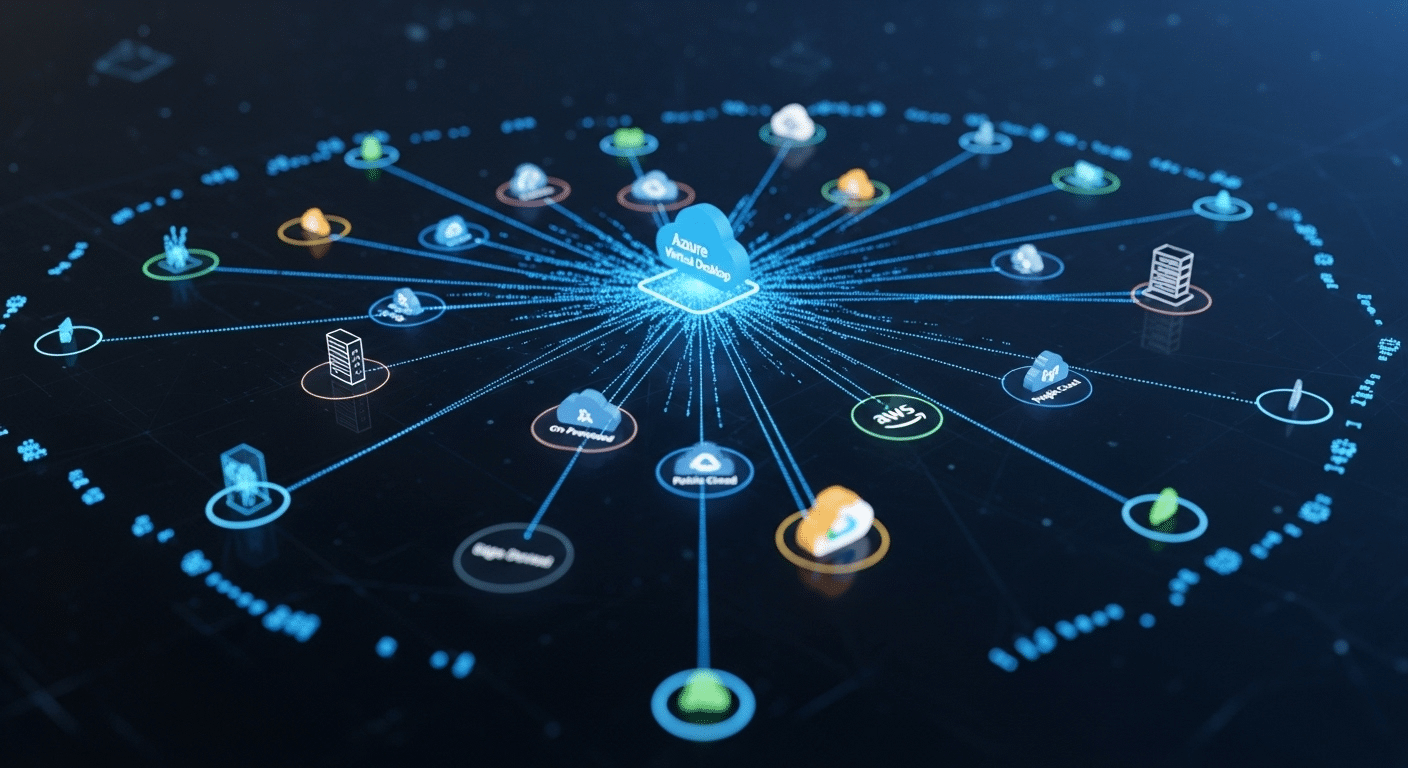
Cloud network illustration showing Azure Virtual Desktop securely connecting multiple devices in a DaaS environment.

Azure Virtual Desktop (AVD) is Microsoft’s cloud-based virtual desktop infrastructure (VDI) solution that allows you to deliver full desktops and individual applications to users, securely, from the Azure cloud.

At its core, AVD is a Desktop as a Service (DaaS) platform. Unlike traditional VDI that relies on physical data centers and complex on-prem setups, AVD runs entirely in Microsoft’s global cloud infrastructure. That means you don’t have to manage your own servers or worry about hardware refresh cycles. You simply deploy virtual desktops and applications through the Azure portal, and users can access them from anywhere.

1. Main Components of AVD:

  • Host Pools: A collection of Azure-based virtual machines (VMs) that serve as session hosts. You can configure personal or pooled desktops depending on your needs.
  • Multi-session Windows 10/11: A unique capability that allows multiple users to share a single VM — reducing cost without sacrificing experience.
  • Azure Active Directory Integration: Centralized identity and access management, supporting single sign-on and Conditional Access policies.
  • FSLogix: Manages user profiles for faster logins and persistent user settings.

AVD integrates tightly with Microsoft 365, so users can launch apps like Word or Excel directly in their virtual environment. It also works seamlessly with Azure services like Defender for Endpoint, Microsoft Intune, and Azure Monitor.

From an IT perspective, you manage everything from the Azure portal — including scaling, updates, and monitoring. You only pay for the compute and storage you consume, making it a flexible option for organizations with changing workforce needs.

Whether you’re supporting a remote team, academic lab, or seasonal workforce, AVD offers a secure, scalable, and cost-efficient way to deliver Windows desktops in the cloud — without the burden of maintaining physical infrastructure.


What Is VMware Horizon and What Makes It Different?

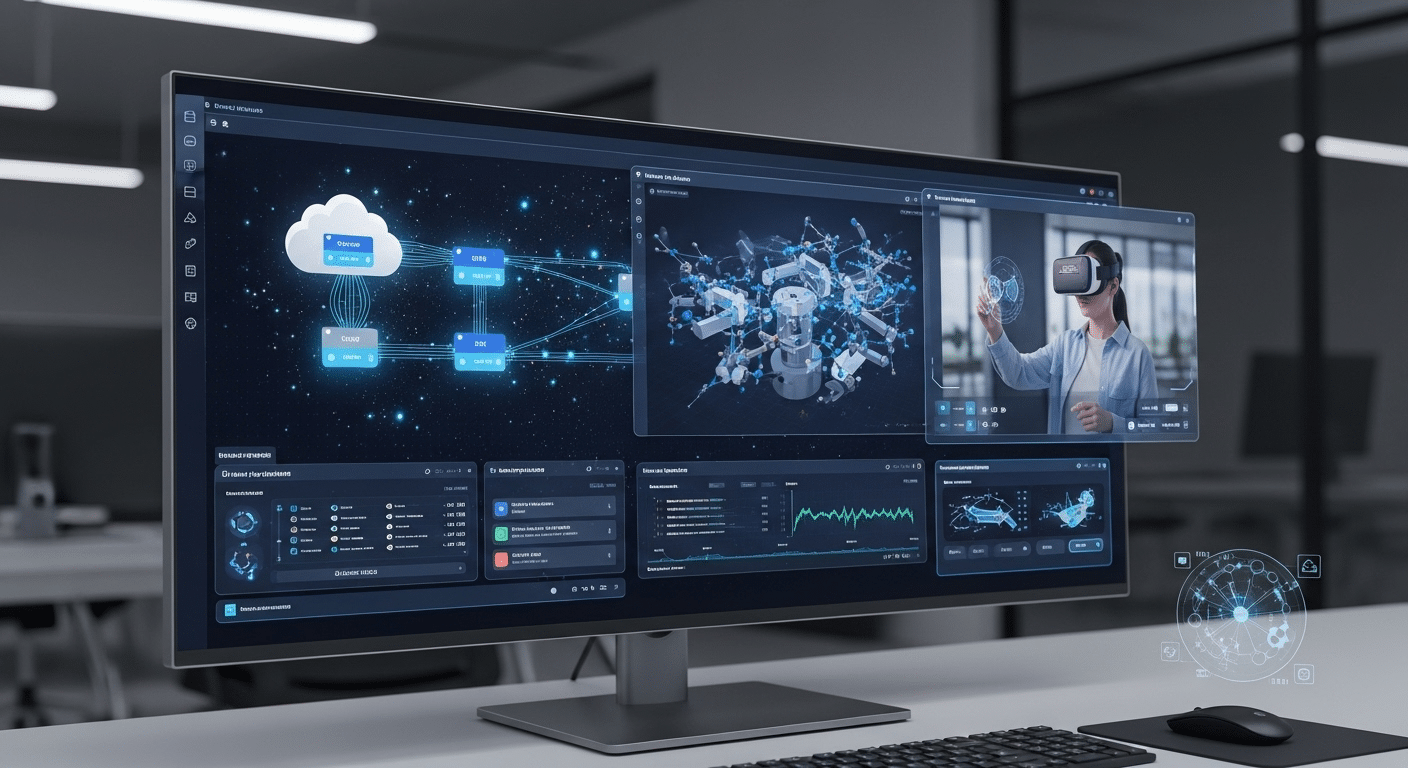
VMware Horizon cloud infrastructure visualization highlighting secure desktop delivery and integration with Azure Virtual Desktop vs VMware Horizon comparison.

VMware Horizon is a leading virtual desktop infrastructure (VDI) platform built to deliver and manage virtual desktops and applications across on-premises, hybrid, and cloud-based environments. It’s part of VMware’s broader ecosystem, designed to support complex enterprise workloads with flexibility and control.

Unlike Azure Virtual Desktop, which is fully cloud-native, Horizon allows you to deploy VDI on your own infrastructure, in a private or public cloud, or as a hybrid of both. This flexibility is what makes it attractive to organizations that have already invested in VMware vSphere or maintain their own data centers.

1. Integration Points:

  • VMware vSphere: Horizon builds on vSphere, VMware’s powerful virtualization platform, for performance and resource management.
  • VMware NSX: Enables advanced network virtualization and security segmentation.
  • Workspace ONE: Supports unified endpoint management across platforms.
  • Third-party tools: Broad integration ecosystem for backup, monitoring, and security.

Horizon supports both persistent and non-persistent desktops and is compatible with Windows and Linux-based virtual machines. It also offers granular policy controls, allowing IT to customize the application delivery process at scale.

Where Horizon stands out is in its ability to tightly integrate with an organization’s existing on-prem VMware stack. If you’re already using vSphere and NSX, extending into Horizon can feel like a natural progression. Plus, Horizon Cloud on Azure and AWS lets you leverage public cloud infrastructure without abandoning your VMware environment entirely.

In terms of user experience, VMware Horizon supports features like USB redirection, multi-monitor support, and real-time audio/video optimization. These capabilities make it a strong fit for high-performance needs like healthcare, finance, and engineering environments.

Ultimately, Horizon appeals to IT teams looking for deep control, flexible deployment models, and a consistent user experience across complex environments. It may require more upfront planning and licensing complexity, but the trade-off is advanced customization and infrastructure independence.


How Do Deployment Options Compare Between AVD and VMware Horizon?

One of the most noticeable differences between Azure Virtual Desktop (AVD) and VMware Horizon is how they’re deployed.

AVD is a fully cloud-native solution that runs exclusively on Microsoft Azure. There’s no on-premises version. All virtual machines, user sessions, and infrastructure components live in the cloud. This makes AVD an ideal choice for organizations that are cloud-first or want to reduce their on-premises footprint.

VMware Horizon, on the other hand, is far more flexible in its deployment options. You can run it:

  • On-premises (traditional VDI)
  • As a hybrid environment (on-prem + cloud)
  • In the cloud via Horizon Cloud on Microsoft Azure or AWS

This flexibility allows organizations to evolve gradually from legacy systems to the cloud — or maintain hybrid environments for specific workloads.

1.Quick Comparison Table:


Feature AVD VMware Horizon
Deployment Model Cloud-only (Azure) On-prem, Hybrid, Cloud (Azure/AWS)
Resource Management Azure-native tools vSphere, vCenter, NSX
Infrastructure Ownership Microsoft-managed Customer-managed or cloud-hosted
Complexity Lower (cloud native) Higher (more customizable)
Use Case Fit Cloud-first orgs Mixed/hybrid enterprises


If you prefer simplicity and centralized cloud control, AVD makes sense. If your environment spans both cloud and on-premises infrastructure, or you already use VMware, Horizon offers the flexibility to meet those needs.


How Do Pricing and Licensing Models Stack Up?

Business professional comparing Azure Virtual Desktop vs VMware Horizon performance and cost analytics on digital devices.

Understanding the pricing and licensing models of AVD and VMware Horizon is essential to making an informed decision — especially when thinking about long-term total cost of ownership (TCO).

1. Azure Virtual Desktop (AVD)

AVD follows a pay-as-you-go model. You pay for the Azure resources you use — virtual machines, storage, bandwidth — but not for the AVD service itself. If you already have Microsoft 365 E3/E5 or Windows Enterprise licenses, you’re covered for user access. To learn more about how Virtual Desktop Infrastructure (VDI) is changing the landscape of workspaces, explore recent advancements in this area.

  • Pros: No upfront infrastructure costs, elastic scaling
  • Cons: Costs can spike if not monitored

2. VMware Horizon

Horizon offers both perpetual and subscription-based licenses. You’ll also need licenses for vSphere, vCenter, and other VMware components — plus costs for cloud infrastructure if running Horizon Cloud.

  • Pros: Stable pricing in controlled environments
  • Cons: Higher initial cost, licensing complexity

AVD offers lower entry costs and scales efficiently. Horizon, while more expensive upfront, may benefit organizations with existing VMware investments and stable workloads.


Which Platform Offers Better User Experience and Performance?

When comparing user experience and performance, both Azure Virtual Desktop (AVD) and VMware Horizon perform well — but they excel in different ways depending on your infrastructure and priorities.

AVD benefits from being built directly into the Azure cloud, with global coverage and Microsoft 365 integration. Users often experience faster logon times and lower latency when sessions are hosted in nearby Azure regions. Multi-session Windows 10/11 also gives AVD a cost-efficiency edge without compromising the desktop experience for most tasks.

VMware Horizon offers more advanced performance tuning options. Using vSphere, NSX, and customizable policies, IT teams can finely control bandwidth allocation, session behavior, and application delivery. Horizon also supports persistent desktops and complex configurations better suited for high-performance environments.

1. Technical Features:

  • Latency: AVD generally faster for Microsoft-heavy workflows; Horizon excels with local/on-prem deployments
  • Session Stability: Both platforms are stable; Horizon may offer tighter control in high-availability environments
  • GPU Support: Available on both platforms; better tuned for CAD, 3D rendering, or engineering apps in Horizon
  • Application Streaming: Supported by both; more seamless in AVD if using Microsoft apps

2. Use Case Examples:

  • Remote Workforces: AVD for Microsoft-centric users needing quick access anywhere
  • Academic Labs: AVD for cost-effective, multi-session access
  • Call Centers: Horizon for persistent desktops and centralized management
  • Healthcare & Finance: Horizon for controlled environments with strict compliance needs
  • Software Development Teams: Horizon for advanced resource customization

Ultimately, if your users rely heavily on Microsoft tools and need flexible access with minimal setup, AVD provides a smoother out-of-the-box user experience. For environments demanding precise tuning and advanced workload optimization, VMware Horizon is the more configurable solution.


How Do Security and Compliance Features Compare?

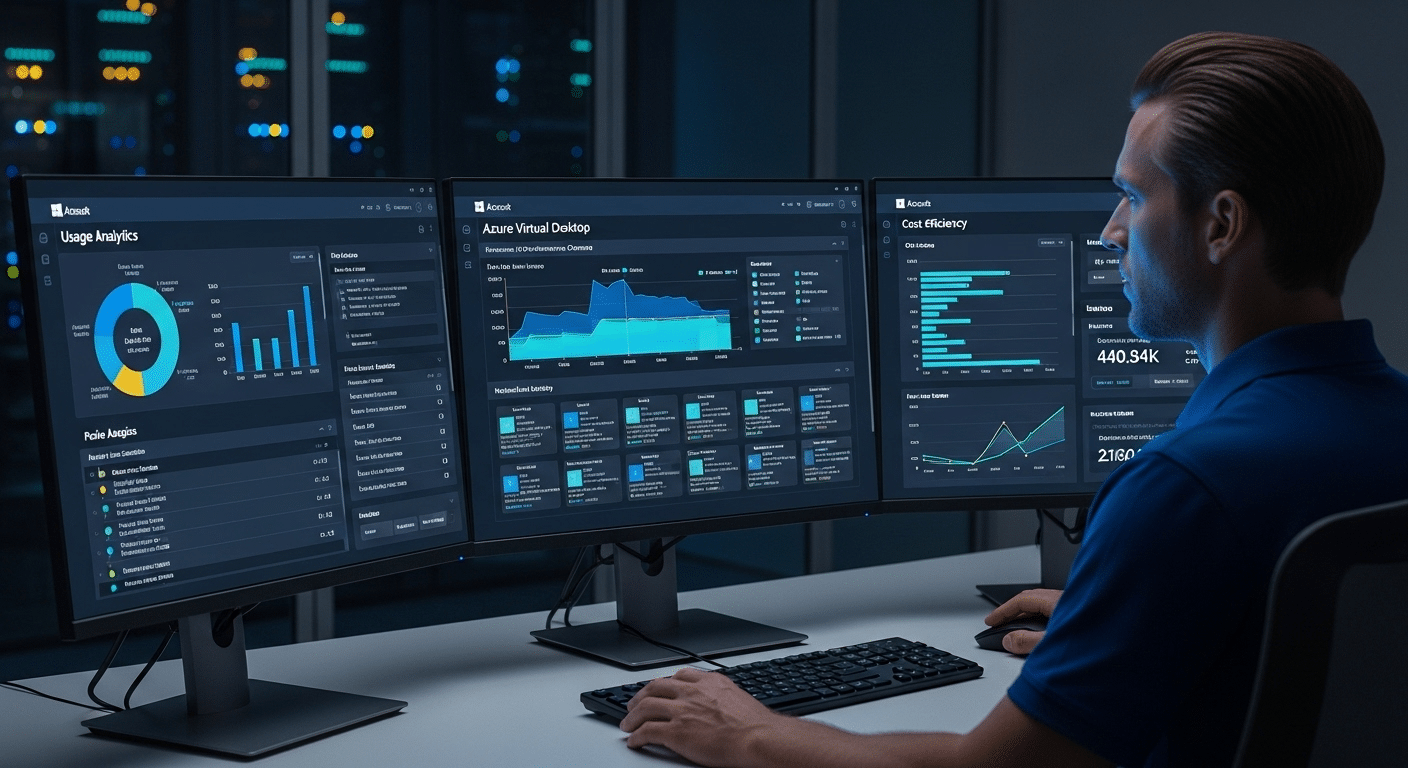
Cybersecurity engineer monitoring Azure Virtual Desktop vs VMware Horizon analytics dashboards for performance and security metrics.

Security and compliance are non-negotiable in today’s distributed environments — and both AVD and VMware Horizon offer enterprise-grade protections, but with different approaches.

Azure Virtual Desktop is built on Azure’s native security stack, which includes:

  • Microsoft Defender for Endpoint
  • Zero Trust architecture
  • Conditional Access policies via Azure Active Directory
  • Multi-factor authentication (MFA)
  • Single sign-on (SSO) with Microsoft 365 and other cloud services

Because AVD is fully managed in the Azure ecosystem, all data stays in encrypted Azure storage, and identity is centralized in Azure AD. Policies can be enforced at the tenant level, streamlining control across users, apps, and devices.

VMware Horizon, by contrast, provides granular control through tools like:

  • vSphere for infrastructure security
  • NSX for microsegmentation and network-level controls
  • VMware Workspace ONE for identity, device, and app management
  • Support for third-party integrations (e.g., Okta, Duo, Palo Alto)

This level of detail makes Horizon appealing in regulated industries or environments where policy enforcement needs to extend into the virtual network layer.

1. Security Feature Comparison


Feature AVD (Azure) VMware Horizon
Identity Management Azure Active Directory, SSO, MFA AD, Workspace ONE, SAML, 3rd-party SSO
Endpoint Protection Microsoft Defender Workspace ONE + 3rd-party tools
Network Security Azure Firewall, Conditional Access NSX microsegmentation
Data Encryption At rest and in transit (Azure-native) vSphere-based encryption
Compliance Certifications HIPAA, GDPR, ISO, FedRAM HIPAA, GDPR, ISO, FedRAMP; see the implications of Broadcom’s acquisition of VMware.


If you already use Azure Active Directory and Microsoft’s ecosystem, AVD offers tight security integration with minimal complexity. Horizon, however, shines when you need fine-grained control across infrastructure layers or already operate a VMware-heavy environment.


What About Management Tools and Admin Experience?

Your choice of VDI platform isn’t just about performance or pricing — it’s also about how easy it is to manage day to day. Both Azure Virtual Desktop (AVD) and VMware Horizon offer a full suite of management tools, but the admin experience varies significantly.

2. AVD Management Overview:

AVD is managed primarily through the Azure Portal, where you can configure host pools, assign users, monitor session health, and set up scaling rules. For more control, you can use:

  • PowerShell – for scripting and automation
  • Microsoft Intune – to manage device compliance and user policy
  • Azure Monitor – for real-time session metrics
  • Custom APIs – for integration with your own service workflows

This cloud-native approach makes AVD easier for cloud-first organizations and smaller IT teams already working in the Microsoft ecosystem.

3. VMware Horizon Management Overview:

Horizon is managed through several VMware tools, including:

  • Horizon Console – central interface for desktop pools, entitlements, and monitoring
  • vCenter Server – for VM lifecycle management
  • Workspace ONE – for unified endpoint management and identity policies
  • Optional integrations with third-party tools for backups, security, and more

This setup gives large organizations deep visibility and customization, especially when managing hybrid or on-premises environments, through Zero Trust principles.

4. Comparison Snapshot:


Feature Azure Virtual Desktop VMware Horizon
Primary Console Azure Portal Horizon Console
Automation Tools PowerShell, APIs vCenter, PowerCLI
Monitoring Azure Monitor Horizon Console, vRealize, 3rd party
Device Management Intune Workspace ONE
Ease of Use Simpler for Microsoft environments More granular but complex


For small to mid-sized teams, AVD offers an easier learning curve. Larger enterprises with VMware infrastructure may prefer the advanced capabilities and tighter control Horizon provides — even if it comes with more administrative overhead.


How Do These Platforms Integrate with Existing Infrastructure?

Visual diagram showing Azure Virtual Desktop and VMware Horizon integration with existing IT infrastructure and legacy applications.

Integration is one of the most overlooked — yet critical — aspects of choosing a VDI platform. How easily a solution fits into your existing infrastructure can affect everything from deployment time to long-term maintenance.

1. Azure Virtual Desktop Integration:

AVD integrates natively with the Azure ecosystem, making it an ideal choice if you’re already using:

  • Microsoft 365
  • Azure Active Directory
  • Intune
  • Defender for Endpoint

User authentication is handled via Azure Active Directory, with full support for single sign-on (SSO) and Conditional Access policies. AVD also connects effortlessly to other cloud-based services like OneDrive, Teams, and SharePoint, making it well-suited for organizations already invested in Microsoft.

2. VMware Horizon Integration:

Horizon is more flexible in terms of infrastructure compatibility. It works well with:

  • On-premises Active Directory
  • VMware vSphere and NSX
  • Third-party identity providers like Okta, Ping, or Duo

You can deploy Horizon on your existing VMware stack or extend it into the cloud using Horizon Cloud on Azure or AWS. This makes it ideal for organizations in transition — those who aren’t fully cloud-ready but want to modernize gradually.

3. Takeaways:

  • Choose AVD if you want fast deployment, native Azure integration, and deep Microsoft 365 alignment.
  • Choose Horizon if you’re already running a VMware infrastructure and need flexibility to scale or maintain hybrid environments.

Both platforms offer extensive integration paths — it’s more a question of what you’re already using, and how much change you’re ready to manage.


Which One Fits Better for Your Organization’s Needs?

Choosing between Azure Virtual Desktop (AVD) and VMware Horizon ultimately comes down to the needs of your organization — not just the technology itself. The right VDI solution should align with your team’s goals, infrastructure, and available resources.

1. For Small and Mid-Sized Businesses (SMBs):

If you’re looking for fast setup, lower costs, and minimal infrastructure management, AVD is likely the better fit. Its integration with Microsoft 365 and cloud-first design make it ideal for SMBs with lean IT teams.

2. For Higher Education:

AVD’s support for multi-session Windows 10/11, integration with Azure Active Directory, and ease of scaling during peak academic seasons (like exams or remote learning spikes) make it especially compelling for colleges and universities. However, some institutions with legacy VMware environments may still lean toward Horizon for its compatibility and control.

3. For Large Enterprises:

Enterprises managing complex, hybrid environments often benefit from the advanced control and customization available in VMware Horizon. Its compatibility with existing VMware infrastructure, combined with support for on-premises and cloud workloads, makes it suitable for regulated industries and global-scale deployments.

4. Sample Decision Criteria:

  • Budget: AVD typically has lower upfront costs; Horizon may require larger initial investment but offers licensing flexibility.
  • IT Team Size: Smaller teams may prefer AVD’s simplicity; larger teams can leverage Horizon’s advanced tools.
  • Existing Infrastructure: AVD fits best in Microsoft-first shops; Horizon integrates tightly with vSphere environments.
  • Cloud Readiness: AVD is cloud-native; Horizon supports hybrid models.
  • Compliance Needs: Horizon offers fine-grained policy control; AVD benefits from Azure’s broad certification framework.

For businesses also considering alternative desktop virtualization platforms, such as Citrix Virtual Apps and Desktops, it’s important to review their pricing and cloud readiness.


Looking for a Simpler Alternative to Both?

Apporto logo representing a modern cloud-based virtual desktop platform compared alongside Azure Virtual Desktop vs VMware Horizon solutions.

While AVD and Horizon are strong contenders, not every organization needs the complexity that comes with them. If you’re looking for a solution that’s easier to manage, quicker to deploy, and more predictable in cost, Apporto is worth exploring.

Apporto delivers fully managed, browser-based virtual desktops — no client installs, no infrastructure headaches, no steep learning curves. It’s built for education, SMBs, and teams that value performance and simplicity over endless customization. Try Apporto now and see how lightweight VDI can be.


Final Thoughts: Azure Virtual Desktop or VMware Horizon — Which Should You Choose?

Both Azure Virtual Desktop and VMware Horizon are strong contenders for delivering secure, scalable virtual desktops and applications. AVD is cloud-native, integrates seamlessly with Microsoft 365, and is ideal for fast deployment in Azure environments.

VMware Horizon, with its flexible deployment options and deep integration with vSphere and NSX, suits enterprises with complex infrastructure and stricter compliance needs.

Consider your team size, budget, and cloud readiness when choosing. A trial or pilot can reveal which platform best fits your environment.

Prefer something simpler? Apporto delivers fully managed, browser-based desktops — without the complexity. It’s a modern solution that brings high performance and ease of use together in one clean platform.


Frequently Asked Questions (FAQs)


1. Is Azure Virtual Desktop better than VMware Horizon for cloud deployments?

Yes — if your organization is already in the Azure ecosystem, AVD is the more natural fit. It’s cloud-native, fully integrated with Microsoft 365 and Azure Active Directory, and doesn’t require managing infrastructure or separate virtualization layers like vSphere. Horizon, however, offers more flexibility in hybrid deployments.

2. Can you use VMware Horizon with Azure?

Yes. VMware Horizon can be deployed in Microsoft Azure using Horizon Cloud. This allows you to run virtual desktops in the Azure cloud while continuing to manage them with VMware tools like Horizon Console and vCenter. It’s a solid option for VMware-heavy organizations transitioning toward cloud environments.

3. What’s the difference between VDI and Desktop as a Service (DaaS)?

VDI typically refers to on-premises or self-hosted virtual desktop infrastructure that your IT team manages. DaaS, like AVD, is a fully managed, cloud-based service delivered by a provider. DaaS reduces infrastructure burden and simplifies scaling, especially for smaller IT teams or remote-heavy organizations.

4. Which is more cost-effective in the long run?

Azure Virtual Desktop often has a lower total cost of ownership for organizations already using Microsoft 365 and Azure. VMware Horizon can be more cost-effective for enterprises that already have VMware infrastructure and long-term licensing agreements. Cost varies based on usage, management needs, and cloud readiness.

5. Does AVD support multi-session desktops?

Yes. Azure Virtual Desktop is one of the few platforms that supports multi-session Windows 10/11, allowing multiple users to share a single virtual machine. This reduces cost per user and is ideal for use cases like academic labs, call centers, or task-based teams.

6. Is there a simpler alternative to AVD and VMware Horizon?

Yes, platforms like Apporto provide fully managed, browser-based virtual desktops without complex setup or infrastructure. These solutions are designed for faster deployment, predictable pricing, and easier management, making them ideal for education, SMBs, and distributed teams.

How to Stop Students From Using AI to Write Essays

Quick Answer

How to Stop Students From Using AI to Write Essays?

Teachers can reduce AI misuse by designing assignments that emphasize critical thinking, personal context, visible drafting, and in-class engagement instead of relying only on AI detection tools. Platforms like Apporto TrustEd support authorship verification through writing history and process-based evidence rather than automated policing alone.

It’s already in their pockets. On their browsers. Whispering suggestions at 2 a.m. Generative AI isn’t some future threat anymore; it’s woven into everyday student workflows, as ordinary as spellcheck once was. And that’s the rub.

As AI-generated content gets smoother, detection gets shakier. Educators feel cornered, nudged into playing hall monitor instead of mentor, scanning essays for tells rather than teaching ideas.

That shift feels wrong because it is. The heart of the problem isn’t cheating tools; it’s fragile learning.

Academic integrity was never meant to be a game of cat and mouse. The real challenge is protecting the learning process itself, making sure students still wrestle with ideas, make mistakes, and grow.

That’s why more institutions are quietly pivoting away from pure enforcement toward smarter design. Fewer bans. Better assignments. Less policing. More teaching.

It’s not about stopping technology. It’s about redesigning education so shortcuts stop working.


Why Students Turn to AI for Essay Writing in the First Place

Most students don’t wake up thinking, “Today I’ll undermine academic integrity.” It’s usually messier than that. Deadlines stack up fast. One paper bleeds into another. Time pressure squeezes, and suddenly an AI tool looks like a life raft, not a moral dilemma.

Confusion doesn’t help. Expectations around AI usage vary by class, by instructor, sometimes by mood. When rules feel fuzzy, students fill in the gaps themselves.

Add fear to the mix—fear of writing poorly, fear of failing, fear of sounding “not smart enough”—and essay writing becomes intimidating instead of instructive.

Then there’s the last-minute culture. Essays written at the eleventh hour invite shortcuts. The prevalence of students using AI tools to generate essays is now widespread, making it a common practice that poses significant challenges for assessment. And when students believe that “everyone else is using it,” resistance drops even further. Social norms matter. So does perception.

Understanding why students use AI to write essays doesn’t excuse misuse, but it does explain it. And without that understanding, any attempt to stop it is just guesswork dressed up as policy.


Why AI Detection Tools Alone Can’t Solve the Problem

Educator reviewing uncertain AI detection results with concern and hesitation.

There’s a quiet arms race happening in classrooms, and it’s not going well for anyone. As AI-generated text gets more fluent—more human—AI detection tools are left guessing. Literally.

Most detectors don’t deliver verdicts; they offer probabilities. Maybe AI. Possibly human. Shrug.

That uncertainty matters. False positives aren’t just awkward; they can trigger academic misconduct reviews, appeals, even legal headaches.

Trust erodes fast when a strong writer gets flagged for sounding “too good.” And students notice. They adapt. They edit. They hybridize. Detection models lag behind, always a step late.

Over-reliance on an AI checker also changes the classroom vibe. When tools replace conversations, relationships thin out. Teaching turns transactional.

What the tools can—and can’t—do:

  • Detection ≠ authorship verification
  • Edited or hybrid work often slips past detection tools
  • High-performing writers are frequently misflagged
  • Tools should inform review, not replace judgment

Used carefully, detectors can raise questions. Used alone, they create more problems than they solve.


The Shift That Actually Works: Designing Assignments AI Can’t Easily Do

You don’t “catch” your way out of AI misuse. You design your way out of it.

When assignments are generic, AI thrives. When they’re personal, process-heavy, and rooted in context, shortcuts collapse. The fix isn’t more surveillance; it’s smarter creating assignments that reward thinking over output.

Design choices matter. Essays that unfold over time—drafts, reflections, revisions—make it harder to outsource the work. Tasks tied to class discussions, local data, or lived experience don’t map cleanly onto a language model’s training set.

And when students must explain why they think something, not just what they think, AI loses its edge.

This approach doesn’t just prevent students from using AI improperly; it improves learning. Students engage more deeply with academic writing when the process counts.

They’re less tempted to paste and run when the assignment itself demands presence, judgment, and voice. In short, thoughtful design beats reactive policing every time.


Use Open-Ended Prompts That Require Thinking, Not Output

AI is excellent at producing answers. It’s far less convincing when asked to reason, judge, or reflect in context. That’s why open-ended questions work—they shift the goal from completion to cognition.

Instead of asking students to summarize, ask them to take a stand. Instead of listing facts, require interpretation. Ambiguity slows automation and invites critical thinking.

Prompts that resist AI shortcuts:

  • Questions with no single “correct” answer
  • Tasks requiring justification, not recap
  • Comparative or evaluative essays (why this matters more than that)
  • Ethical or reflective dimensions tied to personal or class experience

These prompts force students to wrestle with ideas. They have to explain their thinking, connect dots, make choices. AI can help brainstorm, sure, but it can’t replace the messy, human work of judgment. And that’s the point.


Anchor Assignments in Personal, Local, or Class-Specific Context

Students engaged in a lively classroom discussion that becomes the basis for a reflective writing assignment.

Here’s the thing AI still stumbles over. Life. Real life. The messy, hyper-specific stuff that happens in a classroom on a Tuesday afternoon when a debate goes sideways or a case study hits a nerve.

When assignments live there, shortcuts dry up fast.Anchoring essays in personal, local, or class-specific context nudges students back into their own heads.

They can’t just scrape a generic response when the prompt asks them to wrestle with something they actually experienced. Or something that happened last week.

That’s not about trickery. It’s about making students’ work matter.

Ways to ground essays in reality:

  • References to specific in-class discussions or debates
  • Analysis tied to local case studies or community issues
  • Reflection on personal learning moments that changed their thinking
  • Use of course-specific readings, not just broad themes
  • Commentary on current events that unfolded after the syllabus began

When prompts ask students to connect theory to real life, the writing process becomes harder to outsource—and much more interesting to read.


Make the Writing Process Visible (Not Just the Final Essay)

AI loves the midnight upload. One file. No trail. No fingerprints. That’s the sweet spot.

Process-based grading quietly flips the script. When you value how students arrive at ideas—not just where they land—authorship reveals itself without accusations or drama.

Students who’ve done the thinking can show it. Students who haven’t…well, the gaps show too.

Ways to surface the writing process naturally:

  • Brainstorming notes or mind maps
  • Outline submissions with evolving thesis statements
  • Draft checkpoints spaced over time
  • Google Docs revision history to show real development
  • Short reflection memos explaining choices and changes

This approach doesn’t punish students. It supports them. It also turns the final draft into a milestone, not a magic trick. And when the research process is visible, originality stops being a guessing game.


Bring Writing Back Into the Classroom

Sometimes the simplest fixes are hiding in plain sight.

When students write in class, the noise fades. No tabs. No tools. Just thinking, words, and time. It’s not nostalgic. It’s practical.

In-class writing creates an authentic baseline. It helps teachers recognize a student’s natural voice. It also lowers anxiety—students know there’s proof of their process baked in.

Low-lift ways to bring writing back:

  • Short in-class essays tied to readings
  • Timed analytic responses
  • Handwritten reflections or blue-book style prompts
  • Brief “first paragraph” exercises to launch longer papers

This isn’t about going backward. It’s about balance. Mixing in-class writing with take-home work keeps academic writing human—and keeps trust intact.


Use Oral Defenses and Mini-Viva’s to Verify Understanding

Teacher conducting a short oral defense with a student to discuss their essay.

There’s a moment—usually about thirty seconds in—when you know. The student starts explaining their thesis, maybe circles a point twice, hesitates, then lands it. Or they don’t. Either way, authorship becomes obvious fast.

Oral defenses and mini-viva’s aren’t about interrogation. They’re about conversation. A low-stakes, human check-in where students explain why they argued what they argued, not just what ended up on the page.

This works because AI can generate text, but it can’t own reasoning. Students who wrote their essays can talk through decisions, defend sources, and adapt on the fly. Those who didn’t? The gaps show—gently, but clearly.

Common, practical use cases:

  • Short follow-up questions after submission
  • Asking students to explain their thesis in plain language
  • Justifying a source choice or key example

These quick oral exams help ensure students actually understand their work and confirm that they are presenting their own work, not something generated by AI. They also dramatically reduce false accusations, because you’re verifying thinking, not guessing intent.

When students can articulate their own ideas, trust replaces suspicion—and that’s a win.


Break Big Essays Into Smaller, Graded Steps

The all-at-once essay is AI’s best friend. One upload. One grade. No story of how it came to be.

Breaking large assignments into smaller, graded steps quietly shuts that door. This approach can require students to participate in each stage of the writing process, making it much harder for them to rely on AI-generated content.

When students submit work incrementally, thinking becomes visible. Patterns emerge. Voice develops. And last-minute AI dumping—where students turn in a polished final essay with no trail—gets much harder to pull off.

Why this approach works:

  • It discourages procrastination
  • It rewards process over polish
  • It makes misuse stand out without confrontation

Effective checkpoints include:

  • Proposal or research question
  • Annotated bibliography
  • Draft sections submitted over time
  • Peer or instructor feedback cycles

By the time students are completing assignments, you’re not asking, “Was this written by AI?” You already know who did the thinking.

This design naturally helps prevent students from using shortcuts, because the work unfolds in plain sight.


Use Peer Review to Reinforce Original Thinking

Students exchanging peer feedback to strengthen arguments and voice.

Here’s a truth students don’t always expect: they can spot generic AI writing almost instantly. It feels flat. Vague. Weirdly polished and empty at the same time.

Peer review leverages that instinct.

When students read each other’s drafts, patterns jump out. Recycled phrasing. Safe, non-committal arguments. Writing that says everything and nothing.

That social awareness alone discourages shortcuts—nobody wants their written work to be the obvious outlier.

More importantly, peer review reinforces shared norms around good writing. Students see what originality looks like in practice, not just in rubrics.

Benefits you’ll notice quickly:

  • Stronger accountability among peers
  • Better engagement with the writing process
  • More willingness to revise and rethink

Done well, peer assessment doesn’t just catch problems. It encourages students to take ownership, develop voice, and treat writing as thinking—not output. And that shift does more to protect learning than any detector ever could.


Replace Some Essays With Alternative Formats

Sometimes the cleanest way to stop AI misuse isn’t tighter rules. It’s a different format altogether.

When assignments demand presence—a voice, a face, a moment in time—AI suddenly loses its edge. That’s why swapping a portion of traditional essays for alternative formats works so well. Not as a gimmick. As a design choice.

Think about it. A student explaining an argument aloud, or stitching together visuals with narration, is doing real cognitive work. You can hear uncertainty. Confidence. Growth. All the things AI-generated content flattens.

AI-resistant formats worth using:

  • Video essays tied to course concepts
  • Podcasts or recorded reflections
  • Short presentations with Q&A
  • Visual or creative projects that explain an idea

These formats:

  • Require voice and presence
  • Are hard to outsource to AI
  • Build real-world communication skills

They also reconnect learning to real life, which students tend to respect. When assignments feel authentic, shortcuts feel pointless.


Set Clear, Simple Rules About AI Use (Before Assignments Start)

Most misuse doesn’t start with bad intent. It starts with fuzzy boundaries.

If students don’t know what’s allowed, they’ll guess. And guessing—especially under pressure—rarely ends well. That’s why clarity upfront matters more than enforcement later.

Effective policies don’t read like legal contracts. They read like instructions from a good coach.

Spell out:

  • What AI use is allowed
  • What’s clearly not allowed
  • What requires disclosure

Tie consequences to process, not suspicion. Missed drafts. No documentation. Skipped checkpoints. Those are concrete signals, not vibes.

When teachers explain expectations plainly, students are more likely to comply—and less likely to panic about accidental violations.

Clear rules protect academic integrity without turning classrooms into surveillance zones. And yes, you’ll spend less time playing detective.


The Stoplight Model: A Practical Way to Govern AI Use

One of the simplest tools out there—and one of the most effective—is the Stoplight Model.

No jargon. No guessing. Just color-coded clarity.

How it works:

  • Green – AI use is allowed
  • Yellow – AI use is conditional and must be disclosed
  • Red – AI use is prohibited

Why this model sticks:

  • Clear boundaries students remember
  • Reduces confusion and “I didn’t know” defenses
  • Encourages ethical behavior instead of fear

You might mark brainstorming as green, grammar checks as yellow, and full content generation as red. Suddenly, expectations are visible.

Used consistently, the Stoplight Model helps guide students toward responsible choices. It doesn’t just help prevent AI misuse—it teaches judgment. And that’s the real goal.


Why Punishment-First Approaches Backfire

Teacher and students disengaged due to fear-based assessment environment.

Here’s the uncomfortable truth. The harder institutions clamp down, the sneakier behavior gets.

When policies lead with punishment, students don’t suddenly become more ethical. They become more strategic.

Arms-race behavior kicks in—better paraphrasing, hybrid drafts, last-minute edits designed to dodge detection rather than demonstrate learning. Nobody wins.

Trust erodes fast. Students start assuming instructors are looking for gotchas, not growth. In response, they stop asking questions, stop sharing drafts, stop taking intellectual risks. That’s a loss for education, full stop.

And then come the appeals. False positives. Lengthy disputes. Administrators buried in documentation, instructors second-guessing their own calls, students feeling branded for academic misconduct they didn’t intend. It’s exhausting. And avoidable.

Punishment-first models try to prevent students from using AI through fear. In practice, they often undermine the very learning environment they’re meant to protect. Focusing instead on engagement and thoughtful assignment design is a great idea compared to punitive measures.

Education works better when expectations are clear, processes are visible, and judgment stays human.


How TrustEd Helps Institutions Prevent AI Misuse Without Policing

TrustEd takes a very different tack. Less surveillance. More certainty.

Instead of guessing whether AI was used, TrustEd focuses on something far more defensible: authorship verification.

That means looking at writing history, drafts, revision patterns, and process evidence—how the work came to be, not just how it looks at the end.

This approach changes the dynamic entirely. Educators aren’t forced into detective mode. Students aren’t treated as suspects. Decisions rest on evidence that can be explained, defended, and reviewed calmly.

With TrustEd, institutions can:

  • Verify authorship using drafts and writing evolution
  • Reduce false accusations and unnecessary disputes
  • Support fair, consistent outcomes across courses
  • Preserve trust between students and educators

The philosophy is simple but powerful: verification over detection, learning-first integrity, and human-led judgment at every step.

If the goal is to protect education—not police it—TrustEd helps institutions get there without burning trust along the way.


Conclusion:

Here’s the quiet truth most classrooms are circling around, whether they admit it or not. You can’t really stop AI. Not anymore. The toothpaste is out of the tube.

What you can do is redesign learning so that AI misuse simply doesn’t pay off.

When assignments value process over polish, shortcuts lose their shine. When thinking is visible, authorship becomes obvious.

When trust replaces surveillance, students engage more honestly, and instructors spend less time playing hall monitor.

AI misuse isn’t a discipline problem. It’s a design problem. Better prompts beat better detectors every time. And learning, real learning, thrives when students are asked to show how they think, not just what they submit.

If you’re ready to move beyond policing and toward protection, explore how TrustEd helps institutions verify authorship, protect learning, and reduce AI misuse—without sacrificing trust.


Frequently Asked Questions (FAQs)


1. How to prevent AI use in essays?

Teachers can reduce AI use in essays by designing assignments that require personal reflection, class-specific discussion, visible drafts, and process-based checkpoints. In-class writing, oral defenses, and staged submissions also make authorship easier to verify while encouraging original thinking and stronger student engagement with the writing process.

2. Can AI detection tools really stop students from using AI?

Short answer? Not reliably. AI detection tools can help educators identify AI content in student submissions, but their reliability is limited as AI-generated text improves.

3. Do in-class essays actually reduce AI misuse?

Yes, and not because they’re punitive. In-class writing removes access to AI tools and creates authentic baselines for a student’s voice and thinking.

4. How can teachers prevent AI use without over-policing students?

By shifting focus from enforcement to design. Clear AI-use guidelines, visible writing processes, draft checkpoints, and reflective components discourage misuse naturally.

5. What if students use AI ethically but still get flagged?

That’s a growing concern—and a serious one. Ethical students can still be flagged by detection tools, especially high-performing writers or non-native English speakers.

6. Are alternative assignments more effective than traditional essays?

Often, yes. Podcasts, video essays, presentations, and oral defenses require presence, reasoning, and voice—things AI can’t easily fake.

7. How do schools balance AI literacy with academic integrity?

By teaching students how to use AI responsibly, not pretending it doesn’t exist. Clear policies, transparent expectations, and process-based assessment allow institutions to promote AI literacy while still protecting original thinking, fairness, and trust. Integrity scales better when it’s designed, not enforced.

Why Is Citrix So Slow? A Practical Guide to Troubleshooting Performance

Quick Answer

Why Is Citrix So Slow?

Citrix is often slow due to network latency, server overload, profile delays, or poorly optimized virtual desktop environments. Improving bandwidth, reducing system strain, and optimizing configurations can help. For a simpler alternative, platforms like Apporto offer browser-based virtual desktops designed for faster, more consistent performance.

Few things disrupt your work day like a slow virtual desktop. You click, and nothing happens. You wait, but screens load at a crawl. Over time, that lag chips away at your productivity, your focus, and your patience.

If you’ve asked yourself, “Why is Citrix so slow?” — you’re not alone. Many users across industries rely on Citrix to access applications and data from remote or hybrid environments.

It powers everything from HR systems to full desktops, making it a backbone of digital operations for modern teams.

But when performance drops, the impact ripples across your entire environment. Tasks take longer. Support tickets increase. People get frustrated. And what should be a seamless user experience becomes a bottleneck.

In this guide, you’ll find out what really causes these issues, how to identify the slowdowns, and what steps you can take to fix them — or avoid them altogether.


What Is Citrix and Why Do So Many Teams Use It?

IT professional monitoring Citrix performance issues on a dashboard, analyzing system data to understand why Citrix is so slow and identify bottlenecks.

Citrix is a widely adopted platform that enables remote desktop and application virtualization. In simple terms, it lets you run software hosted in a central system—usually a data center or cloud—while accessing it from almost any device, anywhere in the world.

This setup is common in enterprise environments, particularly where Windows-based applications are essential. Instead of installing apps on every employee’s machine, Citrix allows centralized management. You log in, and your virtual desktop or application environment appears just as if it were running locally.

Companies trust Citrix because it helps standardize access, secure sensitive data, and reduce endpoint management. It offers robust support for compliance-heavy industries, too.

Still, even with all its benefits, Citrix isn’t immune to problems. Performance hiccups are among the most reported issues—slow access, laggy inputs, or freezing screens that interrupt workflows. Understanding why that happens is the first step toward fixing it.


What Does “Slow” Mean When Using Citrix?

When users say Citrix is slow, they’re often describing a range of frustrating behaviors. Sometimes it’s delayed clicks or unresponsive apps. Other times, it’s long logon times, frozen screens, or files that take forever to open. These aren’t always caused by the same issue—and that’s where troubleshooting gets tricky.

Some slowness comes from a weak connection or high latency—meaning there’s a delay between what you do and when the system responds. Other times, the system itself is overloaded, leading to slow profile loads or delayed file access.

Knowing what kind of slowness you’re experiencing helps narrow the cause. Is it during login? While opening applications? Does everything drag or just specific actions?

Identifying when and where the slowdown happens—whether at logon, during high-usage time periods, or while accessing specific files—is the first step toward a real fix. Understanding the difference helps avoid guessing and gets you to resolution faster.


What Causes Citrix to Be So Slow?

eam of IT professionals troubleshooting Citrix performance issues, reviewing network congestion and server overload as common causes of why Citrix is so slow.

Citrix slowness doesn’t usually have a single root cause. It’s often a combination of technical issues—some obvious, others hidden deep within the stack. Understanding where the bottleneck is can help you fix the issue faster or prevent it altogether.


1. Is Your Network Causing High Latency or Low Bandwidth?

Network quality plays a critical role in Citrix performance. Since you’re accessing a virtual desktop or app remotely, every click, file, and interaction travels over your connection. If there’s high latency—a delay in data traveling between your device and the Citrix server—everything feels sluggish.

Common network-related causes include:

  • Slow Wi-Fi or unstable connections
  • Limited bandwidth shared across multiple users
  • Packet loss or intermittent drops in connectivity
  • Poor routing between the user and Citrix environment

To diagnose this, use tools like:

  • ping and tracert to measure latency
  • Citrix Director or Analytics to track session health
  • Speed tests to evaluate data throughput

Even the best-configured Citrix setup can feel slow if the network can’t keep up.


2. Is the Citrix Server Under Heavy Load?

Sometimes the problem isn’t your side—it’s the backend. If the server hosting your session is overworked, everything slows down. High CPU, memory, or storage usage can degrade performance across every user session.

Signs of backend pressure include:

  • Long application launch times
  • Session freezes or sudden disconnects
  • Delays during high usage hours (e.g., mornings, before meetings)

This often happens when:

  • Too many sessions run on a single host
  • Multiple apps compete for limited system resources
  • No load-balancing or monitoring tools are in place

Use Citrix Studio, Director, or third-party tools to track server health and allocate capacity more effectively.


3. Are There Profile or Logon Delays?

User profiles in Citrix sessions can become bloated over time. If logon scripts, file redirection, or Windows settings are poorly configured, it can add 30–90 seconds (or more) to logon time.

Red flags include:

  • “Applying user settings” screens that hang for too long
  • Delays before the desktop fully loads
  • Files taking too long to appear in redirected folders

Common culprits:

  • Large roaming profiles with old log data
  • Missing or slow network file shares
  • Scripting errors or unoptimized GPOs

To fix this, try:

  • Enabling profile cleanups
  • Reducing login scripts
  • Using profile management tools like Citrix UPM or FSLogix


4. Are Virtual Desktop Images Poorly Optimized?

If your virtual desktop feels clunky, the image itself may be to blame. Many IT teams build “one-size-fits-all” templates that include unnecessary software, services, or settings.

Poorly optimized images can lead to:

  • Slower boot times
  • Application lag
  • Wasted system resources on unused features

Troubleshooting steps:

  • Strip out unnecessary applications
  • Use Citrix Optimizer or VMware OSOT to streamline the image
  • Reassess usage patterns to build purpose-specific templates

Even minor improvements can have a big impact across hundreds of user sessions.


5. Are End-User Devices Affecting Performance?

Your experience isn’t only about the cloud—your device plays a role, too. If you’re using older hardware, low CPU power, or incompatible peripherals, it can bottleneck your session.

What to look for:

  • Devices with less than 4GB RAM or old processors
  • Outdated hardware drivers or operating systems
  • Conflicts with security tools, VPNs, or local background apps

One common issue is antivirus or endpoint protection software performing scans during logon, eating up precious resources right when your session launches.

Recommendations:

  • Close unnecessary background apps
  • Schedule security scans outside work hours
  • Consider hardware upgrades for devices that can’t keep up


6. Are You Dealing with Configuration Drift?

Over time, Citrix environments can become misaligned. This is called configuration drift—when updates, patches, or policies are inconsistently applied across different teams or locations.

Symptoms include:

  • Inconsistent performance across departments
  • Out-of-date registry entries, drivers, or system settings
  • Features that behave differently from one site to another

What helps:

  • Centralized management tools
  • Regular environment audits
  • Baseline templates and automation for updates

Without standardization, even well-meaning changes can cause unexpected support issues and performance drops.


What Can You Do to Fix Slow Citrix Performance?

User analyzing Citrix performance data on a laptop, using diagnostics to uncover potential slowdowns in virtual desktop and application environments.

You don’t always need to be in IT to start fixing Citrix performance issues. While some problems require backend access, many can be identified—or even resolved—through basic troubleshooting steps on your end.

Start with the essentials:

  • Reboot your device — It’s simple, but it can clear up memory and background processes that slow things down.
  • Check your network connection — Run a speed test, move closer to your router, or switch from Wi-Fi to wired if possible.
  • Close unnecessary apps — Background programs consume CPU and memory, even if they’re not actively used.
  • Update your software — Ensure both your Citrix Workspace app and system tools are current.

If performance remains sluggish:

  • Use built-in monitoring tools (like Task Manager or Citrix Director) to track usage
  • Contact IT with specific symptoms: “slow during login” is more helpful than “it’s just slow”
  • Provide timestamps and click-to-response delays to speed up diagnosis

Empowering yourself with these basics not only helps you get better results, but also assists support teams in resolving the issue faster.


Why Slowness Isn’t Always a “Citrix Problem”

It’s easy to blame Citrix when your virtual desktop drags, but the reality is more nuanced. In most cases, the root cause isn’t the Citrix software itself—it’s the system or network architecture around it.

Think of Citrix as the highway. If the traffic is slow, it might be due to overloaded lanes, broken exits, or bad weather—not the road design. Similarly, slowness may stem from overloaded servers, poor management practices, or misconfigured policies across your environment.

Citrix deployments rely on many components working in sync: endpoints, cloud or on-prem infrastructure, storage, identity services, and more. Each adds potential friction.

That’s why diagnosing a performance issue requires collaboration. IT teams, vendors, and even power users all share part of the equation. Understanding that the problem may lie outside the Citrix app helps shift focus toward true resolution—not just finger-pointing.


Is There a Simpler Alternative to Citrix?

Apporto logo representing solutions for virtual workspace performance, indirectly linked to troubleshooting why Citrix is so slow.

If you’re tired of troubleshooting the same performance issues day after day, there is a new way forward. Apporto offers a modern, browser-based solution built to eliminate many of the problems legacy VDI platforms struggle with.

With Apporto, there’s no need to install a client, manage complex infrastructure, or worry about configuration drift. It’s a secure, cloud-native platform that delivers virtual desktops and applications with near-instant load times—all through your browser.

It’s fast, intuitive, and designed with Zero Trust security in mind. You can access your workspace from any device, anywhere, without sacrificing speed or control. The user experience is consistent and reliable, without the headaches of traditional systems.

If you’re ready to move away from slow and toward simplicity, it might be time to explore a better environment. Try Apporto Now


Final Thoughts: Don’t Let “Slow” Be the Norm

A lagging desktop might seem like a small thing, but over time, it steals hours, focus, and momentum. Every click that takes too long, every login that stalls—it all adds up.

You don’t have to settle for that.

Whether you’re deep into troubleshooting, working with IT to fix your setup, or considering a new solution altogether, what matters is taking back control of your digital experience. Look at what’s working, where it’s breaking, and what can be improved.

Your data, your time, your work—they deserve better.
See everything run smoother. Access it faster.
And stop letting poor performance drag you down.

You deserve the best experience, not the most familiar one.
Make the change if you need to. Or at the very least, demand better from what you use now.


Frequently Asked Questions (FAQs)


1. Why is Citrix laggy? 

Citrix can feel laggy due to network latency, overloaded servers, profile delays, or poorly optimized virtual desktop settings. Slow local devices and unstable internet can also affect performance. Identifying whether the issue is network, system, or configuration related is key to improving speed.

2. How to fix Citrix freezing?

To fix Citrix freezing, check your internet connection, close background applications, update Citrix Workspace, and restart your device. If issues continue, review server load, profile settings, or cached data, and work with IT to diagnose deeper infrastructure or configuration problems.

3. Why is my remote desktop so slow?

A remote desktop may run slowly because of bandwidth limitations, high latency, overloaded servers, or insufficient local device resources. Poorly optimized virtual environments can also contribute. Improving connectivity, reducing background activity, and optimizing virtual desktop configurations can help improve responsiveness.

4. How to improve performance of VDI?

VDI performance can improve by optimizing network connectivity, reducing login overhead, streamlining desktop images, and monitoring server resource usage. Load balancing and updated endpoint devices also help. Regular tuning and centralized management can reduce latency and create a faster virtual desktop experience.

5. Does Citrix depend on my network connection?

Yes. A stable, high-speed network connection is critical for good performance. Lag, disconnects, and session freezing are often tied to low bandwidth, high latency, or poor Wi-Fi signal strength.

6. What is the best way to speed up Citrix sessions?

Use optimized virtual desktop images, reduce unnecessary startup processes, and keep local devices clean. Combining good IT configuration with healthy usage habits can drastically improve session speed.

7. What is replacing Citrix? 

Many organizations are evaluating browser-based virtual desktop platforms, cloud workspaces, and modern DaaS solutions as alternatives to Citrix. Platforms like Apporto offer simplified infrastructure, faster deployment, and consistent remote access, especially for teams seeking lower complexity and improved user experience.

What are Virtual Cybersecurity Labs: The Smartest Way to Learn Cybersecurity

Cyber analyst working inside a virtual cybersecurity lab with real-time attack simulations and network security dashboards.
Quick Answer

What are Virtual Cybersecurity Labs?

A virtual cybersecurity lab is a cloud-based training environment where users can safely practice cybersecurity skills using real-world tools, simulated networks, and isolated systems. These labs support hands-on learning for malware analysis, threat detection, and incident response without requiring physical hardware. Platforms like Apporto Cybersecurity Labs also simplify scalable, browser-based cyber training.

You step into a world where cybersecurity training no longer depends on hardware or fixed lab space, and the shift carries real implications for how you learn.

A virtual cybersecurity lab gives you a controlled environment that mirrors the systems you will face in practice, yet it removes the usual barriers of cost, location, and upkeep.

You get room to experiment, to make mistakes, and to see how digital defenses behave under pressure. The appeal is not just convenience but the clarity that comes from working directly with realistic tools and networks.

As you move through this guide, you will see how these environments reshape skill building and why they are becoming essential for anyone sharpening their security capabilities.


What Is a Virtual Cybersecurity Lab and How Does It Work?

A virtual cybersecurity lab is a cloud-hosted environment that gives you the freedom to explore, test, and build cybersecurity skills in a safe and fully contained space.

Instead of relying on physical hardware or campus labs, everything runs through the cloud using virtual machines, web browsers, and secure access protocols. These labs are designed to mirror the real world — complete with simulated networks, configurable systems, and the same security tools you’d use in a professional setting. To learn more about the transformation and future of university computer labs, explore this in-depth article.

You’re not just reading about threats or memorizing theory — you’re working directly with tools like firewalls, malware scanners, and packet analyzers. The environments are sandboxed, which means any mistakes or experiments are completely isolated from live infrastructure.

That makes these labs perfect for training, especially in industries where hands-on experience is essential. So, what makes them better than traditional training labs? Let’s explore how virtual labs improve accessibility, reduce cost, and deliver real-world impact.


Why Are Virtual Cybersecurity Labs Better Than Traditional Labs?

Comparison of physical security infrastructure versus cloud-based workflows in a virtual cybersecurity lab.

Traditional cybersecurity labs often require physical space, on-site hardware, and significant IT oversight to maintain. In contrast, virtual cybersecurity labs eliminate these logistical hurdles. Everything is delivered through your browser, which means you can access a full training environment without installing software or setting up local machines.

This cloud-native approach makes labs inherently scalable and accessible. Whether you’re managing a global training program or assigning coursework to a remote class, virtual labs let you deliver hands-on cybersecurity training instantly — no matter where your learners are located. There’s no waiting for lab time, no patching devices, and no dealing with hardware failures.

Beyond convenience, virtual labs also save time and money. Without physical equipment to maintain, costs drop sharply, and the flexibility to customize environments reduces technical overhead. It’s a model that works just as well for independent learners as it does for enterprise teams and academic institutions.

Next, let’s look at what types of hands-on training these labs actually make possible.


What Types of Hands-On Training Can You Do in a Cybersecurity Lab?

Hands-on threat analysis setup inside a virtual cybersecurity lab with phishing detection and network mapping tools displayed on multiple monitors.

A virtual cybersecurity lab isn’t just a theoretical exercise — it’s a dynamic, practice-driven environment. You can perform malware analysis, identify vulnerabilities, and engage in threat modeling, all within a secure, isolated system. These labs allow you to simulate cyber attacks, then test your defenses in real time, gaining practical experience with everything from firewall configuration to phishing mitigation.

You also get to use actual security tools found in enterprise networks, giving you familiarity with real-world workflows. The controlled setup makes it possible to explore more advanced tasks, such as incident response, penetration testing, and even data recovery after a simulated breach.

Through structured repetition and variation, these exercises reinforce crucial cybersecurity concepts. The result isn’t just knowledge — it’s skill. You’re not memorizing best practices; you’re applying them, adapting to challenges, and learning how to respond under pressure. That kind of hands-on training builds confidence that theory alone never will.


Who Needs a Virtual Cyber Lab Today?

With the rise in cyber threats and remote access needs, the demand for virtual cybersecurity labs is no longer limited to universities. Students studying cybersecurity or IT networking use these labs to gain real-world skills from day one, without needing expensive hardware or physical lab space.

Educators benefit just as much. They can design scalable, interactive courses or bootcamps that match modern industry requirements — all delivered through the browser. For organizations, these labs offer an efficient way to train staff on emerging threats, tools, and compliance protocols, especially when traditional, in-person training isn’t feasible.

IT leaders can also use virtual labs to guide team development with tailored learning paths, helping employees upskill quickly and effectively. And for remote-first teams, the value is clear: secure, on-demand access to lab environments from anywhere in the world. No shipping equipment. No IT bottlenecks. Just practical, accessible training that keeps your team sharp.


What Should You Look for in a Cybersecurity Training Platform?

Professional reviewing a cloud security dashboard inside a virtual cybersecurity lab environment.

Choosing the right cybersecurity training platform can significantly affect the success of your program. At its core, the platform should offer hands-on labs that allow you to engage with real cybersecurity tools and test defenses against realistic threat scenarios. The more authentic the environment, the more effective the learning.

Look for platforms with built-in curriculum aligned with industry certifications and learning standards. Pre-loaded exercises, modular learning paths, and structured lab progression help keep training focused and measurable. A browser-based platform is ideal — it simplifies deployment and enables remote access without technical hurdles.

Support for multiple operating systems, including Linux and Windows, adds flexibility to match real-world environments. Finally, features like user monitoring, session control, and live collaboration tools allow educators and team leads to guide, support, and assess users in real time.

With the right platform in place, learners can begin turning cybersecurity theory into working knowledge.


How Do Cyber Labs Help Build Practical Cybersecurity Skills?

The gap between learning about cybersecurity and actually doing it is often wide. Virtual cybersecurity labs bridge that gap by turning theory into applied knowledge. Instead of memorizing protocols or reading about exploits, you’re practicing them — in a safe, structured, and repeatable environment.

These labs let you simulate attack scenarios and immediately shift into threat mitigation. You can test firewall rules, encrypt data, or configure network security, all while troubleshooting issues as they happen. This kind of hands-on learning makes complex topics stick and helps build mental models that transfer into real-world problem-solving.

Alongside technical skills, labs sharpen your critical thinking and reaction time. You learn how to assess risk, isolate issues, and respond to unfamiliar situations — the same skills that matter during a live incident. Whether you’re a beginner or advancing toward certification, cyber labs meet you where you are and grow with you.


How Secure Are Virtual Cybersecurity Labs for Training?

Diagram of a virtual cybersecurity lab showing firewalls, access control, and isolated simulation containers with active threat monitoring.

Security is the foundation of any cybersecurity lab, and virtual environments are designed with that priority in mind. These labs run in isolated, cloud-based environments, completely separate from your organization’s production systems. That means you can safely simulate malware, attacks, and misconfigurations without real-world consequences.

Built-in safeguards prevent any accidental spillover, and granular access controls allow you to assign roles, manage permissions, and monitor usage. This ensures both safety and accountability, whether you’re training students or professionals.

Labs are also updated regularly to stay aligned with the latest vulnerabilities and cyber threats, giving you a secure, current platform for every session.


How Do You Start a Virtual Cybersecurity Training Program?

Launching a virtual cybersecurity training program begins with selecting a platform that offers structured courses, hands-on labs, and flexible training options. Make sure it aligns with essential industry certifications like CompTIA, CISSP, or Security+ to ensure credibility and direction.

Next, customize the experience by mapping labs to your team’s actual challenges — whether that’s phishing defense, network segmentation, or incident response. Enable real-time collaboration, instructor monitoring, and integrated feedback tools to create a more engaging environment.

Lastly, ensure the platform provides cloud-based access so that learners can participate from anywhere — without sacrificing security or control.


Why Are Virtual Cyber Labs the Future of Cybersecurity Education?

The future of cybersecurity education lies in environments that are flexible, interactive, and fully accessible. Virtual cyber labs eliminate the need for expensive infrastructure while expanding reach to learners across locations and time zones. They support hands-on training that goes beyond theory — giving students and teams the chance to test, break, and fix in safe environments.

As cyber threats evolve, so must training. These labs help your team respond faster, smarter, and with greater confidence. Continuous updates, real-time feedback, and accessible cloud delivery make them a powerful tool for skill development at every level.


Want to Build Your Own Cybersecurity Lab in the Cloud?

Apporto Cybersecurity Labs landing page with the option to Schedule Demo.

Explore how Apporto’s Cybersecurity Labs help you deliver secure, hands-on cybersecurity training without the overhead of physical infrastructure. From drag-and-drop virtual machine setup to pre-built learning paths and sandboxed environments, everything is ready to launch from your browser.

Whether you’re teaching students or training staff, Apporto makes scalable, cloud-based labs easy to deploy and even easier to manage. Try Apporto’s Virtual Cyber Lab Now


Final Thoughts

Virtual cybersecurity labs are more than just a convenience, they’re changing how cybersecurity skills are taught and retained. By combining scalability, real-world tools, and immersive learning, they give you everything traditional labs often lack.

Theory has its place, but without practical experience, it falls short in the face of real threats. These labs fill that gap, offering structured training that’s as dynamic as the field itself.

If you’re serious about upskilling your team or students, now is the time to explore guided, flexible training platforms that turn knowledge into action — and labs into lasting capability. Get started with Apporto today!


Frequently Asked Questions (FAQs) 

1. What is a virtual cybersecurity lab used for?

A virtual cybersecurity lab provides a secure, cloud-based environment where users can practice cybersecurity skills using real-world tools and simulated systems. These labs support hands-on training for malware analysis, threat detection, incident response, penetration testing, and network security without affecting live infrastructure.

2. What is the best platform to learn cybersecurity?

The best cybersecurity learning platforms combine hands-on labs, real-world tools, guided exercises, and cloud-based access. Effective platforms support malware analysis, incident response, network security, and certification training through interactive virtual environments. Browser-based solutions like Apporto also simplify secure cybersecurity training without requiring physical lab infrastructure.

3. Can I self teach myself cybersecurity?

Yes. Many people learn cybersecurity through online courses, virtual labs, certification programs, and hands-on practice environments. Cloud-based cyber labs allow beginners to safely explore security tools, simulate attacks, and build practical skills without needing expensive hardware or physical training spaces.

4. Are virtual labs good for beginners?

Yes. Virtual cybersecurity labs are ideal for beginners because they provide safe, guided environments for learning cybersecurity concepts and tools. Users can experiment with security exercises, practice defensive techniques, and build hands-on experience without needing expensive hardware or advanced technical setups.

5. What skills can you learn in virtual labs?

Virtual cybersecurity labs help users learn practical skills like malware analysis, firewall configuration, threat detection, penetration testing, incident response, phishing mitigation, and network security. These environments provide hands-on experience with real-world cybersecurity tools in isolated, cloud-based training systems.

6. What kind of exercises are in a cyber lab?

Cyber labs typically include exercises like malware analysis, phishing detection, password cracking, firewall configuration, threat monitoring, vulnerability testing, encryption tasks, and incident response simulations. These activities help learners apply cybersecurity concepts through realistic, hands-on practice environments.

7. Can these labs be used in employee training?

Yes. Organizations use virtual cybersecurity labs to train employees on identifying threats, managing incidents, and improving security awareness. Cloud-based labs make it easier to deliver scalable, repeatable cybersecurity training across remote teams and distributed workforces.

8. How do virtual labs stay secure?

Virtual cybersecurity labs stay secure through isolated cloud-based environments, role-based access controls, secure authentication, and continuous monitoring. Because exercises run in sandboxed systems separated from production infrastructure, users can safely simulate attacks and test security tools without risking sensitive data or live networks.

How Does Azure Virtual Desktop Work?

Quick Answer

How Does Azure Virtual Desktop Work?

Azure Virtual Desktop (AVD) is Microsoft’s cloud-based virtual desktop infrastructure platform that delivers secure Windows desktops and applications through Azure. It uses host pools, session hosts, Azure Active Directory, and centralized management to support remote work and scalable desktop delivery. Browser-based platforms like Apporto simplify virtual desktop access with reduced infrastructure complexity.

The shift to remote work has transformed how organizations think about access, security, and IT infrastructure. No longer confined to offices or physical machines, today’s workforce needs to connect from anywhere, securely and without disruption.

Traditional setups, especially those relying on on-premises hardware, are struggling to keep up.

That’s where Azure Virtual Desktop (AVD) comes in. Built on Microsoft’s Azure cloud computing platform, AVD offers a virtual desktop infrastructure (VDI) solution that’s designed for flexibility, security, and scale.

Whether you’re supporting employees across time zones or students in hybrid classrooms, AVD helps you provide a consistent desktop experience, without the physical limitations.

In this article, you’ll learn how Azure Virtual Desktop works, what makes it different, and how it can fit into your organization’s strategy for a modern remote workforce. Let’s break it down step by step.


What Is Azure Virtual Desktop and How Is It Different from Traditional VDI?

Azure Virtual Desktop (AVD), previously known as Windows Virtual Desktop, is Microsoft’s cloud-based virtual desktop infrastructure (VDI) service.

In simple terms, it allows you to run a full Windows desktop environment and applications from the Azure cloud, instead of depending on physical PCs or on-premises servers. Users can connect from anywhere—using laptops, tablets, or even browsers, and instantly access their personalized desktop.

Traditional VDI systems require organizations to build and maintain their own servers, storage, and network infrastructure. This setup often demands significant upfront investment, ongoing maintenance, and in-house IT resources. AVD, on the other hand, removes that burden.

Microsoft Azure handles the backend infrastructure, updates, and scaling automatically through its cloud computing environment.

In a full desktop virtualization environment, this shift means faster deployments, reduced hardware costs, and a more agile way to support modern work. You don’t need to manage data centers or install complex software manually.

Instead, you get a secure, centralized platform that adjusts to your users’ needs, whether that’s five remote employees or thousands of students logging in at once.


What Are the Core Components of Azure Virtual Desktop?

“Integrated Azure Virtual Desktop components working together to deliver a secure, scalable cloud desktop environment.

To understand how Azure Virtual Desktop works, it helps to look at its core components. Together, they form a desktop virtualization environment that delivers stability, scalability, and security.

Main Components of Azure Virtual Desktop:

  • Control Plane: Managed by Microsoft Azure, this layer handles system operations—like user connections, broker services, and resource scaling, behind the scenes. You don’t have to manage it directly.
  • Data Plane: This is where your desktops and apps live. It includes the resources hosted in your Azure environment, such as virtual machines, storage, and user profiles.
  • Host Pools: Collections of one or more virtual machines that act as session hosts. Each pool can be configured for specific teams or departments.
  • Session Hosts: These are the individual virtual machines where user sessions run. They deliver apps or full desktops to multiple users simultaneously.
  • Azure Active Directory (Azure AD): Provides identity management and secure access, verifying each user before they connect.
  • FSLogix Profile Containers: Store each user’s settings and files, ensuring that the desktop feels personal every time they log in.

In essence, AVD’s components work together to deliver a virtual desktop work environment that’s fast, consistent, and managed entirely through Azure, without traditional infrastructure complexity.


How Does the Azure Virtual Desktop Architecture Work?

The architecture behind Azure Virtual Desktop (AVD) is built for both performance and simplicity. At its core, it separates management from infrastructure, which means you control what users see and use, while Microsoft Azure quietly handles the underlying infrastructure.

The control plane, managed entirely by Azure, takes care of user authentication, resource allocation, and load balancing.

This ensures that every time someone connects to their desktop, the system knows where to route them. You never have to worry about managing these backend services, they’re built into the platform.

AVD uses a technology called reverse connect transport to make secure connections from the user’s device to the Azure-hosted virtual desktop.

Unlike older systems that required VPNs or direct line-of-sight to a server, reverse connect simplifies access and boosts security by allowing the session host to reach out to Azure first.

Once the connection is established, users interact with their desktops through the familiar Remote Desktop Protocol (RDP). It’s the same protocol Microsoft has used for years, but enhanced in AVD for a smoother, high-performance experience.

Together, this architecture creates a centralized server model that reduces complexity, improves access speed, and strengthens security, all without requiring you to manage the nuts and bolts.


How Do You Deploy Azure Virtual Desktop in Microsoft Azure?

IT admin creating an Azure Virtual Desktop host pool using the Azure Portal dashboard.

Setting up Azure Virtual Desktop might sound complex, but with the right tools, it’s surprisingly straightforward, especially when using the Azure Portal, Microsoft’s web-based management console.

Here’s a simplified look at the deployment process:

  1. Create a Host Pool
    Start by creating a host pool, a group of virtual machines that will deliver desktops or apps to users. This can be tailored for a single team or scaled to serve your entire organization.
  2. Configure Virtual Machines
    Choose the size and performance level of your VMs based on your users’ needs. You can configure everything from CPU to RAM, or use templates to save time.
  3. Add Session Hosts
    Add virtual machines to your host pool. These will run the actual sessions when users log in.
  4. Create Custom Images (Optional)
    If you want consistent environments across users, you can create custom images with pre-installed apps, settings, and policies.
  5. Integrate with Azure Active Directory
    This connects user identities and ensures only approved users can access desktops. It also supports single sign-on.
  6. Connect to a Virtual Network
    Link your AVD environment to a secure virtual network within your Azure subscription. This controls access to internal resources and the internet.

This cloud-native setup eliminates the need for on-site servers or complex installs. It’s scalable, flexible, and entirely managed in the Azure local environment, giving you full control without full responsibility.


How Do Users Connect and Access Virtual Desktops or Remote Apps?

Once everything’s set up, accessing Azure Virtual Desktop is intuitive for end users. They can log in using a variety of tools, depending on what works best for their device and situation.

Connection options include:

  • Remote Desktop Client – A downloadable app available for Windows, Mac, Android, and iOS
  • Web Access – Users can also sign in through a standard browser, no software required

After authentication via Azure Active Directory, users are routed to an available session host in the host pool, which launches either a full desktop or a specific remote app.

Because of multi-session capabilities, multiple users can share the same virtual machine while maintaining separate, secure sessions. The result is a consistent user experience across all platforms, with fast remote access and a responsive desktop interface, whether you’re working from a laptop, tablet, or thin client.

It feels like a local PC, but it’s powered by the cloud.


What Operating Systems and Applications Are Supported in AVD?

Azure Virtual Desktop running Windows 10 and Windows 11 Enterprise multi-session for multiple users in a cloud environment.

Azure Virtual Desktop (AVD) supports a flexible range of desktop operating systems to fit different user needs. You can deploy both:

  • Windows 10/11 Enterprise multi-session – Allows multiple users to share a single virtual machine, helping reduce infrastructure costs while maintaining personal sessions.
  • Windows Server desktops – Useful for traditional Remote Desktop Services (RDS) scenarios or when legacy apps require Windows Server environments.

In terms of applications, AVD supports a wide array of Microsoft apps, including the full Microsoft 365 suite (formerly Office 365)—Word, Excel, PowerPoint, Outlook, and Teams.

It also accommodates line-of-business apps, whether you’re using specialized finance tools, design software, or customer support platforms.

Thanks to AVD’s support for app virtualization, you can publish and stream individual apps without deploying a full desktop. But if you prefer, the platform also handles full desktop virtualization, giving users access to a complete desktop environment hosted in the cloud.


What Security Features Are Built into Azure Virtual Desktop?

Security is a core part of Azure Virtual Desktop’s architecture. It’s designed to meet modern security expectations while minimizing user friction.

Here’s how it keeps your environment secure:

  • Data Encryption: All data, at rest and in transit—is encrypted by default, ensuring your information stays protected.
  • Zero Trust Architecture: AVD assumes nothing is safe by default. Each login attempt must be verified, and each user/device combination is validated.
  • Secure Access: Integration with Azure Active Directory enables conditional access policies and multi-factor authentication.
  • Role-Based Access Control (RBAC): You can assign permissions based on user roles, so IT admins see admin tools, and end users don’t.
  • Session Isolation: Even when multiple users share the same virtual machine, their sessions and data are completely separated.

It also connects easily with Microsoft Defender and other security services to provide ongoing threat detection and response, keeping your virtual desktops inside a secure environment at all times.


How Does Azure Virtual Desktop Deliver Cost Efficiency and Scalability?

IT administrator dashboard monitoring Azure Virtual Desktop performance, usage, and cost efficiency.

Azure Virtual Desktop is built for cost control. Instead of overprovisioning physical hardware, you scale your environment based on actual usage, making it a scalable solution with predictable costs.

Here’s how AVD keeps expenses in check:

  • Multi-Session Capabilities: A single virtual machine can support multiple users, which reduces the number of VMs you need to run. This significantly lowers infrastructure costs.
  • Elastic Scaling: You can scale up during peak usage (e.g., seasonal staff or student exams) and scale down when demand drops.
  • Pay-as-You-Go Pricing: Since it’s part of public cloud services, you pay only for what you consume, no need to invest in or maintain physical hardware.

AVD gives you enterprise-grade performance with consumer-level simplicity, allowing IT teams to support dynamic needs without overspending. Whether you’re a small business or a large institution, the cost efficiency of Azure Virtual Desktop can help stretch your budget while maintaining high service levels.


What Insights and Management Tools Are Available in AVD?

Managing a virtual desktop environment at scale requires visibility, and Azure Virtual Desktop delivers with built-in tools that provide real-time insights and automation capabilities.

  • Azure Virtual Desktop Insights: This is a powerful dashboard integrated into Azure Monitor. It helps you track core metrics like session performance, connection health, login times, and user behavior. You can easily spot bottlenecks or underused resources and take action fast.
  • REST API: For advanced needs, the AVD REST API lets you automate workflows, integrate with third-party tools, and even build custom management dashboards. It gives developers and IT admins fine-grained control over how desktops are provisioned and maintained.
  • Management Tools: From the Azure Portal, you can manage virtual desktops, session hosts, and user access in a centralized place. It’s easy to scale, update images, reboot VMs, or assign users, all without jumping between tools.

These features make it easier to manage desktops efficiently while unlocking advanced capabilities for organizations that want more control and automation.


Can Azure Virtual Desktop Be Used in Multi-Cloud or Hybrid Deployments?

Secure network connections linking Azure Virtual Desktop to hybrid and multi-cloud environments.

Yes, Azure Virtual Desktop is designed to work across both cloud and hybrid environments. While it’s optimized for the Azure cloud, you can connect it with on-premises data centers and existing virtual desktop infrastructure, making it flexible for a range of IT strategies.

This is especially useful for multi-cloud deployments or enterprise multi environments with diverse workloads. Whether you’re transitioning gradually from legacy systems or balancing between cloud and local systems, AVD adapts to your infrastructure without forcing a full migration all at once.


Why Apporto Might Be a Better Fit for Many Organizations

Azure Virtual Desktop is a powerful, flexible platform, but it can be complex and costly to manage, especially without deep Azure expertise.

Apporto offers a simpler path.

It’s a fully managed virtual desktop service that eliminates the need to configure host pools, session hosts, or virtual machine setups. Everything runs directly in the browser, with no downloads, installs, or VPNs required.

Designed for education and SMBs, Apporto combines predictable pricing, strong performance, and excellent support, without the burden of building your own cloud environment.

If Azure feels too heavy for your needs, Apporto delivers the benefits of virtual desktops with far less overhead. Try Apporto


Final Thoughts

Azure Virtual Desktop is a secure, flexible, and scalable solution that can support everything from small remote teams to large enterprise deployments. It shines when you need full control, deep integration with the Azure ecosystem, and the ability to scale workloads dynamically.

However, for organizations looking for fewer technical hurdles, a faster setup, and a more streamlined virtual desktop experience, alternatives like Apporto might deliver more value with less effort.

Ultimately, the right solution depends on your goals, your team’s technical capacity, and your users’ needs. Take time to evaluate not just what the platform can do, but also what it requires from you to get there.


Frequently Asked Questions (FAQs)


1. What is Azure Virtual Desktop used for?

AVD enables organizations to deliver secure, cloud-based Windows desktops and apps to users from virtually anywhere.

2. How is it different from Windows 365?

Windows 365 offers fixed, persistent cloud PCs for each user. AVD, in contrast, allows multiple users to share virtual machines and supports broader customization.

3. Can multiple users access the same virtual machine?

Yes. AVD supports multi-session capabilities, allowing multiple users to access a single virtual machine while maintaining isolated sessions.

4. What is a host pool in Azure Virtual Desktop?

A host pool is a collection of Azure virtual machines that serve desktops or apps to users. It’s a core building block of the virtual desktop environment.

5. Does Azure Virtual Desktop require Windows Server?

Not always. You can use Windows 10/11 Enterprise multi-session or Windows Server operating systems, depending on your licensing and use case.

What Are Virtual Labs and How Do They Differ from Physical Labs?

Quick Answer

How Do Virtual Labs Work?

Virtual labs work through cloud-based simulations and interactive software that let students perform experiments, manipulate variables, and receive real-time feedback online. They replicate many traditional lab functions digitally, while platforms like Apporto provide scalable browser-based environments for delivering these experiences.

Virtual labs are interactive, computer-based environments that simulate real science lab experiences.

They’re designed to let you perform experiments, manipulate variables, and test concepts digitally, without needing a traditional physical lab.

Unlike hands-on labs, virtual labs don’t require physical space, lab equipment, or heavy infrastructure. All you need is a device and an internet connection. This makes them especially useful in schools where resources are limited or students are learning remotely.

That said, the goals remain the same. Whether physical or virtual, the core of science education is consistent: help students explore concepts, meet learning objectives, and connect theory with real-world understanding.

Both formats emphasize experimentation, observation, and analysis. The main difference lies in how those experiences are delivered—physically with tools in hand, or virtually through screens and simulations.

Next, let’s look at how these virtual labs actually work step by step.


How Do Virtual Labs Actually Work? Step-by-Step Explained

To fully grasp how virtual labs work, it’s helpful to walk through the core process step by step. These labs are designed to simulate the experience of a physical lab, while offering greater flexibility, safety, and accessibility.

Step 1: Logging In and Accessing the Virtual Environment

The process begins by logging into a virtual lab platform using any device with a stable internet connection. These platforms often run on browsers, so there’s no need for special installations or hardware.

Once inside, you’ll see a dashboard that lists available lab simulations across various subjects like biology, chemistry, or physics.

Each module aligns with specific learning objectives, ensuring that the virtual experience supports your academic goals.

Step 2: Selecting the Experiment

From the list of options, you choose a simulation based on your course or interests. These simulations are powered by virtual machines, allowing each student to engage in a personal, isolated lab session without affecting others.

This virtual setup replicates real-world lab procedures using interactive tools.

The lab opens into a fully immersive interactive environment, a digital version of a traditional lab bench. You’ll see equipment, substances, controls, and instructions all presented visually.

Step 3: Running the Experiment and Manipulating Variables

Here’s where it gets hands-on. Within the simulation, you’ll manipulate variables like temperature, timing, or concentrations. You can mix substances, trigger reactions, or measure forces, all by interacting with visual elements on the screen.

The use of digital simulations makes it possible to observe outcomes in real time. Whether it’s a chemical color change or a physics reaction, everything unfolds as it would in a real lab, only safer.

Some platforms also incorporate augmented reality (AR) features, allowing you to interact with overlays on physical materials, or virtual reality (VR) for immersive spatial engagement.

Step 4: Real-Time Feedback and Reflection

Throughout the session, the system provides real-time feedback, through prompts, auto-checks, or visual corrections. This creates a safe space where experimentation is encouraged, and mistakes are treated as learning moments rather than setbacks.

Each of these steps involved brings you closer to mastering scientific concepts without ever needing to step into a physical lab. Next, let’s look at the technologies that make these simulations possible.


What Technologies Make Virtual Labs Possible?

Advanced virtual lab ecosystem showing cloud computing, simulations, and immersive learning tools working together.

The success of virtual labs rests on a carefully designed stack of technology that transforms complex scientific processes into user-friendly, digital learning experiences. These tools work together to create immersive, flexible, and interactive environments that closely mimic real-world labs.

1. Cloud-Based Platforms and Virtualization

Most modern virtual labs are built on cloud-based platforms. This allows simulations and course content to be delivered directly through a web browser, no need for advanced hardware or local installations.

Behind the scenes, virtualization creates isolated lab environments for each user, powered by virtual machines that replicate the functions of physical lab systems.

This setup also supports scale. Whether you’re one student or part of a large cohort, the lab can run simultaneously for everyone without interruption.

2. Browser-Based Access and Device Compatibility

Virtual labs are intentionally accessible. Since most platforms are browser-based, students can interact with experiments from nearly any device—laptop, tablet, or desktop. This ensures equity in access and creates a safe environment for learning, regardless of location or device type.

3. Simulations, Real-Time Feedback, and Interactivity

The real magic happens inside the interactive environments. Here, you can perform simulated experiments—mixing solutions, adjusting controls, triggering chemical or physical reactions. These simulations are dynamic and responsive, offering real time feedback as you explore and make decisions.

This kind of instant response helps you grasp consequences, refine understanding, and learn through trial and error.

4. Augmented Reality and Virtual Reality Enhancements

Some virtual labs go further by integrating augmented reality (AR) and virtual reality (VR). AR adds digital layers to the physical world (like interactive overlays), while VR creates an entirely immersive lab you can explore in 3D.

Together, these technologies enable virtual labs to deliver meaningful, accessible, and high-impact learning experiences. Now, let’s explore how students actually learn in these environments.


How Do Students Learn Through Virtual Labs?

Virtual labs are built with one central goal: to promote learning that is active, engaging, and adaptable. Unlike passive forms of instruction, these environments encourage students to explore, experiment, and make decisions, creating a deeper connection to the subject matter.

1. Interactive Learning That Encourages Curiosity

The foundation of virtual labs is interactive learning. Students don’t just read instructions—they click, drag, observe, and manipulate. This interaction keeps the brain engaged, reinforcing concepts through participation rather than observation alone.

Every decision made in the lab—mixing a solution, changing a variable, adjusting a setting, leads to a reaction. Seeing those outcomes in real time helps students understand how systems behave and why details matter.

2. Supporting All Learning Styles

Different students learn in different ways. Virtual labs support:

  • Visual learners through charts, color changes, and diagrams
  • Kinesthetic learners by letting them manipulate virtual tools and variables
  • Self-directed learners through flexible modules and exploration

Because students can learn at their own pace, they don’t have to keep up with the group or wait to revisit a topic. This flexibility helps reduce frustration and increases confidence.

3. Step-by-Step Guidance and Repetition

Each experiment is typically guided by step-by-step instructions, helping students stay on track. Whether it’s preparing a sample or running a reaction, every stage is clearly outlined. And because everything is digital, it’s easy to repeat processes as many times as needed.

This repetition supports practice skills development, reinforcing both the theoretical concepts and procedural understanding behind the experiment.

4. Connecting to Real-World Situations

Many virtual labs are designed to simulate real-world situations, such as medical testing, chemical reactions, or energy systems. This connection helps bridge the gap between abstract theory and practical application.

By engaging in these simulations, students gain learning experiences that mirror what they may encounter in academic labs or future careers. The result? A deeper understanding that sticks beyond the test.

Up next, let’s explore what kinds of subjects and courses benefit most from virtual labs.


What Subjects and Courses Use Virtual Labs Today?

Virtual lab platform supporting biology, chemistry, physics, and computer science courses in a unified digital environment.

Virtual labs have quickly become an important part of modern science education, particularly in subjects where experimentation and observation are essential to learning.

These platforms are used across a wide range of lab-based courses, both in traditional and online formats, to support core learning objectives and reinforce hands-on skills.

Biology

In biology, virtual labs allow students to explore complex systems like cell structures, genetics, and ecological interactions. Simulations may include dissections, microscope work, or DNA analysis, giving students a chance to interact with models that might be too costly, time-consuming, or unavailable in a traditional setting.

Chemistry

Chemistry courses benefit from virtual labs that simulate chemical reactions, solution mixing, titration processes, and more. These labs provide a safe environment to practice procedures and observe outcomes that, in a real science lab, might involve expensive equipment or safety risks.

Physics

In physics, students use simulations to study motion, energy, electricity, magnetism, and wave behavior. These models allow learners to adjust variables, test hypotheses, and visualize forces in ways that physical setups may not easily demonstrate.

Computer Science and Beyond

Outside the natural sciences, computer science courses use virtual labs to teach programming, networks, cybersecurity, and system architecture. Students can interact with virtual machines, run code, and test environments without needing access to physical servers or specialized labs.


Do Virtual Labs Help Prepare Students for Real-World Science?

One of the most important goals of any science course is to prepare students for real-world applications, whether in further education, lab research, or future careers. Virtual labs are increasingly playing a main role in this preparation by building both practical skills and theoretical knowledge in a flexible, low-risk environment.

Practice in a Safe, Repeatable Space

With virtual labs, students can conduct experiments repeatedly, allowing them to master techniques through hands-on digital interaction. Unlike traditional labs, there’s no risk of injury, broken equipment, or wasted materials.

This safe experimentation encourages curiosity and lets students explore deeper without fear of failure.

They learn how to follow procedures, manipulate variables, record results, and troubleshoot outcomes, all fundamental steps in any scientific process.

From Concepts to Application

Virtual labs are designed to connect theoretical knowledge to real-world scenarios. Instead of memorizing facts, students practice applying what they’ve learned.

For example, a chemistry simulation might walk them through chemical bonding and reaction chains, while a biology lab could simulate genetic testing or cellular behavior.

This kind of real world experience helps solidify understanding and bridges the gap between classroom concepts and applied science.

Readiness for Research and Careers

By engaging with simulations that reflect professional lab workflows, students gain early exposure to tools and protocols they’ll encounter in internships, research labs, or scientific careers.

Many platforms are even aligned with national education standards, making the transition from academic learning to lab environments smoother.

They also build soft skills, like observation, critical thinking, and digital literacy, that support lifelong learning and adaptability in any scientific field.

In short, virtual labs help prepare students not only for exams but for meaningful, hands-on work beyond the classroom. Up next, let’s examine the pros and cons of using virtual labs versus traditional science labs.


How Do Instructors and Institutions Benefit from Virtual Labs?

University instructor managing virtual labs for a large group of students through a centralized digital platform.

While virtual labs are known for enhancing student learning, they also offer significant advantages to instructors and institutions.

These tools not only improve the teaching process but also support broader institutional efforts to deliver modern, accessible, and cost-effective science education.

Scalability and Flexibility in Teaching

One of the biggest benefits for instructors is scalability. A single virtual lab setup can serve dozens, or even hundreds—of students at once. There’s no need to book lab space, manage physical materials, or worry about scheduling conflicts.

It also allows for flexible delivery across online learning formats, hybrid classes, and traditional settings.

Educators can promote learning more efficiently by assigning labs that students can complete at their own pace, from any location.

Expanding Access to More and Different Groups

Institutions benefit from the ability to expand access to science education. With no dependency on physical location, virtual labs can reach a broader audience, including remote learners, students with disabilities, or those in under-resourced schools.

This supports equity in education and meets the needs of a diverse student population.

Streamlined Feedback and Consistency

Virtual labs also help instructors provide students with fast, consistent feedback. Automated assessments, built-in quizzes, and interactive prompts make it easier to track progress and adjust instruction.

This streamlines grading, reduces administrative burden, and ensures all students receive the same level of support and evaluation.

Ultimately, virtual labs allow educators to teach more effectively while institutions modernize their delivery of science curriculum, without sacrificing quality or outcomes.

Up next, let’s compare virtual labs with traditional hands-on science labs side by side.


What Are the Limitations of Virtual Labs Compared to Hands-On Labs?

While virtual labs bring many advantages—such as flexibility, accessibility, and scalability, they do have limitations, especially when compared to the hands-on experience offered by traditional labs.

Missing the Physical, Sensory Element

The most obvious limitation is the absence of physical touch. In a hands-on lab, you feel the resistance of turning a knob, measure exact quantities, and observe materials react in real time with all your senses.

That kind of tactile and sensory feedback is difficult, if not impossible—to replicate in a virtual environment.

For some learners, especially those in tactile or kinesthetic learning styles, the inability to physically interact with equipment can impact their understanding and engagement.

Can’t Fully Replace Real Experiments

Despite offering simulations with variable outcomes and visual cues, virtual labs can’t entirely substitute the unpredictability or complexity of real experiments.

Things like equipment malfunctions, material inconsistencies, or accidental outcomes provide valuable learning moments in traditional settings that a digital simulation might not recreate.

Even the best-designed safe environment in a virtual setting lacks the realism and physical problem-solving challenges of an actual hands-on lab.

Best as a Supplement, Not a Replacement

Because of these gaps, virtual labs are often best used as a supplement to physical labs, not a full replacement. They work well for pre-lab preparation, conceptual reinforcement, or offering access when a physical lab isn’t available.

But for courses where physical manipulation is essential, a hands-on approach remains irreplaceable.

Virtual labs can do a lot, but recognizing what they can’t do is just as important.

Next, let’s summarize the essential takeaways and consider where virtual labs fit best in the future of science education.


Are Virtual Labs an Important Element of the Future of Education?

Future-focused education scene showing virtual labs integrated into modern classrooms and online learning environments.

Yes, virtual labs are not just a temporary solution; they’re fast becoming an important element in the evolution of science education.

As schools, colleges, and training institutions continue to modernize, virtual labs are finding a permanent place alongside traditional teaching methods.

They support flexible delivery models like hybrid, blended, and distance learning, offering practical lab experiences even when students and instructors aren’t in the same physical space.

More importantly, these labs are accessible to a wider audience. Students in rural areas, international learners, or those without access to physical facilities can still participate in meaningful lab-based education.

That levels the playing field and makes science learning more equitable across different regions and demographics.

Virtual labs also align with how digital-native students engage with content today, visually, interactively, and at their own pace. They reinforce training by allowing repeated practice and instant feedback, which is essential in mastering scientific concepts.

As education systems adapt to the changing world, virtual labs offer institutions a scalable way to enrich courses, strengthen teaching, and empower learners with real skills.


Before You Go: See How Apporto Makes Virtual Labs Seamless

If you’re looking to implement virtual labs that are scalable, cloud-based, and easy to manage across your institution, Apporto offers a complete platform designed for modern science education.

It enables students to access interactive lab environments without the hassle of setting up physical infrastructure.

From virtual machines to secure cloud delivery, Apporto helps both instructors and institutions make virtual science learning more effective, accessible, and reliable.

Whether you’re teaching chemistry, biology, or computer science, Apporto supports deep learning, safe experimentation, and seamless collaboration, backed by real-time feedback and centralized control.


Conclusion

In a world where education is rapidly shifting toward hybrid and digital models, knowing how virtual labs work isn’t just helpful, it’s essential.

These labs combine real learning outcomes with broad accessibility, giving students the ability to interact with science in ways that weren’t possible before.

For educators and institutional leaders, virtual labs offer a sustainable way to modernize teaching, reduce barriers, and expand reach.

For learners, they open the door to new methods of exploration and practice that match today’s technological world.

If you’re part of a school, university, or organization planning for the future, now is the time to explore trusted platforms like Apporto. Virtual labs aren’t a replacement for great teaching, they’re a tool that enhances it.

And as this shift continues, those who understand and adopt these tools early will be best positioned to shape the next chapter of science education.


Frequently Asked Questions (FAQs)


1. What is a virtual lab? 

A virtual lab is a digital environment that uses simulations and interactive software to let students perform experiments online. It supports hands-on learning, variable testing, and real-time feedback, often through browser-based platforms without requiring physical lab equipment.

2. How do virtual labs work in science education?

Virtual labs use interactive environments, digital simulations, and cloud-based tools to let students perform experiments online. You manipulate variables, follow step-by-step instructions, and get real-time feedback, all through a browser or app, no physical lab needed.

3. Do virtual labs replace traditional labs? 

Virtual labs do not fully replace traditional labs but often complement them by supporting preparation, concept reinforcement, and remote access to experiments. Physical labs remain important for tactile skills, while virtual labs expand accessibility, safety, and repeated practice.

4. What subjects use virtual labs the most?

Biology, chemistry, physics, and computer science often use virtual labs. They’re built into many science courses, lab-based courses, and online science labs to support specific learning objectives.

5. What tools and technologies power virtual labs?

Most virtual labs run on virtual machines, using digital tools like simulations, virtual reality, or augmented reality. All you need is a digital device and a stable internet connection to participate.

6. Can virtual labs help students gain real-world experience?

Yes. Students can practice skills, manipulate variables, and explore real-world situations in a safe environment. This builds confidence before entering a physical lab or real-world setting.