

How to Set Up a Cybersecurity Lab at Home?
You can set up a cybersecurity lab at home using virtualization software, multiple virtual machines, isolated networking, and security tools like Wireshark or Metasploit. Many learners start with local hardware, while platforms like Apporto offer browser-based virtual labs without heavy hardware requirements.
Reading about cyber security is useful, but the real learning usually happens when systems behave in unexpected ways. Logs fill with strange entries. A network scan reveals something that shouldn’t exist. Those moments, slightly messy and occasionally confusing, are where understanding starts to deepen.
That’s exactly why many security professionals build a cybersecurity home lab. A home lab creates a controlled lab environment where you can test tools, run experiments, and explore attack simulations without putting real systems at risk.
Instead of experimenting on your main computer or personal network, everything happens inside an isolated setup designed specifically for learning.
Working in this kind of environment helps you observe how operating systems respond to attacks, how monitoring tools detect suspicious behavior, and how defensive strategies actually work in practice.
The good news is that building your own home lab project does not require a data center. In most cases, it starts with a single machine, then gradually evolves into a more capable cybersecurity lab over time.
In this blog, you’ll learn how to set up a cybersecurity lab at home step by step, including the hardware, software, tools, and security practices needed to build a safe and effective learning environment.
What Is a Cybersecurity Home Lab and How Does It Work?
A cybersecurity lab is essentially a small, controlled testing ground where you can explore how systems behave under attack, how defenses respond, and how monitoring tools detect unusual activity. Instead of experimenting on real devices or your everyday network, everything happens inside a carefully designed lab environment built for learning.
Most cybersecurity labs rely on virtual machines, which are simulated computers running inside your main system. Each machine behaves like a real device with its own operating system, services, and network behavior. That setup allows you to recreate real security scenarios without risking damage to your personal network.
Inside a lab, you might run one system that acts as the attacker, another that acts as the target, and a third that monitors traffic. The idea is simple. Observe what happens. Break things occasionally. Then fix them.
What a Typical Cybersecurity Lab Contains?
- Multiple VMs running at the same time
- Different operating systems for testing environments
- Various security monitoring tools
- Simulated attacker and victim machines
- A controlled personal network
These labs also give you a place to practice with real tools such as Nmap, Wireshark, and Metasploit.
What Hardware Do You Need for a Cybersecurity Home Lab?
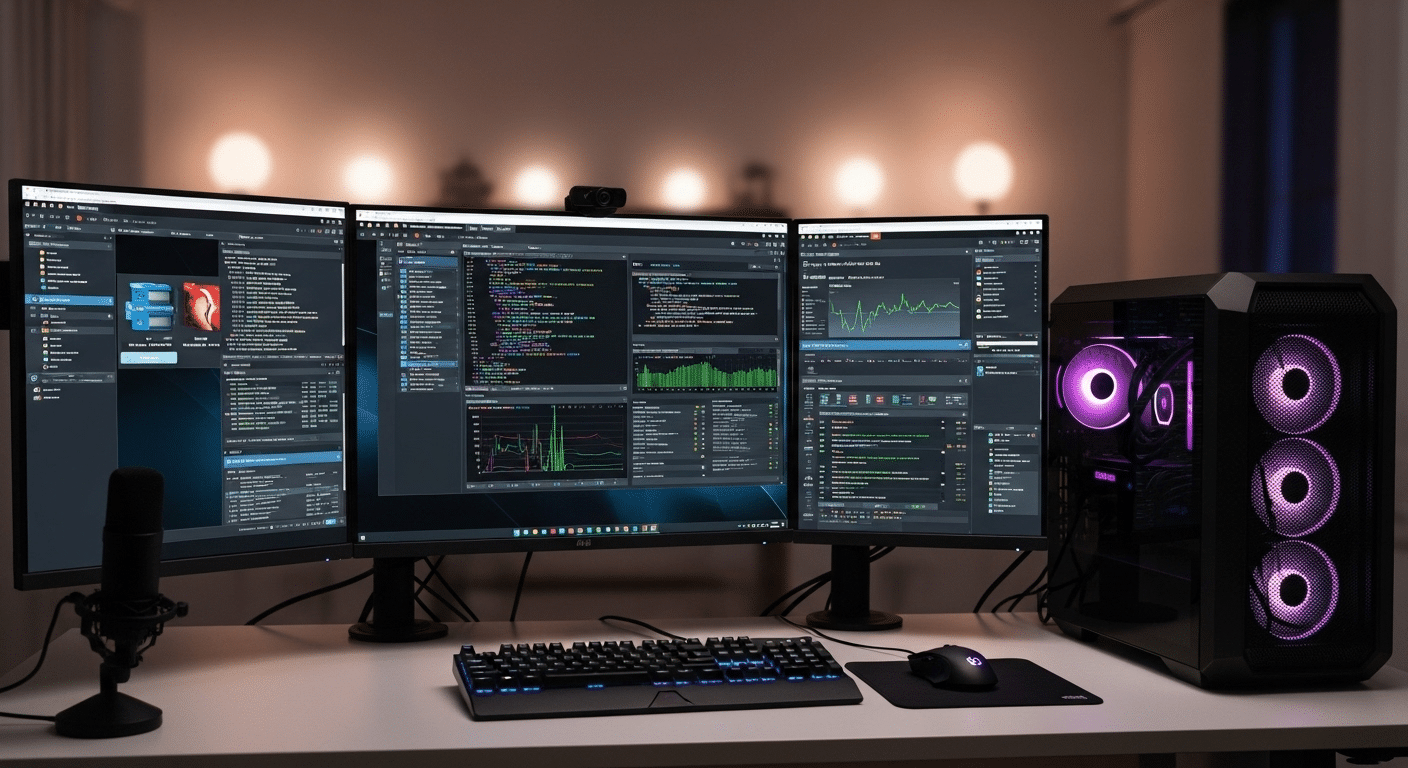
A cybersecurity home lab rarely demands exotic equipment. Most setups begin with a single computer running virtualization software. That machine becomes the foundation of your lab, hosting several simulated systems at once.
Still, resources matter. Running multiple virtual machines places real pressure on memory, storage speed, and processor cores. A modest laptop can work for small experiments, though many people eventually notice performance slowing once several machines start running together.
For most home labs, a modern processor such as an Intel i5 or i7 or an AMD Ryzen chip works well. Memory matters even more. 16GB of RAM is typically the practical minimum, while 32GB provides a smoother experience when several systems operate simultaneously. Storage also plays a role. A fast SSD with at least 512GB helps virtual machines load quickly and keeps the lab responsive.
Some enthusiasts add multiple drives to separate operating systems, lab images, and backups. Others use a small NAS device for storage and snapshots. It’s convenient.
Recommended Cybersecurity Lab Hardware
| Component | Minimum Requirement | Recommended |
|---|---|---|
| CPU | 4 cores | 8+ cores |
| RAM | 16GB | 32GB |
| Storage | 512GB SSD | 1TB SSD |
| Network | Standard NIC | Managed switch |
Which Virtualization Software Should You Use for a Cybersecurity Lab?
At the heart of almost every cybersecurity lab sits one critical piece of technology, virtualization software. This software allows a single computer to run multiple operating systems at the same time. Each system behaves like a separate machine, complete with its own network settings, services, and vulnerabilities.
Before installing anything locally, many learners now explore cloud-based virtual desktops. Instead of relying entirely on personal hardware, these environments deliver preconfigured lab systems directly through a browser.
Platforms such as Apporto make it possible to launch virtual machines remotely, experiment with tools, and access lab resources without worrying about hardware limitations. For people with modest computers, this can make learning much easier.
Traditional hypervisors remain extremely common, though. They run directly on your computer and allow you to create and manage multiple virtual machines inside a single operating system.
Popular Virtualization Platforms for Cybersecurity Labs
- Apporto Virtual Desktops
- Oracle VirtualBox
- VMware Workstation Player
- VMware Workstation Pro
- Hyper V
- Proxmox
- VMware ESXi
These hypervisors allow several operating systems to run simultaneously, making a cybersecurity home lab practical and surprisingly affordable.
Which Operating Systems Should You Install in Your Cybersecurity Lab?
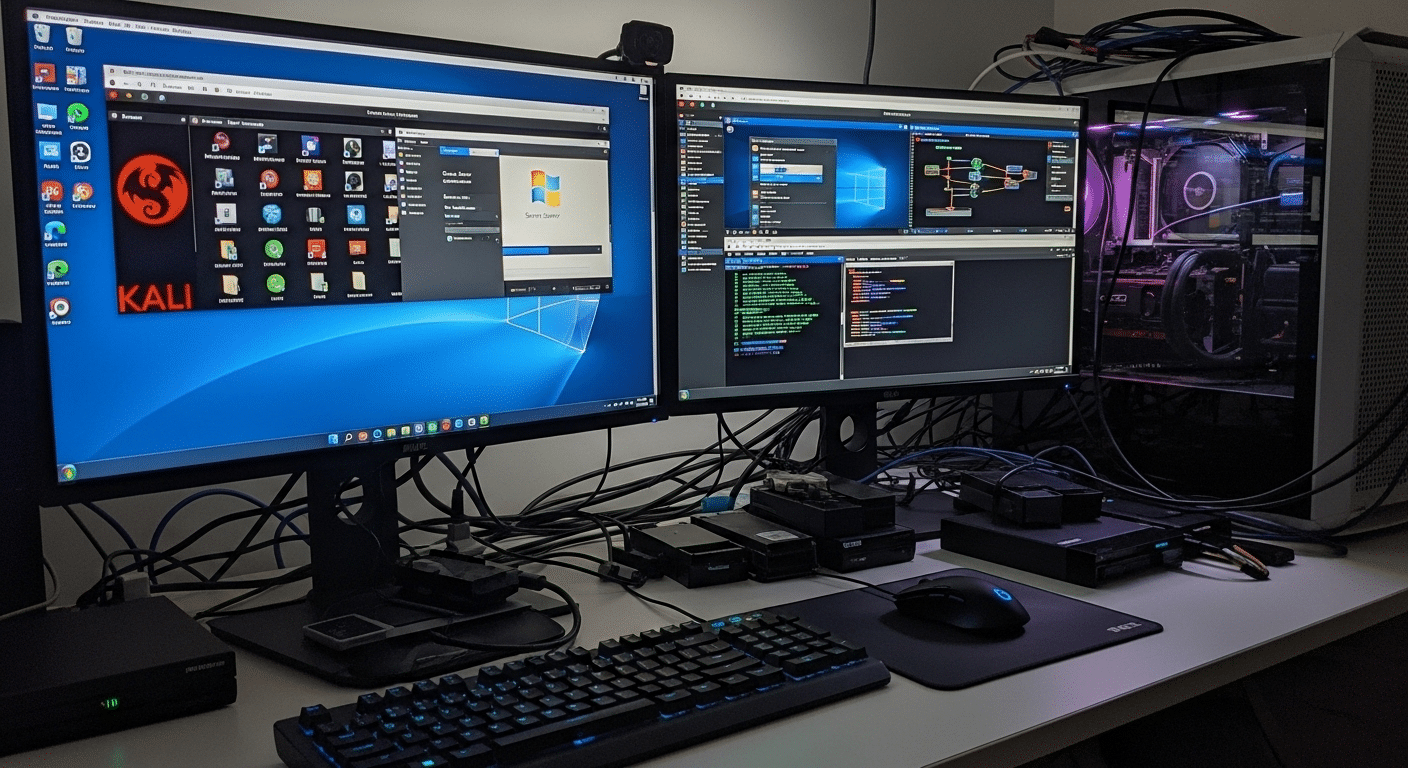
Once virtualization is running, the next step is choosing the operating systems that will power your cybersecurity lab. A realistic lab usually contains three types of machines.
One acts as the attacker, another behaves like the target, and a third often serves as the monitoring system that observes network activity and system logs.
This arrangement allows you to recreate situations similar to those seen in real corporate networks. You can launch security scans, simulate attacks, and watch how systems respond. Sometimes the result is messy. That’s part of the learning process.
Common Operating Systems Used in Cybersecurity Labs are:
- Kali Linux,
- Windows Server
- Ubuntu Server
- Windows 10 or Microsoft Windows
- Metasploitable
Together these machines create a small but realistic network. With the right combination of systems, your lab begins to resemble the environments security professionals defend every day.
How Do You Create an Isolated Network for Your Cybersecurity Lab?
Network isolation is one of the most important parts of a cybersecurity lab. Without it, experiments can spill into places they shouldn’t. A poorly configured service, a misbehaving script, or a piece of test malware could easily wander onto your home network. That’s not the sort of surprise anyone wants.
A proper lab lives inside an isolated environment. The goal is simple. Keep experimental traffic contained while still allowing the virtual machines inside the lab to communicate with each other. Several techniques make this possible.
One common method involves VLAN segmentation, which logically divides a physical network into smaller sections. Another approach uses subnet separation, creating dedicated network ranges for lab systems.
Many virtualization platforms also offer host only networks, which allow virtual machines to communicate internally without reaching outside devices.
Methods used to Isolate Your Cybersecurity Lab
- Use VLAN segmentation on managed switches
- Configure host-only networks in virtualization software
- Separate lab traffic from the home network
- Create specific firewall rules to control traffic
- Use dedicated network equipment when possible
These precautions keep experimental traffic contained. Even if malware runs inside the lab, it stays within the testing environment rather than spreading to personal devices.
What Security Tools Should You Install in Your Cybersecurity Lab?
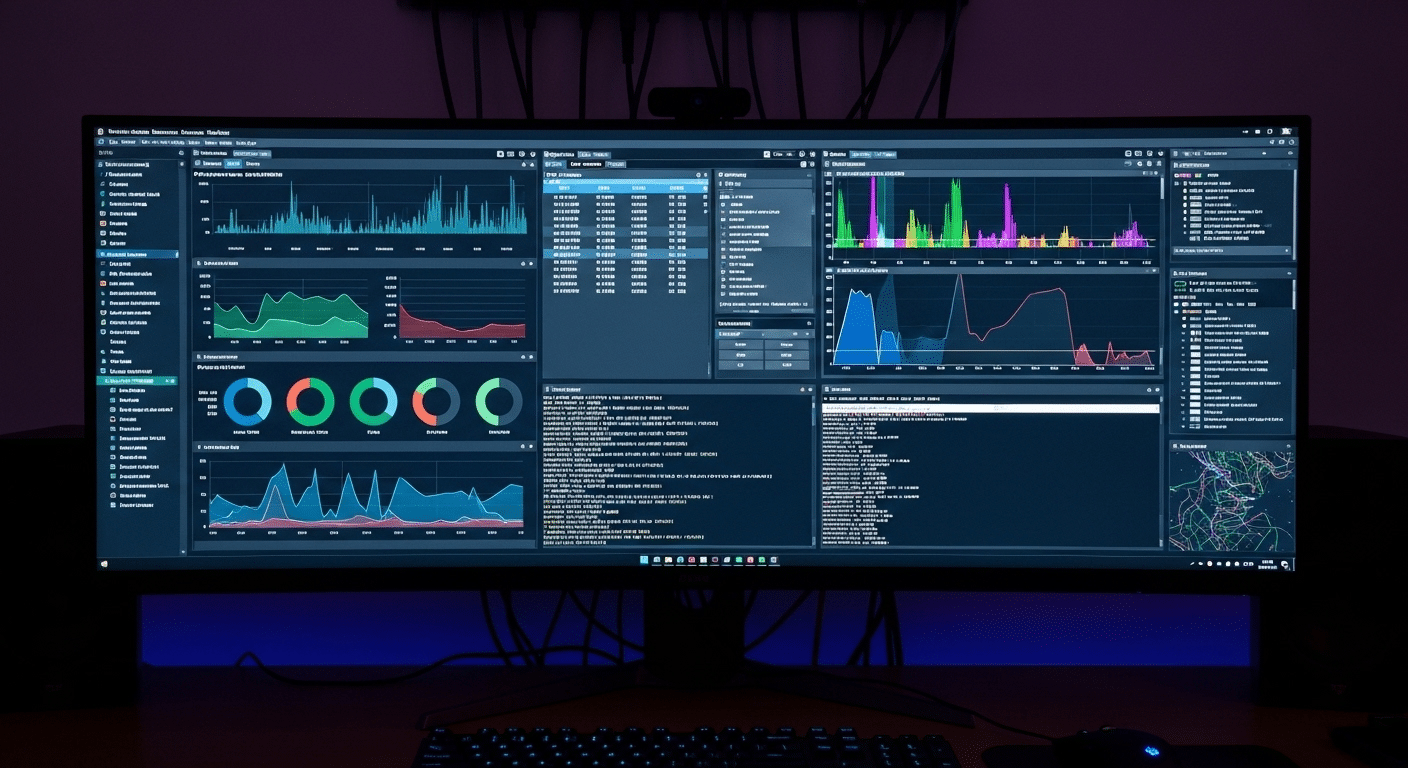
A cybersecurity lab becomes far more useful once real security tools enter the picture. These tools are the same ones analysts, penetration testers, and incident responders use every day. Inside a controlled lab, you can observe how they behave, how they collect security information, and how they respond when suspicious activity appears on a network.
Running these tools in isolation makes experimentation safe. You can generate traffic, trigger alerts, and inspect network packets without worrying about damaging real systems. Sometimes the results are surprising. Logs reveal patterns you didn’t expect. Network scans uncover services you forgot were running.
Essential Cybersecurity Lab Tools:
- Nmap: Widely used for network discovery and vulnerability scanning
- Wireshark: A powerful packet analysis software that shows how data travels across the network
- Metasploit: A penetration testing framework used to simulate attacks
- Security Onion: Platform designed for advanced network monitoring and threat analysis
- Wazuh: An open source platform for threat detection and response
- ELK Stack: A popular system for collecting and analyzing security logs
- Pi hole: A DNS filtering tool often used to study network traffic patterns
Each tool reveals a different piece of the puzzle. Nmap maps networks. Wireshark exposes raw traffic. Security Onion, Wazuh, and the ELK Stack help visualize activity across systems.
Together they create a layered monitoring environment where suspicious behavior, misconfigurations, and simulated malicious activity become visible rather than hidden.
How Many Virtual Machines Should Your Cybersecurity Lab Have?
One of the first questions people ask while building a home lab is simple, how many virtual machines are actually necessary? The honest answer, fewer than you might expect at the beginning.
A small cybersecurity lab setup can start with just two or three machines. One system plays the role of the attacker, another acts as the target, and sometimes a third machine observes what is happening across the network. Even this simple arrangement can teach a lot about system behavior and security monitoring.
As your lab grows, the structure often becomes more detailed. Many labs eventually include four core systems:
- An attacker machine, often running penetration testing tools
- A target machine, designed to simulate vulnerable systems
- A monitoring machine, collecting logs and network traffic
- A domain controller, commonly built with Windows Server to manage users and policies
At that stage, the lab begins to resemble a miniature enterprise network. Over time, you may run multiple VMs at once, experimenting with different services, vulnerabilities, and defensive strategies. The number of machines expands naturally as your skills develop.
Why Snapshots and Documentation Are Essential in a Cybersecurity Lab?

Spend enough time inside a cybersecurity lab and something inevitable happens. A configuration breaks. A service refuses to start. Sometimes an entire system simply stops responding after a security test goes sideways. That is normal. Experiments are supposed to push systems to their limits.
This is exactly why snapshots and good documentation become so valuable. A snapshot captures the exact state of a virtual machine at a specific moment. If something fails later, you can quickly roll the machine back to that earlier state and try again. No rebuilding the entire environment. Just restore and continue.
Documentation serves a different but equally important role. It turns experiments into lessons you can revisit later.
Best Practices for Managing a Lab
- Take snapshots before making configuration changes
- Document system configurations and lab setup details
- Record attack methods used during testing
- Record mitigation strategies that stopped the attack
- Maintain experiment logs for ongoing reference
Over time, these notes become a personal knowledge base. Patterns start to appear. Certain vulnerabilities repeat themselves. Defensive techniques improve.
Without documentation, many insights disappear as quickly as they appear. With it, every experiment contributes to a deeper and more organized understanding of security systems.
How Do You Maintain and Secure Your Cybersecurity Lab?
A cybersecurity lab doesn’t stay useful forever without attention. Systems age. Software becomes outdated. New vulnerabilities appear almost every month. If the lab environment remains frozen in time, the lessons you learn inside it slowly drift away from real-world conditions.
Regular maintenance keeps the system realistic and functional. Operating systems should be updated, security tools refreshed, and lab machines reviewed occasionally to make sure services behave as expected. Even small issues, like an outdated package or a forgotten service running in the background, can distort test results.
Security labs also require a certain level of discipline. Experiments may introduce unstable configurations or broken network settings. Maintenance helps restore order so the lab remains a place for structured learning rather than confusion.
Ongoing Lab Maintenance Tasks
- Update operating systems to the latest version
- Update security tools and frameworks regularly
- Perform routine monitoring of system performance
- Review and adjust firewall rules inside the lab network
- Remove outdated or unused virtual machines
Outdated tools can quietly create unrealistic scenarios. A vulnerability that existed years ago may no longer appear in modern systems. Keeping tools and operating systems current ensures your lab reflects the kinds of threats security professionals actually face today.
When Does Local Hardware Become a Limitation?
At some point, many home labs reach the same quiet obstacle. Hardware. Running a small cyber security lab with two virtual machines is usually manageable, but once the environment expands, the demands grow quickly. Add a monitoring server, a domain controller, several vulnerable systems, and suddenly the computer begins to struggle.
Memory is often the first limit people notice. RAM shortages appear when several machines run at the same time. CPU resources can also become tight, especially during scanning or penetration testing tasks that consume processing power. Then there is storage. Virtual machines generate large disk images, and storage bottlenecks can slow the entire lab environment.
These limitations push many learners to explore cloud-based virtual labs. Instead of relying solely on local hardware, computing resources can be delivered remotely through a virtual desktop environment.
Platforms like Apporto provide access to high performance virtual desktops that run directly through a browser. This approach allows students and professionals to launch cybersecurity tools, run multiple lab machines, and experiment with complex environments without upgrading their personal computer.
Final Thoughts
A cybersecurity lab changes how you learn security. Reading articles and watching tutorials can explain concepts, but experimentation turns those ideas into practical understanding. Inside a lab environment you can test defenses, trigger alerts, and observe how systems respond to unusual behavior without putting real networks at risk.
That freedom to experiment matters. Mistakes happen. Services crash. Configurations break. Each of those moments reveals something about how systems operate and how vulnerabilities appear in the first place.
Virtualization has made this kind of learning far more accessible. With a single computer and a few virtual machines, you can simulate entire network environments that once required expensive hardware. As skills grow, the lab can grow with you.
Most cybersecurity professionals began in exactly this way, experimenting inside a small lab built at home. The key is to start simple.
A few machines, basic monitoring tools, and a controlled network are enough to begin exploring real security concepts. Over time the lab expands, and so does your understanding of how modern systems behave under pressure.
Frequently Asked Questions (FAQs)
1. How much RAM do you need for a cybersecurity home lab?
Most cybersecurity home labs work best with at least 16GB of RAM, though 32GB provides a much smoother experience. Running multiple virtual machines consumes memory quickly, especially when several operating systems and monitoring tools operate at the same time.
2. Can you build a cybersecurity lab on a laptop?
Yes, a decent laptop can run a small cybersecurity lab. Many learners start this way. As long as the system supports virtualization and has enough RAM and storage, it can host several virtual machines for experimentation and security practice.
3. What operating systems are best for cybersecurity labs?
Common choices include Kali Linux, Windows Server, Ubuntu Server, and Windows 10. This mix allows you to simulate attacker systems, enterprise servers, and everyday user machines, creating a realistic environment for security testing and monitoring.
4. Is VirtualBox good for cybersecurity labs?
Yes, Oracle VirtualBox is a popular choice for beginners. It is free, easy to install, and supports most operating systems. Many cybersecurity learners use it to create virtual machines and build their first home lab environments.
5. How do you isolate a cybersecurity lab from your home network?
Isolation usually involves creating separate virtual networks, using VLAN segmentation, or configuring host-only adapters inside virtualization software. These methods keep experimental traffic inside the lab environment so malware or misconfigured services cannot affect personal devices.
