
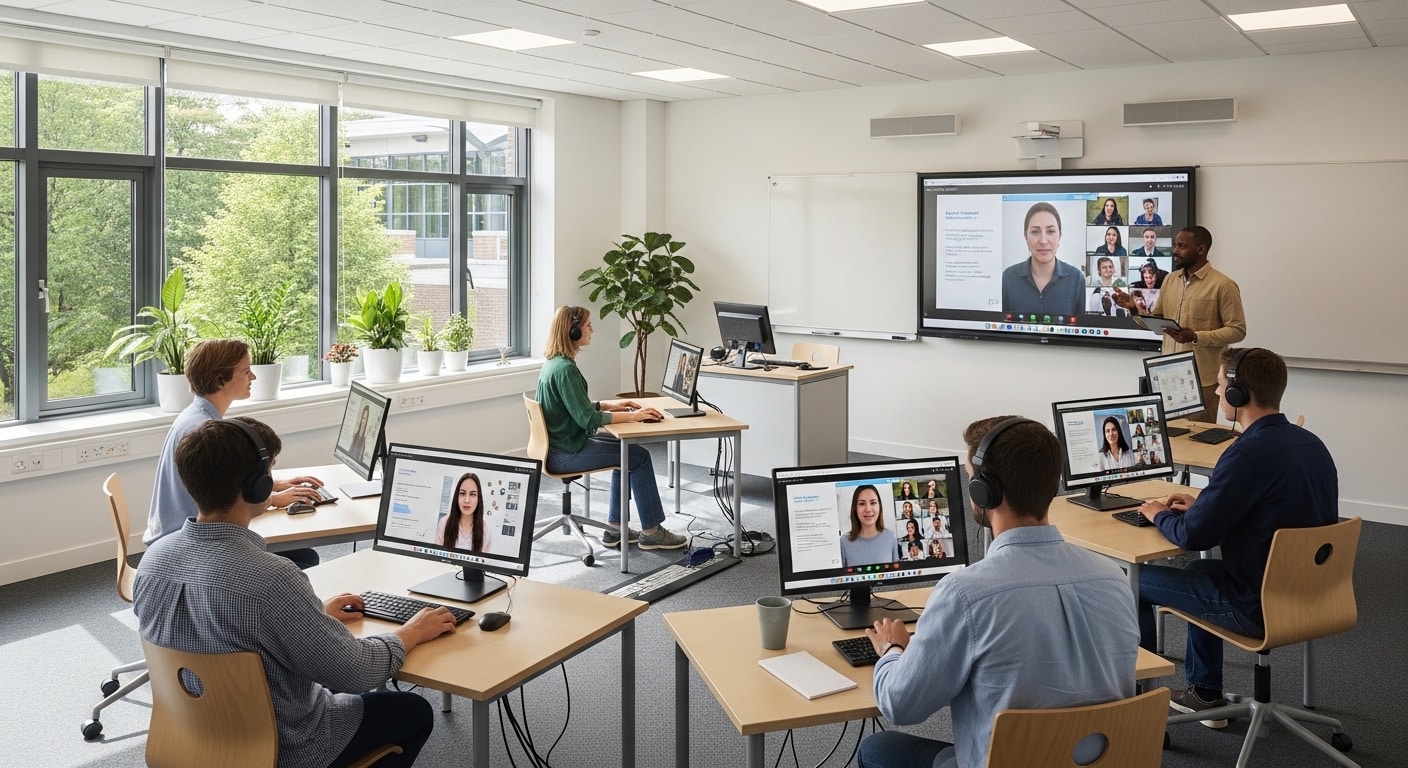
Why Are Educational Institutions Moving from Computer Labs to Cloud Desktops?
Educational institutions are replacing traditional computer labs with cloud desktops to improve accessibility, reduce hardware costs, and support hybrid learning. Cloud-based virtual labs provide secure access to software and resources from any device or location. Platforms like Apporto simplify centralized management and deliver consistent learning environments
For a long time, the computer lab was the center of everything. Rows of machines, fixed schedules, limited seats. It worked, until it didn’t. As expectations changed, the cracks became harder to ignore. Access was restricted. Software stayed locked inside campus labs. And students, well, they weren’t always on campus anymore.
At the same time, cloud computing started to mature. Not in theory, but in actual use. Educational institutions began exploring cloud desktops as a way to extend access beyond physical spaces. Same tools, same environment, just no longer tied to a room.
This shift from computer labs to cloud desktops isn’t sudden, but it is accelerating. In this blog, you’ll explore what’s changing, why it matters, and how institutions are adapting.
What Are Traditional Computer Labs and Why Are They Becoming Obsolete?
Walk into a traditional computer lab and you immediately understand how it was designed. Fixed rows. Identical machines. Everything tied to a physical space. It made sense once, maybe even worked well for a time. But the model hasn’t aged particularly gracefully.
Traditional labs rely on physical computers connected to on-site servers. Access depends on being there, in that room, during those hours. If the lab is closed, access is gone. Simple as that. And that creates a quiet kind of friction. Students plan around availability instead of learning when it suits them.
There’s also the matter of dependency. The physical computer becomes the gatekeeper. If the machine is slow, outdated, or unavailable, your work slows down too. And since campus labs are shared environments, consistency isn’t always guaranteed. One system behaves differently from another. Small differences, but they add up.
Over time, the cost of maintaining this setup becomes harder to ignore. Hardware needs replacing. Servers need upkeep. Energy consumption doesn’t stay low. Physical infrastructure, by its nature, keeps demanding attention.
And then there are the limitations that feel unnecessary now.
- Limited access due to location and schedules, which restricts how and when students can work
- High maintenance and hardware costs tied to physical servers and devices
- Restricted software access outside campus labs, even for essential tools
- Inconsistent experience across devices, especially in shared environments
- Difficult scaling during peak demand, when more students need access at the same time
What Are Cloud Desktops and Virtual Computer Labs?
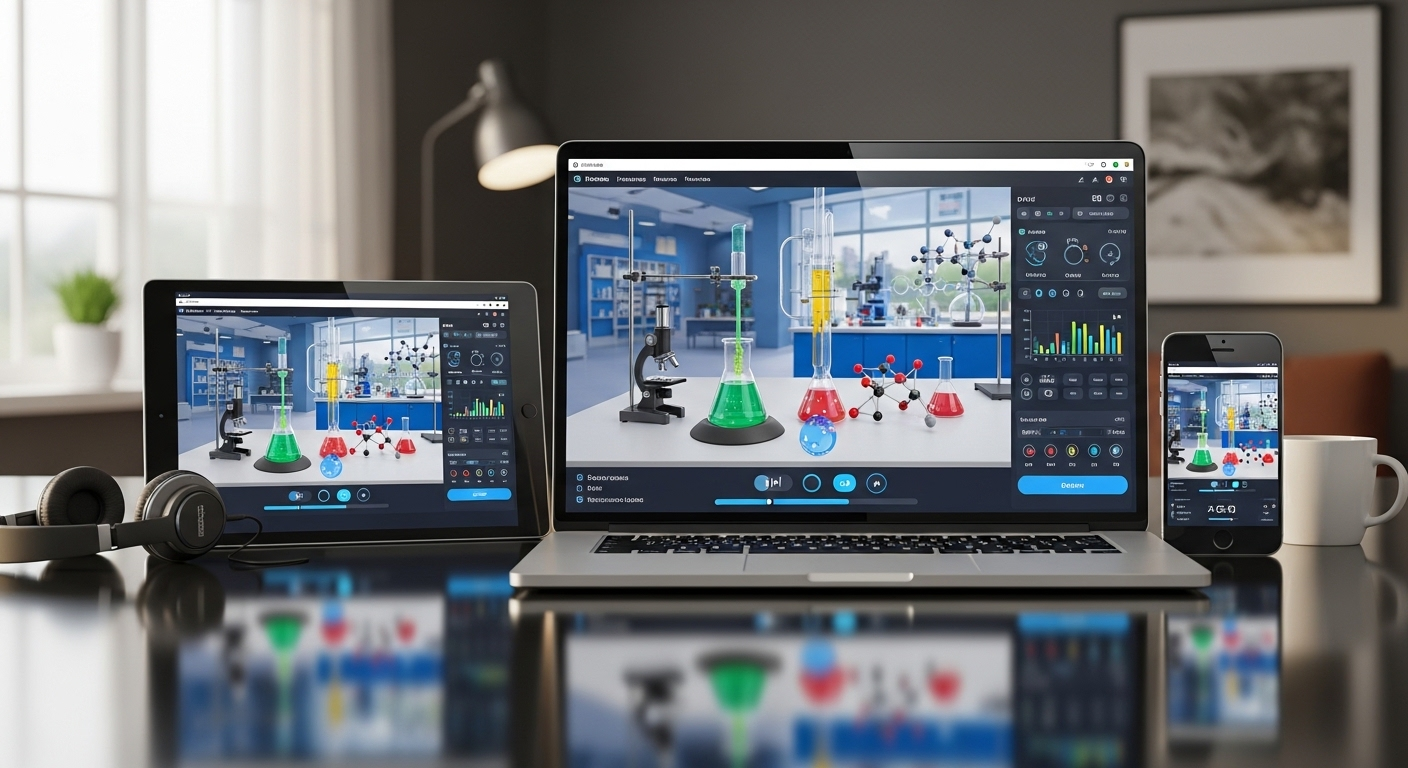
Now imagine the same lab, but without the room. No fixed machines. No waiting. Just access. That’s the basic idea behind cloud desktops, though the mechanics underneath are a bit more interesting.
A virtual computer lab is a cloud-based environment that gives students access to software, applications, and computing resources without requiring them to use a physical campus computer.
A virtual desktop is hosted remotely, not on the device in front of you, but on centralized infrastructure somewhere else. You connect to it through an internet connection, usually using a web browser or a lightweight app.
Behind that experience are virtual machines. Each user gets their own isolated environment, running independently but managed from a central system. This is what allows multiple students to access the same setup without interference, even if they’re using completely different devices.
Cloud-based virtual labs remove the need for a physical lab entirely. You’re no longer restricted by location or time. Access becomes flexible, almost continuous. A student on a laptop, another on a tablet, someone else using a borrowed device, they all see the same environment. Identical software. Same operating systems. No compromises.
It also means specialized software is no longer locked inside campus labs. Whether it’s data science tools or statistical analysis software, everything becomes available from anywhere.
How Does the Transition from Computer Labs to Cloud Desktops Actually Work?
The transition is about replacing physical infrastructure with cloud services. Instead of relying on on-campus machines and servers, institutions begin hosting their desktop environments remotely. The computing power, the storage, the applications, all of it shifts into a centralized system that can be accessed from anywhere.
But it’s not a clean break. Integration matters. Existing systems, identity management, course tools, software licenses, they all need to connect with the new environment. If that part is rushed, things get messy quickly. So most institutions take a layered approach, blending old and new until everything stabilizes.
Then comes the operational side. Centralized management consoles start doing the work that used to take hours, sometimes days. Software provisioning becomes faster. Instead of installing applications one machine at a time, IT teams can deploy them across all users from a single dashboard. Updates and patches follow the same pattern. One action, system-wide effect.
There’s also a subtle change in mindset. The focus moves away from managing hardware toward managing access and performance. Less time spent fixing individual machines, more time optimizing the overall environment.
What Are the Benefits of Moving to Cloud-Based Virtual Labs?

Once the infrastructure changes, the benefits don’t arrive all at once. They show up gradually, in small ways first, then more clearly over time. Less friction. More access. Fewer constraints that used to feel normal.
Here’s where cloud-based virtual labs start to make a real difference:
- Provide access to software from any location with internet access, allowing students to work without being tied to campus labs or specific schedules.
- Enable a consistent user experience across various devices, so whether someone logs in from a Chromebook, an iPad, or a laptop, the environment remains the same.
- Enhance accessibility for students with different learning styles by removing physical and technical barriers that limit how and where they engage with course material.
- Support remote locations and hybrid learning models, making it easier to design courses that don’t depend on physical presence.
- Allow students to use their own devices without limitations, since the heavy processing happens remotely rather than on the local machine.
- Improve digital equity by removing hardware dependency, ensuring that access to learning tools doesn’t depend on owning high-end devices.
- Enable anytime access, not restricted by lab hours, so students can complete work when it fits their schedule rather than adjusting to availability.
- Support resource-intensive applications like data science tools or engineering software, even on lower-powered devices.
- Improve collaboration through shared environments where students and faculty can access the same tools and data without compatibility issues.
- Provide a seamless user experience across platforms, reducing confusion and allowing users to focus on learning instead of troubleshooting.
- Ensure equal access to tools across the entire student body, which becomes especially important in larger or more diverse institutions.
- Support hybrid learning environments where in-person and remote students operate within the same system without gaps in access.
How Do Cloud Desktops Improve Accessibility and Student Experience?
Accessibility sounds like a broad term, almost overused, but in practice it often comes down to something simple. Can you access what you need, when you need it, without unnecessary barriers. For many students, that hasn’t always been the case.
Cloud desktops begin to change that in quiet but meaningful ways. You’re no longer tied to a specific location or device. If you have an internet connection, you have access. That alone reshapes how learning fits into your day.
For students balancing work, family responsibilities, or simply unpredictable schedules, this flexibility matters. You don’t have to wait for a lab to open or compete for available machines. The environment is there, ready when you are.
It also supports different learning styles more naturally. Some people work better late at night. Others need shorter, more frequent sessions. Removing location dependency gives you that freedom without compromising access to required software or tools.
And because everything is standardized, the experience stays consistent. The same desktop, the same applications, no matter where you log in from. That consistency reduces friction and, in a way, builds confidence.
- Access from dorms, homes, and remote locations without needing to visit campus labs
- Equal software access regardless of device, from high-end laptops to basic tablets
- Supports work-study balance by removing rigid access constraints
- Enhances e-learning experience through reliable, consistent environments
- Allows students to complete assignments on their own schedule, not limited by lab hours
Can Cloud Desktops Reduce Costs for Educational Institutions?
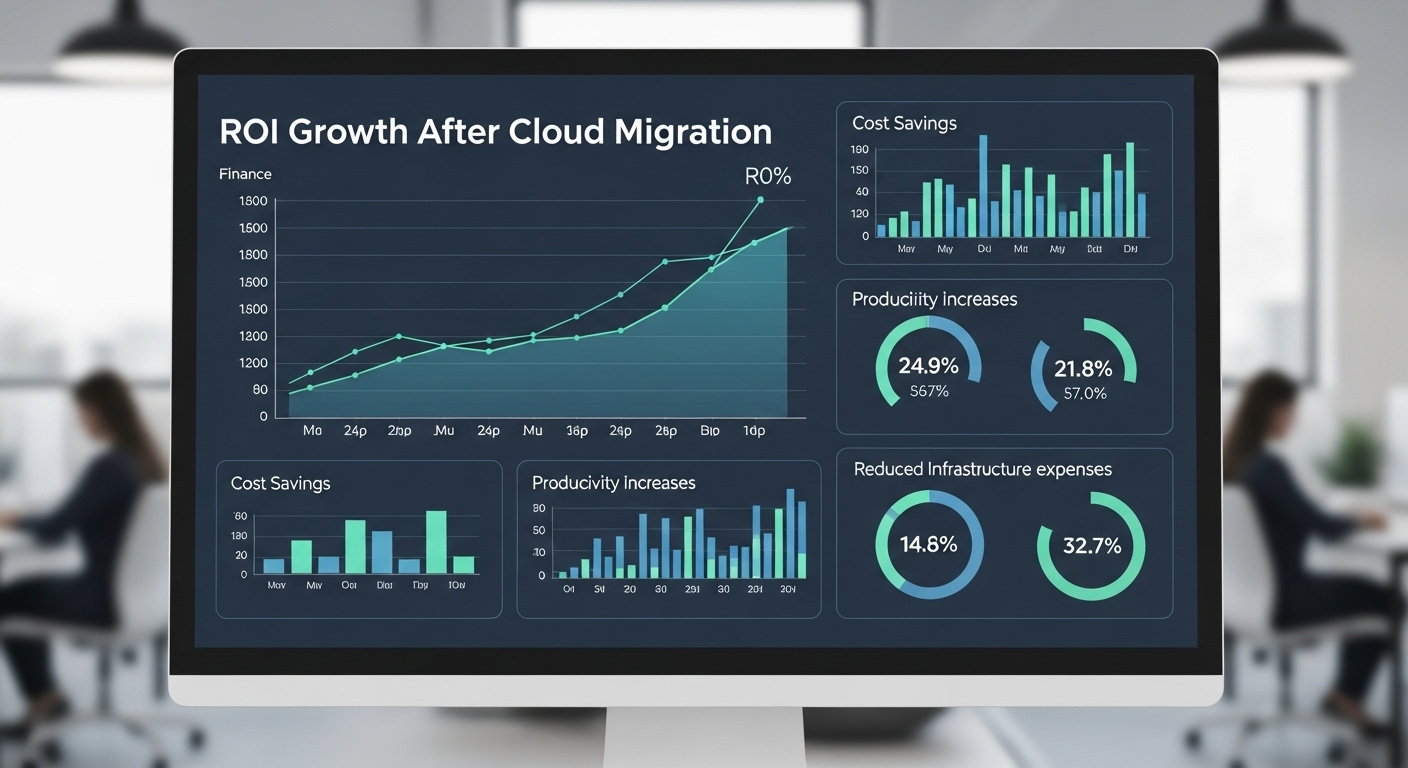
Cost is usually where decisions get serious. Not in theory, but in actual numbers over time. Traditional computer labs carry ongoing expenses that don’t really pause, hardware refresh cycles, maintenance, staffing, energy consumption, all layered together. For a deeper look at the cost of on-campus computer labs, it’s important to consider the full lifecycle of the physical infrastructure, not just the initial hardware investment.
Cloud desktops approach this differently. Instead of investing heavily upfront, institutions move toward a more flexible cost model. Infrastructure is no longer something you own and maintain. It becomes something you access.
- Eliminates hardware refresh cycles, removing the need for frequent equipment replacements
- Reduces maintenance and staffing costs through centralized management
- Lowers energy consumption since fewer physical machines are running on campus
- Shifts CAPEX to OPEX, allowing more predictable, usage-based spending
There’s also a broader pattern here. Many institutions report cost savings between 50 to 75 percent after moving away from traditional labs. Over time, that difference becomes difficult to ignore.
How do cloud desktops compare financially to traditional labs?
When you look at the numbers side by side, the contrast becomes clearer. Not just in one category, but across the entire lifecycle.
| Cost Factor | Traditional Labs | Cloud Desktops |
|---|---|---|
| Hardware Costs | High | Minimal |
| Maintenance | High | Low |
| Scalability | Limited | On-demand |
| TCO (5 years) | High | Lower |
| ROI | Lower | Higher |
Long-term data supports this trend. Studies suggest an average return of $3.86 for every $1 invested in cloud migration. There’s also an operational advantage, during low usage periods, institutions can reduce costs by up to 40 percent since resources scale based on demand. It’s not just cheaper. It’s more adaptable.
How Do Cloud Desktops Simplify IT Management?
If you’ve ever been on the IT side of a traditional lab setup, you already know the pattern. One machine breaks, another needs updating, a third behaves differently for no obvious reason. Multiply that across dozens, sometimes hundreds of systems, and things get heavy.
Cloud desktops change that dynamic quite a bit. Instead of managing individual devices, everything moves into a centralized console. One place to monitor, update, and control the entire environment. It sounds simple, and in practice, it mostly is.
That centralization removes a lot of repetitive work. Tasks that once required physical access or manual intervention can now be handled remotely, often in seconds.
- Centralized management of all users through a single console, making it easier to oversee access and activity
- Instant software updates and patches deployed across all users simultaneously, no need for device-by-device handling
- Reduced support overhead, in some cases by up to 90 percent, since fewer issues originate from local machines
- Single golden image deployment allows IT teams to maintain one standardized environment for everyone
- Faster troubleshooting because issues can be identified and resolved centrally rather than across scattered systems
- Less manual work overall, freeing up time that would otherwise go into maintenance
- More focus on innovation, since IT teams can shift attention toward improving systems instead of fixing them
- Reduced operational complexity, with fewer moving parts to manage day to day
How Do Cloud Desktops Support Scalability and Performance?
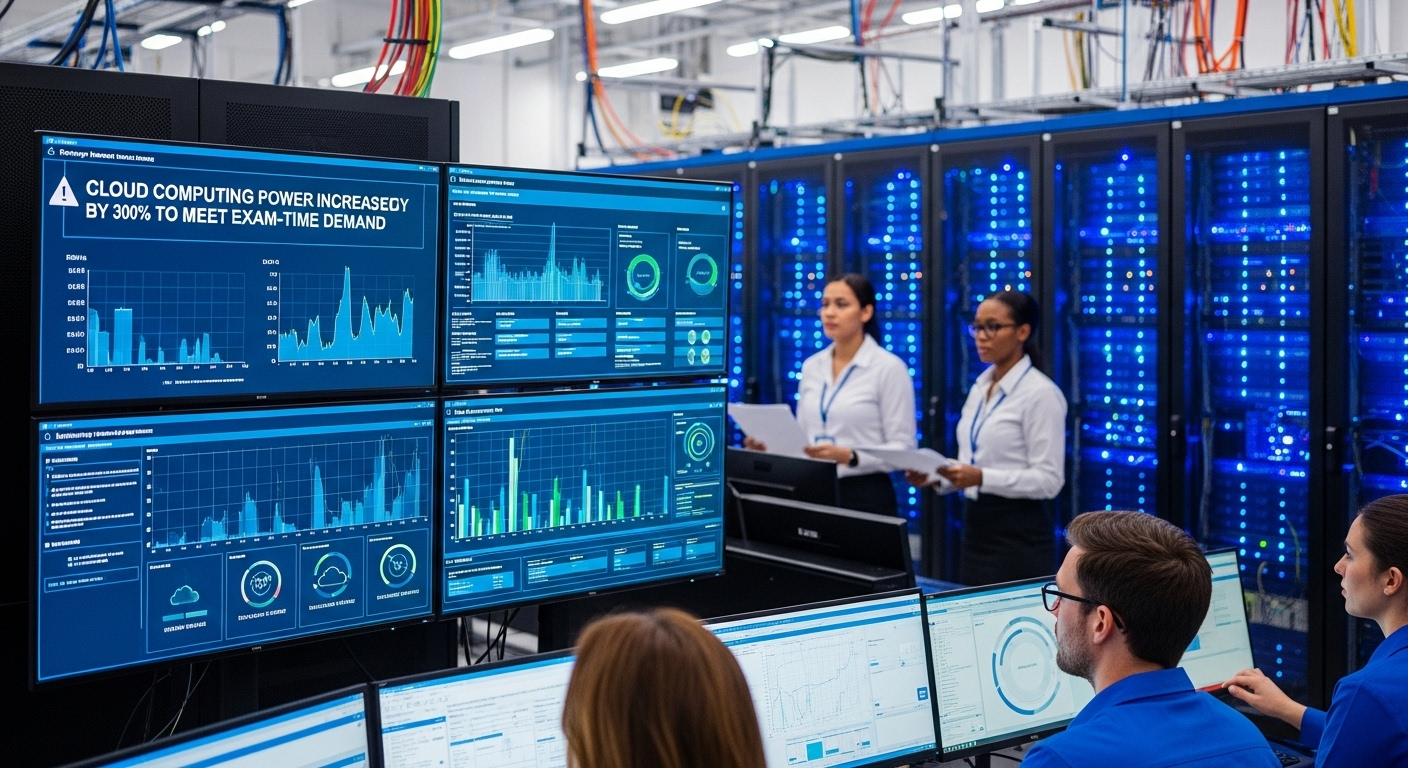
Scalability used to be slow. You needed more machines, you ordered them, waited, installed everything, configured systems, tested. Weeks passed. Sometimes longer. By the time everything was ready, the demand had already moved on.
Cloud desktops work differently. Resources aren’t fixed, they expand or contract based on actual need. That flexibility changes how institutions plan, especially during unpredictable periods like exams or enrollment spikes.
Performance follows the same logic. Instead of being limited by the capacity of a physical computer, computing power is allocated dynamically. If a course requires more resources, they’re provisioned. If not, they scale back.
- Add desktops instantly for new users, allowing institutions to onboard students in minutes rather than weeks
- Scale resources during exams or demand spikes without purchasing additional hardware
- Support temporary workshops or short-term programs without long setup cycles
- Provision high-performance computing when needed, especially for resource-intensive workloads
- No delays in setup, since environments can be deployed almost immediately
- Supports dynamic demand, adjusting capacity based on actual usage
What Challenges Should Institutions Consider Before Moving to Cloud Desktops?
There are a few things that tend to surface early, sometimes quietly, sometimes all at once. And ignoring them usually makes the transition harder than it needs to be.
Cloud desktops depend heavily on the network. That’s the first reality to accept. If the internet connection is unstable, performance suffers. Not always dramatically, but enough to be noticeable. So infrastructure readiness matters more than expected.
There’s also a learning curve. New systems, new workflows, slightly different ways of accessing tools. It doesn’t take long to adapt, but it’s still a change. And people, naturally, resist change, even small ones.
Then comes integration. Existing systems don’t always fit neatly into new environments. Some adjustments are needed.
- Network dependency on a stable internet connection, which directly impacts performance and access
- Learning curve for new systems, especially for users unfamiliar with cloud-based environments
- Integration challenges with existing infrastructure and legacy tools
- Data security concerns during transition phases, particularly around access and migration
- Managing change across users, ensuring adoption happens smoothly without disruption
None of these are deal-breakers. But they do require attention. Planning helps. So does patience, a bit more than expected.
Why Apporto Is Built for the Shift from Computer Labs to Cloud Desktops?
The conversation stops being about technology and starts being about practicality. What actually works, day to day, without adding more overhead. That’s where Apporto fits in rather naturally.
It removes the need to manage infrastructure altogether. No physical servers to maintain, no complex setup cycles, no long deployment timelines. Everything runs through a browser, which simplifies access more than most expect. You open it, log in, and your environment is ready.
It’s also designed with education in mind. Not retrofitted, not adapted later, but built for how educational institutions operate. Virtual labs, specialized software, different course requirements, all supported without forcing users to adjust their workflow too much.
Because it’s centralized, consistency becomes easier to maintain. Students access the same tools, the same environment, regardless of device or location. That reduces friction in ways that aren’t always obvious upfront.
Final Thoughts
It’s becoming harder to ignore where things are heading. Traditional computer labs still exist, but their limitations are more visible now. Restricted access, higher costs, limited flexibility, all of it feels slightly out of place in a system that increasingly values access and adaptability.
Cloud desktops offer a different approach. More flexible, more accessible, and in many cases, more efficient. But they’re not automatic solutions. They require planning, evaluation, and a clear understanding of institutional needs.
For many educational institutions, the direction is becoming clearer. Not necessarily immediate, but steady. The real question isn’t if change is happening. It’s how you choose to approach it.
Frequently Asked Questions (FAQs)
1. What is a virtual computer lab?
A virtual computer lab is a cloud-based environment where software, operating systems, and tools are hosted remotely. You access it through a browser, allowing you to use lab resources without being physically present in a campus lab.
2. How do cloud desktops work in education?
Cloud desktops run on centralized servers and are accessed through an internet connection. You log in from your device, and your full desktop environment appears, with all required software available, just like a traditional lab setup.
3. Are cloud desktops better than traditional labs?
In many cases, yes. Cloud desktops provide more flexibility, better accessibility, and lower long-term costs. Traditional labs still serve specific needs, but they often limit access and require more maintenance compared to cloud-based solutions.
4. Can students access software from home?
Yes, that’s one of the main advantages. Students can access specialized software from home, dorms, or anywhere with internet access, without needing high-end devices or being restricted by campus lab availability.
5. Are cloud desktops secure?
Cloud desktops store data in centralized, secure environments rather than on local devices. With proper access controls, encryption, and monitoring, they can reduce risks associated with lost devices and unauthorized access.
6. What is the cost of cloud desktops?
Costs vary depending on the provider and usage, but cloud desktops typically reduce overall expenses by eliminating hardware purchases, maintenance, and energy costs. Many institutions report savings between 50 to 75 percent over time.
7. Do cloud desktops support all devices?
Most cloud desktop solutions support a wide range of devices, including laptops, tablets, Chromebooks, and even smartphones. Since processing happens remotely, the local device doesn’t need high computing power.
