
What Is a Computer Lab and Why Is It Important in Education?
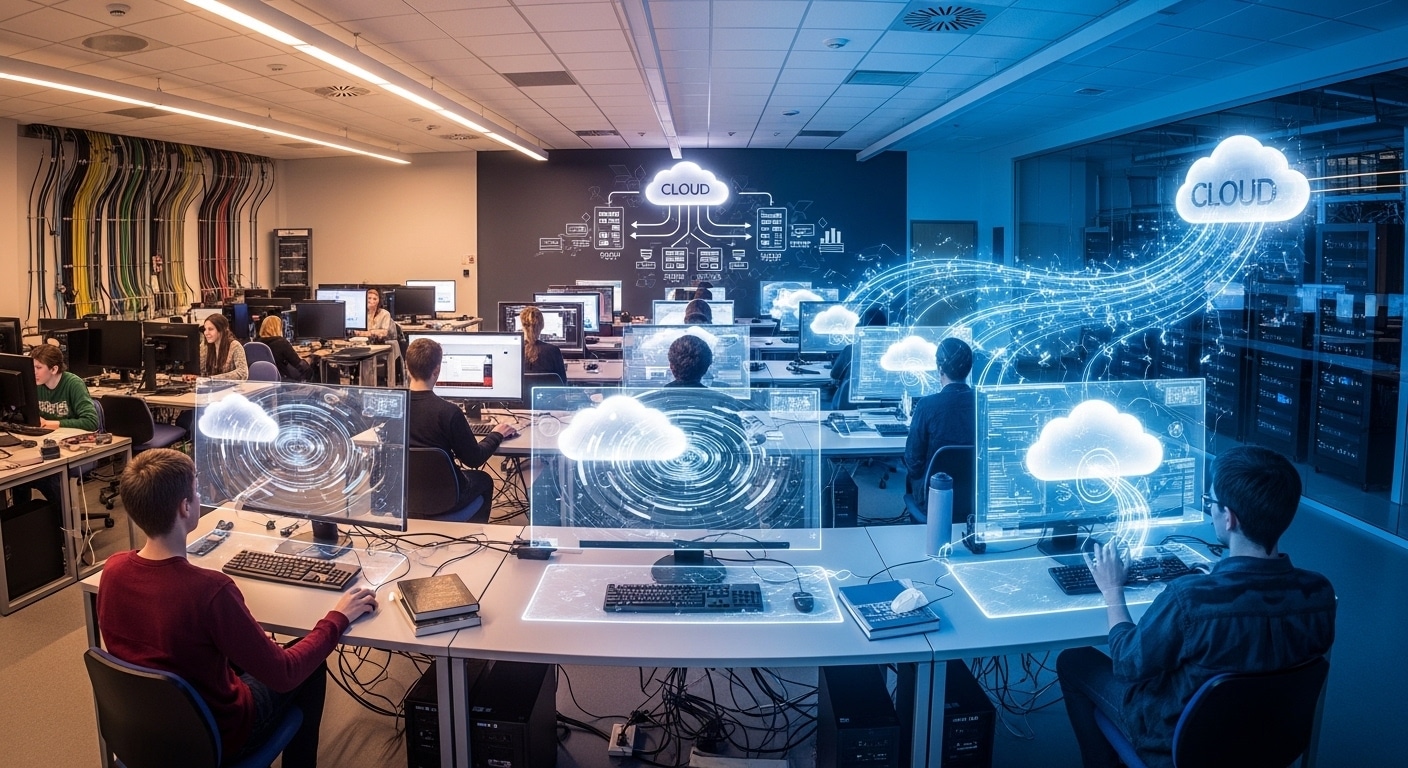
A computer lab is a shared learning space that gives students and faculty access to computers, specialized software, internet connectivity, and digital resources. Modern labs increasingly combine physical infrastructure with cloud-based platforms like Apporto, enabling remote access to high-performance applications, virtual desktops, and collaborative learning environments from any device.
You would think the computer lab had quietly faded out by now. It didn’t. It just changed shape, a bit unevenly, depending on where you look.
On one side, there’s the traditional setup, rows of lab computers, fixed schedules, physical access tied to campus. On the other, cloud-based solutions and remote access, promising flexibility but not always replacing everything cleanly. That tension still exists.
The pandemic made that visible. Physical labs slowed down, virtual access picked up, and now most institutions sit somewhere in between, not fully one or the other.
Access, availability, performance, those still matter. Maybe more than before. In this blog, you’ll explore what a computer lab really is today, how it works, and why it continues to play a role in modern learning environments.
What Is a Computer Lab and What Purpose Does It Serve Today?
A computer lab is a shared space where computing services are made available to a group of users. Simple idea. But the role it plays today is a bit broader than that sounds.
You’ll usually find these labs across a university campus, in libraries, within specific departments, sometimes even in public sites. Rows of lab computers, yes, but also something else, access. Access to software, to devices, to a desktop environment that may not exist on a personal machine.
That matters more than it used to. Many students don’t have the hardware needed for specialized software or research tools. A computer lab fills that gap quietly.
It supports teaching, structured classes, guided sessions. It supports research too, where performance and reliability actually matter. And then there’s project work, group tasks, assignments that need more than a basic setup.
So it’s not just a room with computers. It’s a shared resource, built to make certain kinds of work possible.
What Types of Computer Labs Exist Across Campuses and Institutions?
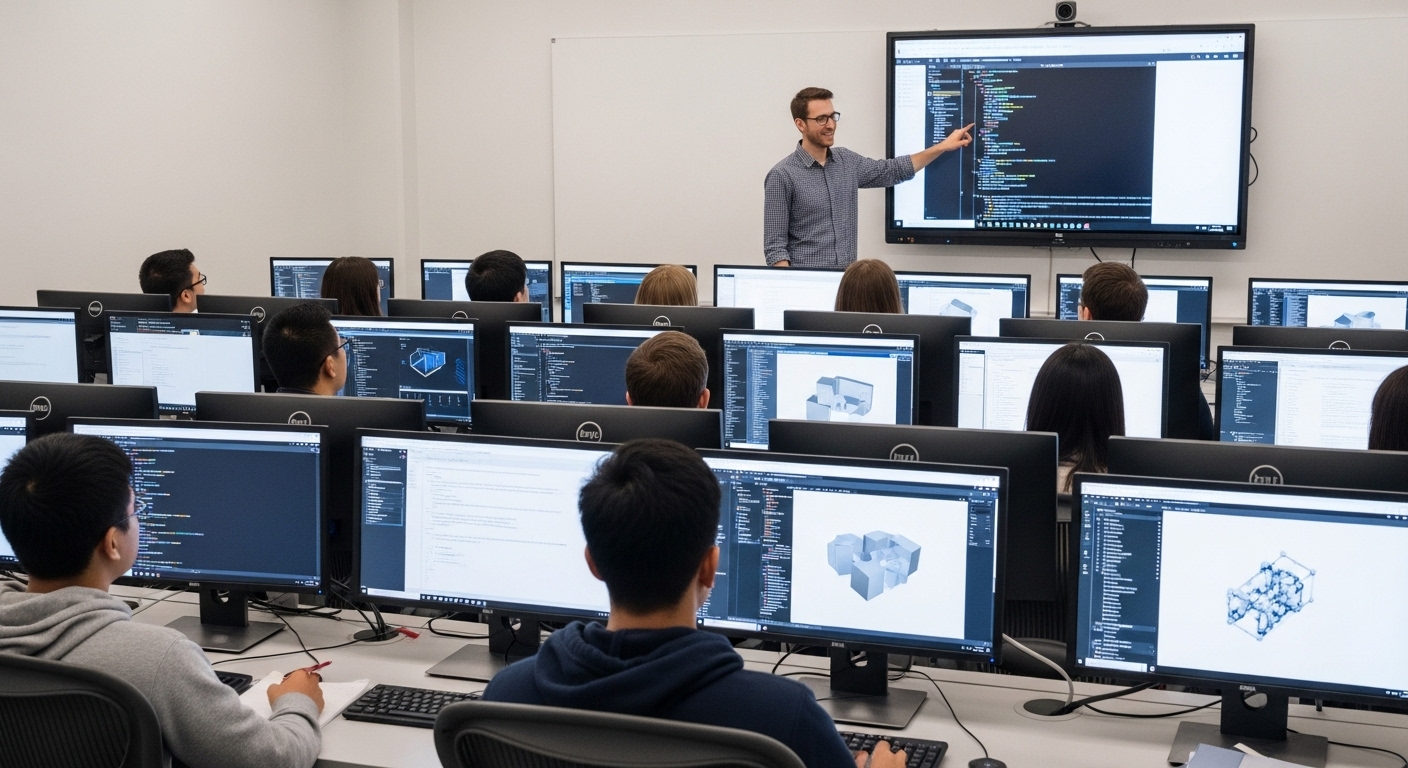
Not all labs are built for the same purpose. That becomes obvious once you start looking a bit closer. Access rules change. Software changes. Even the way the space is used can feel completely different from one lab to another.
Here’s how most computer labs are structured:
- Public computer labs are open to general users across campus, typically managed by IT, and designed to provide broad access to common software and devices
- Departmental labs are tied to specific academic departments, often restricted to certain courses or majors, with software tailored to that field
- Teaching labs are used for scheduled classes, where instructors guide students through structured activities and exercises
- Research labs are more controlled environments, usually limited to faculty or specific research groups, with tools designed for deeper, specialized work
- Specialized labs are built for focused areas like healthcare, data science, or media production, often equipped with unique equipment and software
What Equipment, Software, and Technology Define a Modern Computer Lab?
Walk into a modern computer lab and you’ll notice something right away. It’s not just rows of identical machines anymore. There’s a bit more intention behind what’s placed there, how it’s arranged, even how it’s used.
These spaces are built to handle more than basic tasks. Performance matters. Reliability too. And quietly, collaboration has become part of the design.
Here’s what typically defines a well-equipped lab today:
- High-performance desktops or all-in-one systems with modern processors, fast SSD storage, and enough memory to handle demanding workloads
- Windows and macOS operating systems, regularly updated and patched to keep systems secure and stable
- Specialized software for engineering, data science, design, and statistical analysis, often pre-installed so users don’t need to install software manually
- Productivity tools like Microsoft Office 365 or Google Workspace, available across all devices for consistency
- Large monitors, usually 21-inch or larger, with adjustable settings for better comfort during long sessions
- Headphones and input devices that allow focused, individual work without distraction
- Printers, scanners, and shared equipment that support everyday academic tasks
- UPS systems that protect against data loss during unexpected power interruptions
- Interactive displays or whiteboards that make group work and presentations easier
What Equipment, Software, and Technology Define a Modern Computer Lab?
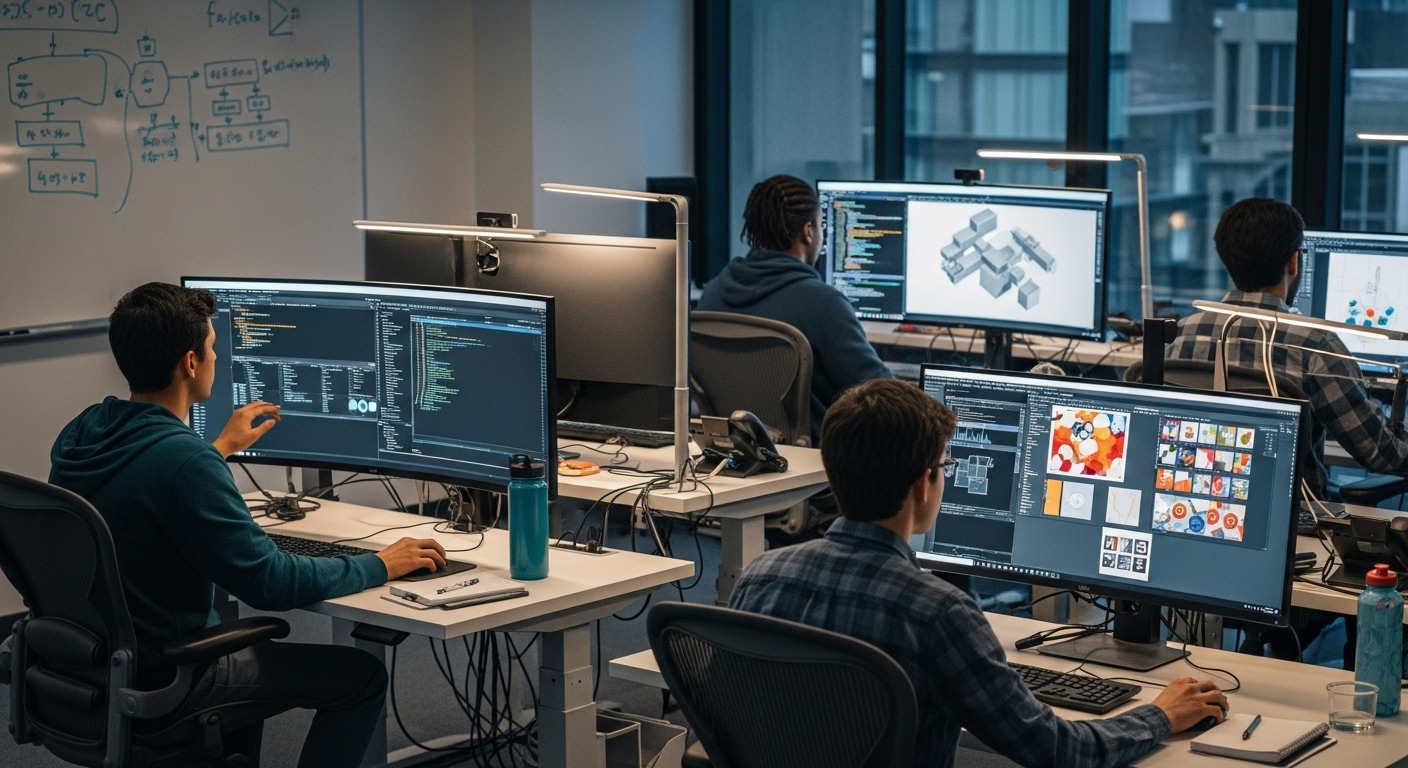
Walk into a modern computer lab and you’ll notice something right away. It’s not just rows of identical machines anymore. There’s a bit more intention behind what’s placed there, how it’s arranged, even how it’s used.
These spaces are built to handle more than basic tasks. Performance matters. Reliability too. And quietly, collaboration has become part of the design.
Here’s what typically defines a well-equipped lab today:
- High-performance desktops or all-in-one systems with modern processors, fast SSD storage, and enough memory to handle demanding workloads
- Windows and macOS operating systems, regularly updated and patched to keep systems secure and stable
- Specialized software for engineering, data science, design, and statistical analysis, often pre-installed so users don’t need to install software manually
- Productivity tools like Microsoft Office 365 or Google Workspace, available across all devices for consistency
- Large monitors, usually 21-inch or larger, with adjustable settings for better comfort during long sessions
- Headphones and input devices that allow focused, individual work without distraction
- Printers, scanners, and shared equipment that support everyday academic tasks
- UPS systems that protect against data loss during unexpected power interruptions
- Interactive displays or whiteboards that make group work and presentations easier
How Have Computer Labs Evolved Over the Years?
If you go back a couple of decades, the computer lab felt almost controlled. Quiet rooms, structured tasks, individual focus. You followed instructions, completed exercises, logged out. That was the experience.
Access was limited then, mostly because personal computers were expensive and not widely available. The lab was the only place you could work with certain tools. That gave it a kind of importance, but also made it restrictive.
Over time, things loosened up. Labs became more flexible, more collaborative. Mobile devices started appearing. Wireless networks made movement easier. Cloud systems crept in, slowly at first, then everywhere.
The pandemic accelerated everything. Physical lab usage dropped sharply, almost overnight. Remote access and virtual labs filled the gap. Not perfectly, but enough to change expectations.
Now, most institutions operate in a hybrid model. Physical labs still exist, but they’re no longer the only option.
What Are the Limitations of Traditional Computer Labs Today?
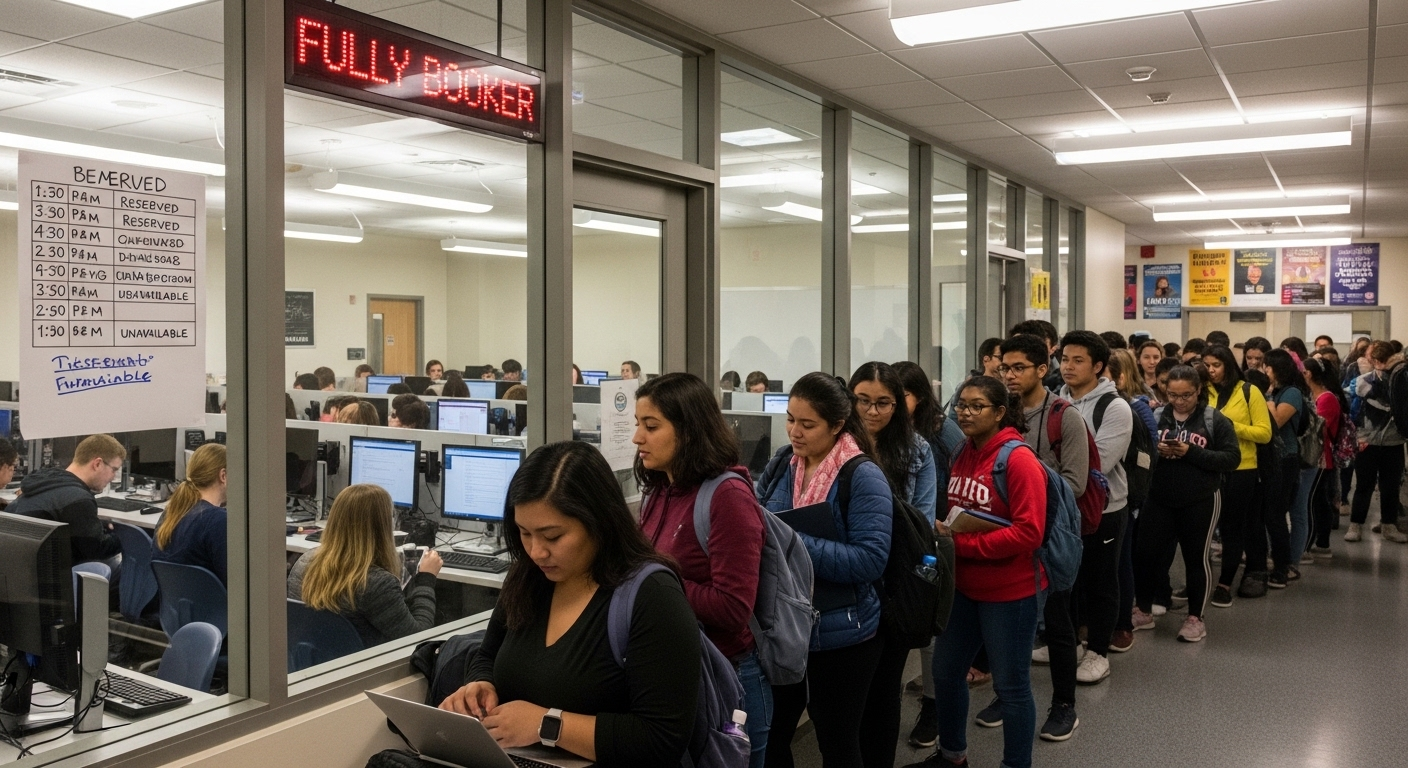
For all their usefulness, traditional computer labs still carry a few constraints. Some of them are obvious. Others show up only when you try to rely on them heavily.
Here’s where the limitations tend to surface:
- Limited access due to schedules and availability, you often need to plan your time around when the lab is open
- Dependency on campus visits, meaning you have to be physically present to use lab computers and resources
- Time restrictions placed on usage, so more users can access the same space throughout the day
- High maintenance and hardware replacement costs, which can strain institutional budgets over time
- Difficulty scaling during peak demand, especially during exams or major project deadlines
- Unequal access for students who lack personal devices or stable internet, creating gaps in the overall experience
Physical labs still serve an important role, but they do restrict flexibility. And access inequality, that hasn’t fully gone away.
How Did the Pandemic Reshape Computer Lab Access and Usage?
That period forced a kind of experiment, sudden, unavoidable. Computer labs, which depended on physical presence, simply couldn’t function the same way. So institutions moved fast. Remote access became the default almost overnight.
Students were given ways to access software from home, often through virtual labs. It worked, mostly. But not without friction. Engagement dropped in some cases. Group work felt harder to manage. And then there were practical issues, device availability, unstable internet, uneven access.
Even after campuses reopened, something had changed. Virtual labs didn’t disappear. They stayed.
Now, most environments carry both models forward, physical access and online access, sitting side by side, not always perfectly aligned, but still useful.
What Role Do Virtual Labs and Remote Access Play Today?
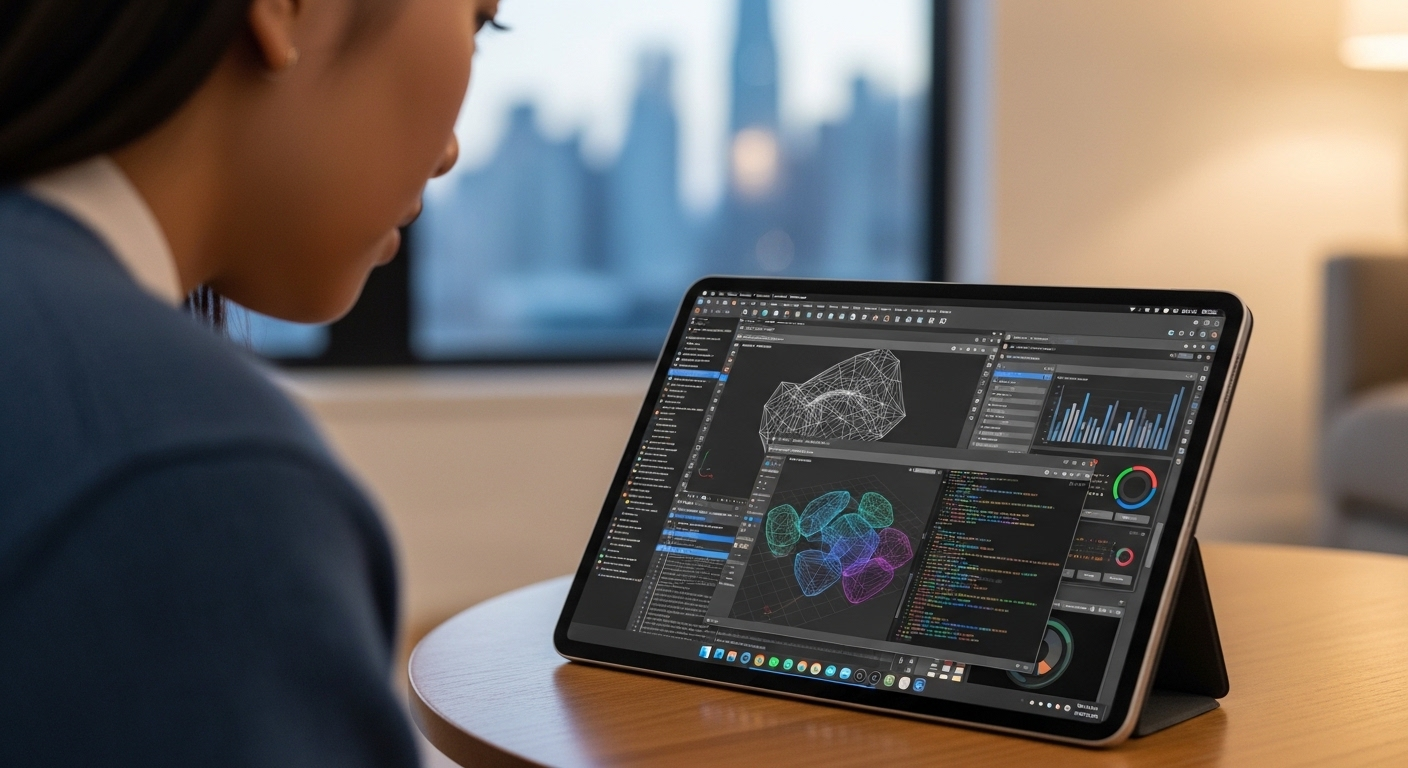
Virtual computer labs don’t replace the computer lab entirely. They extend it. That’s probably the better way to think about it.
Instead of being tied to a single room on campus, access moves outward. You connect from a device, sometimes your own laptop, sometimes a shared system, and the same software environment appears. It’s a bit strange at first, then it becomes normal.
You can install software remotely or access it through cloud based solutions without needing high-end hardware locally. That changes who can participate and when.
Access becomes flexible. Location matters less. Devices matter less, at least to a point.
Institutions now combine physical labs with virtual systems, not choosing one over the other, but using both where they fit best. This reduces dependency on physical infrastructure while still keeping it available when needed.
How Are Modern Computer Labs Designed for Flexibility and Collaboration?
If older labs were about order, modern ones lean toward movement. Not chaotic, just more adaptable. The space itself starts to reflect how people actually work now, together, across devices, sometimes switching between tasks quickly.
Here’s what that looks like in practice:
- Modular desks and movable furniture that can be rearranged without much effort, making it easier to support different group sizes
- Wireless networks that allow mobile devices to connect without friction, reducing dependence on fixed setups
- Interactive displays or shared screens that support presentations and real-time collaboration
- Group-friendly configurations where students can work on projects side by side, not isolated
- Support for different learning styles, giving users more than one way to engage with the same material
Labs today focus more on shared work. Adaptability is part of the design, not an afterthought.
What Security and Management Practices Keep Computer Labs Efficient?
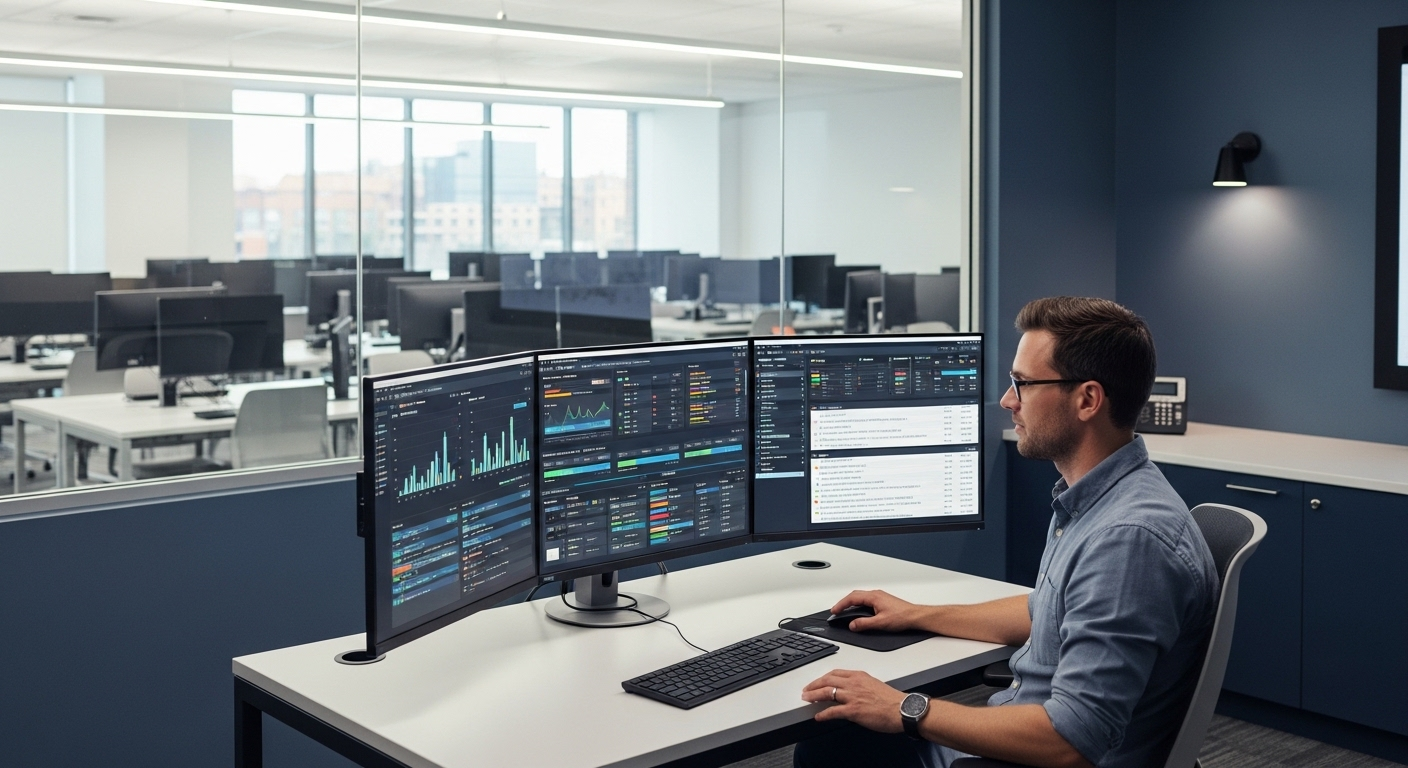
With multiple users moving in and out of the same systems, things can get messy fast if there’s no structure behind it. Efficiency, in this case, comes from control, quiet control, mostly handled in the background.
Here’s how that’s maintained:
- Secure login systems where each user has a personal account, making it easier to track activity and protect data
- Automated system resets after each session, so any changes are cleared and the next user starts fresh
- IT-managed software updates and security patches, ensuring systems stay current without manual intervention
- Monitoring tools that allow instructors to guide sessions or manage screens during teaching
- Physical security measures like lockable doors and controlled access to protect equipment
IT teams manage both access and software. In shared environments like this, security isn’t optional, it’s foundational.
Are Computer Labs Still Relevant in 2026?
It’s easy to assume the computer lab is fading out. But that’s not really what’s happening. It’s changing, sometimes quietly, sometimes in obvious ways.
You still see a balance, physical labs on campus, virtual access layered on top. One doesn’t fully replace the other. Not yet.
There’s still a clear need for performance. Certain tasks, especially those involving specialized software or high computing power, demand more than a basic device can offer. That hasn’t changed.
Computer labs haven’t disappeared. They’ve adapted. Now they function more like hybrid resource centers, supporting access in multiple ways, trying to meet students where they are. This shift also points toward the virtual computer labs future, where physical spaces and browser-based access increasingly work together.
Why Apporto Is a Smarter Way to Extend the Modern Computer Lab?

At some point, the limits of a physical computer lab become noticeable. Access depends on location. Availability depends on timing. And even well-equipped labs can’t always stretch far enough.
That’s where something like Apporto fits in, not as a replacement, but as an extension. A way to take what a computer lab offers and make it more accessible, without tying everything to a specific place.
You open a browser. That’s it. The environment loads, ready to use, no installs, no setup delays. It doesn’t remove the computer lab. It extends it.
Final Thoughts
It helps to think of the computer lab less as a fixed place and more as a function. Something that provides access, performance, and support when it’s needed most.
Over time, it has moved from rigid setups to more flexible systems, mixing physical space with virtual access. That combination matters. One fills the gaps of the other.
There are still limitations, of course. But the benefits, especially around shared resources and specialized tools, haven’t gone away.
The real question is how you use it. If you approach computer labs as part of a broader system, not the whole system, they tend to work better.
Frequently Asked Questions (FAQs)
1. What is a computer lab?
A computer lab is a shared space where users access computers, software, and internet services. It provides a controlled environment for academic work, offering tools and performance that may not be available on personal devices.
2. What is the purpose of a computer lab?
The purpose is to provide access to computing resources, support teaching and research, and enable students to complete tasks using specialized software, structured environments, and shared equipment within a university or institutional setting.
3. What equipment is required in a computer lab?
A typical computer lab includes desktops, monitors, networking systems, printers, and specialized software. It also requires updated operating systems, reliable internet access, and supporting equipment like headphones and backup power systems to ensure consistent performance.
4. Can computer labs be accessed remotely?
In many institutions, yes. Virtual labs and remote access systems allow users to connect to lab environments from their own devices, making software and resources available without needing to physically visit the campus lab.
5. Are computer labs still important in universities?
Yes, they remain important. They provide access to high-performance systems and specialized tools that many students cannot access individually, while also supporting structured learning, research, and collaborative work across different academic departments.
6. What is the difference between a computer lab and a virtual lab?
A computer lab is a physical space with on-site equipment, while a virtual lab provides similar resources through remote access. Virtual labs offer flexibility, but physical labs still play a role in performance-heavy and in-person learning scenarios.
