Quick Answer
Which is the Best Desktop as a Service (DaaS) Provider?
Desktop as a Service (DaaS) providers deliver cloud-hosted virtual desktops that users can access from any device. The best DaaS solution depends on your organization’s needs, but platforms like Apporto, Azure Virtual Desktop, and Amazon WorkSpaces stand out for scalability, security, and simplified desktop management.
The way organizations deliver desktops has changed dramatically over the past few years. As remote and hybrid teams become the norm, many businesses are moving away from traditional virtual desktop infrastructure in favor of cloud based virtual desktops that are easier to deploy, scale, and manage.
The appeal is easy to understand. Desktop as a Service allows users to access virtual desktops from virtually any internet connected device, while reducing the burden of maintaining complex backend infrastructure. Instead of investing heavily in hardware and infrastructure management, organizations can focus on providing secure remote access and a consistent user experience.
This guide evaluates the best DaaS providers based on security, scalability, application support, pricing transparency, infrastructure simplicity, and overall ability to support a modern hybrid workforce.
How Did We Select the Best DaaS Providers?
The DaaS market has become increasingly crowded. Nearly every provider promises secure virtual desktops, simplified management, and lower infrastructure costs. The reality, however, is that capabilities vary significantly from one platform to another.
Some providers focus on browser-based access and ease of deployment. Others prioritize deep cloud integrations, advanced security controls, or support for specialized software. A platform that works well for a small business may not be suitable for a large enterprise managing thousands of users across multiple regions.
Because provider capabilities vary so widely, understanding how to choose a DaaS provider can help organizations determine which evaluation criteria matter most for their specific environment.
To create this list, each provider was evaluated across several categories that directly affect long-term success, including security, scalability, desktop delivery capabilities, infrastructure management, pricing transparency, application compatibility, and overall user experience.
The goal was to identify solutions that balance performance, flexibility, and operational efficiency without introducing unnecessary complexity for your IT team.
What We Considered When Picking the Best Options
- Security & Compliance: Support for multi factor authentication, compliance certifications, secure access controls, and protection of company data.
- Scalability: Ability to provision virtual desktops on demand and support changing business requirements as teams grow.
- Management Simplicity: Reduced infrastructure management burden through simplified management tools and cloud-based administration.
- Application Support: Compatibility with business applications, specialized software, operating systems, and diverse user workloads.
Quick Comparison Table: Which DaaS Provider Fits Your Environment Best?
Not all DaaS providers are built for the same purpose. Some focus on delivering cloud desktops with minimal administration, while others emphasize enterprise-scale management, hybrid cloud deployments, or support for specialized applications. The right choice depends on your existing infrastructure, security requirements, application needs, and long-term growth plans.
The table below provides a high-level comparison of the leading DaaS providers before we explore each platform in greater detail.
| Provider |
Best For |
Deployment Model |
Desktop Types |
Standout Feature |
| Apporto |
Browser-based virtual desktops |
Cloud |
Persistent & Shared |
Browser-based access |
| Azure Virtual Desktop |
Microsoft-centric organizations |
Azure Cloud |
Multi-session & Dedicated |
Microsoft 365 integration |
| Windows 365 |
Simplicity and predictable desktops |
Cloud |
Dedicated |
Cloud PC model |
| Amazon WorkSpaces |
AWS environments |
AWS Cloud |
Windows & Linux |
AWS ecosystem integration |
| Citrix DaaS |
Enterprise-scale deployments |
Hybrid / Multi-Cloud |
Multiple options |
Advanced management |
| Omnissa Horizon Cloud |
Existing VMware environments |
Hybrid |
Persistent & Pooled |
VMware compatibility |
| Parallels RAS |
Mid-market organizations |
Hybrid |
Virtual apps & desktops |
Simplified deployment |
| Anunta Enterprise DaaS |
Fully managed desktop services |
Managed Service |
Dedicated |
Managed operations |
| Accops DaaS |
Security-focused deployments |
Hybrid |
Virtual desktops |
Strong access controls |
| Elastic Desktop Service |
Flexible desktop provisioning |
Cloud |
Multiple configurations |
Elastic scaling |
| Workspot |
Cloud-native enterprise desktops |
Multi-Cloud |
Persistent |
Global performance |
| FlexxDesktop |
SMB desktop delivery |
Managed Service |
Dedicated |
Personalized support |
| Apps4Rent |
Hosted desktop services |
Managed Service |
Windows desktops |
Cost-effective hosting |
The differences become much clearer when you examine how each provider approaches security, scalability, desktop delivery, and infrastructure management. Let’s begin with Apporto.
Best Daas Providers (Complete Reviews)
1. Apporto (Best DaaS Provider for Browser-Based Virtual Desktops)
Overview
Most Desktop as a Service platforms still depend on locally installed clients, endpoint configuration, or dedicated software to deliver virtual desktops. Apporto takes a different approach. The platform is built around browser based access, allowing users to launch cloud based virtual desktops directly from a web browser without installing traditional desktop clients.
That difference may sound small at first. In practice, it can significantly reduce deployment complexity, especially for organizations supporting large numbers of users across different locations and device types. Since desktops are delivered through a cloud-native architecture, users can access applications and workspaces from virtually any internet-connected device while maintaining a consistent experience.
Apporto also stands out for its ability to support specialized software that may be difficult to run on personal devices or lower-powered endpoint devices. This makes it particularly attractive for organizations that need to provide access to resource-intensive applications without investing heavily in physical hardware.
Highlights
- Browser-Based Access: Access virtual desktops directly through a web browser without local client installations.
- Cloud-Native Delivery: Delivers virtual desktops through a modern cloud platform designed for scalability and simplified management.
- Centralized Management: Provides administrators with centralized tools for provisioning, monitoring, and managing desktop environments.
- Support for Specialized Software: Enables access to applications that may not run efficiently on endpoint devices, including graphics, engineering, analytics, and academic software.
Best For
Apporto is best suited for educational institutions, distributed organizations, hybrid work environments, and businesses that want to simplify desktop delivery while reducing infrastructure management overhead. It is especially valuable when users require access to specialized software from a variety of devices.
Limitations
Organizations seeking extensive customization of underlying infrastructure may find some traditional virtual desktop infrastructure platforms offer more direct control over backend resources.
Pricing
Apporto offers custom pricing based on deployment size, user requirements, application needs, and support services. Organizations typically work directly with Apporto to develop a solution tailored to their operational and technical requirements.
2. Microsoft Azure Virtual Desktop (Best DaaS Provider for Microsoft Ecosystem Integration)
Overview
For organizations already invested in Microsoft’s cloud platform, Azure Virtual Desktop is often one of the most compelling Desktop as a Service options available. Built directly on Microsoft Azure, the platform delivers virtual desktops and applications while leveraging the broader Microsoft ecosystem that many businesses already use every day.
One of Azure Virtual Desktop’s biggest advantages is flexibility. Unlike some cloud desktop services that rely exclusively on dedicated desktops, AVD supports both individual desktops and multi-session Windows 11 environments. This allows organizations to serve multiple users from shared resources, helping reduce infrastructure costs and improve resource utilization.
The platform also integrates closely with Microsoft 365, Azure Active Directory, security services, and management tools. For businesses already operating within Microsoft’s cloud environment, that level of integration can simplify administration and reduce deployment friction.
Highlights
- Multi-Session Windows 11: Allows multiple users to share the same Windows environment, significantly reducing per-user desktop costs.
- Microsoft 365 Integration: Works seamlessly with Microsoft Teams, Outlook, OneDrive, and other Microsoft 365 services.
- Flexible Resource Scaling: Virtual desktops can be provisioned on demand and scaled up or down as business requirements change.
- Azure Security Controls: Benefits from Microsoft’s security framework, including identity management, conditional access policies, and advanced threat protection.
Best For
Azure Virtual Desktop is best suited for organizations deeply invested in the Microsoft ecosystem, particularly enterprises seeking flexible Windows desktops, centralized management, and scalable cloud-based service delivery.
Limitations
While highly flexible, Azure Virtual Desktop can introduce operational complexity for organizations unfamiliar with Azure infrastructure. If these management requirements become a concern, exploring an Azure Virtual Desktop alternative can help organizations identify platforms that offer a simpler approach to desktop delivery. Cost management may also require careful planning, as consumption-based pricing can vary depending on usage patterns.
Pricing
Azure Virtual Desktop follows a usage-based pricing model. Costs depend on compute resources, storage consumption, networking requirements, Microsoft licensing, and the number of virtual desktops deployed.
3. Windows 365 (Best DaaS Provider for Simple Cloud PCs)
Overview
While Azure Virtual Desktop emphasizes flexibility and resource optimization, Windows 365 takes a more straightforward approach. Microsoft’s Cloud PC service is designed to make cloud desktops feel as familiar as a traditional physical desktop, while eliminating much of the complexity associated with virtual desktop infrastructure.
Instead of managing pools of resources, session hosts, or desktop collections, organizations assign dedicated Cloud PCs to individual users. Each user receives a persistent desktop that retains applications, settings, files, and preferences between sessions. The experience is remarkably consistent. Log in from one device today and another tomorrow, and your desktop looks exactly the same.
This simplicity has made Windows 365 particularly appealing to organizations that want predictable desktop delivery without the operational overhead often associated with more complex DaaS solutions.
Highlights
- Dedicated Cloud PCs: Each user receives an individual cloud desktop with dedicated resources and a personalized environment.
- Predictable User Experience: Maintains the same desktop, applications, and settings across sessions and devices.
- Microsoft Integration: Connects seamlessly with Microsoft 365, Microsoft Teams, Azure Active Directory, and other Microsoft services.
- Persistent Desktops: Users return to the same desktop environment every time they connect, making it easier to maintain workflows and productivity.
Best For
Windows 365 is best suited for organizations seeking a simple, easy-to-manage DaaS solution. It works particularly well for remote access scenarios, hybrid workforce initiatives, and businesses that want Windows desktops without managing underlying infrastructure.
Limitations
Compared to Azure Virtual Desktop, Windows 365 offers fewer options for optimizing costs through shared resources and multi-session environments. Organizations requiring extensive customization may also find the platform less flexible than other DaaS providers.
Pricing
Windows 365 uses a fixed per-user subscription model. Pricing varies based on the selected Cloud PC configuration, including CPU, memory, storage, and performance requirements, providing a predictable monthly cost structure.
4. Amazon WorkSpaces (Best DaaS Provider for AWS-Centric Organizations)
Overview
For organizations that already rely on Amazon Web Services, Amazon WorkSpaces is often a natural extension of their existing cloud strategy. For a direct comparison, see Apporto Vs Amazon Workspaces.The platform delivers fully managed cloud desktops while integrating closely with the broader AWS ecosystem, allowing businesses to centralize desktop delivery and infrastructure under a single cloud provider.
One of WorkSpaces’ biggest strengths is flexibility. Unlike some DaaS solutions that focus exclusively on Windows environments, Amazon WorkSpaces supports both Windows and Linux desktops. This gives organizations more options when supporting developers, technical teams, and users with different operating system requirements.
Because AWS manages the backend infrastructure, organizations can provision cloud desktops quickly without investing in traditional hardware or maintaining complex virtual desktop infrastructure. As workforce requirements change, desktops can be scaled up, scaled down, or reconfigured with relatively little effort.
Highlights
- Windows and Linux Desktops: Supports multiple operating systems, providing flexibility for a wide range of business and technical workloads.
- AWS Integration: Connects seamlessly with other AWS services, including identity management, storage, monitoring, and security tools.
- Flexible Desktop Configurations: Allows organizations to choose desktop sizes and performance profiles based on user requirements.
- Managed Infrastructure: AWS handles the underlying infrastructure, reducing administrative responsibilities and simplifying desktop management.
Best For
Amazon WorkSpaces is best suited for organizations already invested in AWS services and looking to extend their cloud strategy to desktop delivery. It works particularly well for businesses supporting diverse user groups that require both Windows and Linux desktops.
Limitations
Organizations with limited AWS expertise may face a learning curve when configuring and optimizing the platform. Costs can also vary depending on desktop configurations, storage consumption, and usage patterns, making ongoing monitoring important.
Pricing
Amazon WorkSpaces offers both monthly and usage-based pricing options. Costs vary according to desktop specifications, storage requirements, operating system selection, and the number of cloud desktops deployed.
5. Citrix DaaS (Best DaaS Provider for Enterprise Desktop Virtualization)
Overview
Citrix has been a major player in desktop virtualization for decades, and Citrix DaaS builds on that history by delivering cloud-hosted desktops and applications designed for complex enterprise environments. While many DaaS providers focus primarily on simplicity, Citrix emphasizes flexibility, control, and support for large-scale deployments that span multiple locations, user groups, and infrastructure models.
One reason Citrix remains popular among large enterprises is its ability to support hybrid cloud strategies. Organizations can deliver desktops and applications from public clouds, private infrastructure, or a combination of both. This flexibility is particularly valuable for businesses with regulatory requirements, legacy systems, or distributed workforces.
Citrix DaaS also extends beyond desktop delivery. The platform is widely recognized for its virtual apps capabilities, allowing organizations to publish individual applications without delivering a full desktop experience. For many enterprises, that can reduce costs and simplify application access.
Highlights
- Hybrid Cloud Support: Deploy desktops and applications across public cloud providers, private infrastructure, or hybrid environments.
- Advanced Monitoring: Provides detailed performance analytics, user experience insights, and troubleshooting tools for administrators.
- Citrix Cloud Management: Centralizes desktop and application management through Citrix Cloud, helping simplify administration across environments.
- Application Delivery: Supports both full virtual desktops and virtual apps, giving organizations greater flexibility in how resources are delivered.
Best For
Citrix DaaS is best suited for large enterprises, regulated industries, healthcare organizations, and businesses that require advanced management capabilities, hybrid deployments, and highly customized desktop virtualization strategies.
Limitations
The platform’s extensive capabilities can introduce additional complexity compared to simpler DaaS solutions. Implementation, configuration, and ongoing administration may require specialized expertise, particularly in larger deployments.
Pricing
Citrix DaaS offers subscription-based pricing that varies according to user counts, deployment models, management features, and licensing requirements. Organizations typically work with Citrix or authorized partners to develop a pricing structure tailored to their environment.
6. Omnissa Horizon Cloud (Best DaaS Provider for VMware Customers)
Overview
Organizations that have invested heavily in VMware technologies often face a difficult decision when modernizing desktop delivery. Those considering a broader infrastructure change can also explore the best VMware alternatives.
Replacing familiar infrastructure can introduce risk, retraining requirements, and operational disruption. Omnissa, formerly VMware Horizon Cloud, is designed to ease that transition by extending the capabilities of Omnissa Horizon into a cloud-delivered model.
The platform allows organizations to leverage existing VMware expertise while gaining many of the benefits associated with Desktop as a Service. This can be particularly attractive for enterprises that want to modernize desktop delivery without completely abandoning their current operational practices.
Omnissa also provides considerable flexibility in how desktops are deployed. Organizations can support hybrid deployments that span on-premises infrastructure and public cloud environments, helping accommodate different compliance, performance, and business requirements.
Highlights
- Omnissa Horizon Compatibility: Builds on the VMware Horizon platform, allowing organizations to leverage existing knowledge, processes, and infrastructure investments.
- Hybrid Deployments: Supports deployments across on-premises environments, public clouds, and hybrid architectures.
- Pooled and Dedicated Desktops: Offers both pooled desktops for resource efficiency and dedicated desktops for users who require personalized environments.
- Infrastructure Flexibility: Provides multiple deployment options that help organizations align desktop delivery with operational and compliance requirements.
Best For
Omnissa Horizon Cloud is best suited for enterprises already using VMware Horizon or organizations seeking a gradual path from traditional virtual desktop infrastructure to cloud-based desktop services. It is particularly valuable when existing VMware investments remain an important consideration.
Limitations
The platform may be more complex than newer cloud-native DaaS solutions. Organizations without prior VMware experience may face a steeper learning curve compared to providers that focus on simplified deployment and administration.
Pricing
Omnissa Horizon Cloud offers subscription-based pricing that varies according to deployment model, user counts, infrastructure requirements, and licensing needs. Organizations typically work directly with WMware Horizon or authorized partners to determine pricing for their specific environment.
7. Parallels RAS (Best DaaS Provider for Simplified Virtual Application Delivery)
Overview
Not every organization needs a highly complex desktop virtualization platform. In many cases, the goal is much simpler: provide reliable remote access to applications and desktops without creating a significant administrative burden. That’s where Parallels Remote Application Server (RAS) stands out.
Parallels RAS is designed to simplify the delivery of virtual apps and desktops while reducing the complexity often associated with enterprise virtualization platforms. The platform focuses on usability, making it easier for IT teams to deploy, manage, and scale remote access environments without requiring extensive specialized expertise.
Its broad compatibility is another advantage. Organizations can deliver resources to users across different operating systems and device types, helping support modern work environments where employees frequently switch between laptops, tablets, and personal devices. The result is a platform that balances functionality with operational simplicity, something many mid-sized organizations value highly.
Highlights
- Virtual Apps and Desktops: Delivers both full virtual desktops and individual applications, allowing organizations to choose the most efficient delivery model.
- Simplified Management: Provides centralized administration tools designed to reduce management overhead and streamline daily operations.
- Remote Access: Enables secure remote access to business applications and desktop environments from virtually any location.
- Multi-Platform Support: Supports multiple operating systems and endpoint devices, helping organizations accommodate diverse user requirements.
Best For
Parallels RAS is best suited for mid-market organizations, educational institutions, and businesses seeking a balance between functionality and ease of management. It works particularly well for environments supporting multiple users who require reliable access to applications without the complexity of larger virtualization platforms.
Limitations
While Parallels RAS offers strong desktop and application delivery capabilities, it may lack some of the advanced monitoring, analytics, and large-scale customization features available in enterprise-focused platforms such as Citrix DaaS.
Pricing
Parallels RAS uses a subscription-based licensing model. Pricing varies based on user counts, deployment size, feature requirements, and support options, making it accessible for organizations with a wide range of budgets and operational needs.
8. Anunta Enterprise DaaS (Best Fully Managed DaaS Service Provider)
Overview
For some organizations, the challenge isn’t choosing a desktop platform. It’s finding the time and resources to manage it. Desktop environments require ongoing monitoring, maintenance, updates, security oversight, and user support. Those responsibilities can quickly consume valuable IT resources, especially in larger environments.
Anunta Enterprise DaaS addresses this challenge through a fully managed service model. Rather than simply providing virtual desktops, Anunta assumes responsibility for many of the operational tasks involved in delivering and maintaining desktop environments. This approach allows organizations to focus on business priorities while relying on a specialized service provider to manage day-to-day desktop operations.
The platform is particularly attractive to organizations with lean IT teams, complex compliance requirements, or limited internal expertise in desktop virtualization. By outsourcing infrastructure management and desktop operations, businesses can often reduce administrative burden while maintaining service quality and performance.
Highlights
- Managed Service Delivery: Provides end-to-end desktop management, reducing the need for internal administration and specialized infrastructure expertise.
- 24/7 Support: Offers around-the-clock monitoring, troubleshooting, and user support to help maintain service availability.
- Desktop Lifecycle Management: Handles provisioning, updates, maintenance, performance optimization, and retirement of virtual desktop environments.
- Compliance Support: Assists organizations in meeting compliance certifications and regulatory requirements through security controls, monitoring, and governance processes.
Best For
Anunta Enterprise DaaS is best suited for enterprises, healthcare organizations, financial services firms, and businesses seeking a fully managed desktop solution. It is particularly valuable when internal IT resources are limited or compliance requirements are complex.
Limitations
Organizations that prefer full control over infrastructure design, desktop configurations, and operational processes may find the managed service approach less flexible than self-managed DaaS platforms.
Pricing
Anunta Enterprise DaaS offers custom pricing based on user volume, service requirements, support levels, infrastructure needs, and compliance obligations. Organizations typically engage directly with Anunta to develop a tailored service package.
9. Accops DaaS (Best DaaS Provider for Secure Remote Work Environments)
Overview
As remote work becomes a permanent part of many organizations, security has moved from a technical consideration to a business requirement. Employees connect from home offices, shared workspaces, branch locations, and personal devices. Every connection creates potential risk, especially when sensitive data and company applications are involved.
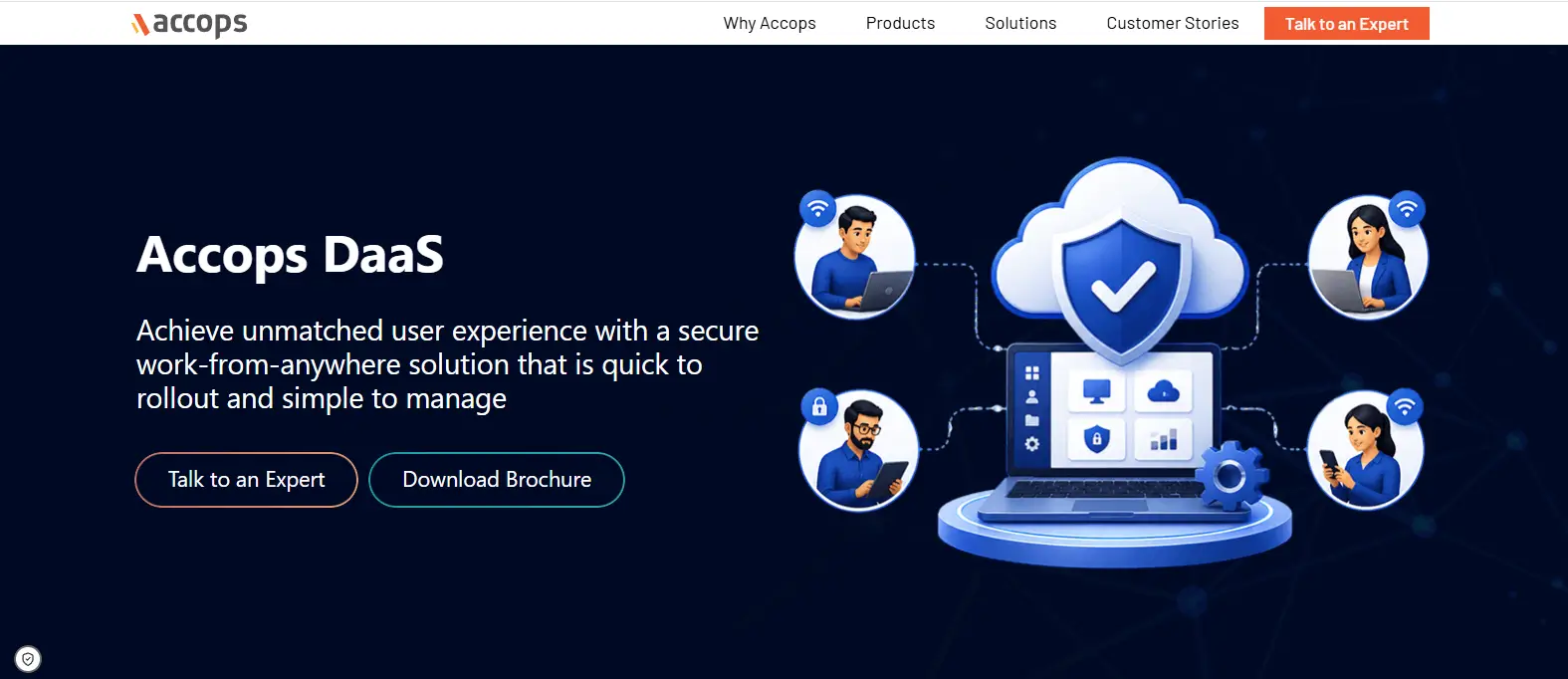
Accops DaaS is built with this reality in mind. The platform focuses heavily on secure access, identity verification, and endpoint protection, helping organizations deliver virtual desktops without exposing critical business resources. Rather than treating security as an optional add-on, Accops integrates protection mechanisms directly into the desktop delivery experience.
This security-first approach makes the platform particularly appealing to industries where data protection and regulatory compliance are major concerns. Organizations handling financial records, healthcare information, government data, or intellectual property often prioritize security controls before evaluating other features.
Highlights
- Secure Access Controls: Restricts access to authorized users while helping protect company data from unauthorized exposure.
- Multi-Factor Authentication: Strengthens identity verification by requiring additional authentication factors beyond passwords.
- Endpoint Security: Helps secure connections from personal devices and managed endpoints, reducing the risk of compromised user environments.
- Compliance-Oriented Design: Supports organizations that must meet regulatory requirements and maintain strong security governance practices.
Best For
Accops DaaS is best suited for financial institutions, healthcare organizations, government agencies, and businesses with strict security requirements. It is particularly valuable when employees need secure remote access to applications and data from a variety of locations and devices.
Limitations
Organizations focused primarily on desktop simplicity or application delivery may find some competing platforms offer broader ecosystem integrations or a more streamlined user experience. Advanced security capabilities can also require additional planning during deployment.
Pricing
Accops DaaS offers custom pricing based on deployment size, security requirements, user counts, support levels, and compliance needs. Organizations typically work directly with Accops to determine the most appropriate licensing and service model.
10. Elastic Desktop Service (Best DaaS Provider for Flexible Resource Scaling)
Overview
One of the biggest advantages of Desktop as a Service is the ability to scale resources when business needs change. Traditional desktop infrastructure often requires organizations to purchase hardware months in advance, estimate future demand, and maintain excess capacity just in case it is needed. Elastic Desktop Service is designed to remove much of that uncertainty.
The platform focuses on flexibility, allowing organizations to provision virtual desktops quickly and adjust resources as workforce requirements evolve. New users can be added without lengthy infrastructure projects, while unused resources can be reduced when demand declines. For businesses with seasonal staffing patterns, project-based workforces, or rapidly growing teams, that adaptability can be particularly valuable.
Because the service is built on cloud infrastructure, organizations gain access to scalable computing resources without investing in physical hardware or managing complex backend systems. This can simplify desktop delivery while helping align costs more closely with actual usage.
Highlights
- On-Demand Provisioning: Allows virtual desktops to be created quickly as new employees, contractors, or project teams come online.
- Elastic Scaling: Resources can scale up or down based on changing business requirements, helping organizations avoid overprovisioning.
- Multiple Desktop Configurations: Supports different desktop profiles, performance tiers, and workload requirements across diverse user groups.
- Cloud Infrastructure: Leverages cloud-based resources to simplify deployment and reduce dependence on physical infrastructure.
Best For
Elastic Desktop Service is best suited for organizations with fluctuating workforce demands, seasonal staffing needs, distributed teams, or rapidly changing business requirements. It is particularly useful when desktop resources must be adjusted frequently without significant operational overhead.
Limitations
Organizations seeking highly customized desktop virtualization environments or extensive application delivery capabilities may find some enterprise-focused platforms offer greater flexibility. Resource usage must also be monitored carefully, as scaling additional virtual machine resources can increase costs over time.
Pricing
Elastic Desktop Service typically uses flexible pricing models based on resource consumption, desktop configurations, storage requirements, and active users. Costs generally increase as organizations add dedicated desktops, compute capacity, and additional cloud resources.
11. Workspot (Best DaaS Provider for Global Enterprise Deployments)
Overview
As organizations expand across regions and support increasingly distributed workforces, desktop performance becomes more than a convenience. It becomes a business requirement. Users expect the same experience whether they are working from headquarters, a branch office, a home workspace, or a hotel room halfway around the world. Workspot was built with this challenge in mind.
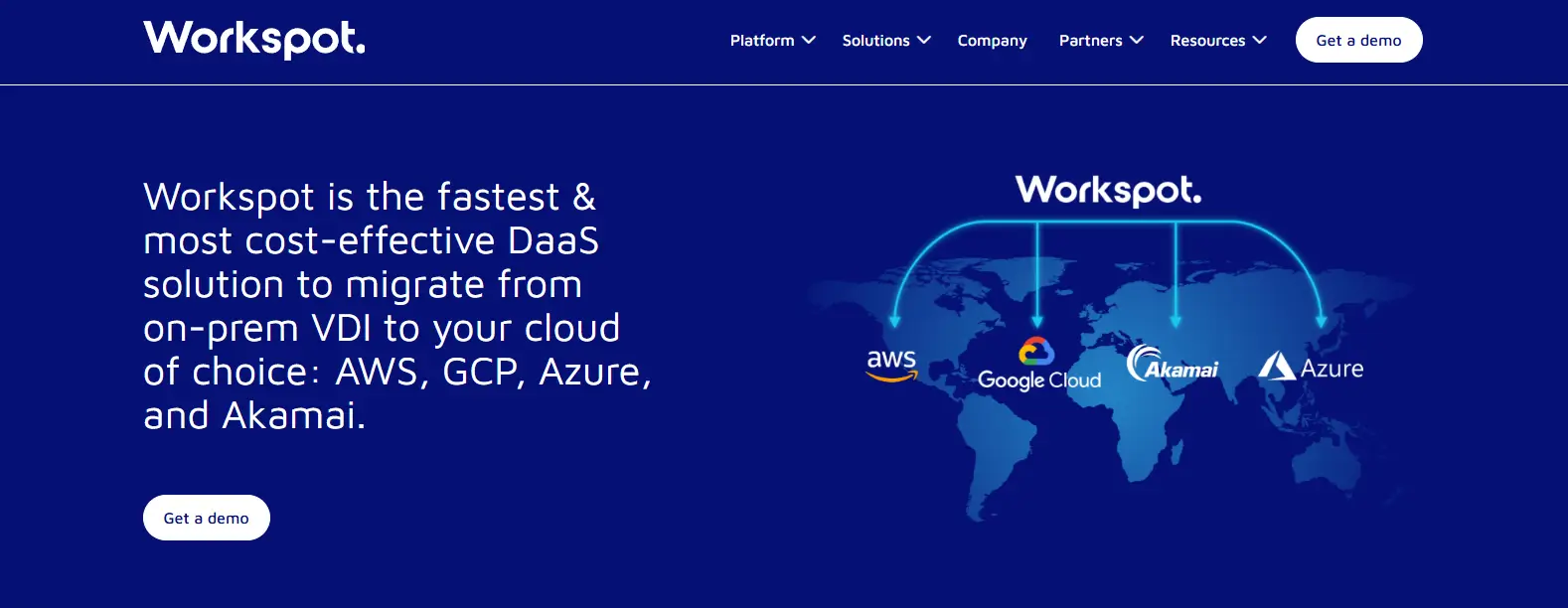
Unlike many traditional desktop virtualization platforms that evolved from on-premises infrastructure, Workspot was designed as a cloud-native service from the beginning. This architecture allows organizations to leverage public cloud resources while simplifying the delivery of virtual desktops at scale. For enterprises supporting thousands of users across multiple locations, that distinction can have a meaningful impact on performance and operational efficiency.
The platform also supports multi-cloud strategies, helping organizations avoid dependence on a single cloud provider while maintaining flexibility in how resources are deployed and managed.
Highlights
- Cloud-Native Architecture: Built specifically for cloud delivery, reducing dependence on traditional backend infrastructure and simplifying deployment.
- Multi-Cloud Support: Supports deployments across multiple cloud providers, giving organizations greater flexibility and resilience.
- Enterprise Performance: Designed to deliver consistent desktop experiences for users across geographically dispersed environments.
- Centralized Management: Provides unified administration tools for managing users, desktops, policies, and resources from a single interface.
Best For
Workspot is best suited for large enterprises, global organizations, and businesses supporting distributed workforces or hybrid teams across multiple regions. It is particularly valuable when desktop performance and scalability must remain consistent regardless of user location.
Limitations
Organizations with relatively simple desktop requirements may find Workspot’s enterprise-focused capabilities more extensive than necessary. Deployment planning can also be more involved than with smaller-scale DaaS solutions designed for straightforward use cases.
Pricing
Workspot offers custom pricing based on user counts, deployment scale, cloud infrastructure requirements, support services, and performance needs. Organizations typically engage directly with Workspot to develop a pricing model aligned with their operational and business objectives.
12. FlexxDesktop (Best DaaS Provider for Small and Mid-Sized Businesses)
Overview
Large enterprises often have dedicated virtualization teams, specialized infrastructure expertise, and significant technology budgets. Small and mid-sized businesses typically operate under very different conditions. Resources are tighter, IT teams are smaller, and technology investments must deliver value quickly. FlexxDesktop is designed with these realities in mind.
The platform provides Desktop as a Service through a managed approach that reduces the complexity traditionally associated with virtual desktop deployments. Instead of spending months designing infrastructure or maintaining desktop environments internally, organizations can leverage a hosted solution that simplifies deployment and day-to-day management.
For many SMBs, this approach can help accelerate digital transformation initiatives while reducing the burden on internal staff. It also enables businesses to support remote employees, contractors, and hybrid work arrangements without making significant investments in new hardware or expanding the company network.
Highlights
- Managed Desktops: Provides fully managed virtual desktop environments that reduce administrative overhead and simplify operations.
- Dedicated Support: Offers access to support resources that help organizations troubleshoot issues and maintain productivity.
- Rapid Deployment: Enables businesses to provision desktops quickly without lengthy infrastructure projects or extensive implementation cycles.
- Business Continuity: Supports workforce resilience by allowing users to access desktop environments from virtually any location with an internet connection.
Best For
FlexxDesktop is best suited for small businesses, growing organizations, professional services firms, and companies seeking a managed service approach to desktop delivery. It is particularly valuable for organizations with limited internal IT resources.
Limitations
Businesses requiring highly customized desktop virtualization architectures or advanced enterprise management capabilities may find larger DaaS platforms offer more extensive feature sets. Organizations with complex compliance requirements may also need additional security and governance controls.
Pricing
FlexxDesktop typically offers subscription-based pricing that varies according to user counts, desktop configurations, support requirements, and service levels. Organizations generally work directly with the provider to develop a package aligned with their operational needs and growth plans.
13. Apps4Rent (Best DaaS Provider for Cost-Conscious Organizations)
Overview
Not every organization needs a highly customized enterprise desktop platform. In many cases, the priority is straightforward: provide reliable cloud desktops, maintain business continuity, and control costs. Apps4Rent positions itself in that space by offering hosted desktop services designed to simplify desktop delivery without requiring significant infrastructure investments.
The company has built its reputation around managed cloud solutions, including hosted Windows desktops and application hosting services. Rather than asking organizations to design and manage complex virtual desktop environments, Apps4Rent provides a service-oriented approach that can help reduce operational overhead and accelerate deployment.
This model is particularly attractive to organizations that want the benefits of Desktop as a Service without taking on the complexity often associated with larger enterprise platforms. For smaller businesses and budget-conscious organizations, simplicity can sometimes be just as valuable as advanced functionality.
Highlights
- Hosted Windows Desktops: Delivers fully managed Windows desktops that users can access securely from virtually any location.
- Application Hosting: Supports the hosting and delivery of business applications without requiring local installation on user devices.
- Flexible Plans: Offers multiple service tiers and flexible pricing models to accommodate different organizational needs and budgets.
- Migration Assistance: Provides support for organizations moving from traditional desktop environments to cloud-based desktop services.
Best For
Apps4Rent is best suited for small and mid-sized organizations, professional services firms, and businesses seeking a cost-effective entry point into Desktop as a Service. It is particularly valuable for organizations that prioritize affordability and operational simplicity.
Limitations
Compared to enterprise-focused DaaS providers, Apps4Rent may offer fewer advanced management capabilities, automation features, and large-scale customization options. Organizations with highly specialized workloads or complex compliance requirements may require additional evaluation.
Pricing
Apps4Rent offers subscription-based pricing with plans that vary based on desktop specifications, storage requirements, user counts, and support levels. Its flexible pricing models make it a practical option for organizations looking to balance functionality with budget considerations.
How Do You Choose the Right DaaS Provider for Your Organization?
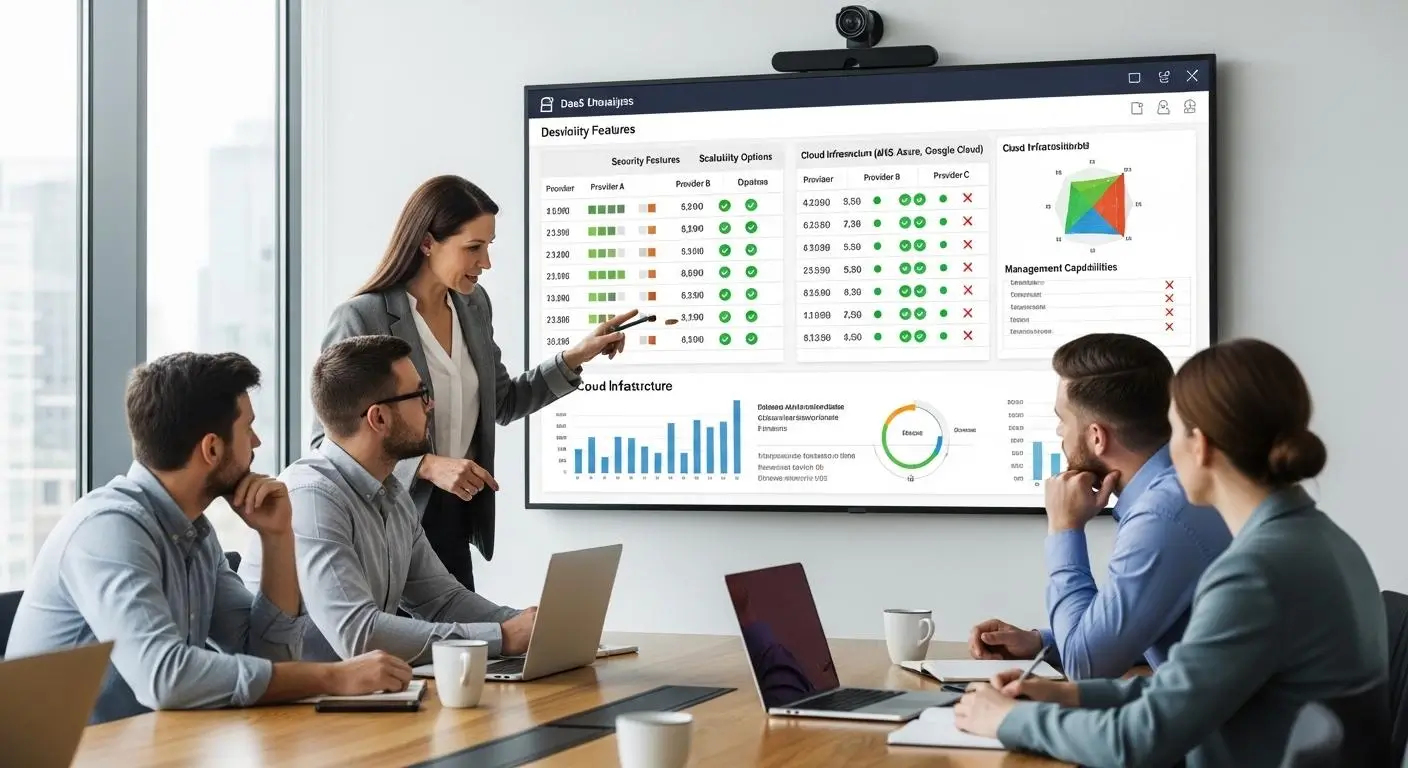
Choosing a Desktop-as-a-service provider is rarely about finding the platform with the longest feature list. The more important question is whether the platform aligns with your organization’s infrastructure, security requirements, workforce model, and long-term growth plans.
A solution that works perfectly for a Microsoft-centric enterprise may not be the right fit for an organization built around AWS. Likewise, a company with a small IT team will often prioritize simplicity and managed services, while larger enterprises may require deeper customization and infrastructure control.
Before making a decision, focus on the factors that will have the greatest impact on daily operations and future scalability.
How Important Is Microsoft, AWS, or Multi-Cloud Integration?
Your existing cloud strategy should play a significant role in platform selection. The closer a DaaS provider aligns with your current technology investments, the easier deployment and ongoing management tend to become.
Consider the following:
- Microsoft-Focused Organizations: Azure Virtual Desktop and Windows 365 integrate closely with Microsoft 365, Azure services, Microsoft Teams, and identity management tools. These platforms often provide the most seamless experience for businesses already invested in the Microsoft ecosystem.
- AWS-Centric Environments: Amazon WorkSpaces works naturally with AWS services, making it an attractive option for organizations that already host workloads within Amazon’s cloud platform.
- Multi-Cloud Strategies: Citrix DaaS and Workspot support deployments across multiple cloud providers, helping organizations maintain flexibility while avoiding dependence on a single vendor.
Choosing a platform that complements your cloud strategy can simplify administration and reduce long-term operational friction.
What Security and Compliance Requirements Must You Meet?
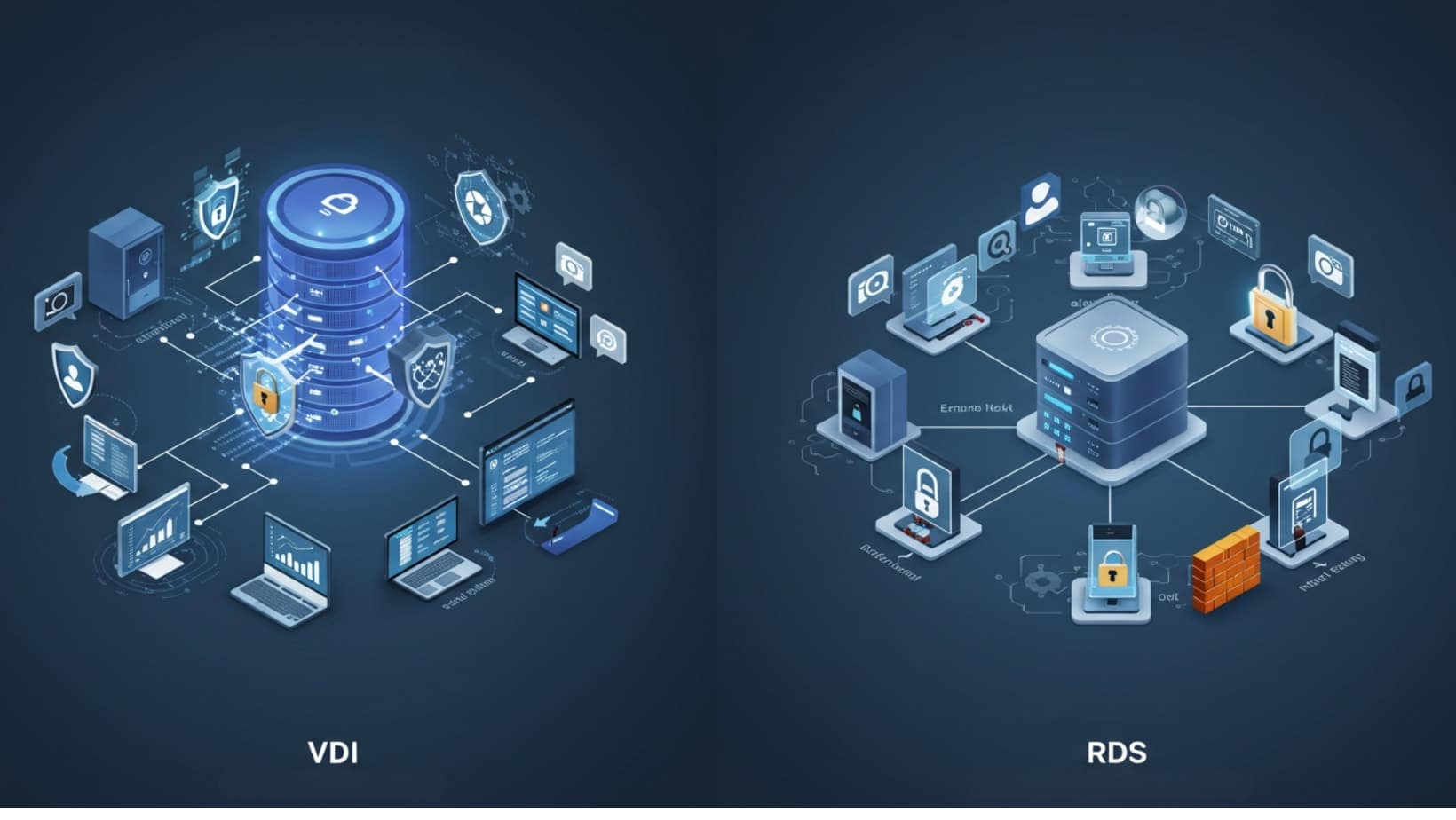
Security is often one of the primary reasons organizations adopt Desktop as a Service. Since applications and data remain centralized, DaaS can reduce many of the risks associated with local devices and distributed workforces.
When evaluating providers, pay close attention to:
- Multi-Factor Authentication: Strong identity verification helps prevent unauthorized access and strengthens account security.
- Industry Compliance: Organizations in healthcare, finance, education, and government sectors should verify support for relevant compliance frameworks and certifications.
- Data Protection: Centralized storage can help reduce data loss risks while simplifying backup and recovery processes.
- Access Controls: Granular permissions and policy management help ensure users can access only the resources they need.
Security requirements vary widely between industries. The right platform should align with both regulatory obligations and internal governance standards.
Do You Need Persistent Desktops, Shared Desktops, or Virtual Apps?
Not every user requires the same type of desktop experience. Understanding how employees work can help determine which delivery model provides the best balance of performance and cost.
- Persistent Desktops: Provide each user with a dedicated desktop that retains applications, settings, and preferences between sessions. Windows 365 is a strong example of this approach.
- Pooled Desktops: Allow multiple users to share common resources, helping reduce costs and improve resource utilization. Azure Virtual Desktop and Omnissa support this model effectively.
- Virtual Apps: Deliver individual applications without providing a complete desktop environment. This can reduce licensing and infrastructure costs while simplifying access.
- Specialized Software Support: Organizations that rely on graphics applications, engineering tools, analytics platforms, or academic software should verify compatibility before selecting a provider.
The right desktop model depends on workload requirements, user expectations, and budget considerations.
How Much Infrastructure Management Does Your IT Team Want to Handle?
Some organizations want complete control over desktop environments. Others would prefer to focus on strategic initiatives rather than managing infrastructure.
Your answer will influence which DaaS providers deserve serious consideration.
- Fully Managed Services: Providers such as Anunta Enterprise DaaS, FlexxDesktop, and Apps4Rent handle much of the operational workload, reducing demands on internal teams.
- Self-Managed Options: Platforms such as Azure Virtual Desktop offer greater flexibility and customization but often require more involvement from your IT team.
- Operational Complexity: Advanced platforms can deliver powerful capabilities, but they may also introduce additional administration, monitoring, and optimization responsibilities.
- Long-Term Scalability: Consider how easily the platform can accommodate future growth. The best DaaS providers allow virtual desktops to scale in individual user increments without requiring major infrastructure changes.
Ultimately, the right DaaS provider is the one that aligns with your organization’s technical capabilities, business priorities, and future growth plans, not necessarily the one with the most features.
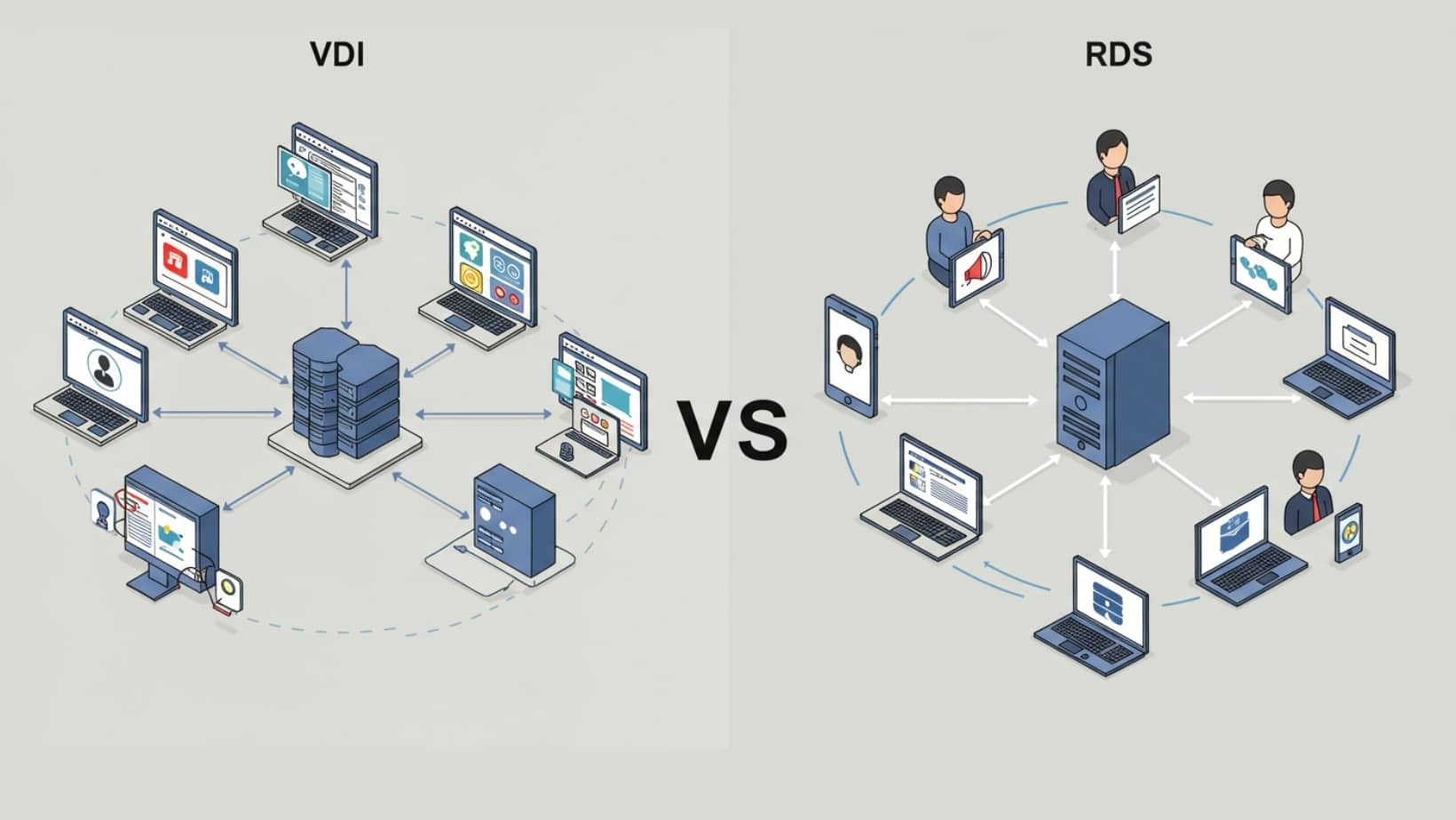
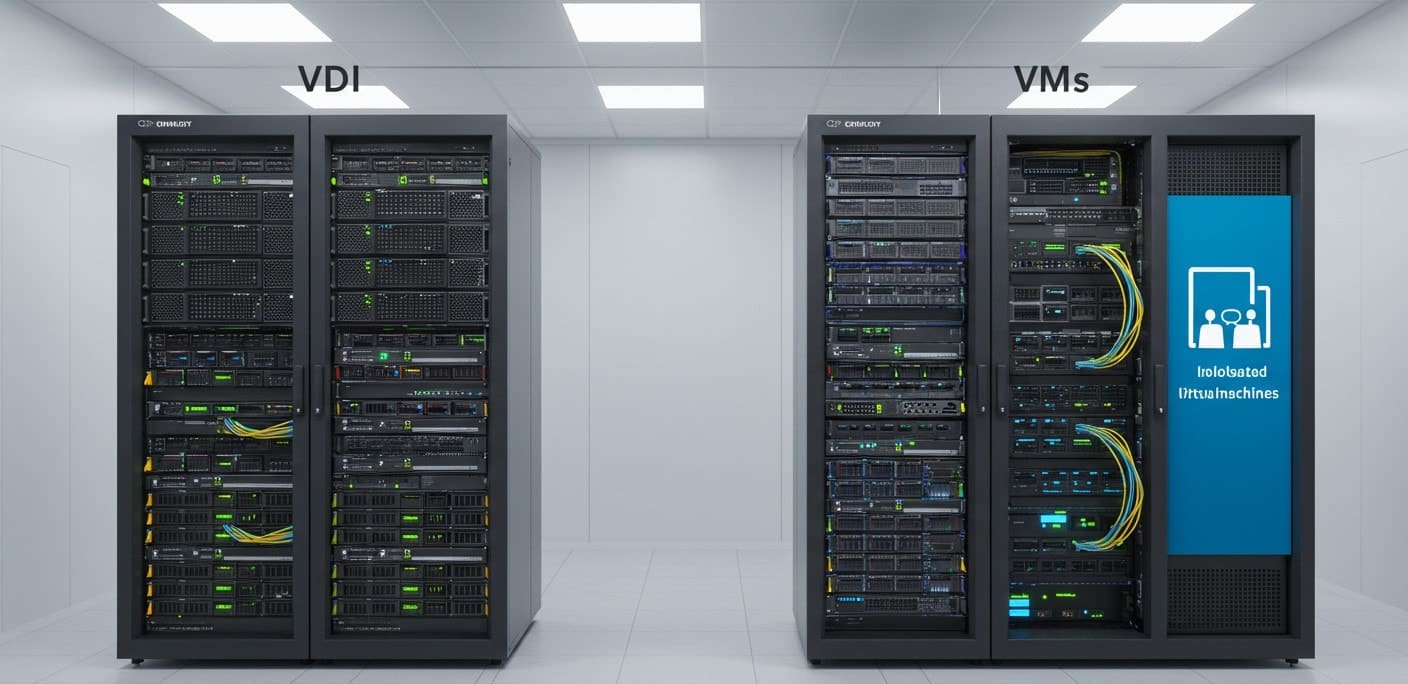
What Are the Biggest Advantages of DaaS Compared to Traditional VDI?

For years, organizations relied on traditional VDI to provide centralized desktop environments. For MSPs and service providers, this shift can also create opportunities to deliver branded desktop services without building and managing a complete VDI environment internally. This is where white label VDI solutions can be particularly relevant.
Cloud desktops for MSPs can take this model further by giving service providers a scalable way to deliver and manage desktop environments for their customers without carrying the full infrastructure burden themselves.
While effective, virtual desktop infrastructure often requires significant investments in hardware, licensing, storage, networking, and specialized expertise. As organizations look for ways to support distributed workforces more efficiently, Desktop as a Service has emerged as a compelling alternative.
The key difference is responsibility. With traditional VDI, your organization manages much of the infrastructure. With DaaS, a cloud provider handles much of the backend environment, reducing operational complexity and allowing internal teams to focus on higher-value initiatives.
Some of the biggest advantages include:
- Reduced Infrastructure Costs: DaaS minimizes the need for expensive on-premises hardware, data center resources, and ongoing infrastructure upgrades. Many organizations can also extend the life of existing endpoint devices and thin clients.
- Faster Scalability: Virtual desktops can be provisioned on demand, allowing organizations to add or remove users quickly without purchasing additional hardware months in advance.
- Simplified Management: Much of the infrastructure management burden shifts to the provider, reducing administrative overhead for IT teams.
- Improved Security: Data remains centralized within managed environments rather than being stored on local devices. Many DaaS providers also include multi-factor authentication, access controls, and compliance-focused security measures.
- Support for Remote and Hybrid Teams: Employees can securely access applications and desktops from virtually any location, helping organizations support a modern hybrid workforce.
- Predictable Pricing Models: Instead of large upfront capital investments, DaaS typically provides subscription-based pricing that aligns costs with actual usage. Understanding DaaS pricing can help organizations evaluate how providers structure these costs and determine which pricing model best fits their usage requirements.
For many organizations, the appeal of DaaS is not simply cloud desktops. It is the ability to gain flexibility, security, and scalability without assuming the operational burden that traditional VDI often requires.
Conclusion
The best DaaS provider ultimately depends on how your organization balances user experience, security, scalability, and operational efficiency. Some platforms prioritize simplicity, while others focus on enterprise-grade customization and infrastructure flexibility.
If browser-based desktop delivery is your top priority, Apporto stands out with its ability to provide virtual desktops without requiring local client installations. Organizations deeply invested in the Microsoft ecosystem will find Azure Virtual Desktop difficult to ignore, particularly with its support for multi-session Windows environments and Microsoft 365 integration. For businesses that value simplicity and predictable desktop experiences, Windows 365 offers one of the most straightforward cloud PC models available today.
Organizations already operating within AWS may benefit from the seamless integration offered by Amazon WorkSpaces. Large enterprises requiring advanced desktop virtualization capabilities, hybrid cloud deployments, and detailed administrative controls should consider Citrix DaaS. Meanwhile, businesses with significant VMware investments may find Omnissa Horizon Cloud provides the smoothest transition path toward modern cloud desktop delivery.
Before making a decision, evaluate your application requirements, security obligations, management preferences, and future growth plans. The right platform should support where your organization is today while remaining flexible enough to accommodate tomorrow’s demands.
If you’re looking for browser-based virtual desktops with simplified management, scalable delivery, and support for specialized applications, explore Apporto and see how modern DaaS can reduce complexity while improving accessibility.
Frequently Asked Questions (FAQs)
1. What is the best DaaS provider in 2026?
The best DaaS provider depends on your organization’s requirements. Apporto is a strong choice for browser-based virtual desktops, Azure Virtual Desktop excels in Microsoft environments, and Citrix DaaS remains a leading option for enterprises requiring advanced management and hybrid deployment capabilities.
Traditional VDI requires organizations to manage their own infrastructure, including servers, storage, and desktop environments. DaaS shifts those responsibilities to a cloud provider, reducing infrastructure management, lowering operational complexity, and improving scalability for growing organizations.
3. Which DaaS provider works best with Microsoft 365?
Azure Virtual Desktop is generally the strongest option for Microsoft 365 users. It integrates closely with Microsoft Teams, Azure Active Directory, OneDrive, and other Microsoft services, creating a seamless experience for organizations already invested in the Microsoft ecosystem.
4. Can DaaS support specialized software applications?
Yes. Many DaaS providers support specialized software, including engineering tools, design applications, analytics platforms, and industry-specific workloads. Platforms such as Apporto are particularly well known for delivering specialized software through cloud-based virtual desktops without relying on powerful local hardware.
5. Is DaaS secure enough for regulated industries?
Modern DaaS platforms typically include multi-factor authentication, centralized data storage, access controls, compliance certifications, and advanced security measures. Many providers also conduct regular security audits and support industry standards required by healthcare, finance, government, and education organizations.
6. How much does Desktop as a Service cost?
Desktop as a Service pricing varies significantly based on desktop specifications, user counts, storage requirements, operating systems, and support services. Some providers offer predictable monthly subscriptions, while others use consumption-based pricing models tied to actual resource usage.