
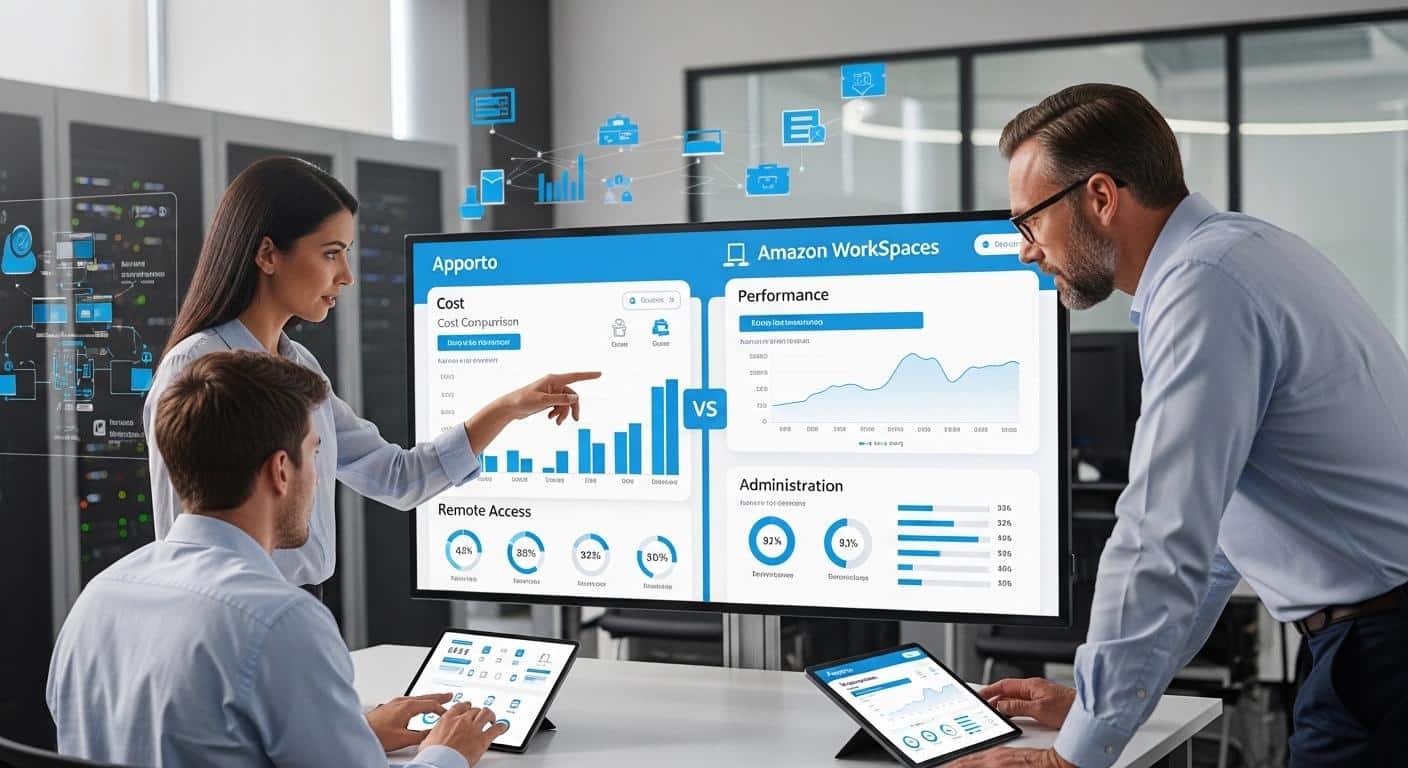
What Is the Difference Between Apporto & Amazon WorkSpaces?
Apporto and Amazon WorkSpaces both deliver cloud-based virtual desktops, but they differ in management and accessibility. Amazon WorkSpaces offers AWS-based desktop flexibility and customization, while Apporto provides a browser-based, fully managed experience designed to simplify deployment, reduce administrative overhead, and improve user accessibility.
Virtual desktops have become a practical way for organizations to support remote work while giving users secure access to applications and data from almost any device. As reliance on cloud based desktops grows, many teams are moving away from physical hardware in favor of more flexible solutions.
Apporto and Amazon WorkSpaces are two well-known platforms in this space. Both deliver virtual desktops, but they differ in how they handle deployment, security, management, user access, and costs.
In this Apporto vs Amazon WorkSpaces comparison, you’ll explore the differences between each solution and learn which platform may better align with your organization’s needs in 2026.
What Is the Difference Between Apporto and Amazon WorkSpaces?
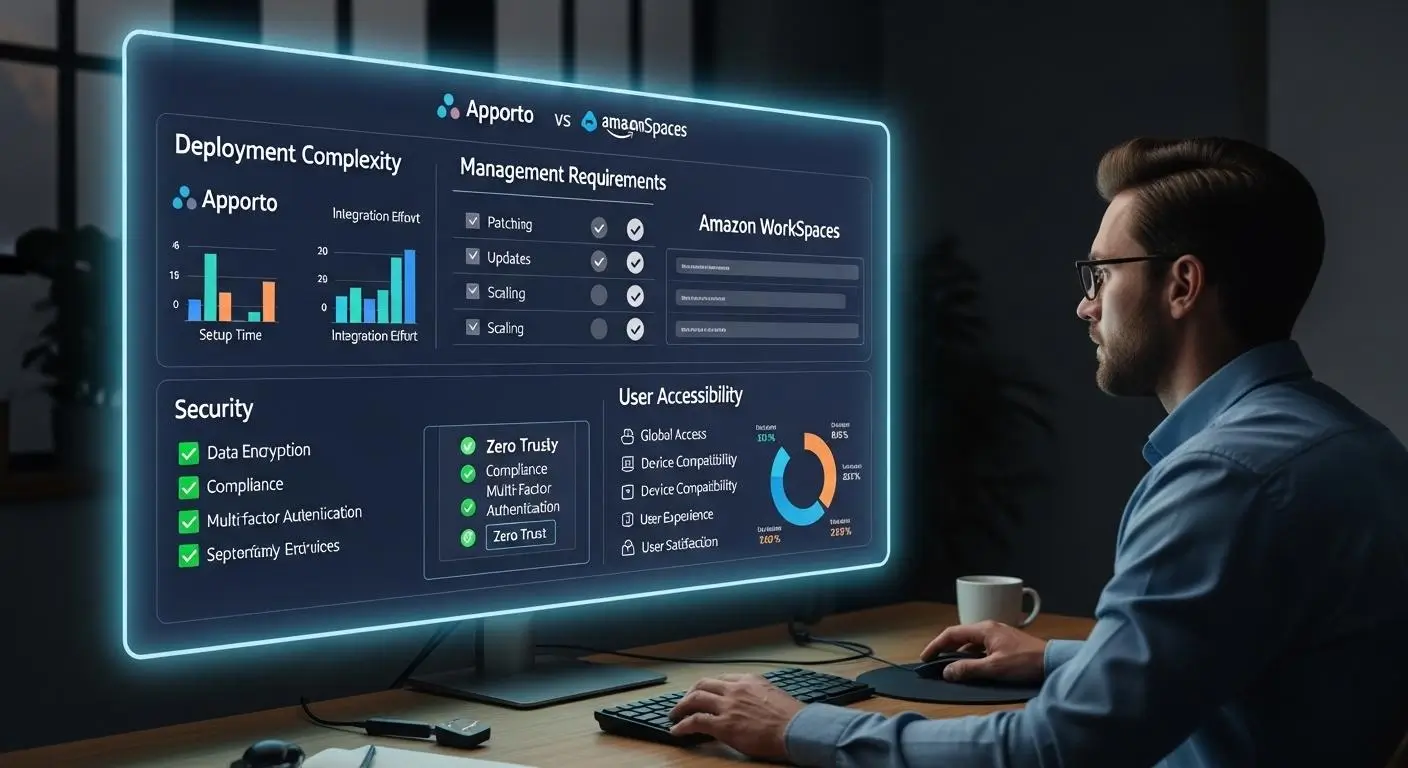
Both Apporto and Amazon WorkSpaces help organizations deliver virtual desktops through the cloud. They allow users to access applications, files, and computing resources without relying entirely on local devices. Both platforms support remote work, centralized management, and scalable desktop delivery.
The differences emerge when you look at how each solution is designed and managed. Amazon WorkSpaces is an AWS-managed desktop as a service offering. It gives organizations cloud-hosted Windows and Linux desktops running on AWS infrastructure. Because it is closely tied to the AWS ecosystem, organizations can integrate WorkSpaces with other AWS services and customize environments according to their operational requirements.
Apporto takes a different approach. It is designed as a browser-first virtual desktop platform that emphasizes simplicity, accessibility, and ease of management. Instead of requiring users to configure local clients or navigate complex infrastructure decisions, Apporto focuses on delivering desktops through a streamlined browser experience.
This distinction influences everything from deployment to day-to-day administration.
Amazon WorkSpaces is often attractive to organizations that already have AWS expertise and want flexibility in how they manage desktop environments. Apporto appeals to organizations looking for a fully managed service that minimizes operational overhead and reduces technical barriers for end users.
Neither approach is inherently better. The right choice depends on your technical resources, management preferences, and long-term objectives.
Core Differences
- Deployment Model Apporto delivers a fully managed virtual desktop experience, while Amazon WorkSpaces operates as an AWS-managed Desktop as a Service platform built on AWS infrastructure.
- Access Methods Apporto emphasizes browser-based access, while Amazon WorkSpaces commonly uses dedicated client applications alongside web-based access options.
- Infrastructure Management Apporto handles much of the underlying infrastructure on behalf of customers. Amazon WorkSpaces gives organizations more responsibility for managing AWS-related configurations and environments.
- User Experience Apporto focuses on simplicity and accessibility, reducing setup requirements for users. Amazon WorkSpaces provides greater flexibility but may involve additional configuration steps.
- Pricing Structure Apporto generally follows a straightforward per-user pricing model, while Amazon WorkSpaces offers monthly and hourly billing options that can vary depending on desktop configurations and usage patterns.
These differences may seem subtle at first, but they become much more significant when you examine how each platform actually delivers virtual desktops and supports users on a daily basis.
How Do Apporto and Amazon WorkSpaces Deliver Virtual Desktops?

To understand the practical differences between these platforms, it helps to look at how they deliver virtual desktops behind the scenes.
At their core, virtual desktops separate the computing environment from the physical device being used. Applications, files, and desktop resources are hosted in centralized environments, while users connect remotely to access them. This allows organizations to provide consistent desktop experiences, simplify management, and support employees or students working from different locations.
Both Apporto and Amazon WorkSpaces achieve this goal, but their delivery models are noticeably different.
Amazon WorkSpaces is built around AWS infrastructure and provides cloud-hosted desktops that organizations can provision and manage through the AWS ecosystem. Apporto focuses on a browser-first experience that removes much of the complexity typically associated with virtual desktop infrastructure.
These architectural choices influence deployment, administration, accessibility, and the overall user experience.
How Does Amazon WorkSpaces Deliver Remote Desktop Access?
Amazon WorkSpaces is a fully managed desktop computing solution that runs on AWS infrastructure. Organizations can provision cloud desktops for users without maintaining their own physical hardware or traditional data center resources.
The platform supports both Windows and Linux desktops, giving organizations flexibility when supporting different workloads and user requirements. It also offers persistent and non-persistent desktop options. Persistent desktops retain user settings and files between sessions, while non-persistent desktops provide a fresh environment each time a user logs in.
Users typically access their WorkSpaces through a client application available on PCs, Macs, tablets, and other supported devices. This model allows organizations to deliver cloud desktops while leveraging AWS services for scalability and management.
For organizations already invested in AWS, the experience can feel like a natural extension of their existing cloud strategy.
How Does Apporto Deliver Browser-Based Virtual Desktops?
Apporto takes a different route. Rather than relying on dedicated client software, Apporto delivers virtual desktops through a browser based model.
Users simply log in through a web browser and access desktops, applications, and resources without installing local clients or configuring device-specific software.
This approach reduces technical barriers and simplifies onboarding. It also makes it easier to provide consistent access across different devices and operating systems.
Like Amazon WorkSpaces, Apporto supports desktop delivery through the cloud. The key difference is that the browser-first experience minimizes setup requirements while maintaining accessibility and performance.
These differences become even more important when evaluating deployment timelines, infrastructure requirements, and the amount of administrative effort required to get each platform up and running.
How Do Deployment and Setup Compare Between Apporto and Amazon WorkSpaces?

Deployment is often where the practical differences between virtual desktop platforms become most visible. A solution may offer strong features on paper, but if implementation takes months, requires extensive configuration, or creates additional burdens for IT teams, the value equation changes quickly.
Organizations evaluating virtual desktop solutions are increasingly looking beyond feature lists. They want to know how much effort is required to get users up and running, how much infrastructure must be managed, and how much ongoing administrative work will be required after deployment. This is an area where Apporto and Amazon WorkSpaces follow different philosophies.
Amazon WorkSpaces provides a managed desktop service built on AWS infrastructure, giving organizations flexibility and scalability within the AWS ecosystem. Apporto focuses on simplifying deployment and reducing operational complexity through a browser-first, fully managed approach.
What Is Required to Deploy Amazon WorkSpaces?
Amazon WorkSpaces eliminates much of the complexity associated with traditional on-premises virtual desktop infrastructure, but deployment still requires organizations to configure and manage AWS resources.
Before users can begin working, administrators typically need to establish AWS environments, configure networking, integrate identity services, define desktop policies, and set up user access. For organizations already familiar with AWS infrastructure, these tasks may fit naturally into existing processes.
One advantage of WorkSpaces is quick provisioning. New desktops can often be created and assigned relatively quickly once the environment has been configured. The platform also allows organizations to scale desktop deployments without purchasing additional physical hardware.
That said, AWS configuration and ongoing management responsibilities remain part of the equation. IT teams must continue monitoring environments, managing policies, and maintaining supporting services as the deployment grows.
How Does Apporto Simplify Deployment?
Apporto was designed with simplicity as a primary objective. As a fully managed platform, it removes many of the deployment tasks that traditionally consume time and resources.
Organizations do not need to manage extensive AWS infrastructure, configure desktop clients, or perform driver-level setup before users can access their desktops.
The browser-based model further simplifies implementation. Because there are no local client requirements, onboarding users becomes faster and less dependent on device-specific configurations.
For organizations seeking a straightforward deployment process, this reduction in complexity can significantly decrease administrative workload while accelerating time to value.
Deployment Comparison Table
| Category | Apporto | Amazon WorkSpaces |
|---|---|---|
| Setup Time | Designed for rapid deployment with minimal configuration requirements | Quick desktop provisioning available, but initial AWS setup and configuration are required |
| Infrastructure Management | Fully managed platform with reduced infrastructure responsibilities | Requires management of AWS-related resources, configurations, and supporting services |
| Client Installation | No driver or local client configuration required, access through a browser | Commonly accessed through a client application, depending on deployment preferences |
| Administrative Effort | Lower ongoing management burden due to the fully managed approach | Requires administrators to manage environments, user access, and AWS configurations |
| User Onboarding | Streamlined onboarding with browser-based access and fewer setup steps | User onboarding depends on environment configuration and client setup requirements |
Deployment is only part of the story, however. Once the platform is operational, the next question becomes much more user-focused: how easy is it for people to access their desktops and applications on a daily basis.
Which Platform Is Easier for End Users to Access?

A virtual desktop platform can have impressive security controls and powerful infrastructure capabilities, but the user experience ultimately determines how successful it will be.
If users struggle to connect, require extensive setup, or depend heavily on IT support, adoption can become an ongoing challenge. This is where accessibility becomes a major differentiator.
Both Apporto and Amazon WorkSpaces are designed to provide remote desktop access from multiple locations and devices. They support modern work environments where users may connect from offices, homes, classrooms, or while traveling. However, the path users take to reach their desktops differs.
Amazon WorkSpaces allows users to access cloud desktops from PCs, Macs, tablets, and other supported devices. This flexibility makes it possible to support a wide range of work environments. In many cases, users connect through a dedicated client application that provides access to their assigned desktop environment.
Apporto focuses on reducing friction. Its browser-first model allows users to connect directly through a web browser without local software configuration. This simplifies onboarding and minimizes compatibility concerns across different devices.
For organizations supporting large numbers of employees, students, contractors, or temporary users, reducing setup requirements can significantly improve the overall experience.
What Makes Virtual Desktop Access Simpler?
- Browser-Based Access Apporto delivers desktops and applications through a browser, allowing users to connect without installing specialized software.
- Minimal Client Application Requirements Amazon WorkSpaces commonly relies on client applications, while Apporto eliminates much of the software setup process through its browser-based approach.
- Support for Personal Devices Both platforms allow users to access desktops from personal devices, helping organizations support flexible work and learning environments.
- Remote Work Accessibility Users can access resources from virtually anywhere with an internet connection, making both platforms suitable for distributed teams and hybrid workforces.
- Simplified User Experience Reducing login complexity, installation requirements, and configuration steps can lead to faster onboarding and fewer support requests.
- Cross-Device Compatibility Access from desktops, laptops, tablets, and other devices helps ensure users can remain productive regardless of where they are working.
Ease of access is important, but convenience must be balanced with security. As organizations expand remote access and support more personal devices, protecting sensitive data becomes increasingly critical. The next step is examining how Apporto and Amazon WorkSpaces approach security, compliance, and access control.
How Do Security Features Compare Between Apporto and Amazon WorkSpaces?

Security is one of the most important considerations when evaluating cloud desktops. As organizations support remote work, hybrid workforces, and access from personal devices, the challenge is no longer simply delivering desktops. The challenge is ensuring users can access applications and data securely without introducing unnecessary risk.
Virtual desktop platforms help address this challenge by centralizing applications, desktops, and sensitive data rather than distributing them across individual endpoints. This creates opportunities for stronger oversight, centralized policy enforcement, and more consistent security controls.
Both Apporto and Amazon WorkSpaces provide secure virtual desktop environments, but they approach security management differently.
Amazon WorkSpaces benefits from the broader AWS ecosystem and offers access to a wide range of security tools, identity services, and access control mechanisms. However, many of these protections depend on how the environment is configured and maintained. Misconfigured IAM policies, improperly managed encryption settings, or overly permissive access controls can create security gaps if not actively monitored.
Apporto takes a more streamlined approach. As a browser-based, Zero Trust VDI alternative, it focuses on reducing complexity while maintaining strong security protections. This can be particularly valuable for organizations that want secure virtual desktops without dedicating significant resources to infrastructure management and security configuration.
What Security Features Should Every Virtual Desktop Platform Include?
Regardless of which platform you choose, several core security capabilities should be considered essential:
- Multi-Factor Authentication Additional verification methods help reduce the risk of unauthorized account access.
- Data Encryption Data should remain encrypted during transmission and while stored to help protect sensitive information.
- Access Control Organizations need the ability to define and enforce user permissions based on roles and responsibilities.
- Identity Management Strong identity management ensures that only authorized users gain access to desktops, applications, and resources.
- Security Monitoring Continuous monitoring helps identify unusual activity, detect threats, and support compliance initiatives.
- Centralized Security Policies Managing security controls from a centralized location helps maintain consistency across environments.
Security is rarely determined by a single feature. More often, it depends on how effectively policies, identity controls, encryption, and monitoring work together.
Security Comparison Table
| Security Category | Apporto | Amazon WorkSpaces |
|---|---|---|
| Zero Trust Approach | Built as a Zero Trust VDI alternative that emphasizes secure browser-based access and centralized controls | Security depends on AWS architecture and customer configuration of policies, permissions, and network controls |
| Multi-Factor Authentication | Supports modern authentication practices to strengthen user verification | Can integrate with AWS and identity providers to support multi-factor authentication |
| Data Encryption | Protects desktops and data through centralized security controls | Supports encryption using AWS services, including AWS KMS, with encryption keys managed by customers |
| Access Controls | Simplified access management designed to reduce administrative complexity | Extensive IAM and access control capabilities, but misconfigured permissions can expose sensitive data |
| Compliance Support | Supports FERPA, HIPAA, and GDPR requirements, making it attractive for education and regulated environments | Compliance capabilities are available, but compliance depends heavily on how WorkSpaces and AWS services are configured |
| Identity Management | Streamlined identity and user management designed for ease of administration | Deep integration with AWS identity services and enterprise authentication systems |
Amazon WorkSpaces offers significant flexibility for organizations that want detailed control over their security environments. The tradeoff is that greater flexibility often brings greater responsibility. User access controls, network access control lists, and AWS KMS encryption configurations must be managed carefully to avoid introducing unnecessary risk.
Apporto’s approach focuses on simplifying security administration while maintaining strong protections. For many organizations, particularly those with smaller IT teams, reducing configuration complexity can help improve both security outcomes and operational efficiency.
Security, however, is only one part of the decision. Organizations must also consider how well a platform performs under real-world workloads and how easily it can scale as user demands grow over time.
How Do Performance and Scalability Compare?
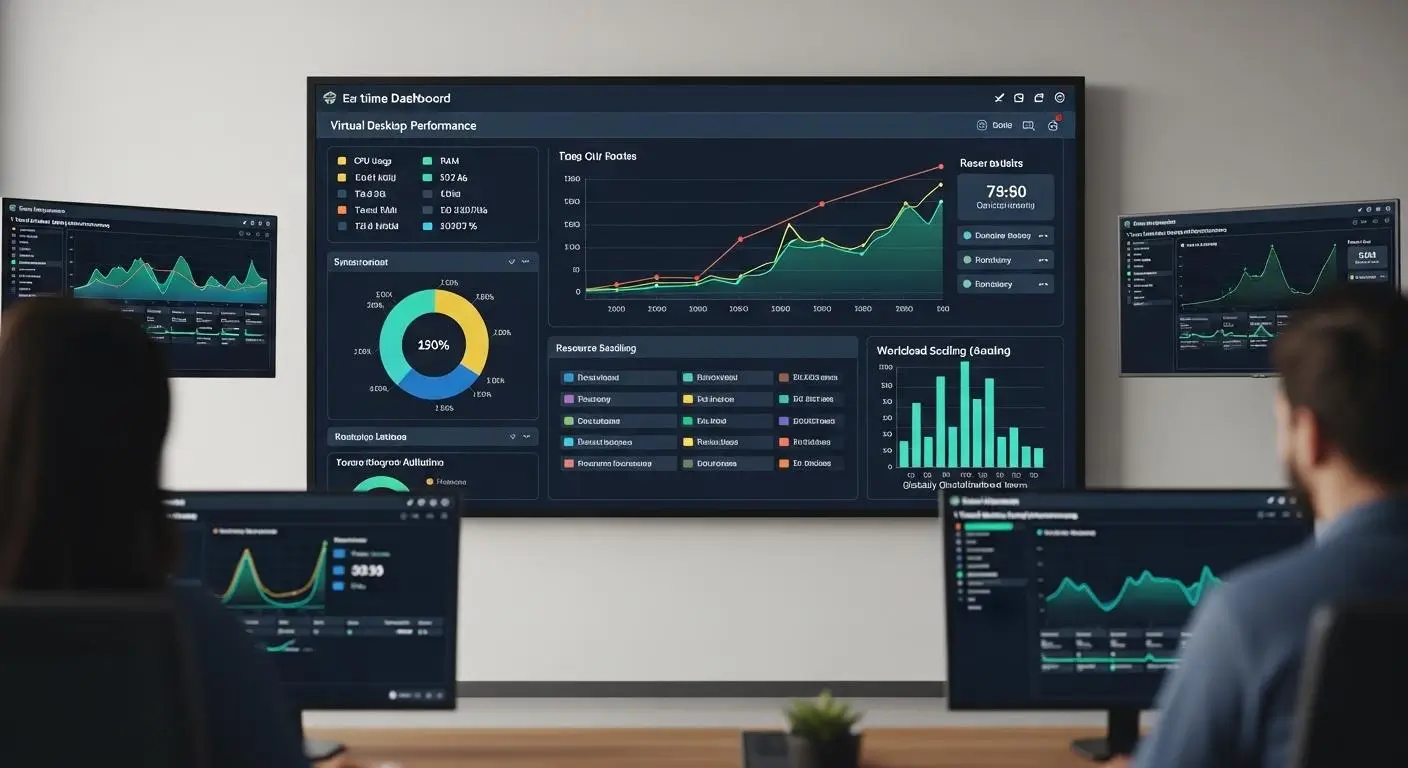
Security and accessibility are critical, but long-term success often comes down to performance and scalability. A virtual desktop platform must provide a reliable experience today while remaining capable of supporting future growth.
As organizations add users, applications, and workloads, the platform needs to scale without creating performance issues or increasing operational complexity. This is where the underlying architecture becomes especially important.
Both Apporto and Amazon WorkSpaces are designed to support growing organizations, but they approach resource allocation and desktop delivery differently. Amazon WorkSpaces leverages AWS infrastructure and extensive cloud resources. Apporto focuses on simplified desktop delivery that minimizes management overhead while maintaining a consistent experience for users.
The best choice depends on how much control your organization needs and how much complexity your IT team is prepared to manage.
Where Does Amazon WorkSpaces Excel?
Amazon WorkSpaces benefits from the scale and flexibility of AWS infrastructure. Organizations can quickly provision new desktops and expand environments as user demand increases. This ability to scale on demand is particularly useful for businesses supporting seasonal workloads, temporary staff, contractors, or rapidly growing teams.
The platform supports both persistent and non-persistent desktops. Persistent desktops retain user settings and files between sessions, while non-persistent desktops provide a clean environment whenever users log in. This flexibility allows organizations to align desktop configurations with specific operational needs.
Because WorkSpaces runs on AWS, organizations can take advantage of extensive cloud resources and virtual machines designed to support large scale environments. For enterprises already invested in AWS, this scalability can be a significant advantage.
Where Does Apporto Excel?
Apporto approaches performance from a different angle. Rather than emphasizing infrastructure customization, it focuses on delivering a streamlined and predictable desktop experience.
The platform is optimized for simplified desktop delivery, reducing many of the variables that can complicate performance management.
This approach can be especially beneficial for organizations that want reliable access to applications and desktops without dedicating substantial resources to infrastructure administration. By minimizing complexity, Apporto allows IT teams to focus more on users and less on resource tuning.
The result is a platform that balances scalability with operational simplicity, an increasingly valuable combination for organizations with lean IT teams.
Main Performance Considerations
- Quick Provisioning Amazon WorkSpaces enables rapid deployment of new desktops as organizational needs evolve.
- AWS Infrastructure Scalability The platform leverages AWS resources to support growth across small teams and large enterprise environments.
- Persistent and Non-Persistent Desktop Options Organizations can choose desktop models that align with user requirements and operational goals.
- Session Stability Consistent desktop performance depends on proper resource allocation, monitoring, and environment management.
- Simplified Desktop Delivery Apporto emphasizes predictable desktop experiences while reducing the complexity often associated with managing virtual machines and infrastructure resources.
Performance is only one side of the operational equation. As organizations grow, the financial impact of scaling virtual desktops becomes increasingly important. The next step is comparing how Apporto and Amazon WorkSpaces approach pricing, licensing, and total cost of ownership.
How Do Pricing and Total Cost of Ownership Compare?

Pricing is often one of the most important factors when evaluating virtual desktop platforms. Features matter. Security matters. Performance matters. Yet for many organizations, the long-term financial impact ultimately influences the final decision.
A platform’s subscription fee tells only part of the story. Organizations must also account for licensing costs, infrastructure expenses, administrative effort, scalability requirements, and the resources needed to maintain the environment over time.
These factors combine to create the total cost of ownership, a metric that often reveals differences that are easy to overlook during an initial evaluation. This is an area where Apporto and Amazon WorkSpaces take noticeably different approaches.
Amazon WorkSpaces offers flexible billing models tied to usage and desktop configurations. Apporto emphasizes simplicity through a more predictable pricing structure designed to reduce budgeting uncertainty.
Why Can Amazon WorkSpaces Costs Vary?
Amazon WorkSpaces provides flexibility through both monthly and hourly billing options. This allows organizations to align spending with actual usage patterns rather than paying for resources that remain idle.
For some businesses, this can be a cost effective model. However, flexibility can also make forecasting more challenging.
Amazon WorkSpaces charges approximately $25 per month per computer for many standard deployments, though pricing varies based on desktop specifications, operating systems, storage requirements, and usage models.
Organizations using Windows desktops may also incur additional licensing costs. Windows licensing bundles can cost approximately $4.19 per user per month, depending on licensing arrangements and eligibility.
Usage patterns play a significant role in determining overall expenses. Organizations that scale environments frequently, run higher-performance desktops, or support fluctuating user populations may see costs vary from month to month.
Hourly billing can create additional unpredictability. While the ability to pay hourly offers flexibility, it also requires careful monitoring to avoid unexpected spending increases as usage grows.
For organizations with strong AWS expertise and active cost management processes, these variables may be manageable. For others, they can make long-term budgeting more difficult.
How Does Apporto Deliver More Predictable Costs?
Apporto takes a more straightforward approach. The platform generally follows a per-user pricing model, making it easier to forecast expenses as the organization grows.
Instead of tracking multiple billing variables tied to resource consumption, administrators can estimate costs based primarily on the number of users requiring access.
This predictability can simplify budgeting, procurement planning, and financial forecasting. Apporto’s fully managed architecture may also help reduce indirect operational expenses. Less time spent managing infrastructure, monitoring usage, and optimizing cloud resources can translate into additional cost savings over the life of the platform.
For organizations seeking financial clarity and fewer billing surprises, that simplicity can be a meaningful advantage.
Cost Comparison Table
| Cost Category | Apporto | Amazon WorkSpaces |
|---|---|---|
| Licensing | Typically follows a straightforward per-user pricing model | May include desktop subscription fees plus additional Windows licensing costs |
| Usage-Based Costs | Limited exposure to fluctuating resource consumption charges | Monthly and hourly billing options can cause costs to vary based on usage patterns |
| Infrastructure Costs | Fully managed service that reduces infrastructure management responsibilities | Infrastructure expenses are incorporated into WorkSpaces pricing but vary based on desktop configuration and usage |
| Scalability Costs | Easier to forecast as user counts increase | Costs can increase as additional desktops, storage, and resources are provisioned |
| Cost Predictability | Designed to provide predictable pricing and simplified budgeting | Flexible pricing model offers control but may require closer monitoring to avoid unexpected expenses |
Pricing is only one reason organizations begin exploring alternatives. As cloud environments grow larger and operational demands increase, many teams start evaluating whether the flexibility of Amazon WorkSpaces outweighs the complexity that can accompany AWS management and ongoing administration.
Why Are Organizations Looking for Amazon WorkSpaces Alternatives?
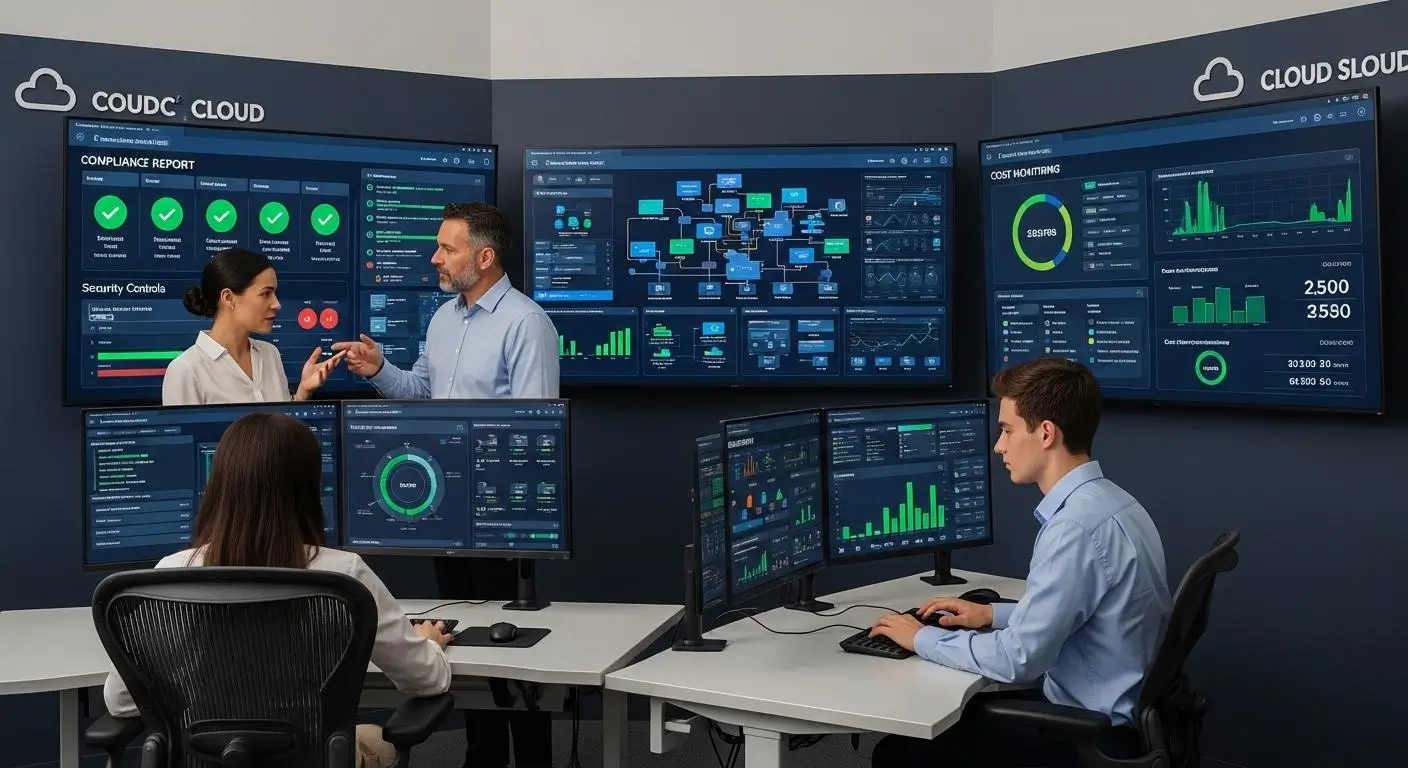
Amazon WorkSpaces remains a popular virtual desktop solution, particularly among organizations already invested in AWS. It offers flexible deployment options, scalable cloud desktops, and integration with a broad ecosystem of AWS services.
Yet many organizations eventually discover that flexibility comes with tradeoffs.
As virtual desktop environments grow, administrators often find themselves spending more time managing infrastructure, monitoring costs, configuring security settings, and maintaining compliance requirements. For some enterprises, these responsibilities are manageable and even desirable. For others, they create unnecessary operational complexity.
This has led many decision-makers to evaluate alternatives. A common challenge is balancing control with simplicity. Amazon WorkSpaces gives organizations significant flexibility, but that flexibility often requires additional expertise and ongoing administration.
Teams without dedicated AWS specialists may find themselves navigating a growing list of infrastructure and management responsibilities.
Cost management can also become a concern. While usage-based billing offers flexibility, fluctuating desktop usage, licensing costs, and changing resource requirements can make budgeting less predictable.
Security and compliance introduce another layer of responsibility. Organizations must carefully configure access controls, permissions, and supporting AWS services to maintain secure environments and meet regulatory obligations.
As a result, many organizations begin looking for solutions that can provide virtual desktops while reducing operational overhead and simplifying day-to-day administration.
Most Common Reasons Organizations Explore Amazon WorkSpaces Alternatives
- AWS Complexity Managing AWS services, networking, permissions, and supporting infrastructure can require specialized expertise and ongoing attention.
- Security Configuration Burden Security controls are powerful, but administrators remain responsible for configuring and maintaining them correctly.
- Cost Variability Usage-based billing models can make monthly expenses less predictable, especially as environments grow and usage patterns change.
- User Management Challenges Supporting large numbers of users across different departments, locations, and devices can increase administrative workload.
- Compliance Requirements Maintaining compliance often depends on proper configuration of access controls, security settings, and supporting AWS services.
- Infrastructure Oversight Organizations may prefer a solution that reduces direct involvement in infrastructure management while still delivering secure virtual desktops.
These concerns do not mean Amazon WorkSpaces is the wrong choice. For many organizations, it remains an effective platform. However, for teams seeking a simpler experience with lower administrative overhead, the search often leads toward fully managed alternatives designed to reduce complexity from the start.
Why Does Apporto Stand Out as a Simpler Amazon WorkSpaces Alternative?
Throughout this comparison, one theme appears repeatedly: simplicity versus flexibility. Amazon WorkSpaces offers substantial flexibility through the AWS ecosystem.
Organizations can customize environments, scale resources on demand, and integrate with a wide range of AWS services. For some enterprises, those capabilities are valuable and necessary.
Many organizations, however, are looking for something different. They want virtual desktops without spending significant time managing infrastructure. They want users to access applications quickly.
They want predictable costs, streamlined administration, and a platform that does not require extensive technical expertise to operate effectively. This is where Apporto stands apart.
Apporto was built as a browser-first solution designed to simplify desktop delivery from the start. Instead of requiring local software installation or complex desktop configurations, users access resources through a web browser. This reduces onboarding friction and makes it easier to provide secure access across a variety of devices and locations.
The platform also reduces operational overhead through a fully managed service model. IT teams spend less time managing infrastructure and more time supporting users and organizational objectives.
Another differentiator is Apporto’s strong focus on education. While the platform supports a broad range of use cases, it has developed capabilities specifically designed for educational institutions, helping schools and universities replace physical computer labs with flexible cloud-based environments. For organizations prioritizing accessibility, ease of management, and rapid deployment, those advantages can be compelling.
What Makes Apporto Different?
- Browser-Based Experience Users access desktops and applications directly through a browser, reducing complexity and improving accessibility.
- No Client Installation There is no need for dedicated client software, driver configuration, or extensive device setup.
- Zero Trust Approach Security is built around a Zero Trust model that helps protect users, applications, and organizational resources.
- FERPA, HIPAA, and GDPR Support The platform supports compliance requirements commonly found in education, healthcare, and regulated industries.
- LMS Integrations Apporto integrates with learning management systems, helping institutions streamline access to educational resources.
- Virtual Classroom Tools Built-in virtual classroom capabilities support instructors, students, and remote learning environments.
- Predictable Pricing A straightforward pricing structure simplifies budgeting and reduces uncertainty.
- Fully Managed Service Organizations can deliver virtual desktops without managing extensive infrastructure or cloud resources.
If you’re looking for a virtual desktop solution that combines browser-based accessibility, simplified deployment, and lower administrative overhead, Try Apporto Now.
The final decision, of course, depends on your organization’s priorities. Some teams will value the flexibility and AWS integration offered by Amazon WorkSpaces. Others will find greater value in a platform designed to reduce complexity while still delivering secure, scalable virtual desktops.
Final Thoughts
The Apporto vs Amazon WorkSpaces comparison ultimately comes down to how much complexity your organization is willing to manage. Amazon WorkSpaces is a strong platform for organizations that are already invested in AWS and want flexibility, scalability, and integration with a broad ecosystem of cloud services. Enterprises with experienced cloud teams may benefit from the control and customization that WorkSpaces provides.
Apporto takes a different approach. It focuses on simplicity, browser-based access, predictable costs, and reduced administrative overhead. Organizations that want a fully managed platform often find value in being able to deliver virtual desktops without managing extensive infrastructure or client software.
There is no universal winner. The best platform is the one that aligns with your technical resources, budget, security requirements, and long-term goals. If AWS integration and customization are priorities, Amazon WorkSpaces may be the right fit. If simplicity, accessibility, and operational efficiency matter most, Apporto stands out as a compelling alternative.
Frequently Asked Questions (FAQs)
1. What are the alternatives to AWS WorkSpaces?
Several alternatives to AWS WorkSpaces include Apporto, Azure Virtual Desktop, Windows 365, Citrix DaaS, and Omnissa Horizon Cloud. These platforms offer different approaches to virtual desktop delivery, with options ranging from browser-based access and simplified management to enterprise-grade customization and scalability.
2. What is Apporto software?
Apporto is a cloud-based virtual desktop platform that delivers desktops and applications through a web browser. It helps organizations provide secure access to software and computing resources without requiring local installations, while simplifying deployment, management, and support for distributed users.
3. What is the biggest difference between Apporto and Amazon WorkSpaces?
The biggest difference is the delivery model. Amazon WorkSpaces is an AWS-managed desktop service that often relies on client applications and AWS administration, while Apporto provides a browser-based, fully managed platform focused on simplicity and accessibility.
4. Does Apporto require software installation?
No. Apporto is designed around a browser-based experience, allowing users to access desktops and applications without installing local client software. This simplifies onboarding, reduces compatibility concerns, and minimizes the support effort required from IT teams.
5. How much does Amazon WorkSpaces cost?
Amazon WorkSpaces pricing varies based on desktop specifications, operating systems, and billing models. Organizations can choose monthly or hourly pricing, with costs increasing as additional storage, performance resources, and software licensing requirements are added to virtual desktop environments.
6. Why do organizations look for Amazon WorkSpaces alternatives?
Organizations often explore alternatives because of AWS complexity, ongoing administration requirements, security configuration responsibilities, and cost management challenges. Many seek solutions that provide virtual desktops while reducing infrastructure management and simplifying day-to-day operations.
7. Is Amazon WorkSpaces better for AWS-focused organizations?
In many cases, yes. Organizations already invested in AWS services and cloud infrastructure may benefit from WorkSpaces’ integration capabilities, scalability, and flexibility. Teams with existing AWS expertise are often better positioned to take advantage of these features.
8. How does Apporto reduce IT management overhead?
Apporto reduces IT management overhead by handling much of the infrastructure, deployment, and platform administration behind the scenes. This allows administrators to spend less time managing environments and more time supporting users and strategic initiatives.
9. Is Apporto secure enough for education and business use?
Yes. Apporto supports secure virtual desktop delivery through a Zero Trust approach and compliance support for FERPA, HIPAA, and GDPR. These capabilities help organizations protect sensitive data while maintaining accessible and manageable desktop environments.
10. How quickly can Apporto be deployed?
Apporto is designed for rapid deployment and simplified onboarding. Because it does not require extensive client software installation or complex infrastructure configuration, organizations can often provide users with access much faster than traditional virtual desktop environments.
11. Which platform is easier to manage for smaller IT teams?
For most smaller IT teams, Apporto is typically easier to manage. Its browser-based design, fully managed service model, and reduced infrastructure responsibilities help minimize administrative workload while still providing secure and scalable virtual desktop access
