How to Improve Virtual Desktop Performance?

Virtual desktop environments have become an essential part of how organizations deliver applications and desktops to users. Instead of relying on a single physical computer, your desktop runs in a centralized virtual desktop infrastructure and is accessed remotely through the network. When performance is optimized, the experience feels smooth and reliable. When it is not, the problems appear quickly.

Slow virtual desktop performance often leads to several common issues like lagging, Poor frame rate and login delays. These problems usually stem from network latency, limited CPU or memory resources, slow storage systems, or misconfigured environments.

In this guide, you will learn practical ways to optimize resources, stabilize network conditions, monitor system behavior, and implement configuration improvements that help deliver faster, more reliable virtual desktops.


What Causes Virtual Desktop Performance Issues in the First Place?

Before you can improve virtual desktop performance, you have to pause for a moment and ask a simple question, what exactly is slowing things down? Virtual desktop environments rely on several moving parts working together. If one element struggles, the entire desktop session can start to feel sluggish.

Performance problems rarely come from a single place. They usually emerge from a mix of compute resources, network infrastructure, storage speed, and application compatibility. Even a small bottleneck can ripple across the system and create noticeable lag.

Common causes of virtual desktop performance bottlenecks include:

• Insufficient CPU or memory allocation, which slows application responsiveness
• Network latency or packet loss, causing delayed screen updates and input lag
• Storage bottlenecks, especially when traditional HDD storage is used
• Server overload, when too many desktops share the same host
• Software conflicts or outdated applications, creating compatibility problems
• High display resolution, increasing rendering demand and frame rate pressure

When these factors are identified early, IT teams can adjust configuration and reduce system load before users begin noticing performance degradation.


How Does Resource Allocation Affect Virtual Desktop Performance?
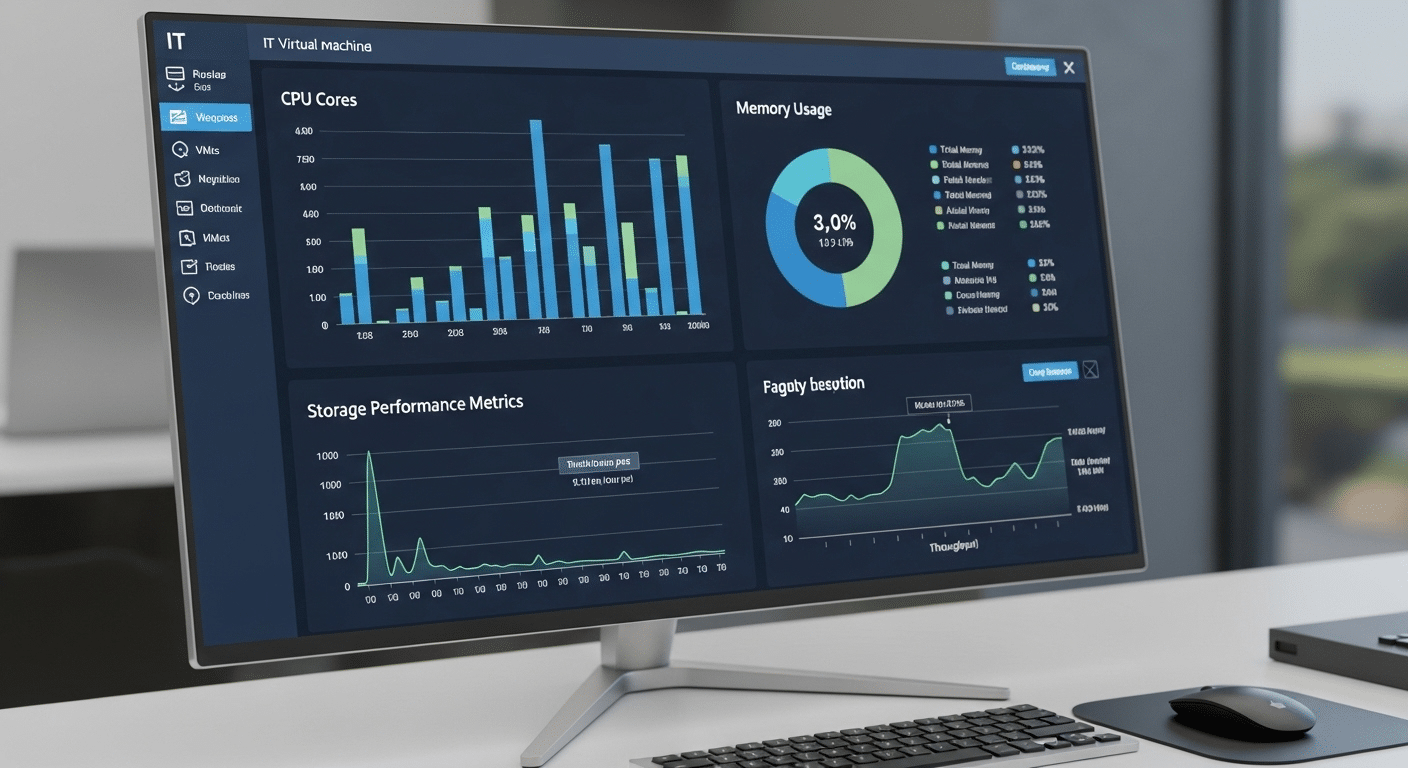
IT dashboard visualizing virtual machine resource allocation with CPU cores, memory usage, and storage performance metrics.

Resource allocation sits right at the center of virtual desktop performance. If the underlying system does not provide enough compute power, even simple tasks can start to feel slow.

Virtual desktops rely heavily on CPU cores, system memory, and sometimes GPU processing to deliver responsive applications and stable sessions.

When resources fall short, the symptoms appear quickly. Applications take longer to open, login processes drag on, and the entire desktop may respond with noticeable delay. Proper configuration prevents this kind of slowdown while keeping host infrastructure balanced.

Best practice usually involves assigning enough compute resources without overloading the physical server.

Recommended Resource Allocation for Virtual Desktop Environments 

Resource Minimum Provisioning Recommended Office Workload
CPU 2 vCPUs 4 vCPUs
RAM 4 GB 8 GB
Storage SSD NVMe SSD
GPU Optional Recommended for graphics workloads


GPU-enabled virtual machines can further improve graphics-heavy workloads by moving rendering tasks away from the CPU.


Why Network Performance Is Critical for Virtual Desktop Responsiveness?

A virtual desktop may run on powerful hardware, yet the experience still depends heavily on the network connecting you to it. Every mouse click, keyboard input, and screen update travels through that connection. If the network struggles, the desktop feels slow no matter how strong the server is.

Latency plays a major role here. Once round-trip latency climbs above roughly 50 milliseconds, users often begin noticing delayed responses and inconsistent frame rate. Stable bandwidth and a reliable connection are essential for maintaining smooth interaction.

Best Practices for Network Optimization:

• Deploy virtual desktop servers close to user geographic locations
• Use Ethernet or Wi-Fi 6/6E routers to reduce latency
• Configure Quality of Service (QoS) to prioritize VDI traffic
• Monitor bandwidth usage to prevent network congestion
• Detect packet loss and unstable routing paths


How Do Storage Speed and Desktop Images Impact Performance?

"Data center servers connected to shared SSD storage delivering fast virtual desktop sessions to remote users.

Storage often sits quietly in the background of a virtual desktop environment, yet it influences almost everything you experience. Application launch time, file access, even login speed all depend on how quickly data can move through the system.

When traditional hard drives are involved, the result can be frustratingly slow response times because of I/O bottlenecks.

Faster storage changes that picture entirely. Modern solid state drives and NVMe storage dramatically improve data access and reduce delays across the desktop session.

Storage and Image Optimization Strategies:

• Replace HDD storage with SSD or NVMe drives
• Use shared storage systems to improve application access speed
• Reduce the number of desktop images to simplify management
• Create optimized base images using Windows Sysprep
• Remove unnecessary apps and disable background services


How Can Monitoring Tools Help Detect Performance Bottlenecks Early?

Performance issues rarely appear out of nowhere. Most of the time the warning signs are already there, quietly building in the background. Proactive monitoring gives IT teams the ability to catch those signals early, long before users begin reporting lag or slow desktops. By tracking system behavior continuously, teams can identify patterns, analyze trends, and resolve issues before they grow into noticeable problems.

Performance Metrics to Monitor:

• CPU utilization
• Memory usage
• Storage I/O performance
• Network latency and bandwidth
• Login time and application responsiveness

Common Monitoring Tools:

• Azure Monitor
• PRTG Network Monitor
• Diagnostic tools provided by virtual desktop platforms

When monitoring data is combined with direct feedback from employees, it becomes much easier to understand where performance gaps exist and how to improve the overall user experience.


Why Performance Benchmarking Is Essential for Virtual Desktop Optimization?

IT engineer monitoring virtual desktop infrastructure analytics with performance charts, user workload data, and system benchmarks.

Improving virtual desktop performance requires more than guesswork. Benchmarking provides a structured way to measure how well a virtual desktop environment performs over time. By evaluating system behavior under normal workloads, organizations can understand how infrastructure, applications, and user activity affect overall efficiency.

Benchmarking helps organizations in several ways. It allows teams to establish baseline performance metrics that describe how the environment should behave during normal operations. From there, IT teams can compare hardware upgrades or configuration adjustments to see whether they truly improve performance. It also helps identify capacity limits before systems become overloaded.

Tracking different worker profiles adds even more insight, since employees often use very different applications. Service-level agreement reports can then monitor whether desktop performance meets operational goals and reliability expectations.


How Azure Virtual Desktop Helps Improve Performance and Scalability?

Azure Virtual Desktop provides a cloud-based platform for delivering virtual desktops with flexible infrastructure and built-in management capabilities. Instead of relying only on fixed on-premise hardware, organizations can deploy desktops in Azure and scale resources as demand changes. This flexibility helps maintain consistent performance even as workloads grow.

Advantages include scalable compute resources, centralized management tools, and integrated monitoring and diagnostic capabilities that allow IT teams to analyze performance and resolve issues quickly.

Azure environments also support GPU-enabled virtual machines for graphics workloads. Combined with profile management tools such as FSLogix, these features improve login speed, application responsiveness, and overall user experience.


Why Apporto Delivers Faster and Simpler Virtual Desktop Performance?
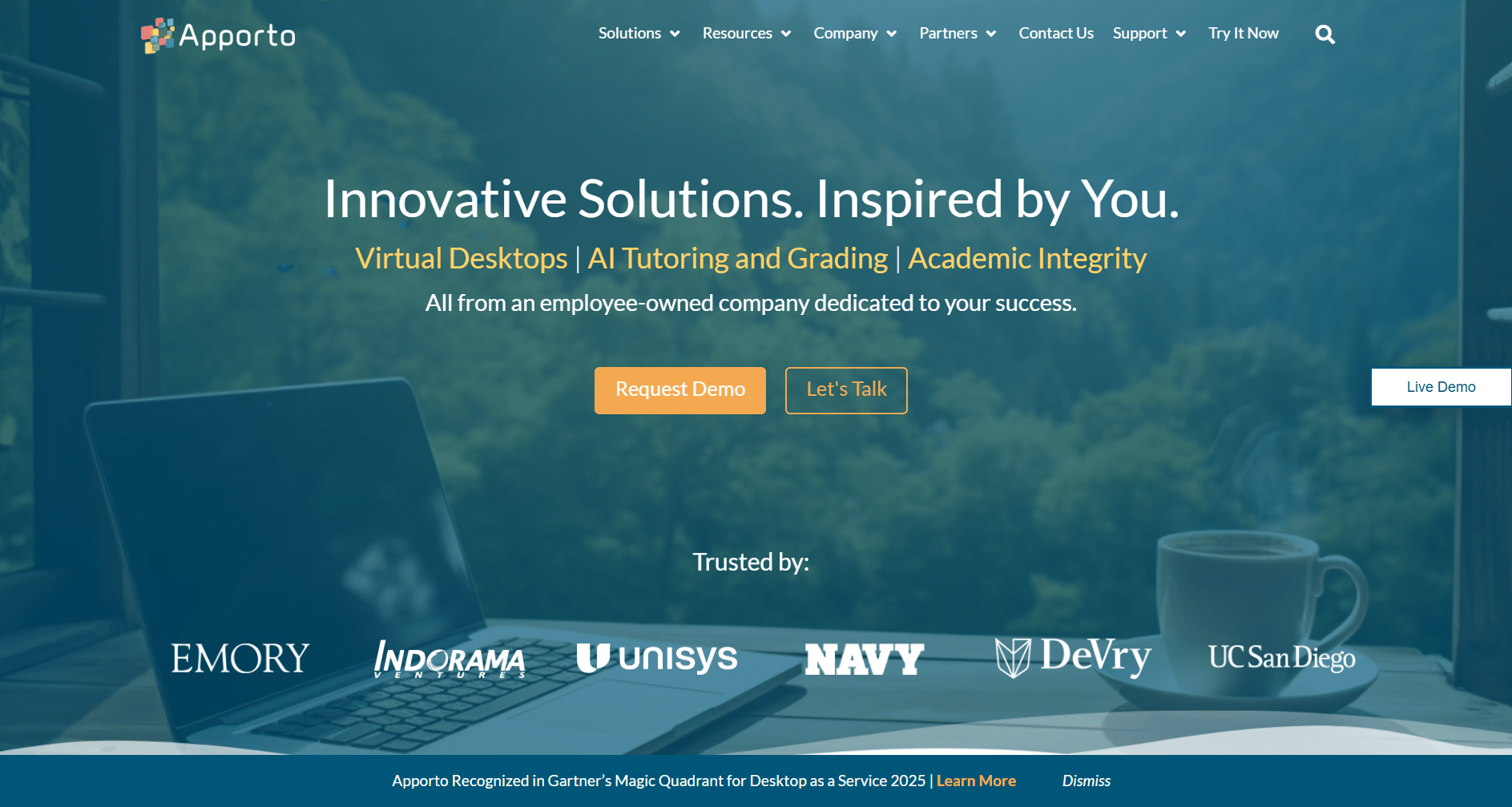
Apporto virtual desktop solutions platform homepage showcasing DaaS services, AI tutoring tools, and trusted enterprise and university partners.

Traditional virtual desktop infrastructure often demands careful configuration, multiple client applications, and ongoing system management. That complexity can introduce performance issues before users even log in.

Apporto approaches the problem differently. The platform delivers virtual desktops directly through a browser, removing the need for local client installations and reducing setup friction across devices.

Because the environment is centrally managed, infrastructure complexity drops significantly. Built-in security controls and performance optimization features help maintain stable sessions while simplifying operations for IT teams. Users gain reliable remote access from laptops, tablets, or desktops without complicated configuration steps.


Key Takeaways

Improving virtual desktop performance comes down to a few practical fundamentals. Start by allocating sufficient CPU and RAM resources so applications can run smoothly without competing for limited capacity.

Maintain low network latency and stable bandwidth to avoid lag during remote sessions. Faster storage also plays a major role, so SSD or NVMe drives should replace slower disks whenever possible. It also helps to optimize desktop images by removing unnecessary applications and background services.

Continuous monitoring of performance metrics, combined with regular benchmarking, allows teams to track improvements and maintain a reliable, efficient virtual desktop environment.


Frequently Asked Questions (FAQs)


1. What is the most common cause of virtual desktop performance problems?

Network latency and insufficient system resources are the most common causes. When CPU, RAM, or bandwidth are limited, virtual desktops can experience lag, slow application performance, and delayed screen updates.

2. How much CPU and RAM does a virtual desktop need?

Most virtual desktop environments require at least 2 vCPUs and 4 GB RAM per session, while general office workloads often perform best with 4 vCPUs and 8 GB RAM.

3. Does network latency affect virtual desktop performance?

Yes. Latency above 50 milliseconds can noticeably impact responsiveness. A stable connection with low latency and minimal packet loss is essential for smooth desktop interaction.

4. Do SSD drives improve virtual desktop performance?

Yes. SSD and NVMe storage significantly reduce input/output bottlenecks and speed up application loading times compared with traditional hard drives.


How to Increase Bitrate in Virtual Desktop: A Complete Guide

When you stream a virtual desktop to a VR headset, the experience depends heavily on bitrate. Bitrate determines how much video data your PC sends to the headset every second. More data generally means sharper graphics, smoother visuals, and a more immersive VR environment.

If the VR bitrate is too low, the problems become obvious. Textures may look blurry. Compression artifacts appear around moving objects. Even simple tasks inside a virtual desktop can feel less responsive, which quickly reduces immersion.

Increasing bitrate often improves image quality and delivers a noticeably better experience. However, pushing bitrate too high can introduce other challenges. Higher values may increase latency, generate more heat in the headset, and consume battery faster.

In this blog, you will learn how to increase bitrate in Virtual Desktop, optimize your network and settings, and achieve a smoother, clearer VR streaming experience.


What Does Bitrate Mean in Virtual Desktop and VR Streaming?

Bitrate sounds technical, but the idea is fairly simple. It refers to the amount of video data your PC sends to the VR headset every second. The higher the bit rate, the more visual information reaches your display.

More information usually means clearer graphics, sharper textures, and fewer compression artifacts inside the virtual environment.

Now here’s where things get interesting. VR streaming relies heavily on video compression and encoding, which is handled by a codec running on your computer. The codec squeezes large visual frames into smaller packets so they can travel quickly over your network.

When bitrate is too low, that compression becomes aggressive. Details disappear, edges soften, and motion can look slightly muddy.

VR demands far more data than ordinary video streaming. Every tiny head movement changes the perspective instantly, so the system must transmit new frames constantly.

Bitrate, network performance, and latency all interact here, and the right codec helps balance speed, clarity, and stability.


What Happens When Your Virtual Desktop Bitrate Is Too Low?

VR user experiencing lag and delayed head tracking while streaming a virtual desktop over a weak network connection.

A low bitrate can quietly undermine your entire VR experience. At first you might simply notice the graphics look softer than expected. Text loses crisp edges.

Fine details in distant environments begin to fade. Over time the problem becomes harder to ignore, especially once movement inside the headset starts feeling slightly delayed or inconsistent.

Virtual reality demands fast, constant visual updates. When bitrate drops too far, the system compresses the video stream more aggressively.

That compression strips away detail and sometimes introduces visual artifacts. The result is a world that technically works, but doesn’t quite feel right.

Common Signs Your Bitrate Is Too Low:

  • Blurry graphics or heavily compressed textures
  • Noticeable latency or delayed head movement response
  • Reduced clarity in distant objects within your view
  • Inconsistent frame delivery during motion

Several factors can cause this issue. Router performance matters. Network congestion inside the house matters too. Even GPU encoding on your PC plays a role in how efficiently video reaches the headset.


How Do You Increase Bitrate in Virtual Desktop Settings?

Once you understand what bitrate does, the next question usually comes fast, how do you actually increase it? The answer sits inside the Virtual Desktop Streamer App, which runs on your PC and controls how video is encoded and transmitted to the headset.

The app provides several settings that directly influence desktop bitrate and overall streaming quality. Many people overlook these options at first. They install Virtual Desktop, start streaming, and assume the default configuration is already optimal. Sometimes it is. Often it isn’t.

To increase bitrate in Virtual Desktop, you need to adjust the encoding configuration and disable automatic controls that constantly modify the stream. That gives you consistent video quality and more predictable performance.

Step-by-Step Guide to Increase Desktop Bitrate:

  • Open the Virtual Desktop Streamer App on your PC
  • Disable Automatically Adjust Bitrate
  • Set a fixed desktop bitrate value
  • Enable high-quality video settings
  • Monitor changes using the performance overlay

Disabling automatically adjust bitrate removes constant fluctuations caused by temporary network conditions. Instead, the stream remains stable. Still, higher bitrate settings require more bandwidth and processing power, so pushing the value too far can reduce stability or increase latency.


What Network Setup Helps Achieve Higher Bitrate Streaming?

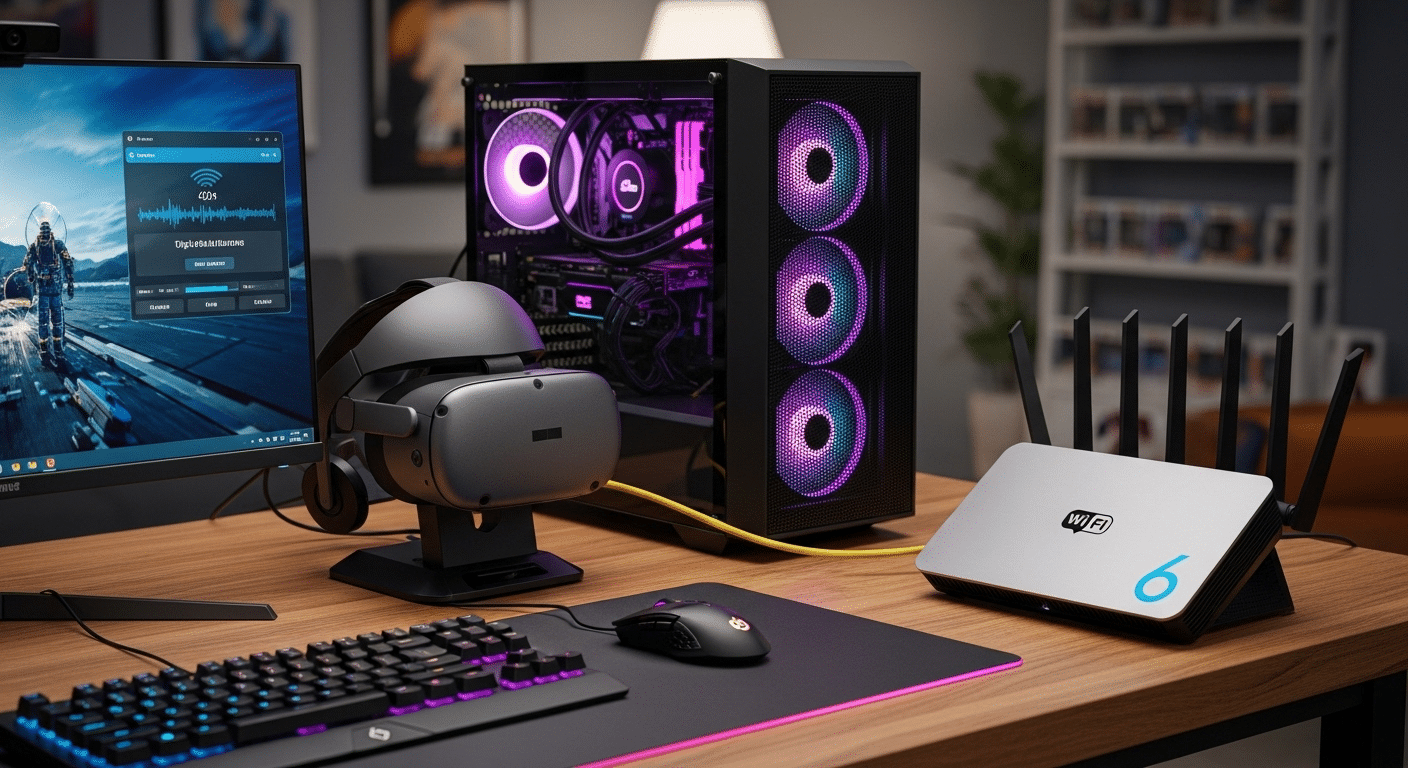
Gaming PC connected to a Wi-Fi 6 router via Ethernet while a VR headset streams a high-bitrate virtual desktop wirelessly.

Bitrate settings inside Virtual Desktop matter, but your network setup usually determines how far you can push them. VR streaming sends a constant flow of video from your PC to the headset, and that data travels through your router every second. If the connection is unstable, even the best bitrate settings will struggle to hold steady.

Wireless VR places heavy demands on bandwidth and consistency. Small interruptions can create latency spikes or visible compression in the video stream. That’s why many performance issues trace back not to the headset or the PC, but to the network sitting quietly in the corner of the house.

Best Network Setup for Virtual Desktop

  • Connect your PC directly to the router using Gigabit Ethernet
  • Use a Cat 6 Ethernet cable for stable high-speed data transfer
  • Use a dedicated Wi-Fi 6 or Wi-Fi 6E router
  • Avoid mesh networks when aiming for high bitrate streaming
  • Place the router close to the headset

Wireless interference also plays a role. If nearby devices compete for the same channel, performance can drop quickly. Checking router settings and selecting a less congested 5GHz or 6GHz channel often improves stability and streaming quality.


Which Codec Settings Deliver the Best VR Bitrate Performance?

Bitrate settings alone don’t determine VR image quality. The codec responsible for compressing and encoding the video stream plays an equally important role.

A codec decides how efficiently your PC converts raw graphics into a stream that can travel to the headset without overwhelming the network.

Older systems often rely on H.264, which works well and requires minimal GPU resources. The drawback, however, is efficiency. It needs more bandwidth to deliver the same visual clarity compared with newer encoding methods.

Newer codecs improve that balance. H.264+ allows significantly higher bitrate streams, often reaching up to 500 Mbps, which helps maintain detail in fast-moving VR scenes. HEVC (H.265) compresses video more efficiently, delivering sharper visuals while using less bandwidth.

Then there’s AV1, a newer option gaining popularity. AV1 offers excellent compression efficiency, meaning you can achieve strong graphics quality without pushing bitrate as aggressively, provided your GPU supports it.

Codec Comparison for VR Streaming 

Codec Bitrate Efficiency GPU Requirement Best Use
H.264 Standard Low Older GPUs
H.264+ High bitrate support Moderate High bitrate VR
HEVC Better compression Moderate Balanced performance
AV1 Highest efficiency New GPUs Best visual quality


How Can PC Hardware Limit Your Virtual Desktop Bitrate?

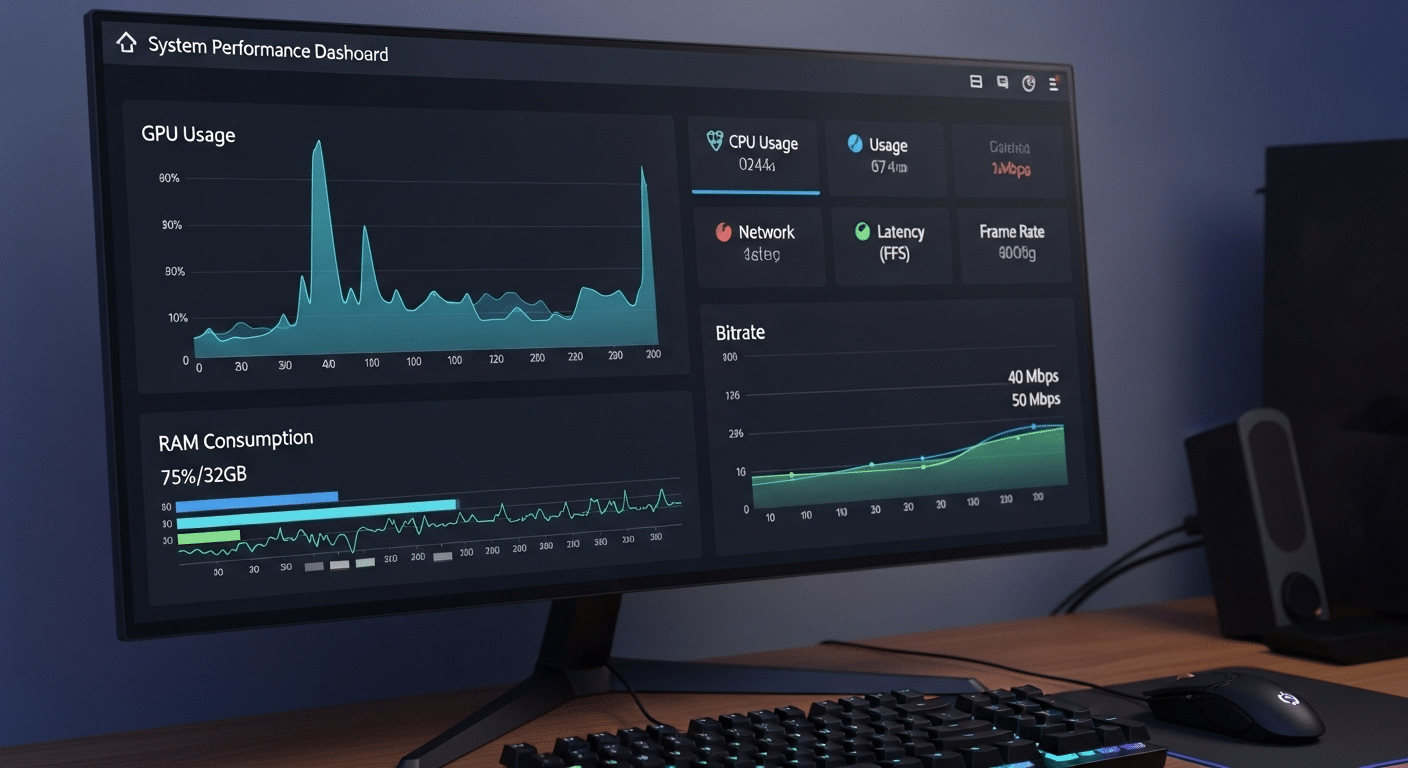
System performance dashboard showing GPU usage, RAM consumption, and bitrate during VR streaming.

Even with excellent network conditions, your PC hardware still plays a major role in VR streaming performance. Bitrate isn’t just about bandwidth. The computer must encode the outgoing video stream and the headset must decode it in real time. That process requires processing power.

When bitrate climbs higher, the encoding workload increases. The GPU compresses large graphics frames while the system manages network transmission. If the PC lacks sufficient resources, performance can drop quickly. Frames may arrive late. Visual quality may fluctuate. The connection still works, but the experience feels unstable.

PC Optimization Tips for Higher Bitrate:

  • Enable GPU-accelerated encoding for efficient video processing
  • Set PC power mode to High Performance
  • Ensure sufficient RAM and GPU resources
  • Try restarting the PC to clear background tasks

Higher bitrate streams require additional decoding effort, so weaker hardware can introduce instability even when the network itself works perfectly.


How Do Refresh Rate and Field of View Affect Bitrate?

Bitrate is closely tied to how much visual data your system must generate every second. Two settings influence that workload more than many users realize, refresh rate and field of view (FOV).

When the headset runs at 120Hz, the PC must deliver far more frames each second compared with 80Hz. More frames mean more video data, which pushes bitrate requirements higher.

Lowering the refresh rate to 80Hz reduces the amount of data that needs to move across the network. Surprisingly, this can sometimes improve perceived image quality, because the available bitrate is spread across fewer frames.

Field of view also affects performance. A wider FOV means the computer renders more graphics per frame. Virtual Desktop allows native FOV adjustment in the Streamer app, making it easier to balance clarity and performance.


Virtual Desktop vs Meta Link: Does Bitrate Work Differently?

People comparing Virtual Desktop and Meta Link often focus on one question, which platform delivers the better bitrate experience? The answer depends on how each system streams data from your PC to the Quest 2 headset.

Virtual Desktop, often shortened to VD, streams video wirelessly through your router. That wireless connection places limits on how high the bitrate can safely go, but the system is designed to keep things efficient. With the right router and settings, image quality can still look excellent while maintaining smooth performance.

Meta Link takes a different approach. It uses a link cable to connect the headset directly to the PC. Because the connection is wired, higher bitrates are technically possible. However, some users have noticed that extremely high settings may introduce small quirks such as audio distortion.

Another difference is functionality. Virtual Desktop allows you to interact with the full Windows desktop environment, something the standard Meta platform from Facebook handles in a more limited way.

Virtual Desktop vs Meta Link 

Feature Virtual Desktop Meta Link
Connection Wireless Link cable
Bitrate limits Lower but optimized Higher possible
Setup Dedicated router recommended USB cable
Desktop interaction Full Windows desktop Limited


Quick Tips to Improve Virtual Desktop Bitrate Stability

Increasing bitrate helps, but stability matters even more. A perfectly tuned bitrate won’t deliver a smooth VR experience if the network itself is inconsistent. Small interruptions, wireless interference, or outdated software can quietly disrupt performance. In many cases, a stable connection produces better results than simply pushing the bitrate to the maximum.

Practical Bitrate Optimization Tips:

  • Use a dedicated router for your VR headset
  • Keep the router in the same room for stronger signal strength
  • Reduce Wi-Fi interference by limiting nearby devices on the same channel
  • Monitor performance using the performance overlay
  • Regularly update the Streamer app to maintain compatibility and stability

Stable networks usually outperform aggressive bitrate settings in real-world VR streaming.


How Can Cloud-Powered Platforms Like Apporto Improve Remote Desktop Performance?

Apporto homepage showcasing virtual desktops, AI tutoring, and academic integrity solutions on a modern technology platform.

Most conversations about bitrate focus on local hardware or network tuning. Fair enough. Yet the virtual desktop infrastructure behind the stream matters just as much. Traditional setups rely heavily on the user’s own PC, router, and home network.

When any of those pieces struggles, performance drops. Video quality dips. Latency creeps in. The experience becomes unpredictable.

Cloud-powered platforms approach the problem differently. Instead of depending entirely on local machines, a cloud desktop delivers computing power from optimized data centers. That means more consistent performance and fewer hardware bottlenecks.

Platforms like Apporto provide high-performance virtual desktops directly through a browser. No complicated installation. No fragile local configuration. Just fast, secure remote access to powerful computing environments designed to handle demanding workloads.

The result is a smoother remote desktop experience and easier deployment for users and organizations alike. Try Now.


Final Thoughts

Bitrate tuning is really about balance. A higher bitrate usually improves visual clarity, making textures sharper and motion inside VR feel more natural. But bitrate does not work in isolation. Your network setup determines how much data can move reliably between the PC and the headset.

Router quality, wireless interference, and cable connections all influence the maximum stable bitrate you can achieve. Hardware also matters. The PC, GPU encoder, codec choice, and refresh rate all shape how efficiently the system delivers video to your headset.

In practice, the best results come from experimenting. Adjust the settings gradually, observe how the stream behaves, and find the point where clarity improves without introducing latency or instability.


Frequently Asked Questions (FAQs)


1. What is the best bitrate for Virtual Desktop VR?

The ideal bitrate depends on your network, router quality, and PC hardware. Many users find that values between roughly 80 Mbps and 150 Mbps provide strong visual clarity while keeping latency manageable during VR streaming.

2. Does increasing bitrate improve VR graphics quality?

Yes, increasing bitrate generally improves VR image quality because more video data reaches the headset. This allows sharper textures, clearer edges, and fewer compression artifacts. However, pushing bitrate too high can introduce latency or instability if the network cannot keep up.

3. Why does higher bitrate increase latency?

Higher bitrate means more data must travel from the PC to the headset every second. If the network or hardware cannot process that data quickly enough, delays occur, which appear as increased latency in the VR experience.

4. Can Wi-Fi affect Virtual Desktop bitrate?

Yes, wireless performance plays a major role in VR streaming quality. Interference from nearby devices, weak signals, or congested channels can reduce available bandwidth and limit how high your Virtual Desktop bitrate can safely go.

5. What router works best for Virtual Desktop VR?

A dedicated Wi-Fi 6 or Wi-Fi 6E router usually works best for Virtual Desktop VR. These routers provide higher bandwidth, lower latency, and improved wireless stability, especially when the PC is connected directly to the router using Ethernet.

Can AI Replace Teachers? Here’s What You Should Know

Walk into almost any modern classroom today and you’ll notice something new quietly working behind the scenes. Not another projector. Not a stack of tablets. Something far more curious. AI tools are rapidly entering education. Some generate lesson ideas in seconds. Others analyze student data, summarize assignments, or provide instant answers to questions.

Generative AI can even create explanations, quizzes, and writing feedback within moments. For many schools, the technology promises efficiency and new possibilities for learning.

Still, the excitement comes with real concerns. Many teachers worry about job security as technology becomes more capable. Parents wonder how these systems will influence their children’s learning. Students themselves are curious, sometimes enthusiastic, about what AI might mean for the classroom.

All of this leads to a growing question across education systems can AI replace teachers? In this blog, you will explore whether AI can replace teachers and how artificial intelligence is used in classrooms today, and what the future of education may truly look like.


What Does AI Actually Do in the Classroom Today?

Artificial intelligence is no longer a distant concept in education. In many classrooms, AI tools are already working quietly behind the scenes, helping teachers manage their workload and helping students learn more efficiently. These tools do not replace educators. Instead, they assist with tasks that traditionally consume large portions of a teacher’s day.

Think about how much time teachers spend preparing instruction, reviewing assignments, and organizing classroom materials. AI systems can support many of these routine tasks. When used carefully, they allow educators to spend more time engaging with students and guiding deeper learning.

AI also helps process information quickly. Large sets of assessment data can be analyzed within seconds, giving teachers clearer insight into how students are performing. That information can then shape lesson planning and classroom instruction.

How AI Tools Support Teaching and Learning?

AI assists classrooms in many ways:

  • AI tools help teachers save time with lesson planning and grading.
  • AI can generate draft lesson plans aligned with curriculum standards.
  • AI tools summarize assessment data and provide actionable insights.
  • AI can assist with routine administrative tasks, such as organizing materials.
  • AI tools help educators brainstorm lesson ideas and project outlines.
  • AI can suggest activities tailored to different student skill levels.


Why Do Some People Believe AI Could Replace Teachers?

AI-powered virtual tutor helping many students on laptops simultaneously in a digital classroom, representing scalable education technology.

The idea that AI could replace teachers does not appear out of nowhere. When people see what modern technology can do, the possibility begins to feel plausible. Generative AI systems can already explain concepts, answer questions, and guide students through assignments. In many cases, these tools respond instantly, offering feedback at any hour of the day.

AI can also support large groups of learners at the same time. One system can assist hundreds, sometimes thousands, of students without pause. For school systems facing teacher shortages or limited budgets, this scalability makes AI appear efficient and cost-effective.

There is also the power of predictive analytics. AI systems analyze attendance records, assessment results, and other data to identify patterns in student learning. With enough information, these tools can highlight students who may be falling behind.

Students often view these tools with curiosity and optimism. Teachers, however, tend to approach AI more cautiously, raising questions about reliability, understanding, and the deeper role of human educators in learning.


What Are the Biggest Advantages of AI in Education?

Artificial intelligence is often discussed in terms of risk or disruption, yet educational research also points to several meaningful advantages when AI tools are used thoughtfully. In practice, these systems act less like replacements for teachers and more like support mechanisms that expand what educators can do within limited time and resources.

One of the clearest benefits involves speed and responsiveness. AI can analyze student performance data quickly, revealing patterns that might otherwise take hours to uncover. These insights allow educators to adjust instruction and better understand how learners engage with course material.

Another important advantage is personalization. Traditional classrooms often require teachers to deliver the same instruction to many students at once. AI tools can help create learning paths that respond to individual progress, strengths, and struggles. Over time, this kind of personalized learning can deepen understanding and improve overall student learning outcomes.

Where AI Can Improve Student Learning?

AI can support student learning in several ways:

  • AI can provide immediate feedback during assignments and assessments.
  • AI tools can enable personalized learning paths for different learners.
  • AI can help students develop research and writing skills.
  • AI can help teachers analyze large datasets to improve instruction.
  • AI can remove barriers for students with disabilities or remote learners.
  • AI can automate repetitive tasks so educators save time and focus on mentoring students.


What Are the Risks and Challenges of AI in Schools?

Classroom scene with an AI system analyzing student data on a large screen while a teacher looks concerned about privacy and ethics.

Artificial intelligence can support education in meaningful ways, but its introduction into schools also raises important challenges. Technology rarely arrives without trade-offs. In classrooms, those trade-offs often involve ethics, safety, and the long-term impact on how students learn and think.

One major issue involves data privacy. AI systems depend on large amounts of information to function well. Student attendance, assessment results, writing samples, and behavioral data may all be collected to improve accuracy. While this information can produce valuable insights, it also creates serious concerns about how student data is stored, shared, and protected.

Another concern centers on how students interact with AI tools. When answers appear instantly, learners may begin accepting responses without questioning the reasoning behind them. Over time, this habit could weaken critical thinking and deeper understanding.

Educators also express caution about relying too heavily on technology. Teaching involves judgment, context, and personal interaction, areas where AI cannot fully replicate human insight.

Major Concerns Educators and Schools Are Facing

  1. AI systems collect large amounts of student data, raising serious data privacy concerns.
  2. AI models may inherit bias from training data, creating unfair academic outcomes.
  3. Over-reliance on AI tools may encourage superficial understanding among students.
  4. Students may accept AI-generated answers without evaluating accuracy or logic.
  5. Underfunded schools may struggle to access advanced AI systems, widening inequality.

Because of these risks, educators increasingly emphasize responsible use, training, and clear guidelines before AI becomes deeply embedded in school systems.


Why Human Teachers Still Play an Irreplaceable Role in Education?

For all the progress artificial intelligence has made, teaching remains deeply human work. Classrooms are not simply places where information moves from a screen into a student’s mind. They are social environments shaped by trust, relationships, and shared experiences. This is where human teachers make a difference that technology struggles to match.

Great teachers build a sense of community in the classroom. Students learn not only from lessons but also from the atmosphere around them. Respect, encouragement, and connection influence how children engage with learning. When students feel supported, curiosity grows naturally.

Teachers also guide students through moments that extend beyond textbooks. A struggling learner may need reassurance. Another student might be navigating personal challenges that affect focus and motivation. In these moments, understanding and empathy matter more than perfect information.

Artificial intelligence still struggles with these subtle dynamics. AI cannot reliably recognize when students are bored, excited about an idea, or quietly frustrated. It cannot fully respond when emotional support becomes necessary.

Education ultimately depends on relationships. Mentorship, guidance, and human connection continue to shape students’ lives in ways machines cannot replicate.


Can AI Replace Teachers or Will It Change Teaching Instead?

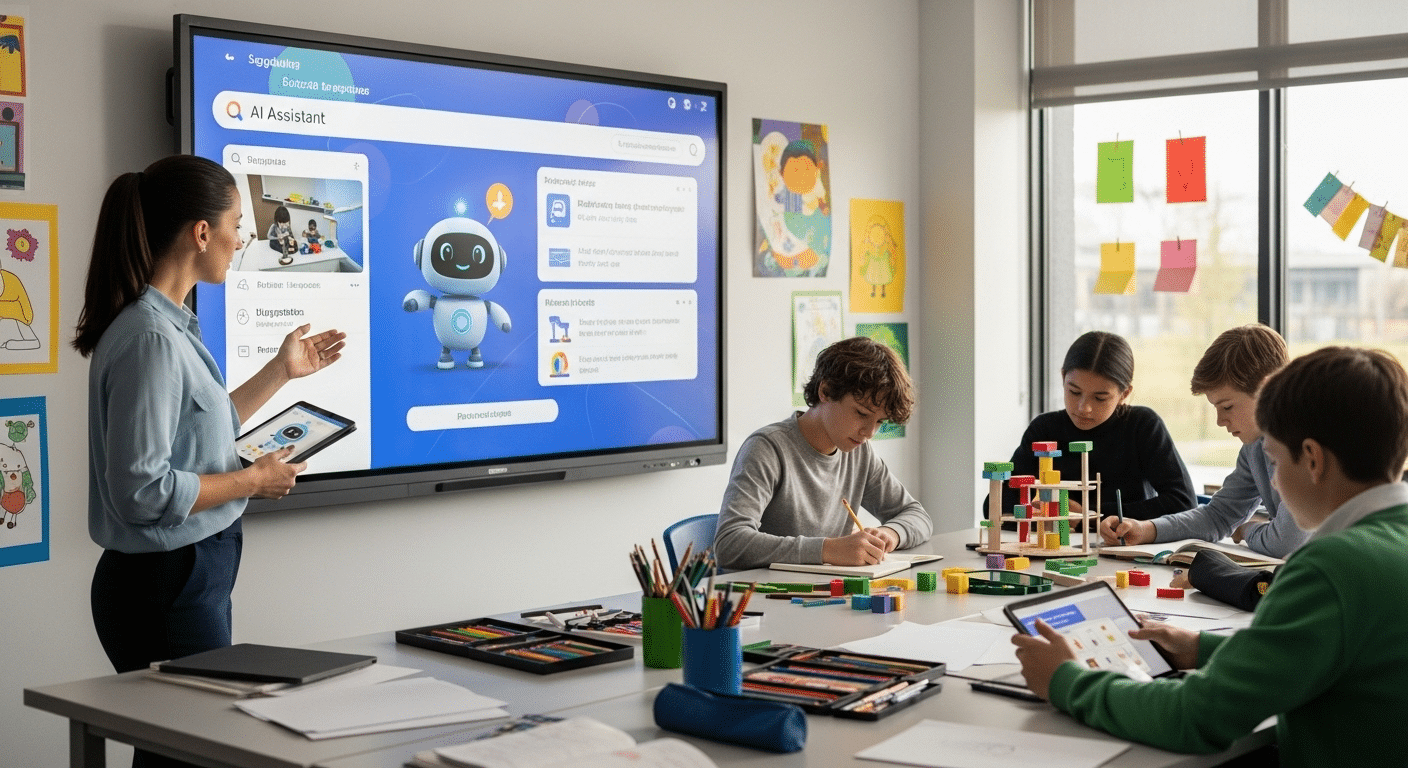
Teacher working alongside an AI assistant on a classroom screen while students engage in creative learning activities.

When people ask whether AI will replace teachers, the more realistic outcome is simpler. Technology tends to change teaching, not eliminate it. Education has always evolved as new tools appeared, and artificial intelligence is likely to follow that pattern.

Many AI systems are designed to handle routine administrative tasks that consume valuable time. Grading basic assignments, organizing resources, summarizing data, or generating draft materials can all be supported by technology.

When these responsibilities become lighter, educators gain more space to focus on what matters most, guiding students, encouraging creativity, and developing critical thinking.

This growing integration of AI tools into classrooms may gradually reshape daily teaching practices. AI assistants can help answer questions, provide quick feedback, and support personalized learning activities.

Still, AI cannot replace teachers in any meaningful sense until something closer to general artificial intelligence exists. That level of technology remains theoretical. For now, the future of education appears far more collaborative than competitive between educators and machines.


AI vs Human Teachers: What Each Does Best

Understanding the difference between artificial intelligence and human educators helps clarify the debate around whether AI can replace teachers.

Each plays a distinct role in education. AI systems excel at processing data and handling repetitive tasks, while human teachers bring empathy, mentorship, and contextual understanding into the classroom. The strengths of both can complement one another when used responsibly.

Capability AI Systems Human Teachers
Personalized feedback Fast and data-driven Contextual and empathetic
Administrative tasks Highly efficient Often time-consuming but thoughtful
Emotional support Limited emotional awareness Strong human connection
Classroom engagement Structured responses Adaptive to classroom dynamics
Mentorship Minimal guidance Essential for growth and development


This comparison highlights an important point. AI tools can assist education, but the human role in teaching remains central.


How AI Assistants Like CoTutor Are Supporting Teachers?

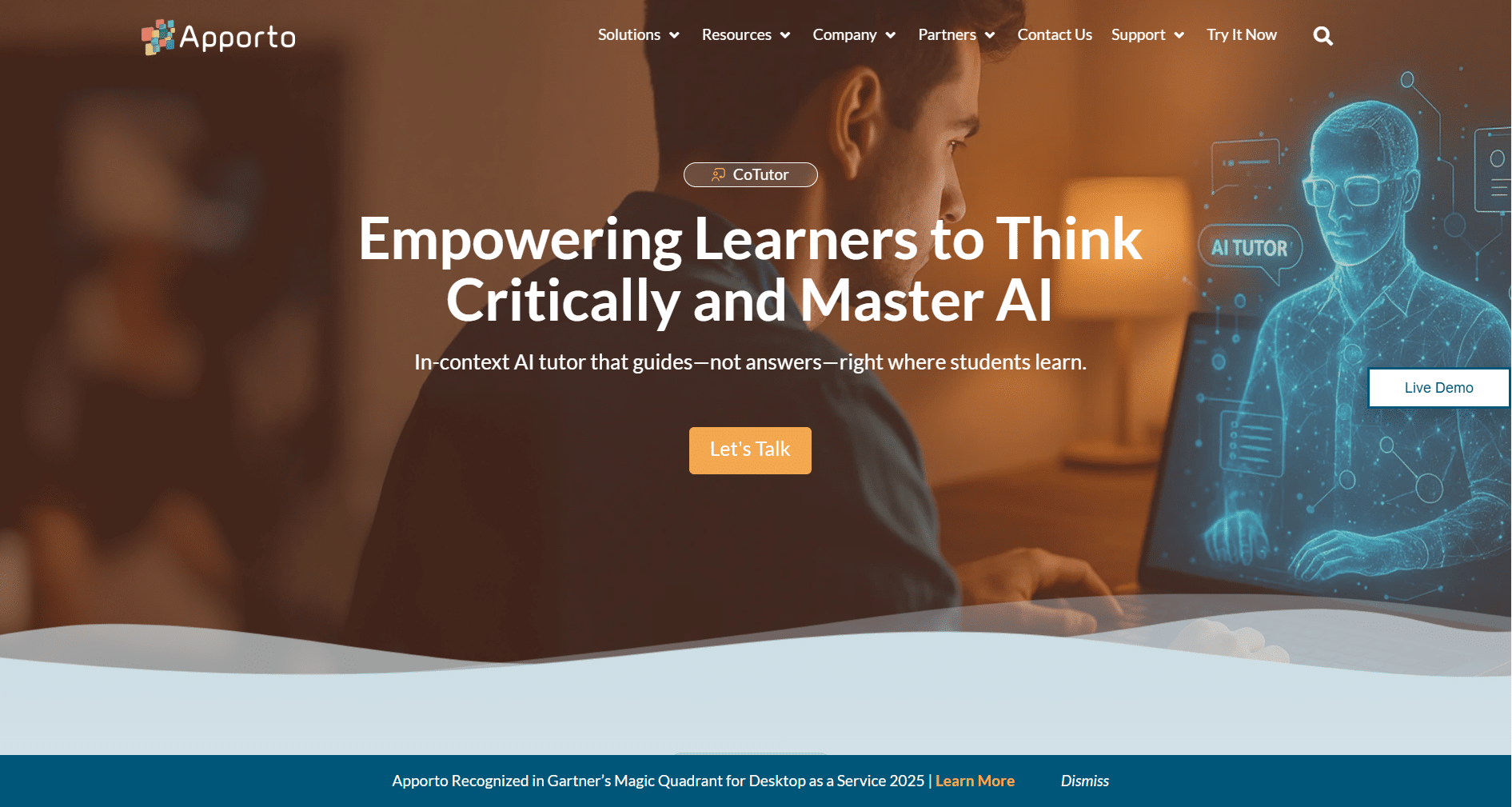
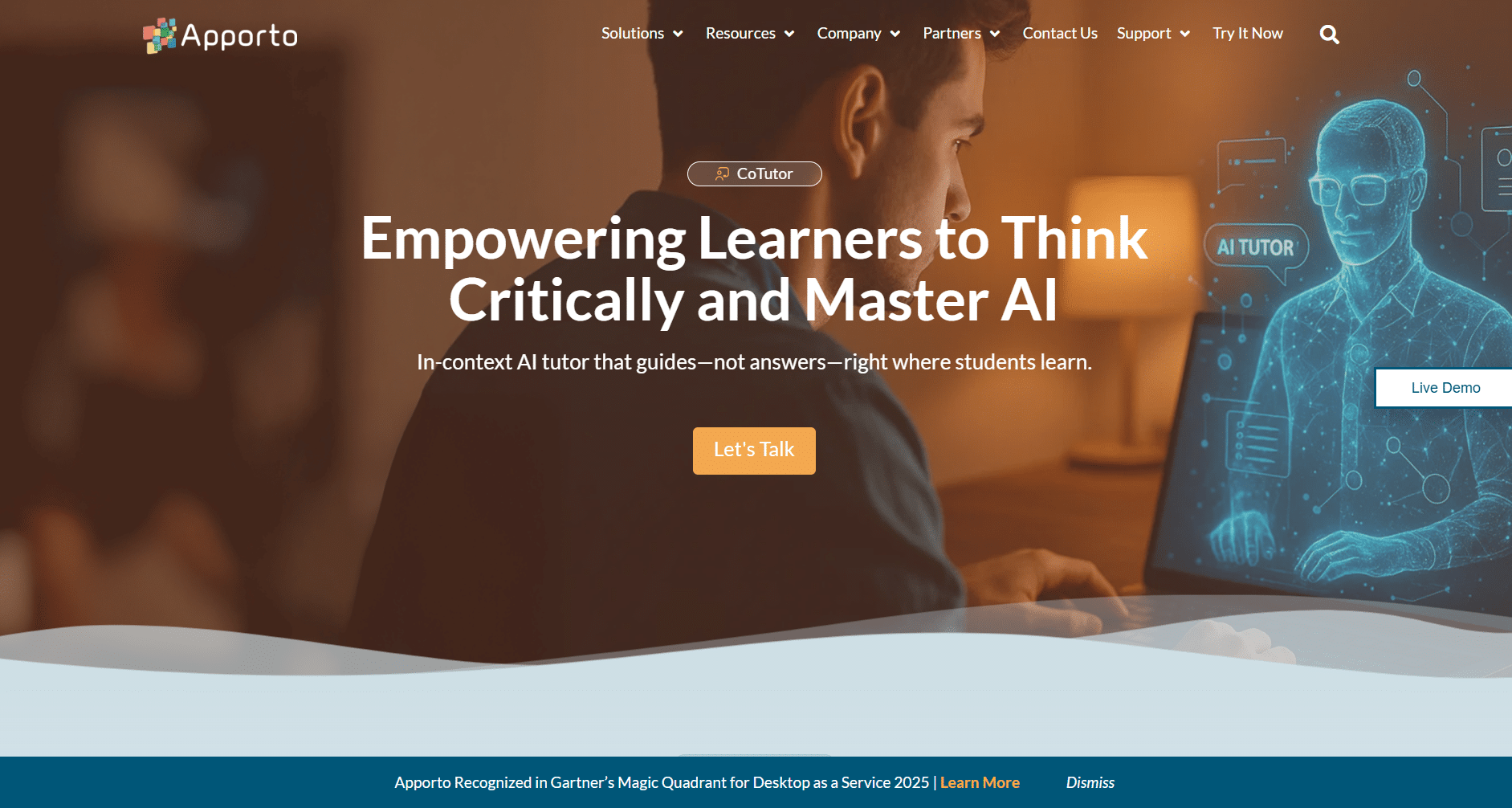
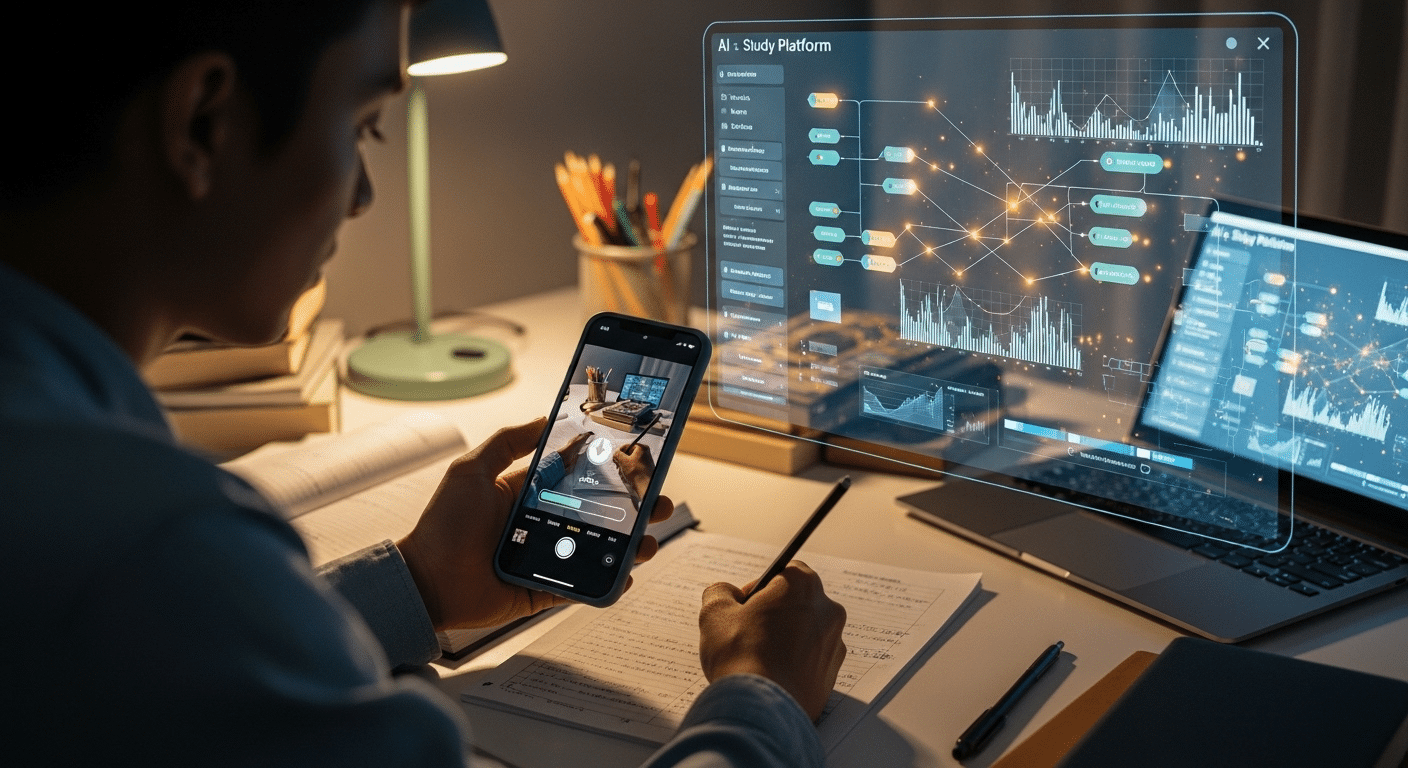
CoTutor Page contains student using a laptop with a holographic AI tutor interface, illustrating AI-powered learning and critical thinking in modern education.

As AI continues to appear in education, a new category of technology is gaining attention, the AI classroom assistant. These systems are not designed to replace teachers. Instead, they work alongside educators, helping manage the constant flow of questions, tasks, and learning support that happens during a course. Tools like CoTutor show how this idea works in practice.

Acting as an AI-powered assistant, CoTutor can provide instant answers to common student questions, offer quick explanations, and deliver immediate feedback during learning activities. Students receive support when they need it, even outside normal classroom hours.

At the same time, the system helps educators manage large groups of learners more effectively. Routine questions can be handled quickly, while teachers remain focused on deeper instruction and mentorship.

By reducing repetitive tasks and scaling student engagement, AI tools allow educators to spend more time guiding discussion, encouraging curiosity, and supporting meaningful learning experiences.


Final Thoughts

Artificial intelligence will undoubtedly influence how education operates in the years ahead. New tools can remove barriers for students, provide faster feedback, and support teachers with time-consuming tasks. Yet classrooms still depend on something technology cannot replicate, human guidance, mentorship, and understanding. Teachers help students interpret knowledge, ask deeper questions, and grow as individuals.

Rather than replacing educators, AI works best as a supportive partner. The real question is not “Can AI replace teachers?” A more useful question is this: How can AI help teachers teach better and reach more students effectively?


Frequently Asked Questions (FAQs)


1. Can AI replace teachers in the future?

Artificial intelligence can support education, but it cannot fully replace teachers. Human educators guide discussion, build relationships, and recognize emotional and social needs that machines struggle to understand. Even as AI tools improve, the role of teachers remains central to meaningful learning experiences.

2. Why do some people believe AI will replace teachers?

Some people see AI systems delivering instant answers, personalized lessons, and constant tutoring support. Because technology can assist large numbers of students at once, it may appear efficient enough to replace teachers. In reality, education requires human judgment and mentorship.

3. What are the biggest benefits of AI in education?

AI can help teachers analyze student performance data, automate routine tasks, and generate learning materials. It can also provide immediate feedback and personalized learning paths for students. These capabilities help educators save time while improving the overall learning experience.

4. What are the risks of using AI in classrooms?

Using AI in schools introduces concerns about student data privacy, bias in automated systems, and potential over-reliance on technology. Students may accept AI-generated answers without questioning them, which could weaken critical thinking and deeper understanding over time.

5. How can AI help teachers instead of replacing them?

AI works best as a supportive tool that handles repetitive tasks and provides quick insights from learning data. By reducing administrative workload, teachers gain more time to mentor students, encourage curiosity, and focus on deeper instruction.

Zero Trust vs Least Privilege: What’s the Difference?

Security once relied on a simple assumption. If someone was inside the company network, they were trusted. That assumption no longer holds. Today’s organizations operate across cloud platforms, remote environments, and distributed teams, which means the traditional perimeter around network security has largely disappeared.

At the same time, cyber threats continue to grow in both scale and sophistication. Data breaches, credential theft, and insider threats have become common concerns for security teams responsible for protecting sensitive data. Every user account, device, and access request represents a potential entry point if controls are not carefully managed.

This growing complexity forces organizations to rethink how user access is granted and monitored. Strong access management has become essential to maintaining a reliable security model.

That is where two widely discussed approaches enter the conversation: zero trust vs least privilege.
In this blog, you will explore what these security models mean, how they differ, and why combining them is becoming essential for protecting modern systems and sensitive data.


What Is the Principle of Least Privilege and Why Does It Matter?

The principle of least privilege is one of the most practical ideas in modern access management. At its core, the concept is simple. Every user receives only the minimum permissions required to perform their job. Nothing more. Nothing unnecessary.

This approach follows a clear “need-to-know” mindset. If someone does not require access to a system, application, or dataset to complete their work, that access should not exist. Limiting permissions in this way helps organizations reduce exposure to security risks and protects sensitive systems from unnecessary interaction.

Least privilege access also helps prevent a common problem known as privilege creep, where user accounts slowly accumulate more permissions than needed over time. Without proper controls, these excessive privileges can create opportunities for security breaches or misuse.

How the Least Privilege Principle Controls User Access?

The principle of least privilege strengthens security through several practical safeguards:

  • Users receive minimum access rights required for their role.
  • It helps prevent privilege escalation attacks that attempt to gain higher permissions.
  • Limiting access reduces the risk of insider threats.
  • Fewer permissions mean a smaller attack surface for cyber threats.
  • Sensitive systems and data remain protected from unnecessary access.

Least privilege is commonly enforced using role based access control (RBAC), attribute based access control (ABAC), and just-in-time access, which temporarily grants privileges only when required.


What Is Zero Trust Security and How Does It Work?

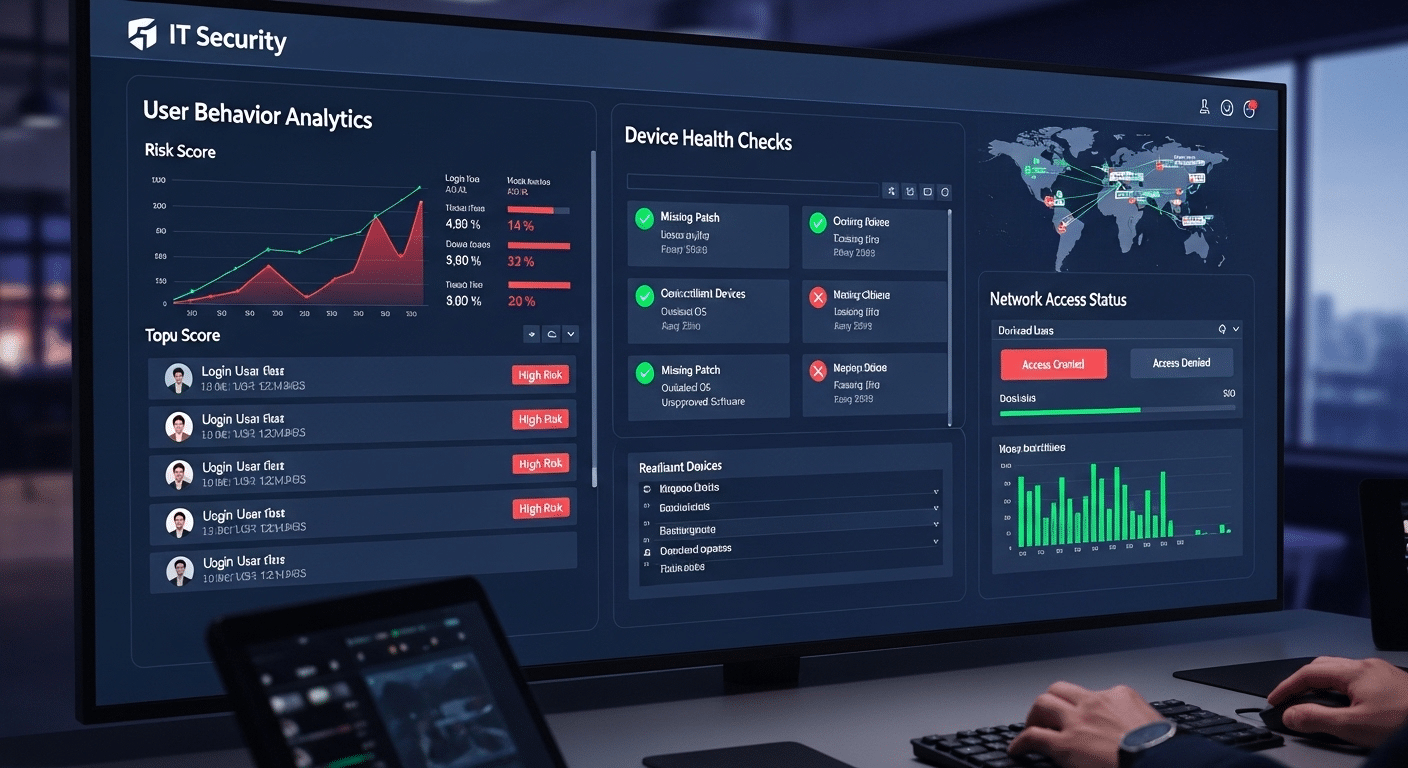
IT security dashboard analyzing user behavior and verifying device health before granting network access in a zero trust system.

If the principle of least privilege focuses on how much access a user should have, zero trust security asks a different question “should access be granted at all?”. This is where the modern idea of Zero Trust begins.

Zero trust security is built on a simple but powerful principle, “never trust, always verify.” Instead of assuming that users inside a network are safe, this security model treats every access request as potentially risky. Whether a user is inside the office or working remotely, the system verifies identity, device health, and context before granting access.

A zero trust architecture relies on several layers of verification. Identity checks confirm who the user is. Device health validation ensures the device connecting to the system is secure and up to date. Multi-factor authentication adds another level of protection by requiring more than just a password. At the same time, continuous verification monitors user behavior even after login.

Core Components of a Zero Trust Architecture

Zero trust security relies on several core controls working together:

  • Identity verification before granting network access
  • Multi-factor authentication (MFA) for privileged accounts
  • Continuous monitoring of user behavior and access events
  • Network segmentation to limit lateral movement
  • Device health validation before granting access

Together, these controls support zero trust network access (ZTNA), which replaces traditional perimeter-based trust security by verifying every connection, every time.


What’s the Difference Between Zero Trust & Least Privilege?

At first glance, zero trust vs least privilege can seem like competing security ideas. In reality, they solve different parts of the same problem. Both aim to control access and reduce risk, but they operate at different levels within a security model.

Zero Trust focuses primarily on authentication and verification. Every time a user, device, or application tries to connect to a system, the request must be verified. Identity, device health, and context are evaluated before any access is granted. Trust is never assumed, even for users already inside the network.

Least Privilege, on the other hand, focuses on authorization and permissions. Once a user has been verified, the system determines what that user is allowed to do. Access rights are restricted so users receive only the minimum permissions necessary to perform their tasks.

Zero Trust vs Least Privilege 

Security Aspect Zero Trust Least Privilege
Core goal Continuous verification Limit permissions
Security level Organization-wide architecture Permission management
Focus Identity and device trust User access rights
Access approach Verify every access request Grant only minimal permissions
Security impact Prevent unauthorized entry Limit damage after entry


How Do Zero Trust and Least Privilege Work Together?

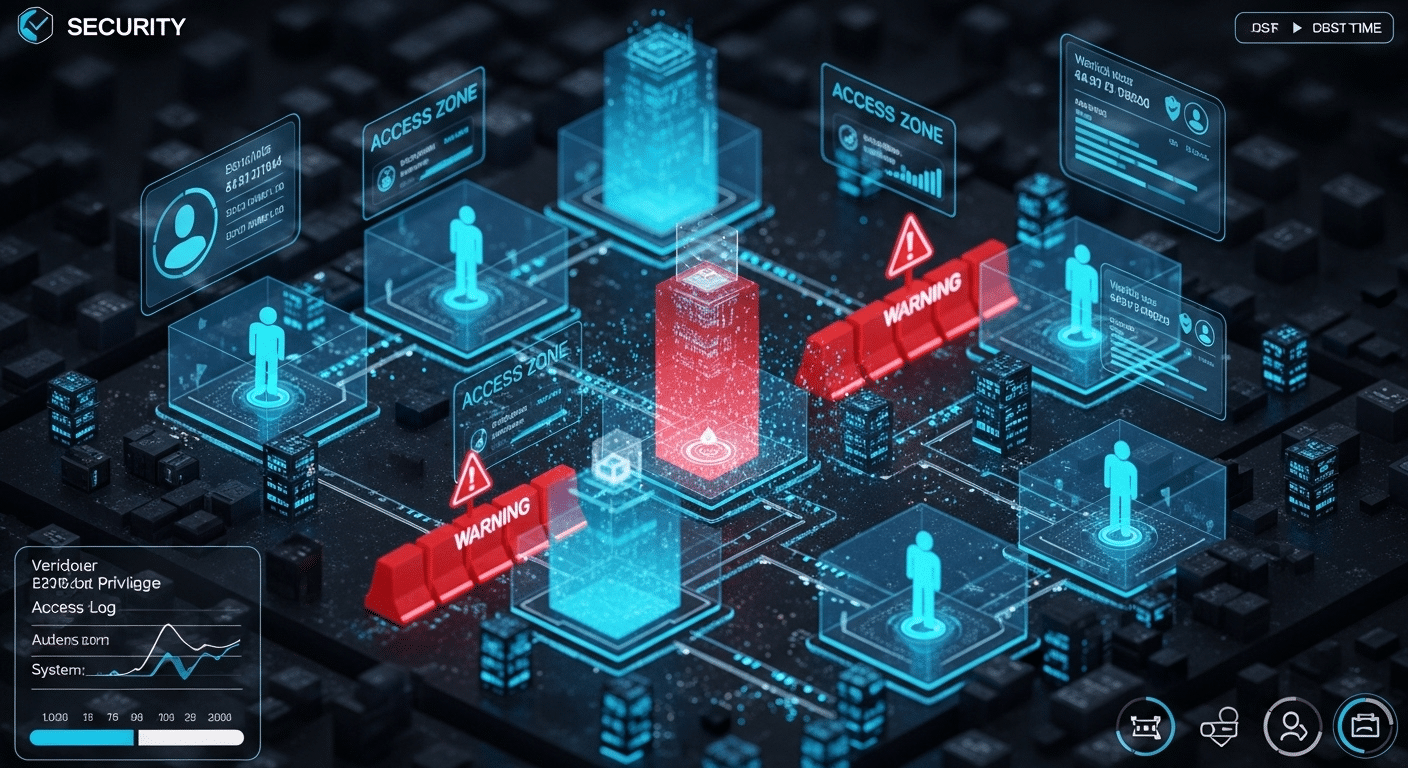
Futuristic network security visualization showing verified users entering a system with restricted access zones representing least privilege.

It is easy to assume that zero trust and least privilege represent competing approaches to security. In practice, they are designed to complement each other. Each addresses a different stage of the access process, and together they create a stronger defense against modern cyber threats.

Zero Trust focuses on verifying access before it happens. Every request is evaluated using identity checks, device validation, and behavioral signals. This step determines whether a user or device should be allowed to enter the system at all.

Least Privilege takes over after that verification step. Once access is approved, permissions are carefully restricted so the user can only interact with the systems and data required for their role. Even trusted users operate within clearly defined limits.

Why Security Teams Combine Both Models?

Security teams often integrate trust and least privilege controls to strengthen access control mechanisms across their environment:

  • Zero Trust verifies user identity and device health before granting entry.
  • Least Privilege ensures minimum permissions after verification.
  • Combined controls help reduce the overall attack surface.
  • These protections help prevent lateral movement across systems.
  • Limited permissions help contain damage if an account becomes compromised.

Together, these strategies form a robust security framework, ensuring that access is both carefully verified and tightly controlled across modern infrastructure.


Why Traditional Network Security Models Are No Longer Enough?

For many years, network security relied on a simple perimeter model. If a user or device connected from inside the company network, it was generally trusted. Firewalls and internal controls protected the outer boundary, while everything inside the network operated under assumed trust.

That model worked when systems were centralized and employees worked from a single office environment. Today, the structure of technology has changed. Cloud environments host critical applications. Teams operate from different locations.

Organizations manage hybrid infrastructure that connects on-premise systems with cloud platforms and distributed applications. In this environment, relying on network location as a sign of trust is no longer reliable.

Remote access has become routine for employees, partners, and contractors. At the same time, cyber threats have evolved. Credential theft allows attackers to appear as legitimate users. Insider threats may originate from accounts that already exist inside the network. When access depends on location rather than verification, these risks grow quickly.

Modern security strategies now focus on identity, context, and continuous monitoring. Instead of assuming trust network access, organizations increasingly require secure remote access systems that verify every connection and access request.


When Should Organizations Start with Least Privilege First?

Cybersecurity dashboard showing an IT administrator reviewing user permissions and restricting access based on least privilege principles.

For many organizations, the least privilege principle is often the most practical place to begin strengthening security. Unlike large architectural changes, implementing least privilege access does not always require major infrastructure updates. In many cases, the process starts with something much simpler, reviewing who has access to what.

Security teams typically begin with a detailed access audit. This audit examines existing user accounts, permissions, and roles across systems. It often reveals that many users have more access than they actually need. Reducing those permissions to minimum access levels can immediately lower risk without disrupting daily operations.

Another advantage is that least privilege can often be introduced through updated policies and permission management rather than new hardware. Because of this, organizations can see meaningful improvements in their security posture fairly quickly.

Why Least Privilege Is Often the First Security Step?

Implementing least privilege delivers several early benefits:

  • Identifies excessive permissions and dormant accounts during access audits.
  • Reduces the likelihood of insider threats.
  • Helps limit privilege escalation attacks.
  • Strengthens the organization’s overall security posture.

By restricting permissions first, organizations create a strong foundation that later supports a broader Zero Trust architecture.


When Should Organizations Implement Zero Trust First?

While many organizations begin their security journey with the least privilege principle, there are situations where Zero Trust architecture must be prioritized from the start. Some environments face higher levels of risk, stricter regulatory requirements, or more complex infrastructure, making traditional security controls insufficient.

Organizations that manage large volumes of sensitive data often fall into this category. Financial institutions, healthcare providers, and government agencies must protect highly valuable information from both external cyber threats and internal misuse. In these environments, relying on partial access controls may not provide enough protection.

Highly regulated industries also benefit from implementing Zero Trust early. Compliance standards frequently require strict monitoring, identity verification, and strong access controls across all systems. A comprehensive security framework built around Zero Trust can help meet these requirements while improving visibility across the organization.

Large distributed networks present another challenge. Companies with global teams, remote workers, cloud services, and hybrid infrastructure cannot rely on a single network boundary. Instead, continuous monitoring, identity verification, and layered security controls become essential to managing access safely across complex environments.


Practical Steps to Implement Zero Trust and Least Privilege

IT security team reviewing a dashboard of user access permissions and system activity while implementing zero trust and least privilege policies.

Understanding the concepts behind Zero Trust and the principle of least privilege is only the first step. The real value appears when organizations translate these ideas into practical security controls. While a full Zero Trust architecture may take time to implement, many foundational improvements can begin immediately.

A good starting point is visibility. Security teams need a clear view of who has access to which systems, applications, and data. Without that visibility, it becomes difficult to enforce proper access controls or identify unnecessary permissions.

Once access is mapped, organizations can gradually tighten permissions, strengthen identity verification, and monitor how users interact with critical systems.

These changes do not require a complete overhaul on day one. Instead, they often begin with small but meaningful adjustments to security policies, identity controls, and monitoring practices.

Steps Security Teams Can Take Today

Organizations can begin strengthening access control by taking several practical steps:

  • Conduct a full audit of user access and permissions across systems and applications.
  • Remove unnecessary access rights that exceed a user’s role or responsibilities.
  • Implement multi-factor authentication to protect high-value accounts and systems.
  • Introduce just-in-time access so privileged permissions are granted only when needed.
  • Monitor user behavior and access events across critical systems.

Through continuous monitoring, security teams can detect unusual access requests, track how users interact with resources, and quickly respond to suspicious activity before it escalates into a security incident.


How Modern Platforms Help Enforce Zero Trust Access?

Apporto homepage showcasing virtual desktops, AI tutoring, and academic integrity solutions on a modern technology platform.

Implementing strong access control strategies such as Zero Trust architecture and the principle of least privilege often requires the right technology foundation. As organizations adopt cloud platforms, hybrid infrastructure, and remote work environments, traditional network tools can struggle to keep up. This is where modern secure access platforms play an important role.

These platforms help enforce identity verification before granting access to systems and applications. Instead of relying on network location, access decisions are based on who the user is, the device being used, and the context of the access request. This approach aligns closely with the principles of Zero Trust, where every connection must be verified before access is granted.

Modern platforms also simplify access management across distributed systems. Administrators can manage permissions, enforce security policies, and monitor access events through centralized controls. This helps organizations maintain a consistent security framework even as their infrastructure grows more complex.

Solutions like Apporto demonstrate how secure remote access can be delivered through a browser-based model. By eliminating the need for complex VPN configurations and providing secure remote application access, platforms like Apporto help organizations extend Zero Trust principles while simplifying infrastructure management.


Final Thoughts

When organizations evaluate zero trust vs least privilege, it may seem like a decision between two competing security approaches. In reality, they are most effective when used together. Each model addresses a different layer of access control, and combining them creates stronger protection against modern cyber threats.

For many organizations, implementing the principle of least privilege is the logical starting point. By reducing unnecessary permissions and enforcing minimum access, security teams can quickly lower risk and strengthen their security posture.

From there, organizations can gradually expand toward a full Zero Trust architecture, introducing continuous verification, stronger identity controls, and improved monitoring across systems.

Together, these strategies create layered protection. Zero Trust verifies every access request, while least privilege ensures users can only access what they truly need.


Frequently Asked Questions (FAQs)


1. What is the difference between Zero Trust and Least Privilege?

Zero Trust focuses on verifying every access request before granting entry to a system. Least Privilege focuses on limiting what a verified user can do after access is granted. Together, they control both authentication and authorization within a modern security model.

2. Is Least Privilege part of Zero Trust architecture?

Yes. Least Privilege is often considered a foundational element within Zero Trust architecture. Zero Trust verifies identity and device context, while the principle of least privilege ensures users receive only the minimum permissions required to perform their tasks.

3. Which should organizations implement first?

Many organizations start with the principle of least privilege because it is easier to implement and requires fewer infrastructure changes. Conducting access audits and reducing unnecessary permissions can quickly improve security posture before expanding toward a full Zero Trust strategy.

4. How does Zero Trust protect against insider threats?

Zero Trust reduces insider risk by continuously verifying user identity, device health, and behavior before granting access. Even internal users must pass authentication checks, which helps detect suspicious activity and prevent unauthorized access to sensitive systems or data.

5. Can Zero Trust work without Least Privilege?

Technically it can, but it would be incomplete. Zero Trust verifies who is requesting access, but without least privilege controls, verified users could still receive excessive permissions. Combining both ensures that access is verified and strictly limited.

How to Create an AI Tutor That Actually Teaches Effectively

If you’re exploring how to create an AI tutor, you’ve probably noticed something unsettling. There are plenty of tools that look impressive. Few actually teach.

Artificial intelligence has moved quickly into education. Apps promise instant explanations, automated grading, personalized support at scale. On the surface, it feels like progress. And in some ways, it is. But many AI tutors fail for a simple reason, they prioritize speed over depth. They provide answers instead of building understanding.

When a student asks a question, the system responds immediately. Efficient, yes. Educational, not always. Students learn by grappling with material, by working through confusion, by making and correcting mistakes. If an AI tutor removes that struggle entirely, it removes growth with it.

So the real question is not just how to create an AI tutor, but how to create one that helps students solve problems rather than bypass them. That requires more than clever code. It demands pedagogy, guardrails, and design decisions that respect how learning actually works.

In this blog, you’ll learn how to create an AI tutor that strengthens understanding, supports real education, and prepares students for the future rather than just delivering quick answers.


What Learning Problem Are You Trying to Solve?

Before you write a single line of code, pause. Ask the uncomfortable question. What problem are you actually trying to fix?

Educational technology has a habit of racing ahead of reflection. The tools get built first, the pedagogy gets patched in later. That order rarely ends well. If you want to understand how to create an ai tutor that truly helps, you must begin with the learning experience itself.

Look closely at prior knowledge. Where are students getting stuck? Which key concepts create friction? One main point of friction is often not the material itself, but the gap between what the student already knows and what the course assumes they know. That gap matters.

Context matters too. In higher education, learners may need support with analytical thinking and complex material. In K–12, cognitive load and developmental readiness shape how students learn. An AI tutor should adapt to those realities. And it should support teachers, not replace them. The goal is to extend human guidance, not compete with it.


What Pedagogical Framework Should Guide Your AI Tutor?

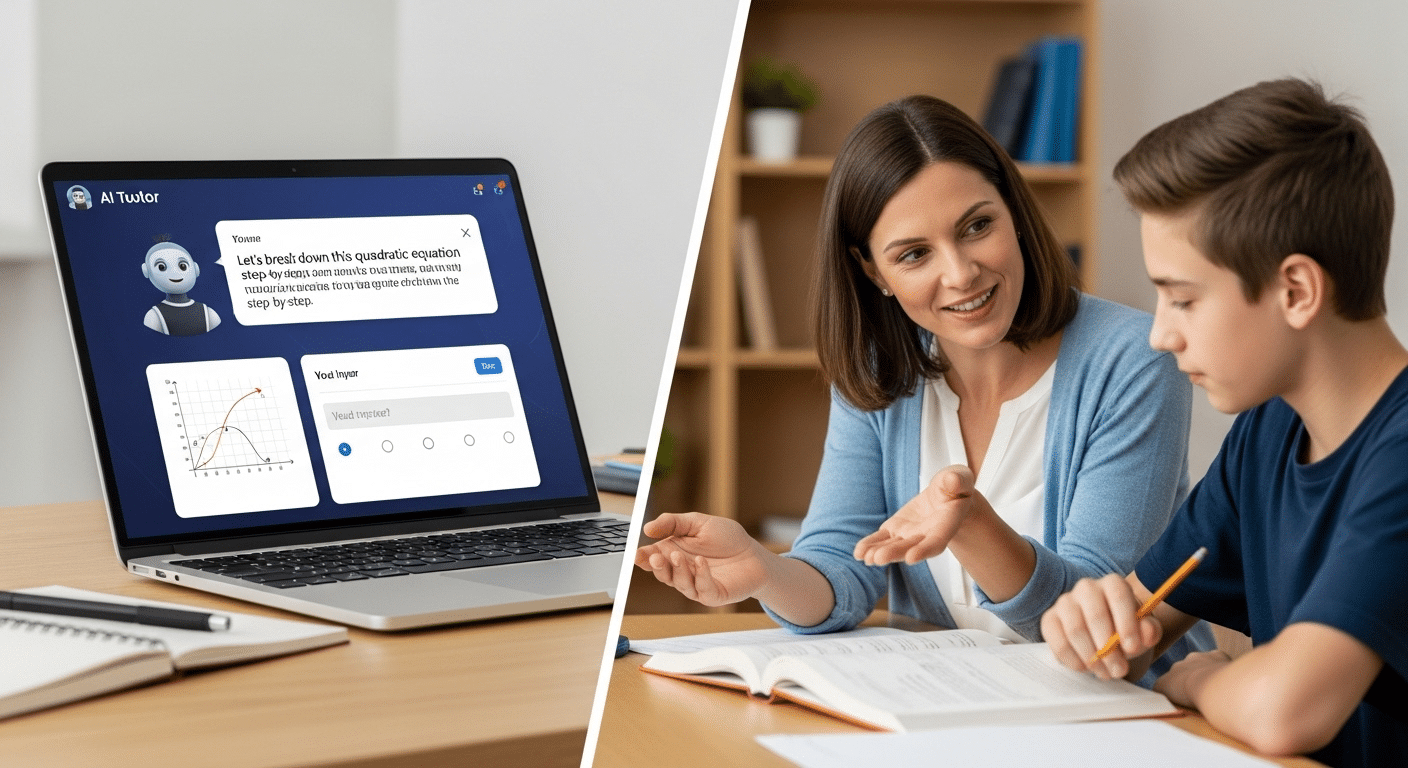
Student solving a challenging problem with an AI interface offering progressive hints instead of direct answers.

Technology without pedagogy is just noise. Polished noise, perhaps, but noise all the same. If you are serious about how to create an ai tutor that actually teaches, you need a framework that respects how humans learn.

Start with the Zone of Proximal Development. Students learn best when the material feels slightly out of reach, not impossible, not trivial. That delicate edge is where growth happens. Too easy, and attention drifts. Too hard, and motivation collapses.

Then consider Bloom’s Taxonomy. Memorizing facts sits at the bottom. Analysis, evaluation, creation, those require deeper cognitive effort. Your AI tutor should not stop at recall. It should push thinking upward.

Active engagement matters as well. Passive consumption rarely builds durable skills. Constructive and interactive learning, where the learner responds, reflects, corrects error, and refines understanding, produces stronger outcomes.

Socratic questioning ties it together. Instead of supplying an explanation immediately, the system can ask probing questions that nudge the learner toward insight.

  • Target the Zone of Proximal Development by challenging learners just beyond current ability
  • Scaffold learning through hints rather than direct solutions
  • Use probing questions to deepen understanding
  • Encourage students to explain answers in their own words
  • Move learners from passive to active to constructive interaction

When you design around these principles, the AI becomes a guide, not a shortcut.


How Do You Design the Intelligence Layer of an AI Tutor?

Now you move beneath the surface. The visible interface, the friendly responses, the smooth conversation flow, all of that sits on top of something quieter. The intelligence layer.

Most AI tutors begin with a base model, often a large language model trained on vast amounts of text. That model can generate responses, follow instructions, and simulate conversation. Impressive, yes. But raw capability is not enough. If you stop there, your tutor may sound fluent yet drift into unreliable territory.

You need to fine tune it. Not with random internet scraps, but with curated, pedagogically rich datasets built around real content and actual learning objectives. Training should reflect research, structured material, and instructor-approved knowledge. Otherwise the system may respond confidently while being wrong, which is far worse than saying “I don’t know.”
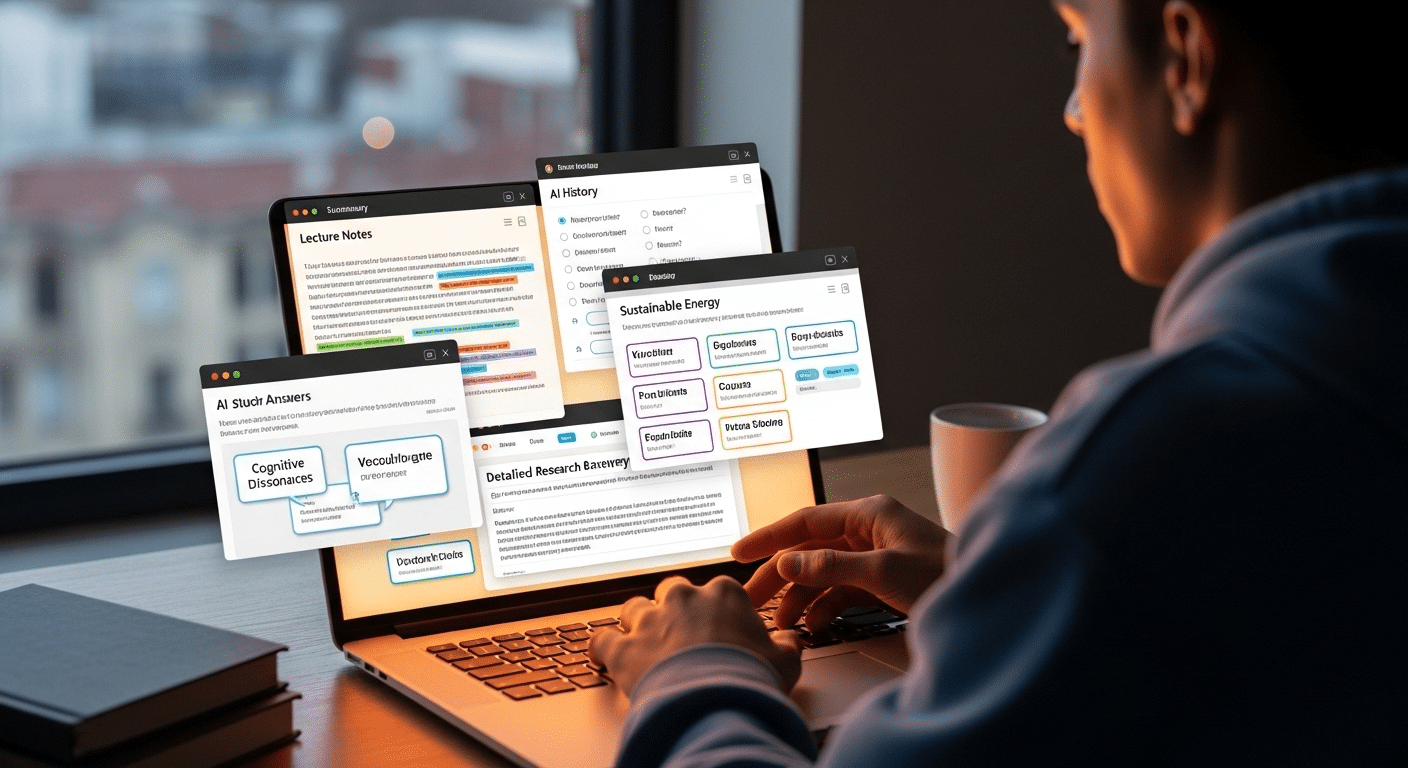
Ground the model using Retrieval Augmented Generation, often called RAG. In simple terms, this means the AI pulls from vetted documents before it answers, staying anchored in context rather than improvising freely.

Use prompts strategically. Clear instructions guide how the program responds, how it phrases explanations, how it manages conversation flow. Good code matters. But disciplined design matters more.


How Can You Ensure Accuracy and Prevent Hallucinations?

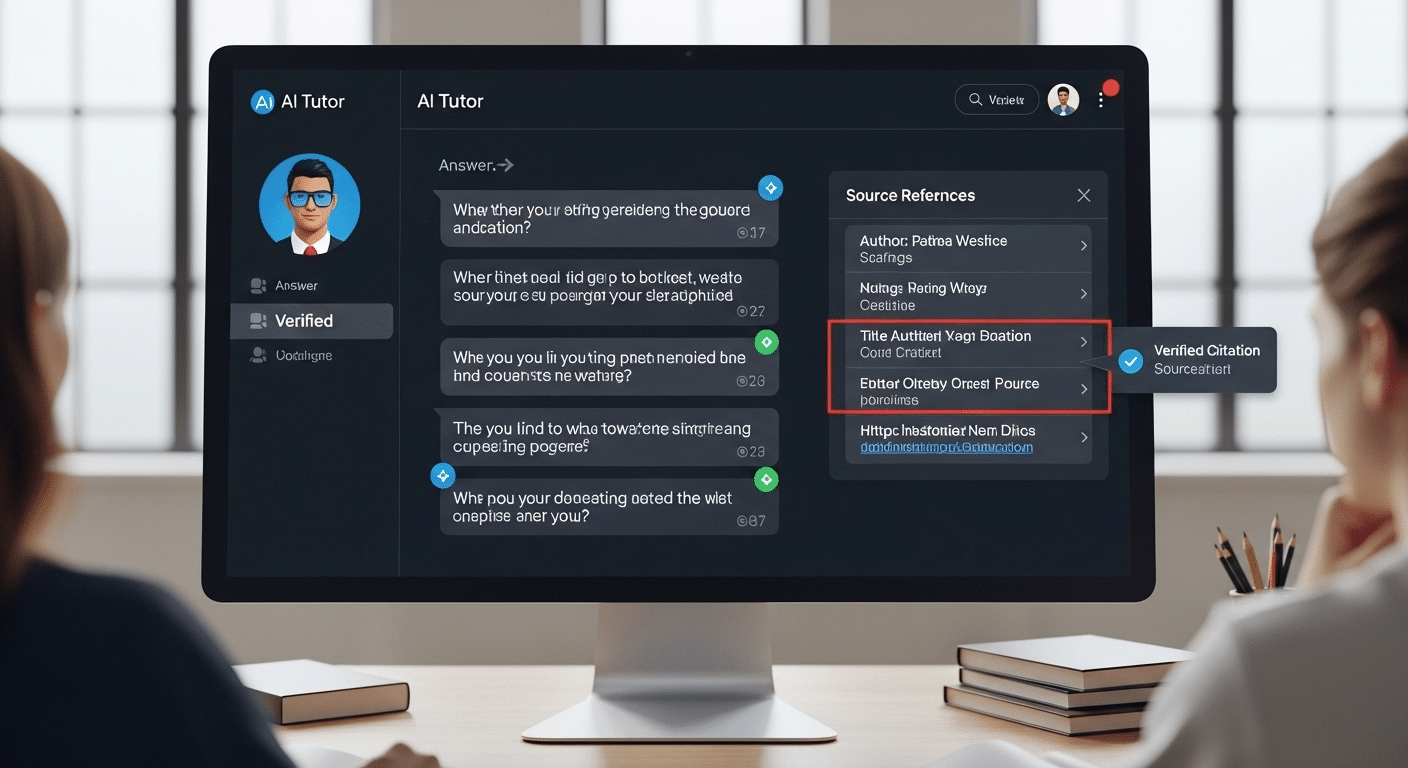
AI tutor interface displaying verified citations beside each answer, with highlighted source references.

Hallucinations are not mystical. They are predictable. When a model lacks reliable grounding, it fills the gap with probability. The result can sound polished, even authoritative, yet quietly wrong.

If you want to understand how to create an ai tutor that educators can trust, accuracy cannot be optional. Students will assume the system is correct. That assumption carries weight.

Start by narrowing the knowledge boundary. Do not allow the AI to roam freely across the open internet. Anchor it to a defined body of research and course material. Confirm that every response can be traced back to vetted sources. Then test it, repeatedly, under challenging conditions.

Reinforcement Learning with Human Feedback, often shortened to RLHF, helps refine behavior. Human reviewers evaluate responses, flag error patterns, and improve reliability over time.

  • Use one solid core document as a source of truth
  • Add 1–3 additional content documents and FAQs
  • Design the tutor to refuse answers outside uploaded material
  • Use multiple evaluators to improve response consistency
  • Audit for bias and misinformation

Trust grows from disciplined limits. Not from unlimited answers.


How Should an AI Tutor Provide Feedback That Builds Understanding?

Feedback is where an AI tutor either earns its place or quietly undermines it. When students work through assignments or practice problems, timing matters. Immediate feedback helps anchor learning while the material is still fresh.

If correction comes days later, the connection weakens. But speed alone is not enough. The feedback must carry substance.

High-information feedback includes verification and elaboration. In other words, the system should confirm whether an answer is correct, then provide an explanation that clarifies why.

That explanation should strengthen understanding, not overwhelm the learner with excess detail. Cognitive overload is real. Too much information at once, and even capable students disengage.

Correction should be precise. Not vague encouragement, not robotic repetition. When mistakes appear, identify them clearly. When reasoning is strong, say so. Reinforce what works.

  • Highlight mistakes clearly and explain why
  • Provide hint-based support rather than full solutions
  • Adapt feedback in real time
  • Encourage learners to reflect before responding
  • Confirm understanding before moving forward

Good feedback turns error into progress. Poor feedback just delivers answers and moves on.


How Do You Personalize the Learning Experience Without Overcomplicating It?

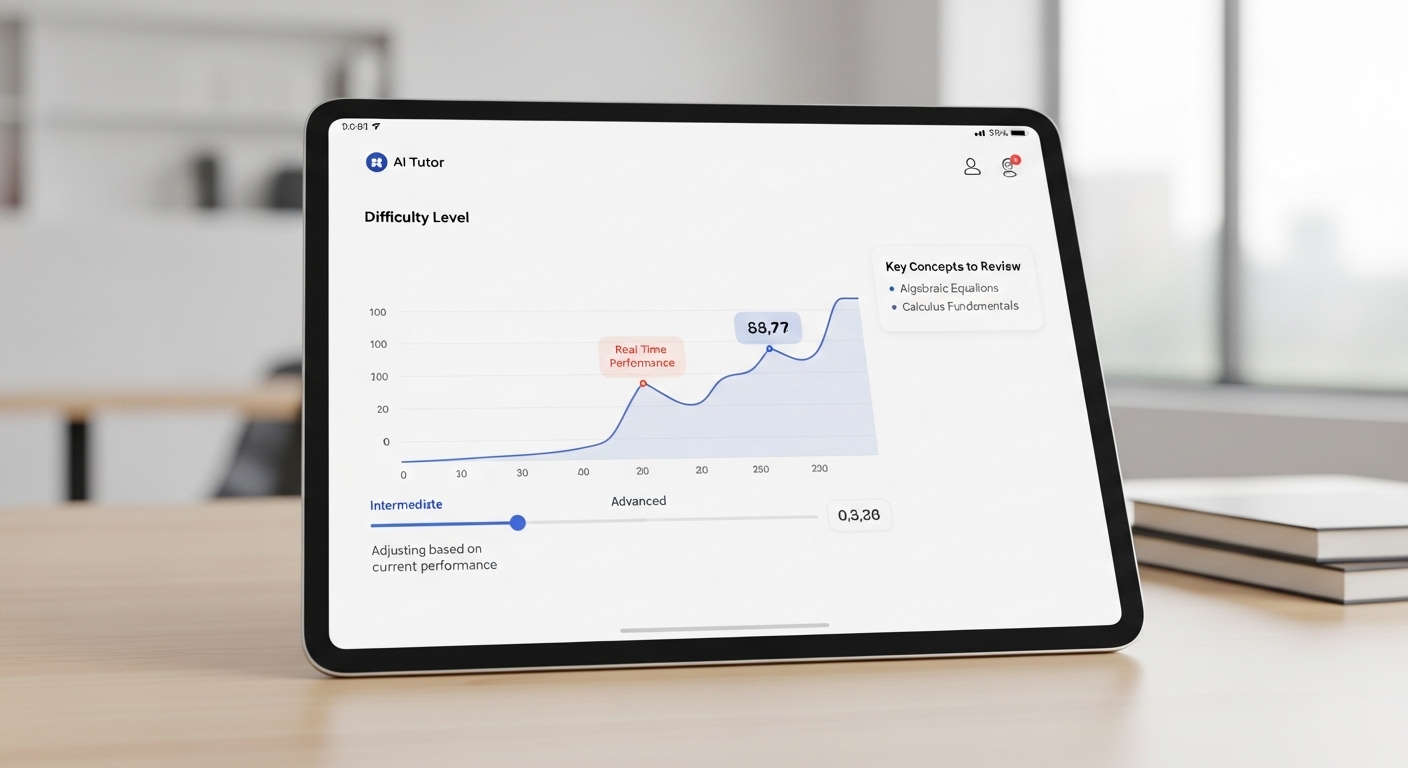
Minimalist AI tutor dashboard adjusting difficulty level based on student performance analytics in real time.

To create a personalized AI tutor, you do not need an elaborate maze of features. You need clarity. Start with adaptive learning paths driven by analytics. As the learner interacts with the app, the system tracks performance, response time, recurring mistakes, and depth of understanding. Based on that data, it adjusts difficulty and pacing in quiet, almost invisible ways.

If a student demonstrates strong ability with key concepts, increase the challenge. If confusion appears, slow down and provide structured support. The goal is balance, not constant escalation.

Support multimodal interaction whenever possible. Some learners respond best to text. Others benefit from voice input or short video explanations. Offering multiple formats increases accessibility without adding unnecessary friction.

Above all, manage cognitive load. Keep the interface clean. Keep instructions clear. Personalization should feel natural, not overwhelming. When done well, it becomes engaging rather than distracting, tailored to the learner without becoming complicated for its own sake.


How Do You Keep Teachers in the Loop?

An AI tutor should never operate in isolation. Education does not exist in a vacuum, and technology should not quietly replace the judgment of teachers. If you are serious about how to create an ai tutor that works in higher education or any structured learning environment, you must design for human oversight from the beginning.

Teachers need visibility. They need to understand how students are performing, where confusion is clustering, which key concepts are sticking and which are not. Dashboards and clear insights make this possible. Data, when presented responsibly, becomes a lens rather than a burden.

AI can surface patterns quickly. A teacher still interprets them.

Without that loop, the system risks drifting away from classroom goals. With it, the tutor becomes a form of structured support rather than an invisible authority.

  • Share performance data with educators
  • Allow teachers to review AI responses
  • Use AI as supplemental, not replacement
  • Maintain contact between student and real person


What Ethical and Security Guardrails Must You Implement?

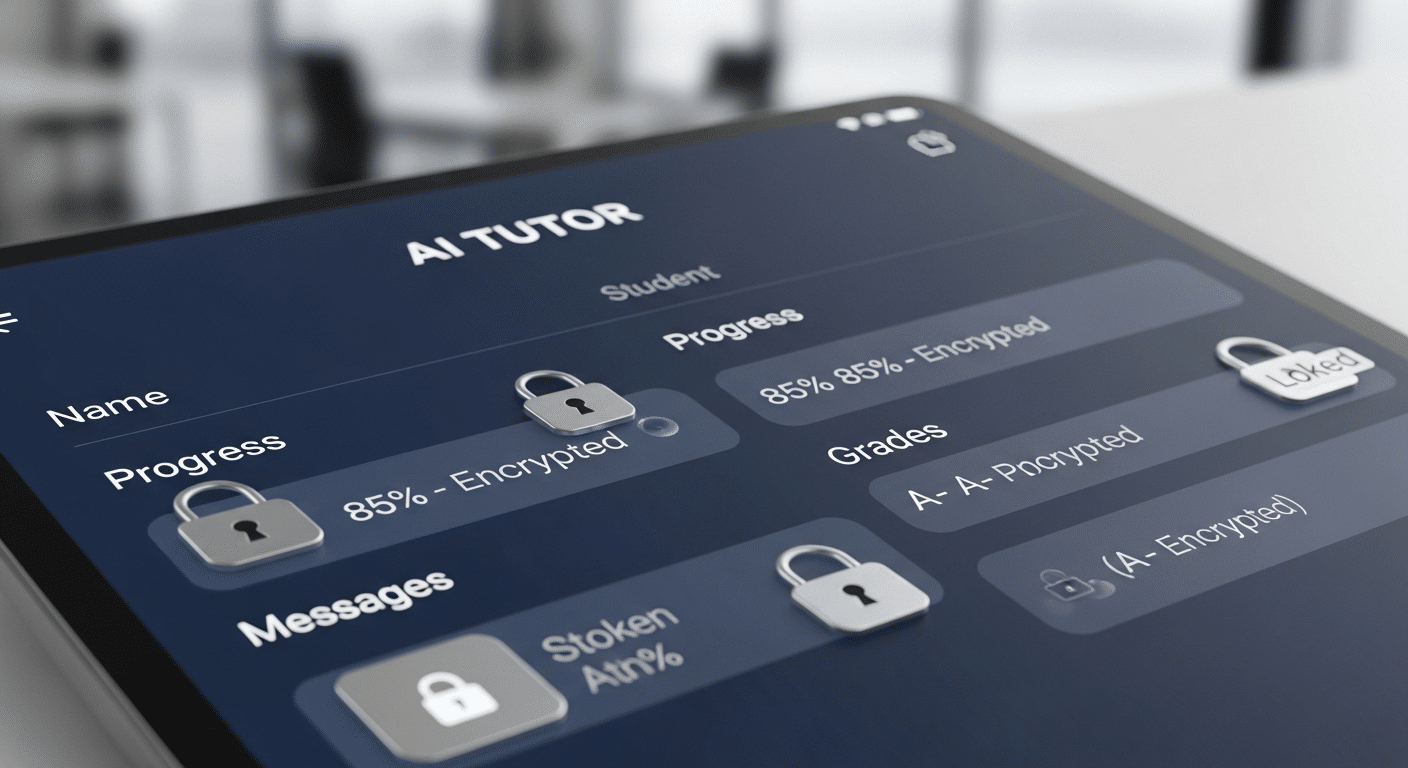
Secure AI tutor interface with encrypted student data represented by lock icons and protected records.

An AI tutor deals with something fragile, student data, academic records, patterns of behavior, even mistakes that reveal how someone thinks. That responsibility is not abstract. It is immediate.

If you want your system to be reliable in the real world, compliance is non-negotiable. In the United States, FERPA protects student records.

In Europe, GDPR governs personal data. Similar regulations exist globally. Your design must account for them from day one, not as an afterthought.

Security also extends beyond privacy. AI models trained on open internet material can inherit bias or produce subtle error patterns that affect certain learners unfairly. Without careful auditing, those issues persist quietly.

Ethical guardrails protect both the learner and the institution. They shape how the system behaves now and in the future.

  • Protect student records with robust encryption
  • Audit algorithmic bias using diverse datasets
  • Implement guardrails against harmful or inaccurate responses
  • Ensure equitable access to prevent disparities

A well-designed AI tutor does not just teach content. It operates within boundaries that safeguard trust.


How Do You Test and Refine an AI Tutor Before Launch?

You do not release an AI tutor and hope for the best. You test it, break it, and test it again. Iterative testing should involve both students and teachers. Let real learners interact with the system in authentic classroom conditions.

Observe where confusion arises, where conversation flow feels unnatural, where responses drift away from the intended material. Small friction points matter more than you think.

Collect structured feedback after each test cycle. Ask what felt engaging. Ask what felt mechanical. Measure learning outcomes, not just user satisfaction. Did understanding improve? Did performance on assignments shift in measurable ways? Research-backed evaluation keeps you grounded.

Refine prompts carefully. Slight adjustments in instructions can dramatically improve how the AI responds. Monitor cognitive load as well. If learners appear overwhelmed, simplify.

After each test round, adjust based on data. Then repeat. Launch should feel earned, not rushed. Continuous refinement is part of responsible design, not a postscript.


What Does a Future-Ready AI Tutor Look Like?

Student engaging in deep problem-solving while AI tutor prompts analytical questions instead of giving answers.

A future-ready AI tutor does more than respond quickly. It promotes critical thinking, nudging students to analyze, compare, question, and justify rather than simply repeat. It scales quality instruction without flattening it, preserving rigor even as access expands.

Active engagement sits at the center. The learner interacts, reflects, revises, practices. The system adapts across disciplines, from quantitative problem sets to conceptual discussions, without losing coherence. In higher education especially, scale matters, but so does depth.

The real test is this, can the tutor support thousands of students while still respecting individual ability and context?

That is the standard emerging tools must meet. And it is where platforms like CoTutor begin to enter the conversation.


Why CoTutor Represents a Smarter Way to Create an AI Tutor?

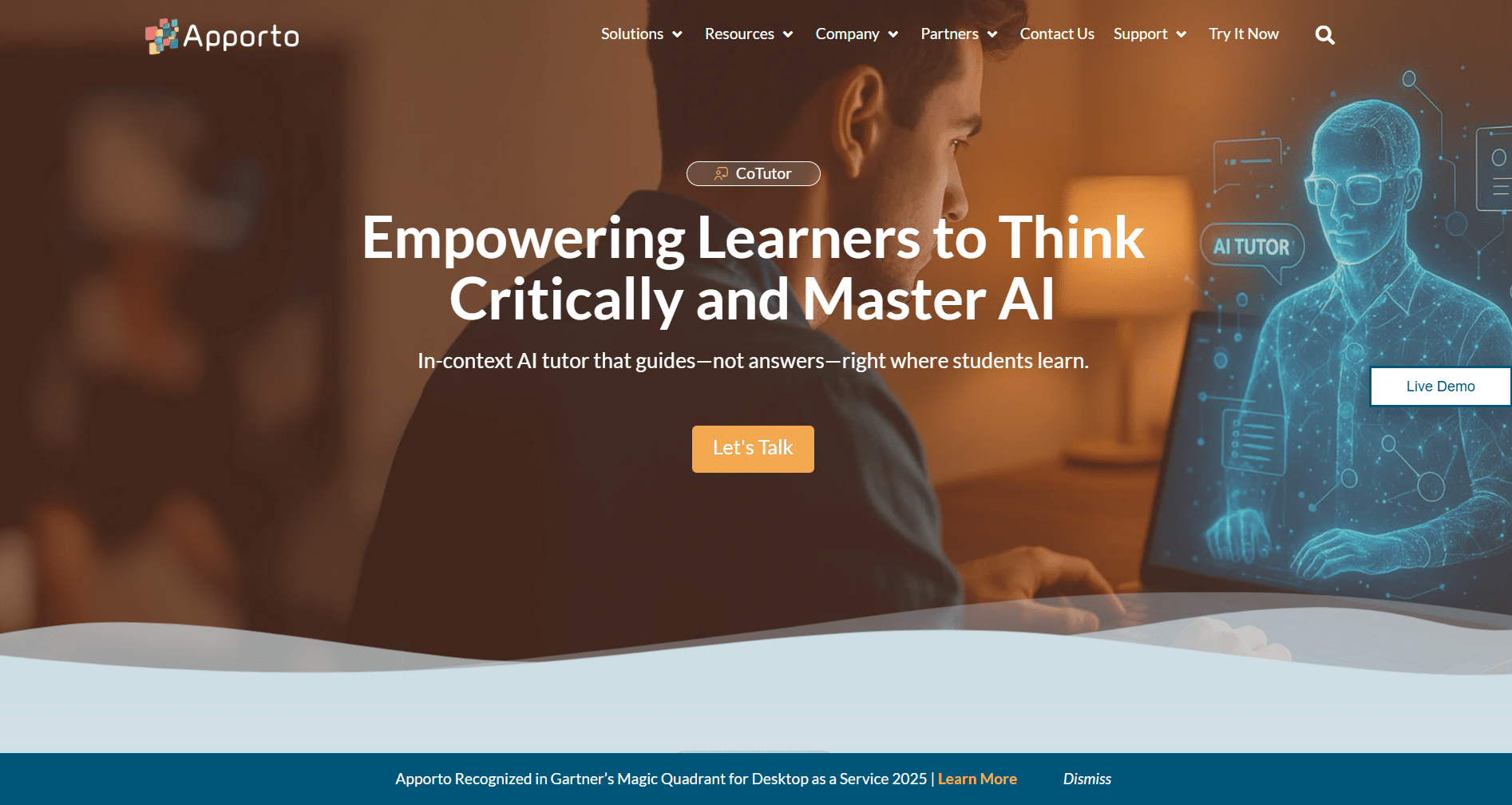
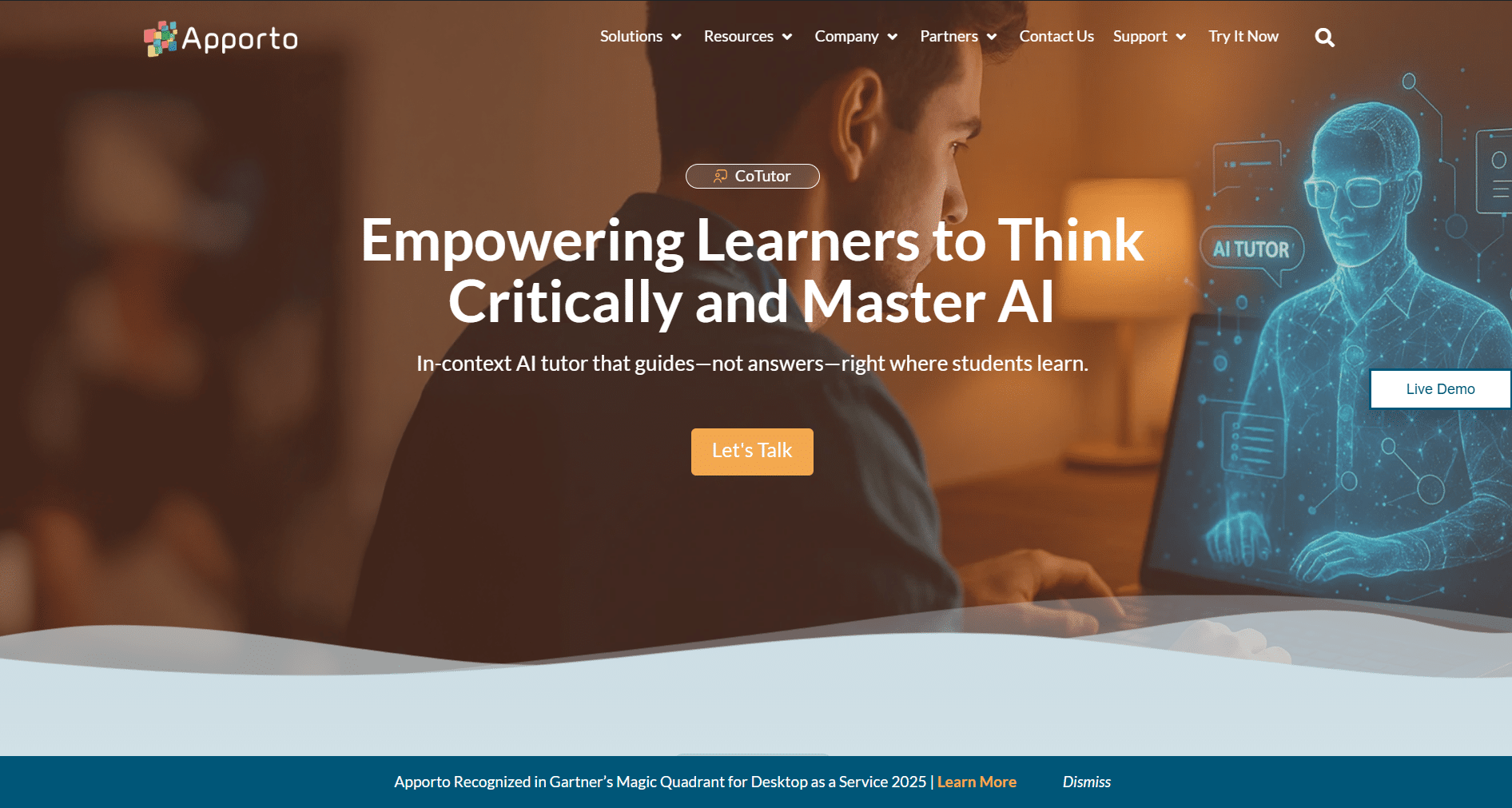
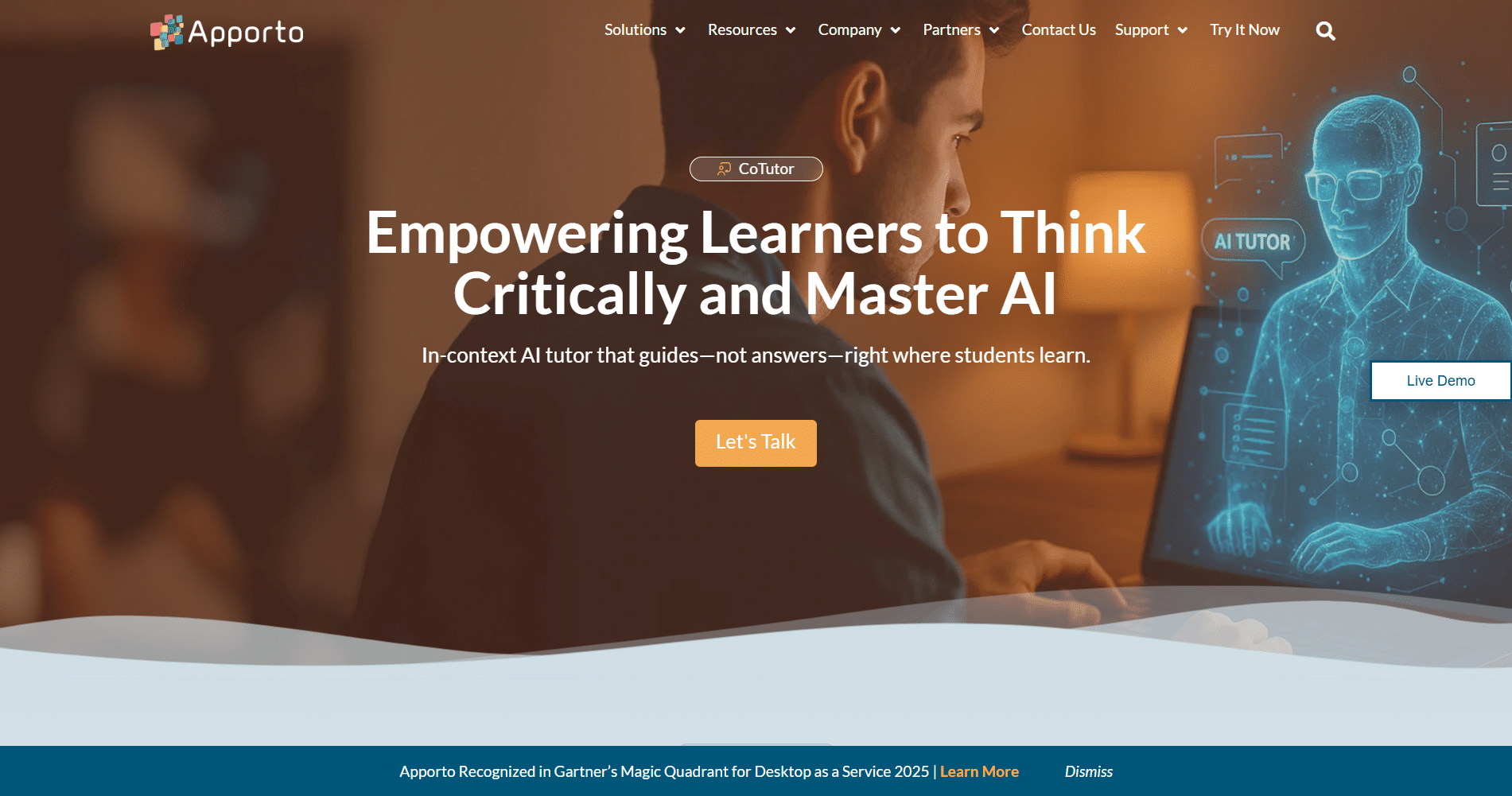
Apporto CoTutor page showing a student using a laptop alongside a holographic AI tutor interface promoting critical thinking and AI mastery.

If you have followed the thread so far, a pattern should be clear. Creating an AI tutor that truly teaches requires structure, restraint, and educational intent. CoTutor reflects that philosophy.

Rather than improvising from the open internet, CoTutor is grounded in vetted, instructor-approved content. Its intelligence layer is built around pedagogical scaffolding, encouraging students to think in their own words, not simply extract answers. The design prioritizes institutions, particularly in higher education, where accountability and measurable outcomes matter.

Human oversight is not an afterthought. Teachers remain in the loop, able to monitor progress and intervene when necessary. The goal is support, not substitution.

  • Curriculum-aligned conversation flow
  • High-information feedback mechanisms
  • Instructor visibility dashboards
  • Secure, compliant infrastructure

To ensure easy access for students and educators, institutions can post the CoTutor link in accessible platforms such as LMS, email, or intranet.

CoTutor embodies what this guide has outlined, a disciplined, research-informed approach to building an AI tutor that strengthens learning rather than shortcuts it.


Conclusion

If you step back, the path becomes clearer. How to create an AI tutor is not a question of adding more features or louder marketing claims. It begins with pedagogy. It requires defined learning goals, structured scaffolding, accurate content, human oversight, and disciplined guardrails.

Many AI tutors fail because they chase speed and convenience. Effective ones slow down just enough to foster understanding.

Design intentionally. Test rigorously. Keep teachers involved. Prioritize learning over automation.

When you build with those principles in mind, artificial intelligence becomes a meaningful support system rather than a shortcut. Explore how CoTutor can help your institution build AI tutoring the right way.


Frequently Asked Questions (FAQs)


1. What is the first step in creating an AI tutor?

The first step is defining the learning problem you want to solve. Identify key concepts, prior knowledge gaps, and clear objectives. Before writing code or selecting a model, clarify how students learn and what outcomes the tutor should improve.

2. Why do many AI tutors fail in education?

Many AI tutors fail because they focus on providing answers instead of fostering understanding. When a system prioritizes speed over critical thinking, students may complete tasks but fail to develop problem-solving skills or long-term retention.

3. Do you need to train an AI tutor on internet data?

No. In fact, relying heavily on open internet data can reduce reliability. A stronger approach uses curated, instructor-approved content as the foundation, ensuring the tutor responds within a defined academic context rather than generating loosely sourced material.

4. How can you prevent hallucinations in an AI tutor?

You can prevent hallucinations by grounding the model in vetted documents, restricting responses to approved materials, and testing outputs rigorously. Human review and structured prompt design further reduce error and improve consistency.

5. Should AI tutors replace teachers?

AI tutors should not replace teachers. They work best as supplemental support tools, offering practice and feedback while educators provide judgment, context, and human guidance that technology alone cannot replicate.

6. How do you personalize an AI tutor for different learners?

Personalization comes from adaptive learning paths that adjust difficulty, pacing, and feedback based on performance data. The system should respond to learner ability without overwhelming them, offering targeted support where needed.

7. Can you build an AI tutor using only one document?

Yes, you can begin with one strong, up-to-date source document as a foundation. For deeper expertise, add a few additional materials and FAQs to strengthen coverage while maintaining clear boundaries.

Are AI Language Tutors Good for Learning? Here’s What You Should Know

Are AI language tutors good, or are they just the latest shiny promise in language learning? That question keeps popping up, and not without reason. In the past few years, AI language tutors have multiplied at a dizzying pace.

New apps appear every month, each claiming smarter conversations, sharper feedback, faster progress. It can feel like everyone is suddenly talking to an AI tutor.

The appeal is obvious. You get speaking practice on demand. You receive immediate feedback on pronunciation, grammar, even word choice. Some platforms simulate realistic conversations so you can rehearse job interviews or casual chats in your target language. For language learners chasing speaking fluency, that sounds powerful.

AI tools can support reaching fluency, especially when they remove fear and friction from practice. But good design matters. Pedagogy matters. How you use the tool matters. This article looks carefully at both the strengths and the cracks, and what a thoughtful hybrid future might actually look like.


What Exactly Are AI Language Tutors and How Do They Work?

Before deciding whether AI language tutors are good, you need to understand what they actually are. Strip away the glossy interface and cheerful avatars, and you are looking at a system built to process language at scale.

You speak, it listens. You type, it responds. Underneath that simplicity sits a layered set of AI tools designed to simulate conversation practice in a way that feels natural enough to keep you engaged.

Most AI language learning apps rely on speech recognition to convert your voice into text. That text is analyzed by an AI conversation engine trained on large language datasets.

The system evaluates your grammar, vocabulary, and sentence structure, then generates a reply that fits the context. Ideally, the exchange resembles realistic conversations rather than rigid drills.

Here is what typically powers the interaction:

  • Speech recognition captures your spoken input and translates it into analyzable text
  • AI conversation engines generate context-aware replies based on conversation topics
  • Conversation transcripts store each exchange for later review
  • Real-time corrections allow you to self correct mid sentence
  • Written corrections highlight grammar errors and suggest clearer phrasing
  • Grammar questions reinforce patterns you just practiced
  • Word choice suggestions introduce new vocabulary organically

How Do AI Language Learning Apps Personalize the Learning Process?

Personalization is where many AI language tutors attempt to stand out. Adaptive learning methods adjust the difficulty of conversation practice based on performance.

Beginner lessons emphasize foundational grammar and essential vocabulary. Advanced learners encounter more complex sentence structures and layered conversation topics.

Some platforms track progress over time, allowing you to save words and build a personalized bank of new vocabulary. Others follow a guided curriculum that mirrors structured language courses, gradually increasing complexity while reinforcing earlier material.

In theory, the learning process becomes responsive. You are not pushed forward blindly. The system recalibrates as you go, sometimes subtly, sometimes quite obviously.


What Are the Real Benefits of AI Language Tutors?

Language learner speaking confidently into a laptop with an AI tutor interface giving real-time pronunciation feedback in a calm, minimalist setting.

So, are AI language tutors good when it comes to actual results? The answer becomes clearer when you look at what they do consistently well. Not magically. Not perfectly. But reliably.

For many language learners, the hardest part is not memorizing vocabulary or understanding grammar rules. It is opening your mouth and starting to speak. That small, uncomfortable moment. AI lowers the barrier.

Why Is AI So Effective for Speaking Practice?

AI tutors create conditions that encourage language practice without social friction. That matters more than most people realize.

  • Personalized, low-pressure environment. You can practice speaking without worrying about sounding foolish or making obvious mistakes
  • Unlimited practice opportunities. There is no scheduling constraint, no hourly rate ticking in the background
  • Immediate feedback on grammar and pronunciation. Corrections happen in real time, allowing you to adjust before errors fossilize
  • Multimodal learning that blends listening comprehension, speaking skills, and visual prompts in one session
  • Practice for specific scenarios like job interviews, travel situations, or presentations
  • Builds speaking fluency without fear of judgment, which often accelerates confidence

That combination can be powerful. You are free to experiment. You can pause mid sentence, try again, self correct, and continue. The repetition feels mechanical at times, yes, but repetition builds comfort.

Where Does AI Perform Best in the Learning Process?

AI tends to shine in structured environments. Vocabulary acquisition, for example, benefits from constant exposure and reinforcement. When you repeatedly encounter new words inside conversation practice, retention improves.

Repetition-based drills also suit AI systems. Patterns, verb conjugations, core sentence structures, they respond well to immediate feedback loops. Beginner lessons especially benefit from this structure. Clear prompts, clear corrections, clear progress.

Structured conversation practice is another strength. You can move through curated dialogue sequences that gradually increase in complexity, reinforcing grammar and speaking skills without overwhelming you.

Listening comprehension support adds another layer. Hearing phrases repeatedly, then responding, tightens the connection between input and output.

All of this contributes toward reaching fluency, though not instantly, and not effortlessly. AI can create momentum. The question is whether momentum alone is enough.


Do AI Language Tutors Actually Improve Speaking Fluency?

Speaking fluency is not just about knowing words. It is about using them without freezing. Without overthinking. Without translating every phrase in your head. That is where AI language tutors often make a noticeable difference.

First, confidence. A low affective filter environment, meaning a space where anxiety is reduced, changes how you practice speaking. You are not worried about a raised eyebrow from a human tutor. That safety encourages you to start talking earlier in the learning process, which matters more than most textbooks admit.

Real time corrections also play a role. When an AI tutor flags grammar or word order immediately, you can adjust before the mistake becomes habitual. That tight feedback loop strengthens speaking skills through repetition.

Role play features add another layer. You might simulate a job interview, a restaurant order, or casual small talk. The AI acts as a conversation partner, responding in context. It feels like real conversation, even if you know it is simulated. That illusion lowers hesitation.

Repetition matters too. The more you repeat structures and phrases, the more automatic they become. Fluency grows from familiarity.

Still, nuance matters. AI can help you sound more native like in controlled settings, but real interactions are messy. Humans interrupt. They change topics abruptly. They laugh at jokes you did not expect. That spontaneity is harder for AI to replicate.

So yes, AI helps you move faster toward speaking fluency. It does not replace the unpredictability of real human exchange.


What Are the Limitations of AI Language Tutors?

AI interface displaying grammar correction with a subtle warning icon, representing potential inaccuracies.

For all their efficiency, AI language tutors carry blind spots. Some are technical. Others are deeply human.

When you rely heavily on an AI tutor, you are engaging with a system that predicts language patterns. It does not truly understand why a joke lands or why it fails. That gap becomes more visible as your language skills advance.

Where AI Falls Short Compared to a Human Tutor?

  • Lack of emotional intelligence. An AI tutor cannot read your frustration or adjust its tone with genuine empathy
  • Limited cultural nuance. It may explain vocabulary, but subtle social meaning often slips through
  • Robotic or predictable conversation flow. Exchanges can feel structured, sometimes formulaic
  • Voices not always representative of real humans, even when marketed as realistic
  • May give incorrect grammar advice or oversimplified explanations
  • Algorithmic bias that reflects the data used to train the system
  • Cannot replicate native speaker spontaneity in real interactions
  • May encourage unnatural slow speech patterns because the system responds best to careful pacing

None of these flaws make AI language tools useless. They simply define their boundaries.

Why Cultural Nuance and Real Humans Still Matter?

Language is more than grammar questions and vocabulary drills. It is shaped by your native language, your assumptions, your tone. A human tutor recognizes native language interference in ways that go beyond pattern matching. They can explain why a phrase sounds slightly off, not just technically incorrect.

Accent realism is another layer. Practicing with a synthetic voice labeled as a Mexican accent may expose you to pronunciation differences, but it rarely captures the rhythm and unpredictability of a native speaker in a real setting. That difference matters when you step outside controlled practice.

Real world spontaneity challenges you in ways AI language systems struggle to replicate. Conversations veer off topic. Humor surfaces unexpectedly. Sarcasm creeps in. Complex debate unfolds without warning.

Reaching fluency requires exposure to that unpredictability. AI can prepare you. Real humans complete the picture.


How Do the Best AI Language Tutors Compare in 2026?

If you are asking whether AI language tutors are good, the next logical question is which one performs best. Not all platforms are built the same. Some focus heavily on speaking fluency. Others prioritize structured beginner lessons. A few try to do everything and end up scattered.

Three names come up repeatedly in discussions about the best AI language tutor in 2025, Langua, Talkpal, and Duolingo Max. Each approaches AI language learning with a slightly different philosophy.

Langua

Langua is often described as one of the most advanced tools for speaking fluency. Its strength lies in realistic conversations powered by human-like AI voices. You can select from multiple accents, exposing yourself to different languages and dialect variations within your target language.

After each session, Langua provides a detailed conversation transcript with post-conversation feedback. Grammar, vocabulary, and phrasing are broken down for review. Pricing sits at $29.99 per month or $199.99 per year, and a free trial is available.

For learners focused on extended conversation practice, Langua aims to simulate something closer to real dialogue.

Talkpal

Talkpal takes a slightly different approach. It offers free-form chat, structured role play, and even debate modes. That range makes it appealing to learners who want to move beyond scripted prompts.

The subscription cost is $6 per month or $72 per year, making it more accessible. With a 4.7 rating on the App Store, user reception appears strong. Structured conversation modes help guide practice while still allowing flexibility.

Duolingo Max

Duolingo Max, priced at $30 per month, integrates AI features into its broader ecosystem. Its call mode, often referred to as the Call Lily video call feature with tutor Lily, allows brief conversational exchanges. It is beginner-friendly and easy to navigate. Some users, however, find interactions repetitive and less challenging over time.

Comparison Table

Feature Langua Talkpal Duolingo Max
Pricing $29.99/month or $199.99/year $6/month or $72/year $30/month
Speaking Feedback Detailed post-session analysis with conversation transcript Real-time corrections with structured review Limited session feedback
Realistic Conversations Human-like AI voices with extended dialogue Free-form chat and debates Short AI interactions
Role Play Yes Yes, plus debate mode Limited
Accent Options Multiple accents available Varies Minimal


Each tool serves a different learner profile. The right choice depends on your goals, your budget, and how much depth you expect from an AI conversation partner.


Should You Replace a Human Tutor with an AI Tutor?

Language learner using AI app on laptop while video calling a human tutor on tablet beside it.

It is tempting to think in extremes. Either AI language tutors are the future, or human tutors remain essential. In practice, the answer sits somewhere in the middle.

Research on language learning suggests that AI tools perform best in structured, repetition-heavy tasks. Drills. Vocabulary reinforcement. Immediate grammar correction. Daily speaking practice that keeps your foreign language active.

In these areas, an AI tutor can be remarkably consistent. You can practice every day without scheduling friction, and that consistency compounds.

Where AI struggles is complexity. Real interactions are messy. Humans interrupt. They change direction mid conversation. A human tutor or experienced language teacher can respond to nuance, detect hesitation, and challenge your thinking in ways algorithms still cannot.

The strongest learning methods often combine both. Use AI for daily language practice and confidence building. Use a human tutor for cultural depth, debate, and unpredictable dialogue that mirrors real life.

Replacing human guidance entirely may limit your growth. Integrating AI thoughtfully, alongside other resources, tends to produce better long-term results.


So, Are AI Language Tutors Good Or Just Convenient?

Yes, AI language tutors are good for structured practice. They excel at repetition, vocabulary reinforcement, and guided conversation drills. If you want consistent language practice without coordinating schedules, they deliver.

The ability to practice speaking every day, receive immediate corrections, and revisit a conversation transcript is not trivial. It builds momentum.

Yes, they are good for confidence. A private, low-pressure environment allows you to experiment. You can mispronounce a word, pause mid sentence, try again, and keep going. That freedom often helps you start talking earlier than you otherwise would. Confidence compounds over time.

But no, AI alone does not provide cultural depth. Subtle humor, social nuance, regional idioms, and emotional cues emerge most clearly through real human interaction. Algorithms approximate these layers. They do not live inside them.

And no, AI cannot replace genuine human connection. Real conversation involves unpredictability, disagreement, shared context. It carries emotional weight. That dimension still belongs to people.

AI is a tool. A powerful one, increasingly refined. Yet it remains an instrument, not the language itself. Use it deliberately, and it amplifies your progress. Expect it to replace human language entirely, and you will eventually feel the limits.


Why CoTutor Represents the Next Step in AI Language Learning?

Apporto CoTutor page showing a student using a laptop alongside a holographic AI tutor interface promoting critical thinking and AI mastery.

If AI language tutors are evolving, the next question is how they mature. Convenience alone is not enough. Fluency demands structure, accountability, and a framework that connects practice to measurable growth. That is where CoTutor begins to distinguish itself.

CoTutor is not built as a casual conversation app. It is designed around structured, guided curriculum. The system combines AI conversation with academic scaffolding, meaning your exchanges are not random chats drifting between conversation topics. They are aligned to learning objectives inside real language courses.

For institutions, this matters. Language teachers need visibility. Students need progress markers. Administrators need data that makes sense. CoTutor integrates directly into formal learning environments, supporting multiple languages while tracking performance in a way that moves beyond surface-level corrections.

Rather than simply offering immediate feedback, it emphasizes real feedback. Patterns are identified. Vocabulary growth is documented. Grammar improvement is measurable. Reaching fluency becomes a gradual, accountable process rather than a vague goal.

The direction is clear. AI can amplify language learning, but only when it respects pedagogy. See how CoTutor blends structured curriculum with meaningful conversation practice.


Final Thoughts

AI language learning is not something you simply adopt and forget about. It requires intention. Tools can accelerate progress, but only if you use them deliberately rather than passively scrolling through exercises.

Approach AI tutors as structured practice partners. Use them daily for repetition, pronunciation work, and targeted conversation drills. Let the system challenge your grammar and expand your vocabulary. Take advantage of the safety it offers. Start talking sooner than you feel ready. But do not stop there.

Combine AI conversation practice with real conversation whenever possible. Speak with native speakers. Engage in unscripted exchanges. Experience the small surprises that only human interaction delivers. That friction is part of growth.

Think of AI as an amplifier. It strengthens habits. What it amplifies, however, depends on you. Technology shapes how you practice. Yet learning ultimately shapes who you become, how you think, and how you connect across languages. Use the tool wisely, and it becomes an ally rather than a crutch.


Frequently Asked Questions (FAQs)


1. Are AI language tutors good for beginners?

Yes, AI language tutors are especially helpful for beginners because they provide structured lessons, immediate feedback, and low-pressure speaking practice. You can build basic vocabulary, practice pronunciation, and gain confidence before engaging in real conversations with native speakers.

2. Can AI help you speak like a native speaker?

AI can improve pronunciation, grammar accuracy, and speaking fluency through repetition and real-time corrections. However, sounding truly native like requires exposure to real humans, cultural nuance, humor, and spontaneous interaction that AI systems cannot fully replicate.

3. Are AI language tutors better than human tutors?

AI language tutors are not inherently better than human tutors. They excel at drills, vocabulary reinforcement, and daily speaking practice. Human tutors provide emotional intelligence, cultural insight, and complex dialogue that remains essential for advanced fluency.

4. Do AI tutors give correct grammar advice?

Most AI tutors provide accurate grammar corrections, especially for common structures and vocabulary errors. That said, they occasionally offer oversimplified or incorrect advice, so reviewing explanations critically or confirming with other resources is wise.

5. What is the best AI language tutor in 2026?

The best AI language tutor in 2026 depends on your goals. Some platforms focus on realistic conversations and detailed feedback, while others emphasize beginner lessons or structured role play. The right choice aligns with your learning style and fluency objectives.

6. Can AI help you prepare for job interviews in another language?

Yes, AI tutors can simulate job interviews through role play features and structured conversation topics. You can practice answering questions, refine vocabulary, and receive immediate feedback, which helps reduce anxiety before real-world interactions.

7. Is a hybrid model better than AI alone?

For most learners, a hybrid model works best. AI supports daily practice and confidence building, while human tutors provide real interactions, debate, and cultural nuance. Combining both approaches typically leads to stronger long-term language development.

How to Use AI to Help Study: A Complete Guide

Not long ago, studying followed a predictable rhythm. Read the chapter. Highlight a few lines. Maybe build flashcards the night before the test. Simple routine. Today, something new sits on the desk beside your textbooks, AI tools. Quiet helpers that can summarize lecture notes, organize study materials, and even generate practice questions in seconds.

Generative AI tools are now part of how many students approach learning. Used thoughtfully, they can support active learning and help you grasp difficult ideas more clearly. They can act as a study aid, a research assistant, sometimes even a planning tool when your schedule gets messy.

Still, technology works best when you guide it carefully. Learning does not happen by outsourcing the thinking. In this Blog, you will explore practical ways to use AI effectively, build stronger understanding, and make your study sessions far more productive.


What Does It Mean to Use AI to Help Study?

Using AI for studying means treating technology as a helper, not a substitute for thinking. Generative AI refers to AI systems that can create content such as explanations, summaries, questions, or ideas based on prompts you provide. It can generate text, outline topics, even simplify dense readings. Useful, yes. But it still depends on how you guide it.

The difference is simple. AI assistance supports your learning process, AI doing the work replaces it. One builds understanding, the other quietly weakens it.

Used well, AI behaves almost like a study buddy who never gets tired of questions. It can clarify complex concepts, summarize long textbook chapters into key concepts, and help generate study materials for review sessions.

It can also act as a research assistant when you are exploring unfamiliar topics, or an organization tool that helps align study sessions with learning goals.

Educational psychology has long emphasized active engagement with material. AI simply gives you another way to reach that deeper understanding, provided you stay in control of the thinking.


What Are the Best AI Tools Students Use for Studying Today?

Student working at a laptop surrounded by floating AI study tool icons for note summaries, quizzes, flashcards, and research assistance.

Not all AI tools do the same job. Some are great at organizing notes. Others explain complicated readings. A few focus on quizzes and practice questions. Because of that, students rarely rely on just one platform.

Most combine several AI tools depending on what the task requires, reading summaries, practice tests, research help, or organizing course materials. Think of it as assembling a small toolkit.

One tool might help you unpack dense lecture notes. Another turns those notes into study guides. A third helps you test your knowledge before exams. Used together, these AI platforms can support a more structured learning experience and help you stay focused on key concepts across different classes. Some tools that have quickly become favorites among students are.

  1. CoTutor: An AI-powered study assistant that helps you understand course concepts, generate practice questions, and reinforce learning through guided explanations designed to encourage active thinking.
  2. NotebookLM: Analyzes academic texts, summarizes lecture notes, and generates quizzes that help test your understanding.
  3. Explainpaper: Breaks down complex research papers and explains difficult terminology in simpler language.
  4. Quizlet Q-Chat: Automatically generates flashcards and quizzes based on your course materials.
  5. StudyFetch: Creates quizzes and practice questions directly from lecture notes or uploaded PDFs.
  6. Notion AI: Organizes class notes, study guides, and important course concepts in one workspace.
  7. Perplexity AI or Consensus: Provides research-backed answers with citations, helping you verify information and build reliable knowledge.


How Can AI Help You Understand Difficult Concepts Faster?

Some topics simply take time to click. Dense textbook chapters, complex readings filled with unfamiliar terms, theories that feel abstract at first glance. This is where AI can quietly become useful. Not as a shortcut, but as a translator of sorts, helping you unpack ideas piece by piece.

Many AI tools can reorganize information so your brain has an easier path through it. Instead of wrestling with pages of material all at once, you can focus on the key points first, then explore the details after your footing feels steadier. The result is often clearer understanding and, over time, deeper learning.

AI can support that process in a few practical ways.

  • Summarizing complex readings
  • Explaining difficult concepts in simpler language
  • Providing alternative explanations
  • Connecting theory to practical applications


How Can AI Generate Study Materials and Practice Questions?

Student uploading lecture notes into an AI study tool that automatically generates quizzes, flashcards, and practice questions.

Understanding material is one step. Remembering it during a test is another story. This is where practice becomes essential. Educational research often points to active learning methods such as self testing, retrieval practice, and repetition as some of the most reliable ways to strengthen memory. AI tools make these strategies easier to apply during everyday study sessions.

Instead of passively rereading notes, you can ask AI to generate study materials that challenge your understanding. Practice questions, quizzes, and flashcards force you to recall ideas rather than simply recognize them. That small difference matters. The brain works harder, and knowledge sticks longer.

AI can support this process in several useful ways.

  • Generate practice questions: You can upload lecture notes, textbook excerpts, or assignments and ask AI to create practice problems based on the material.
  • Create flashcards for key terms: Many AI powered flashcard tools rely on spaced repetition, a technique that helps reinforce memory over time.
  • Generate quizzes and mock exams: Tools like NotebookLM or StudyFetch can produce quizzes that resemble real test formats.
  • Convert notes into study guides: AI can organize scattered class notes into structured study guides for review sessions.
  • Create practice problems for self assessment: You can test your knowledge immediately instead of waiting for instructor feedback before exams.


How Can AI Help You Organize Study Sessions and Manage Time?

Understanding the material is only part of the equation. Managing your time well often determines how successful those study efforts become. Deadlines pile up quickly, exams approach faster than expected, and suddenly it feels like every class demands attention at once. AI can help bring some order to that chaos.

Many AI tools now assist with planning study sessions and organizing workloads. Instead of guessing how to divide your time, you can build a study plan based on real priorities such as upcoming exams, assignment deadlines, or topics that still feel unclear. This kind of structured planning improves focus and reduces last minute cramming. AI can help you organize session and support time management in a few ways.

  • Automatic study schedules
  • Daily and weekly study plans
  • Prioritizing difficult topics
  • Automating administrative tasks


How Can AI Improve Critical Thinking Instead of Replacing It?

Student discussing complex ideas with an AI assistant on a laptop, with thought bubbles showing questions, analysis, and problem solving.

One of the biggest concerns around AI in education is simple. If technology can produce answers instantly, will students stop thinking for themselves? The reality is more nuanced. When used carefully, AI can actually strengthen critical thinking rather than weaken it.

The difference lies in how you interact with it. Instead of asking AI to complete assignments or deliver finished conclusions, you use it as a tool for exploration. Ask questions. Challenge explanations. Test your understanding. That kind of dialogue encourages the same kind of reflection that happens in strong academic discussions.

Many AI tools now follow what educators call a Socratic approach, where the system responds with guiding questions instead of direct solutions. This nudges you to examine assumptions and think through ideas more carefully.

AI also works well with the Feynman Technique, a study method where you explain a concept as if teaching it to someone else. When you explain an idea to an AI system and the explanation feels unclear, the gaps in understanding become obvious.

It can also help generate ideas for essays, projects, or research topics. That early brainstorming stage often sparks better thinking. Even complex subjects, such as economic models or game theory, become easier to explore when you can walk through problems step by step with guided feedback.


What Are the Risks and Ethical Considerations of Using AI for Studying?

AI can be incredibly helpful during study sessions, but it also comes with responsibilities. In academic settings, integrity still matters, perhaps more than ever. Universities expect students to produce original academic work, and using generative AI without proper acknowledgment can violate academic integrity policies. So the tool itself is not the problem. How you use it is.

Another issue involves accuracy. AI output can sometimes include incorrect information, a phenomenon often called hallucination. The explanation might sound convincing, yet the facts may be wrong. That is why critical evaluation remains essential whenever you rely on AI tools for learning or research.

Bias can also appear in responses because AI systems learn from large collections of human produced data. Certain perspectives may be emphasized while others are overlooked. Citation mistakes are another risk. AI occasionally generates references that look real but do not exist.

When questions arise, the safest approach is simple. Ask your instructor about acceptable AI use, and always treat the technology as guidance rather than a substitute for genuine learning.


Best Practices for Using AI Effectively When Studying

AI works best when it supports your thinking rather than replacing it. Think of it as a study aid that helps you organize ideas, test your knowledge, and clarify difficult concepts. The goal is not to automate the entire learning process. Real understanding still comes from reading, questioning, and practicing the material yourself.

A good approach is to use AI in small, focused ways. Let it help you summarize information, create practice questions, or organize notes so your study sessions stay structured. When used carefully, these tools can reinforce active learning while keeping you in control of the work.

Here are a few practical strategies that students often find helpful.

Smart Ways to Use AI as a Study Aid 

Study Strategy How AI Helps
Summarizing lecture notes Highlights the most important parts so you can review key concepts faster
Generating quizzes Reinforces active recall during study sessions
Organizing notes Structures key concepts and study materials more clearly
Brainstorming ideas Helps generate outlines and possible research directions
Self testing Generates practice questions to help check your understanding


How CoTutor Helps Students Study Smarter with AI?

CoTutor page showing Student using an AI tutor on a laptop, illustrating AI-powered learning and critical thinking support for modern education.

There are many AI tools appearing in classrooms, but some are built specifically for learning rather than general conversation. CoTutor falls into that category. It functions less like a search engine and more like a guided study assistant, helping you work through course material step by step.

The goal is simple, support active learning while keeping the thinking in your hands. Instead of handing out finished answers, CoTutor encourages you to interact with the material, ask questions, and refine your understanding over time. That approach helps transform ordinary study sessions into more focused learning experiences.

What Makes CoTutor Useful for Students?

  1. AI guided learning support: Helps you break down complex course concepts and understand difficult material more clearly.
  2. Practice and self assessment tools: You can generate quizzes and practice questions directly from lecture notes or other course materials.
  3. Active learning design: The system encourages critical thinking rather than copying answers.
  4. Course specific guidance: Supports deeper understanding of lecture notes, textbook chapters, and key course concepts.


Final Thoughts

AI has quietly become part of the modern learning experience. Used well, it can help you organize study materials, understand complex concepts, and practice ideas before exams. That kind of support makes studying more efficient and often less frustrating.

Still, not every part of learning should be automated. Real understanding grows when you wrestle with ideas, question assumptions, and work through problems yourself. AI works best as a companion to that effort, not a replacement for it.

Use these tools thoughtfully. Maintain academic integrity. Stay curious. When you treat AI as a guide rather than a shortcut, it can become one of the most useful study partners you have.


Frequently Asked Questions (FAQs)


1. Is using AI for studying allowed in college?

In many colleges, using AI tools for study purposes is allowed, but the rules depend on the course and the instructor. Some professors encourage AI for brainstorming or reviewing material, while others limit its use during assignments. Always check course guidelines and ask questions when unsure.

2. What are the best AI tools for studying?

Several AI tools have become popular among students. Platforms like CoTutor, NotebookLM, Quizlet Q-Chat, Notion AI, and Perplexity can help summarize lecture notes, generate practice questions, organize study guides, and explain difficult concepts in ways that support deeper understanding.

3. Can AI replace studying?

No, and it should not. AI works best as a study aid rather than a substitute for effort. You still need to read course materials, think critically, and practice solving problems yourself. Real learning happens when you engage directly with the material.

4. How can AI help prepare for exams?

AI tools can generate quizzes, flashcards, and practice questions based on lecture notes or textbook chapters. These activities encourage active recall, which strengthens memory and helps you identify weak areas before exams arrive.

5. Can AI help explain difficult course concepts?

Yes, AI can be useful when you encounter confusing material. You can ask it to break down complex ideas into simpler explanations, summarize long readings, or provide examples that make abstract concepts easier to understand.

6. What should students be careful about when using AI?

AI tools sometimes produce incorrect information or biased responses. Because of this, you should always review AI output carefully, verify facts with course materials, and avoid submitting AI generated work as your own.

What Free AI Helps Students With Studying?

Study habits are changing. Quietly, but quickly. Across classrooms and campuses, students are beginning to rely on AI tools as everyday academic support. A free AI tool can now summarize notes, explain complex topics in simple terms, and even create study materials within seconds.

Many free AI tools also allow students to create flashcards, offer solutions to study challenges, and help students learn new concepts efficiently. For many students, this technology feels less like software and more like a study buddy that is always available.

The growth of AI in education has made these tools widely accessible. With free access to platforms that organize course content, generate quizzes, and help clarify difficult concepts, you can save time while improving your understanding.

Still, the goal is not to replace teachers or the learning process. AI works best when it supports active learning. In this blog post, you will explore what free AI helps students with studying and how these tools can improve the learning experience.


What Does It Actually Mean to Use AI for Studying?

Students often hear about AI study tools and wonder what it really means to use them while learning. In simple terms, AI should function as academic support that strengthens teaching, not something that replaces it. When used thoughtfully, these tools help you explore concepts, organize notes, and clarify difficult material.

Still, AI answers should never be treated as the final authority. The information it generates is a starting point for investigation. You are responsible for checking sources, comparing ideas with course content, and verifying that the explanation actually makes sense.

Education is not only about completing assignments. Its deeper purpose is building critical thinking, curiosity, and durable academic skills that continue long after a course ends.

Teachers remain first place to turn for guidance. While AI tools can provide valuable assistance, they are most effective when used alongside personalized support from teachers or advisors.

They understand goals behind material and can help you use AI responsibly. Because schools are still developing policies, judgment becomes part the learning process itself today.


What Free AI Tools Actually Help Students Study the Most?

Student using multiple AI study tools on a laptop with windows showing note summaries, quizzes, research answers, and flashcards.

When students ask what free AI helps students with studying, the answer rarely points to just one platform. Most AI tools are built for specific tasks. Some explain complex topics in simple terms. Others summarize notes, organize documents, or generate quizzes for practice. Because of that, many students combine several tools during the same study session.

One platform might help you understand difficult course content, while another turns lecture notes into flashcards or quizzes. Many of these tools also let students create their own study materials, such as personalized notes, flashcards, and quizzes, making the learning process more interactive and tailored to individual needs. Used together, these study tools tailored for different needs can make the learning process far more structured. Several platforms have become especially useful for students looking for reliable academic support.

Some Popular Free AI Study Tools Students Use

  1. ChatGPT: A versatile AI assistant that helps explain complex topics, summarize course material, and generate outlines for assignments or study guides.
  2. Google Gemini: Integrated into Google apps like Google Docs and Slides, helping with writing, brainstorming ideas, and research tasks.
  3. Perplexity AI: A research focused platform that provides answers supported by cited sources, useful for exploring academic questions.
  4. NotebookLM: Organizes uploaded documents and notes, then summarizes key points for easier review.
  5. Penseum: Transforms lecture notes, PDFs, and videos into flashcards, quizzes, and structured study materials.
  6. StudyFetch: Analyzes course content and generates quizzes, flashcards, and tutoring style explanations.
  7. Fastscribe: Summarizes long YouTube videos, lecture recordings, and PDFs quickly for faster study review.


How Can Free AI Tools Turn Notes and Lectures Into Study Materials?

A stack of lecture notes can feel messy. Slides from class. Pages of reading. A few recorded lectures saved somewhere in Google Drive. It adds up quickly. This is where many AI tools become useful. Instead of manually sorting through everything, you can upload notes, PDFs, or lecture recordings into an AI platform and let the system organize the material into something easier to review.

Tools like Penseum and NotebookLM analyze uploaded documents and extract key concepts from the content. The process is simple. You upload the material, the AI reads it, then it generates summaries, flashcards, or quizzes based on the information it finds.

Fastscribe works a little differently. It focuses on long lecture recordings and YouTube videos, turning them into shorter notes that highlight important ideas. Once the material is processed, several common study features appear.

Some Ways AI Creates Study Materials are:

  • Convert notes into flashcards designed for active recall
  • Generate practice questions based on course content
  • Build structured study guides summarizing key concepts
  • Summarize long lecture recordings or YouTube videos
  • Extract important ideas from uploaded documents


Which Free AI Tools Help Students Practice and Test Their Knowledge?

Student using an AI study app that generates quizzes and flashcards from lecture notes to test knowledge.

Reading notes might feel productive, but memory does not always work that way. Information tends to fade unless it is actively retrieved. Two well known learning strategies help prevent that problem, active recall and spaced repetition.

Active recall pushes you to remember ideas without looking at your notes. Spaced repetition schedules review sessions over time so important concepts stay fresh. Many modern AI tools automate these methods, turning ordinary study materials into practice questions, quizzes, and review exercises that help strengthen recall.

Several platforms focus specifically on helping students practice and test their understanding. Quizlet remains one of the most widely used tools because it creates interactive quizzes and uses spaced repetition to reinforce difficult concepts.

StudyFetch goes a step further by generating quizzes from uploaded notes and tracking learning progress across study sessions. Tutor AI focuses on short lessons followed by quizzes, helping you practice new ideas quickly.

RemNote blends note taking with flashcard repetition so key concepts appear again at the right moment. Socratic by Google explains homework questions visually, helping clarify ideas while you practice and prepare for tests.

Some AI-powered study platforms also include games to make practice sessions more interactive and engaging, helping students retain information more effectively.


Can AI Tools Help You Stay Organized and Manage Study Time?

Managing study time is often harder than understanding the material itself. Assignments, readings, and deadlines accumulate quickly across multiple courses. Without a clear plan, it becomes easy to lose focus or forget important tasks. Many AI tools now help students organize their work, structure study sessions, and track progress more effectively.

Some platforms focus on planning and task management. ClickUp AI helps you organize assignments, deadlines, and study plans in one place. Seeing everything laid out clearly makes it easier to decide what to study first and how to divide your time. Goblin.tools approaches the problem differently by breaking large tasks into smaller steps. This simple feature can make complex projects feel less overwhelming and easier to begin.

Focus during study sessions also matters. Forest encourages concentration by gamifying attention. When you stay off your phone, a virtual tree grows, turning focus into a small reward.

Notion AI brings several features together by combining note organization, task planning, and progress tracking in a single workspace.


How Can AI Help With Research, Writing, and Coursework?

Student researching academic sources on a laptop while an AI assistant summarizes articles and highlights key ideas.

Research and writing form the backbone of many academic assignments. Essays, reports, and research papers require careful reading, organized thinking, and clear writing. AI tools now assist with many parts of this process. They can summarize long documents, highlight key ideas, and help you explore research topics before beginning your own work.

These platforms also support writing clarity. Some review grammar and punctuation, while others paraphrase complex passages or simplify difficult readings. This assistance makes large volumes of material easier to understand and organize. Instead of struggling through dense documents, you can spend more time interpreting ideas and developing stronger arguments.

AI should still function as academic support rather than a replacement for your own thinking. The goal is to deepen understanding while preparing coursework more efficiently.


Can AI Tools Help Students Explore Careers and Future Opportunities?

Education is not only about finishing assignments or passing exams. It also helps you understand interests, strengths, and long term goals. Many AI tools now support this process by helping students explore potential career paths and educational opportunities.

By analyzing skills, preferences, and academic progress, these platforms can provide insights about possible professions and the abilities required to pursue them.

AI can be helpful during this exploration stage because it quickly connects information about jobs, required skills, and educational choices. You gain a clearer view of how certain subjects relate to real careers. Still, these tools should support advising rather than replace it.

Teachers, advisors, and mentors provide context and guidance that technology cannot fully replicate. AI works best when it complements human support.

AI tools that provide career insights are:

• YouScience analyzes student interests and abilities to suggest potential career paths.
• LinkedIn Career Explorer identifies skills required for different jobs.
• DecidED helps students evaluate financial decisions related to college and education.


What Are the Risks of Overusing Free AI Tools for Studying?

Student relying heavily on an AI assistant while textbooks and notes remain ignored on the desk, symbolizing overdependence on AI.

Free AI tools can make studying easier, but relying on them too heavily carries real risks. These systems are designed to support learning, not replace it. When AI generates summaries, answers, or explanations too often, you may begin to skip the deeper effort required to understand the material.

AI output also requires careful verification. The information provided can sound convincing, yet it may contain mistakes or incomplete explanations. Treating AI answers as final truth can weaken your ability to question ideas and evaluate evidence.

Overusing AI tools can also reduce direct engagement with course material. Reading, reflecting, and struggling with difficult concepts are important parts of the learning experience. Those moments help build memory and critical thinking.

Teachers and mentors remain essential guides in education. They help you interpret information, ask better questions, and develop real academic skills. Used wisely, AI can assist that process, but curiosity, effort, and independent thinking still matter most.


How CoTutor Helps Students Study Smarter With AI?

CoTutor page showing Student using an AI tutor on a laptop, illustrating AI-powered learning and critical thinking support for modern education.

Among the many AI tools available today, some are designed specifically for learning rather than general assistance. CoTutor belongs in that category. It functions as a structured AI tutor that helps you engage with course material in a more thoughtful way. Instead of simply delivering quick answers, the platform focuses on guiding you through concepts so understanding develops step by step.

CoTutor is particularly useful because it encourages active learning. You can explore lecture notes, study guides, and course materials while receiving explanations that break down difficult ideas into simpler parts.

The system also generates practice questions and quizzes based on the material you upload, helping reinforce knowledge through repetition and review.

Rather than promoting shortcuts, CoTutor is built to support genuine learning by helping you question ideas, practice concepts, and strengthen understanding across your coursework.


Final Thoughts

Free AI tools are quickly becoming part of everyday studying. They can organize notes, summarize course material, and generate practice questions that help strengthen understanding. When used carefully, these tools can save time and make difficult topics easier to explore.

Still, the best results appear when AI complements teaching rather than replacing it. Teachers provide context, experience, and guidance that technology cannot fully replicate. AI should remain a support system that helps you review ideas, test knowledge, and prepare for deeper learning.

Approach these tools with curiosity and care. Experiment thoughtfully, verify information, and stay engaged with the material so technology strengthens your learning instead of doing it for you.


Frequently Asked Questions (FAQs)


1. What free AI helps students with studying?

Several free AI tools help students study more effectively. Platforms like ChatGPT, Google Gemini, StudyFetch, Penseum, and Quizlet assist with summarizing notes, explaining complex concepts, generating quizzes, and creating study materials that support daily learning.

2. Can free AI tools create study guides and flashcards?

Many AI platforms analyze lecture notes, uploaded documents, or course materials and automatically create study guides, flashcards, and quizzes. These features support active recall, helping students review key ideas and reinforce understanding during study sessions.

3. Are free AI tools reliable for academic research?

Free AI tools can support research by summarizing documents and suggesting sources, but they are not always perfectly accurate. You should verify AI answers with reliable academic materials, especially when working on research papers or assignments.

4. How can AI help students save study time?

AI tools save study time by summarizing readings, organizing notes, generating practice questions, and highlighting key concepts. Instead of manually reviewing large volumes of material, you can quickly focus on the most important ideas.

5. Can AI track a student’s learning progress?

Some AI platforms analyze study activity and quiz performance to track progress. Tools like StudyFetch can identify strengths and weaknesses, helping you adjust study sessions and focus on areas that need more practice.

6. Is it okay to use AI tools for school assignments?

Policies vary between schools and instructors. Many educators allow AI tools for brainstorming or studying, but not for submitting generated work. You should always check course guidelines and ensure assignments reflect your own understanding.

7. Do free AI tools replace teachers or tutors?

No. AI tools can provide explanations and study support, but teachers and tutors remain essential guides in education. They provide mentorship, context, and feedback that technology alone cannot fully replace.

Does Study AI Have Paying Instant Homework and Tutor?

Late at night, when assignments stack up and your brain feels foggy, the question becomes practical, almost urgent, does Study AI have paying instant homework and tutor services that actually help. AI-powered homework platforms are everywhere now.

Students use artificial intelligence to solve math problems, draft essays, clarify science concepts, and get instant homework help in seconds. An AI tutor promises quick answers, detailed explanations, and structured guidance, often with paid plans that unlock higher usage limits and faster responses.

Still, speed alone does not guarantee understanding. Study AI and similar tools are designed to support your education, not replace your thinking.

In this blog post, you’ll find a clear breakdown of pricing, limits, risks, and smarter alternatives that strengthen your learning experience rather than shortcut it.


Does Study AI Have Paying Instant Homework and Tutor Services?

Short answer, yes. Study AI does offer paying instant homework help along with an AI-driven tutor experience. You can access a free version, but it comes with limits. Fewer questions. Slower responses. Restricted daily usage. That entry tier gives you a glimpse of how the platform works, but it is not the full experience.

The paid plans unlock more. Typically priced between about $5.59 and $16 per month, depending on the subscription tier, premium access increases usage limits, allows unlimited chat sessions, and delivers faster responses through more advanced AI processing. If you need consistent homework help across math, science, writing, or history, those higher usage limits matter.

It’s also important to understand what “tutor” means here. This is not a human tutor. It is an AI powered system that simulates tutoring through structured explanations, follow-up prompts, and guided answers.

  • Free Version: Limited instant answers and restricted daily usage.
  • Paid Plans: Higher usage limits, unlimited chat, faster AI inference cycles.
  • AI-Based Tutor: Simulates tutoring using explanations and structured guidance.


How Does Study AI’s Instant Homework Help Actually Work?

"Student uploading a homework photo to an AI study platform with digital data processing visualization in the background.

Study AI relies on artificial intelligence algorithms that analyze the information you submit. When you upload homework questions, paste text from textbooks, or even submit photos and PDFs of assignments, the system processes that input using trained data models. It looks for patterns. It identifies the type of problem. Then it generates a response.

For math problems, you often receive step by step reasoning that walks through the calculations. In science subjects like chemistry or physics, the tool attempts to explain formulas, principles, and problem solving methods.

For history, writing, or grammar tasks, it provides structured explanations, summaries, or suggested revisions. The goal is instant homework help with detailed explanations, not just a final answer.

The speed can feel impressive. Seconds, sometimes less. That responsiveness is part of the appeal.

Still, AI generated answers are not flawless. Complex topics, ambiguous homework questions, or advanced college-level material may produce incomplete or slightly inaccurate explanations. You should treat the output as guidance.

Verify the reasoning. Cross-check formulas. Read carefully before submitting any work. The tool helps you solve problems, but your judgment remains essential.


What Subjects Does Study AI Cover and How Reliable Is It?

Study AI focuses heavily on STEM subjects, particularly mathematics, science, physics, chemistry, and biology. These areas rely on structured logic and defined problem solving steps, which artificial intelligence handles fairly well.

If you submit math problems or chemistry equations, you typically receive detailed explanations and step by step reasoning that helps clarify how the solution was reached.

The platform can also support college-level topics, though depth may vary. Foundational concepts in mathematics or general science tend to be more reliable. As topics become more abstract or theory-driven, especially in advanced physics or analytical writing, the responses may lack nuance.

For writing and history, Study AI can provide summaries, grammar corrections, and structured drafts. Still, human review remains important, especially for complex topics that require interpretation rather than calculation.

Subject Strength Notes
Math / Mathematics Strong Step-by-step reasoning
Science / Chemistry Strong Handles structured questions
Physics Moderate-Strong May vary with advanced theory
Writing / Essays Moderate Needs human review
History Moderate Summary-level depth


Is Study AI’s Tutor the Same as a Human Tutor?

Split-screen comparison of AI tutor interface on a laptop versus human tutor teaching a student face-to-face.

No, it is not the same, even if the interface tries to feel conversational. Study AI’s tutor is powered by algorithms that analyze your input and generate structured outputs.

You type a question, upload an assignment, or paste a paragraph, and the AI processes that data. It responds with explanations, step by step reasoning, or corrections. Efficient. Predictable. Scalable.

A human tutor works differently. Traditional tutoring involves reading your tone, noticing confusion in your expression, adapting explanations when you seem stuck.

A human tutor can pause, rephrase, simplify, or challenge you depending on your understanding. Teachers and tutors respond to emotion as much as information.

AI provides faster responses and lower cost. It can handle repetitive homework and foundational practice without fatigue. But it cannot replicate emotional intelligence. It does not sense discouragement. It does not motivate you in the way a person can.

  • AI Tutor: Instant feedback, structured explanations, scalable access across subjects and grade levels.
  • Human Tutor: Personalized guidance, emotional awareness, adaptive teaching based on your understanding and learning pace.
  • Cost Difference: AI tutoring is typically more affordable for repetitive homework and foundational practice compared to traditional tutoring.


What Are the Risks of Paying for Instant Homework Answers?

Paying for instant homework help may seem efficient, even practical. Still, there are real risks you need to consider. The most immediate concern is academic integrity. If you submit AI generated answers as original work, you may violate school policy.

Many institutions treat uncredited AI output as academic dishonesty, similar to copying from another source without citation. That can carry consequences, sometimes serious ones.

There is also a quieter risk. Overreliance. When you consistently accept quick answers without working through the reasoning yourself, your critical thinking begins to weaken. Problem solving is a skill, and like any skill, it dulls without use.

Students who depend heavily on automated homework help may struggle later with exams, projects, or complex topics that require deeper understanding.

Artificial intelligence can support your education, but it should supplement your learning, not replace it. Used responsibly, it helps clarify concepts. Used carelessly, it can undermine the very understanding you are trying to build.


How Should You Use Study AI Effectively Without Hurting Your Learning?

Student thoughtfully using an AI study assistant while taking handwritten notes in a notebook.

The difference between using Study AI effectively and misusing it often comes down to intention. If you treat it as a shortcut, your learning experience narrows.

If you treat it as a guide, your understanding expands. The goal is not just to get the answer. The goal is to understand concepts well enough to solve similar problems on your own.

Use AI for clarification when you feel stuck. Ask it to explain why a formula works, not just how to apply it. Pay attention to detailed explanations and compare them to your notes or textbooks.

Practice active recall by closing the explanation and trying to reproduce the reasoning from memory. That small step matters more than it seems.

Artificial intelligence can help you break complex topics into manageable parts. Still, you remain responsible for preparation and focus.

  • Ask for Step-by-Step Reasoning Focus on the process, not just the final answer.
  • Use It for Clarification Confirm your understanding before submitting assignments.
  • Study Smarter Use AI during revision, not during graded exams.


Is Paying for Instant Homework Help Worth It?

The answer depends on how you use it. Paying for instant homework help can offer real benefits, especially when you need fast clarification or structured explanations late at night.

Access to quicker responses and higher usage limits can make the experience smoother and more reliable. For foundational subjects like mathematics or science, the cost is often lower than hiring a traditional tutor for weekly sessions.

Still, value is tied to intention. If you use an AI tutor to solve problems you never attempt yourself, the benefit shrinks. If you use it to check your reasoning, strengthen weak areas, or prepare for exams, the return becomes clearer.

The cost may be modest, but your educational goals matter more. Used thoughtfully, paid access can support learning. Used carelessly, it becomes an expensive shortcut.


How Does Study AI Compare to More Structured AI Tutors Like Apporto CoTutor?

Apporto Cotutor page showing a student using a laptop alongside a holographic AI tutor interface with the headline “Empowering Learners to Think Critically and Master AI.”

Study AI is built for speed. You submit a homework question, the system generates an answer, and you move on. For quick clarification or late-night problem solving, that model works.

It is AI powered, responsive, and accessible through paid plans that unlock higher usage limits. The emphasis, however, remains on delivering answers quickly.

Apporto CoTutor takes a different route. It is designed as a structured AI learning system, often deployed within institutional education environments rather than as a standalone consumer tool. Instead of simply solving homework, it guides you through the reasoning.

The platform encourages understanding before completion, reinforcing concepts during your educational journey. That difference matters. Quick answers help in the moment. Structured guidance supports long-term mastery.

CoTutor integrates interactive lessons and learning pathways aligned with schools and higher education systems. The goal is not answer dumping. It is guided comprehension, personalized reinforcement, and responsible AI use.

Feature Study AI Apporto CoTutor
Instant Homework Yes (Paid) Yes (Structured Guidance)
Human Tutor No No (AI-Driven, Institution-Aligned)
Academic Integrity Controls Limited Designed for structured learning
Institutional Integration Limited Built for education systems
Focus Quick answers Concept mastery


Final Thoughts

You now have the facts. Study AI does offer paid instant homework help and an AI-based tutor experience. It can solve problems quickly, provide structured explanations, and respond at any hour. The tutor, however, is powered by artificial intelligence, not a human educator. It does not replace personalized instruction or emotional support.

Used responsibly, Study AI can support your learning. It works best as a supplement, not a substitute. When you use it to clarify confusion, review concepts, or strengthen weak areas, the benefits become clear.

If you prefer a more guided approach, CoTutor offers structured AI support designed for institutional education settings. It focuses on concept mastery rather than quick answers. In the end, the tool matters less than how you use it. Choose wisely. Use responsibly.


Frequently Asked Questions (FAQs)


1. Does Study AI offer free homework help?

Yes, Study AI offers a free tier with limited instant homework help and restricted daily usage. The paid subscription unlocks higher usage limits, unlimited chat access, faster responses, and more advanced features for consistent support.

2. How much does Study AI cost per month?

Study AI typically ranges from about $5.59 to $16 per month, depending on the plan you choose. Most options follow a monthly or yearly subscription model that increases access and response speed.

3. Is Study AI accurate for math and science?

Study AI performs well in structured subjects like mathematics, chemistry, and physics. It provides step by step reasoning, but accuracy is not perfect. You should verify formulas, calculations, and explanations before submitting work.

4. Can Study AI replace a human tutor?

No. An AI tutor delivers fast explanations and scalable access, but it lacks emotional intelligence and adaptive teaching. A human tutor can personalize instruction based on your understanding, motivation, and learning style.

5. What is the difference between Study AI and CoTutor?

Study AI focuses on quick answers and instant homework help. CoTutor emphasizes structured guidance within institutional education environments, encouraging concept mastery and responsible AI use rather than answer dependency.

What Is an AI Tutor? Here’s How AI Has Changed Learning

Not long ago, tutoring meant sitting across from someone with a notebook and a pencil. Now you open a laptop, type a question, and within seconds a system responds. That shift has sparked a simple but important question, what is an AI tutor, and why does it seem to be everywhere at once?

Artificial intelligence has moved steadily into education over the past decade, but recent advances in large language models and generative AI have accelerated that movement.

These systems can produce natural responses, explain concepts, and guide students through problems in ways that feel conversational. The result is an AI tutor that can operate at scale, offering personalized guidance across subjects and grade levels.

This emerging technology is reshaping the learning process. It promises faster feedback, more adaptive instruction, and broader access to support. At the same time, it raises questions about accuracy, overreliance, and the role of human teachers.

In this blog post, we are going to discuss what is an AI tutor, how it works, where it helps, where it falls short, and how it fits into the future of education.


What Exactly Is an AI Tutor?

An AI tutor is software designed to guide your learning using artificial intelligence. It is not a person behind a screen. It is a system. You type a question, upload an assignment, or respond to a prompt, and the program analyzes your input, then generates feedback meant to move you forward. That is the core idea.

Underneath that clean interface, several layers are working together. Many platforms rely on intelligent tutoring systems, often shortened to ITS. These systems track your performance, notice patterns in your mistakes, and adjust difficulty based on your learning pace.

Add large language models into the mix, and you get something more conversational. Generative AI allows the system to produce natural explanations, hints, and follow-up questions that resemble a real dialogue.

Still, it remains software. It does not possess emotional intelligence. It calculates, predicts, and responds based on data analysis.

To keep the terms clear:

  • AI Tutor: AI powered system delivering personalized lessons and feedback.
  • Intelligent Tutoring Systems: Software that adapts to student performance and learning pace.
  • Generative AI: A Large language models that create helpful responses and explanations in real time.


How Do AI Tutors Actually Work Behind the Scenes?

Behind-the-scenes visualization of AI tutoring system processing student input and generating adaptive feedback.

From the outside, an AI tutor feels simple. You ask. It answers. But behind that exchange sits a layered structure built to monitor, predict, and respond to your learning process in real time.

Most intelligent tutoring systems operate through four core components. Each plays a distinct role, and together they create adaptive learning rather than static responses.

First comes the Student Model. This component analyzes student performance, tracking what you answer correctly, where you hesitate, and how your understanding evolves over time. It observes patterns. If you consistently struggle with fractions or grammar rules, the system notices. It adjusts.

Next is the Domain Model. Think of this as the mapped curriculum. It contains the structured knowledge base, concepts, skills, and course materials relevant to the subject. Without it, the AI would lack direction.

The Tutoring Model determines how feedback is delivered. Instead of immediately revealing answers, well-designed systems provide hints, probing questions, or partial explanations. This supports adaptive learning by encouraging you to think rather than simply copy.

Finally, the User Interface is where interaction happens. Chat windows, voice prompts, visuals, interactive lessons. This layer simulates natural dialogue, creating a back-and-forth dynamic that feels closer to conversation than instruction.

Here is how those pieces connect:

Component Purpose Why It Matters
Student Model Tracks student knowledge and performance Enables adaptive learning
Domain Model Maps curriculum concepts and skills Ensures accurate content
Tutoring Model Determines feedback and hints Guides learning process
User Interface Chat, voice, visuals Enables engagement


How Are AI Tutors Different From Human Tutors?

You might assume that an AI tutor and a human tutor serve the same purpose. On the surface, both answer questions and guide practice. The difference sits deeper.

AI tutors excel at speed. You receive instant feedback, immediate corrections, and explanations at any hour. There is no scheduling. No waiting. The system analyzes your response and generates guidance within seconds. For structured subjects like math or grammar, that responsiveness can feel efficient, even liberating.

Human tutors operate differently. They respond not just to the answer you give, but to how you give it. Emotional intelligence matters here. A human tutor can sense frustration, adjust pace, and encourage you when confidence dips. That relational layer supports soft skills development alongside academic growth.

AI lacks emotional awareness. It cannot truly interpret body language, motivation, or subtle shifts in mood. It also does not build mentorship in the same way educators do over time.

That said, AI remains scalable and cost-effective. It can support thousands of students simultaneously, providing teacher support by handling repetitive instruction while educators focus on deeper teaching.


What Are the Key Benefits of Using an AI Tutor?

Student using AI tutor on laptop with icons highlighting personalization, instant feedback, 24/7 access, and affordability.

The appeal of an AI tutor becomes clearer once you look at what it actually delivers. At its best, it offers personalized guidance at scale, something that was once reserved for one-on-one instruction.

Intelligent tutoring systems analyze your responses, track your learning pace, and adjust content based on your grade level and demonstrated understanding. That kind of personalization used to be rare. Now it is automated.

Immediate feedback is another advantage. Instead of waiting days for graded assignments, you see corrections in seconds. This rapid response shortens the learning loop. You make a mistake, you see it, you adjust. Research shows that timely feedback strengthens retention and improves learning outcomes, especially in structured subjects like math and grammar where repetition builds mastery.

Access also changes the equation. AI tutors operate 24 hours a day. Late-night study sessions, early-morning review, weekend practice, all possible without scheduling constraints. For students in underserved communities or remote areas, that accessibility can bridge gaps in support.

Multilingual capabilities extend reach even further. Many AI powered systems can provide explanations in multiple languages, helping English language learners engage more confidently with course material.

Cost matters too. Compared to private human tutors, AI platforms are often far more affordable while still producing measurable learning gains in foundational subjects.

Benefits of using AI Tutor are:

  • Personalized Learning
  • Immediate Feedback
  • 24/7 Access
  • Cost-Effective Support


Can AI Tutors Improve Student Performance and Learning Outcomes?

The question is not theoretical anymore. Research shows that intelligent tutoring systems can, in certain structured contexts, match the effectiveness of human tutoring. That claim once sounded ambitious.

Today it is supported by controlled studies, particularly in mathematics and science education where concepts build sequentially and problem solving follows defined rules.

AI tutors improve student performance by increasing practice opportunities. You are not limited by classroom time. You can work through additional math problems, receive immediate feedback, and correct misconceptions before they solidify. That repetition matters. Small corrections, applied consistently, compound into measurable learning gains.

Engagement also plays a role. Interactive dialogue, adaptive difficulty, and responsive feedback keep you involved in the learning process. When the system adjusts tasks based on your current ability, the material stays challenging but not overwhelming. That balance supports sustained focus.

Data-driven feedback strengthens the loop further. Intelligent tutoring systems analyze patterns in your responses and identify gaps in understanding. Instead of generic corrections, you receive targeted explanations that help students refine weak areas.

AI tutors are not magic. They are tools. Yet in structured subjects like math and science, they can meaningfully improve learning outcomes when used thoughtfully.


Where Do AI Tutors Struggle or Fall Short?

Student looking uncertain at AI tutor screen while human teacher silhouette appears faintly in background.

AI tutors are not flawless. Their limitations become clearer the longer you use them. Emotional intelligence is the first gap. Artificial intelligence can simulate conversation, but it cannot truly sense frustration, anxiety, or boredom. A human teacher might notice when you disengage or hesitate. An AI system responds only to the text you enter.

Over reliance presents another concern. When instant answers become routine, your own problem solving muscles may weaken. Critical thinking develops through effort, confusion, revision, and persistence. If you skip that process too often, you risk trading short-term convenience for long-term gaps in understanding.

Accuracy is not guaranteed either. Generative AI systems can produce incorrect answers or incomplete explanations. They may also reflect societal bias embedded in training data, which can subtly shape responses in ways you might not notice at first.

Then there is privacy. AI tutoring systems collect performance data to personalize feedback. Schools must ensure compliance with regulations like FERPA, which protects student information. Responsible implementation matters.

These tools support learning, but they require oversight.

  • Emotional Limitations: Cannot read student emotions or provide encouragement.
  • Over Reliance Risk: May reduce independent problem solving skills.
  • Bias & Accuracy Issues: Can reflect societal bias or produce incorrect answers.
  • Privacy Concerns: Must comply with regulations like FERPA.


How Can Teachers and Schools Use AI Tutors Responsibly?

AI tutors work best when educators remain in control. Teachers can create customized AI tutors by setting specific prompts that guide how the system responds to students. Those prompts matter. They can instruct the AI to provide hints instead of direct answers, to ask probing questions, or to encourage reflection before revealing solutions. Design determines outcome.

In classroom settings, AI should function as teacher support, not teacher replacement. It can automate routine grading, track student progress, and analyze patterns in performance data. That frees educators to focus on mentorship, discussion, and higher-order thinking tasks that require human judgment.

When integrated thoughtfully into the curriculum, AI tutors can double practice opportunities without doubling workload. Students receive extra support at their own pace, while teachers maintain oversight and adjust instruction based on real-time data insights.

Responsible implementation depends on structure. Clear guidelines. Defined boundaries. Ongoing evaluation.


What Does the Future of AI Tutoring Look Like?

The future of AI tutoring will likely unfold gradually, not all at once. You are already seeing early adoption in K-12 classrooms, but universities are expanding their use as well. Large lecture courses, online programs, and hybrid models provide fertile ground for AI tools that can offer personalized guidance at scale.

Higher education institutions are beginning to integrate AI tutors directly into course materials, rather than treating them as optional add-ons.

Adaptive learning will become more refined. As large language models improve, AI powered systems will better analyze learning pace, adjust difficulty, and provide more context-aware feedback. The interaction may feel smoother, more natural, perhaps closer to a thoughtful assistant than a search engine.

Collaboration between AI trainers and human teachers will define much of this progress. Educators will design prompts, set learning objectives, and guide how artificial intelligence interacts with students. The AI handles routine explanation and practice. Teachers handle nuance.

As emerging technologies mature, the learning journey will become more personalized. Still, the human role remains central. AI tools may evolve quickly, but education remains a deeply human endeavor.


Why Structured AI Tutors Like CoTutor Matter?

Apporto Cotutor page showing a student using a laptop alongside a holographic AI tutor interface with the headline “Empowering Learners to Think Critically and Master AI.”

Not all AI tutors are built the same. Some prioritize speed. Others prioritize structure. That distinction matters more than it first appears.

Generic AI tools often deliver quick responses to isolated questions. You ask, it answers. Efficient, yes. But learning is not a collection of disconnected answers. It is a progression. A structured journey. That is where systems like CoTutor enter the conversation.

CoTutor is designed with institutional integration in mind. It aligns with curriculum goals, course materials, and classroom expectations rather than operating as a standalone chatbot. The emphasis is on pedagogically sound design, meaning the AI powered system is guided by educational principles, not just data patterns. Structured prompts and guardrails encourage concept mastery before completion. You are nudged toward understanding, not just output.

Advanced features allow educators to shape how the AI interacts with students, creating personalized guidance within defined academic boundaries. That combination of structure and flexibility strengthens the overall learning journey.

Feature Generic AI Tutor CoTutor
Instant Help Yes Yes
Institutional Integration Limited Designed for schools
Learning Safeguards Basic Structured prompts
Focus Quick responses Mastery & guided learning


Final Thoughts

You can think of an AI tutor as a tool. Useful, sometimes impressive, occasionally imperfect. It is not a replacement for human teachers, and it was never meant to be. Artificial intelligence can explain, prompt, and analyze. It cannot mentor in the human sense.

The strongest results appear in hybrid models. AI handles repetition, structured practice, and immediate feedback. Human teachers focus on discussion, critical thinking, creativity, and emotional support. That balance feels practical. Sustainable, even.

Responsible AI use matters. Verify answers. Reflect before copying. Treat the system as a guide rather than a shortcut. Your learning process depends on effort, not automation.

If you are considering an AI tutor, start with clarity. Ask how it supports your goals, how it aligns with your curriculum, and how it fits into your broader educational journey. Technology evolves. Thoughtful learning should evolve with it.


Frequently Asked Questions (FAQs)


1. What is an AI tutor in simple terms?

An AI tutor is software that uses artificial intelligence to help you learn. It answers questions, explains concepts, provides practice problems, and gives feedback based on your responses. Instead of a human sitting beside you, the system analyzes your input and generates guidance instantly, often through chat-style interaction.

2. Are AI tutors better than human tutors?

AI tutors are not inherently better than human tutors. They offer instant feedback, flexible access, and cost efficiency. Human tutors provide emotional intelligence, mentorship, and adaptive encouragement. In structured subjects like math, AI can be highly effective. For deeper discussion and personal growth, human support remains essential.

3. Can AI tutors replace teachers?

AI tutors are designed to support teachers, not replace them. They can automate routine tasks, provide extra practice, and offer immediate feedback. Teachers still play an essential role in guiding critical thinking, fostering classroom discussion, and developing social and emotional skills that AI cannot replicate.

4. How do AI tutors personalize learning?

AI tutors personalize learning by analyzing your performance data, tracking your learning pace, and adjusting difficulty accordingly. Intelligent tutoring systems use student models to identify gaps in understanding. The system then delivers tailored explanations, practice exercises, and feedback designed to match your current level.

5. Are AI tutors safe for schools to use?

AI tutors can be safe when implemented responsibly and in compliance with regulations like FERPA. Schools must ensure data privacy, monitor accuracy, and set clear guidelines for use. With proper oversight and structured integration into the curriculum, AI tutoring systems can support learning without compromising student safety.