
How Does Remote Work Security Protect Remote Employees and Data?
Remote work security protects employees, devices, and company data through secure access controls, endpoint protection, encryption, and cybersecurity policies designed for distributed work environments. It helps reduce risks from phishing, unsecured networks, and unauthorized access. Platforms like Apporto provide browser-based environments that centralize security and minimize endpoint exposure.
Remote work is now standard across organizations, and with that, the idea of a fixed security perimeter has quietly disappeared. You’re no longer operating inside a controlled office network. Instead, you’re working across home Wi Fi networks, personal devices, mobile devices, and sometimes public connections that weren’t designed with security in mind.
Remote workers now face increased cybersecurity risks because the attack surface has expanded. More entry points, more variables, more opportunities for things to go wrong. Cyber threats don’t need to break into a building anymore. They just need to find a weak connection.
In this blog, you’ll explore how remote work security really works, and how to protect your data, devices, and access without overcomplicating it.
What Is Remote Work Security and What Does It Include?
It sounds straightforward at first. Secure your work, protect your data, move on. But remote work security is a bit more layered than that, and sometimes a bit messier too.
At its core, remote work security refers to the mix of policies, technologies, and everyday practices that protect what matters while you’re working outside a traditional office. That includes your access to corporate systems, the safety of sensitive company data, and how your device interacts with the broader network.
It’s not just one thing. It’s several moving parts working together, sometimes quietly in the background.
You’re dealing with endpoint security, which focuses on your device. Then identity management, which controls who gets access and when. And finally data protection, which ensures sensitive information doesn’t end up where it shouldn’t.
Organizations have to think about all of this at once, especially now. Distributed environments make it harder to control access, and that increases the risk of security incidents and data breaches.
Your security posture, whether strong or weak, is really the sum of these layers. Miss one, and the rest start carrying more weight than they should.
What Are the Biggest Cybersecurity Risks Facing Remote Workers Today?

The moment control becomes distributed, risk starts to stretch. Not dramatically at first, just enough to create small gaps. And those gaps, more often than not, are where problems begin.
Remote workers are more exposed to cyber attacks than those inside an office. That’s not speculation, it’s been observed repeatedly. Cyber criminals tend to look for the easiest path, and remote environments often provide just that.
Here’s where the risks tend to surface:
- Phishing Scams: Still one of the most common cybersecurity risks. Messages designed to look legitimate, often convincing enough, aimed at capturing login credentials or sensitive information.
- Weak Passwords and Credential Theft: Using the same password across accounts makes things easier, but not in a good way. One breach can open several doors at once.
- Unsecured Networks: Home networks and public Wi Fi lack the controls of a company network, making it easier to intercept communications.
- Personal Devices (BYOD): Around 73% of employees rely on personal devices, many without proper endpoint protection. That creates uneven security at best.
- Data Leakage: Files shared too quickly, stored in the wrong place, or accessed through insecure channels. It happens more often than people think.
- Lost or Stolen Devices: Laptops and mobile devices carry sensitive data, and once lost, control is gone.
- Unapproved Applications: Tools used for convenience can bypass security settings, introducing risks quietly.
How Can You Secure Remote Devices and Endpoints Effectively?
Most security conversations eventually circle back to one thing, your device. The laptop, the phone, the tablet. That’s where everything begins, and sometimes where everything falls apart.
If your endpoint is weak, the rest doesn’t hold up very well. Here’s how you strengthen it, without overcomplicating things:
- Keep Devices Updated: Updates aren’t just annoying pop-ups. They fix real vulnerabilities in your operating system and apps, the kind attackers actively look for. Delay them, and you’re basically leaving the door slightly open.
- Install Antivirus Software: Good antivirus software quietly monitors for malware, ransomware, and other threats. It’s not perfect, nothing is, but it catches more than you would on your own.
- Enable Full Disk Encryption: If a device is lost or stolen, encryption ensures the data remains unreadable without the proper decryption key. It’s one of those protections you hope you never need, until you really do.
- Use Endpoint Protection Solutions: These tools give visibility across remote devices, helping detect unusual behavior early. Think of it as a second set of eyes, always watching.
- Lock Devices Automatically: It sounds basic, but it works. Automatic screen locks prevent unauthorized users from accessing your system when you step away.
- Secure Mobile Devices: Phones and tablets often get overlooked. Apply security settings there too, they carry just as much risk.
Why Is Home Network Security a Critical Weak Point?
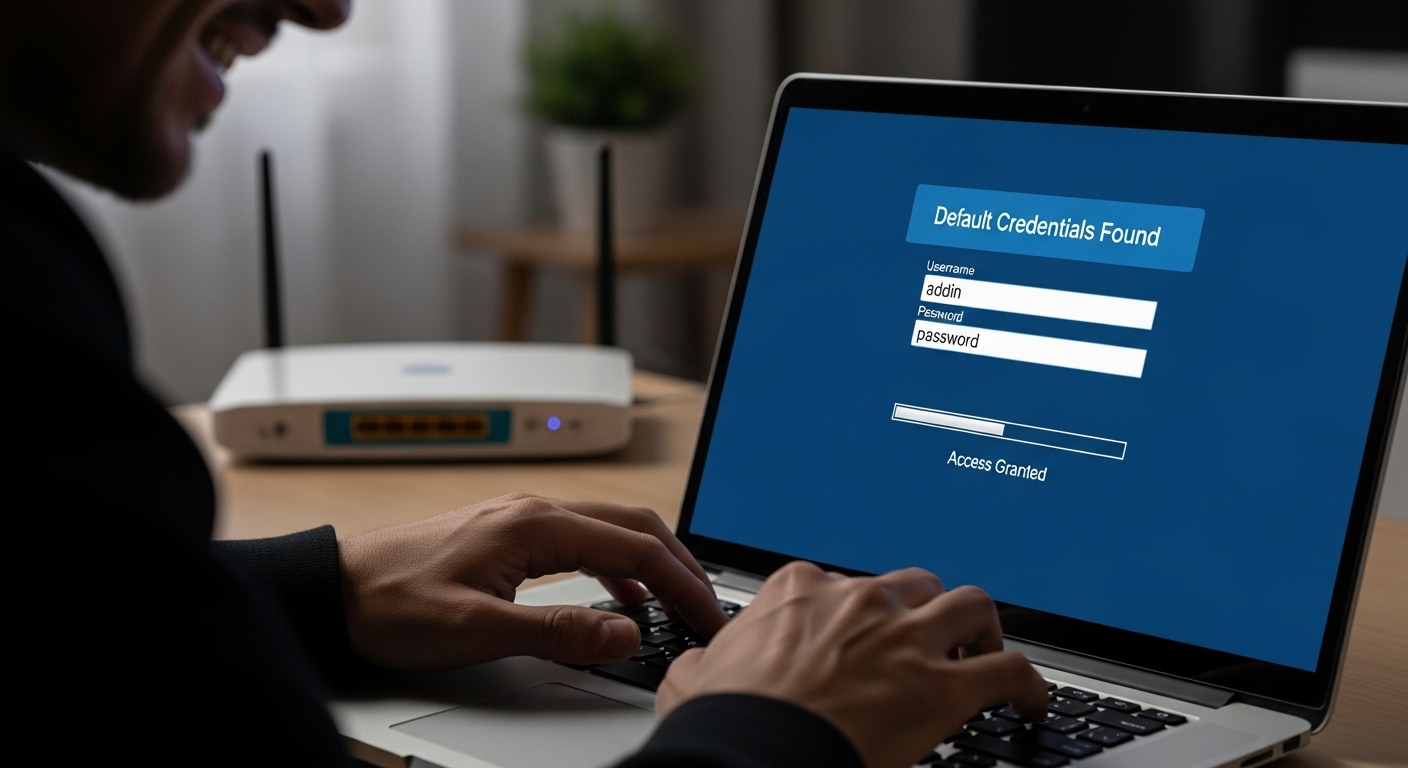
Your home Wi Fi network probably wasn’t designed with corporate security in mind. And yet, that’s exactly what it’s expected to handle now.
For many remote workers, the home network becomes the primary connection to company systems. But unlike office environments, these networks often lack proper configuration, monitoring, or even basic updates. In fact, many home routers still run outdated firmware, which makes them easy targets.
Here’s where things tend to go wrong, and how to tighten it up:
- Use Strong Wi-Fi Passwords: A simple or reused password makes it easier for unauthorized users to connect to your wireless network. Strong, unique credentials matter here.
- Enable WPA2 or WPA3 Encryption: Encryption protects the data moving across your network. Without it, information can be intercepted more easily than you’d expect.
- Update Router Firmware: Routers don’t update themselves unless configured to do so. Those updates fix known vulnerabilities, and skipping them leaves gaps.
- Change Default Credentials: Default usernames and passwords are widely known. Leaving them unchanged is, well, an open invitation.
- Secure Other Devices: Smart TVs, cameras, even connected appliances can introduce vulnerabilities. They’re part of the same network, after all.
Home networks are a major security risk in remote work. And weak networks, even small weaknesses, tend to expose everything connected to them.
How Do Identity and Access Controls Prevent Unauthorized Access?
Security stops being about devices and starts being about people. Or more precisely, who gets in, and who doesn’t.
That’s where identity and access controls quietly take over. They don’t always get attention, but they carry a lot of weight.
Here’s how you tighten that layer:
- Enable Multi-Factor Authentication (MFA): MFA adds a second step beyond your password, something you have or confirm. It significantly reduces the risk of account compromise, even if credentials are exposed somewhere.
- Use Strong, Unique Passwords: Weak passwords are still one of the biggest causes of security breaches. Using different passwords for each account limits how far an attacker can go if one gets exposed.
- Use a Password Manager: Keeping track of multiple strong passwords isn’t realistic without help. A password manager handles that quietly, generating and storing credentials securely.
- Limit Access Privileges: Not everyone needs access to everything. Restricting access based on roles helps protect sensitive company data and reduces unnecessary exposure.
- Use Single Sign-On (SSO): SSO simplifies access across systems while keeping control centralized. Fewer login points, but stronger oversight.
Identity security sits at the center of remote work security. If access is controlled well, many risks never get the chance to develop.
How Do VPNs and Secure Connections Protect Remote Workers?
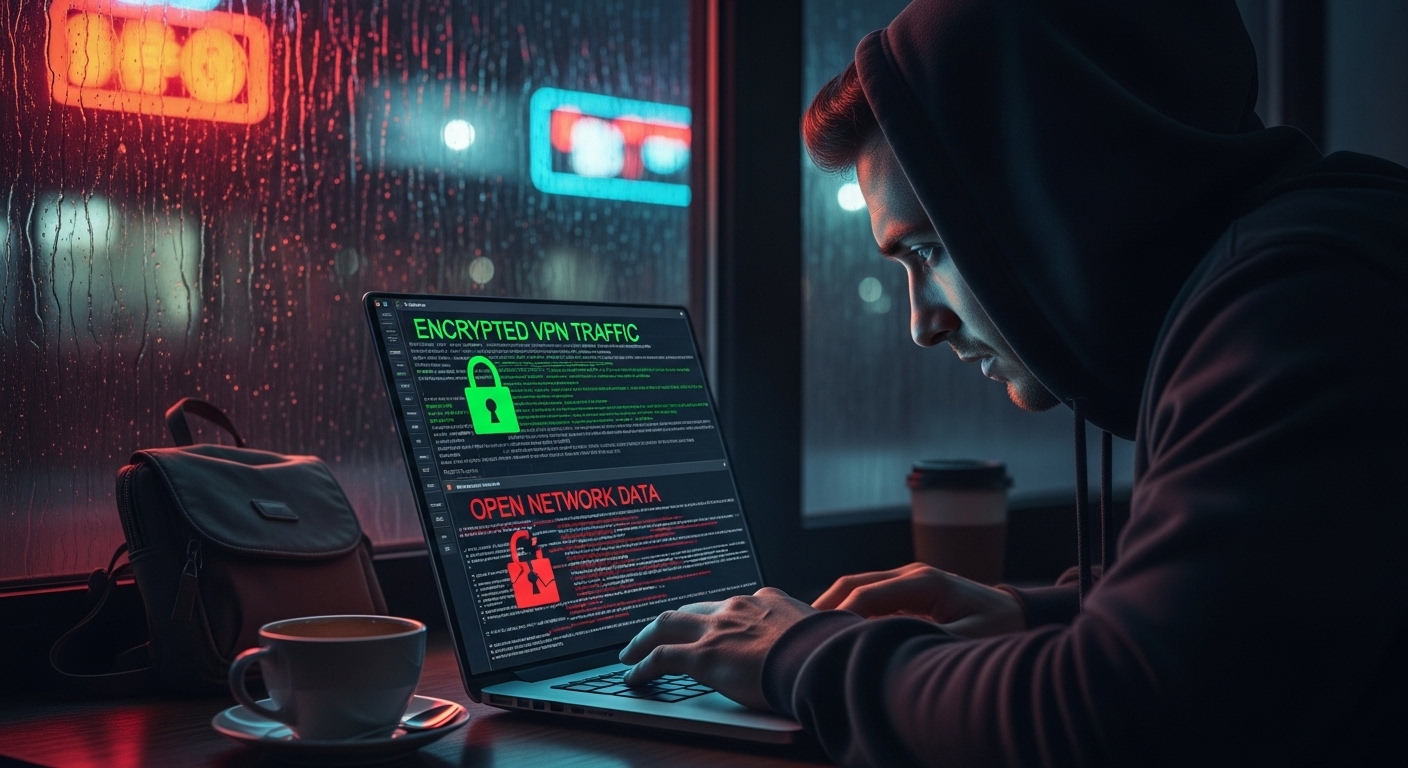
When you connect to the internet, especially outside a controlled environment, your data travels across networks you don’t fully see. That’s where things can get intercepted. Quietly, sometimes without any visible sign.
A virtual private network, or VPN, helps solve that problem in a fairly simple way. It creates an encrypted tunnel between your device and the network you’re connecting to. In plain terms, your data is scrambled while it travels, making it unreadable to anyone trying to intercept it.
This matters most on public Wi Fi or unsecured networks, where the risk of interception is higher than people tend to assume. Without protection, sensitive information like login credentials or company data can be exposed during transmission.
A VPN helps secure that connection. It doesn’t eliminate all risks, nothing really does, but it significantly reduces the chance of intercepted communications. For remote access, especially outside your home network, it’s not optional. It’s part of the baseline.
How Can You Detect and Prevent Phishing and Social Engineering Attacks?
Here’s the uncomfortable truth. Most security systems don’t fail first, people do. Not out of carelessness, just because attackers have become very good at imitation.
Phishing remains the most common of all cybersecurity threats, and it keeps working because it feels familiar. An email from a colleague, a request from your manager, a quick link that looks routine. You don’t always stop to question it. That’s the point.
And social engineering goes even further. It plays on urgency, trust, even curiosity. Small psychological nudges, nothing dramatic. Just enough.
So you slow things down, just a bit:
- Recognize Phishing Emails: Look for odd phrasing, subtle misspellings, or messages that feel slightly off. Not always obvious, but often there.
- Verify Requests: If someone asks for sensitive information, confirm it. A quick check with your IT department or the sender directly can prevent bigger problems.
- Avoid Suspicious Links: Don’t click immediately. Hover, inspect, or ignore if unsure. One click can trigger credential theft or malware.
- Be Aware of Social Engineering: Pressure and urgency are tools. If something feels rushed, pause.
Training improves detection. Awareness improves response. Together, they reduce risk more than most tools alone.
What Role Does Data Protection Play in Remote Work Security?
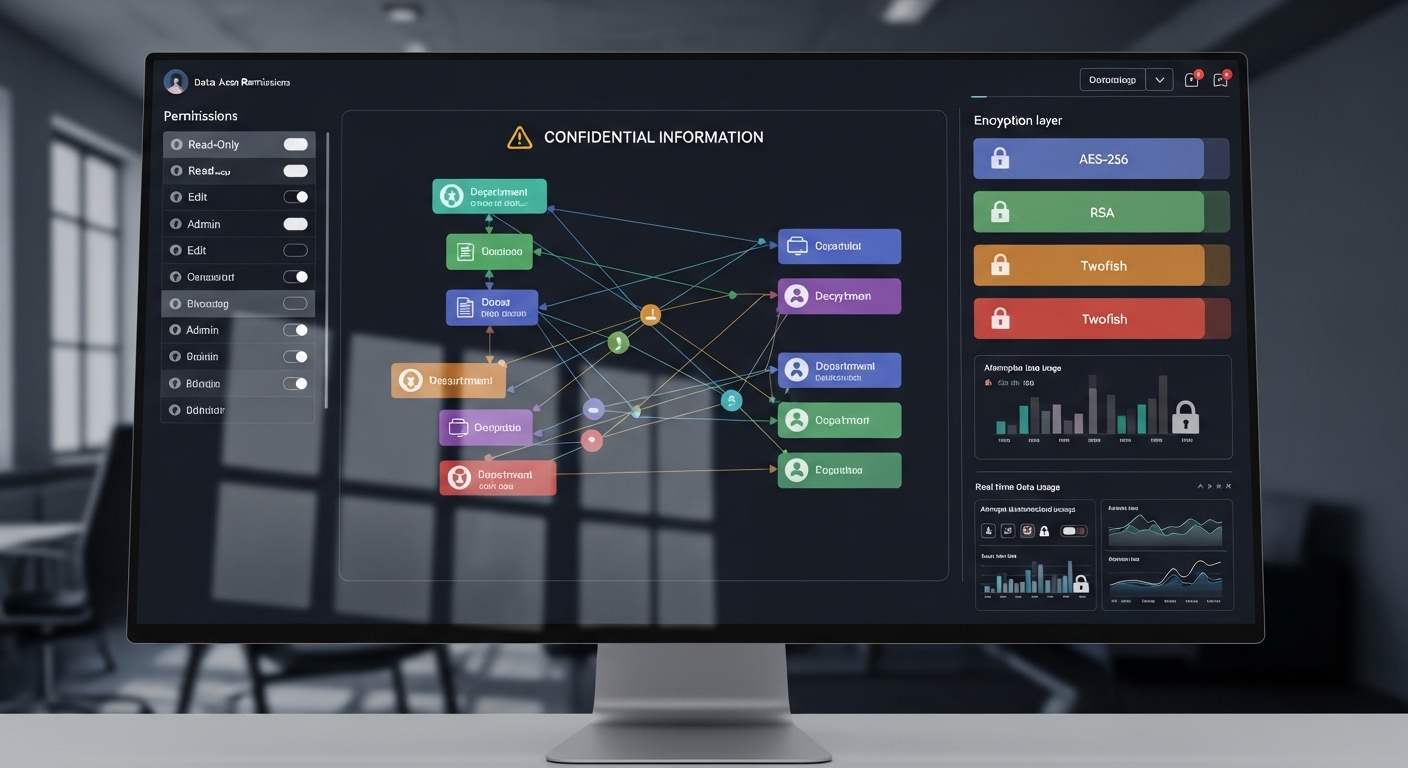
At the center of all this, quietly, is data. Not the devices, not the networks. The data. That’s what attackers are actually after. Everything else is just a way in.
Data theft is a major concern in remote work, partly because information now moves across more environments than it used to. Different devices, different networks, sometimes different levels of control. That creates friction. And gaps.
Protecting data isn’t complicated in theory, but it does require consistency:
- Use Centralized Storage: Keeping files in approved, centralized systems ensures better control, secure backups, and fewer chances of accidental loss.
- Avoid Local Storage: Storing sensitive files on a personal device increases risk. If that device is compromised, so is the data.
- Secure Sensitive Files: Encryption and access controls add layers that make data harder to misuse or expose.
- Prevent Data Leakage: Monitor how files are shared. Quick transfers, unapproved apps, or casual sharing habits can create unexpected exposure.
- Protect Sensitive Meetings: Be mindful of what’s visible during video calls. Screens, documents, even background details can reveal more than intended.
Protecting data, in the end, protects everything else. The systems matter, but the information inside them matters more.
How Should Organizations Build a Strong Remote Work Security Strategy?
At some point, individual effort stops being enough. You can secure your device, follow best practices, stay cautious, but without structure around you, things eventually drift.
That’s where a proper strategy comes in. Not complicated, just consistent. A strong remote work security strategy usually starts with a clear security policy.
Something practical, not buried in documents nobody reads. It should define how remote employees access corporate systems, what tools are approved, and how sensitive data is handled. Policies guide behavior, even when no one is watching.
Then comes training. Not once, not occasionally, but ongoing. Cybersecurity awareness training reduces human error, and most security incidents still begin there. A missed detail, a rushed click, a moment of distraction. Training helps close those gaps.
Risk assessments matter too. They help the IT team understand where vulnerabilities exist, not in theory, but in real conditions. What’s exposed, what’s outdated, what’s being overlooked. Without that, you’re guessing.
And when something does go wrong, because eventually something will, incident response plans define how quickly you recover. Speed matters more than perfection.
All of this feeds into one thing, your overall security posture. It’s not fixed. It needs to be monitored, adjusted, and revisited regularly. Quiet work, but necessary.
How Do Cloud Infrastructure & Modern Security Models Improve Protection?
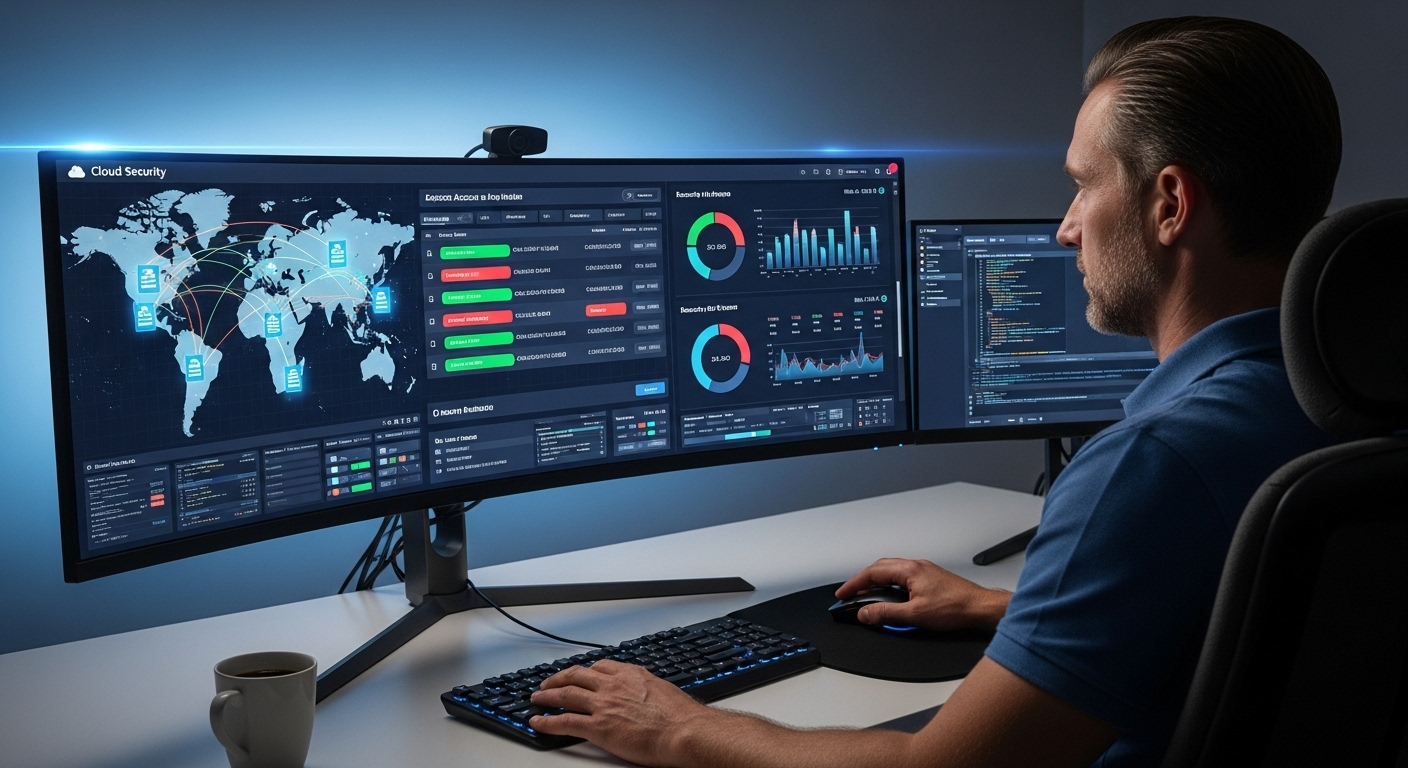
There’s a noticeable pattern in remote work security. The more you rely on individual devices, the harder it becomes to maintain control. Too many variables, too many unknowns.
Cloud infrastructure changes that, at least partially. It pulls control back into a centralized environment where data, access, and systems can be managed more consistently. Not perfectly, but with far fewer gaps.
This centralized cloud approach also applies to desktop environments. Desktop as a Service (DaaS) delivers desktops through the cloud while keeping applications, access, and data under centralized management, making it easier to support remote users without relying entirely on individual endpoint security.
Instead of depending entirely on endpoint security, which can vary from one user’s device to another, organizations can manage access at a higher level. That means securing corporate systems directly, rather than hoping every device meets the same standard.
It also improves monitoring. Activity can be tracked more effectively, access can be restricted when needed, and compliance becomes easier to maintain.
Cloud solutions, when chosen carefully, do improve control and security. But that part matters, chosen carefully. Not all tools offer the same level of protection, and organizations need to evaluate security before adopting them.
Why Apporto Is Built for Secure Remote Work Environments?

Security often breaks at the edges. The device you don’t fully control, the network you didn’t configure, the access point that slips through. That’s where most problems begin.
Apporto approaches this differently. Instead of relying on local machines, it delivers a browser-based environment where your work stays contained within a controlled system. No sensitive data is stored on personal devices, which removes a large portion of endpoint risk almost immediately.
Access is centralized, managed through a single layer, with built-in security controls that operate quietly in the background. You don’t have to configure everything manually, and the IT team retains visibility across users and systems. It works across devices, consistently, without depending on operating systems or local configurations.
Final Thoughts
It’s tempting to look for a single fix. One tool, one setting, something that makes everything secure. But remote work doesn’t really allow for that kind of simplicity.
What actually works is a system. Devices, networks, identity, behavior, and data, all connected, all influencing each other. If one weakens, the rest feel it.
Security, then, becomes less about reacting and more about maintaining balance. Small actions, repeated consistently. Quiet adjustments over time. And the thing is, risk doesn’t stay still. It changes, adapts, sometimes faster than expected.
So you stay aware. Not overly cautious, just attentive enough. Because in the end, the level of control you maintain tends to shape the outcomes you get.
Frequently Asked Questions (FAQs)
1. What is remote work security?
Remote work security refers to the combination of policies, tools, and everyday practices used to protect sensitive data, network access, and corporate systems when you’re working outside a traditional office. It ensures that distributed environments remain controlled, even when devices and networks vary.
2. What are the biggest cybersecurity risks for remote workers?
The biggest risks include phishing scams, weak passwords, unsecured home or public networks, and the use of personal devices without proper protection. Data leakage and lost devices also contribute. These risks grow because remote environments reduce centralized control and increase exposure points.
3. Is it safe to use personal devices for remote work?
It can be safe, but only with proper controls. Personal devices should be updated, secured with antivirus software, and protected with strong passwords and multi-factor authentication. Without these measures, they introduce significant risks to sensitive company data and corporate systems.
4. Why is multi-factor authentication important?
Multi-factor authentication adds a second layer of verification beyond your password. Even if login credentials are stolen, unauthorized users cannot easily gain access. This layered protection significantly reduces the risk of account compromise, especially in remote work environments.
5. How can companies improve remote work security?
Companies can improve security by implementing clear security policies, providing ongoing training, and using tools like endpoint protection, VPNs, and centralized access controls. Regular risk assessments and continuous monitoring also help strengthen overall security posture and reduce vulnerabilities.
