

How to Secure BYOD with Cloud Desktops?
Cloud desktops secure BYOD environments by keeping corporate data in centralized cloud infrastructure instead of personal devices. They combine encrypted access, Zero Trust security, and identity-based controls to reduce data leakage and unauthorized access. Platforms like Apporto help organizations deliver secure remote access across unmanaged devices.
Today, bring your own device (BYOD) is everywhere. Employees, contractors, partners, all connecting through personal laptops and unmanaged devices. It works, until it doesn’t. The flexibility is real, but so is the exposure. Sensitive company data now moves across environments you don’t fully control, and that creates quiet vulnerabilities.
Remote work has only intensified this pattern. More access, more endpoints, more opportunities for data leakage or unauthorized entry.
Traditional security approaches struggle to keep up. They were built for control at the device level, not at the access level.
In this blog, you’ll learn how to secure BYOD with cloud desktops by shifting control away from devices and toward access, data, and identity.
What Is BYOD and Why Are Organizations Adopting It So Quickly?
BYOD, or bring your own device, is exactly what it sounds like. You use your personal laptop, phone, or tablet to access corporate resources instead of relying on company-issued hardware. Simple idea. Big implications.
You avoid hardware costs. No need to provision devices for every employee. At the same time, people prefer working on their own machines. Familiar setup, fewer adjustments, less friction. It just feels easier.
There’s also a structural reason behind it. Organizations now rely more on contractors and distributed teams. Talent isn’t always local anymore. BYOD makes it possible to onboard quickly without shipping equipment or building rigid setups.
Over time, it becomes more than a convenience. It becomes part of how work actually gets done. Faster access, broader reach, and in many cases, better productivity.
What Security Risks Come with BYOD Devices?
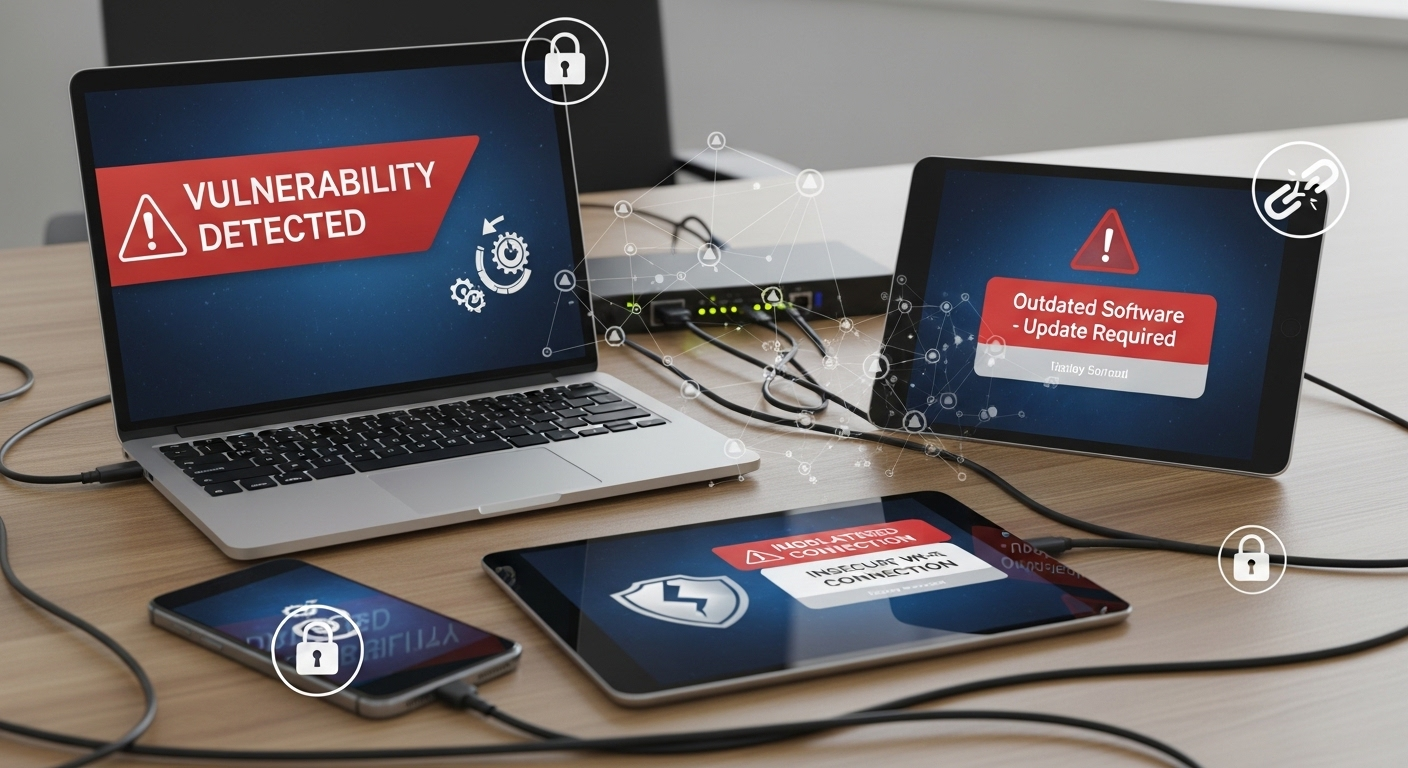
Here’s the part that tends to get overlooked. The more freedom you allow, the less control you have. And with BYOD, that gap can widen quietly.
The risks aren’t always obvious at first. But they accumulate.
- Data Leakage: Work data can be copied, downloaded, or shared outside controlled environments, sometimes unintentionally, sometimes not. Once it leaves, it’s difficult to track.
- Unmanaged Devices: Personal devices don’t always meet security standards. Missing updates, weak configurations, or outdated software can create openings you didn’t plan for.
- Malware Exposure: A compromised device can act as an entry point into corporate systems. It doesn’t take much, a single infected file can be enough.
- Unauthorized Access: Lost or stolen devices introduce a different kind of risk. If access isn’t tightly controlled, sensitive company data can be exposed quickly.
- Compliance Violations: Maintaining standards like SOC2, HIPAA, or PCI becomes harder when data spreads across unmanaged environments.
And this is where it compounds. As organizations scale, more users, more devices, more endpoints, the surface area expands. IT teams have been trying to contain this for years, often with mixed results.
Why Traditional BYOD Security Models No Longer Work?
For a while, the approach seemed reasonable. Manage the device, secure the data. But that logic starts to break when the device isn’t yours.
Most MDM solutions focus on controlling endpoints. Installing policies, enforcing updates, locking configurations. It works, up to a point. Then you realize the device itself isn’t fully under your control.
The older model, trust but verify, doesn’t hold up well in remote environments. Too many variables. Too many unknowns.
And when devices are personal, unmanaged, or shared, endpoint security becomes unreliable. You don’t always see what’s happening. Visibility drops.
That’s why the thinking changes. Less emphasis on the device. More on access itself.
Zero Trust starts to replace those older assumptions. You verify everything. Every time. And security moves closer to where the data actually lives.
How Do Cloud Desktops Secure BYOD Environments at the Core?
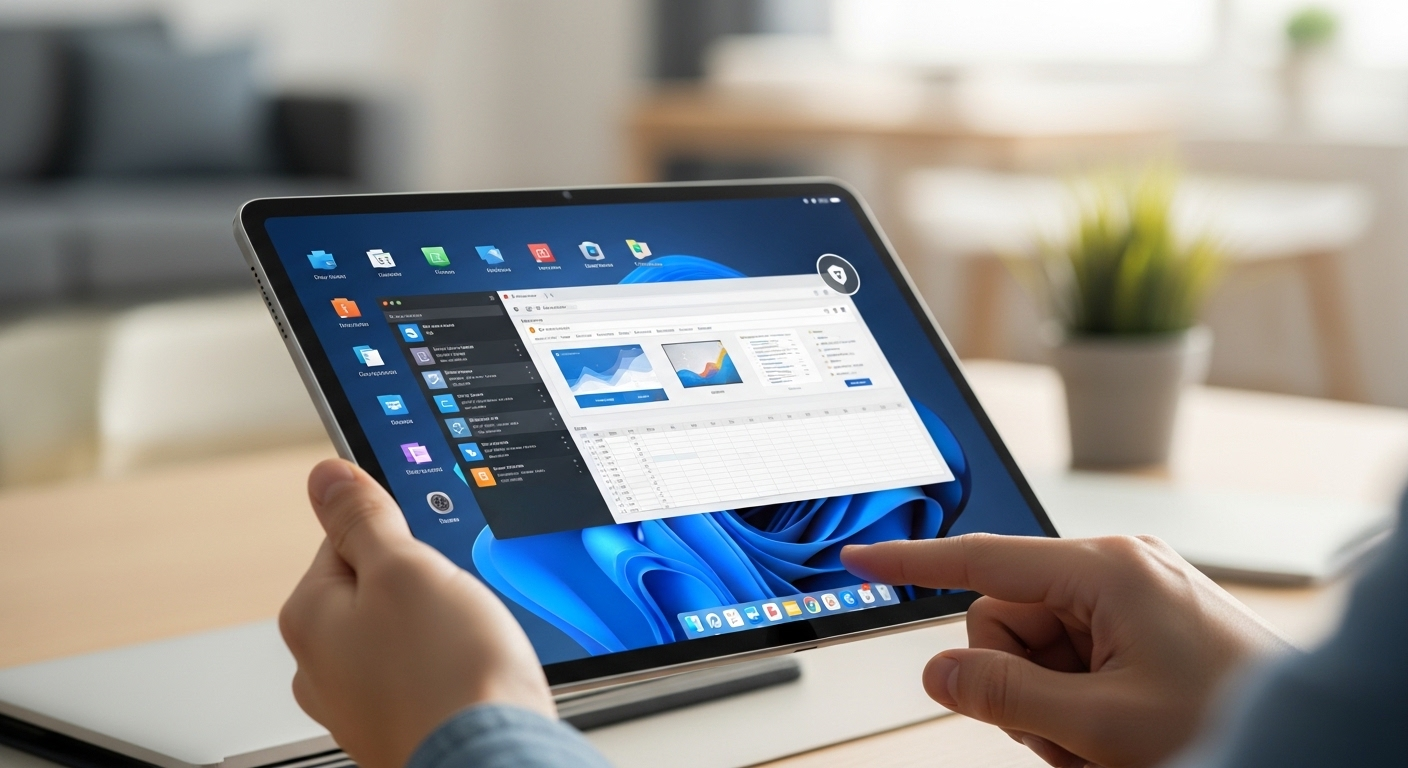
If traditional approaches struggle with devices, cloud desktops take a different route. They stop trying to control what you can’t fully control.
Instead, they focus on access. And more importantly, on where the data lives. Here’s how that works:
- Centralized Data Storage: Corporate data stays inside secure cloud environments, not scattered across personal devices. That alone reduces a large portion of the risk.
- No Data Residency on Endpoints: Even if a device is compromised, nothing meaningful is stored locally. The actual work never leaves the organization’s boundaries.
- Encrypted Sessions: Every interaction between the user and the desktop is protected using encryption protocols like TLS or a VPN. Data moves, but safely.
- Application-Level Access: Instead of exposing full systems, users access specific apps and resources. Less exposure, fewer entry points.
- Device-Agnostic Security: Security controls sit at the access layer, not tied to the device. It doesn’t matter if it’s a personal laptop or something older, the rules stay consistent.
Cloud desktops centralize corporate resources in a way that’s easier to manage and harder to misuse. And because the data never really leaves that controlled environment, you reduce the risk tied to unmanaged devices.
It’s a different foundation. One that aligns closely with Zero Trust, where access is controlled, and nothing is assumed safe by default.
How Does Zero Trust Strengthen BYOD Security?
Zero Trust sounds complicated at first. It isn’t, at least not in principle. You assume every access request could be a threat. Not sometimes. Every time. That’s the starting point.
In a BYOD environment, that mindset matters more than usual. Devices aren’t controlled. Networks vary. Users move between locations. You can’t rely on assumptions anymore.
So instead, access is continuously validated. Identity is checked. Not once, but repeatedly. Device compliance is evaluated, even if the device isn’t owned by the organization. Session behavior is monitored in the background, quietly, looking for anything unusual.
There’s no implicit trust. Not based on location. Multi-factor authentication becomes essential here. Without it, the model weakens quickly.
And behind all of this sits continuous monitoring. Every request, every session, every interaction is verified. It’s a stricter model, yes. But in a BYOD setup, that level of scrutiny is what keeps things stable.
What Security Controls Should You Enforce in a BYOD Cloud Desktop Strategy?
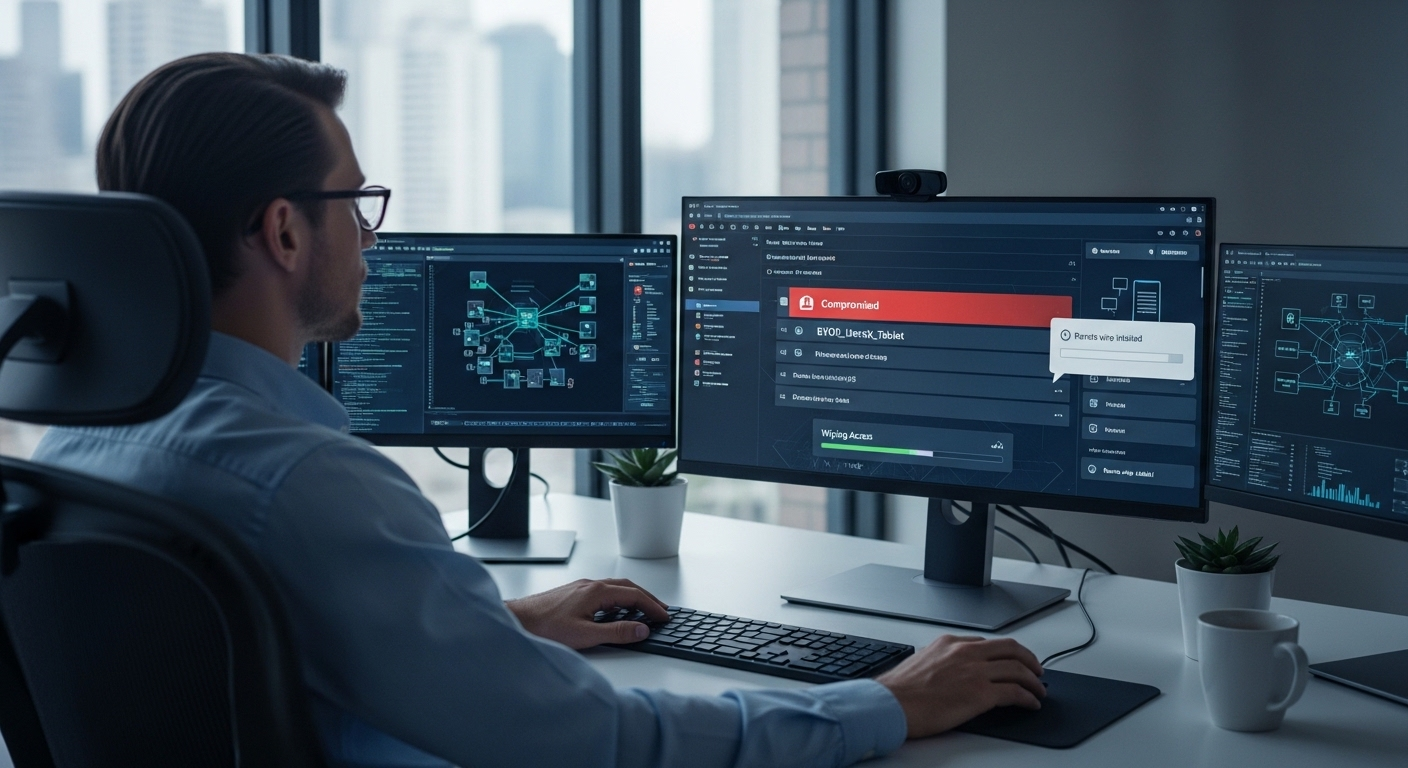
If cloud desktops provide the foundation, these controls are what make it hold up under pressure. Without them, gaps start to appear. Small at first, then harder to manage.
Here’s what needs to be in place:
- Multi-Factor Authentication: Adds a critical extra layer of protection, preventing unauthorized access even if credentials are exposed or a device is lost.
- Conditional Access Policies: Restrict access based on device health, location, and compliance requirements, ensuring only trusted conditions allow entry.
- Data Loss Prevention: Monitors and blocks unauthorized movement of sensitive files to personal storage, external drives, or unapproved applications.
- Remote Wipe Capabilities: Allows IT teams to immediately remove access or disconnect environments if a device is compromised or a user leaves.
- Continuous Monitoring: Tracks activity in real time, identifying suspicious behavior before it turns into a larger issue.
- Single Sign-On: Simplifies access across systems while maintaining strong authentication controls behind the scenes.
How Do Cloud Desktops Balance Security with User Experience?
Security often comes with friction. Extra steps, slower access, more things to manage. That’s usually the trade-off. But cloud desktops handle it a bit differently.
You get a consistent desktop experience across devices, which matters more than it sounds. Same apps, same settings, same environment, no matter what you’re using. It removes that constant adjustment between systems.
There’s also no dependency on specific operating systems. Whether it’s Windows, Mac, or something older, access stays the same. Tools like Windows 365 have leaned into this idea, delivering a stable experience without compromising compliance.
And that’s the key point. You maintain control in the background while keeping access simple in the foreground. Less friction. More continuity. It works quietly, which is exactly what you want.
Why Are Cloud Desktops a Cost-Effective BYOD Strategy?
Cost is often the reason BYOD starts. But without the right structure, it can become unpredictable. Cloud desktops bring some order to that.
You don’t need to issue hardware to every employee, which immediately reduces upfront investment. Devices are already there. You just enable access. That alone can save more than expected.
On the operational side, IT overhead drops. Fewer devices to manage, fewer systems to maintain, fewer support requests tied to hardware issues. The burden shifts away from internal teams.
There’s also scalability. You can expand access without building new infrastructure or buying additional machines.
And with a subscription-based model, costs become easier to track. It’s not just about saving money. It’s about making costs behave in a more predictable way.
Why Apporto Is an Ideal Solution for Secure BYOD?

Apporto runs entirely in the browser. No installation, no dependency on local setup, no extra steps that quietly break things later. You log in, and access is there. Simple, but intentional.
More importantly, no data is stored on personal devices. Everything stays within a controlled environment, which reduces the risk that usually comes with unmanaged endpoints.
At the same time, IT teams manage everything from a single console, which keeps oversight centralized. It works across operating systems without friction. Different devices, same experience. Try Now.
Final Thoughts
BYOD brings flexibility. That part is clear. But it also introduces uncertainty, especially around access and data.
Cloud desktops bring that back into balance. You don’t restrict users. You redefine where control lives. Data stays protected, access is managed, and security becomes part of the system instead of something layered on top later.
Over time, that changes how you think about risk. It’s no longer something you chase after, trying to fix. It’s something you design around from the beginning. And in a way, that’s the point. Control doesn’t limit flexibility. It makes it sustainable.
Frequently Asked Questions (FAQs)
1. What is a secure BYOD policy?
A secure BYOD policy is a defined set of rules that governs how personal devices can access corporate resources. It outlines security requirements, acceptable use, compliance standards, and gives organizations the ability to control or revoke access when needed.
2. How do cloud desktops protect corporate data?
Cloud desktops keep corporate data centralized in secure environments rather than storing it on personal devices. Users access applications and files remotely, which reduces the risk of data leakage, theft, or unauthorized transfers from unmanaged endpoints.
3. Is BYOD safe without cloud desktops?
BYOD without cloud desktops can be risky because data often resides on personal devices. Even with tools like MDM, maintaining consistent security and compliance across unmanaged environments is difficult and often incomplete.
4. Do cloud desktops work across all devices?
Yes, cloud desktops are designed to work across different devices and operating systems, including Windows, macOS, and even low-powered machines. Access typically happens through a browser or lightweight client, keeping the experience consistent.
5. What is Zero Trust in BYOD environments?
Zero Trust in BYOD means no user or device is automatically trusted. Every access request is continuously verified based on identity, device condition, and behavior, ensuring secure access to corporate systems regardless of location or device type.
