

What Is the Difference Between VDI and VDA?
VDI (Virtual Desktop Infrastructure) is the technology that hosts and delivers virtual desktops from centralized servers, while VDA (Virtual Desktop Access) is the Microsoft licensing model that allows devices to legally access those environments. Organizations often combine VDI platforms, licensing strategies, and browser-based solutions like Apporto to simplify secure remote desktop access and infrastructure management.
Organizations are increasingly relying on virtual desktops to deliver applications and desktop operating systems without depending on individual machines. Instead of running software directly on local laptops or PCs, many businesses now use Virtual Desktop Infrastructure (VDI) to host desktops on centralized servers located in a data center or cloud environment.
However, infrastructure is only part of the story. This is where confusion often begins. VDI describes the technology used to deliver virtual desktops, while Virtual Desktop Access (VDA) refers to the licensing model that allows devices to legally connect to those environments.
In this Blog, you will Understand the difference between VDI and VDA and how it helps organizations plan infrastructure correctly, maintain licensing compliance, and deliver secure remote access to desktop operating systems.
What Is Virtual Desktop Infrastructure (VDI) & How It Works?
The computer in front of you is not really doing the heavy lifting. Instead, the real work happens somewhere else, quietly, inside racks of servers humming in a data center or running inside a cloud platform. That is essentially what Virtual Desktop Infrastructure (VDI) is about.
In a VDI environment, desktop operating systems are hosted on centralized servers rather than on local machines. The desktop itself exists as a virtual machine inside that server environment.
You connect to it remotely, usually through remote desktop services, and interact with it through a graphical interface that looks exactly like a normal Windows desktop.
The device in your hands, a laptop, tablet, or thin client, mainly displays the session and sends keyboard or mouse input back to the server. Processing, storage, and application workloads all happen remotely. A bit strange at first, but surprisingly efficient once you see it in action.
Characteristics of Virtual Desktop Infrastructure
• Desktop operating systems run on centralized servers rather than local machines
• Users access virtual desktops remotely from multiple devices
• IT teams manage desktop images from a central environment
• Sensitive data remains inside secure data centers instead of endpoint devices
• Organizations can support multiple users with scalable virtual environments
Because everything lives inside centralized infrastructure, organizations can maintain consistent virtual environments and deploy standardized desktops much faster.
What Is Virtual Desktop Access (VDA) & Why It Exist?
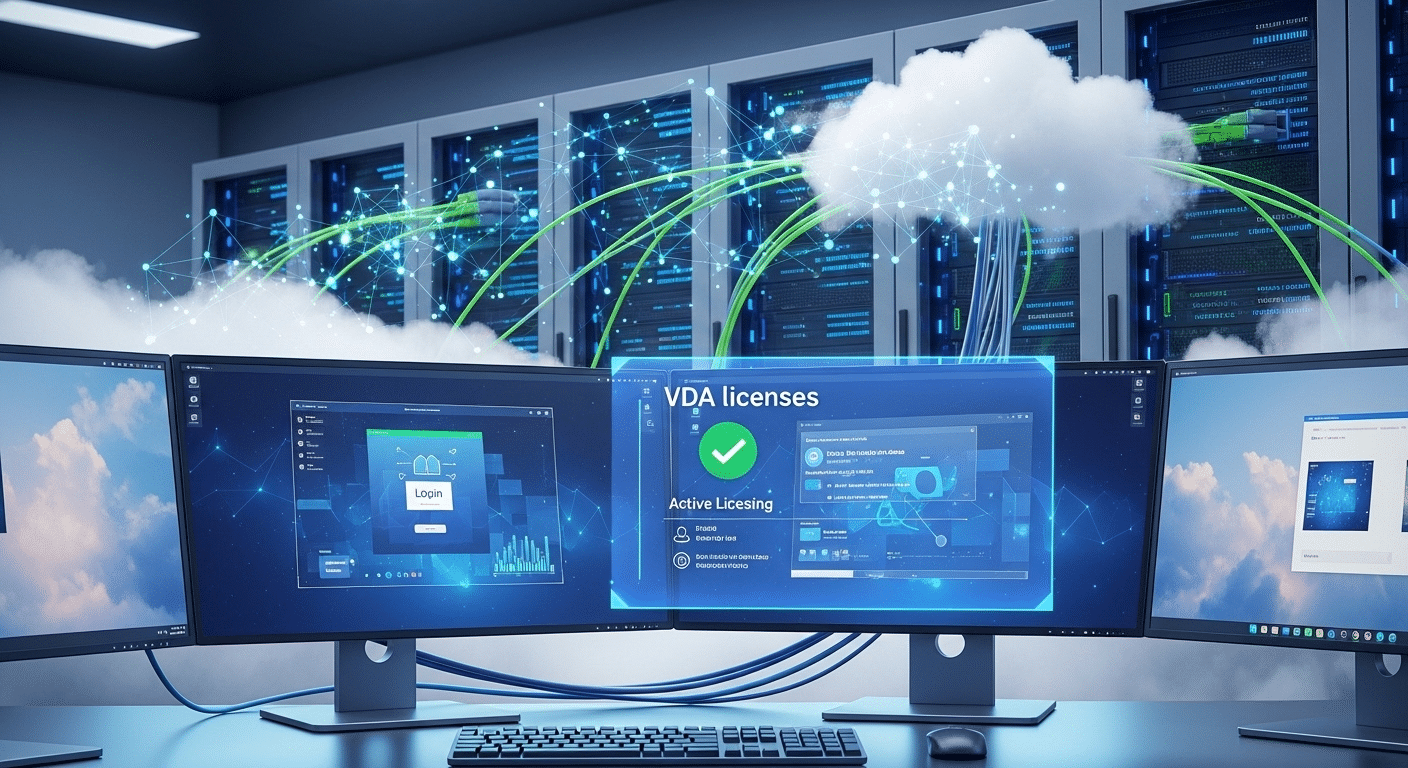
Infrastructure alone does not grant permission. That detail trips up a surprising number of IT teams. You might have a perfectly configured VDI environment humming along in a data center, virtual machines ready, connection brokers working, remote desktop services running smoothly. Yet users still cannot legally log in. Why? Licensing.
Virtual Desktop Access (VDA) is Microsoft’s licensing framework that allows a device to connect to Windows desktop operating systems hosted inside a virtual environment.
The technology might already be in place, but VDA provides the legal rights to access those virtual desktops. Think of it this way. VDI delivers the desktop. VDA authorizes the device attempting to reach it.
Without the correct VDA license, organizations may technically deploy a working virtual desktop infrastructure but still remain out of compliance if devices connect without proper licensing coverage.
Facts About Windows Virtual Desktop Access (VDA)
• Windows VDA is a device-based subscription license
• It typically costs around $100 per device per year through Microsoft Volume Licensing
• A VDA license allows a device to connect to up to four virtual machines simultaneously
• VDA is required when devices are not covered by Windows Client Software Assurance
• The primary user of a VDA-licensed device can access the virtual desktop from personal devices
VDI vs VDA: What Are the Key Differences?
The two terms look similar. Only one letter separates them. Yet VDI and VDA describe completely different parts of the same virtual desktop ecosystem, and confusing them can lead to planning mistakes or licensing surprises later.
Virtual Desktop Infrastructure (VDI) refers to the technology stack that hosts and delivers virtual desktops from centralized servers. It includes the servers, virtual machines, storage systems, networking layers, and connection brokers that allow users to access desktop operating systems remotely.
Virtual Desktop Access (VDA), on the other hand, has nothing to do with infrastructure. It is a licensing model created by Microsoft that grants devices permission to connect to those virtual desktops.
In other words, VDI builds the environment. VDA authorizes access to it. One handles the technology. The other governs the rules.
Differences Between VDI and VDA
| Feature | VDI (Virtual Desktop Infrastructure) | VDA (Virtual Desktop Access) |
|---|---|---|
| Purpose | Provides infrastructure for hosting virtual desktops | Provides licensing rights for accessing virtual desktops |
| Function | Runs desktop operating systems on centralized servers | Grants access permissions for devices |
| Focus | Infrastructure and desktop delivery | Licensing and access control |
| Deployment | Requires servers, connection brokers, and virtual machines | Requires subscription license per access device |
| Managed By | IT infrastructure teams | Licensing and compliance teams |
Why Microsoft Requires VDA Licensing for Virtual Desktop Access?

Licensing rules in the Windows ecosystem can feel oddly strict at first glance. Still, there is a reason behind them. When organizations host a Windows desktop OS inside virtual machines, Microsoft requires that any device connecting to those desktops is properly licensed. That is where the VDA license enters the picture.
Some devices already carry those access rights. If a machine is covered under Windows Client Software Assurance (SA), it typically includes the permissions needed to access virtual desktops running in a VDI environment. No additional license is required in that case.
But things change when devices fall outside that coverage. Devices without Software Assurance must obtain a Windows VDA license to legally connect to those virtual desktop environments.
This becomes especially relevant in modern workplaces where multiple device types appear:
• Third party devices used by partners or consultants
• Contractor laptops connecting to company systems
• Thin clients deployed for centralized desktop environments
• Personally owned devices in bring your own device policies
VDA licensing ensures every licensed device accessing a Windows desktop OS remains compliant and properly authorized.
How VDI Improves Security and Data Protection?
Security concerns usually sit near the top of every IT discussion. And honestly, for good reason. Traditional desktops scatter company data across dozens or hundreds of machines, laptops, home devices, maybe even the occasional forgotten workstation. That model creates risk. A lost laptop or compromised device can expose far more information than anyone expected.
A Virtual Desktop Infrastructure (VDI) environment changes that arrangement entirely. Instead of storing files and applications on local machines, desktop operating systems run inside centralized servers located in secure data centers.
Users simply connect to those environments remotely, while the actual data stays protected within controlled infrastructure.
Security Benefits of Virtual Desktop Infrastructure
- Sensitive data remains inside secure data centers
- Reduced risk of data loss from stolen or compromised laptops
- Centralized patch management and security updates
- Controlled access to applications and operating systems
- Simplified compliance monitoring
By keeping sensitive information inside centralized servers, organizations can strengthen data security while still giving employees convenient remote access to their desktop environments.
How VDI Supports Remote Work and Business Continuity?

Work is no longer tied to a single desk. In many organizations, employees move between offices, homes, airports, and shared workspaces. That flexibility only works if the desktop environment follows the user instead of staying locked to one physical computer. This is where Virtual Desktop Infrastructure (VDI) becomes valuable.
VDI allows users to connect to their desktop environment from almost any device with a network connection. A laptop, tablet, thin client, or even a borrowed computer can act as the gateway. The desktop itself remains hosted on centralized infrastructure, which means the actual work environment stays consistent regardless of the device accessing it.
This setup also supports bring your own device policies, allowing employees to use personal end user devices while company data remains secured inside the data center.
If a laptop fails or an office becomes inaccessible, employees simply reconnect to their virtual desktop from another device, maintaining productivity and supporting business continuity.
What Infrastructure Components Are Required for a VDI Environment?
Building a functioning Virtual Desktop Infrastructure (VDI) environment involves more than spinning up a few virtual machines. Several systems must work together behind the scenes to host desktop operating systems, manage user sessions, and deliver reliable remote access. Each component plays a specific role in keeping the environment stable and scalable.
At the core, VDI relies on centralized infrastructure inside a data center. Desktop operating systems run on virtual machines instead of individual laptops or PCs.
Users connect remotely, while processing and storage remain within the server environment. That separation allows IT teams to manage resources more efficiently and support large numbers of users without relying on local hardware.
Core Components of a Virtual Desktop Infrastructure
• Virtual machines running desktop operating systems
• Centralized physical servers located in a data center
• Connection broker systems that route users to available desktops
• Storage infrastructure for desktop images and user data
• Network infrastructure enabling remote desktop access
Why VDI and VDA Are Often Confused in IT Planning?
The confusion often starts with the names. VDI vs VDA looks like a small difference on paper, just one letter apart, yet the meanings sit in completely different categories. One describes technology. The other describes licensing.
During IT planning, many organizations concentrate heavily on building the VDI environment, selecting servers, configuring virtual machines, deploying connection brokers, and preparing centralized storage. From a technical perspective, everything appears ready. Desktops can be delivered from the data center and users can theoretically connect.
Then licensing enters the conversation. Accessing Windows desktop operating systems in a virtual environment requires the correct permissions, and this is where the Windows VDA subscription becomes important.
Without the proper license, devices may technically reach the infrastructure but still lack the legal authorization to access it.
Understanding the distinction between VDI infrastructure and VDA licensing helps organizations avoid compliance problems and unexpected costs.
Why Apporto Simplifies Virtual Desktop Infrastructure?

Traditional virtual desktop infrastructure deployments can become surprisingly complicated. Servers must be configured, networking layers carefully managed, connection brokers maintained, and licensing rules tracked across multiple devices.
Even after the infrastructure is running, users often need separate remote desktop clients just to access their virtual environments. Over time, the operational overhead can grow larger than expected.
Apporto takes a different approach. The platform delivers virtual desktops directly through a web browser, removing the need for specialized client installations or complex endpoint configuration. Users simply log in and access their environment from almost any device.
Because the infrastructure is centrally managed, organizations can deliver consistent desktop experiences across laptops, thin clients, and tablets while maintaining strong security and reliable performance.
Final Thoughts
The distinction between VDI vs VDA is easier to understand once the roles become clear. Virtual Desktop Infrastructure (VDI) delivers the technical foundation, hosting desktop operating systems on centralized servers and allowing users to access virtual desktops remotely. Virtual Desktop Access (VDA), meanwhile, focuses on licensing, granting devices the rights required to connect to those virtual environments.
Both elements matter. A well-designed infrastructure without the proper licensing can create compliance risks, while correct licensing alone cannot deliver the desktop environment users expect. Successful deployments require attention to both technology and policy.
When organizations evaluate their infrastructure, device coverage, and licensing strategy together, they create virtual desktop environments that are secure, scalable, and easier to manage over time.
Frequently Asked Questions (FAQs)
1. What is the difference between VDI and VDA?
VDI and VDA serve two different roles in virtual desktop environments. Virtual Desktop Infrastructure (VDI) refers to the technology that hosts desktop operating systems on centralized servers. Virtual Desktop Access (VDA) refers to the licensing that allows devices to connect to those virtual desktops.
2. Do you need VDA to access virtual desktops?
In many cases, yes. Devices that are not covered under Windows Client Software Assurance typically require a Windows VDA license to access Windows desktop operating systems hosted in a virtual environment. Without it, the infrastructure may exist, but access would not be properly licensed.
3. How much does Windows VDA licensing cost?
Windows VDA licensing is usually offered as a device-based subscription through Microsoft Volume Licensing programs. The cost is commonly around $100 per device per year, though pricing can vary depending on agreements and licensing bundles.
4. Can multiple users access the same virtual desktop infrastructure?
Yes. One advantage of Virtual Desktop Infrastructure is that centralized servers can host multiple virtual machines simultaneously. This allows organizations to support many users accessing their own desktops while sharing underlying infrastructure resources efficiently.
5. Does VDI improve security for organizations?
VDI can significantly improve data security because sensitive information stays within centralized servers rather than being stored on local devices. This reduces the risk of data loss from stolen laptops and allows IT teams to apply centralized security updates and controls.
