
What is a Virtual Classroom Platform?
Apporto provides a browser-based virtual classroom platform built for real-time teaching, collaboration, and LMS integration. More broadly, virtual classroom platforms use live video, chat, digital whiteboards, and interactive tools to support remote and hybrid learning environments for students, educators, and training teams. .
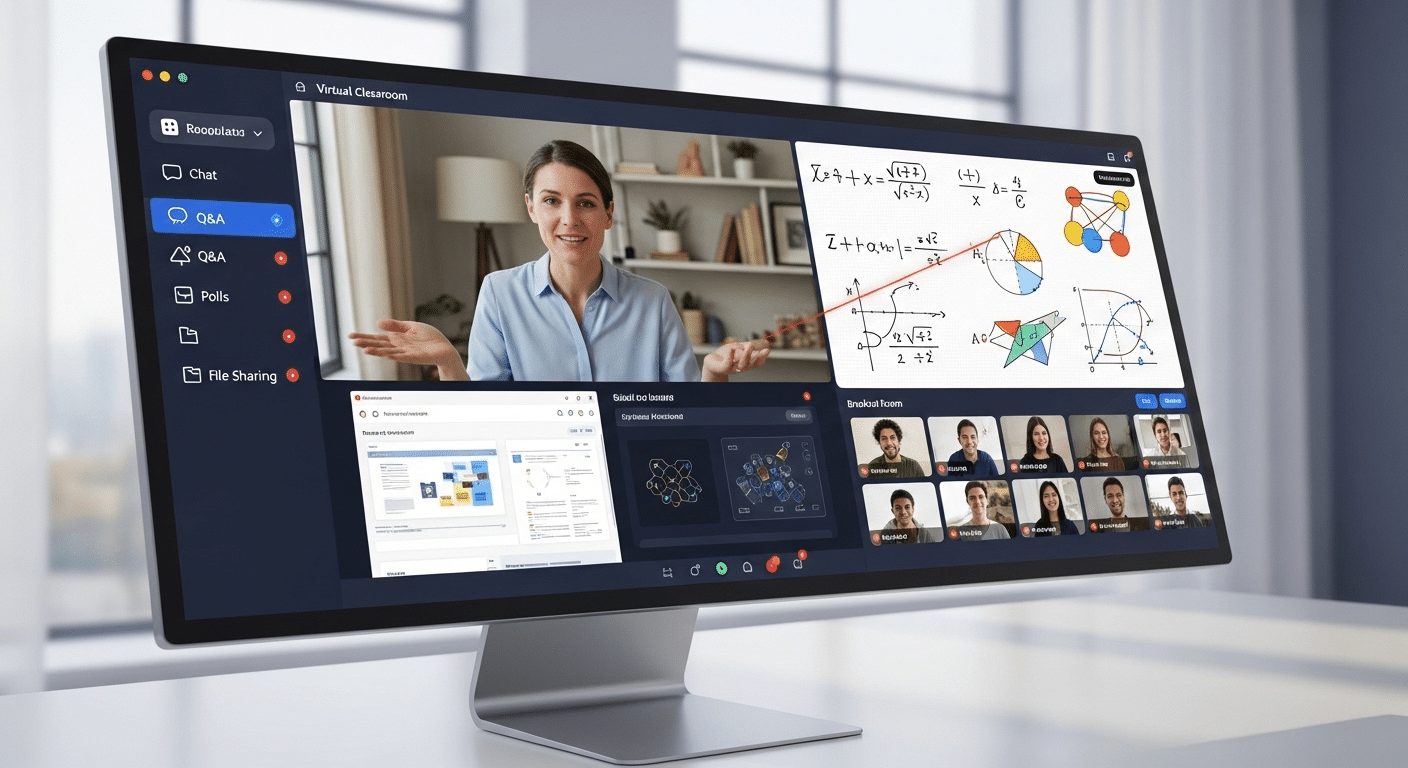
A virtual classroom platform is a digital environment where teaching and learning happen in real time—over the internet. Unlike pre-recorded lessons or static course modules, these platforms are designed to simulate the experience of being in a physical classroom.
They bring together video conferencing, digital whiteboards, breakout rooms, screen sharing, and interactive tools to make learning feel dynamic and connected.
Over the past decade—and especially since 2020—education has experienced a fundamental shift. Remote learning, once a temporary necessity, is now a permanent part of academic and professional development. Students, teachers, and institutions around the world are adapting to this new normal.
As more schools and organizations move toward hybrid or fully remote models, the demand for robust, user-friendly virtual classroom platforms continues to grow. This post explores what makes these platforms essential, how they differ, and what to look for when choosing the right one for your needs.
What Makes a Virtual Classroom Different from Traditional Online Learning Tools?
Not all online learning tools are created equally. A virtual classroom platform is a purpose-built solution designed to replicate and even enhance the experience of a physical classroom in real time. It’s more than just a video call or a slide presentation—it’s an interactive environment where students and teachers connect, collaborate, and learn together.
You might already be familiar with Learning Management Systems (LMS) like Moodle, Canvas, or Blackboard. These are great for storing course materials, tracking progress, and managing assignments. But they aren’t built for live teaching. That’s where virtual classrooms step in.
Here’s how they differ:
- Real-Time Interaction: Live video and audio for two-way communication
- Breakout Rooms: Divide students into smaller groups for discussions or projects
- Virtual Whiteboards: Teachers and students can draw, annotate, and brainstorm together
- Classroom Control: Instructors can mute participants, spotlight speakers, or manage chat functions
Unlike general tools like Zoom or Google Meet, which were built for business meetings, virtual classroom platforms are engineered for teaching and learning. They don’t just connect people—they structure the experience for education.
How Do Virtual Classroom Platforms Improve Learning Outcomes?
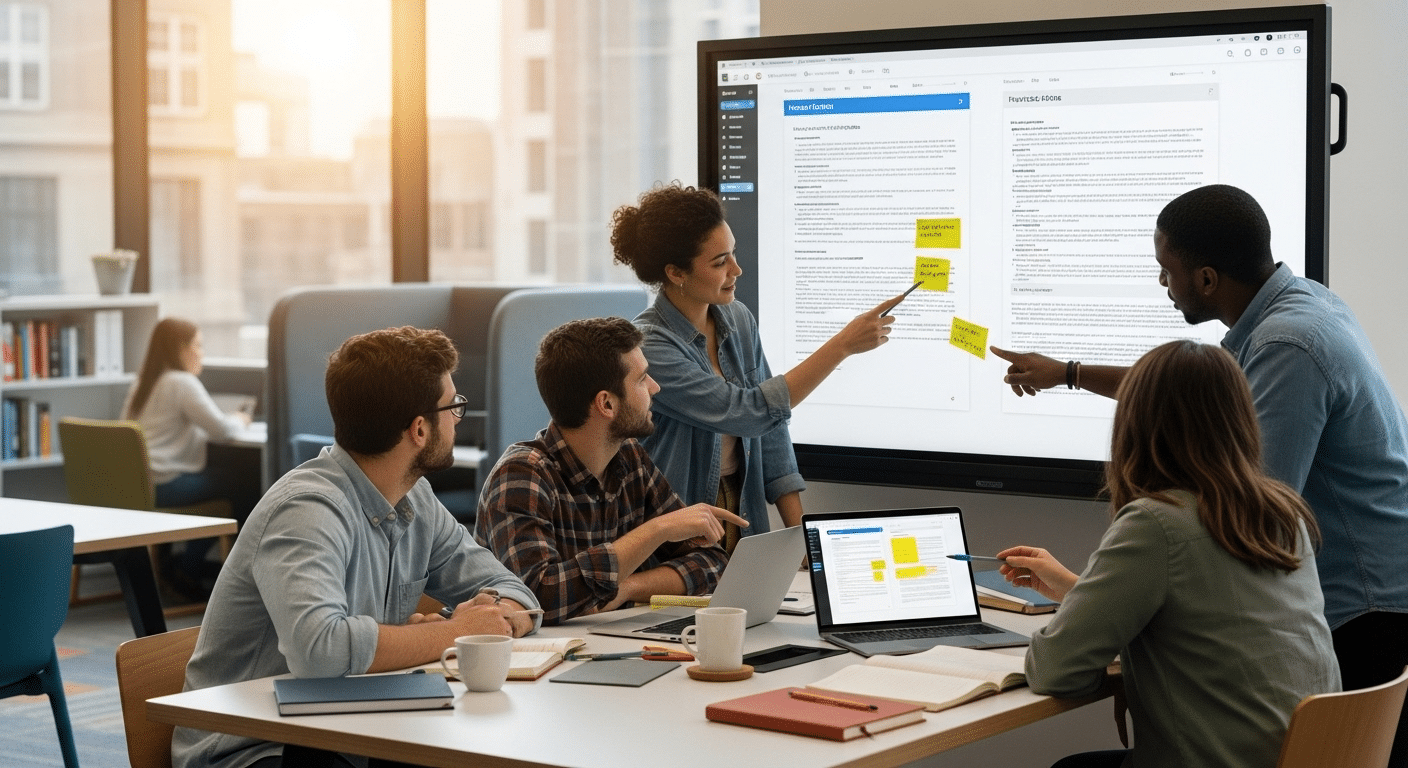
A platform isn’t just a container for lessons—it shapes how people learn. When designed well, a virtual classroom can actively support better educational outcomes by enabling more engaging, interactive, and personalized instruction.
features that drive this impact include:
- Real-Time Notes: Students can take and save notes within the platform
- Screen Sharing: Teachers can walk through complex materials step-by-step
- Live Chat: Encourages quieter students to ask questions without interrupting
- Digital Whiteboards: Visual learners benefit from live diagrams, mind maps, and annotations
Many platforms also support interactive tools such as:
- Polls and quizzes to check understanding on the fly
- Collaborative documents for group work
- Student hand-raising, emoji reactions, and real-time feedback
All of these features create an environment of active learning—where learners participate rather than just absorb. This kind of engagement has been linked to higher retention rates, improved test scores, and stronger connections between students and instructors.
When education feels interactive, it sticks. That’s what virtual classrooms are built to achieve.
What Features Should You Look For in a Reliable Virtual Classroom Platform?
Choosing the right virtual classroom platform means balancing usability, functionality, and future-readiness. Not all tools are created for education, and not all will meet the needs of your students or instructors. Look for features that streamline your workflow while enriching the learning experience.
Here’s what to prioritize:
- Browser-Based Access
No downloads, no installation. A browser-based platform reduces technical issues and improves accessibility across devices. - Reliable Audio and Video Capabilities
Crystal-clear sound and consistent video are essential for maintaining attention and avoiding misunderstandings. - Built-In Class Recording, File Sharing, and Screen Sharing
Record sessions for review, share course materials instantly, and walk through complex ideas in real time. - Chat Tools (Public, Private, Text Chat)
Encourage quieter students to participate, ask questions, or collaborate in real time. - Moderation Controls
Manage classroom behavior with tools to mute, remove, or spotlight participants. - Compatibility with Major Learning Management Systems (LMS)
Seamless integration with platforms like Canvas, Moodle, or Blackboard improves workflow and student tracking. - White-Label Support
For schools or organizations wanting a branded experience, white-label options allow customization of logos, colors, and domains. - Integrations with Google Docs, Cloud Storage, and More
Connect your tools and content easily for a smoother teaching and learning experience.
These features form the backbone of a productive, modern virtual classroom.
Which Are the Most Popular Virtual Classroom Platforms Today?
The virtual classroom landscape continues to evolve. Currently, several platforms stand out—not just for their name recognition, but for how well they serve educators and learners alike. Here’s a brief look at the top players and what makes each unique:
| Platform | Strengths | Potential Drawbacks |
|---|---|---|
| Zoom for Education | Easy to use, supports breakout rooms, wide adoption | Lacks education-first features like LMS integration |
| Microsoft Teams (Edu) | Strong Office 365 integration, good for collaboration | Interface can be overwhelming for new users |
| Google Classroom | Simplified workflows, integrates with Google Docs and Drive | Lacks built-in video; relies on Google Meet |
| Apporto Virtual Classroom | Browser-based, built for education, includes LMS and whiteboard integration | Less known than legacy platforms but rapidly growing |
| BigBlueButton | Open-source, purpose-built for virtual classrooms, breakout rooms, polls | Interface feels dated; requires hosting or integrations |
| Blackboard Collaborate | Native to Blackboard LMS, good audio and video quality | High cost, limited flexibility outside Blackboard ecosystem |
| Canvas + Zoom Integration | Combines a strong LMS (Canvas) with real-time video via Zoom | Requires managing two systems for full functionality |
When evaluating a platform, consider your institution’s existing tools, IT resources, and how tech-savvy your users are. Simpler doesn’t always mean better—but it does mean fewer support calls.
How Do Virtual Classrooms Support Teachers and Instructors?
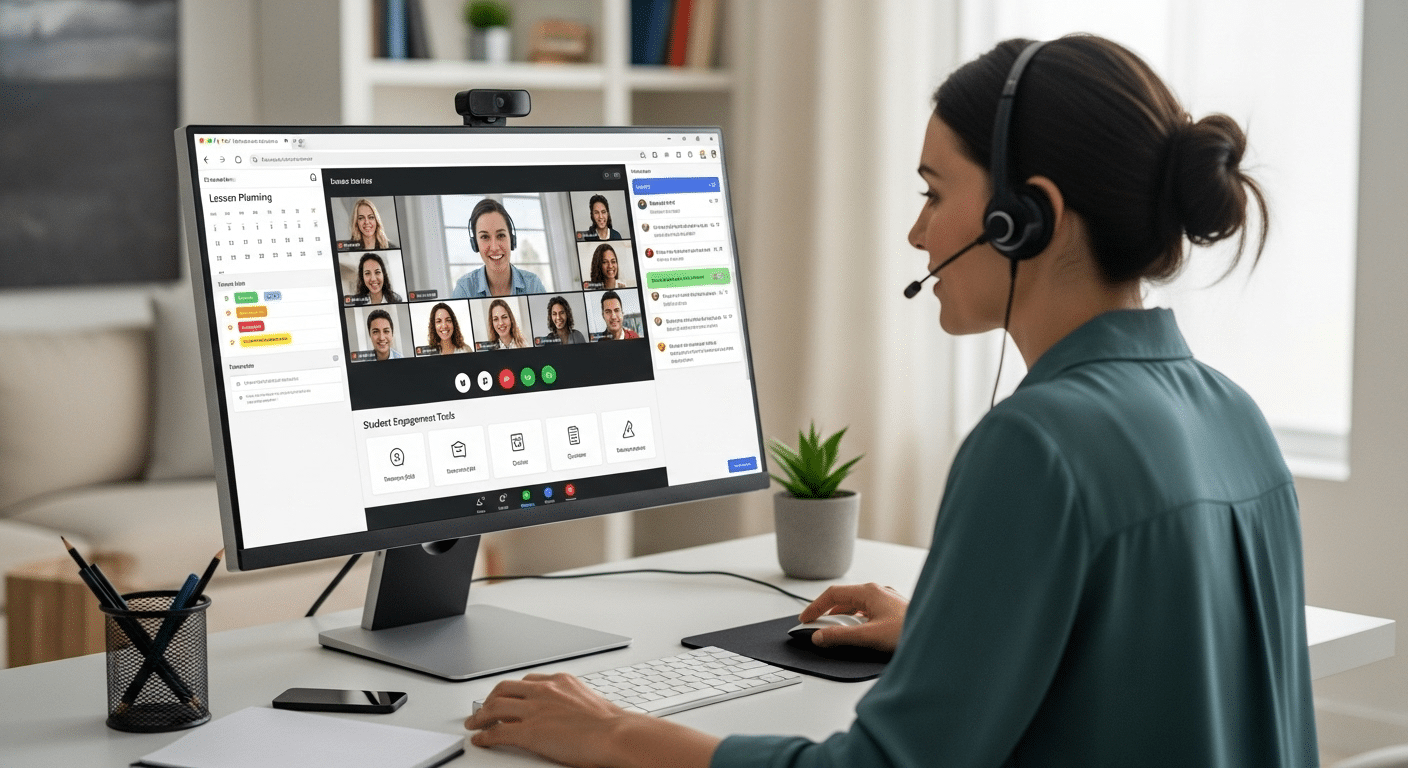
A great virtual classroom doesn’t just serve students—it simplifies life for teachers too. When designed well, it streamlines everything from course prep to lesson delivery and post-class engagement.
Here’s how virtual classrooms support instructors behind the scenes:
- Simplified Workflows
Plan lessons, teach live, and give feedback—all from the same dashboard. There’s less bouncing between tools, which means more time focused on teaching. - Create Once, Use Often
Many platforms allow you to record lessons, save chat transcripts, or reuse content. You can build an online course over time without starting from scratch each term. - Built-In Collaboration Features
Real-time Q&A, group work, and file sharing make it easier to manage participation without additional plugins or tools. - Minimal Additional Software Needed
With browser-based platforms, there’s no need to install or manage extra classroom software. Everything runs in a single environment—simple, clean, and reliable.
For instructors managing large classes or mixed learning environments, these platforms reduce friction and make daily teaching tasks feel less like juggling and more like leading.
Can Virtual Classrooms Deliver a Better Experience Than Physical Classrooms?
The idea that digital learning is somehow “less than” traditional learning is rapidly fading. In many cases, virtual classrooms now offer a better experience—for both students and educators.
Here’s why:
- Flexibility
Classes can happen from anywhere. Whether it’s a snow day or a global event, your course continues uninterrupted. - Accessibility
Students who live far from campus, work full-time, or have mobility challenges can still attend every lesson without compromise. - Scale
With fewer physical constraints, it’s easier to accommodate more students and expand access to specialized courses. - Convenience
Lessons can be recorded and reviewed, allowing students to revisit important concepts at their own pace.
These platforms are especially valuable in:
- Remote schools where access to qualified teachers is limited
- Adult learning and upskilling programs that serve working professionals
- Online tutoring services that require real-time, one-on-one sessions
- Hybrid programs that blend in-person and digital instruction
While face-to-face learning still has its place, the modern virtual classroom offers something more: a borderless, on-demand, and scalable learning experience that adapts to life as it happens.
What Role Does the Learning Management System (LMS) Play in Virtual Learning?
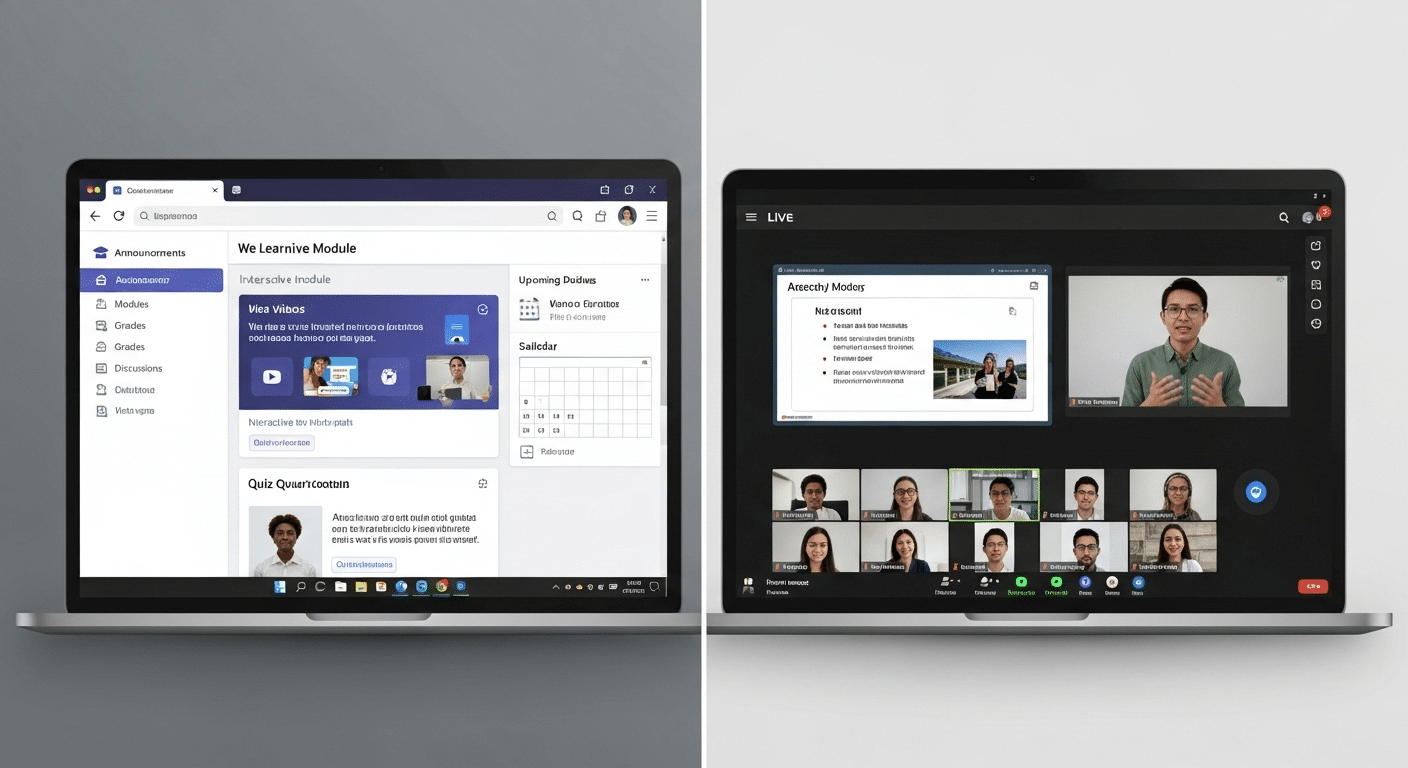
A Learning Management System (LMS) is not the same as a virtual classroom—but the two work best when they operate side by side.
An LMS, such as Canvas, Moodle, or Blackboard, is designed to manage course content, assignments, grades, and communication. It’s where you post syllabi, track attendance, and collect homework. A virtual classroom, on the other hand, is where live instruction happens—where you teach, talk, and collaborate in real time.
When integrated, these platforms complement each other:
- Canvas + Zoom or Apporto enables both asynchronous and synchronous learning
- Moodle + BigBlueButton gives educators live teaching tools built into their course structure
- Blackboard + Collaborate combines scheduling, grading, and video in one interface
The benefits of this kind of unified management system include:
- Single sign-on access for students and teachers
- Streamlined workflows (no switching between apps)
- Better tracking of participation and performance
- Centralized record-keeping and reporting
Virtual learning thrives when the administrative backbone (LMS) and the classroom interface (video, whiteboard, chat) work in harmony. This combination offers structure, flexibility, and efficiency—exactly what today’s educators need.
What Are the Challenges of Virtual Classrooms — and How Can You Overcome Them?
Even the best virtual classroom platforms come with their share of challenges. Understanding them upfront helps you prepare—and ultimately create a smoother experience for everyone involved.
Common issues include:
- Connectivity Problems
Poor internet can disrupt video and audio, causing frustration for both students and teachers. - Low Engagement
Without face-to-face interaction, it’s easy for students to zone out or disengage. - Instructor Training
Not all educators are comfortable with digital tools, especially those new to online teaching. - Tool Overload
When students and teachers have to juggle multiple platforms for one class, confusion follows.
Solutions to consider:
- Browser-Based Platforms
Reduce technical issues by using tools that work across devices, no installations required. - Strong Onboarding and Support
Choose vendors that offer training resources, live support, and knowledge bases. - Single Sign-On (SSO)
Simplifies access and reduces login fatigue by letting users log in once for all systems. - Engagement Features
Use breakout rooms, polls, and chat features to keep students involved and alert.
Virtual learning isn’t perfect—but with the right setup, its benefits can far outweigh its drawbacks.
What’s the Future of Virtual Classroom Platforms in Education and Training?
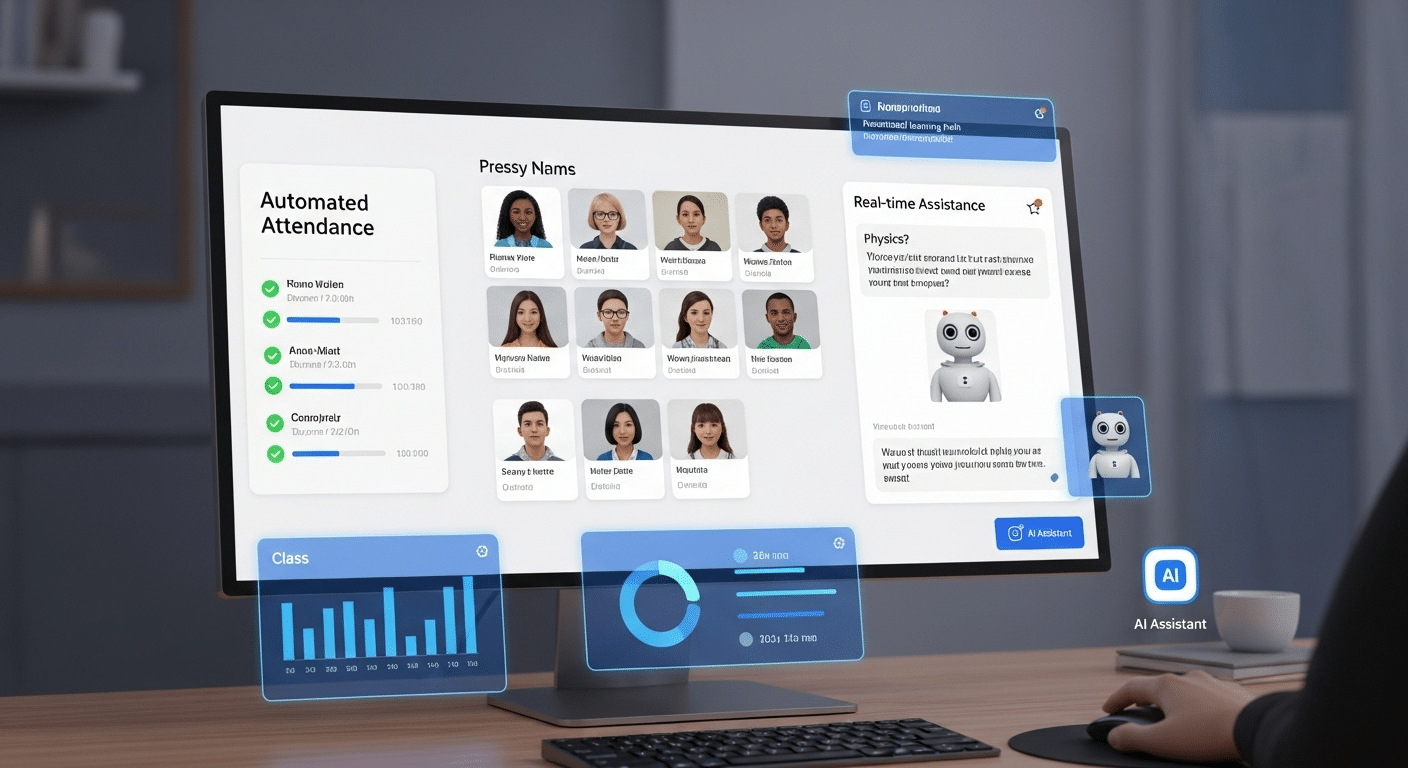
Virtual classrooms aren’t just a temporary solution—they’re becoming a foundational layer of modern education and workforce training. As the landscape evolves, a few crucial trends are already shaping the future of these platforms.
- AI-Driven Features
Expect smarter virtual classrooms powered by AI tools that adapt in real time. Think automated attendance tracking, real-time language translation, or personalized learning paths based on student behavior and performance. - Real-Time Analytics
Instructors will gain instant insights into engagement levels, participation, and comprehension. These analytics can help tailor instruction, intervene earlier, and improve learning outcomes. - Corporate Training on the Rise
Beyond education, virtual classrooms are being rapidly adopted in professional development, onboarding, and compliance training. Businesses are embracing them for their flexibility and scalability. - White-Label Platforms
Institutions increasingly want tools that reflect their brand. White-label platforms allow custom logos, domains, and visual themes for a more cohesive experience. - Hybrid Flexibility
The future lies in blended learning—combining asynchronous content (videos, assignments) with live sessions. Virtual classrooms will support both seamlessly, letting learners choose what works best for them.
The result? A more personalized, data-informed, and flexible learning environment—one that can scale across classrooms, campuses, and continents.
Why Apporto Deserves a Closer Look
If you’re looking for a virtual classroom platform that checks all the right boxes—browser-based, built for education, and easy to manage—Apporto stands out.
Unlike generic video conferencing tools, Apporto’s Virtual Classroom is purpose-built for teaching and learning. It supports real-time collaboration, breakout rooms, digital whiteboards, file sharing, and seamless LMS integration—all with no software installation required. Students can join from any device, and educators can launch a class in seconds.
Institutions also benefit from white-label options, built-in security, and dedicated onboarding support. Whether you’re running hybrid programs, virtual labs, or synchronous live sessions, Apporto helps you deliver a consistent, high-quality experience across the board. Try Apporto’s Virtual Classroom and see the difference for yourself.
Final Thoughts
With so many options available, the best virtual classroom platform is the one that fits your needs—not just today, but long term. Look for a solution that combines reliability, flexibility, and interactivity—while still being simple enough to use every day.
Make sure it’s easy to deploy, supports active learning, and doesn’t require a patchwork of tools to function. The goal is to improve learning outcomes, not increase IT overhead.
Whether you’re teaching in higher ed, training professionals, or tutoring students online, your platform should enhance the experience—not get in the way.
Choose one that’s purpose-built for education, backed by strong support, and designed to scale with you. When it all works together, learning just works better.
Frequently Asked Questions (FAQs)
1. What is the purpose of a virtual classroom?
A virtual classroom enables real-time teaching and learning online by combining live instruction, collaboration, and interactive tools in one digital environment. Its purpose is to support remote or hybrid education while improving access, participation, and flexibility for students and instructors.
2. What are the benefits of virtual learning?
Virtual learning offers flexibility, broader access to education, and interactive tools that support collaboration and engagement. It can improve convenience, enable recorded lesson review, support remote participation, and help institutions scale instruction while meeting the needs of diverse learners.
3. What’s the difference between a virtual classroom and a learning management system (LMS)?
A virtual classroom platform delivers live, real-time lessons using video, chat, and interactive tools. A learning management system (LMS) manages course materials, assignments, and grades. Together, they create a complete virtual learning environment.
4. Do I need extra software to use a virtual classroom?
Not usually. Most modern virtual classroom software is browser-based, meaning you can access your online classes without downloading any additional software. Just log in and start teaching or learning.
5. Can virtual classrooms be used for corporate training and professional development?
Absolutely. Virtual classrooms are widely used in remote learning for teams, onboarding, and online training programs. They’re effective for interactive sessions, especially in hybrid work environments.
6. Are free virtual classroom platforms reliable for long-term use?
Some offer decent functionality, but free versions often lack essential features like class recording, breakout rooms, and LMS integration. Paid platforms provide more support and long-term stability.
7. What online tools improve engagement in virtual classes?
Engaging virtual classrooms use breakout rooms, screen sharing, virtual whiteboards, polls, and real-time chat to foster active learning and improve student participation.
