
What Are Virtual Classroom Platforms & How Do They Work?
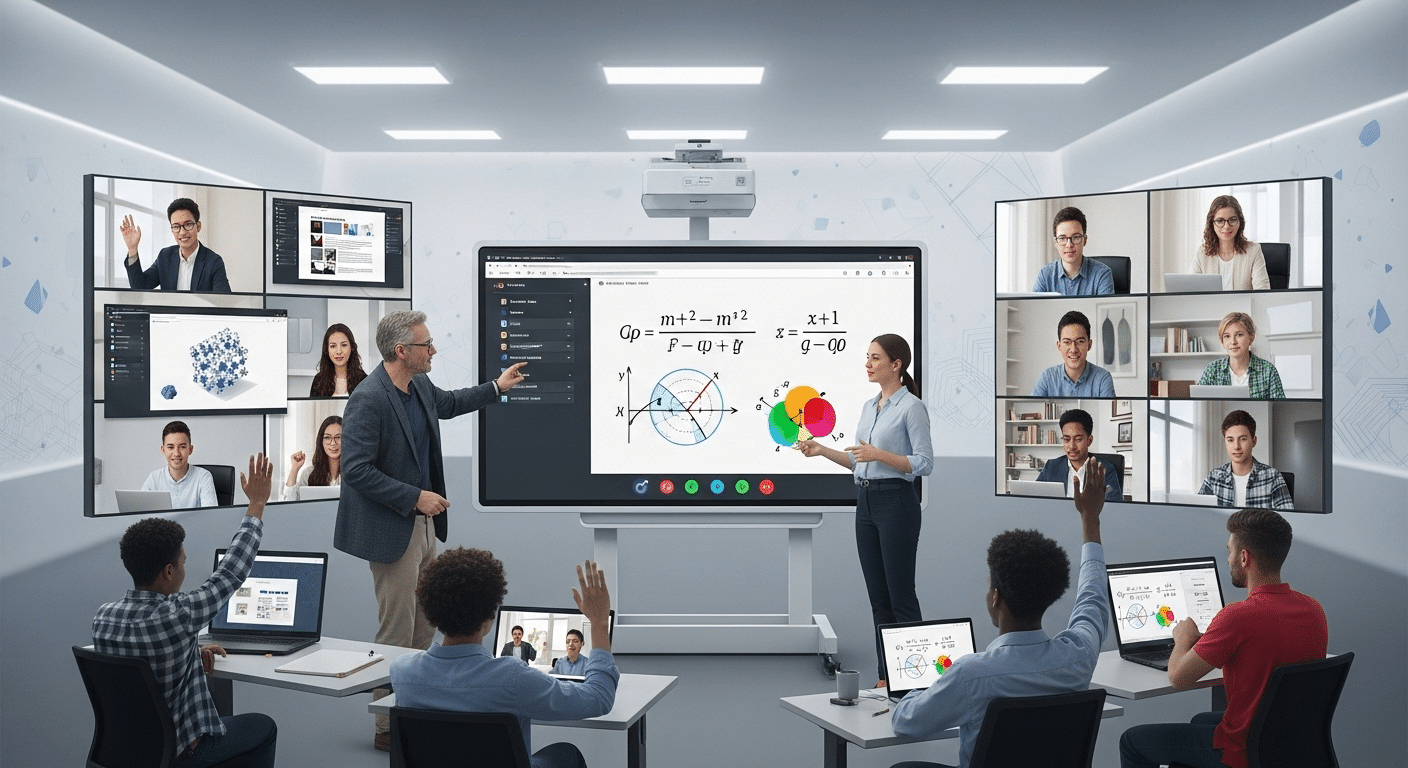
Virtual classroom platforms create interactive online learning environments where instructors and learners connect through live video, chat, digital whiteboards, and collaboration tools. Solutions like Apporto support virtual teaching with LMS integration, screen sharing, and browser-based access designed for flexible, engaging remote learning experiences.
The last decade has seen an undeniable shift toward virtual learning. What began as a temporary solution for remote work and schooling has now become a central part of how education and training are delivered.
From universities hosting online classes to companies running virtual classroom sessions for global teams, the need for flexible, digital learning spaces is greater than ever.
When evaluating a virtual classroom platform, features alone don’t always tell the full story. Lists of tools—like video conferencing, digital whiteboards, or breakout rooms—sound impressive, but without context they can feel abstract.
That’s why exploring real-life virtual classroom examples is so valuable. They show how these features function in practice and how they enhance the learning process.
In this guide, you’ll see practical examples of virtual classroom software, spanning higher education, K–12, corporate training, and tutoring. Each highlights how different settings use online classrooms to keep students engaged, active, and progressing.
What Is a Virtual Classroom and How Is It Used Today?
A virtual classroom is an interactive online environment where teachers, trainers, or facilitators and learners connect in real time. Unlike a simple video call, a virtual classroom is designed specifically to support structured online learning, offering tools that mirror a physical classroom experience—just in a virtual setting.
It’s helpful to distinguish a virtual classroom from two other types of online tools:
- A learning management system (LMS) handles content, grades, assignments, and progress tracking—but typically lacks real-time interaction.
- Video conferencing software (like Zoom or Teams) supports communication but lacks purpose-built classroom features like attendance tracking, breakout rooms, or session recordings tied to learning outcomes.
Most virtual classroom platforms integrate or work alongside an LMS, combining the administrative backbone of course delivery with interactive tools such as:
- Screen sharing for live demonstrations
- Digital whiteboards for visual explanations
- Breakout rooms for small-group collaboration
- Chat tools, polls, and Q&A for engagement
- Class recordings for asynchronous review
These features are used across sectors:
- In online schooling, teachers use them to replicate daily lessons and group work.
- In corporate training, HR teams run live onboarding sessions and track employee progress.
- For remote learning, they offer access and flexibility to students who may never step into a physical classroom.
What Are the Most Common Virtual Classroom Use Cases?
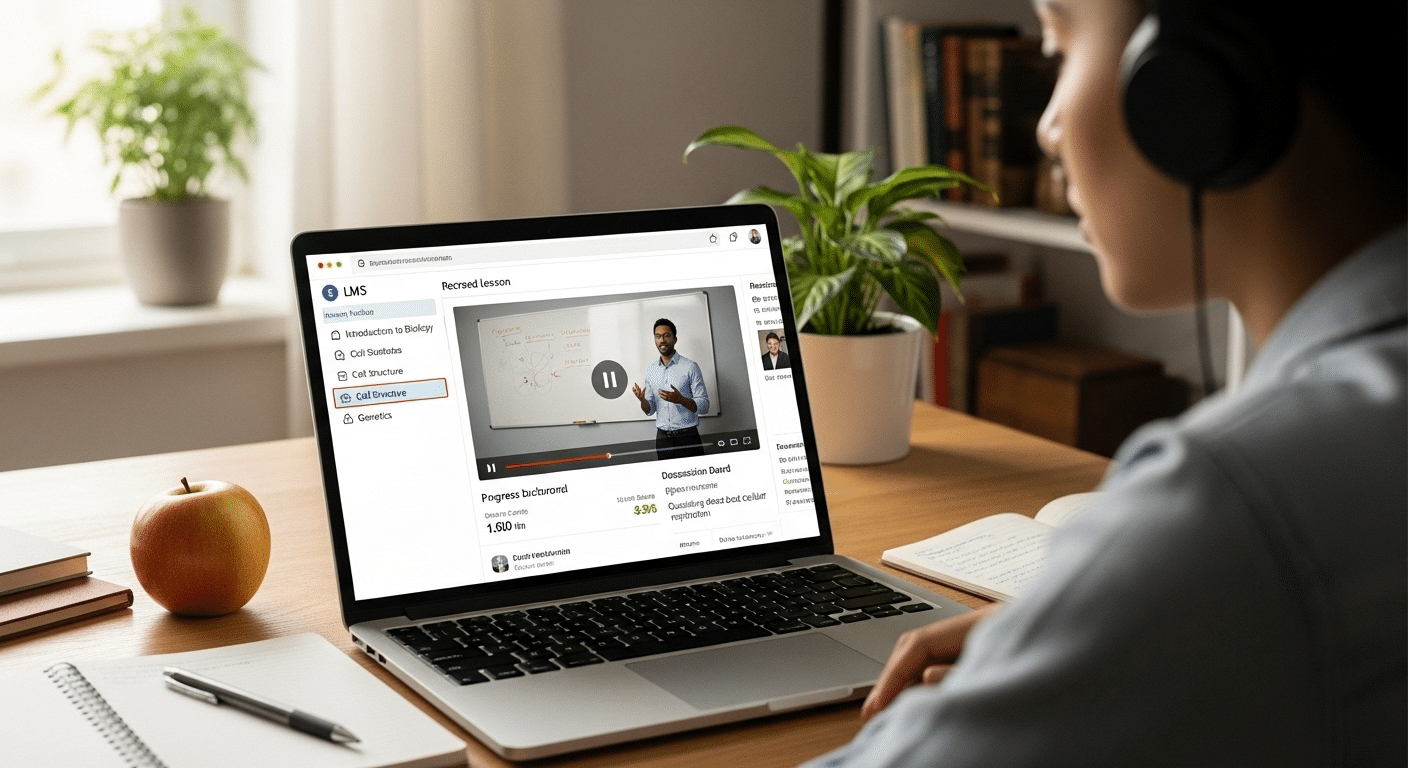
As more educators and trainers adopt virtual learning environments, the ways these platforms are used continue to evolve. Here are the most common use cases you’ll see today:
Synchronous Online Classes
Live, scheduled sessions where instructors and learners interact in real time. These mimic traditional classrooms with lectures, Q&A, and real-time feedback using online classroom software.
Asynchronous Learning
Pre-recorded lessons or tutorials that students can access at their own pace. These formats rely on session recordings, digital modules, and message boards for support.
Hybrid Learning Models
Combines both live sessions and self-paced materials. Often used in online courses and academic programs to balance structure with flexibility.
MOOCs (Massive Open Online Courses)
Large-scale, self-guided courses delivered through platforms like Coursera or edX. While not always true “classrooms,” they often include virtual classroom features like discussions and peer grading.
Remote Team Training
In corporate environments, virtual classroom platforms are used for onboarding, leadership training, and product rollouts—often supported by breakout rooms and screen sharing.
Digital Workshops & Group Projects
Workshops or collaborative sessions built around critical thinking, group work, and hands-on tasks—designed to simulate the feel of a physical classroom in a virtual space.
Virtual Classroom Examples in Different Learning Environments
1. Higher Education: Online Lectures, Labs, and LMS Integration
Universities were among the first to fully adopt virtual classroom platforms at scale. Instructors now deliver large lectures through integrated systems that combine a virtual learning environment with an LMS like Canvas or Moodle. Students access course materials, submit assignments, view grades, and join scheduled virtual sessions—all from the same interface.
These virtual classrooms include tools like screen sharing for presentations, session recordings for review, and attendance tracking for monitoring engagement. Labs are conducted using virtual desktops that allow students to run software remotely, without needing powerful hardware. The result is a flexible system that works across programs, devices, and time zones—giving students a consistent, accessible learning experience.
2. K–12 Online Schooling: Keeping Students Engaged Remotely
K–12 educators use virtual classroom software to maintain structure in the absence of a physical space. Platforms like Google Classroom or Apporto allow teachers to follow a daily schedule of live online lessons, homework submission, and classroom interaction. With tools like digital whiteboards, teachers explain concepts visually—just as they would on a physical board.
To keep students engaged, instructors introduce fun activities, breakout discussions, and reward systems like badges or point tracking. These elements support critical thinking and student participation, even in remote settings. When combined with regular check-ins and message boards, the format helps students stay focused, connected, and active in their own learning.
3. Corporate Training: Remote Onboarding and Upskilling
Companies use online classroom platforms to conduct structured training for new hires, existing staff, and global teams. A typical session might include an instructor-led workshop with screen sharing, followed by breakout rooms for role play or discussion. Sessions are often recorded and stored in the company’s LMS, allowing asynchronous review and on-demand learning.
Features like attendance tracking, real-time polls, and message boards help facilitators assess understanding and keep sessions interactive. For distributed teams, this setup supports virtual meetings across time zones and offers a scalable way to deliver consistent training—without needing a physical location or in-person trainer.
4. Tutoring & Micro-Courses: Personalized Learning at Scale
Virtual classrooms are ideal for tutoring, micro-courses, and flexible short-term learning. Whether it’s a private math lesson or a weekend web development bootcamp, these sessions typically involve one instructor and a small group of learners. The focus is on real-time interaction through video calls, screen sharing, and interactive tools like shared documents or quizzes.
Students benefit from the personalized pace and attention, while instructors track student progress using lightweight tools built into the virtual classroom software. These formats are commonly used for language learning, test prep, or targeted skill-building, offering just enough structure without the overhead of a full LMS.
5. Apporto: A Purpose-Built Virtual Classroom Experience
Apporto is a browser-based virtual classroom platform built specifically for education. It offers a full suite of tools designed to support both synchronous and asynchronous learning, with no software downloads required. What sets it apart is the ability to view live student screens during class—enabling real-time feedback and classroom management that mimics in-person instruction.
Apporto integrates directly with learning management systems, making it easy to connect your existing curriculum with your virtual delivery. Features like digital whiteboards, file sharing, and seamless LMS connections make it a complete virtual classroom setup for institutions looking to move beyond basic video calls. It’s built with equity in mind, ensuring access for students using lower-spec devices or slower internet connections. Try Apporto today
What Features Make a Virtual Classroom Platform Effective?
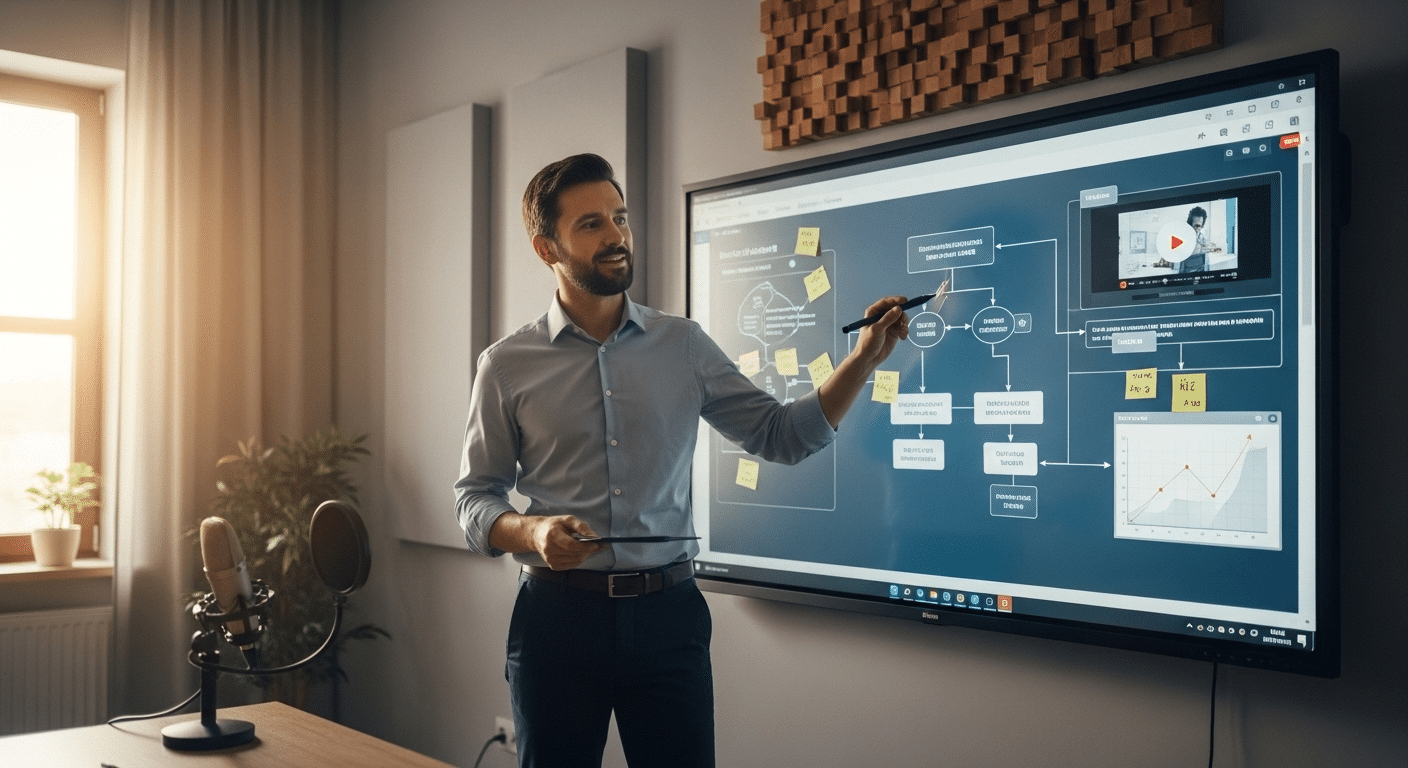
Not all virtual classroom software is created equal. While many tools promise flexibility and ease, the most effective platforms offer a blend of features that support instructional goals, student engagement, and learning outcomes.
Here are the essential features to look for:
Video Conferencing
Reliable, high-quality video and audio are the foundation of any virtual classroom. Without clear communication, even the best lesson plan falls flat.
Digital Whiteboards
A digital whiteboard allows for real-time drawing, annotation, and concept explanation—helping instructors replicate the visual learning experience of a traditional classroom.
Breakout Rooms
These support small group discussions, peer feedback, and collaborative projects. They turn a passive lecture into an interactive learning environment.
Student Progress Tracking
Effective platforms offer built-in tools for tracking participation, assignments, and quiz results. This gives instructors visibility into how students are performing without needing a separate system.
Session Recordings
Course Management Tools
From assigning courses to distributing course materials, built-in management tools streamline the administrative side of teaching, freeing up time for engagement.
When these features work in harmony, they create a virtual classroom experience that’s not just functional—but interactive, responsive, and conducive to real learning.
How Can You Create a Virtual Classroom That Actually Works?
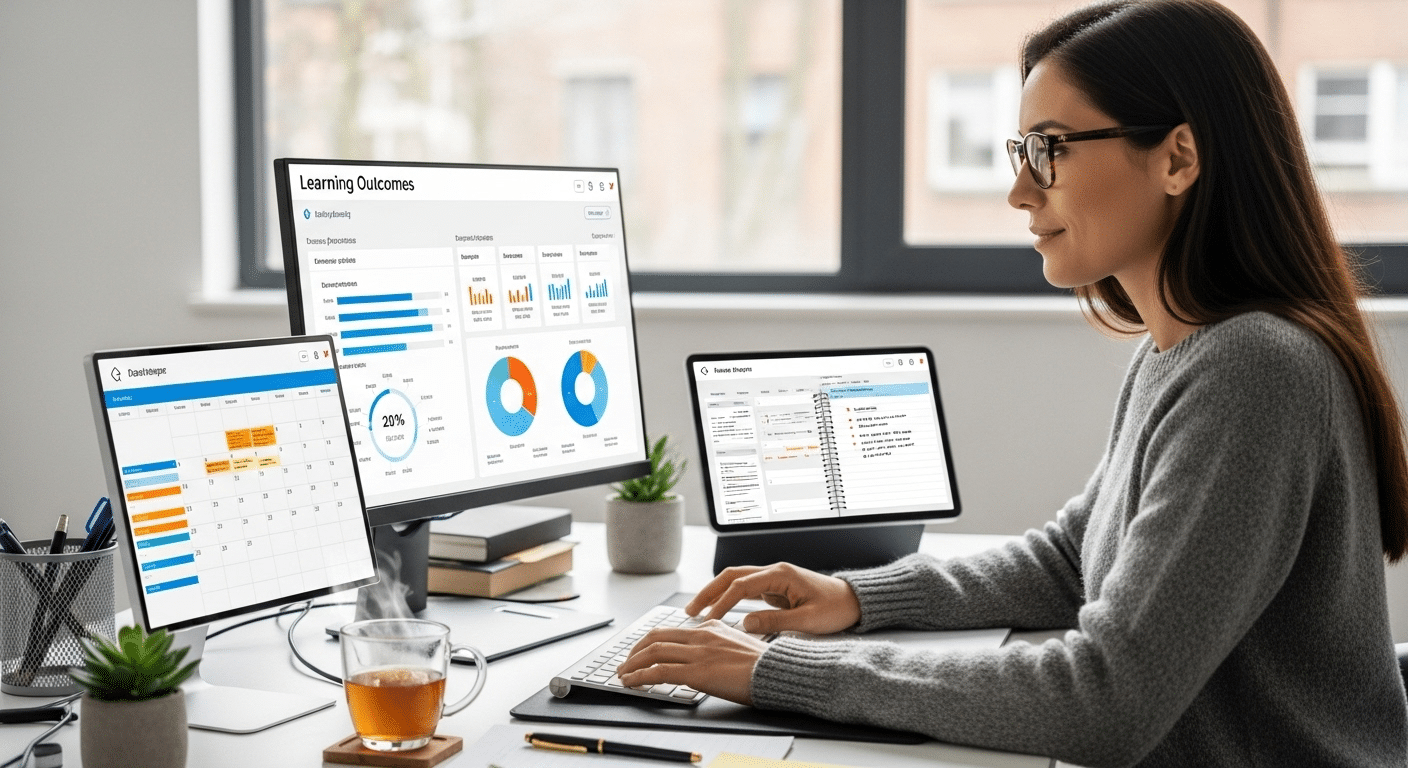
Creating a virtual classroom isn’t just about picking a platform—it’s about designing a learning experience. To make it effective, it should be intentional, structured, and centered on how students learn best in a virtual environment.
1. Define Your Purpose and Learning Goals
Start with clarity. Are you teaching a live class, running workshops, or offering self-paced modules? Your goals shape everything from the tools you choose to the way you run each session.
2. Choose the Right Platform
Look for a virtual classroom platform that aligns with your subject matter, teaching style, and learner needs. If you need screen monitoring, live chat, and LMS integration, solutions like Apporto may be more effective than generic video tools.
3. Adapt Your Materials
Traditional classroom materials often need adjustment. Break large lectures into digestible segments. Use visual aids. Incorporate polls, chats, or short quizzes to keep students engaged.
4. Build Interaction Into the Structure
Plan for engagement—not just content. Use breakout rooms, group tasks, and regular Q&A breaks. Design your sessions to keep students active, not just present.
A well-structured virtual classroom isn’t just an online copy of your in-person class—it’s a redesigned experience, built for the online learning environment. When done right, it’s just as effective—and in some cases, even better.
Conclusion
There’s no shortage of tools promising to improve virtual learning, but the real insights come from seeing virtual classroom platforms in action. From higher education and K–12 schools to corporate training and micro-courses, the examples you’ve seen in this article show how different setups support engagement, flexibility, and outcomes.
The takeaway is simple: the most effective virtual classrooms are built on more than just features—they’re designed with adaptability, human interaction, and learner experience in mind. Whether you’re using digital whiteboards to visualize ideas or breakout rooms to foster collaboration, it’s the thoughtful integration of tools that makes a virtual classroom work.
If you’re exploring options for a platform that blends real-time instruction, LMS integration, and accessibility for all learners, Apporto offers a purpose-built solution trusted by educational institutions and training teams alike.
Frequently Asked Questions (FAQs)
1. What is a virtual classroom example?
A virtual classroom example is an online learning session where instructors teach students in real time using video conferencing, chat, digital whiteboards, and screen sharing. Platforms like Apporto, Google Classroom, and Zoom are commonly used for virtual lectures, training sessions, and collaborative online learning.
2. How do teachers keep students engaged in online classes?
By using tools like breakout rooms, digital whiteboards, interactive polls, and chat features to create dynamic, student-centered learning experiences.
3. Can a virtual classroom replace traditional classroom training?
In many cases, yes. Virtual classrooms offer greater reach, flexibility, and scalability—though some hands-on training still benefits from in-person instruction.
4. What tools help improve the virtual classroom experience?
Look for screen sharing, class recordings, chat, attendance tracking, and progress monitoring—all available in platforms like Apporto.
5. Are there free platforms to create a virtual classroom?
Yes. Options include Google Meet, Zoom’s free version, and trial access to Apporto, allowing you to explore what works best without upfront cost.
