

What Is a Virtual Training Platform?
A virtual training platform is an online system that delivers, manages, and tracks learning programs through live sessions, self-paced modules, and interactive tools. Organizations use these platforms to scale employee training, customer education, and academic programs. Browser-based solutions like Apporto also simplify virtual labs, course delivery, and remote learning access.
In a world increasingly shaped by distributed teams and digital workflows, virtual training platforms have become more than a convenience — they’re a necessity. As online learning expands across industries, from corporate offices to university classrooms, organizations are rethinking how they deliver knowledge, build skills, and track progress.
Whether you’re running compliance training for a growing workforce, teaching soft skills to future managers, or supporting higher education programs, virtual platforms offer something traditional methods can’t: scalability, accessibility, and real-time adaptability. They break down geographic and logistical barriers, allowing learners to engage with content wherever they are, on their own terms.
And with the shift to hybrid and remote work showing no signs of slowing, the demand for flexible, effective online learning environments continues to grow. In the sections ahead, you’ll see what defines a great platform, how to use one effectively, and why it’s shaping the future of training and education.
What Is a Virtual Training Platform and How Does It Work?
A virtual training platform is a digital environment that allows you to deliver, manage, and scale cloud-based virtual training online. It combines the structure of traditional classroom training with the flexibility of the web, enabling learners to access content from anywhere and progress at their own pace.
At its core, a virtual training platform is built to facilitate education without physical constraints. Unlike a basic online platform for sharing documents or videos, or a virtual classroom focused solely on live interaction, a training platform brings everything together — including course creation, learner tracking, and feedback tools — into one cohesive system. You might also hear it compared to a Learning Management System (LMS), though many training platforms are more lightweight, modern, or specialized depending on the use case.
Most platforms support a mix of delivery methods:
- Live sessions led by instructors (often via tools like Zoom or Microsoft Teams)
- On-demand modules learners can complete on their schedule
- Blended learning, which combines both formats
Common features include tools for uploading and managing course materials, embedding videos, creating quizzes, and enabling interactive learning through polls or discussion forums. Behind the scenes, instructors and administrators can track progress, manage user access, and analyze data to improve training outcomes.
In short, a virtual training platform gives you the infrastructure to educate teams, clients, or students at scale — with flexibility, consistency, and visibility.
Let’s explore what separates a good platform from a great one.
What Are the Main Features of a Great Virtual Training Platform?
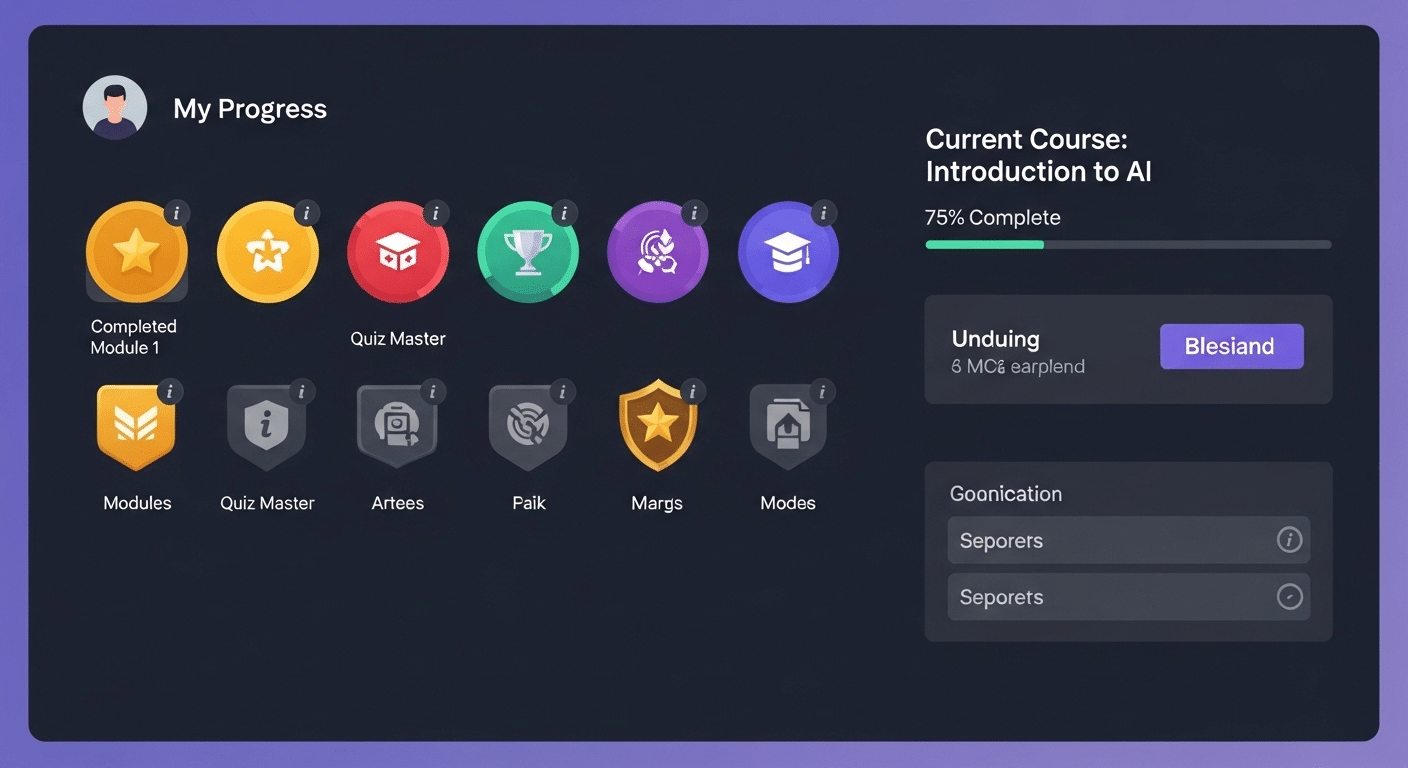
Not all virtual training platforms are equal. While many promise simplicity and scalability, the best ones share essential features that make learning smoother, more engaging, and easier to manage.
First, a clean, user-friendly interface is critical. Learners shouldn’t struggle to find modules or navigate cluttered menus. A good platform stays unobtrusive so attention stays on content.
Interactive tools like polls, quizzes, whiteboards, and annotations keep learners engaged. In live sessions, breakout rooms allow small groups to collaborate effectively.
Integration with video conferencing platforms such as Zoom or Microsoft Teams is now standard, enabling seamless sessions while tracking attendance and performance.
To boost motivation, gamification elements — badges, leaderboards, milestone tracking — add a sense of progress and achievement. Personalized learning paths go further, adapting content to performance or skill level so learners move at their own pace.
Mobile optimization is non-negotiable. Responsive design and apps ensure learners can access training anytime, on any device.
On the instructor side, grading tools, discussion boards, file sharing, and admin dashboards simplify management and communication.
Finally, system integration matters. Connections with HR tools, CRMs, or content libraries reduce friction and ensure the platform fits smoothly into existing workflows.
Together, these features define a platform that not only delivers content but also drives engagement, efficiency, and long-term learning success. Next, we’ll explore how they streamline course creation at scale.
How Do You Create Courses on Virtual Training Platforms?
Creating a course on a virtual training platform doesn’t require coding skills or advanced tech knowledge — just a clear structure and good content. Most platforms are designed to make the process intuitive so that subject matter experts, educators, or team leads can focus on the material rather than the mechanics.
It typically begins with setting up a new course shell, where you define the title, objectives, and structure. From there, you’ll upload course materials, which can include PDFs, videos, slide decks, or SCORM packages — the standard format for interactive eLearning content.
Next comes the fun part: adding interactivity. Most platforms allow you to embed quizzes, discussion prompts, and knowledge checks. Some even offer drag-and-drop builders for activities like matching terms, simulations, or polls — all of which boost learner engagement.
You’ll also choose how the course will be delivered:
- Live sessions can be scheduled within the platform, often linked with Zoom or Microsoft Teams.
- Self-paced modules let learners progress independently, which is ideal for flexible schedules.
To improve learning effectiveness, keep lessons short and focused. Use visuals to reinforce concepts and mix up formats to keep attention high. Group related modules into logical units, and always include a short recap or assessment at the end of each section.
Once published, you can track progress, gather feedback, and continue refining based on learner performance.
Now that you know how courses are created, let’s look at the types of training programs that benefit most from virtual delivery.
Which Types of Training Are Best Suited for Virtual Platforms?
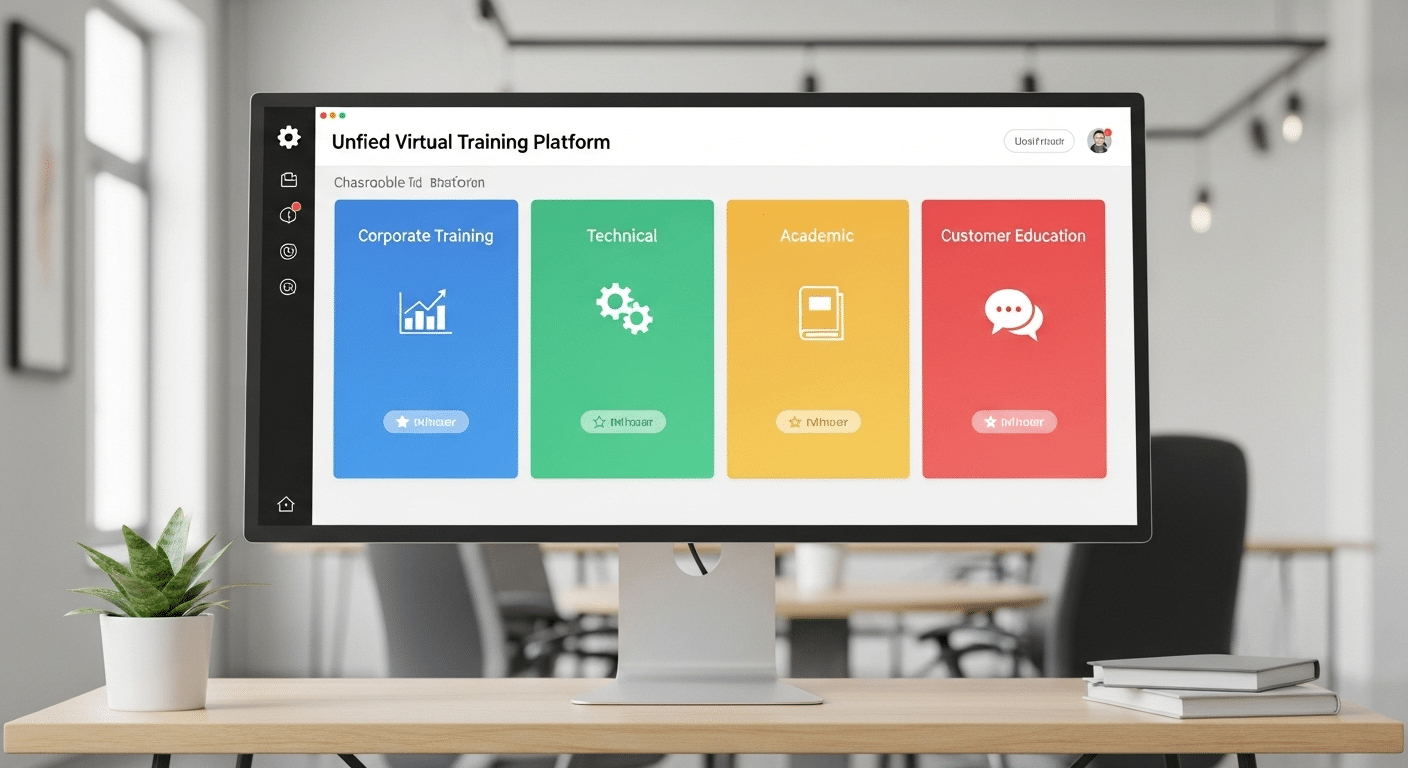
Virtual training platforms are flexible by design, which means they can support a wide range of use cases — from corporate onboarding to full-fledged university courses. But some types of training stand out as especially well-suited for the virtual environment.
Corporate training is a natural fit. Whether you’re onboarding new hires, delivering compliance training, or offering role-specific upskilling, a centralized platform makes it easy to create consistency across departments and geographies. Progress tracking and certification tools also make reporting and audits more manageable.
Technical skills training — including IT certifications and software mastery — also works well virtually. With features like screen sharing, sandbox environments, and interactive assessments, you can simulate real tools and tasks effectively.
Then there’s soft skills development. Leadership training, communication workshops, and even DEI programs can be delivered through blended learning models that combine self-paced modules with live sessions and discussion boards.
For companies with complex products or services, customer education becomes essential. Virtual platforms allow SaaS companies or service providers to scale onboarding, support, and enablement — often reducing support tickets and improving retention.
Higher education and continuing education programs are increasingly moving online. Platforms support full-semester courses, short certifications, and everything in between, making it easier for institutions to serve non-traditional students or expand globally.
Finally, training businesses and consultants use virtual platforms to monetize their content. These users need customizable branding, flexible pricing, and scalable delivery — all of which are now standard features.
Whether training employees, partners, or customers, the secret is aligning the delivery method to the audience. Some content works best in synchronous (live) formats, while others benefit from asynchronous access so learners can move at their own pace.
Next, let’s explore the core benefits that virtual training platforms offer.
What Are the Benefits of Using a Virtual Training Platform?
The advantages of using a virtual training platform go far beyond convenience. These systems are designed to scale — across departments, time zones, and devices — making them a practical choice for growing organizations and remote-first teams.
One of the most immediate benefits is scalability. Whether you’re training 10 employees or 10,000, the infrastructure doesn’t need to change. You can roll out global onboarding or role-specific upskilling with just a few clicks. That kind of reach would be impossible with in-person training.
You also cut down dramatically on cost and complexity. There’s no need to rent rooms, print materials, or coordinate travel. Everything is centralized in the platform — from course materials to tracking tools — and available on any device.
For learners, the ability to move through personalized learning paths at their own pace adds flexibility without sacrificing structure. The inclusion of multimedia content, interactive exercises, and assessments makes the experience more engaging than static slide decks or lectures.
Administrators benefit, too. Built-in analytics dashboards let you track progress, flag learners who need help, and report outcomes to stakeholders. That visibility drives accountability and better outcomes.
Organizations across industries have seen real gains. A tech company might use a platform to reduce onboarding time by 40%. A healthcare group might track compliance training more reliably. The use cases vary, but the benefit is the same: more efficient, effective training that works for everyone involved.
Let’s now take a closer look at how these platforms specifically support learner engagement.
How Can Virtual Training Platforms Improve Learner Engagement?

Keeping learners engaged is one of the biggest challenges in any training program. A well-designed virtual training platform helps solve this through thoughtful features that support active participation, personal relevance, and consistent motivation.
Interactive tools are a cornerstone of engagement. Built-in polls, quizzes, simulations, and annotation features turn learners from passive viewers into active participants. Add discussion boards, and you create space for reflection, collaboration, and peer-to-peer learning.
Live instruction — especially when combined with breakout rooms — allows for more direct interaction, small-group problem-solving, and a stronger sense of community. Learners are more likely to stay engaged when they’re part of a conversation rather than watching a one-way presentation.
Real-time feedback also plays a role. When learners receive immediate responses to their inputs — whether it’s quiz results or live chat responses from instructors — they stay mentally present and more emotionally invested in the material.
Allowing learners to move through content at their own pace ensures they don’t feel rushed or held back. This autonomy is the core to adult learning and helps improve retention.
Gamification elements like progress bars, points, or digital badges may seem small, but they often trigger motivation by tapping into goal-setting behavior. When paired with analytics that show clear progress, these tools help build confidence and reinforce learning.
In short, when a platform is designed to meet learners where they are — technically and cognitively — the engagement follows. Up next, we’ll cover how to select the right platform for your needs.
How Do You Choose the Right Platform for Your Organization?
Choosing the best virtual training platform isn’t just a technology decision — it’s a strategic one. Start by defining your core training goals. Are you building a program for internal employee training, customer education, academic delivery, or something else entirely? Your answer will shape everything from content needs to feature priorities.
Next, assess your technical requirements. Will the platform need to integrate with other systems like your HR software, CRM, or content libraries? What kind of IT resources will you need to maintain it? If your internal team is lean, a fully hosted solution may be more sustainable than one that requires deep customization.
Your audience matters, too. A platform built for students may not meet the needs of your employees or customers, especially when it comes to UI design, pacing, or support features.
As you evaluate vendors, focus on main areas:
- Interactive features that match your training style
- Scalability for future growth
- An easy-to-use interface for both learners and admins
- Responsive, accessible support when things go wrong
Don’t forget about cost. Some platforms charge per user, others offer flat rates, and some bundle services. Understanding your usage model will help avoid surprises.
A practical next step is to draft a checklist or simple RFP template that aligns your organizational goals with platform capabilities. This not only clarifies your needs but ensures you’re comparing solutions based on what actually matters.
Now, let’s address the not-so-glamorous side: the challenges you might face along the way.
What Are the Challenges of Virtual Training and How Can You Overcome Them?
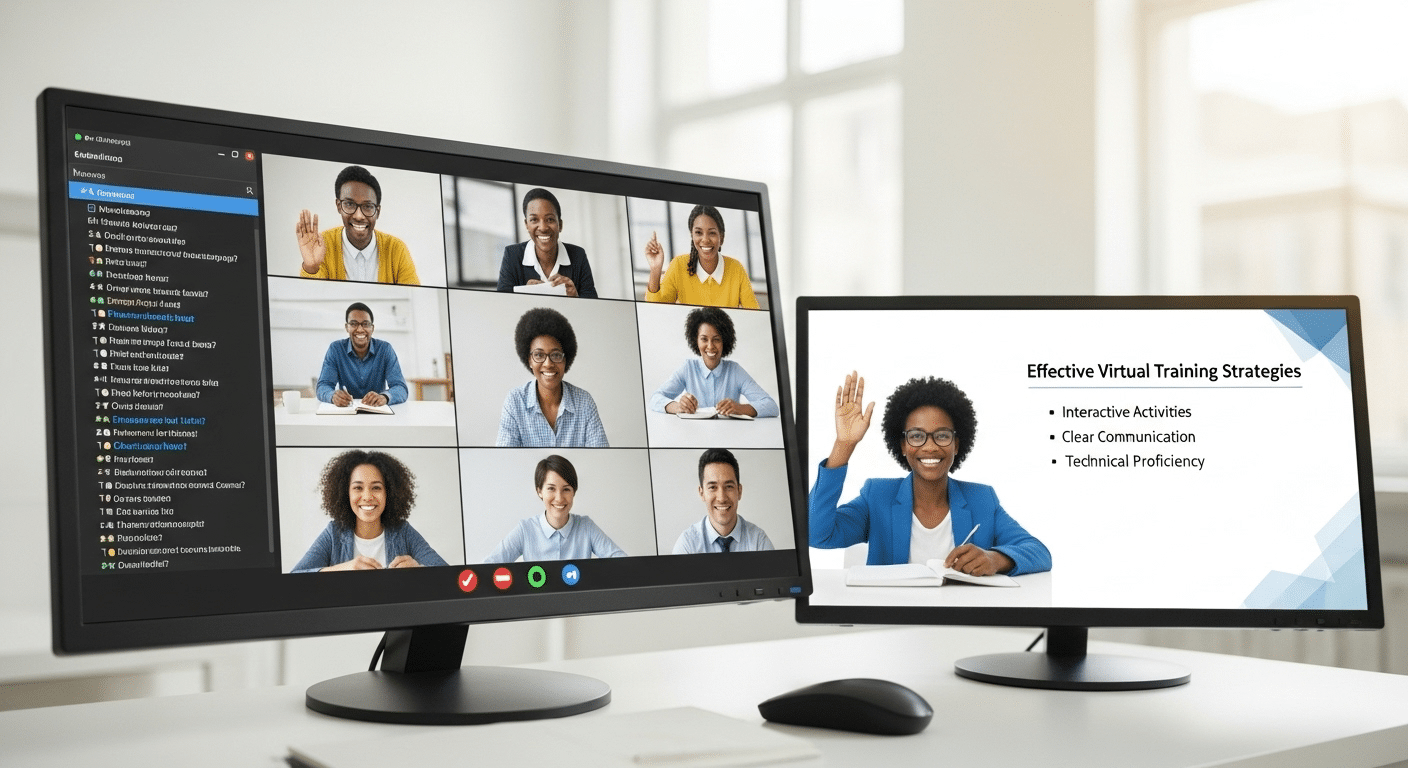
While virtual training platforms offer impressive advantages, they’re not without hurdles. Knowing what to expect helps you build programs that are both resilient and effective.
One of the most common issues is low engagement or what’s often called “Zoom fatigue.” Learners may tune out if the format is overly static or if the platform lacks interactivity.
Technical issues are another factor. Unstable internet, platform crashes, or device incompatibility can derail sessions and frustrate users.
For instructors, there’s a learning curve. Many are used to in-person teaching and may struggle to adapt their methods to a virtual classroom.
Learners, too, can struggle without clear structure. Without in-person cues, some lose focus or fall behind without realizing it.
Fortunately, there are ways to mitigate these challenges:
- Provide onboarding guides for both instructors and learners
- Break training into bite-sized lessons to maintain attention
- Ensure strong tech support is always available
- Choose mobile-friendly platforms to reduce access issues
By planning ahead and supporting everyone involved, you can turn these common obstacles into manageable speed bumps rather than roadblocks.
Looking ahead, let’s consider how these platforms are shaping the future of how we learn and work.
What Role Will Virtual Training Platforms Play in the Future of Work?
As remote work continues to redefine modern teams, virtual training platforms are becoming a cornerstone of long-term strategy — not just a temporary fix.
For many organizations, continuous reskilling and upskilling have moved to the top of the priority list. Jobs are evolving, tools are changing, and the demand for flexible, ongoing learning programs is growing. Virtual platforms are perfectly positioned to meet this need.
There’s also a shift underway from traditional, instructor-led training to interactive, self-paced learning. Learners now expect to access materials when and where it suits them, often across multiple devices. Platforms that support this level of accessibility will lead the way.
Beyond standalone use, expect deeper integration with talent development platforms, HR systems, and performance management tools. Training will no longer be a silo — it’ll become part of a broader ecosystem designed to track growth, performance, and potential.
Want to Deliver Better Virtual Training Without the Headaches?
Apporto makes it easy to launch and manage effective training — without the technical complexity. As a fully hosted, browser-based platform, it’s built for teams that need fast setup, smooth scalability, and hands-on learning environments that actually work.
From seamless LMS integration to built-in compliance tools and virtual labs, Apporto simplifies course delivery across departments, devices, and time zones.
If you’re ready to modernize your training without adding overhead, it’s time to see what Apporto can do. Explore Apporto’s Virtual Training Platform
Final Thoughts
Virtual training platforms aren’t just a trend — they’re becoming a foundational tool for how people learn, grow, and adapt. As workforces become more distributed and learning needs more complex, these platforms provide the structure and scalability traditional methods lack.
They make training more accessible, measurable, and aligned with real-world outcomes. Whether you’re focused on internal development, customer enablement, or academic instruction, the right platform can make all the difference.
The trick is to choose a solution that balances flexibility with functionality — one that empowers both instructors and learners. As organizations prioritize agility and lifelong learning, virtual training is no longer optional. It’s essential.
Frequently Asked Questions (FAQs)
1. What is the best platform for online training?
The best online training platform depends on your goals, audience, and technical requirements. Strong platforms offer live sessions, self-paced learning, progress tracking, mobile access, and integrations with tools like Zoom or Microsoft Teams. Browser-based solutions like Apporto also simplify virtual labs and scalable remote training.
2. How to start virtual training?
Start virtual training by defining learning objectives, choosing a training platform, organizing course materials, and selecting live or self-paced delivery methods. Interactive tools like quizzes, discussion boards, and video sessions help improve engagement and support effective online learning experiences.
3. How to prepare for virtual training?
Preparing for virtual training involves organizing course materials, testing technology and internet connections, setting clear learning goals, and creating structured lesson plans. Instructors should also use interactive tools and short learning modules to maintain engagement and improve knowledge retention.
4. What is the difference between a virtual training platform and an LMS?
A virtual training platform focuses on delivering interactive, flexible learning experiences — often with tools for live sessions, labs, and mobile access. A Learning Management System (LMS) is typically broader, handling administrative tasks like enrollment, certification tracking, and compliance reporting.
5. Can virtual training platforms handle compliance training?
Yes. Most platforms support structured learning paths, tracking tools, and automated reporting — all of which are essential for compliance training. Some even include certification features and audit-ready records to help meet industry or legal standards.
6. How can learners track their own progress?
Learners can typically view their completion status, quiz results, progress bars, and feedback directly within their dashboard. This visibility encourages ownership of learning and helps users stay on track with deadlines and milestones.
7. Are these platforms secure for enterprise data?
Leading platforms use encrypted connections, role-based access, and secure cloud hosting. Admins can control user permissions and integrate with enterprise security protocols to protect sensitive training data.
8. Can instructors use tools like Microsoft Teams or Zoom within the platform?
Absolutely. Most platforms integrate with leading video conferencing tools like Microsoft Teams or Zoom, allowing instructors to host live sessions, breakout rooms, or one-on-one coaching directly within the training experience.
