
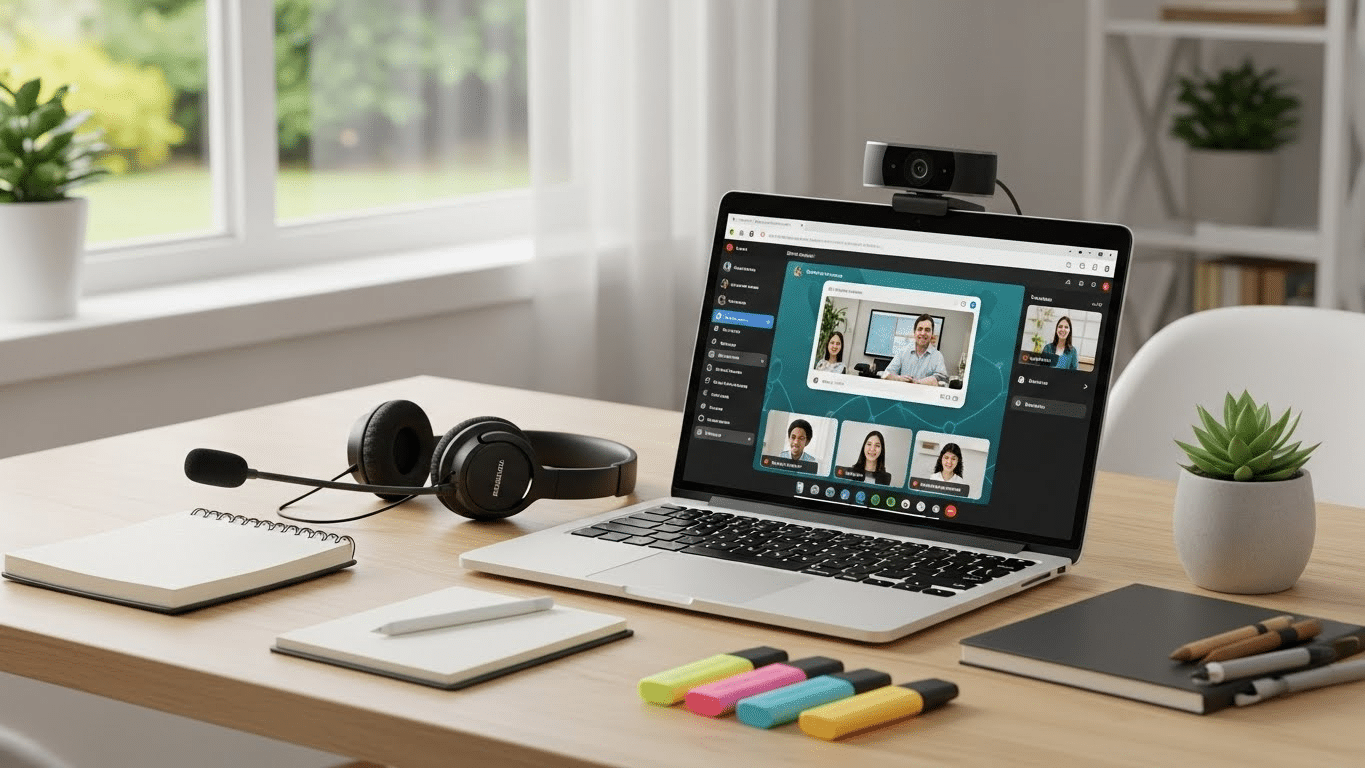
A virtual classroom is more than just a Zoom link and a PowerPoint. It’s a structured online learning environment designed to replicate—and often improve on—the core functions of a physical classroom.
It’s where students, instructors, and learning materials come together in real time or asynchronously, using digital tools to exchange ideas, build knowledge, and complete coursework.
The shift from traditional classrooms to virtual learning spaces was already in motion. Remote learning, once a fringe idea, has now become a mainstream educational model—not only in schools and universities but also in corporate training, continuing education, and certification programs.
But here’s the catch: a virtual classroom is only as effective as the setup behind it. From the platform you choose to the way materials are presented, everything shapes the learning experience.
In this guide, you’ll explore what makes a strong virtual classroom setup and how to build one that actually works.
What Do You Need to Set Up an Effective Virtual Classroom?
Creating an effective virtual classroom setup starts with getting the fundamentals right. Whether you’re teaching a group of students, onboarding new employees, or running professional training, the right foundation ensures the experience is smooth, engaging, and productive.
Here’s what you need:
Stable Internet Connection
A fast, consistent connection is non-negotiable. Lag and dropouts break focus and disrupt the learning flow.
Reliable Virtual Classroom Platform
Choose a platform that fits your class size and format—Zoom, Microsoft Teams, or browser-based solutions like Apporto that require no downloads.
Interactive Tools
Features like breakout rooms, chat, reactions, and screen sharing allow for real-time collaboration and engagement.
Video Conferencing with Live Instruction Support
Look for systems that support live sessions with minimal latency and strong audio/video performance.
Multimedia Resources
You’ll need to prepare materials like video lectures, PDFs, and presentation slides to keep learners visually engaged.
Quiet, Organized Digital Space
The physical setup still matters. Encourage participants to find a distraction-free space, ideally with a headset and neutral background.
When these elements work together, your virtual classroom becomes more than just a digital placeholder—it becomes a true learning environment.
How Do You Choose the Right Virtual Classroom Platform?
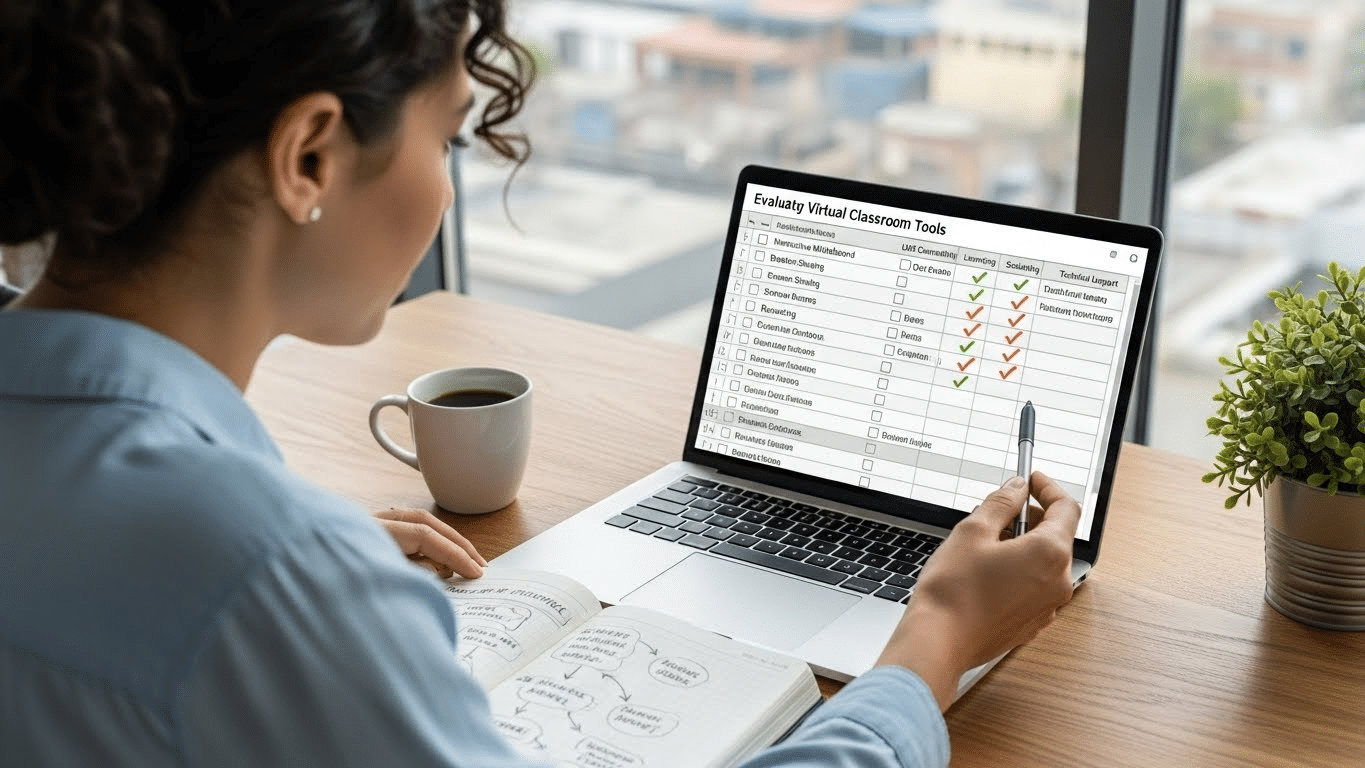
Not all virtual classroom platforms are created equal. The right one should align with your teaching style, class size, and learning goals. Whether you’re hosting a Zoom class, running a live session on Microsoft Teams, or managing an all-in-one environment like Apporto, platform selection matters.
Here’s what to evaluate:
- Core Features
Prioritize tools like screen sharing, breakout rooms, waiting room control, and real-time chat. These features make sessions dynamic and manageable. - LMS Compatibility
Your platform should integrate seamlessly with your Learning Management System—whether it’s Canvas, Moodle, or another. This ensures smooth access to materials and assessments. - Scalability
Can the platform handle 10 users? 100? More? Look for systems that support both small groups and large-scale hybrid classes without performance dips. - Support for Asynchronous Learning
It’s not just about going live. Choose a tool that also enables self-paced learning—recorded sessions, downloadable resources, and message boards.
Popular choices include:
- Zoom – Widely used, flexible, but may need added security layers
- Microsoft Teams – Great for integrated office environments
- Apporto – Purpose-built for education and training, with built-in labs and real-time collaboration
What Are the Must-Have Features of a High-Quality Virtual Classroom Solution?

A well-designed virtual classroom doesn’t just stream a lecture—it enables meaningful learning. The platform you choose should offer more than just video—it should actively support participation, organization, and progress tracking.
Here are the must-have features to look for:
- Live Instruction Capabilities
Real-time video and audio streaming are essential for teaching, presentations, and immediate feedback. - Breakout Rooms
Enable small-group collaboration for projects, discussions, or tutoring sessions. Great for maintaining focus and engagement. - Screen Sharing & Real-Time Collaboration
Instructors should be able to walk through lessons, demos, or documents while students follow along live. - Interactive Tools
Features like polls, digital whiteboards, and file sharing turn passive sessions into two-way interactions. - Attendance Tracking & Analytics
Built-in tools that monitor attendance and participation help instructors adapt their approach—and offer data for reporting. - Easy Access for Guests or New Learners
The platform should allow simple joining—no clunky downloads, no long registration forms.
If your classroom platform covers these, you’re not just checking boxes—you’re building a system designed to scale and succeed.
How Do You Create a Focused and Engaging Online Learning Environment?
A virtual classroom needs more than tools—it needs intention. A scattered session can leave learners disengaged, no matter how advanced the platform. To create a focused and engaging online learning environment, you’ll want to combine structure, interaction, and visual clarity.
Here’s how:
- Establish a Clear Structure
Begin each session with an overview, transition into teaching, allow time for Q&A, and close with a recap. Predictability helps learners stay oriented. - Use Online Tools to Encourage Participation
Utilize chat, reactions (thumbs-up, emojis), or polls to check in and collect feedback mid-session. - Visual Support for Core Concepts
Supplement verbal instruction with slides, annotated documents, or screen-shared demonstrations to reinforce ideas. - Keep Sessions Concise
Aim for sessions under 60 minutes. Fatigue sets in faster online. If the topic requires more time, break it into segments. - Encourage Cameras On
Seeing faces fosters accountability. If not possible, ask for typed check-ins to keep attention alive. - Incorporate Group Work
Use breakout rooms or collaborative docs to let students apply what they’ve learned through peer interaction.
When structure meets interaction, engagement naturally follows.
What Should You Do to Support Teachers and Instructors in Virtual Classes?

Even the best virtual classroom setup falls flat without confident, well-equipped instructors. Teachers are no longer just delivering lectures—they’re managing digital spaces, troubleshooting tech, and redesigning content for a new medium. Supporting them isn’t optional—it’s foundational.
Here’s how to do it effectively:
- Training on Tools
Provide hands-on training for both the Learning Management System (LMS) and the virtual classroom platform. Confidence with the tools improves delivery and reduces downtime. - Course Material Support
Help educators create compelling slides, interactive videos, and digital documents. Even simple formatting makes a difference in learner comprehension. - Templates and Planning Resources
Offer pre-built templates for lesson plans, breakout activities, and assessments to reduce planning fatigue. - Reliable Technical Support
Ensure instructors know where to go when something breaks. Fast, human help matters in high-stress moments. - Foster Peer Collaboration
Encourage instructors to share strategies, swap materials, and co-teach where appropriate.
Teaching virtually requires a different skill set. With the right support, instructors become more than capable—they become innovators in digital education.
What Are the Best Practices for Delivering Live and Asynchronous Instruction?
Effective virtual classrooms blend live interaction with asynchronous flexibility. Each mode has strengths—knowing when and how to use them is secret to delivering a complete learning experience.
Use live video sessions when:
- Hosting Q&As, discussions, or feedback loops
- Introducing complex or nuanced material
- Building rapport and classroom presence
Use asynchronous content for:
- Pre-recorded lectures or walkthroughs
- Readings, quizzes, and reflections
- Learners in different time zones or with schedule constraints
To create community in both modes:
- Use discussion boards or chat threads that stay active
- Schedule optional live office hours
- Encourage peer review and group projects
Flexibility isn’t just convenient—it’s pedagogically sound. Students retain more when they can revisit materials, pace themselves, and interact meaningfully.
Tools like a well-integrated LMS + virtual classroom platform allow seamless switching between synchronous and asynchronous content. The goal is balance—where structure meets autonomy and learning happens both in real-time and on demand.
How Can Cloud-Based Platforms Like Apporto Simplify Your Virtual Classroom Setup?
Managing a virtual classroom shouldn’t feel like managing a tech support hotline. That’s where cloud-based platforms like Apporto stand out—offering simplicity, flexibility, and scalability without the complexity of traditional virtual learning setups.
Apporto is fully browser-based, meaning there’s no need for software downloads or system compatibility headaches. Learners and instructors can access the virtual classroom with just a link—from any device, anywhere.
The platform includes:
- Built-in virtual classroom tools
- LMS integration for seamless course delivery
- Live collaboration with real-time screen sharing, breakout rooms, and engagement features like polls and hand-raising
Apporto supports hybrid learning for both higher education and corporate training, allowing live participation and asynchronous access on the same platform.
For IT teams, setup is fast, cloud-based, and scalable—no installs, no manual updates. Whether it’s 30 students or 3,000 employees, Apporto ensures a smooth, consistent experience. Try Apporto now
Final Thoughts
A virtual classroom only works when it blends the right tools with thoughtful structure. It’s not about chasing the latest app or adding more features—it’s about creating a space that’s easy to access, consistent in delivery, and genuinely engaging for learners. The technology should serve the experience, not complicate it. When instructors feel supported, students stay connected, and content is delivered clearly, the classroom—virtual or not—becomes effective.
Whether you’re reworking an outdated system or launching from scratch, consider how your platform, training approach, and content flow together. Small improvements in setup can lead to major gains in focus and outcomes. And if your current tools aren’t keeping up, it may be time to explore solutions designed for the realities of online learning. Cloud-native platforms like Apporto offer a more seamless, scalable way forward—without the usual friction.
Frequently Asked Questions (FAQs)
1. Do I need special software to run a virtual classroom?
Not necessarily. Many modern platforms, like Apporto, run entirely in the browser with no installations required. What matters more is that your platform supports features like video conferencing, screen sharing, and engagement tools.
2. Can I use a virtual classroom for hybrid learning?
Yes. Virtual classrooms are ideal for hybrid models, allowing some participants to join in person while others attend remotely. Look for platforms that offer reliable streaming, breakout rooms, and integration with in-person teaching tools.
3. How can I make online classes more interactive?
Use features like polls, chat, breakout sessions, and collaborative whiteboards. Keeping students involved with real-time activities and peer interaction is secret to improving focus and knowledge retention.
4. What’s the difference between LMS and a virtual classroom platform?
An LMS manages content, assignments, and grading, while a virtual classroom platform handles live instruction and interaction. The best setups combine both for a complete learning experience.
