

How Does Gradescope’s AI-Assisted Grading Work?
Gradescope’s AI-assisted grading uses recognition and clustering algorithms to group similar student answers, helping instructors grade faster and more consistently. The AI organizes submissions and suggests answer groups, while instructors review responses, apply rubrics, assign scores, and provide final feedback. Similar AI-assisted grading platforms, like PowerGrader, also support rubric-based evaluation with human oversight.
Grading piles up fast. One stack of handwritten exams turns into five. Online submissions arrive in waves. Before long, the grading workflow starts to eat evenings, weekends, patience. Instructors want two things that often feel at odds: consistency and meaningful feedback, without burning out halfway through the term.
That tension is why Gradescope’s AI-assisted grading keeps coming up in faculty meetings and TA Slack channels. People hear it “uses AI,” but what that actually means is fuzzy. Is it auto-grading? Is it judging students?
This article slows the whole thing down. Step by step. You’ll see how student submissions are processed, where the AI genuinely saves time, and—just as important—where instructors stay firmly in control.
What Is Gradescope’s AI-Assisted Grading (And What It Is Not)
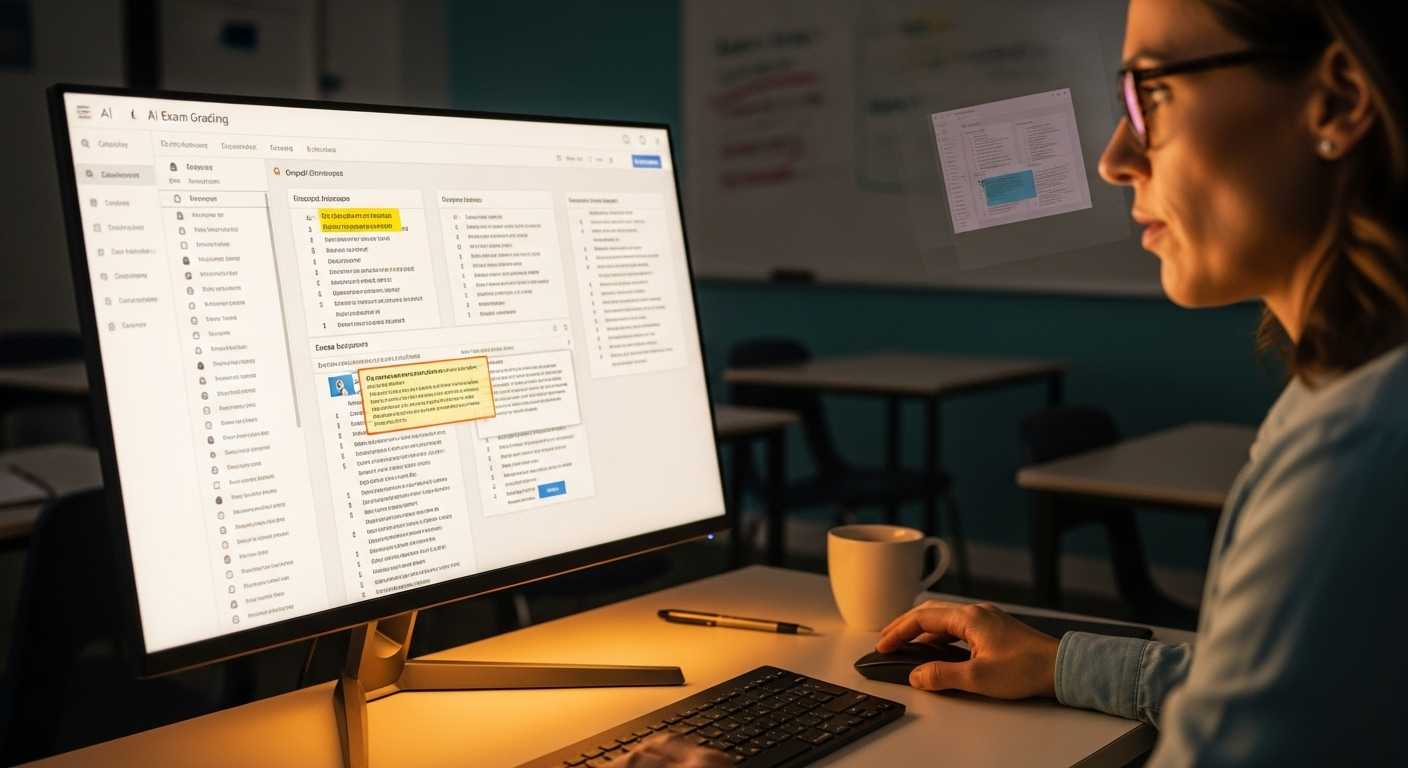
First, a necessary reset. AI-assisted grading is not auto-grading everything and walking away. That misconception causes most of the anxiety.
Gradescope’s system uses artificial intelligence to support the grading process, not replace it. The AI looks for patterns across student submissions, grouping similar answers together so instructors can evaluate them efficiently. That’s the assist. The grading itself still happens through human judgment.
It’s also worth stating plainly: Gradescope does not use generative AI to invent scores or feedback. There’s no large language model deciding what an answer “feels like.” Instead, the platform relies on specialized recognition and clustering algorithms designed for assessment tasks.
In practice, the AI suggests how answers might be grouped. Instructors review those groupings, adjust them when needed, and apply rubrics deliberately. The final grade, the feedback, the accountability—those remain human responsibilities. Always.
How Gradescope Processes Student Submissions Before Any Grading Happens
Before anyone clicks a rubric or assigns a point, there’s a quiet intake layer doing a lot of heavy lifting. This is where Gradescope earns its keep, long before grading even starts.
Student submissions arrive in a few common forms. Fixed-template PDF assignments are typical for handwritten exams and worksheets. Online assignments and programming assignments come in digitally.
Bubble sheet assignments show up as scanned or photographed pages. Different formats, same goal: line everything up so answers can be evaluated fairly.
Here’s what happens under the hood:
- Student submissions are overlaid against a blank assignment template
- The system extracts student ink from handwritten work
- Answer areas and question regions are identified and isolated
That overlay step matters more than it sounds. By aligning each submission to the same template, Gradescope ensures that every student’s answer to Question 3 actually sits in the same visual space. No scrolling. No hunting. Just clean, comparable answer areas, ready for review.
How Gradescope Reads Student Handwriting and Answer Fields
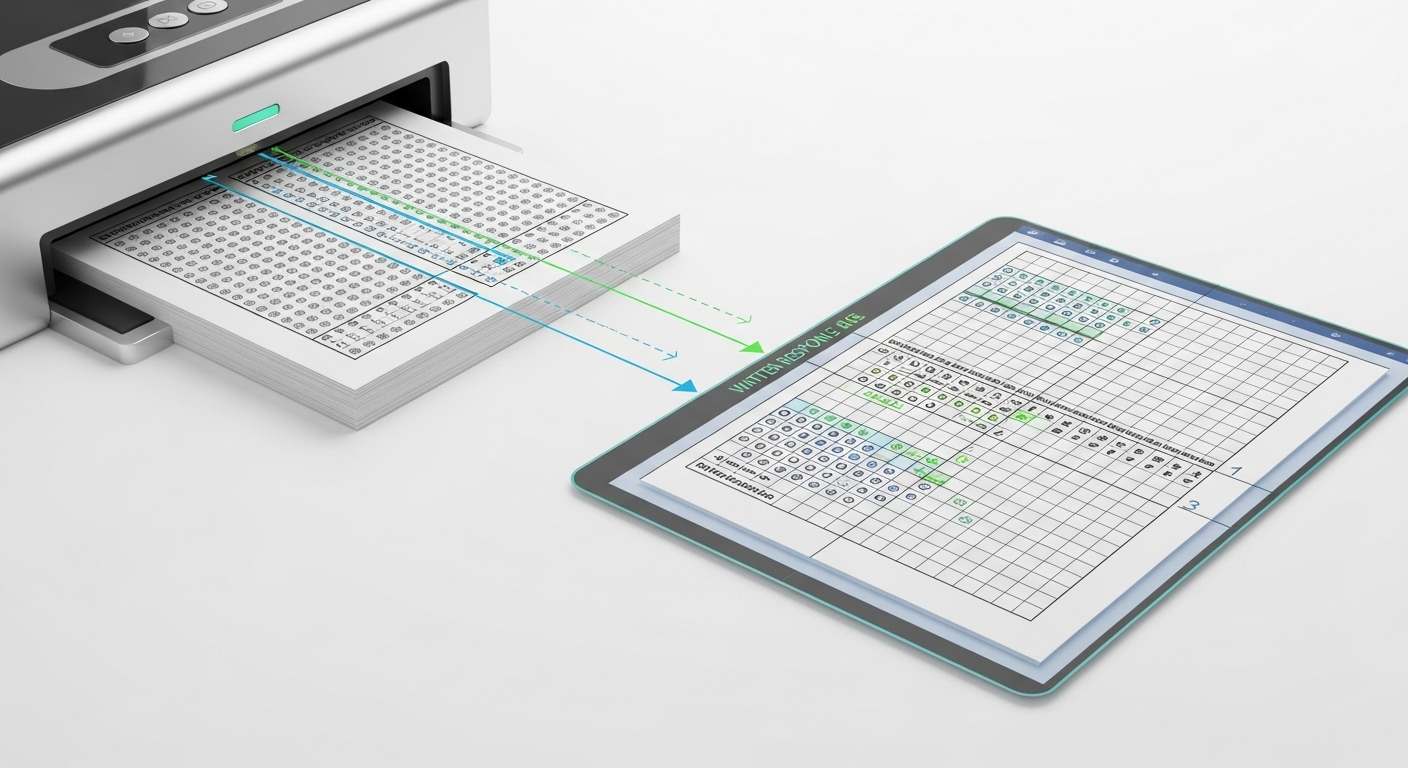
Handwritten exams are where most grading tools stumble. Gradescope doesn’t eliminate the challenge, but it narrows it significantly.
Using OCR combined with recognition models, the system can read English-language handwriting and common math notation. The focus isn’t perfect transcription of every flourish. It’s isolating student ink accurately inside defined question regions so answers can be compared side by side.
A few practical realities matter here:
- Clear photos or scans work best
- Pages should be laid flat when photographed
- Dark ink on light paper improves accuracy
Instructors aren’t locked into the AI’s first pass. Question region boxes can be adjusted manually if an answer spills over or a student writes creatively outside the lines. That flexibility keeps the process usable, not brittle.
How Gradescope’s AI Forms Answer Groups
This is the part most people mean when they say “AI-assisted grading.”
Once answer areas are isolated, the AI analyzes individual student answers and looks for patterns. Identical or near-identical responses are clustered together into suggested answer groups. These are not final judgments. They’re starting points.
In practice, the grouping looks like this:
- Same answer → grouped automatically
- Similar wording or math steps → grouped together
- Ungrouped answers → flagged for manual review
Crucially, every suggested answer group must be reviewed and confirmed by an instructor. Nothing is graded automatically without that check. The AI suggests. Humans decide. That boundary is deliberate and non-negotiable.
What Instructors See When Grading by Answer Group

Instead of flipping through submissions one student at a time, instructors grade by question.
All student answers to the same question appear together, side by side. Names are hidden, which helps reduce unconscious bias. You see the work, not the person.
From there:
- A single rubric application affects the whole answer group
- Partial credit can be applied consistently
- Feedback can be attached once and shared across similar responses
This approach does a few things at once. It improves grading consistency, reduces fatigue, and makes it far easier for teaching teams or multiple graders to stay aligned. Everyone is literally looking at the same answers.
How Dynamic Rubrics Work Inside Gradescope
Static rubrics break down fast once real student work shows up. Gradescope’s dynamic rubrics are designed for that reality.
Rubric items can be added, edited, or refined mid-grading. When a new misconception appears, you don’t have to start over. You adjust the rubric, and the system automatically applies those changes retroactively to previously graded submissions.
Key capabilities include:
- Adding new rubric items on the fly
- Supporting partial credit and multiple criteria
- Automatically applying score changes across groups
This keeps grading criteria consistent, even as understanding evolves during the grading process. It’s less about locking decisions early and more about correcting course cleanly.
How Gradescope Handles Different Question Types
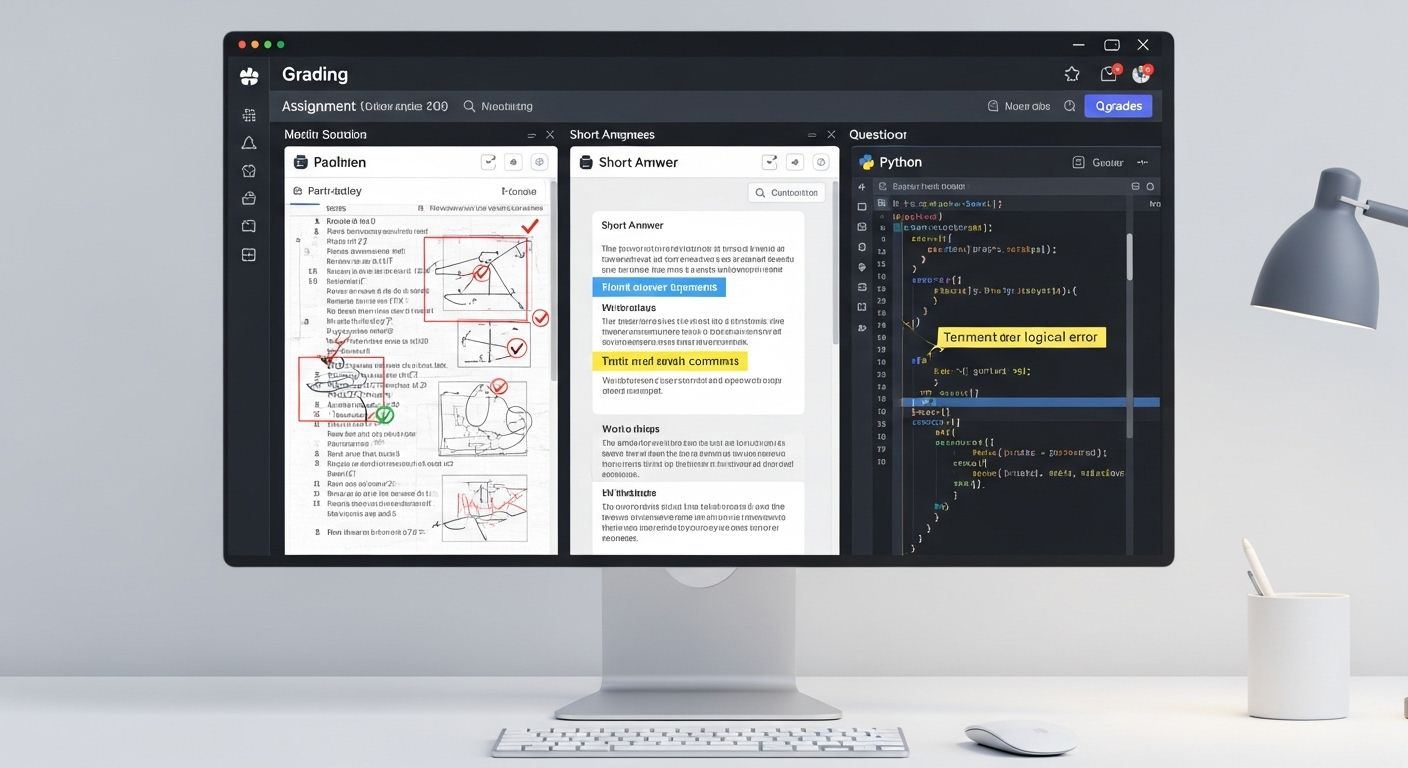
Gradescope’s AI-assisted workflow isn’t limited to one kind of assessment. It supports a wide range of question types, each handled slightly differently.
Common formats include:
- Multiple choice questions
- Fill-in-the-blank responses
- Math and short-answer questions
- Programming assignments
For clarity:
- Bubble sheet assignments are scanned and aligned automatically
- Text fill and math notation are grouped using recognition models
- Code autograding can be combined with manual review for structure and logic
The unifying idea is consistency. Whether it’s a shaded bubble or a handwritten proof, the system is built to streamline grading while keeping instructors firmly in charge of evaluation and feedback.
How Feedback Is Applied to Groups and Individual Students
Once answer groups are confirmed, feedback becomes far easier to manage. An instructor can add meaningful feedback to a single answer group, and that same explanation is automatically applied to every student whose work falls into that group. One comment. Many students helped.
That doesn’t lock anything in stone. Individual adjustments are always possible. If a student’s answer looks similar on the surface but deserves different treatment, instructors can modify scores or feedback at the individual level without disrupting the rest of the group.
The real gain shows up in timing and clarity. Instead of rushed, uneven comments, instructors can provide detailed feedback that is consistent across the class and delivered sooner. Students receive feedback while the assignment is still fresh, which makes it easier to understand mistakes, connect explanations to their own work, and actually use the feedback rather than skim it.
How Regrade Requests Work With AI-Assisted Grading

Regrade requests are built into the same grouping logic. If a student believes their answer was misclassified or scored unfairly, instructors can review that submission in context rather than in isolation.
When an issue affects an entire grade group, a single correction can be applied across all similar answers at once. If the concern is unique, instructors can adjust just that individual student’s answer. Either way, changes propagate cleanly and consistently.
This approach improves transparency. Students can see that regrades are handled systematically, not arbitrarily. Instructors avoid repetitive corrections. And the overall grading record stays aligned, which strengthens trust in the process and reduces friction around “other answers” that fall near category boundaries.
Where Gradescope’s AI Helps Most — and Where It Needs Humans
Gradescope’s AI excels at scale. It speeds up grading, enforces consistency, and handles large volumes of student work without fatigue. Grouping similar answers and applying rubrics uniformly makes the process fairer and more predictable, especially in courses with hundreds or thousands of submissions.
But there are clear limits. Subjective reasoning, creative approaches, and deeply contextual answers still require human judgment. The AI can surface patterns, not interpret intent. It can organize work, not evaluate originality or nuance.
That balance matters for student learning. AI-assisted grading works best when it supports instructors rather than replaces them. Human oversight ensures that consistency doesn’t come at the expense of understanding, and that feedback reflects both standards and context.
How PowerGrader Approaches AI-Assisted Grading Differently (Contextual Comparison)
PowerGrader takes a different starting point. Instead of grouping-first workflows, it is rubric-first by design. Instructors define the grading criteria upfront, and AI supports applying those standards consistently across written work.
Feedback remains instructor-controlled at every step. The system is built to enhance written feedback depth, not just efficiency through clustering. Pattern detection exists, but it serves insight and alignment rather than driving the grading structure itself.
Most importantly, the human-in-the-loop model is explicit, not implied. AI suggestions assist, but judgment stays with instructors. The goal isn’t to automate grading decisions, but to make thoughtful feedback scalable without flattening nuance. Try PowerGrader yourself today!
Conclusion:
Gradescope’s AI-assisted grading succeeds because it reorganizes the workflow, not because it replaces people. The system groups answers, streamlines review, and reduces repetitive effort. Instructors still grade. Still decide. Still teach.
The time savings come from structure and consistency, not unchecked automation. When AI handles the mechanical parts of grading, instructors gain space for better feedback and clearer standards.
The strongest systems don’t ask educators to surrender judgment. They amplify it.
Frequently Asked Questions (FAQs)
1. How accurate are Gradescope’s AI-generated answer groups?
Gradescope’s AI reliably clusters identical or near-identical answers, but instructors must review and confirm groups before grading to ensure accuracy.
2. Does Gradescope use AI to grade?
Gradescope uses AI-assisted grading to help instructors organize and group similar student answers, but it does not fully automate grading decisions. Instructors still review submissions, apply rubrics, assign scores, and provide feedback, ensuring human oversight remains part of the grading process.
3. Is Gradescope grading anonymous?
Yes, Gradescope supports anonymous grading by hiding student names while instructors review answers. This helps reduce unconscious bias and encourages more consistent evaluation by allowing graders to focus only on the submitted work rather than student identities or backgrounds.
4. Can instructors override AI-suggested answer groups?
Yes. Instructors can split, merge, or manually regroup answers at any time before or during grading.
5. What types of assignments work best with Gradescope’s AI?
Fixed-template PDF assignments, short answers, math responses, and structured questions benefit most from AI-assisted grouping.
8. Is AI-assisted grading available for all assignment formats?
No. The AI-assisted grouping feature is limited to fixed-template PDF assignments, though manual grouping is available for others.
