
What Are the 7 Pillars of Zero Trust Security?
The seven pillars of Zero Trust Security are identity, devices, networks, applications, data, visibility, and automation. Together, they create a security framework that continuously verifies users and systems, limits unauthorized access, and reduces cyber risk across cloud, remote, and hybrid environments. Platforms like Apporto simplify Zero Trust adoption.
In today’s digital landscape, traditional security models simply don’t cut it. The idea that users or devices inside a network can be trusted by default has become a serious liability.
Enter the Zero Trust security model, a modern approach built on the principle of “never trust, always verify.”
With the rise of remote work, cloud adoption, and increasingly sophisticated cyber threats, organizations need a smarter, more adaptable way to protect sensitive data and systems.
Zero Trust offers that by focusing on strict access controls, continuous monitoring, and identity verification at every layer.
But Zero Trust isn’t a single tool or setting, it’s a framework made up of several important components.
In this article, you’ll learn what those pillars of Zero Trust are, how they work together, and why understanding them is essential to strengthening your security posture in a rapidly changing world.
What Is the Zero Trust Security Model and Why Is It Gaining Traction?
Zero trust security flips the old way of thinking on its head. Instead of assuming users or devices inside your network are safe, it follows the principle of “never trust, always verify.”
In traditional security setups, once someone gains access, usually through a firewall, they often get broad access to internal systems.
That implicit trust creates massive blind spots, especially as cloud environments, remote work, and IoT devices become the norm.
Zero Trust replaces that model with a more secure and flexible architecture based on least privilege, only giving users the minimum access they need, for as long as they need it.
It treats every access request as potentially hostile and validates it in real time.
Why the shift? Because advanced persistent threats, insider breaches, and device-level vulnerabilities have made it clear: a static perimeter is no longer enough. Security must adapt to a world where the threat could come from anywhere, even inside.
What Are the Core Principles Behind the Zero Trust Approach?

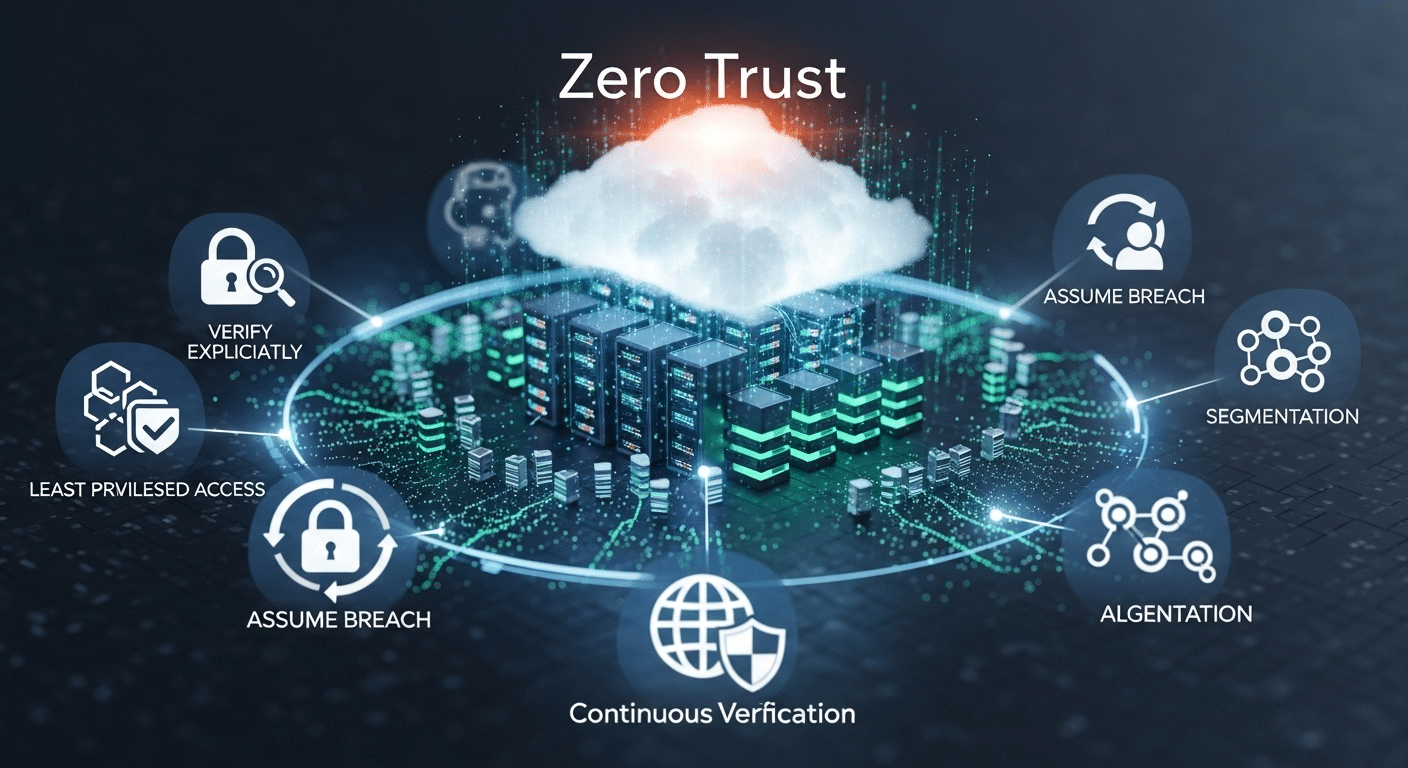
Zero Trust isn’t just a set of tools, it’s guided by clear principles that shape every layer of your security strategy. The three core ideas are:
- Assume breach – Always act as if your system has already been compromised. This mindset helps contain damage early.
- Verify explicitly – Every access request must be authenticated and authorized based on user identity, device health, location, and more.
- Limit access and privilege – No more all-access passes. Users should only get what they need, when they need it.
These principles drive everything from policy enforcement to network segmentation. They also require strong authentication methods like multi-factor authentication (MFA) and continuous user behavior monitoring.
By following these foundational ideas, your security becomes proactive instead of reactive, designed to prevent breaches rather than just clean up after them.
What Are the 7 Pillars of Zero Trust You Need to Know?
To fully implement the Zero Trust security model, you need to understand its seven core pillars. Each pillar plays a role in replacing implicit trust with verified, policy-based controls, ensuring secure access to resources regardless of where users, devices, or data reside.
Let’s break down these essential components:
1. Identity and Access Management (IAM)
At the heart of Zero Trust is knowing exactly who is trying to access your systems.
- Use multi-factor authentication (MFA) to verify identity.
- Monitor user behavior for anomalies.
- Tie access to real-time context (location, role, device).
- Enforce least privilege so users only get access to what they need.
Every access request must be verified, and access should always be time-bound and role-specific.
2. Device Security
Even verified users can become threats if their devices are compromised.
- Assess device posture (e.g., OS version, patch level, security settings).
- Monitor device health before granting access.
- Restrict access from unmanaged or jailbroken devices.
- Use endpoint detection and response (EDR) tools for real-time alerts.
This helps you ensure that only trusted devices are part of your network.
3. Network Security and Micro/Macro Segmentation
Flat networks allow threats to move laterally—something Zero Trust aims to stop.
- Implement micro segmentation to isolate apps, services, and users.
- Use macro segmentation to define broader zones.
- Limit lateral movement by restricting traffic between segments.
- Monitor all network access and data flows continuously.
These controls help reduce the blast radius of any potential breach.
4. Application Security
Applications are often the main target for attackers.
- Isolate risky or legacy apps from core systems.
- Use secure access gateways for app-level permissions.
- Ensure tight integration with cloud environments and existing systems.
Protecting applications helps reduce exposure and contain vulnerabilities.
5. Data Protection
At the end of the day, it’s all about the data.
- Encrypt data at rest and in transit.
- Classify and tag sensitive data for better control.
- Ensure compliance with regulatory data protection requirements like GDPR, HIPAA, or FERPA.
The less access to data, and the more visibility—you have, the safer your systems are.
6. Visibility and Analytics
You can’t protect what you can’t see.
- Set up continuous monitoring of users, devices, and networks.
- Leverage threat detection and threat intelligence tools.
- Analyze user behavior patterns to detect potential risks.
Real-time insights are essential for proactive defense.
7. Automation and Policy Enforcement
Manual response isn’t fast enough in today’s threat landscape.
- Use a policy engine to automate access decisions.
- Integrate security controls across the stack.
- Build guardrails into your IT infrastructure so policies are enforced consistently.
Automation brings consistency, speed, and reduces human error, essential for maintaining Zero Trust at scale.
Together, these seven pillars form the structural backbone of any effective Zero Trust architecture. They don’t work in isolation; each one supports the others, building a system that’s not only secure but also adaptive and resilient.
How Does the Zero Trust Maturity Model Help Guide Adoption?

The Zero Trust Maturity Model (also called the Trust Maturity Model) provides a structured roadmap for implementing Zero Trust at scale. It helps organizations assess where they are and what steps to take next.
There are four main phases:
- Initial – Limited visibility and manual processes
- Developing – Basic policy enforcement and monitoring
- Advanced – Strong identity controls, segmentation, and automation
- Optimized – Fully integrated, adaptive security across users, devices, and data
Most organizations today fall somewhere between Developing and Advanced, working toward unified controls and automated enforcement. The model gives IT and security teams a clear path to grow their capabilities over time.
What Are the Main Benefits of the Zero Trust Model?
The Zero Trust approach offers several measurable benefits for organizations facing modern cybersecurity threats:
- Reduced data breaches by preventing unauthorized access
- Better insider threat detection through behavior analytics
- Enhanced network and device security with continuous verification
- Improved support for remote work, BYOD, and cloud environments
Because it operates across users, systems, and data, Zero Trust creates a unified defense that adapts to change. Unlike legacy models that assume safety within the network, this model closes the gaps that attackers now exploit. The result? Stronger control, lower risk, and a more resilient security posture.
What Steps Should You Take to Implement a Zero Trust Architecture?

Getting started with Zero Trust doesn’t mean ripping everything out. Instead, take a phased approach:
- Assess your assets – Know what data, systems, users, and devices you have
- Map data flows – Understand how information moves across your network
- Identify users and devices – Classify them by risk, role, and function
- Apply least privilege access – Start limiting broad access and defining policies
- Eliminate implicit trust – Enforce verification before granting access
- Prioritize automation – Use policy engines to reduce manual errors
Common blockers include outdated legacy systems, overly broad access controls, and manual processes that don’t scale. Begin with one area, build confidence, then expand. The goal is progress, not perfection.
Want to Make Zero Trust Easier to Adopt?

If you’re ready to move away from outdated systems and embrace Zero Trust architecture without overhauling your entire infrastructure, Apporto can help.
As a browser-based virtual desktop solution, Apporto simplifies everything from identity access management to device security. It’s designed with Zero Trust principles at its core, least privilege, strong authentication, and continuous monitoring—so you can deliver secure, seamless access to users without the heavy lift of legacy VDI systems.
Whether you’re in higher education or a mid-sized enterprise, Apporto gives you the performance, protection, and peace of mind to move forward with confidence.
Explore Apporto and start simplifying your Zero Trust journey today.
Final Thoughts
Absolutely, but it’s not about perfection. It’s about progress.
The Zero Trust model marks a critical shift from outdated, perimeter-based defense to a user- and access-centric security strategy. It recognizes that threats can come from anywhere, and prepares accordingly.
Start small. Assess. Improve. Evolve.
Tools like Apporto are making this shift more practical by removing complexity and aligning security with usability. If you’re serious about protecting your data and enabling modern work, it’s time to take the first step toward a Zero Trust future.
Frequently Asked Questions (FAQs)
1. What are the 7 pillars of Zero Trust?
Identity, device, network, applications, data, visibility, and automation, each plays a unique role in strengthening your security posture.
2.How does Zero Trust enhance security?
By enforcing strict access controls, continuous monitoring, and never assuming trust, even from inside the network.
3. Is Zero Trust only for large enterprises?
No. Most organizations, even small and mid-sized ones, can adopt Zero Trust in phases.
4. What’s the difference between Zero Trust and traditional security models?
Traditional models rely on implicit trust. Zero Trust always verifies access, every time, for every user or device.
5. Can Zero Trust work with existing systems?
Yes. It complements legacy infrastructure and can be layered in over time without full replacement.
