
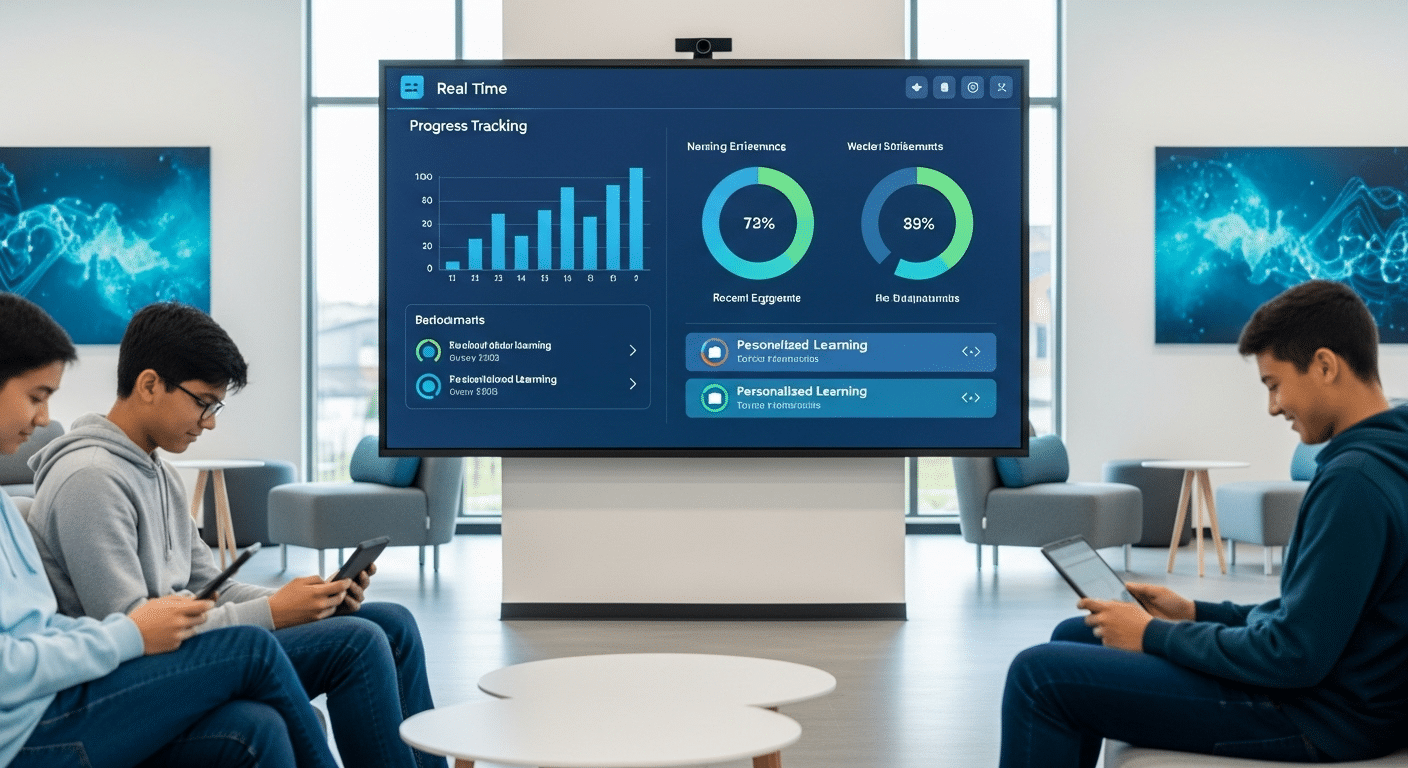
What Is a Digital Classroom & How It Works?
A digital classroom is an online learning environment where students and teachers use cloud-based platforms and digital tools to access lessons, collaborate, submit assignments, and communicate remotely. These classrooms support flexible, personalized learning through multimedia content, real-time feedback, and browser-based platforms like Apporto that simplify secure access across devices.
A digital classroom is a connected, cloud-based learning space where lessons, assignments, collaboration, and communication happen online. Unlike a physical classroom, it isn’t limited by location or fixed schedules. Learning takes place through laptops, tablets, or mobile devices—anywhere there’s internet access.
Traditional classrooms rely on face-to-face instruction and printed materials. In contrast, digital classrooms use digital tools, educational apps, and online platforms to deliver content and track student progress in real time. This shift allows educators to reach students across geographies and time zones while supporting more flexible, personalized instruction.
The rise of the digital age has made this evolution both necessary and natural. As students increasingly navigate digital environments in everyday life, their learning spaces must evolve too.
Now that the foundation is clear, let’s explore what makes a digital classroom truly effective—and how it can transform teaching and learning for good.
What Are the Core Elements of a Successful Digital Classroom?
A successful digital classroom starts with reliable access—for both students and educators. This means ensuring that every learner has a working device and a stable internet connection. Without these essentials, even the most well-designed digital tools lose their value.
Next comes your digital toolkit. Platforms like Google Drive, file sharing apps, and video conferencing software form the foundation of day-to-day activities. These tools allow you to distribute materials, collect assignments, and hold face-to-face conversations—even if you’re miles apart.
To create a cohesive learning experience, you’ll need to integrate systems. A learning management system (LMS) helps organize content, track progress, and manage communication. Pair that with educational apps and online quizzes, and you’ve got an interactive structure that supports engagement and feedback.
But technology alone isn’t enough. Strong feedback loops—where students regularly receive guidance and respond to it—are vital. Lessons should be designed with student learning in mind, not just content delivery. This means pacing, choice, and personalization matter just as much as the material itself.
And finally, real-time communication can’t be overlooked. Whether it’s through chat, breakout groups, or one-on-one video calls, students need channels to ask questions, share ideas, and connect with both peers and teachers.
A successful digital classroom isn’t defined by flashy tools—it’s built on accessibility, clarity, and meaningful interaction.
How Do Digital Classrooms Improve the Student Learning Experience?

The shift to digital classrooms doesn’t just change where learning happens—it transforms how students learn. When implemented well, these environments can actually enhance student learning in ways that traditional models often struggle to match.
For starters, digital classrooms allow for multimedia-rich lessons. Videos, interactive maps, simulations, and animations can bring complex concepts to life. This variety keeps students engaged and supports a broader range of learning styles—whether visual, auditory, or hands-on.
Collaboration is also easier to facilitate. Through group chats, shared documents, and live discussions, students can engage in group work that mimics real-world problem solving. Even peer-to-peer tutoring becomes more accessible when students can work together asynchronously or across time zones.
Another key benefit is flexibility. In a digital space, students can interact with lessons in different ways. Some may prefer to listen to recordings, others to review written materials. This flexibility makes it easier for every student to participate fully—especially those who might feel less confident speaking up in traditional settings.
And then there’s data. Digital classrooms provide ongoing insights into student progress through quizzes, discussion threads, and assignment submissions. Educators can view patterns, identify learning gaps, and adjust instruction accordingly.
The digital classroom isn’t a replacement for good teaching—it’s a tool to help you reach more students, more effectively, and with greater personalization.
How Can Teachers Manage Classrooms Effectively in a Digital Environment?
Classroom management takes on a different shape in a digital space. Without a physical presence, you can’t rely on eye contact or proximity to maintain attention. But effective strategies still exist—and they start with intention.
Begin each session with clear expectations. Let students know how long the lesson will be, what tools they’ll need, and how participation will work. Use timers to break the class into manageable chunks, and include prompts or mini-tasks to keep the energy moving.
Structure matters more than ever. Regular assignments, scheduled check-ins, and interactive activities help students stay grounded. Instead of waiting until the end to evaluate engagement, build feedback into the flow of each lesson. Polls, quizzes, or even simple “thumbs up” moments can give you a pulse on how things are landing.
Distractions are common online, so use software tools that promote focus. Browser lockers, screen-sharing checks, and discussion boards with guided prompts can help keep everyone anchored. More importantly, model the focus you want to see: stay on camera, avoid multitasking, and show that you’re present.
Don’t overlook the value of accountability systems. Use your LMS or digital classroom tools to track participation, log progress, and follow up with students who may be drifting.
Managing a digital classroom doesn’t mean replicating physical control—it means creating a space where students stay engaged, feel supported, and know what’s expected of them.
What Role Do Digital Tools and Educational Apps Play in Student Engagement?
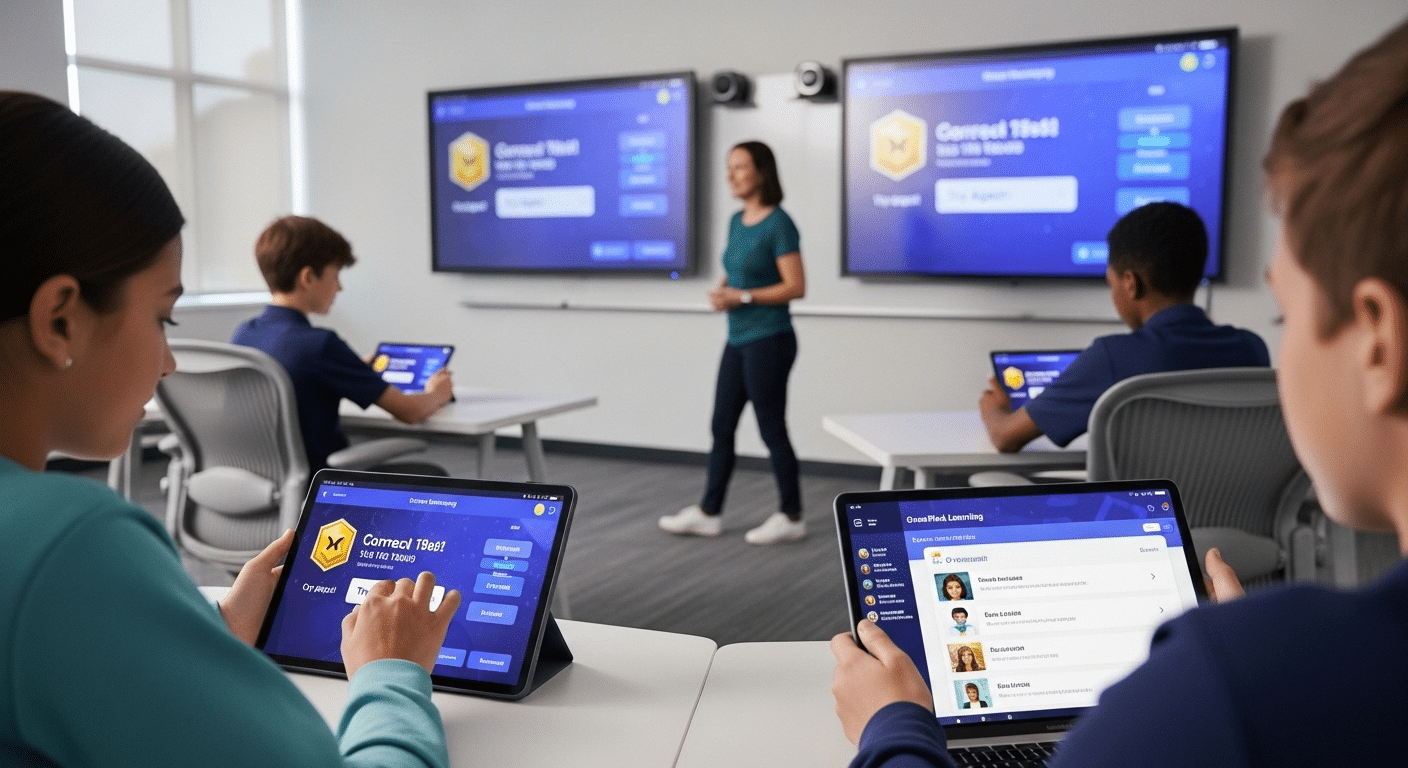
The right digital tools don’t just deliver content—they make it stick. In a digital classroom, tools and apps are central to engaging students, helping them interact with lessons, collaborate with peers, and apply what they’ve learned in real-time.
Start with the basics. Platforms that support lesson delivery, such as video conferencing, screen sharing, and whiteboard apps, form the structural core. But beyond that, a wide range of educational apps bring learning to life. Tools like Kahoot, Quizlet, Padlet, and Scratch encourage students to build, explore, and reflect—all while developing essential skills like problem-solving and creativity.
Some tools focus on creativity (e.g., Canva for Education, Book Creator), others on collaboration (e.g., Jamboard, Google Docs), and many on exploration (e.g., Google Earth, coding apps, science simulations). The goal isn’t to use more tools—it’s to use the right ones to deepen learning.
In some settings, carefully moderated social media channels can support extended learning, especially for older students. Class hashtags, school blogs, or even group discussions on closed platforms allow students to share ideas beyond the classroom walls.
Importantly, these tools are adaptable across age groups. Younger students can engage through touch-friendly apps and gamified platforms, while more advanced learners benefit from research tools, productivity apps, and creative software.
When chosen intentionally, digital tools and apps do more than decorate a lesson—they transform it, making learning interactive, accessible, and more meaningful.
Can a Digital Classroom Reach Students More Equitably Than Traditional Models?
One of the most powerful promises of a digital classroom is its potential to create a more equitable learning experience. In a traditional model, students who are homebound, live in remote areas, or require specific accommodations may face barriers. Digitally enabled classrooms can begin to bridge those gaps.
When designed with care, these classrooms offer easy access to lessons, assignments, and recorded materials, allowing students to learn when and how they’re able. The flexibility in timing and format supports students who may need additional time, quiet environments, or repeated exposure to content.
Still, accessibility depends on infrastructure. Schools must consider device compatibility (Windows, macOS, Chromebooks, tablets), operating systems, and internet availability. If students don’t have consistent access to technology, the digital model can deepen divides instead of closing them.
This is where school initiatives come in. Districts and institutions can support students through loaner programs, discounted internet plans, or mobile hotspots. Partnerships with local businesses and nonprofit organizations often help extend access in underserved communities.
For differently-abled learners, digital classrooms can include screen readers, closed captions, adjustable font sizes, and voice-to-text input—features that rarely exist in traditional setups.
Equity in a digital classroom doesn’t happen automatically. But with intentional design and policy, it’s possible to reach students who have too often been left out of the physical room.
How Are Artificial Intelligence and Smart Tools Changing the Digital Classroom?
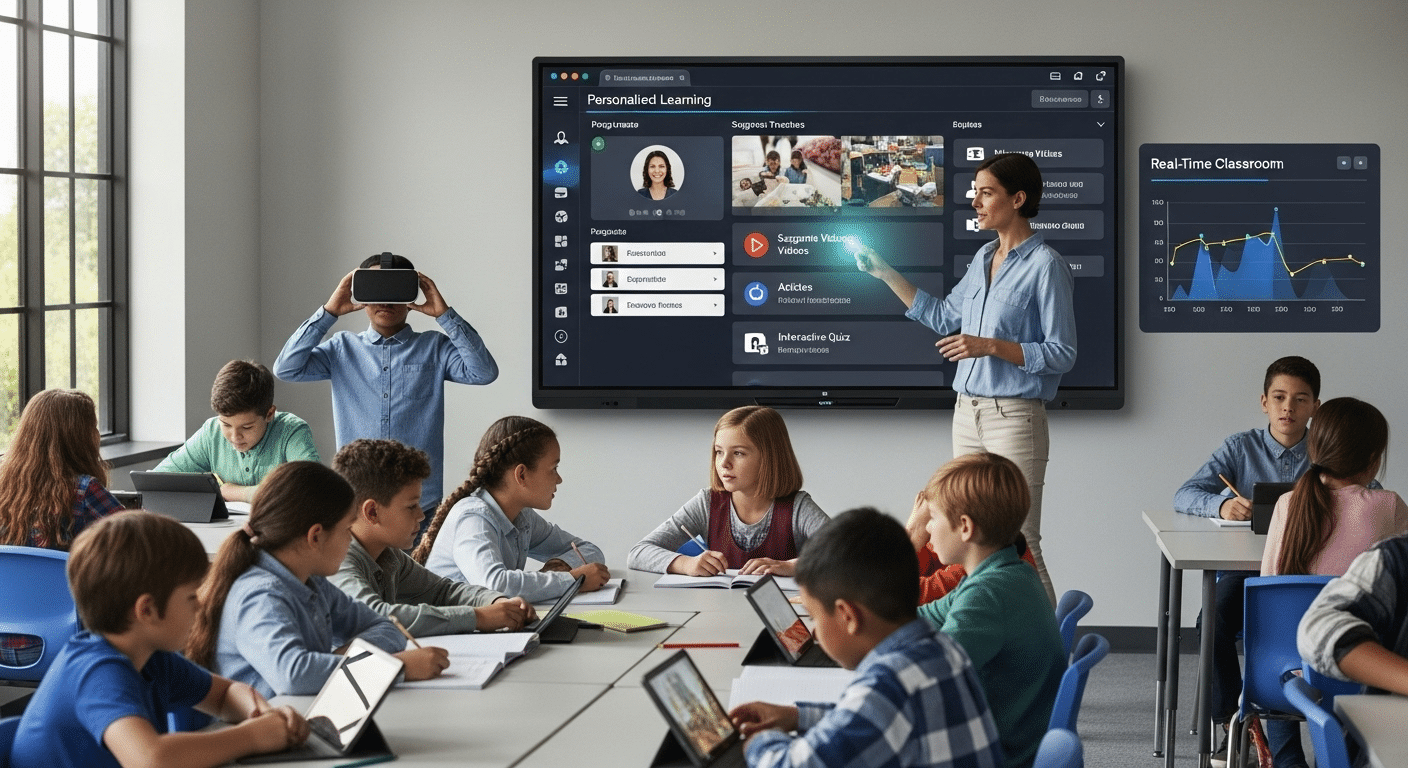
The introduction of artificial intelligence (AI) into the digital classroom is quietly reshaping how learning happens—and how it’s measured. Smart tools are no longer futuristic concepts; they’re now integrated into many platforms you may already be using.
AI in education often shows up through adaptive learning—software that responds to a student’s performance in real time. If a student struggles with a concept, the system adjusts the content, offers hints, or revisits key points before moving forward. It’s not about replacing teachers—it’s about giving them real-time insights into what each student needs next.
Smart feedback loops are another major benefit. Instead of waiting for assignments to be graded manually, students can receive immediate input on quizzes, short answers, and even some writing tasks. This builds momentum and helps keep the learning experience continuous.
Beyond content, AI can support intelligent grouping, which means organizing students based on learning level, engagement, or behavior patterns. Some platforms also allow for dynamic curriculum adjustments—recommending resources based on student progress or classroom trends.
Of course, AI also raises new questions. Teachers must consider data privacy, algorithmic bias, and how to ensure that smart tools enhance rather than dilute personal connection.
For educators, staying supported is key. Training in how to use these tools, ongoing professional development, and clear ethical guidelines help ensure that AI in the classroom serves students, not systems.
Used wisely, AI won’t make education less human—it can help make it more personal, more responsive, and more effective.
What Are the Challenges of Creating a Digital Classroom—and How Can You Overcome Them?
Creating a digital classroom opens doors, but it’s not without obstacles. The good news? Most of these challenges can be addressed with thoughtful design, smart tool choices, and a bit of flexibility.
Screen fatigue is a real concern—for both students and educators. Long hours in front of a screen can lead to disengagement and reduced focus. To manage this, break lessons into shorter blocks, include moments for reflection or off-screen tasks, and design learning that encourages movement. Not every assignment needs to happen in front of a device.
Tech issues are another common roadblock. Glitches, login problems, or device failures can disrupt learning flow. You can’t eliminate every issue, but you can reduce them. Choose stable, well-supported platforms. Offer quick-start guides. Create a simple backup plan—a shared file, a recorded lesson, or alternate instructions—so students aren’t left behind.
Uneven access remains a barrier in many communities. Not every student has a quiet room, a reliable internet connection, or a personal device. Partner with school leadership to advocate for resources like loaner laptops or mobile hotspots. Build your digital classroom with mobile compatibility and offline access in mind.
And finally, the lack of personal connection in digital spaces can be felt deeply. To overcome this, use video when possible, respond with voice or recorded messages, and foster student-to-student connection through group work and peer feedback.
A digital classroom will never be flawless—but it can be human-centered, resilient, and responsive with the right approach.
What’s the Future of Teaching and Learning in a Digital Classroom?
The digital classroom isn’t a trend. It’s a foundation that will shape how we teach, learn, and grow for years to come. But what does that future look like?
Hybrid models are already becoming the norm. These environments blend physical space with digital tools, allowing students to learn in classrooms, at home, or anywhere in between. It’s not about choosing one over the other—it’s about designing systems that give learners more control over time, pace, and place.
Expect to see more flexible learning pathways that allow students to personalize their education. Micro-courses, stackable credentials, and asynchronous projects will become more common, especially in lifelong learning and professional development. The digital classroom supports this evolution by making resources and communities available far beyond the school walls.
As tools grow more powerful, the teacher’s role will shift—from content delivery to facilitation, mentorship, and curation. You’ll still guide, motivate, and assess. But more often, you’ll be connecting learners to content, helping them reflect, and guiding them through decision-making, not just memorization.
Above all, the future of the digital classroom is about agency. Students will have more choices, more voices, and more ways to demonstrate their learning. And educators will have better tools to support them—if those tools are used intentionally.
This future isn’t about replacing traditional education. It’s about extending it, enriching it, and reimagining what’s possible when learning becomes as connected as the world around it.
Why Apporto Is Built for the Digital Classroom
If you’re looking to create a digital classroom that’s simple, scalable, and built around real teaching—not just technology—Apporto is designed with you in mind.
Apporto provides a browser-based learning environment that supports everything from interactive lessons to virtual computer labs. Students can log in from any device—no downloads, no complicated setups—just easy access to the apps, files, and feedback they need.
With built-in support for file sharing, real-time collaboration, and classroom management, Apporto makes it easier for educators to focus on teaching while giving learners the flexibility they expect in a digital age.
Whether you’re running hybrid programs, supporting remote students, or rethinking your entire technology stack, Apporto gives you the tools to build a connected, inclusive, and future-ready classroom. Try Apporto for yourself and see how simple digital can be.
Final Thoughts
The most visible part of a digital classroom isn’t the software, the devices, or the platform—it’s the experience you create. And that experience begins with intentional choices.
Before you add another tool or adopt a new system, take a step back. Ask yourself: Does this help students engage? Does it increase access? Does it support meaningful connection?
Technology should serve people—not the other way around. A digital classroom isn’t about doing more, it’s about doing what matters, better.
So whether you’re just beginning to explore or already deep in the digital shift, remember: every change you make should move you closer to the kind of learning environment that supports every student, in every space.
Start small. Stay human. Build your digital classroom intentionally, one decision at a time.
Frequently Asked Questions (FAQs)
1. What is a digital classroom, in simple terms?
A digital classroom is an online learning environment where students and teachers use digital tools, apps, and cloud-based platforms to connect, collaborate, and complete coursework—regardless of location.
2. Can a digital classroom fully replace a physical classroom?
Not always. While a digital classroom can enhance flexibility and student engagement, some learning still benefits from physical interaction. Many schools now use hybrid models to combine the best of both.
3. What are the best tools for managing a digital classroom?
A good setup includes a learning management system, video platform, file sharing tools, and interactive apps like quizzes or discussion boards. Choose tools that support real-time feedback and easy communication.
4. How can you keep students engaged in a digital space?
Use multimedia content, collaborative activities, and educational apps. Build structured lessons that include quick check-ins, polls, or prompts. Keep things moving and make room for different learning styles.
5. Is the digital classroom suitable for younger students?
Yes, with age-appropriate tools and guidance. Many platforms support younger students through gamified learning, simple interfaces, and structured support from teachers and parents.
