

How Do Cloud Desktops Support Diversity, Equity, and Inclusion in Higher Education?
Cloud desktops support diversity, equity, and inclusion in higher education by giving all students consistent access to software, virtual labs, and learning resources from any device or location. They reduce barriers tied to hardware, campus access, and scheduling. Platforms like Apporto provide browser-based environments designed for equitable learning.
For a long time, access to education was tied to place. A classroom, a lab, a campus network. If you could reach those, you were in. If not, things became harder, sometimes quietly, sometimes all at once.
In many higher education institutions, diversity and inclusion are priorities, but equity often runs into practical limits. Devices differ. Internet access varies. Some students work with advanced tools, others make do with what’s available. It’s uneven, and the gap shows up in performance, not just experience.
Remote learning made this more visible, not less. Equal access to learning resources isn’t just a principle, it’s a requirement for meaningful participation.
In this blog, you’ll see how cloud desktops help close these gaps by making access to tools, software, and learning environments more consistent across all students.
What Challenges Prevent Equal Access to Education Today?
Inequality in education often begins with something basic, the tools you can use, and the ones you can’t. That gap doesn’t always look dramatic. Sometimes it’s subtle. But it adds up.
- Device Inequality: Not every student has a high-performance personal computer. Running engineering software or data science tools on older machines can be frustrating, sometimes impossible.
- Location Constraints: Traditional computer labs still require physical presence. If you’re not on campus, access becomes limited, or delayed, or both.
- Limited Software Access: Specialized software is often locked inside campus systems, tied to specific environments that don’t extend beyond them.
- Time Constraints: Fixed lab hours don’t align with everyone’s schedule. Students balancing jobs or caregiving responsibilities are left working around systems that don’t adapt.
- IT Resource Limitations: Many institutions operate with smaller IT teams. Supporting a large, diverse group of users under those conditions isn’t easy.
Budget constraints and staffing challenges make it harder to close these gaps. And demand for flexible access keeps growing. Over time, these differences shape outcomes. Not just experiences, but results.
What Are Cloud Desktops and How Do They Work in Education?

A cloud desktop is, at its core, a virtual desktop. It doesn’t run on your personal device. Instead, it lives in a data center, part of a larger cloud infrastructure managed by external providers. You access it remotely, usually through a browser or a lightweight app.
That’s where virtual desktop infrastructure (VDI) comes in. It’s the system that delivers these desktops to you, streaming the experience over an internet connection. What you see on your screen isn’t happening locally. It’s being processed elsewhere, then delivered in real time.
This changes a few things. You’re no longer limited by your device. A basic laptop can access the same environment as a high-end machine. Institutions can deliver Windows apps and full desktops without worrying about individual setups.
Behind the scenes, cloud providers handle infrastructure management. Servers, storage, updates, all of it. Which means less dependency on local machines. And more consistency in how resources are accessed, regardless of where you are.
How Do Cloud Desktops Improve Access and Equity for Students?
Cloud desktops remove that dependency on physical labs. You don’t need to be on campus. You don’t need a specific machine. What matters is the connection, and even that doesn’t have to be perfect, just stable enough.
That alone changes how learning fits into daily life.
- Access from Any Device: You can use personal devices, even lower-powered ones, and still run demanding applications without friction.
- Learn from Anywhere: There’s no requirement to be in a specific room at a specific time. Remote learning becomes practical, not just theoretical.
- Consistent Desktop Experience: The same tools, same interface, same setup follow you across devices. No surprises, no reconfiguration.
- 24/7 Availability: You can access resources anytime. Late evenings, early mornings, in between responsibilities. It adapts to your schedule, not the other way around.
- Support for Non-Traditional Students: Those balancing jobs, caregiving, or living away from campus gain the same level of access as anyone else.
Students can access desktops anytime, anywhere. And more importantly, they get a consistent experience each time they log in. Over time, that consistency builds something important. A foundation where access isn’t uneven, but shared.
How Do Cloud Desktops Support Inclusion and Accessibility?
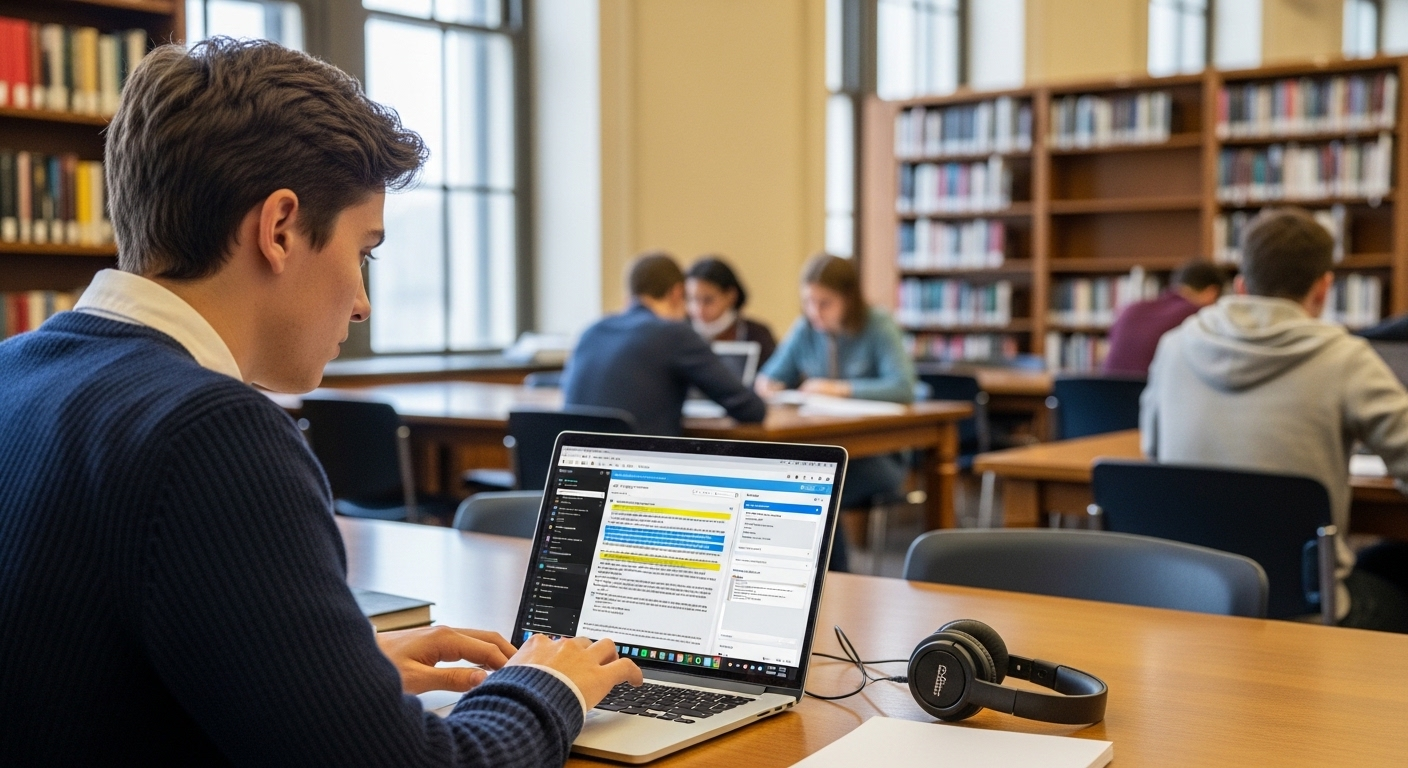
Access is only one part of the equation. Inclusion goes a bit deeper. It asks a different question, can everyone actually use what’s being provided?
Cloud desktops help answer that, not perfectly, but meaningfully.
- Assistive Technologies: Tools like screen readers can be integrated directly into the environment, making it easier for students with disabilities to navigate and engage with course materials.
- Language Support: Built-in translation and live captioning reduce barriers for non-native speakers or students who process information differently. Small details, but they matter.
- Flexible Learning Environments: You can adjust the setup based on personal needs. Display settings, input methods, accessibility tools, all within reach.
- Device Independence: You’re not limited by hardware. Different devices, different operating systems, same level of access. That removes a layer of inequality that often goes unnoticed.
Cloud desktops support accessibility tools in a way that’s consistent, not fragmented. And that consistency makes a difference.
Over time, inclusion becomes less about adding features, and more about designing environments where participation feels natural, not forced.
How Do Cloud Desktops Enable Collaboration Across Diverse Student Communities?
Cloud desktops create shared environments where students can work together in real time, even if they’re in completely different locations. Same tools, same setup, no mismatch in software or capability. That removes a layer of friction that usually slows things down.
You’re not sending files back and forth, hoping versions align. You’re working inside the same space. This matters more than it seems.
Students collaborate across regions, across time zones, sometimes across cultures. Different perspectives come into the same workflow without the usual technical barriers getting in the way. It’s less about where you are, more about what you can contribute.
Hybrid programs benefit from this too. Some students are on campus, others remote, but the environment stays consistent.
Cloud platforms break down geographic limits. And once those limits fade, collaboration starts to feel less constrained, more fluid, more natural.
What Role Do Cloud Desktops Play in Reducing Costs and Expanding Access?
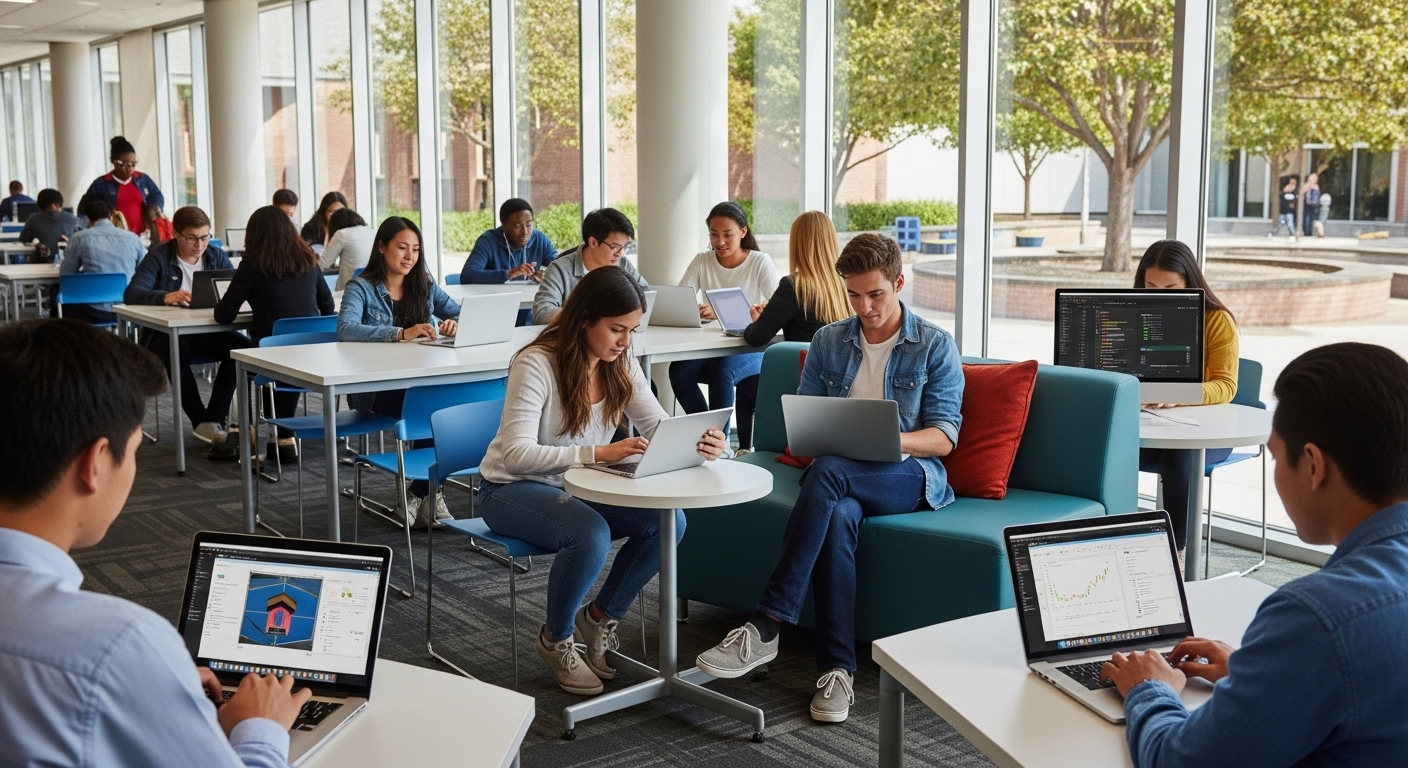
Cost is often the quiet barrier behind access. Not always visible, but always there. Traditional computer labs require significant investment. Hardware, maintenance, upgrades, energy, it adds up quickly. And for many institutions, especially those managing limited budgets, that creates real constraints.
Cloud desktops take a different approach.
| Cost Area | Traditional Labs | Cloud Desktops |
|---|---|---|
| Hardware | High upfront investment | Reduced reliance on devices |
| Maintenance | IT-intensive | Provider-managed |
| Scaling | Limited by infrastructure | On-demand scalability |
| Energy Use | High consumption | Efficient data centers |
You don’t need to refresh hardware every few years. You don’t need to maintain large physical labs. Infrastructure becomes something you access, not something you constantly manage.
The model becomes more predictable too. Subscription-based, easier to plan around, easier to adjust.
There’s also efficiency behind the scenes. Cloud environments tend to reduce energy consumption, and studies have shown returns as high as $3.86 for every dollar invested in cloud migration.
Over time, those savings translate into something more meaningful. More access. More availability. Fewer limits tied to cost.
How Do Cloud Desktops Help Institutions Scale and Meet Growing Demand?
Demand in higher education doesn’t move in a straight line. It spikes. It dips. Then spikes again, usually when you least expect it.
Enrollment surges. New online programs launch. Hybrid courses expand faster than planned. And suddenly, existing systems feel tight. Cloud desktops handle this differently.
You don’t provision hardware months in advance. You allocate resources as needed, almost in real time. More students, more desktops. Fewer users, scale it back. It’s flexible in a way traditional infrastructure rarely is. That matters during peak periods.
Enrollment spikes don’t overwhelm the system. Online course demand doesn’t require emergency upgrades. You adjust computing resources without rebuilding anything underneath.
Cloud desktops scale quickly because they’re not tied to physical machines. That separation makes a difference.
And as hybrid and remote programs continue to grow, institutions need systems that expand without friction. Not perfectly, but reliably enough to keep pace.
What Security and Compliance Benefits Do Cloud Desktops Provide?
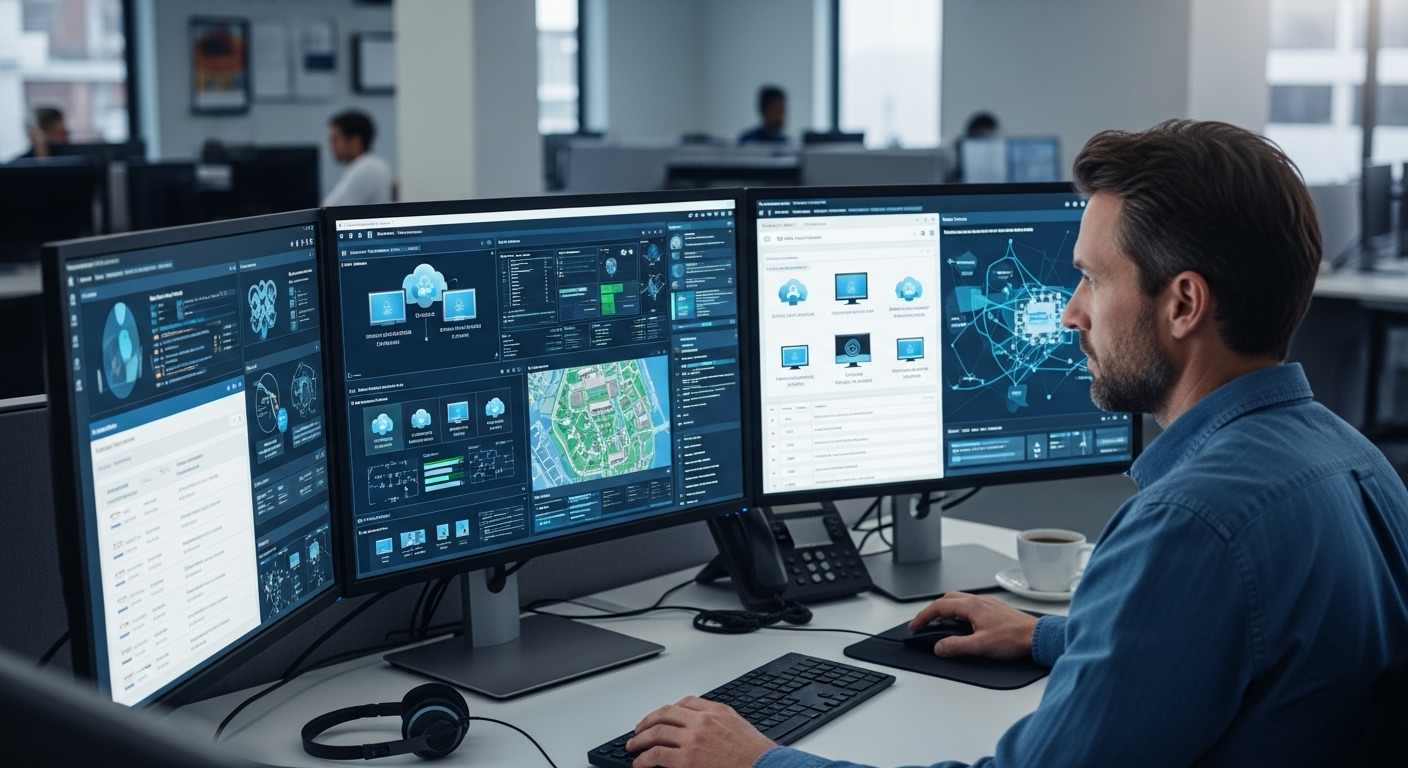
Security in higher education has become more complicated, and more urgent. The numbers tell part of the story. Cyberattacks increased by 70% in recent years, and many institutions are still working with limited resources. That gap is difficult to manage.
Cloud desktops reduce some of that pressure by centralizing institutional data. Instead of spreading across devices, it stays within controlled environments. That alone lowers the risk tied to endpoints.
Understanding the security benefits of cloud desktops for higher education can help institutions protect sensitive data, strengthen access controls, and maintain safer learning environments. You’re not relying on individual machines to stay secure. The control moves inward.
There’s also the matter of compliance. Regulations don’t go away, and meeting them across distributed systems is challenging. Cloud providers invest heavily in security infrastructure, often beyond what individual institutions can maintain on their own.
So part of the responsibility shifts. Not entirely, but enough to make it manageable. In the end, it’s about reducing exposure. Fewer weak points. More control over where data lives and how it’s accessed.
Why Apporto Is Built to Support DEI in Higher Education?
Some solutions try to fit into existing systems. Others seem designed around the problems themselves. Apporto leans toward the second.
It runs directly in the browser, which removes a lot of the usual friction. No installs, no device-specific setup, no dependency on high-end hardware. You open it, log in, and the environment is there.
It works across devices, so students using different systems still access the same tools. It removes the need for physical labs, which quietly eliminates one of the biggest access barriers. And because everything is centralized, IT teams don’t have to manage complexity at the device level. Accessibility features remain consistent. Inclusion becomes part of the setup, not an afterthought.
Final Thoughts
When you step back, the pattern becomes clearer. Access leads to participation. Participation leads to outcomes. And when access is uneven, everything that follows tends to reflect that imbalance.
Cloud desktops don’t solve every problem. But they address something foundational. They make access more consistent, which supports equity. And over time, that consistency allows inclusion to take hold in a more practical way.
It’s not about adding more tools. It’s about changing how those tools are delivered. Because in the end, opportunity often follows access. And the systems you build, quietly, steadily, determine who gets to move forward.
Frequently Asked Questions (FAQs)
1. What are cloud desktops in higher education?
Cloud desktops are virtual desktop environments hosted in remote data centers and delivered over the internet. You access them through a browser, allowing you to use institutional software, tools, and resources without relying on a physical computer or campus lab.
2. How do cloud desktops support DEI?
Cloud desktops support diversity, equity, and inclusion by providing equal access to the same tools and environments for all students. They remove barriers tied to devices, location, and resources, helping create a more consistent and fair learning experience.
3. Can students use cloud desktops on any device?
Yes, cloud desktops are designed to work across a wide range of devices, including older laptops, Chromebooks, and tablets. Since computing happens in the cloud, your device simply acts as a window into the environment.
4. Are cloud desktops secure for institutions?
Cloud desktops improve security by keeping data centralized and off personal devices. With encryption, access controls, and provider-managed infrastructure, institutions can better protect sensitive data while maintaining compliance with security standards.
5. Do cloud desktops replace computer labs?
Not entirely. Cloud desktops reduce reliance on physical labs by enabling remote access, but many institutions adopt a hybrid model. This allows both on-campus and remote students to access the same resources without limitations.
