
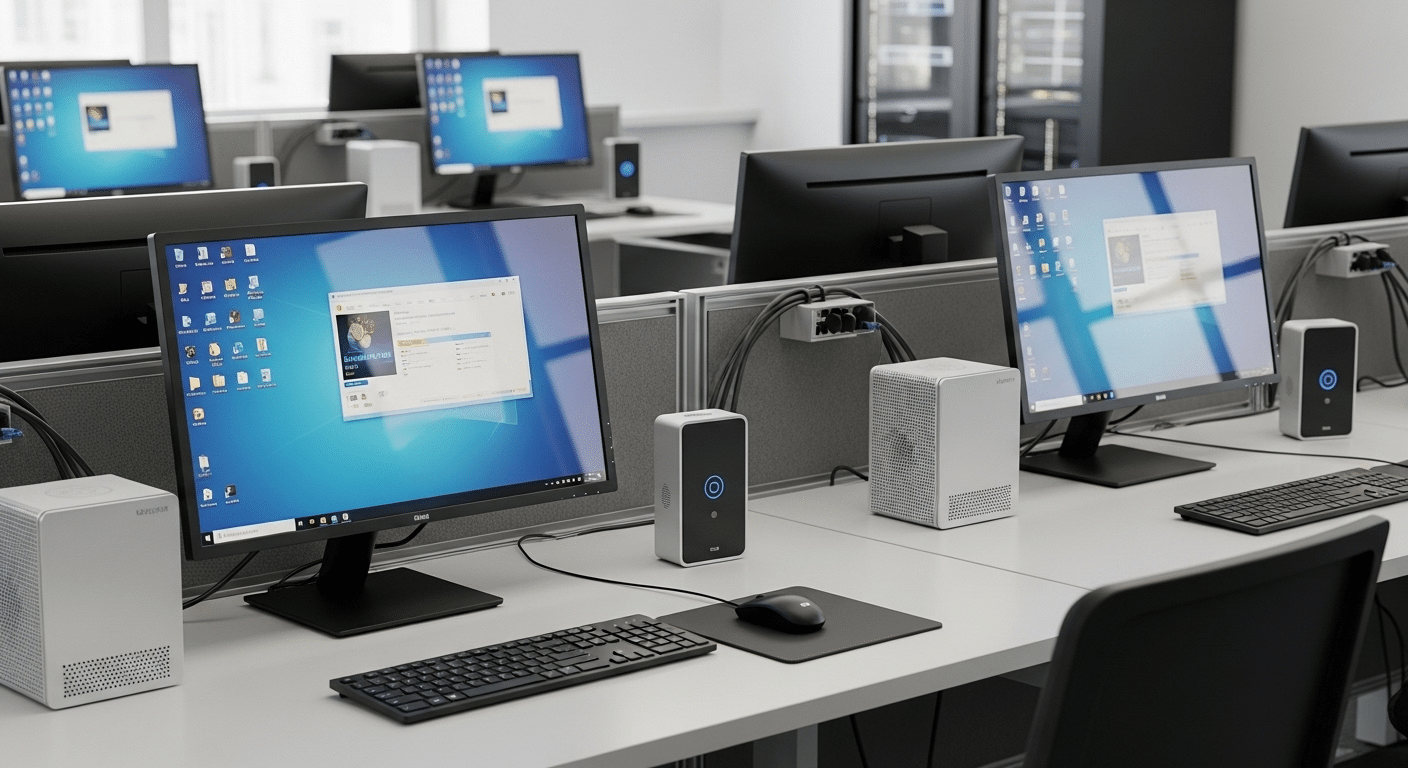
What Is the Difference Between Thin Clients and Zero Clients?
Thin clients and zero clients are lightweight endpoint devices used for virtual desktop infrastructure (VDI), but they differ in architecture and flexibility. Thin clients run a minimal operating system and support multiple VDI protocols, while zero clients have no local OS, rely entirely on server processing, and prioritize security and simplicity.
Virtual desktop infrastructure has quietly reshaped how organizations deliver computing power to users. Instead of relying on traditional PCs or thick client machines, many organizations now run desktops from a centralized server in the data center.
Applications, files, and processing all live there, while endpoint devices simply provide remote access to the virtual desktop environment.
This shift toward centralized control simplifies management for IT teams and helps standardize how users access their work environments. Yet the device at the client end still matters.
Thin clients and zero clients remain critical parts of a modern VDI environment because they connect users to the server that hosts their desktop session.
Understanding how these devices differ is essential. This guide breaks down thin clients, zero clients, their differences, and how modern VDI environments are evolving.
What Is Virtual Desktop Infrastructure (VDI) &How It Works?
Virtual desktop infrastructure, often shortened to VDI, refers to a system where desktop computers run from a central server rather than from the physical machine sitting on your desk. The idea is straightforward. Your applications, files, and computing power live inside a data center, while you access them remotely through a device on your end.
In a typical VDI environment, the virtual desktop itself runs on a remote server. Each user session exists as a separate desktop instance inside that server. When users connect, they are essentially viewing and controlling a desktop that lives elsewhere. The heavy lifting, processing, and storage all happen within the server infrastructure.
Your device plays a far smaller role than a traditional PC would. It mainly displays the interface. When you move the mouse or press a key, those actions travel across the network to the central server. The server processes the request and sends the visual result back to your screen. Simple. Efficient.
A stable network connection is essential here. Without it, the experience can feel sluggish or interrupted because every interaction travels between the device and the data center.
How VDI Works
- Centralized Server Hosts virtual desktops for every user session inside the data center.
- Endpoint Devices Thin clients or zero clients act as display terminals that relay mouse movements and keyboard input to the server.
- Network Connection A stable network connection sends screen updates back to the device in real time.
- Centralized Management IT teams manage software, updates, and security from a central management console.
What Is a Thin Client and How Does It Work in a VDI Environment?
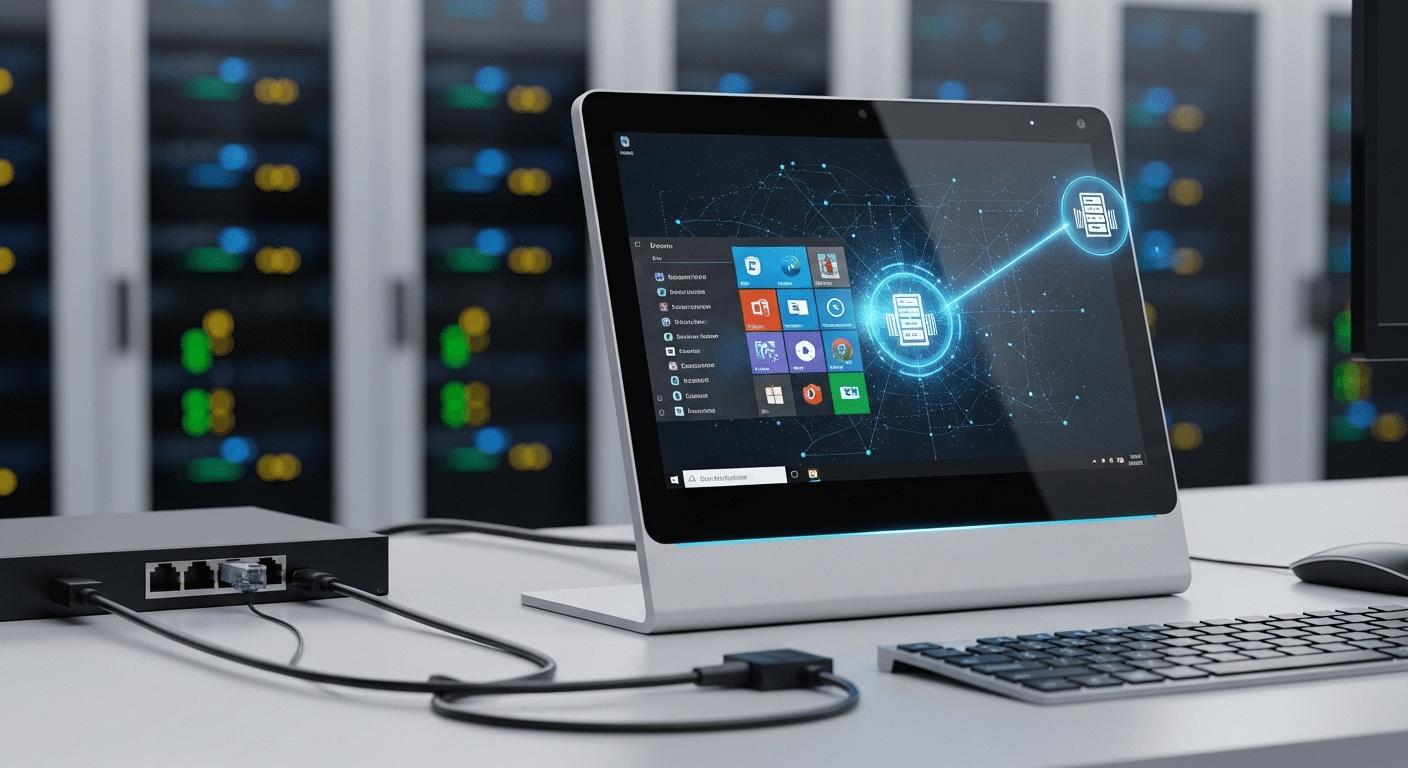
A thin client VDI is a lightweight computer designed specifically to access a virtual desktop rather than run applications locally. In a virtual desktop infrastructure VDI setup, the thin client acts as the doorway to a remote workspace. The device itself does very little processing. Most of the computing power lives on a central server inside the data center.
Thin client devices usually include a minimal operating system, often a compact Linux or Windows based local OS built to launch a remote desktop session. Some models include small flash memory or limited local storage, though its role is minimal compared to a traditional PC. The thin client runs a remote access client that connects to VDI protocols such as Microsoft RDP, Citrix, or VMware.
Once powered on, thin clients boot quickly and connect to virtual desktops hosted on the server. From that moment forward, almost everything happens remotely. Applications run in the VDI environment while the device simply displays the interface and sends user input across the network. Because thin clients rely on a network connection, performance depends heavily on stable connectivity.
This design simplifies device management for IT teams while giving users consistent access to their virtual desktops.
Characteristics of Thin Client Devices are:
- Minimal Operating System
- Centralized Processing
- Peripheral Support
- Multi-Protocol Support
- Centralized Device Management
What Is a Zero Client and Why Is It Different From a Thin Client?
A zero client is about as minimal as a computing device can get. Think of it as a small terminal whose only job is to connect you to a virtual desktop running somewhere else, usually inside a data center. Unlike thin clients, zero clients have no operating system, no local storage, and almost no moving parts. The device exists purely as a gateway to the server.
Because there is no local OS and no traditional software stack, a zero client device depends entirely on server processing. Every application, file, and task runs on the central infrastructure. The device simply displays the interface and sends input such as mouse movements or keyboard strokes back to the server.
Many zero clients are built around a single protocol. PCoIP zero clients are a well known example. In these systems the protocol runs directly at the hardware level, which allows the device to communicate with the virtual desktop very efficiently. Since the device does not keep state locally, it behaves like a stateless device. Turn it off, turn it back on, and it reconnects to the environment without carrying local data.
That simplicity changes how these devices are managed. With only a firmware image to maintain, updates are quicker and the management process becomes far less complicated than traditional endpoint devices.
Thin Client vs Zero Client: What Are the Key Differences?
Thin clients and zero clients appear almost identical. Both are small endpoint devices designed to connect users to a virtual desktop infrastructure. Both replace traditional PCs and move computing workloads to a centralized server.
And in both cases, most of the processing happens somewhere else, usually inside a data center where virtual desktops run continuously. That similarity can be misleading though. The architecture underneath each device is quite different.
Thin clients include a minimal local operating system. That small OS allows the device to support multiple protocols, install management tools, and interact with various VDI platforms. Because of this flexibility, thin clients often work across different vendors and environments.
They can connect using Microsoft RDP, Citrix, VMware, and other protocols depending on how the VDI environment is configured.
Zero clients take a more stripped down approach. These devices contain no local operating system and no meaningful local storage. Instead, they are built around a single protocol implemented directly at the hardware level.
This makes them extremely specialized devices. They perform one job very well, connecting users to a virtual desktop through a specific VDI protocol.
That design choice changes everything from security to device management. Thin clients require occasional OS patching and updates. Zero clients do not.
Thin clients offer broader USB and peripheral support because the local OS handles drivers. Zero clients typically provide limited peripheral support but a smaller attack surface. Put simply, thin clients offer flexibility. Zero clients focus on simplicity and tight optimization.
| Feature | Thin Client | Zero Client |
|---|---|---|
| Operating System | Minimal embedded OS | No OS |
| Local Storage | Small flash storage | None |
| Protocol Support | Multiple protocols | Single protocol |
| Peripheral Support | Broad USB support | Limited peripheral support |
| Device Management | Requires patching and updates | Firmware updates only |
| Security | Secure but OS exists | Ultra secure |
| Flexibility | Works across vendors | Protocol specific |
Which Option Is More Secure, Thin Client or Zero Client?

Security often sits at the center of the thin client versus zero client debate. Once desktops move into a virtual desktop infrastructure, something important happens.
The data leaves the endpoint. Files, applications, and user sessions live inside the data center, protected behind the organization’s centralized management and security controls.
That alone reduces risk. If a device is lost or stolen, the sensitive data does not go with it because nothing meaningful is stored locally. Users simply connect to a virtual desktop running on the server, perform their work, and disconnect.
The endpoint becomes more like a viewing window than a computer. Still, thin clients and zero clients approach security in slightly different ways.
| Security Feature | Thin Clients | Zero Clients |
|---|---|---|
| Operating System Security | Read-only operating system prevents users from installing software or saving files locally, reducing security risks. | No operating system exists on the device, which eliminates OS-level malware risks entirely. |
| Data Storage | Sensitive data remains on the central server rather than the endpoint device, helping protect information even if the device is lost or stolen. | No local storage is available, ensuring that sensitive data never resides on the device itself. |
| Malware Resistance | Applications run on the remote server, meaning malware has very limited opportunities to infect the thin client device. | Without an operating system or local software stack, malware has almost no surface to target. |
| Attack Surface | Secure design, though the presence of a minimal OS means the device still requires patching and updates. | Extremely small attack surface due to stateless hardware and absence of an operating system. |
| Protocol Security | Security controls are typically handled through the operating system and VDI software stack. | VDI protocol processing occurs at the hardware level, improving security for highly regulated environments. |
Because of these characteristics, many healthcare, finance, and government organizations deploy thin clients and zero clients to meet strict security and compliance standards while maintaining centralized management of sensitive data.
How Do Thin Clients and Zero Clients Compare on Performance and User Experience?
Performance inside a virtual desktop infrastructure often surprises people. The endpoint device does not carry most of the computing power. Instead, the server in the data center handles the demanding work, from running applications to processing graphics. This means the overall experience depends heavily on server resources, network quality, and how the VDI environment is configured.
For everyday workloads, both thin clients and zero clients can deliver a smooth virtual desktop experience. Applications open quickly, files load from the server, and user input travels across the network almost instantly.
The difference tends to appear when workloads become more demanding. Graphics heavy applications, multi display setups, and specialized workflows can reveal how each device handles rendering and protocol processing.
Thin clients offer flexibility. Their small operating system allows broader compatibility with peripherals and multiple VDI platforms. Zero clients, on the other hand, are often optimized for a single protocol, which can produce very consistent high performance when the environment is designed for it.
Where Thin Clients Work Best
- General Office Work
- Peripheral Heavy Work
- Multi Platform VDI
Where Zero Clients Work Best
- Graphics Intensive Workloads
- Protocol Optimized Environments
- Multi Monitor Workstations
What Are the Cost and Energy Differences Between Thin Clients and Zero Clients?

Cost often becomes the deciding factor when organizations compare thin clients and zero clients. Both options reduce reliance on traditional desktop computers, which typically require powerful processors, large storage drives, and regular hardware upgrades.
In a VDI environment, that heavy computing work moves to centralized servers in the data center. Endpoint devices can therefore remain simple and far less expensive.
Thin clients generally have a lower hardware cost than standard PCs. They include a lightweight operating system and modest internal components, which keeps the purchase price down.
Over time, organizations also benefit from cost savings because applications run on the server rather than on individual machines. Updates, patches, and software management happen centrally, reducing maintenance work across hundreds or thousands of devices.
Zero clients take efficiency even further. Because they have no operating system, no storage, and almost no local processing capability, the device itself consumes very little energy.
Many zero clients draw significantly less power than traditional desktop computers. That reduction in electricity usage can add up quickly in offices with large numbers of workstations.
From a total cost perspective, both devices offer clear advantages. Less hardware complexity, lower power consumption, and centralized infrastructure allow IT teams to extend device lifespans while maintaining consistent performance across users.
Why Many Organizations Are Moving Beyond Thin Clients and Zero Clients?
Thin clients and zero clients solved an important problem for many organizations. They simplified endpoint devices, moved computing power to the data center, and gave IT teams centralized control over user desktops. For years, that model worked well. But technology rarely stands still.
Today, many organizations are exploring a different approach. Instead of relying on specialized endpoint devices, they are moving toward browser based VDI environments that run directly inside web browsers. This model removes the need for dedicated hardware such as thin clients or zero clients.
The idea is simple. If a virtual desktop can open securely through a browser, users can connect from almost any device with an internet connection. Laptops, tablets, and even personal computers become viable entry points to the same remote workspace.
This flexibility changes how organizations think about endpoint devices. Employees can work from office machines, personal laptops, or shared workstations without installing additional software. In BYOD environments, the browser becomes the access point while centralized control remains with IT.
The result is fewer restrictions at the device level and broader remote access for users, all while maintaining centralized management of the virtual desktop environment.
Why Apporto Offers a Simpler Alternative to Traditional VDI Endpoints?

Traditional VDI deployments often require dedicated endpoint devices such as thin clients or zero clients. While those systems can work well, they still introduce hardware planning, device management, and ongoing maintenance. Many organizations are now looking for ways to simplify that model.
Apporto takes a different approach. Instead of relying on specialized endpoint hardware, Apporto delivers virtual desktops directly through a browser. Users open their workspace using standard web browsers, connect to the environment, and begin working almost immediately. No additional software installs. No specialized client devices.
This means organizations do not need to purchase thin clients or zero clients to support their VDI environment. Existing laptops, desktops, and tablets can serve as secure access points to the same virtual desktop experience. IT teams maintain centralized control while reducing the complexity associated with managing endpoint devices.
For organizations looking to simplify remote access while keeping infrastructure manageable, browser-based desktops like Apporto are a practical alternative.
Final Thoughts
Thin clients and zero clients both reduce reliance on traditional PCs by moving computing workloads to centralized servers. Each approach solves the same problem in a slightly different way. Thin clients offer flexibility through a minimal operating system and support for multiple VDI platforms, which can help organizations run mixed environments with various tools and protocols.
Zero clients focus on simplicity and security. With no local operating system and almost no storage, they provide a smaller attack surface and strong protection for sensitive environments.
At the same time, newer solutions are beginning to simplify endpoint requirements even further. Browser based virtual desktops allow users to connect from almost any device, which reduces hardware complexity and expands access across modern workplaces.
Frequently Asked Questions (FAQs)
1. What is the difference between a thin client and a zero client?
The main difference comes down to software and architecture. Thin clients run a minimal operating system and support multiple VDI protocols, while zero clients have no operating system at all. Zero clients connect through a single protocol and rely entirely on server processing.
2. Are zero clients more secure than thin clients?
Zero clients are often considered more secure because they have no local operating system and no storage. This design reduces the attack surface significantly. However, thin clients still provide strong security through centralized management and locked down operating systems.
3. Do thin clients require an operating system?
Yes. Thin clients include a lightweight operating system, usually embedded Linux or Windows. This small OS allows the device to run remote desktop software, manage device drivers, and connect to different VDI platforms through supported protocols.
4. Which device is better for graphics workloads?
Zero clients can perform very well in environments designed around a specific VDI protocol. Hardware level protocol processing often delivers smooth graphics performance, which makes these devices suitable for design, engineering, and other visually demanding workloads.
5. Can thin clients support USB devices?
Yes. Thin clients generally offer broader peripheral compatibility because the local operating system manages device drivers. This allows support for printers, scanners, smart cards, and other USB devices that organizations often rely on in office and healthcare environments.
6. Do zero clients support multiple VDI protocols?
Most zero clients are built for a single protocol such as PCoIP. This design improves performance within that specific ecosystem, but it also limits flexibility. Organizations using multiple VDI platforms often choose thin clients for broader compatibility.
7. Are thin clients cheaper than traditional PCs?
In most cases, yes. Thin clients cost less than full desktop computers because they contain fewer components and rely on centralized servers for processing. Over time, organizations also reduce maintenance and upgrade costs through centralized management.
