
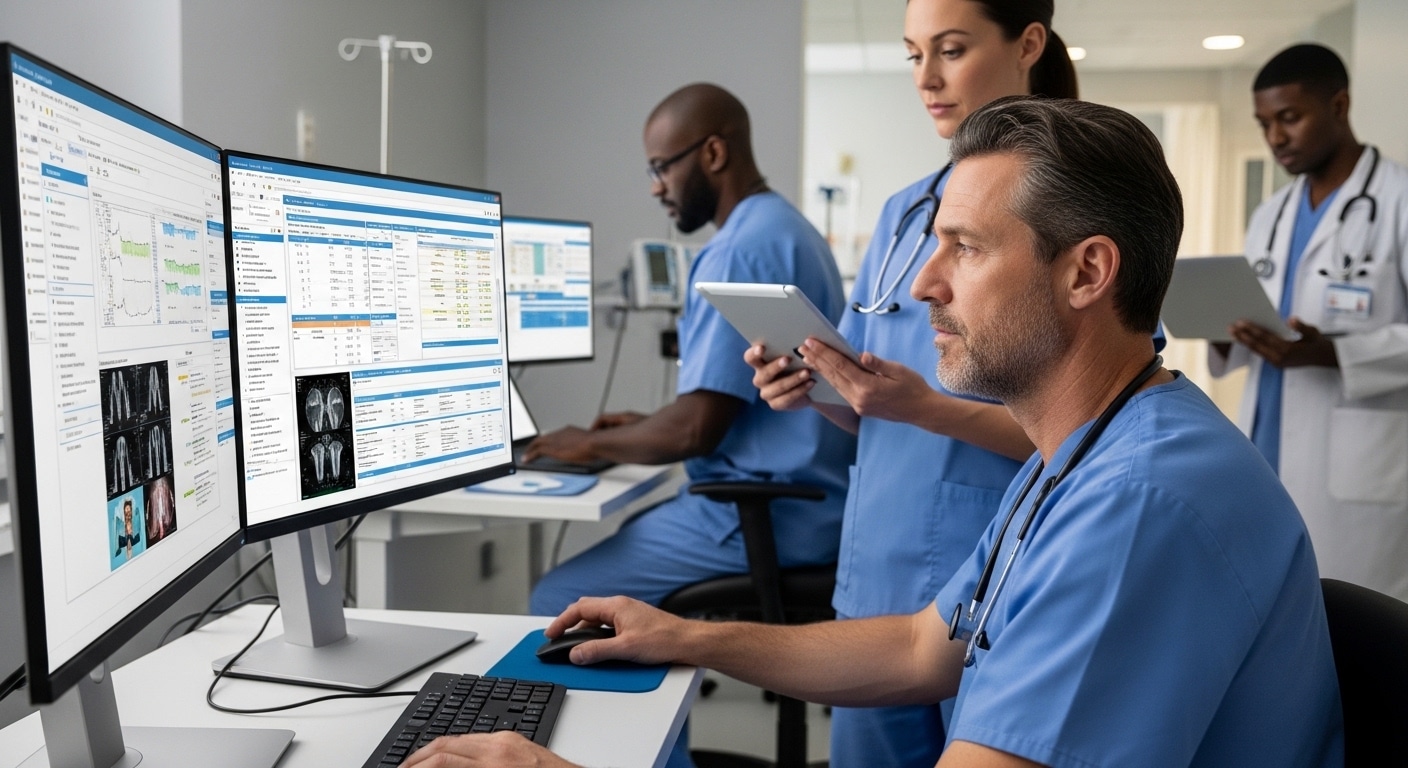
What Is VDI for Healthcare?
VDI for healthcare delivers secure virtual desktops that allow healthcare professionals to access patient records, applications, and clinical systems from any approved device or location. It improves data security, HIPAA compliance, remote access, and centralized management while reducing hardware dependence. Browser-based platforms like Apporto simplify deployment and ongoing management.
Things feel different in healthcare IT. More devices, more logins, more places where patient data moves. And with that comes pressure, constant, quiet pressure to keep everything secure, compliant, and actually usable.
This is where VDI for healthcare starts to make sense. It lets you access full desktop environments remotely while keeping sensitive patient data centralized and controlled. That matters when cybersecurity threats are rising and regulations like HIPAA leave little margin for error.
You get secure remote access, stronger data security, and simpler system management without constant hardware strain. In this blog, you’ll explore how VDI works in healthcare and what makes it worth considering.
What Is VDI for Healthcare and How It Works?
At a basic level, virtual desktop infrastructure (VDI) is exactly what it sounds like. Your desktop, not tied to a physical machine, but delivered to you from somewhere else. Usually a centralized data center. You log in, and there it is. Your apps, your files, your settings. All intact.
Instead of relying on physical desktops scattered across departments, everything runs inside a virtualized environment. That difference matters more than it first appears. With traditional setups, data lives on individual machines. With VDI, centralized data storage keeps everything in one controlled place, which makes managing access and protecting sensitive data far more manageable.
Access itself is fairly straightforward. Healthcare professionals connect through secure portals or clients, often from different devices, and gain remote access to full desktop environments. A nurse on a tablet, a physician on a workstation, an admin on a laptop, all seeing the same system.
Behind the scenes, encrypted connections keep that data protected as it moves back and forth. And because VDI works across multiple systems and operating systems, you’re not locked into one type of device. It simply works, or at least, that’s the idea when it’s done right.
Why Do Healthcare Organizations Need VDI Today?
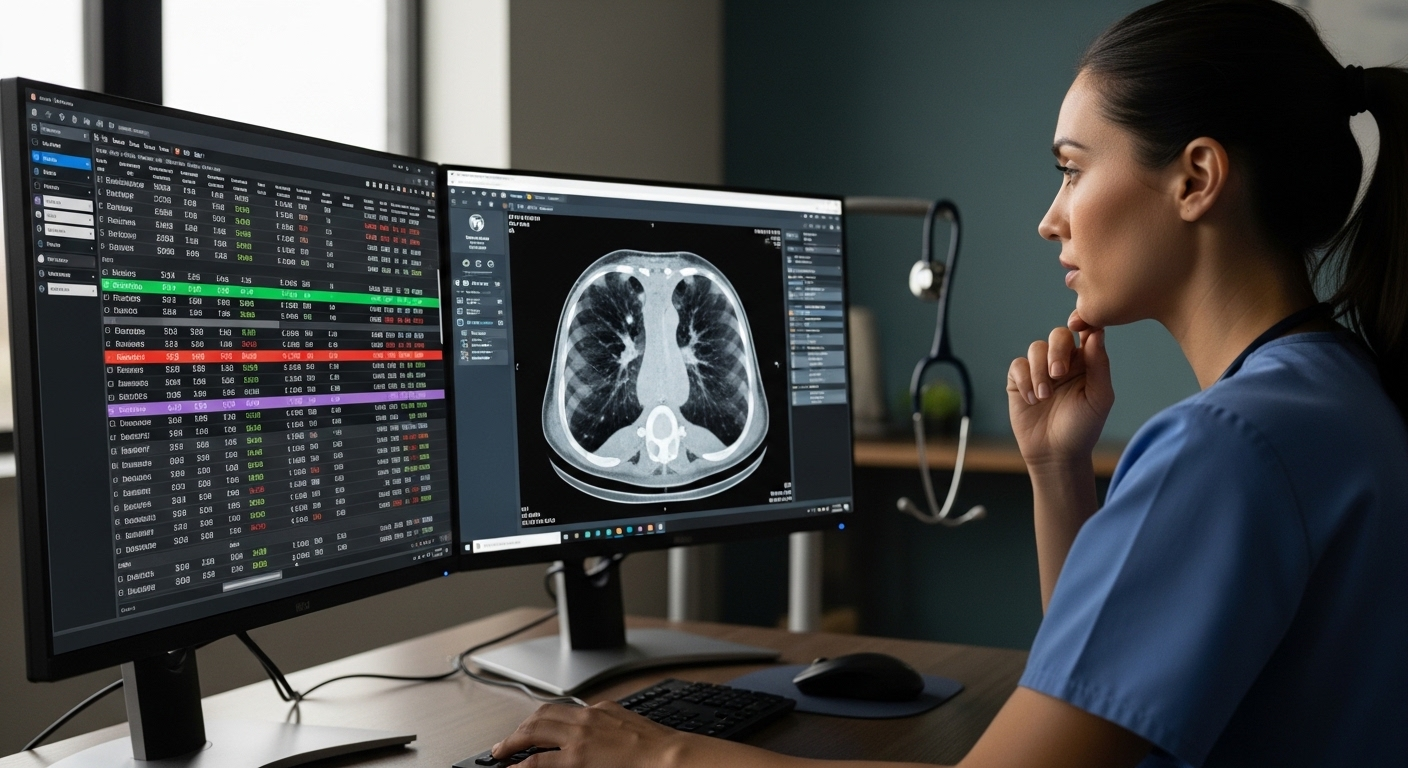
You can feel the strain in most healthcare IT environments. Systems don’t always talk to each other. Data sits in different places. And every new device or application adds another layer to manage. It builds up over time.
Security only complicates things further. Sensitive patient data moves across networks, devices, and users, and the risks are no longer theoretical. Data breaches happen. Regulations tighten. Expectations don’t ease up. At the same time, remote work has become part of daily operations, not an exception.
This is where VDI starts to earn its place. It gives you secure access to patient records and electronic health records (EHRs) from a centralized system, even when teams are spread across multiple locations. The urgency became obvious during COVID-19, when healthcare organizations had to support remote care almost overnight. Many never went back.
With VDI, clinicians can pull up real-time labs, imaging, and patient information without delays or system conflicts. That immediacy matters. It affects decisions. And sometimes, outcomes.
A few things tend to improve quickly:
- Reliable access across devices, without worrying about system limitations
- Seamless collaboration between healthcare teams working in different departments or facilities
- Support for mobile and bedside workflows, where speed and continuity are critical
What Are the Main Benefits of VDI for Healthcare Providers?
You don’t always notice the improvement right away. Then, slowly, things stop breaking as often. Systems respond faster. Access becomes predictable. That’s usually when it clicks.
Here’s what you gain when you implement VDI in healthcare:
- Enhanced Security: Protect sensitive patient data through encrypted connections, multi factor authentication, and centralized access controls that reduce exposure to security risks and unauthorized access.
- Centralized Management: Manage desktops, updates, and software licensing from a single platform, reducing IT complexity and ongoing maintenance across healthcare systems.
- Secure Remote Access: Allow healthcare professionals to access patient data and applications from any device or location without compromising compliance or data security.
- Improved Data Security: Keep sensitive data in centralized data storage instead of local devices, reducing risks of data breaches and helping ensure compliance with HIPAA regulations.
- Cost Efficiency: Reduce costs by eliminating hardware refresh cycles and optimizing resource utilization across virtual desktops and IT infrastructure.
- Scalable Solution: Easily scale VDI deployments across departments, locations, or entire healthcare institutions without major infrastructure changes or disruptions.
- Enhanced Productivity: Enable medical professionals to access tools instantly, reducing downtime and improving workflow efficiency across daily operations.
- Seamless Collaboration: Allow healthcare teams across multiple locations to share data and collaborate securely in real time without delays or access barriers.
Taken together, these benefits don’t just improve IT operations. They create a more stable, responsive environment where patient care can move a little faster, and with fewer interruptions.
How Does VDI Improve Patient Care and Clinical Workflows?
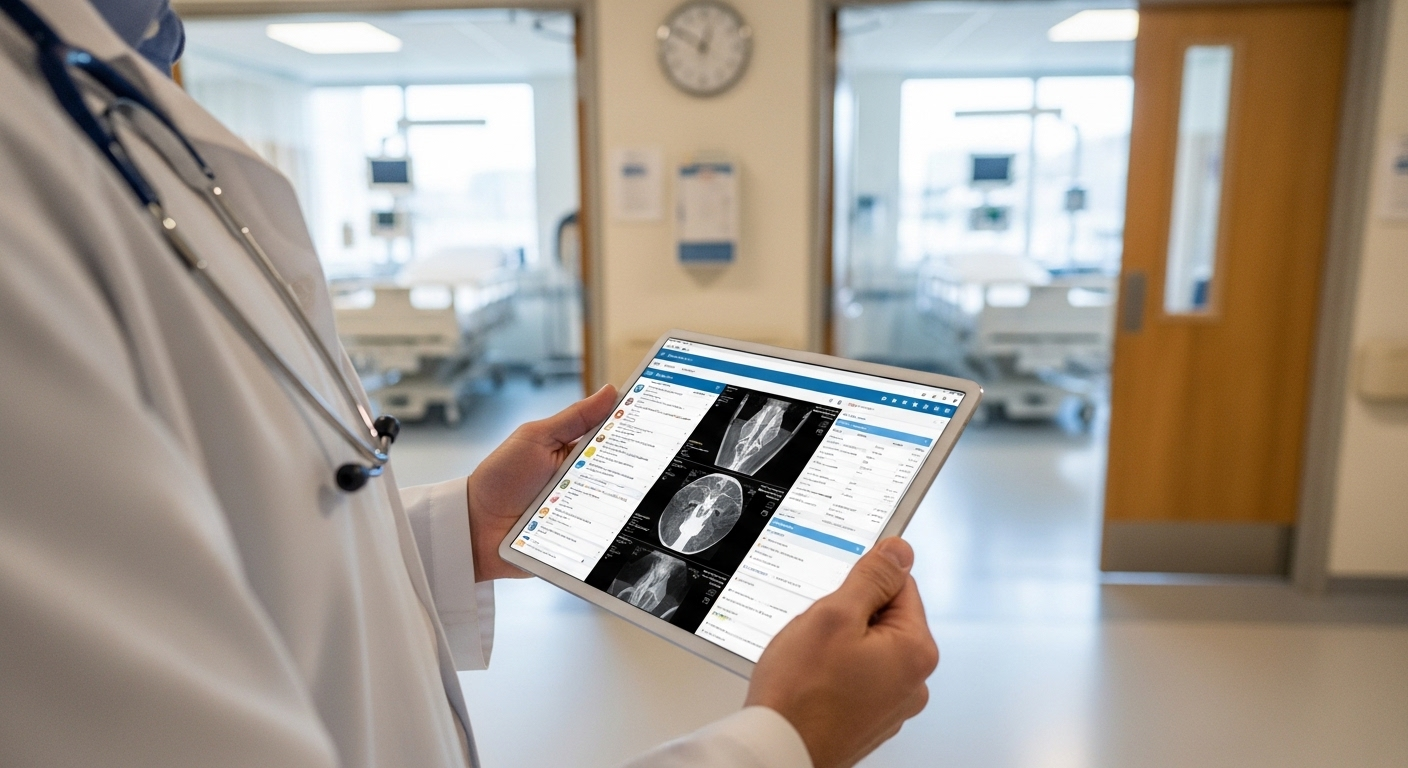
The effect shows up in small moments first. A faster login. A chart that loads instantly. No waiting around for systems to catch up. Over time, those seconds start to matter.
With VDI, you get quicker access to patient records and real-time data, which directly influences how decisions are made. When lab results, imaging, and notes are available without delay, you’re not working off assumptions or outdated information. You’re working with what’s actually there. That changes things.
One detail that often goes unnoticed is session continuity. As doctors move between rooms, their session follows. Same applications, same patient data, no need to log in again or reopen files. It sounds minor, but in a busy clinical setting, it removes friction that adds up quickly.
Access is flexible too. Tablets, mobile devices, desktops, all connect to the same desktop environment. So you’re not tied to one workstation or location.
Less waiting. Fewer interruptions. More consistent workflows. And when delays are reduced, even slightly, you start to see the broader impact.
Care becomes more responsive. Decisions happen faster. Outcomes, in many cases, improve without needing to rethink the entire system.
What Security and Compliance Features Should You Look for in Healthcare VDI?
Security sits at the center of everything here. Not as a feature, more like a constant pressure in the background. Patient data is sensitive by default, and even small gaps can turn into serious problems. So the baseline has to be high.
Here’s what to look for in a secure healthcare VDI setup:
- Multi Factor Authentication: Adds an additional verification layer beyond passwords, ensuring only authorized personnel can access patient information and critical systems.
- Encrypted Connections: Protect data in transit between devices and the data center, preventing interception or exposure of sensitive data during remote access sessions.
- Access Controls: Restrict data access based on user roles, ensuring healthcare professionals only see the information necessary for their responsibilities and nothing beyond that.
- Centralized Data Storage: Keeps patient records off local devices, reducing risks of data breaches and supporting compliance standards like HIPAA and other strict regulations.
- Regular Security Audits: Help identify vulnerabilities and ensure ongoing compliance with healthcare regulations and evolving cybersecurity requirements across systems.
- Zero Trust Security Model: Continuously verifies users and devices before granting access, reducing security risks across distributed healthcare environments and multiple access points.
Individually, each of these helps. Together, they create a more controlled environment where data stays protected, access stays intentional, and compliance becomes something you can actually maintain without constant uncertainty.
What Challenges Should You Consider Before Implementing VDI in Healthcare?
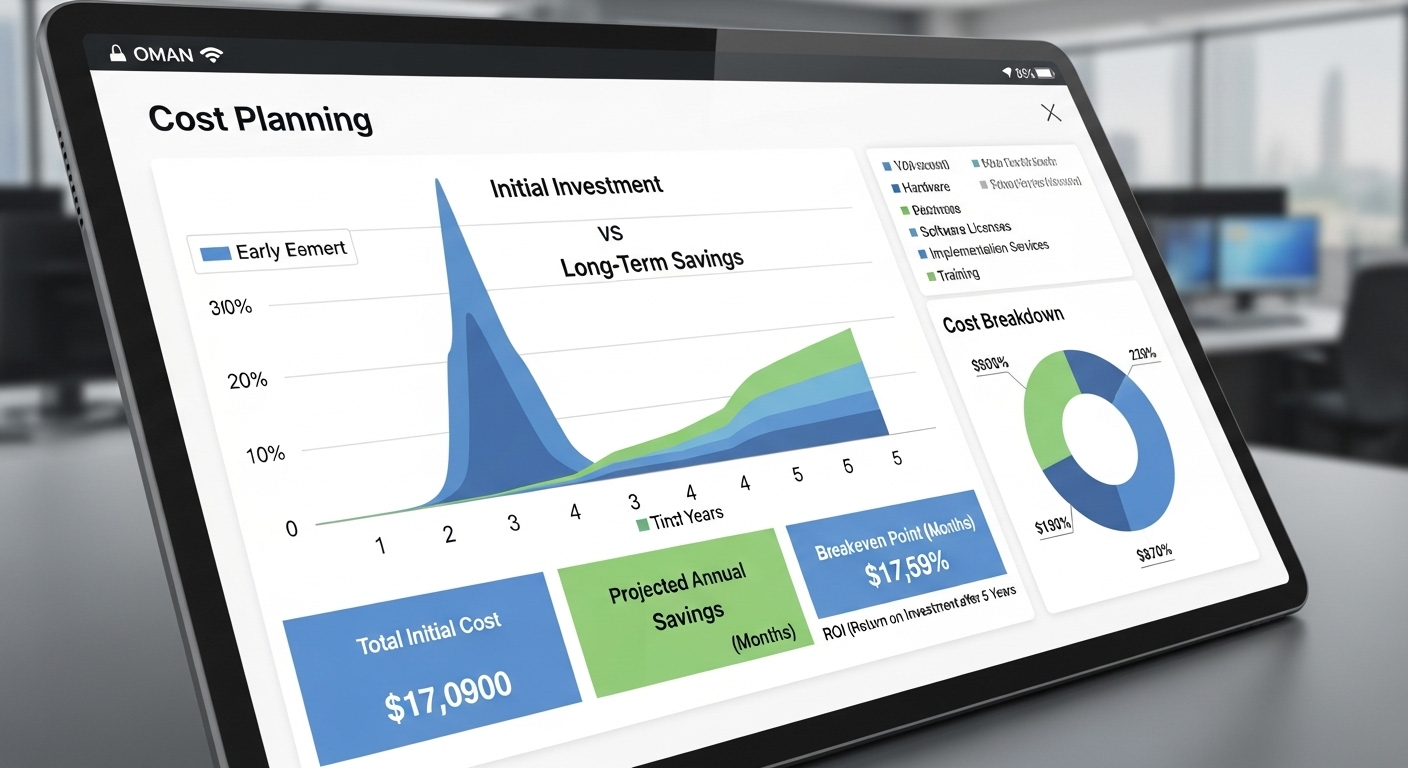
It sounds straightforward on paper. Centralized systems, secure access, fewer moving parts. But once you start looking closer, a few complications tend to surface.
Technical difficulties are usually the first hurdle. Integrating VDI with existing healthcare systems, especially older ones, can take more effort than expected. Performance can also vary. If the infrastructure isn’t sized correctly, you may run into lag, slow application load times, or inconsistent access, which defeats the purpose.
Then there’s cost. The initial investment can feel high, particularly when you factor in infrastructure, licensing, and deployment. At the same time, many healthcare organizations see long-term cost savings through reduced hardware needs and simplified IT management. It’s a trade-off, not always obvious at first glance.
IT complexity doesn’t disappear either, it just changes shape. Managing VDI environments, handling updates, and maintaining uptime still require planning and expertise.
That’s why evaluation matters. You need to look closely at scalability, performance, and how well the solution fits your actual workflows. With the right approach, VDI works well. Without it, things can get… unnecessarily complicated.
How Do Leading VDI Solutions Compare for Healthcare?
Not all VDI solutions are built equally. Some lean toward flexibility, others toward control, and a few try to simplify the whole experience, though not always successfully.
Here’s how the major options compare:
| Feature | Apporto | Citrix | VMware Horizon | Azure Virtual Desktop |
|---|---|---|---|---|
| Deployment | Browser-based | Complex setup | Complex setup | Moderate |
| Security | Built-in Zero Trust | Strong | Strong | Strong |
| IT Overhead | Minimal | High | High | Medium |
| Cost Transparency | High | Low | Medium | Variable |
| Performance | Near-native | Depends on config | Good | Depends |
A few patterns stand out pretty quickly. Citrix and VMware Horizon are both mature, widely used platforms, but they tend to come with higher complexity and ongoing management requirements . Azure Virtual Desktop sits somewhere in between, easier to adopt in Microsoft environments, but still dependent on proper configuration and cloud expertise .
Apporto takes a different approach. No heavy setup, no client installs, just browser-based access with minimal overhead.
So the decision usually comes down to this. How much complexity are you willing to manage, and how quickly do you need things to work without friction.
How Is VDI Evolving in the Healthcare Industry?
The future of VDI in healthcare looks quietly promising. Not in a dramatic way, but in how steadily it’s improving underneath the surface. Performance is better than it used to be. Access feels smoother. You notice fewer interruptions, which, in healthcare, is kind of the point.
One trend gaining traction is Desktop-as-a-Service (DaaS). Instead of managing infrastructure on premises, you rely on cloud-based delivery, which simplifies deployment and reduces the burden on IT teams. Alongside that, hyper-converged infrastructure is becoming more common, bringing compute, storage, and networking into a single system that’s easier to scale and manage.
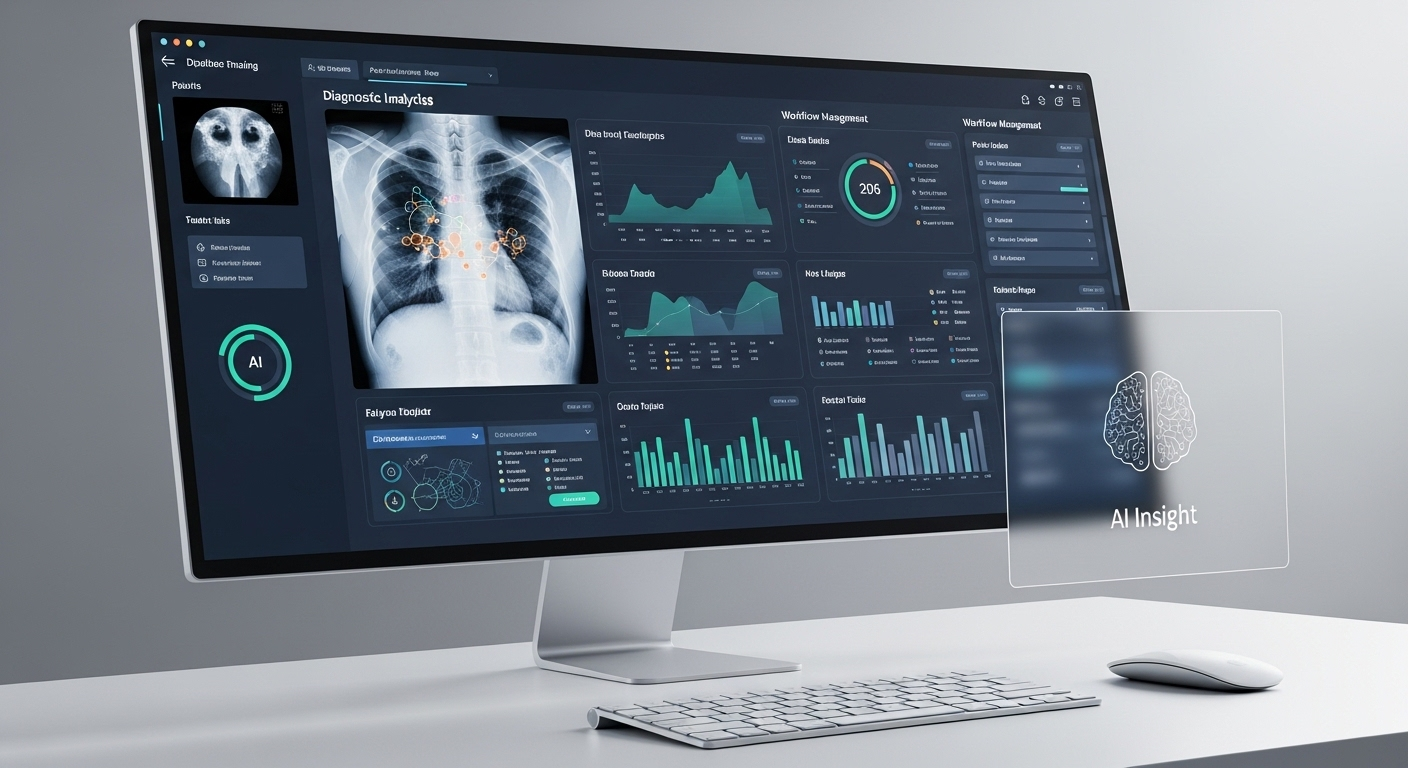
There’s also a growing role for AI and machine learning. VDI environments can support these tools, allowing healthcare systems to process data faster and assist in diagnostics or workflow optimization.
Taken together, these shifts point to something more stable. More scalable. And likely to remain part of healthcare systems for the long run, not just a temporary solution.
Why Apporto Is a Smarter VDI Choice for Healthcare Organizations?
Most VDI solutions promise similar outcomes, but the path to get there can look very different. Some require heavy setup, ongoing tuning, and constant attention from IT teams. Others try to simplify things, though not always completely.
Apporto takes a more direct route. It’s fully browser-based, which means no installs, no client configuration, and no dependency on specific devices or operating systems. You open a browser, log in, and your desktop environment is ready. That simplicity reduces IT overhead in a way that’s hard to ignore, especially in healthcare settings where time and resources are already stretched.
Deployment is fast, often much faster than traditional VDI setups. Security is built in from the start, with features designed to protect sensitive patient data without adding layers of complexity.
Compared to legacy platforms, it feels lighter. Less effort to maintain, fewer moving parts to manage. If you want to see how it works in practice, Try Now.
Final Thoughts
You can look at VDI as just another tool. Or something a bit more foundational. Over time, it starts to feel like the latter.
Secure access is no longer optional. Scalability isn’t a luxury. And compliance, especially around patient data, sits at the center of every decision you make. VDI brings these pieces together in a way that’s practical, not theoretical. It gives you a structure that can grow with your needs without constantly rebuilding your IT infrastructure.
That said, the right choice depends on what you actually need, not what legacy systems have trained you to accept. Some solutions add complexity. Others remove it.
Platforms like Apporto lean toward simplicity. And sometimes, that’s exactly what holds everything together.
Frequently Asked Questions (FAQs)
1. What is VDI in healthcare?
VDI in healthcare refers to virtual desktop infrastructure that allows you to access desktop environments hosted on centralized servers. It enables healthcare professionals to securely access applications, patient records, and systems from any approved device or location.
2. Is VDI secure enough for patient data?
Yes, when implemented properly, VDI provides strong security through encryption, multi factor authentication, and access controls. Patient data remains in centralized storage, reducing exposure to data breaches and helping protect sensitive information across healthcare systems.
3. How does VDI support HIPAA compliance?
VDI supports HIPAA compliance by keeping patient data centralized and controlled, limiting unauthorized access. Features like encrypted connections, audit logs, and role-based access controls help ensure compliance with strict healthcare data protection regulations.
4. Can doctors access patient records remotely using VDI?
Yes, doctors and healthcare professionals can securely access patient records, electronic health records, and clinical applications remotely. This enables faster decision-making and supports care delivery from multiple locations without compromising data security.
5. What are the costs of implementing VDI in healthcare?
VDI can require an upfront investment in infrastructure and deployment, but it often reduces long-term costs. You save on hardware upgrades, maintenance, and IT management while gaining more efficient resource utilization across systems.
6. Does VDI improve patient outcomes?
VDI can improve patient outcomes by enabling faster access to real-time data, reducing delays in care, and supporting more informed clinical decisions. Improved workflows and reduced downtime contribute to better overall patient care experiences.
7. What devices can be used with VDI in healthcare settings?
VDI works across a range of devices, including desktops, laptops, tablets, and thin clients. Healthcare professionals can access the same desktop environment regardless of device, making it easier to work across different settings and locations.
