

What Are the Best ReadyTech Alternatives for Virtual Training?
The best ReadyTech alternatives depend on your training goals, but browser-based platforms are increasingly preferred for flexibility and ease of access. Solutions like Apporto Virtual Computer Labs provide hands-on virtual labs, no software installation, and scalable training environments that support both self-paced and instructor-led learning.
Virtual training has come a long way from slide decks and one-way presentations. Today, learners expect something far more practical. They want hands-on labs, realistic environments, and the freedom to learn from anywhere without sacrificing the quality of the experience.
That’s one reason many organizations are exploring alternatives to ReadyTech. Some need browser-based access. Others want simpler management, more flexible pricing, or training platforms better suited for technical education and global teams.
In this guide, you’ll discover the best ReadyTech alternatives, evaluated on usability, hands on learning, scalability, instructor features, and overall training experience to help you find the platform that best fits your goals.
Why Do Organizations Look for ReadyTech Alternatives?
ReadyTech remains a recognized platform for virtual instructor led training, but training requirements are rarely identical across organizations. Some businesses prioritize browser-based access, others want more hands on virtual labs, and many seek flexible pricing that aligns more closely with their budgets and growth plans. This is one of the main reasons the market for ReadyTech alternatives continues to expand.
Another important factor is specialization. A company delivering enterprise software training may require customizable lab environments, while a training provider may focus on self paced learning or certification programs.
If you’re specifically comparing Apporto with ReadyTech, our Apporto vs ReadyTech comparison breaks down the differences in training capabilities, accessibility, security, performance, and cost. The ideal platform is often the one that matches these specific goals rather than offering a one-size-fits-all approach.
Common Reasons Organizations Explore Alternatives
- Flexible Deployment Options: Organizations may prefer cloud-based, private cloud, or hybrid training environments that align with existing infrastructure.
- Pay As You Go Pricing: Flexible pricing models help businesses control costs and pay only for the resources and training they actually use.
- Better Virtual Classroom Experiences: Interactive classrooms with improved collaboration tools can create more engaging learning sessions.
- Expanded Hands On Virtual Labs: Many organizations seek training solutions that offer deeper practical experiences and customizable lab environments.
- Improved Learner Engagement: Interactive content, assessments, and real-time feedback often help learners stay involved and retain more knowledge.
- Specialized Training Solutions: Some platforms focus on technical training, certifications, software adoption, or enterprise learning, allowing organizations to select solutions tailored to their specific requirements.
These differences do not necessarily make one platform better than another. Rather, they highlight how training priorities evolve, and why choosing the right solution depends heavily on your learners, instructors, and long-term training objectives.
Quick Comparison Table: Which ReadyTech Alternative Is Best?
The best ReadyTech alternative depends on how you deliver training, the level of hands on experience you want to provide, and the flexibility your learners expect. Some platforms focus on browser-based virtual labs, while others specialize in virtual instructor led training, enterprise software education, or self paced learning. A few excel at skills assessments and scenario-based training, giving organizations a wide range of choices.
The table below compares the leading ReadyTech alternatives in 2026, highlighting their strengths, deployment models, and preferred learning styles to help you narrow down your options more quickly.
| Platform | Best For | Deployment | Standout Feature | Learning Style |
|---|---|---|---|---|
| Apporto Virtual Computer Labs | Browser-based training | Cloud | No client installation | Self paced & Instructor led |
| Heropa | Custom training labs | Cloud / Private Cloud | Lab customization | Mixed |
| CloudShare | Enterprise software training | Cloud | Production-ready labs | Instructor led |
| Pluralsight | Skill development | Cloud | Extensive content library | Self paced |
| Strigo | Virtual instructor led training | Cloud | Interactive classrooms | Instructor led |
| Skillable | Hands on assessments | Cloud | Scenario-based labs | Mixed |
| CBT Nuggets | IT certification training | Cloud | Video + virtual labs | Self paced |
Each platform brings something different to the table. In the following sections, you’ll discover how these training solutions compare in terms of features, flexibility, learner experience, and overall value.
Readytech Alternatives (Complete Breakdown)
1. Apporto Virtual Computer Labs (The Best Browser-Based ReadyTech Alternative)
Overview
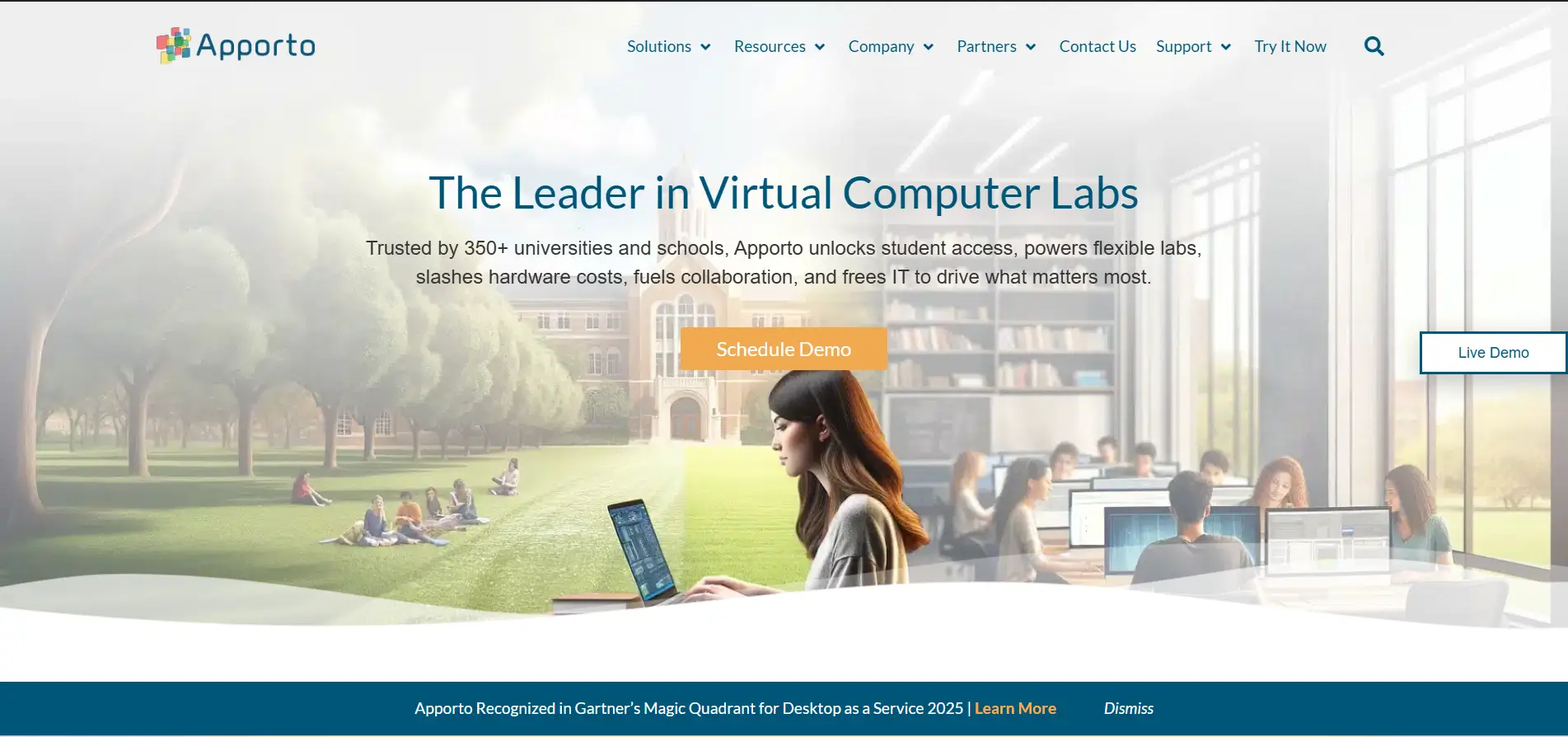
When organizations start evaluating ReadyTech alternatives, one requirement appears again and again, simplicity. Training should be easy to access, easy to manage, and flexible enough to support learners across different locations and devices. This is where Apporto Virtual Computer Labs stands out. The platform delivers browser-based virtual labs that remove the need for software installation, allowing learners to launch complete training environments directly from a web browser.
Its cloud-first approach helps organizations deliver hands on training at scale while reducing infrastructure complexity. Learners gain access to the applications and tools they need instantly, and instructors can focus more on teaching rather than managing technical environments. It is a straightforward idea, yet surprisingly powerful.
Highlights
- Browser-Based Virtual Labs: Apporto provides fully functional virtual labs that run directly in the browser. Learners do not need to install software or configure devices before starting their training.
- Hands On Training: The platform is designed around hands on labs where learners actively perform tasks, experiment with software, and develop practical skills through experience. This approach improves engagement and creates more meaningful learning outcomes.
- Centralized Management: Administrators can manage users, applications, virtual labs, and resources through a centralized dashboard. This simplifies operations and helps maintain consistency across training programs.
- Flexible Training Delivery: Apporto supports both self paced learning and instructor led sessions, giving organizations the flexibility to design training experiences that fit different audiences and goals.
Best For
Apporto is ideal for universities, enterprises, training providers, and organizations seeking browser-based virtual labs with scalable training delivery and global accessibility.
Limitations
Organizations requiring highly customized infrastructure or niche hardware integrations may need additional configuration options beyond the platform’s standard setup.
Pricing
Apporto offers customized pricing based on users, computing resources, storage requirements, and training needs. Organizations typically select a plan that aligns with their scale, learning objectives, and budget.
2. Heropa (Used to Create Flexible Training Labs)

Overview
Not every training program fits into a standard template. Some organizations need custom software environments, private infrastructure, or training labs tailored to specific products and workflows. Heropa is designed with this flexibility in mind. The platform enables organizations to build, manage, and deliver customized training labs that closely reflect their own software, systems, and learning objectives.
Unlike platforms that rely heavily on prebuilt content, Heropa gives you more control over how training environments are configured and deployed. This makes it an attractive lab solution for software vendors, enterprise training teams, and organizations that require highly personalized learning experiences.
Highlights
- Custom Lab Environments: Heropa allows organizations to create custom lab environments based on their own applications, operating systems, and software configurations. Learners can practice in environments that resemble real business systems, making training more relevant and practical.
- Private Cloud Hosting: The platform supports private cloud hosting, giving organizations greater control over data, security, and infrastructure. This is especially valuable for businesses with strict compliance requirements or internal hosting preferences.
- Training Automation: Heropa includes automation capabilities that simplify lab creation, deployment, and management. Administrators can provision training labs quickly, reducing the time required to prepare environments for learners.
- Flexible Deployment: One of Heropa’s biggest strengths is flexibility. Training labs can be deployed in public cloud environments, private cloud infrastructure, or on-premises systems depending on organizational requirements and security policies.
Best For
Heropa is ideal for software vendors, enterprise training teams, customer education programs, and organizations seeking flexible training labs with extensive customization capabilities.
Limitations
The platform’s flexibility may require more planning and administrative oversight than simpler, browser-based training solutions designed for rapid deployment.
Pricing
Heropa offers customized pricing based on the number of users, lab environments, infrastructure requirements, and support services. Organizations typically request a tailored quote that aligns with their training goals and deployment preferences.
3. CloudShare (A Strong Enterprise Alternative to ReadyTech)
Overview
As training programs grow, simplicity alone is rarely enough. Large organizations often need virtual training environments that can replicate real business systems, support thousands of learners, and provide instructors with complete control over the learning experience. CloudShare is built precisely for this purpose.
The platform focuses on delivering production-ready virtual labs that mirror real software environments rather than simplified simulations. Learners can explore applications, perform tasks, and experiment confidently without affecting live systems. For many companies, this realism is what transforms training from a passive activity into an experience that builds lasting skills.
CloudShare also provides the scalability required for global training initiatives, making it one of the strongest enterprise alternatives to ReadyTech.
Highlights
- Production Environments: CloudShare creates production environments that closely resemble real-world software systems. Learners gain experience using applications and workflows similar to those they will encounter in professional settings, making training more practical and immediately applicable.
- Virtual Training Labs: The platform offers configurable virtual training labs that support software demonstrations, technical education, customer onboarding, and employee development. These environments are isolated from live systems, allowing learners to practice safely.
- Instructor Controls: Instructors benefit from powerful management tools that allow them to monitor learner activity, manage resources, assist participants during sessions, and maintain oversight of the entire training experience. This level of control is especially valuable in instructor led programs.
- Global Scalability: CloudShare is designed for companies operating across multiple locations. Training environments can be deployed quickly and accessed remotely, helping organizations deliver consistent virtual training to learners around the world.
Best For
CloudShare is ideal for enterprises, software vendors, customer education teams, and companies seeking scalable virtual labs with realistic training environments and instructor-led capabilities.
Limitations
The platform is primarily focused on enterprise use cases, which may make it more feature-rich and potentially more expensive than necessary for smaller organizations or independent trainers.
Pricing
CloudShare offers customized pricing based on users, virtual labs, storage requirements, and training environments. Organizations generally work with the provider to create a plan tailored to their scale, learning objectives, and infrastructure needs.
4. Pluralsight (Better for Self Paced Technical Training)
Overview
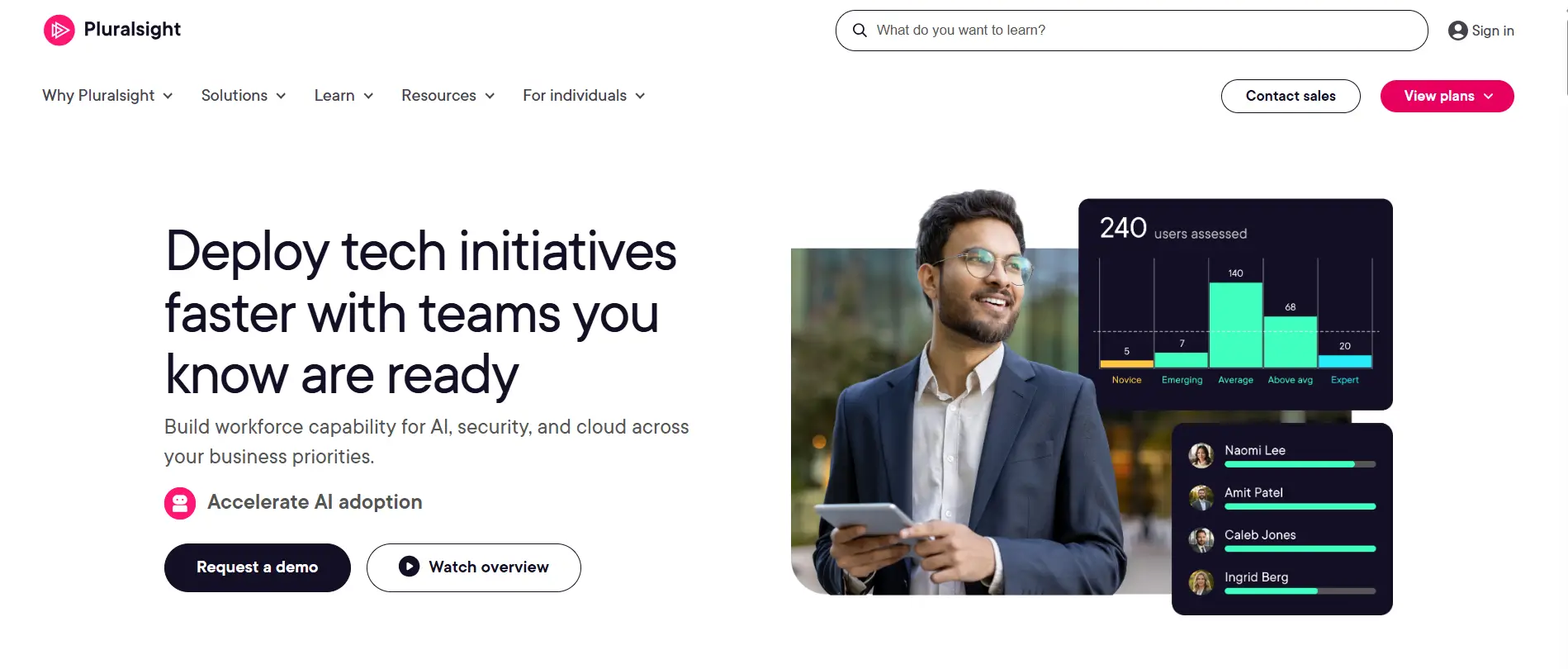
Not every learner thrives in live classrooms or structured training schedules. Sometimes the ability to learn at your own pace, revisit concepts, and gradually build expertise creates better outcomes. Pluralsight has built its reputation around this idea, offering an extensive library of technical courses designed to help learners develop practical skills over time.
Unlike platforms that focus primarily on virtual labs or instructor led sessions, Pluralsight emphasizes continuous learning through high-quality video courses, structured learning paths, and assessments that help measure progress. The platform covers a broad range of topics, from software development and cloud computing to cybersecurity and data analytics. It is expansive, perhaps even a little overwhelming at first, but that depth is one of its greatest strengths.
Highlights
- Skill Development: Pluralsight focuses heavily on skill development by providing learning experiences that help you build technical expertise gradually. Courses are designed to strengthen both foundational knowledge and advanced capabilities.
- Learning Paths: The platform organizes content into structured learning paths, guiding learners through topics step by step. This helps maintain focus and creates a clearer sense of progress as new skills are acquired.
- Video Courses: Pluralsight offers thousands of video courses created by industry experts. These lessons cover technical concepts in an accessible way, allowing learners to study at their own pace and revisit materials whenever needed.
- Assessments: Skill assessments help measure current knowledge levels and identify areas for improvement. These tools allow learners to track progress and create more personalized learning journeys.
Best For
Pluralsight is ideal for professionals, developers, IT teams, and organizations seeking self paced technical training with a strong focus on skill development and continuous learning.
Limitations
The platform offers limited hands on virtual labs compared to some ReadyTech alternatives, making it less suitable for organizations that prioritize extensive practical lab experiences.
Pricing
Pluralsight offers individual and business subscription plans with monthly and annual billing options. Pricing varies depending on the features, learning tools, and number of users included in the plan.
5. Strigo (Popular for Virtual Instructor Led Training)
Overview
While self paced learning offers flexibility, many organizations still depend on live instruction to deliver technical training effectively. Strigo focuses squarely on this need by combining virtual classrooms, browser-based access, and interactive training environments into a single platform. The goal is simple, make virtual instructor led training feel natural, engaging, and accessible from anywhere.
One reason Strigo has gained popularity is its emphasis on reducing technical barriers. Learners can join training sessions through a browser, access learning materials quickly, and participate in live environments without dealing with complicated setup procedures. For instructors, this creates a smoother teaching experience and allows them to spend more time guiding learners rather than troubleshooting technology.
Highlights
- Virtual Classroom: Strigo offers interactive virtual classroom experiences where learners and instructors can collaborate in real time. Features such as screen sharing, chat, and live demonstrations help create more engaging learning sessions and encourage participation throughout the course.
- Live Training Sessions: The platform is designed specifically for live training sessions. Instructors can present lessons, monitor learner activity, answer questions instantly, and provide support as participants work through exercises.
- Browser-Based Access: Because Strigo is browser-based, learners can join sessions without installing additional software. This simplifies access and allows organizations to deliver training to remote teams and global audiences with minimal technical friction.
- Instructor Tools: Strigo provides instructors with tools to manage classrooms, oversee learner progress, share materials, and maintain control over the training environment. These features help create more organized and effective virtual instructor led training programs.
Best For
Strigo is ideal for training providers, software companies, enterprise learning teams, and organizations delivering virtual instructor led training with live instruction and interactive classrooms.
Limitations
Organizations seeking extensive self paced content libraries or highly customizable lab environments may find Strigo more focused on live training experiences than independent learning programs.
Pricing
Strigo offers customized pricing based on training volume, classroom requirements, learner capacity, and support needs. Organizations can select plans that align with the size and complexity of their training programs.
6. Skillable (Best Choice for Skills-Based Software Training)
Overview
Training becomes far more valuable when learners can demonstrate what they know rather than simply completing a course. Skillable is built around this philosophy. The platform combines hands on labs, scenario-based exercises, and performance assessments to help learners develop practical skills that translate directly into real work environments.
Unlike traditional training methods that rely heavily on theory, Skillable encourages active participation. Learners solve problems, complete tasks, and practice repeatedly inside realistic lab environments. This approach tends to improve knowledge retention and learner confidence because progress is measured through action, not just observation.
For organizations seeking ReadyTech alternatives with a stronger focus on skills validation, Skillable offers a compelling solution.
Highlights
- Scenario-Based Labs: Skillable creates scenario-based labs that place learners in realistic situations where they must apply knowledge and complete tasks independently. These environments closely resemble workplace challenges and encourage practical problem-solving.
- Hands On Labs: The platform provides hands on labs where learners actively interact with software, tools, and applications. This direct involvement creates richer learning experiences and helps develop job-ready skills more effectively than passive instruction alone.
- Course Evaluations: Skillable includes course evaluations and performance assessments that measure learner outcomes based on practical achievements. Organizations can assess competency more accurately and identify areas where additional training may be needed.
- Learner Progress Tracking: Administrators and instructors can monitor progress through reporting tools and analytics dashboards. These insights make it easier to track performance, evaluate training effectiveness, and support learners throughout their development journey.
Best For
Skillable is ideal for enterprises, certification providers, software vendors, and organizations seeking hands on labs with measurable outcomes and strong learner assessment capabilities.
Limitations
The platform is designed primarily for professional and enterprise training, so smaller organizations or independent learners may find some features more extensive than necessary.
Pricing
Skillable offers customized pricing based on the number of learners, lab environments, assessments, and support requirements. Organizations typically work with the provider to create a plan aligned with their training objectives and expected usage.
7. CBT Nuggets
Overview
Not every learner wants long classroom sessions or highly customized enterprise labs. Sometimes, the most effective approach is a combination of concise video lessons, practical exercises, and the flexibility to learn at your own pace. CBT Nuggets has followed this formula for years, becoming one of the most recognizable platforms for IT and technical training.
The platform is particularly well known for certification preparation, offering courses that cover networking, cybersecurity, cloud technologies, and system administration. What makes CBT Nuggets appealing is its balance. Learners can watch expert-led videos, practice in virtual labs, and revisit concepts whenever they need a refresher. Learning rarely follows a perfectly straight line, after all.
Highlights
- Video Training: CBT Nuggets offers an extensive library of video training courses taught by experienced instructors. Lessons are designed to be engaging, easy to follow, and focused on practical knowledge that learners can apply immediately.
- Virtual Labs: The platform includes virtual labs that allow learners to practice skills in safe environments. These labs help reinforce concepts through hands on experience and provide opportunities to experiment without affecting live systems.
- Certification Courses: CBT Nuggets is widely recognized for certification training. Courses cover popular certifications from vendors such as Cisco, Microsoft, CompTIA, and cloud providers, helping learners prepare through structured learning paths and practical exercises.
- Self Paced Learning: Learners can progress through courses at their own speed, revisit difficult topics, and study whenever it fits their schedules. This flexibility makes the platform particularly attractive for busy professionals and students balancing multiple responsibilities.
Best For
CBT Nuggets is ideal for IT professionals, students, technical teams, and organizations seeking self paced learning combined with virtual labs and certification-focused training.
Limitations
While CBT Nuggets offers practical labs, organizations requiring highly customized training environments or advanced virtual instructor led training may find other ReadyTech alternatives more suitable.
Pricing
CBT Nuggets offers subscription-based pricing with monthly and annual plans. Users can access video courses, virtual labs, and learning materials through a single membership, with trial options available for new learners.
How Do You Choose the Right ReadyTech Alternative?

After reviewing the leading ReadyTech alternatives, one thing becomes clear. There is no universal platform that fits every organization perfectly. Some training teams prioritize live instruction and virtual classrooms, while others focus on self paced learning, hands on labs, or flexible deployment models. The right choice depends on how you want people to learn and how you plan to scale training in the years ahead.
A platform may have impressive features, but if it does not align with your learners, instructors, and business objectives, its value becomes limited. That is why evaluating learning styles, practical training capabilities, deployment options, and long-term scalability is so important.
Do You Need Instructor Led Training or Self Paced Learning?
The first question is surprisingly simple, how do your learners prefer to learn?
Instructor Led Training
Live instruction remains valuable, especially for technical topics that require demonstrations and immediate support. Look for:
- Live classrooms with collaboration features and interactive sessions
- Instructor oversight to guide learners and answer questions in real time
- Real-time engagement through chat, demonstrations, and shared activities
- Better support for structured learning programs and enterprise training
Platforms such as Strigo and ReadyTech alternatives focused on virtual instructor led training excel in this area.
Self Paced Learning
Some learners prefer flexibility and independence. Benefits include:
- Flexible schedules that fit different time zones and commitments
- Learn at your own pace without fixed class times
- Independent progress through courses and learning paths
- The ability to revisit content and strengthen knowledge gradually
Pluralsight and CBT Nuggets are strong examples of self paced learning platforms.
How Important Are Hands On Labs?
Practical experience is often where learning becomes lasting. Watching demonstrations can be useful, but performing tasks yourself creates deeper understanding. Important features include:
- Hands On Virtual Labs: Interactive environments where learners actively perform tasks and practice skills.
- Real Software Environments: Training systems that closely resemble workplace applications and tools.
- Course Evaluations: Assessments that measure practical knowledge instead of relying solely on theory.
- Skill Assessments: Performance-based evaluations that help learners and organizations identify strengths and areas for improvement.
Platforms such as Skillable, CloudShare, and Apporto place strong emphasis on hands on learning and practical outcomes.
Should You Prioritize Browser Access or Custom Labs?
Deployment flexibility is another important consideration.
Browser-Based Platforms
Browser-based training platforms simplify access by eliminating software installation requirements.
Advantages include:
- Faster onboarding
- Easier global deployment
- Reduced technical barriers
- Consistent learning experiences across devices
Private Cloud Labs
Some organizations require greater infrastructure control. Private cloud labs provide:
- Enhanced security controls
- Greater customization
- Internal hosting options
- Better alignment with compliance requirements
Flexible Deployments
Organizations increasingly value training solutions that support cloud, private cloud, or hybrid environments depending on operational requirements.
Security Considerations
Data protection, user access controls, and secure environments should remain important evaluation criteria regardless of deployment model.
What Features Matter Most for Long-Term Success?
Beyond immediate training needs, long-term success depends on how well a platform supports growth and continuous improvement. Focus on:
- Learner Engagement: Interactive experiences that keep learners motivated and involved.
- Progress Monitoring: Tools that allow instructors to monitor progress and measure outcomes effectively.
- Scalability: Platforms that grow alongside your organization without major infrastructure changes.
- Training Analytics: Insights that help improve courses, evaluate performance, and refine learning strategies over time.
The best ReadyTech alternatives do more than deliver training. They create environments where learners build skills confidently, instructors teach more effectively, and organizations continue to evolve their training programs as needs change.
What Are the Biggest Benefits of ReadyTech Alternatives?
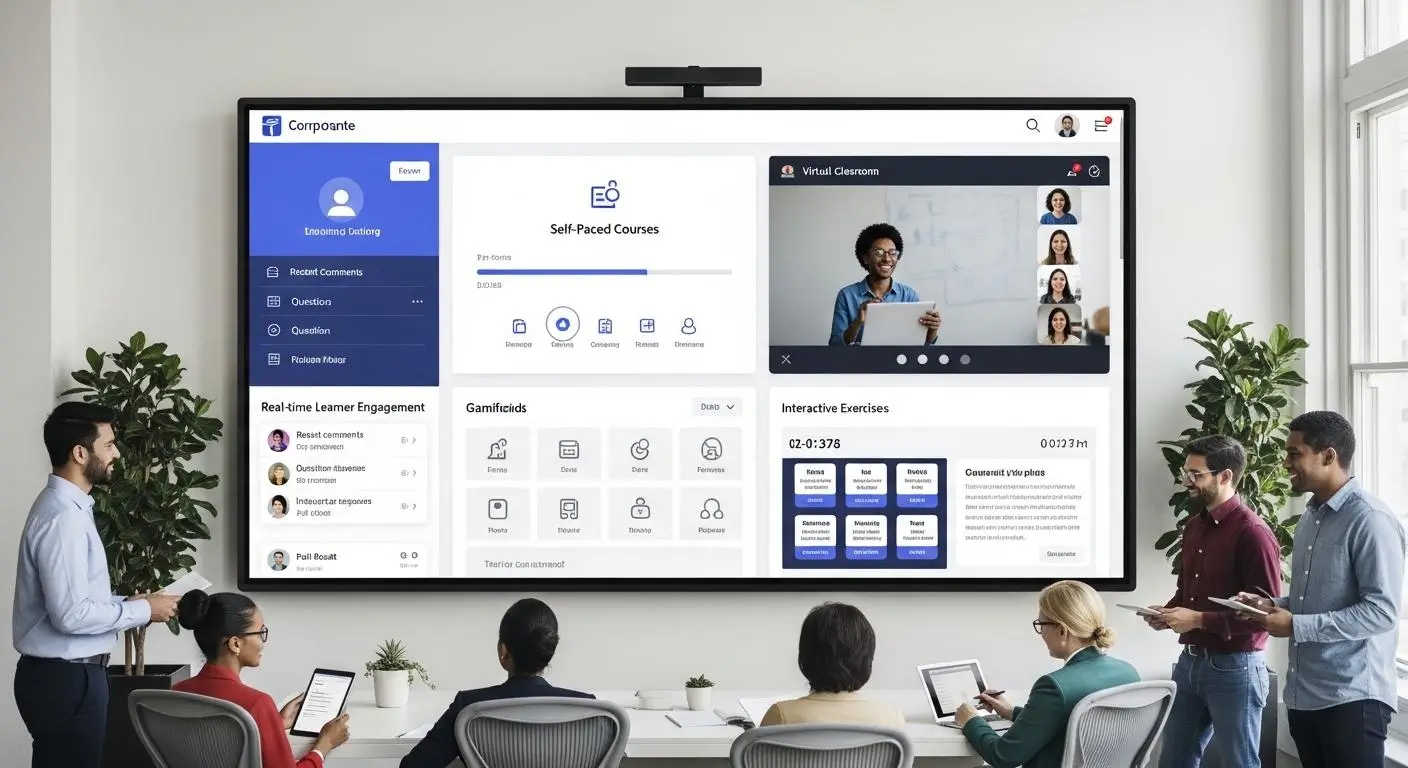
The appeal of ReadyTech alternatives goes beyond replacing one platform with another. In many cases, organizations are looking for more flexible training delivery, stronger learner engagement, and hands on experiences that align better with modern learning expectations. The good news is that today’s virtual training platforms offer a wide range of options, allowing you to build programs that are more accessible, scalable, and practical.
Browser-based technologies have made training easier to deliver across different locations, while cloud infrastructure has reduced the complexity of maintaining traditional training environments. At the same time, hands on virtual labs give learners opportunities to practice skills directly, which often leads to better understanding and stronger long-term retention.
Core Benefits
- Flexible Training Delivery: Organizations can deliver training through self paced courses, live sessions, or blended learning models depending on their objectives and learner preferences.
- Lower Training Costs: Virtual training can reduce costs significantly by minimizing spending on physical classrooms, travel, and dedicated hardware.
- Browser-Based Access: Learners can access courses and training environments quickly without installing software, making onboarding simpler and more efficient.
- Better Learner Engagement: Interactive exercises, live classrooms, and hands on virtual experiences help learners remain involved throughout the training process.
- Global Scalability: Cloud-based platforms make it easier to train distributed teams and expand programs across different regions.
Ultimately, the best training platforms are those that make learning easier to access, more engaging to experience, and more valuable over time. Many ReadyTech alternatives are designed precisely with these goals in mind.
What Challenges Should You Consider Before Switching Platforms?

Switching to a new training platform can create exciting opportunities, but it also requires thoughtful planning. Even the most feature-rich solution comes with trade-offs, and understanding those challenges beforehand can help you make a smoother transition and avoid unnecessary disruptions.
One of the first considerations is pricing. Different providers use different pricing models, ranging from subscriptions to usage-based plans, so comparing costs carefully is important. Migration can also take time, especially if your organization has extensive training materials, existing virtual labs, or customized learning content that needs to be transferred.
Equally important is user adoption. Learners and instructors may need time to become familiar with new interfaces and workflows. A platform that looks impressive on paper should also be intuitive in practice. Otherwise, training effectiveness can suffer, at least initially.
Few Common Challenges
- Platform Learning Curve: Instructors, administrators, and learners may require time to adjust to new tools and training environments.
- Content Migration: Existing courses, materials, and labs may need to be redesigned or reformatted during the migration process.
- Support Expectations: Response times, onboarding assistance, and technical support can vary significantly between providers.
- Cost Comparisons: Pricing structures differ, making it important to evaluate long-term value rather than focusing solely on initial costs.
- Administrative Overhead: Managing users, permissions, and integrations may require additional oversight during the early stages of deployment.
- Feature Limitations: Some platforms excel in hands on labs, while others focus on virtual classrooms or self paced training. No single solution is perfect in every category.
By evaluating these challenges carefully, you can choose a platform that not only meets your current training needs but also supports your future growth and evolving learning goals.
Final Thoughts
Choosing among the best ReadyTech alternatives ultimately comes down to how you want to deliver training and the type of learning experience you want your users to have. Some organizations need browser-based simplicity, while others prioritize custom labs, live instruction, or hands on assessments. The encouraging part is that today’s virtual training platforms offer enough flexibility to support all of these goals.
If accessibility and ease of deployment are your top priorities, Apporto Virtual Computer Labs stands out as the best browser-based alternative, offering scalable virtual labs without software installation. Heropa is an excellent choice for custom training labs, while CloudShare excels in enterprise software training and global deployments.
For self paced technical learning, Pluralsight remains a strong option. Strigo delivers engaging virtual instructor led training, Skillable shines with hands on labs and performance-based learning, and CBT Nuggets continues to be a trusted platform for certification training.
The best platform is the one that aligns with your learners, training objectives, and future growth plans. Invest thoughtfully, because great training compounds over time.
If you are looking for a browser-based training platform that combines flexibility, hands on learning, and scalable virtual labs, explore Apporto Virtual Computer Labs and see how modern training environments can simplify learning while expanding opportunities for learners everywhere.
Frequently Asked Questions (FAQs)
1. What is the best ReadyTech alternative in 2026?
Apporto Virtual Computer Labs is one of the best ReadyTech alternatives in 2026 because of its browser-based virtual labs, flexible training delivery, and hands on learning capabilities. Other strong options include Heropa, CloudShare, Pluralsight, Strigo, Skillable, and CBT Nuggets, depending on your training goals.
2. Which platform is best for virtual instructor led training?
Strigo is one of the best platforms for virtual instructor led training because it combines interactive virtual classrooms, live instruction, and browser-based access. Apporto and CloudShare are also excellent choices for organizations seeking instructor-led virtual training with scalable lab environments.
3. Are ReadyTech alternatives more affordable?
Many ReadyTech alternatives offer flexible pricing models, including subscriptions and pay as you go options. Costs vary depending on features, users, and training requirements, but organizations often find affordable solutions that better match their budgets and long-term training strategies.
4. Which platform offers the best hands on labs?
Skillable is widely recognized for its hands on labs and scenario-based learning experiences. Apporto Virtual Computer Labs and CloudShare also provide strong hands on virtual training environments that allow learners to practice skills safely and build practical experience.
5. Can these platforms scale globally?
Yes. Most modern ReadyTech alternatives are cloud-based and designed for global scalability. Platforms such as Apporto, CloudShare, and Strigo allow organizations to deliver virtual training across multiple locations while maintaining consistent learning experiences and centralized management.
6. What should you look for in a ReadyTech alternative?
When evaluating ReadyTech alternatives, focus on virtual instructor led training capabilities, hands on labs, flexible deployment options, pricing, learner engagement features, scalability, and ease of administration. The best virtual training platform should align with your learning objectives and support future growth effectively.
