
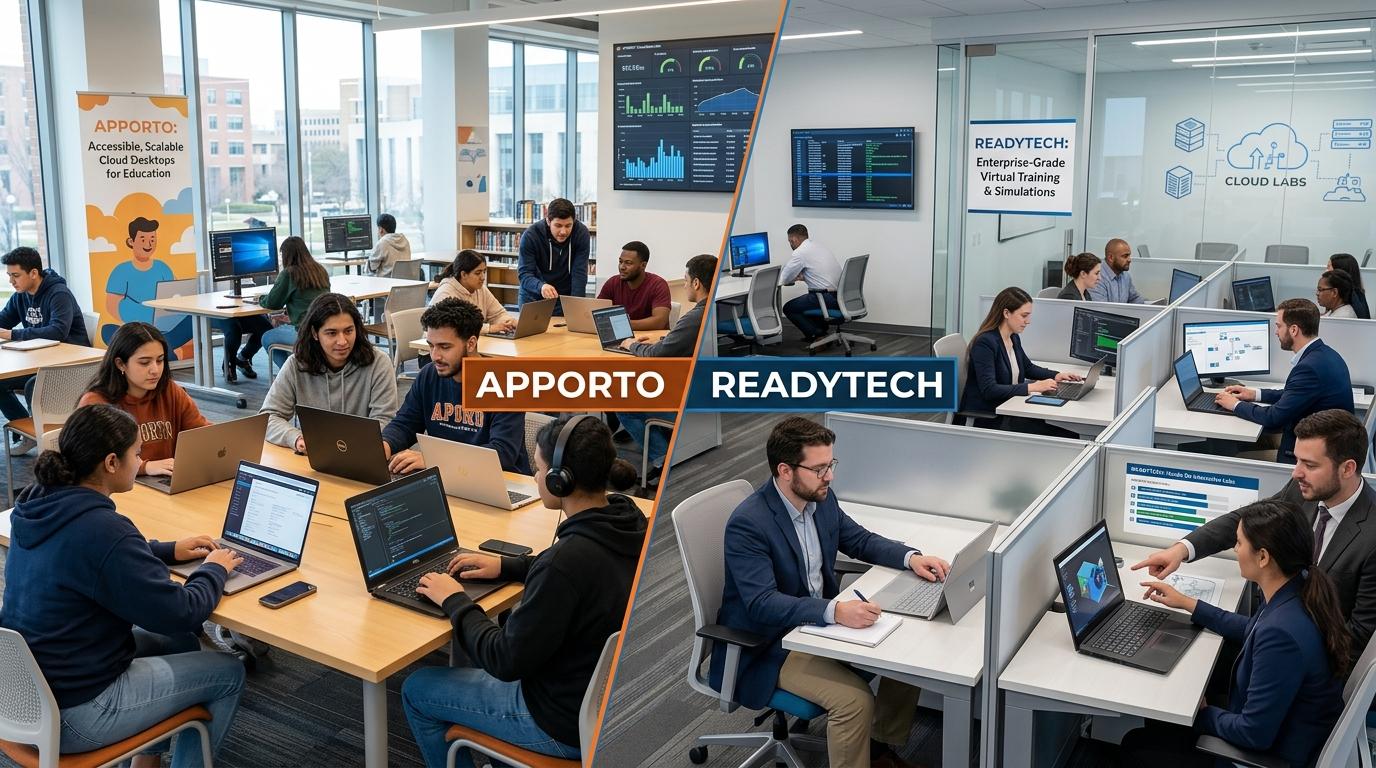
What Is the Difference Between Apporto and ReadyTech?
Apporto and ReadyTech both support virtual training and hands-on labs, but they serve different needs. Apporto provides browser-based virtual desktops that support learning, collaboration, and everyday work from a single flexible environment without complex software installation, while ReadyTech focuses on instructor-led virtual classrooms and structured training.
Virtual training has become essential as organizations face growing demand for hands-on learning and flexible education. Students and employees expect to learn anytime, access labs from any device, and work in secure environments without complicated setup. Browser-based platforms are making this possible by simplifying training delivery and improving accessibility.
Apporto and ReadyTech are two popular solutions that support virtual training, yet they approach learning differently. While ReadyTech focuses on training-centric virtual classrooms and labs, Apporto delivers browser-based virtual desktops designed for flexibility and ease of access.
In this Apporto vs ReadyTech comparison, we’ll examine training capabilities, accessibility, security, performance, and cost to help you choose the right platform.
What Is the Difference Between Apporto and ReadyTech?

Apporto and ReadyTech appear to solve a similar problem. Both platforms support virtual training, provide access to software through the cloud, and help organizations deliver hands-on learning experiences without relying heavily on physical labs. Yet the philosophy behind each platform is quite different.
ReadyTech is built primarily as a training-focused platform. It combines virtual classrooms, hands-on IT labs, and course materials into a dedicated environment designed for software training, product demonstrations, and instructor-led workshops. The interface and workflow are optimized for learning experiences where instructors guide participants through structured lessons and practical exercises.
Apporto takes a broader approach. It provides browser-based virtual desktops that give users access to applications, labs, and learning resources through a single workspace. Rather than focusing solely on training sessions, Apporto creates a flexible environment where students and employees can learn, work, and switch between multiple software applications with ease.
This difference becomes especially important when considering long-term use. ReadyTech excels as a specialized training environment. Apporto extends beyond training by offering a more versatile virtual workspace that supports education, research, and everyday work without requiring complex software installations.
The result is two strong platforms aimed at different priorities. One is engineered around structured learning delivery, while the other is designed to provide a flexible and accessible desktop experience that adapts to changing needs.
Main Differences
- Primary Use Case: ReadyTech is designed mainly for training, virtual classrooms, and hands-on labs, while Apporto offers a flexible virtual desktop that supports both learning and everyday work.
- User Experience: ReadyTech focuses on instructor-led training experiences. Apporto emphasizes simplicity, allowing users to access software and resources through one browser-based workspace.
- Access Methods: Apporto delivers a browser-based experience that works across almost any device, while ReadyTech is centered around dedicated training environments and learning portals.
- Learning Capabilities: ReadyTech provides structured training, virtual labs, and classroom management features. Apporto supports labs alongside broader educational and work applications.
- Desktop Flexibility: Apporto allows users to switch easily between multiple applications within a single desktop, creating a more flexible environment for learning and productivity.
Understanding these differences provides important context because the next question is not simply what each platform is, but how effectively they deliver virtual training and hands-on labs in real-world learning environments.
How Do Apporto & ReadyTech Support Virtual Training and Hands-On Labs?

As virtual learning continues to mature, expectations are rising. Students want more than recorded videos. Instructors need more than screen sharing. Organizations increasingly expect practical learning environments where users can experiment with software, complete exercises, and collaborate in real time, all without being restricted by location or device limitations.
This growing demand has pushed virtual training platforms to evolve beyond basic online classrooms.
Both Apporto and ReadyTech address this need, but they do so in different ways. ReadyTech focuses on structured training delivery through virtual classrooms and dedicated IT labs. Apporto approaches learning through browser-based virtual desktops that provide a flexible environment for both training and everyday academic or professional work.
How Does ReadyTech Deliver Virtual Training?
ReadyTech was engineered specifically for training delivery. The platform combines virtual classrooms, hands-on IT labs, and course materials within a single portal, creating an environment designed around teaching and learning workflows.
This integrated structure makes it easier for instructors to manage sessions, guide learners through exercises, and monitor progress during live classes. ReadyTech is widely used for software training, sales demonstrations, certification programs, and IT workshops where practical experience is an essential part of the curriculum.
Its reach is substantial. ReadyTech has supported more than 8,000 virtual instructor-led training, or VILT, students across 50 countries. Organizations have used the platform to deliver training programs at scale while maintaining a consistent learning experience across different regions and time zones.
The platform’s strength lies in specialization. Its interface and workflows are purpose-built for teaching, making it particularly effective when training is the primary objective.
How Does Apporto Deliver Browser-Based Virtual Labs?
Apporto takes a broader and more flexible approach to learning. The platform provides browser-accessible virtual desktops that allow students and employees to access labs, software, and learning resources from a single environment.
There is no need to install complicated applications or configure local machines before getting started. Users simply log in through a browser and begin working.
This simplicity can make a noticeable difference in educational settings where learners use different devices and technical skill levels vary widely.
Another advantage is flexibility. Apporto allows users to switch easily between multiple apps within one desktop, creating a seamless experience for research, assignments, hands-on labs, and collaborative projects. Instead of moving between separate systems, students can learn and work in one unified environment.
While ReadyTech excels as a dedicated training platform, Apporto extends beyond traditional virtual classrooms by providing an adaptable workspace that supports teaching, learning, and productivity together.
That flexibility becomes even more valuable when evaluating how easily users can access these environments from different devices and locations.
How Do Deployment and Accessibility Compare?

Even the most feature-rich training platform loses some of its value if users struggle to access it. In modern learning environments, accessibility is not merely a convenience. It directly influences student engagement, instructor productivity, and the overall success of a training program.
Organizations today support learners across different locations, devices, and technical skill levels. Some students use high-performance laptops, while others rely on Chromebooks or personal devices.
The easier it is to access training resources, the easier it becomes to create consistent learning experiences. This is one of the clearest distinctions between Apporto and ReadyTech.
Why Is ReadyTech Optimized for Training Environments?
ReadyTech was designed specifically for learning environments. Its interface is centered around virtual classrooms, instructor-led sessions, and hands-on labs, giving trainers a structured space to teach and guide learners.
The platform organizes course materials, labs, and classroom activities within a dedicated environment that prioritizes training workflows. This structure works well for organizations delivering scheduled courses, software demonstrations, and certification programs.
Because the platform is purpose-built for training, the experience feels focused and organized. Students can access labs, interact with instructors, and participate in live sessions from a centralized environment designed around teaching objectives.
However, the platform’s primary focus remains training delivery rather than creating a broader virtual desktop experience for everyday work or multitasking.
How Does Apporto Simplify Access?
Apporto approaches accessibility from a different perspective. Its browser-based architecture allows users to access desktops, software, and learning resources directly through a web browser.
There is less emphasis on local software installation or complicated setup procedures, making onboarding faster and easier for both students and administrators.
This flexibility is especially valuable in environments where learners use different devices and expect to access resources anytime. Students can move between applications within a single desktop, work across multiple software environments, and continue learning without worrying about device compatibility.
The result is an experience that feels less restrictive and more adaptable to changing educational and workplace needs.
Accessibility Comparison Table
| Category | Apporto | ReadyTech |
|---|---|---|
| Access Method | Browser-based access through a virtual desktop | Dedicated virtual classroom and training portal |
| Device Support | Accessible from a wide range of devices with a web browser | Supports training across multiple devices within learning environments |
| Setup Requirements | Minimal setup with little emphasis on local software installation | Training environment setup optimized for classrooms and labs |
| User Onboarding | Fast onboarding with browser access and simplified login | Structured onboarding aligned with courses and training programs |
| Flexibility | Flexible desktop experience supporting learning and everyday work | Primarily optimized for training, teaching, and hands-on labs |
Accessibility naturally influences the learning experience itself. Once students and instructors can connect easily, the next question becomes even more important: which platform creates a better environment for engagement, collaboration, and long-term learning outcomes?
Which Platform Provides a Better Learning Experience?
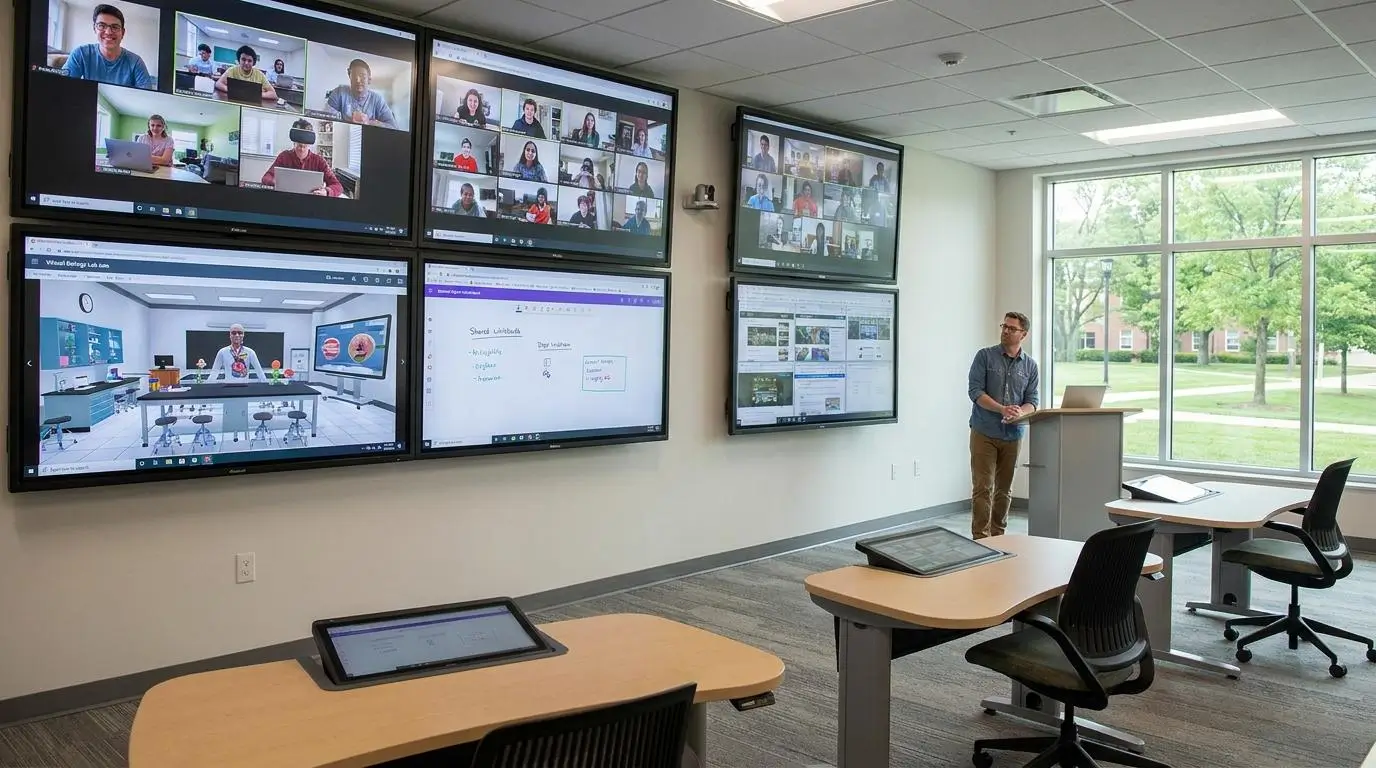
A successful virtual training platform does more than deliver content. It keeps students engaged, helps instructors teach more effectively, and creates an environment where learning feels active rather than passive. That’s not always easy. Attention spans are short, expectations are high, and learners want experiences that feel practical and interactive.
Both Apporto and ReadyTech recognize this reality, though they emphasize different aspects of the learning journey.
ReadyTech has built its reputation around structured virtual classrooms and instructor-led experiences. The platform offers real-time lab management, allowing instructors to monitor learner progress, assist students during exercises, and guide sessions as they unfold. This creates an experience that feels close to a traditional classroom, even when participants are spread across different locations.
Its results are noteworthy. Virtual classrooms delivered through ReadyTech have achieved usage rates as high as 93% after organizations transitioned from face-to-face learning. The platform has also supported thousands of students globally, demonstrating its ability to deliver engaging training experiences at scale.
Apporto approaches learning through flexibility and accessibility. Students access virtual desktops through a browser and move effortlessly between applications, labs, and assignments in one environment. Instead of separating learning tools into different systems, Apporto creates a unified workspace where teaching, collaboration, and hands-on learning happen naturally.
This can be particularly valuable in modern education, where learning often extends beyond scheduled classroom sessions. Students want to explore, experiment, and revisit exercises on their own time. Apporto supports that style of learning while reducing technical barriers that may interrupt the experience.
What Features Improve Learning Outcomes?
- Hands-On Labs: Practical labs allow students to apply concepts immediately, improving understanding and long-term retention.
- Real-Time Instructor Support: ReadyTech provides real-time lab management so instructors can guide learners, answer questions, and provide assistance during live sessions.
- AI Training Assistants: AI-powered training assistants can provide immediate feedback, helping learners correct mistakes and gain insights without waiting for instructor intervention.
- Virtual Classrooms: Structured virtual classrooms encourage collaboration, discussion, and active participation. Organizations have reported strong engagement, with some programs achieving 93% usage rates.
- Interactive Learning: Students learn more effectively when they can interact with software, explore scenarios, and practice skills rather than simply watch demonstrations.
- Flexible Learning Experiences: Giving learners the ability to access resources anytime and continue learning at their own pace often improves satisfaction and engagement over time.
A great learning experience depends on more than features alone, though. Students and instructors also need confidence that the environment is secure, easy to manage, and capable of protecting sensitive information throughout the learning process.
How Do Security and Platform Management Compare?
As virtual training expands across universities, businesses, and certification programs, security has become a central concern. Learners access labs from different devices, instructors manage classes remotely, and organizations store course materials, assignments, and sensitive data in cloud environments. All of this creates an important question: how secure is the platform behind the learning experience?
Security is no longer only about preventing unauthorized access. It is also about making administration simpler, controlling user permissions effectively, and ensuring students can focus on learning without technical barriers getting in the way.
Both Apporto and ReadyTech recognize these priorities, though their approaches reflect their different design philosophies.
ReadyTech provides a dedicated training environment with controlled access to virtual labs and centralized management tools that help instructors and administrators oversee training activities. Apporto focuses on secure browser access, simplifying how students connect while maintaining strong controls over data and applications.
For organizations choosing between the two, the difference often comes down to how much flexibility, administrative control, and ease of management they require.
What Security Features Matter in Virtual Training Platforms?
- Secure Browser Access: Browser-based access reduces dependency on local software and allows students to connect securely from different devices with fewer setup requirements.
- User Permissions: Administrators should be able to define who can access labs, applications, and course materials, ensuring learners only see resources relevant to their training.
- Session Management: Effective session management helps instructors oversee active users, manage classroom activities, and maintain control over virtual training environments.
- Data Protection: Training materials, student data, and software environments should remain protected through centralized security measures and controlled access policies.
- Administrative Oversight: Instructors and IT teams need tools that simplify management, provide visibility into user activity, and help maintain secure learning environments.
- Device Flexibility Without Compromising Security: Modern platforms should support students accessing resources from different devices while preserving a consistent and secure experience.
Security Comparison Table
| Security Category | Apporto | ReadyTech |
|---|---|---|
| Secure Access | Secure browser-based access that minimizes setup complexity and simplifies connectivity | Dedicated training environment with controlled access to virtual classrooms and labs |
| User Management | Centralized management of users, desktops, and applications | Instructor and administrator controls designed around training delivery |
| Browser Security | Browser-first architecture reduces reliance on local software installations | Primarily focused on secure access within structured training environments |
| Administrative Controls | Simplified administration with centralized oversight and flexible management | Real-time lab management and classroom administration capabilities |
| Data Protection | Centralized desktop environment designed to help protect applications and user data | Controlled lab environments with managed access to course materials and resources |
Security and management are essential foundations, but learners also expect fast, reliable experiences. As training programs grow and more students join virtual classrooms, performance and scalability become just as important as security itself.
How Do Performance and Scalability Compare?
A virtual training platform may offer excellent features, but if performance suffers when classes grow or applications become more demanding, the learning experience quickly loses momentum. Students expect responsive labs. Instructors expect stability. Organizations expect a platform that can scale as training demand increases without creating unnecessary complexity.
This is where performance and scalability become important decision factors.
Both Apporto and ReadyTech are designed to support modern learning environments, yet they prioritize different strengths. ReadyTech focuses on delivering reliable training experiences at scale, while Apporto emphasizes flexibility and browser-based desktop performance that extends beyond traditional classroom use.
Where Does ReadyTech Excel?
ReadyTech was built with training delivery at its core, and that focus shows in how the platform scales. It supports more than 8,000 virtual instructor-led training, or VILT, students across over 50 countries, demonstrating its ability to deliver large-scale training programs consistently.
Organizations that run software workshops, certification courses, or instructor-led programs often value this scalability because it allows them to reach more learners without sacrificing the classroom experience.
The platform is also optimized for real-time training delivery. Instructors can manage labs, monitor students, and guide exercises while maintaining a structured learning environment. This emphasis on training performance has helped organizations deliver programs to thousands of learners across different regions and time zones.
For institutions where training is the primary objective, ReadyTech offers a mature environment designed specifically for that purpose.
Where Does Apporto Excel?
Its browser-based delivery model gives users access to virtual desktops without requiring complex local installations. Students can launch applications, access labs, and move between different software environments from one desktop experience, making the platform highly adaptable to changing educational and workplace needs.
A notable advantage is flexibility. Apporto supports multiple apps within a single desktop, allowing learners to work across different tasks without switching environments or interrupting their workflow. This creates a more seamless experience, especially when courses involve multiple software tools or collaborative activities.
The platform is designed to scale while maintaining simplicity, helping organizations support growing numbers of students without significantly increasing management complexity.
Core Performance Considerations
- Training at Scale: ReadyTech supports more than 8,000 VILT students, demonstrating strong scalability for large training programs.
- Specialized Training Performance: The platform is engineered specifically for virtual classrooms, hands-on labs, and instructor-led learning.
- Browser-Based Delivery: Apporto delivers desktops through a browser, reducing setup requirements and improving accessibility.
- Multiple Applications in One Desktop: Students can use several applications within a single workspace, creating a smoother learning and work experience.
- Responsive Learning Environments: Both platforms are designed to support growing demand while maintaining consistent performance over time.
Performance is crucial, of course, but organizations also need to understand the financial side of the equation. As training programs expand, questions about budget, operational efficiency, and long-term costs become impossible to ignore.
How Do Pricing and Long-Term Costs Compare?
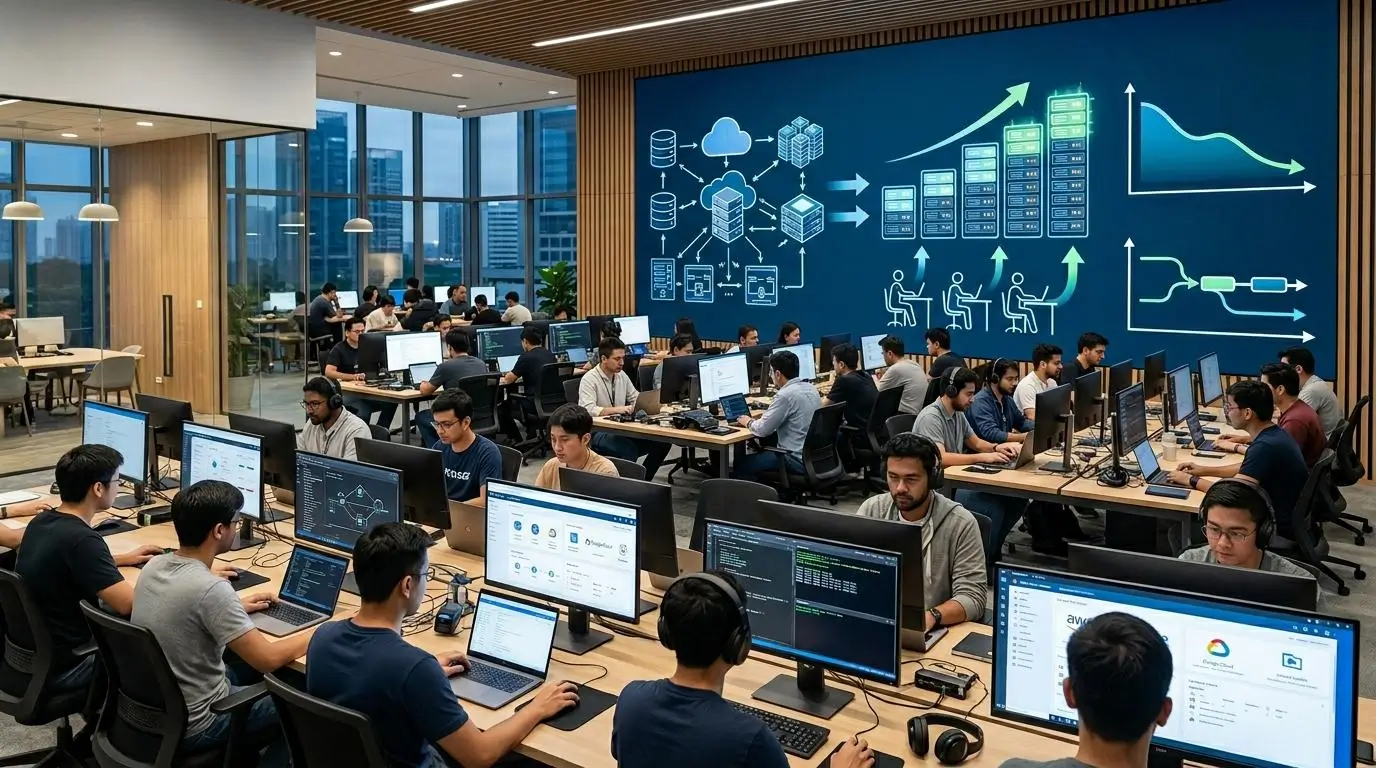
Technology decisions are rarely based on features alone. Budget matters. Organizations need to understand not only what a platform can do today, but also how costs evolve as training programs grow, new users are added, and learning requirements become more sophisticated.
Virtual training has already changed the economics of education and workforce development. Organizations no longer need to maintain large physical labs, coordinate travel, or reserve classroom facilities for every training session. The result can be significant savings in both time and operational expenses.
Still, the way those savings are achieved differs from one platform to another.
ReadyTech and Apporto both help organizations reduce costs, but they approach efficiency from different angles. ReadyTech focuses on optimizing training delivery at scale, while Apporto emphasizes simplicity, predictable costs, and operational efficiency through browser-based virtual desktops.
Why Is Training Efficiency Important for Budget Planning?
Training budgets are under increasing pressure. Organizations want to train more people, deliver better experiences, and do so without dramatically increasing costs.
Virtual training addresses many of these challenges. By moving labs and classrooms online, organizations can reduce travel expenses, eliminate many physical infrastructure costs, and make learning more accessible to distributed teams.
The impact can be substantial. ReadyTech reported that its virtual training capabilities helped reduce training delivery costs by as much as 83% for Johnson Controls. This demonstrates how virtual classrooms and hands-on labs can create meaningful financial efficiencies while expanding access to learners across different locations.
Efficiency also extends beyond direct costs. Faster training delivery, easier classroom management, and broader learner reach can improve the overall return on training investments over time.
How Does Apporto Deliver Cost Efficiency?
Apporto approaches cost efficiency through simplicity. The platform simplifies deployment, reduces management complexity, and eliminates many of the technical hurdles commonly associated with virtual learning environments. Because users access desktops through a browser, organizations spend less time managing software installations, troubleshooting device compatibility issues, or maintaining complex training infrastructure.
This streamlined model contributes to more predictable operational costs. Organizations can better estimate expenses, simplify budget planning, and reduce the administrative effort required to support students and employees.
Instead of dedicating significant resources to infrastructure management, teams can focus more on teaching, learning, and supporting users.
For institutions seeking flexibility alongside financial predictability, this simplicity can become a major advantage over time.
Cost Comparison Table
| Cost Category | Apporto | ReadyTech |
|---|---|---|
| Deployment Costs | Simplified deployment with lower setup complexity and reduced administrative effort | Training environments designed for efficient rollout of virtual classrooms and labs |
| Operational Costs | Predictable operational costs supported by browser-based delivery and easier management | Reduced operational expenses through virtual training and centralized classroom delivery |
| Training Costs | Supports cost-efficient learning by simplifying access to software, labs, and desktops | Virtual training has demonstrated significant savings, including reported reductions of up to 83% in training delivery costs |
| Scalability Costs | Flexible environment that grows without major increases in infrastructure complexity | Designed to support expanding training programs and larger student populations |
| Budget Predictability | More straightforward budgeting through simplified deployment and ongoing management | Costs tied closely to training scale and organizational learning requirements |
Long-term costs are important, but organizations are also looking beyond budgets. Many are rethinking what they want from a training platform altogether, seeking solutions that offer more flexibility, easier access, and broader capabilities than traditional virtual training environments.
Why Are Organizations Looking Beyond Traditional Training Platforms?
The expectations surrounding virtual learning have changed dramatically over the last few years. Learners want more flexibility. Instructors want simpler tools. Organizations want platforms that can support training, collaboration, and practical learning without creating technical hurdles along the way.
Traditional training platforms still serve an important purpose, especially for structured instructor-led programs. Yet many organizations are beginning to ask a broader question: can a training platform also provide a more flexible workspace that adapts to different learning styles and evolving needs?
This growing interest in alternatives is driven by a desire for simplicity. Learners expect to access resources from any device without complicated setup procedures. They want to learn at their own pace, switch between applications easily, and continue their work beyond scheduled classroom sessions. Organizations, meanwhile, are looking for platforms that reduce administrative effort while improving accessibility and user satisfaction.
Browser-first experiences have become especially attractive because they remove many of the barriers associated with traditional software deployments. When access becomes easier, learning often becomes more engaging as well.
The result is a gradual move toward platforms that prioritize flexibility, accessibility, and operational simplicity alongside strong training capabilities.
Most Common Reasons Organizations Explore Alternatives
- Accessibility: Learners want to access training environments quickly, regardless of location or technical expertise.
- Device Flexibility: Modern students and employees use different devices, making cross-device support an increasingly important requirement.
- Reduced Complexity: Organizations prefer solutions that simplify deployment, software access, and day-to-day administration.
- Lower Administration: Smaller IT teams often seek platforms that reduce management overhead and require less ongoing maintenance.
- Better User Experience: Easy access, intuitive interfaces, and flexible learning environments help improve engagement and overall satisfaction.
- Support for Different Learning Styles: Organizations increasingly value platforms that allow students to learn, experiment, and work in ways that fit their individual needs.
These changing expectations explain why many organizations are evaluating newer approaches to virtual learning, and why browser-based platforms such as Apporto are gaining attention as modern alternatives to traditional training environments.
Why Does Apporto Stand Out as a Modern ReadyTech Alternative?
ReadyTech has earned its reputation as a dedicated virtual training platform. It offers structured classrooms, hands-on labs, and instructor-led learning experiences that work well for organizations focused primarily on training delivery.
But modern learning is becoming more fluid. Students don’t simply attend a session and log off. They collaborate, experiment with software, switch between projects, and continue learning outside scheduled classes. Employees expect the same flexibility. They want access to applications and resources from anywhere, without complicated installations or device restrictions.
This is where Apporto stands apart. It was built around a browser-first experience that makes virtual desktops simple to access and easy to manage. Users can log in through a web browser, access their applications instantly, and move between different software tools without leaving their workspace. The experience feels seamless, which is something learners appreciate and administrators value.
Another important difference is flexibility. Apporto is not limited to a single training scenario or classroom model. It provides a virtual environment where students can learn, instructors can teach, and users can work, all within the same desktop experience.
The platform also places a strong emphasis on education. Schools, colleges, and universities increasingly need environments that are easy to deploy, accessible from different devices, and capable of supporting a wide range of software requirements. Apporto addresses these needs while keeping administration straightforward and operational costs easier to manage.
For organizations seeking a modern alternative that combines accessibility with flexibility, Apporto offers a compelling path forward.
What Makes Apporto Different?
- Browser-Based Desktops: Access virtual desktops directly through a browser without complicated installations or device-specific setup.
- Multiple Apps in One Workspace: Run and switch between multiple software applications seamlessly within a single desktop environment.
- Easy Accessibility: Learn and work from almost anywhere using different devices with minimal setup requirements.
- Flexible Learning Environments: Support classrooms, labs, research projects, and everyday work within one platform.
- SecurePlatform: Deliver applications and desktops through a secure environment designed for modern educational and professional needs.
- Education-Focused Features: Built to support institutions that need accessible, scalable, and easy-to-manage learning environments.
- Simplified Management: Reduce administrative complexity with a platform designed to streamline deployment and ongoing support.
- Cost Efficiency Lower setup complexity and easier management can help organizations improve operational efficiency over time.
As you weigh Apporto against ReadyTech, the decision often comes down to one simple question: do you need a platform designed mainly for training delivery, or a flexible virtual environment that supports learning, collaboration, and work together? Try Apporto Now
Final Thoughts
The Apporto vs ReadyTech comparison is not about choosing a universally better platform. It is about identifying which solution aligns more closely with your learning goals, technical requirements, and long-term vision.
ReadyTech makes sense when your primary focus is structured training delivery. Its virtual classrooms, hands-on IT labs, and instructor-led experiences are well suited for software training, demonstrations, and large-scale educational programs that require dedicated learning environments.
Apporto takes a broader approach. It combines browser-based virtual desktops with flexible learning environments that allow students and employees to learn, collaborate, and work within the same platform. Its simplicity, accessibility, and education-focused design make it an attractive choice for organizations looking beyond traditional training models.
Ultimately, the right decision depends on how you want people to learn. If structured training is your priority, ReadyTech is a strong option. If flexibility, accessibility, and ease of use matter most, Apporto stands out as a compelling modern alternative.
Frequently Asked Questions (FAQs)
1. Is Apporto a good ReadyTech alternative?
Yes. Apporto is a strong ReadyTech alternative for organizations seeking browser-based virtual desktops, flexible learning environments, and simpler administration. It supports virtual labs, classrooms, and everyday work within one platform, making it suitable for education as well as workforce training.
2. What is the biggest difference between Apporto and ReadyTech?
The biggest difference is their core focus. ReadyTech is designed primarily for virtual training, hands-on labs, and instructor-led learning. Apporto provides browser-based virtual desktops that support training while also enabling students and employees to learn, collaborate, and work in one environment.
3. Does Apporto require software installation?
No. Apporto is built around a browser-based experience, allowing users to access desktops, applications, and labs without installing local software. This reduces setup complexity, simplifies onboarding, and helps students connect quickly from different devices and locations.
4. Is ReadyTech designed primarily for training?
Yes. ReadyTech is engineered specifically for training delivery. It combines virtual classrooms, hands-on IT labs, and course materials in one platform, making it well suited for software training, product demonstrations, certification programs, and instructor-led workshops.
5. Can Apporto support virtual labs and classrooms?
Yes. Apporto supports virtual labs, classroom environments, and browser-based desktops within a unified workspace. Students can access software, switch between applications, and complete assignments from a single environment designed to support flexible and interactive learning experiences.
6. Why do organizations explore ReadyTech alternatives?
Organizations often seek alternatives because they want greater flexibility, broader use cases, easier accessibility, and platforms that extend beyond structured training. Browser-based environments that support learning, collaboration, and everyday work have become increasingly attractive to modern educational institutions and businesses.
7. Is Apporto suitable for educational institutions?
Absolutely. Apporto is designed with education in mind and supports virtual classrooms, software access, and flexible learning environments. Its browser-based approach allows institutions to provide students with secure access to applications and labs without relying on specialized hardware or complex setup.
8. How does Apporto simplify access for students?
Apporto simplifies access by delivering desktops and applications through a web browser. Students can connect from different devices, access software instantly, and continue learning without installing applications or dealing with complicated configuration steps, creating a smoother learning experience overall.
9. How quickly can Apporto be deployed?
Apporto is designed for fast deployment and simplified onboarding. Its browser-based architecture removes many of the setup challenges associated with traditional environments, allowing organizations to provide access to virtual desktops and learning resources in significantly less time.
10. Which platform is easier to manage?
For most organizations seeking simplicity, Apporto is generally easier to manage. Its browser-first design, streamlined administration, and flexible desktop environment reduce operational complexity while giving students and instructors an accessible and consistent learning experience.
