

What Are the Best CloudLabs Alternatives for Virtual Labs and Hands-On Learning?
The best CloudLabs alternatives include Apporto, Skillable, CloudShare, Strigo, and KodeKloud. Apporto leads for higher education with browser-based virtual computer labs, simplified management, and secure access, while other platforms specialize in enterprise training, cloud learning, or technical certification programs.
Choosing a virtual lab platform isn’t always straightforward. A solution that works well for one institution or training provider may fall short for another. You may need stronger security controls, more flexible browser access, or a cloud environment that scales smoothly as demand grows. And while CloudLabs has built a solid reputation for interactive learning and hands on labs, it isn’t the only platform worth considering.
The best CloudLabs alternatives bring different strengths to the table, from practical application and real-world lab environments to enterprise scalability and simplified management.
This guide compares the top options based on hands on experience, security, accessibility, and the value they deliver to students, instructors, and technical teams.
How We Evaluated These CloudLabs Alternatives
A feature list can only tell you so much. The real question is simpler: how well does a platform help you teach, train, and scale without creating unnecessary complexity? To answer that, these CloudLabs alternatives were evaluated on the factors that matter most to educational institutions, enterprise training teams, and technical instructors. The focus wasn’t on who offers the most features. It was on who delivers the best learning experience, practical usability, and long-term value.
Hands-On Learning Experience
The value of a virtual lab depends on how closely it mirrors real work. Strong hands on labs allow learners to experiment freely, apply concepts immediately, and build confidence through practical application rather than passive learning. The best platforms create real life scenarios that feel relevant to day-to-day responsibilities, not isolated exercises that exist only inside a lab environment.
Progress tracking was another important factor. Instructors need visibility into how learners perform, while participants benefit from clear milestones and measurable progress. User engagement also matters. A platform should encourage exploration, keep learners involved, and provide hands on experience that translates into real skills.
Browser Access and Deployment Simplicity
No one wants to spend days configuring devices before training can even begin. Platforms with browser-based access and an intuitive web interface scored highly because they reduce setup time and make user access easier to manage.
Cloud based environments with zero installs are particularly valuable for organizations supporting diverse devices and distributed users. A simple setup process means you can deploy labs faster, reduce technical barriers, and focus more on learning outcomes instead of infrastructure management.
Security, Verification, and Platform Protection
Security remains a critical consideration, especially when labs handle sensitive data or support large groups of users. We looked closely at security verification processes, access controls, and how each platform protects against malicious bots and unauthorized activity.
A reliable security service should verify users efficiently while maintaining a smooth experience. Features such as performing security verification, session monitoring, and secure access controls help protect the learning environment without creating unnecessary friction. After all, verification successful should mean more than passing a checkpoint. It should mean your data, users, and resources remain protected at every stage.
Scalability and Institutional Readiness
A platform that works for a small team may struggle under larger workloads. That’s why scalability played a significant role in this evaluation. We examined how these solutions handle large scale deployments, growing demand, and increasing numbers of participants across different learning programs.
Educational institutions often require flexible services that support thousands of students and instructors simultaneously. Enterprise teams face similar challenges when managing training across departments and locations. The strongest platforms are built to scale efficiently, allowing you to expand programs, manage instructors with ease, and maintain consistent performance as your needs evolve.
Quick Comparison Table: Which CloudLabs Alternative Is Right for You?
Some platforms focus heavily on hands on labs and certification training, while others prioritize browser-based access, large-scale deployments, or interactive learning experiences. The right choice often depends on your audience, infrastructure requirements, and the level of flexibility you expect from your virtual lab environment.
| Platform | Best For | Browser-Based | Pricing | Standout Feature |
|---|---|---|---|---|
| Apporto Virtual Computer Labs | Higher Education | Yes | Custom | Virtual Computer Labs |
| Skillable | Enterprise Labs | Partial | Custom | Hands-On Labs |
| CloudShare | Product Training | Yes | Custom | Sandbox Environments |
| Strigo | Instructor-Led Training | Yes | Custom | Live Training |
| KodeKloud | Cloud Learning | Yes | Subscription | DevOps Labs |
| AWS Self-Paced Labs | AWS Training | Yes | Usage-Based | AWS Ecosystem |
| CBT Nuggets | IT Certifications | Yes | Subscription | Video + Labs |
| Pluralsight | Technical Skills | Yes | Subscription | Skill Assessments |
| Instruqt | Product Demos | Yes | Custom | Interactive Labs |
| Practice Labs | Certification Prep | Yes | Subscription | Practical Exercises |
Cloudlabs Alternatives (Complete Breakdown)
1. Apporto Virtual Computer Labs (Best Browser-Based CloudLabs Alternative for Higher Education)
Overview
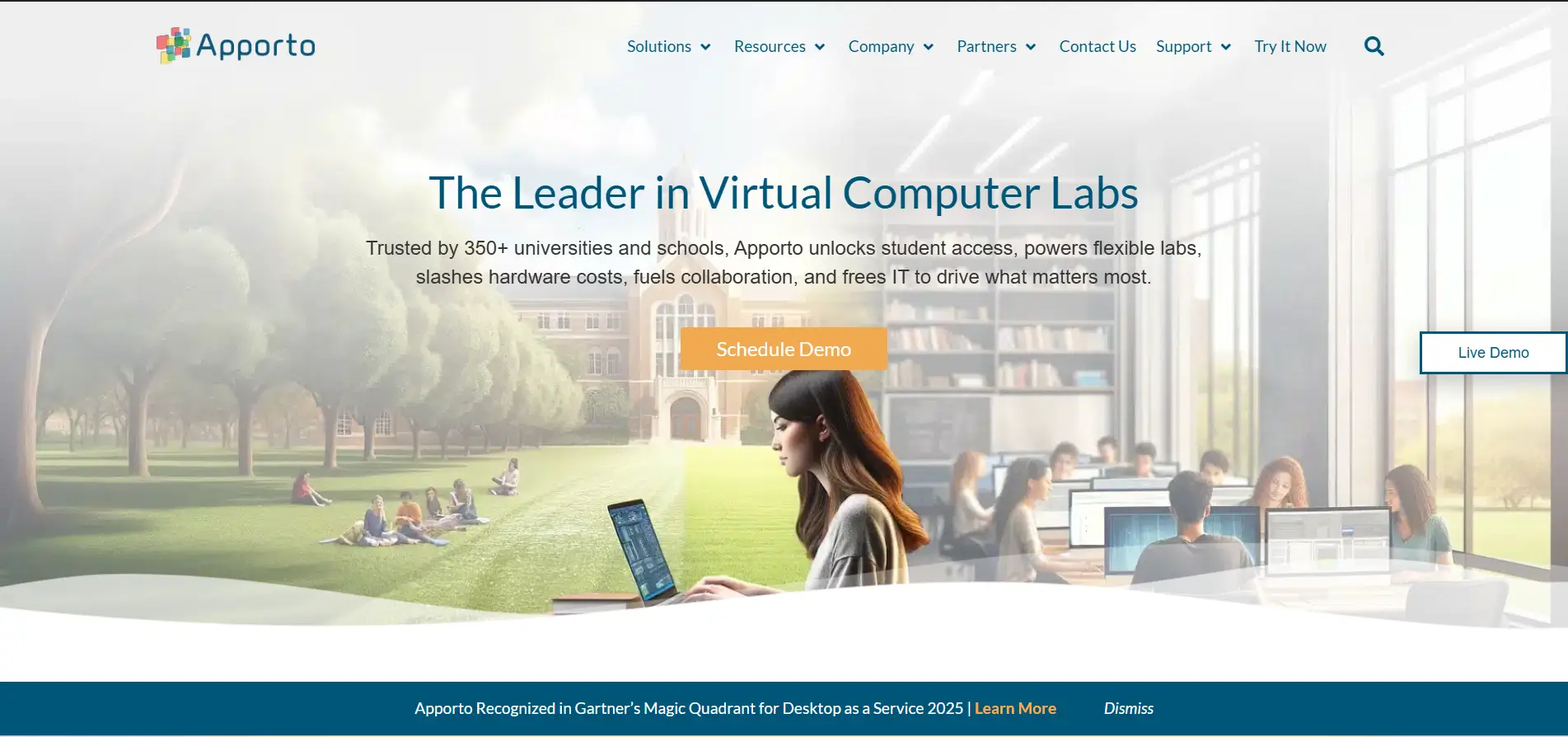
If browser accessibility and ease of management are high on your priority list, Apporto deserves serious consideration. Built specifically for higher education and training environments, Apporto delivers fully managed virtual computer labs that run directly in a browser, eliminating the need for software installation, VPNs, or complex configurations. Students can launch labs from virtually any device, while instructors and IT teams retain centralized control over applications, user access, and resources.
One thing stands out quite quickly. The platform removes many of the hurdles that traditionally slow down virtual lab deployments. In environments where hundreds or even thousands of students need immediate access to specialized software, that simplicity matters a great deal.
Highlights
- Browser-Based Virtual Labs: Students access applications and desktops directly through a browser, with zero installs or client software required.
- Fast Deployment: Virtual labs can be provisioned quickly, allowing institutions to launch programs without lengthy infrastructure projects.
- Centralized Management: IT teams manage applications, users, permissions, and resources from a single interface.
- Secure Access Controls: Built-in authentication and access management help protect student data and maintain a secure learning environment.
- Scalable Infrastructure: Designed to support institutions of varying sizes, from small departments to large universities with thousands of concurrent users.
Best For:
Higher education institutions, colleges, universities, and training providers seeking browser-based virtual computer labs with minimal IT overhead.
Limitations:
Pricing is not publicly available, and organizations outside education may find some features more tailored to academic environments.
Pricing:
Custom pricing based on institution size, user requirements, and deployment needs.
2. Skillable (Best for Enterprise Hands-On Labs)
Overview
Skillable has built its reputation around one thing, creating hands on labs that closely resemble real working environments. The platform is widely used by enterprise organizations, training providers, and technology companies that want learners to gain practical application skills instead of simply consuming theoretical content. From cybersecurity exercises to cloud administration and software training, Skillable offers a broad catalog of labs designed around real life scenarios.
Based on user feedback and industry reviews, hands on labs remain Skillable’s biggest strength. Organizations consistently praise the platform for creating a learning environment where participants can safely experiment, troubleshoot problems, and build confidence before applying those skills on actual projects. The experience feels purposeful. Not rushed, not overly simplified, which can make a noticeable difference when training teams at scale.
Highlights
- Extensive Hands On Labs: Offers hundreds of ready-to-use labs covering cloud, cybersecurity, IT operations, and software technologies.
- Real Life Scenarios: Simulates workplace environments that allow learners to practice tasks they are likely to encounter in their day-to-day roles.
- Automated Lab Provisioning: Creates training environments on demand, helping organizations deliver programs quickly and efficiently.
- Performance Tracking: Provides insights into learner progress, lab completion, and skill development through reporting tools.
- Scalable Learning Environment: Supports enterprise training programs with large numbers of participants across multiple teams.
Best For:
Enterprises, technology companies, and training providers looking for realistic hands on labs with strong practical application.
Limitations:
Browser functionality varies depending on the lab type, and pricing is only available through custom quotes.
Pricing:
Custom pricing based on training requirements, number of users, and deployment scale.
3. CloudShare (Best for Product Training and Technical Demonstrations)
Overview
CloudShare takes a slightly different approach from many CloudLabs alternatives. Instead of focusing primarily on academic learning or certification training, it specializes in creating customizable cloud environments for product demonstrations, technical training, and customer onboarding. This makes it particularly popular among software vendors and technology companies that need to showcase products in an interactive setting.
Based on customer reviews and product documentation, CloudShare is often praised for the flexibility of its sandbox environments. Users can deploy preconfigured labs, run demonstrations through a browser, and give participants access to realistic environments without requiring extensive local setup. That flexibility is one of its strongest selling points. Still, organizations looking for structured learning programs may find some alternatives more education-focused.
Highlights
- Customizable Sandbox Environments: Allows teams to create cloud based environments tailored to specific products, training goals, or demonstrations.
- Browser-Based Access: Users can access labs directly from a browser, reducing setup complexity and improving accessibility.
- Automated Environment Deployment: Simplifies the process of creating, cloning, and deploy training environments for different use cases.
- Real-Time Monitoring: Provides administrators with visibility into user activity, environment usage, and overall performance.
- Collaboration Tools: Supports team training sessions and enables users to share environments during demonstrations and workshops.
Best For:
Technology companies, product teams, and organizations delivering technical demonstrations or customer training programs.
Limitations:
Pricing is not publicly disclosed, and the platform may require additional configuration for highly specialized learning programs.
Pricing:
Custom pricing based on the number of users, environment requirements, and support needs.
4. Strigo (Best for Live Technical Training Programs)
Overview
Strigo is designed around one core idea, making live technical training feel interactive, practical, and easy to deliver at scale. The platform combines virtual classrooms with cloud-based lab environments, allowing instructors to teach and demonstrate concepts while participants work alongside them in real time. This approach has made Strigo a popular choice among technology companies, training providers, and certification programs that rely heavily on instructor-led sessions.
Based on user reviews and publicly available product information, Strigo is particularly strong at creating engaging live classes. Instructors can monitor learner activity, provide assistance instantly, and adapt sessions as needed. That flexibility is valuable when you’re trying to train large groups with different skill levels. Worth noting though, Strigo is built primarily for live experiences. Organizations looking for extensive self-paced programs may prefer platforms with broader course management capabilities.
Highlights
- Live Virtual Classrooms: Combines video sessions with hands-on lab environments, helping instructors teach and engage participants simultaneously.
- Integrated Cloud Labs: Allows learners to practice concepts in real environments while attending live training programs.
- Real-Time Monitoring: Instructors can observe participant activity, provide support, and troubleshoot issues during classes.
- Easy Environment Setup: Training environments can be provisioned quickly, reducing preparation time for instructors and administrators.
- Interactive Learning Experience: Encourages collaboration, active participation, and hands-on engagement throughout training sessions.
Best For:
Training organizations, software companies, and instructors delivering live technical classes and certification programs.
Limitations:
Self-paced learning capabilities are more limited compared to platforms designed primarily for independent study.
Pricing:
Custom pricing based on the number of participants, training requirements, and organizational needs.
5. KodeKloud (Best for Cloud and DevOps Learning)
Overview
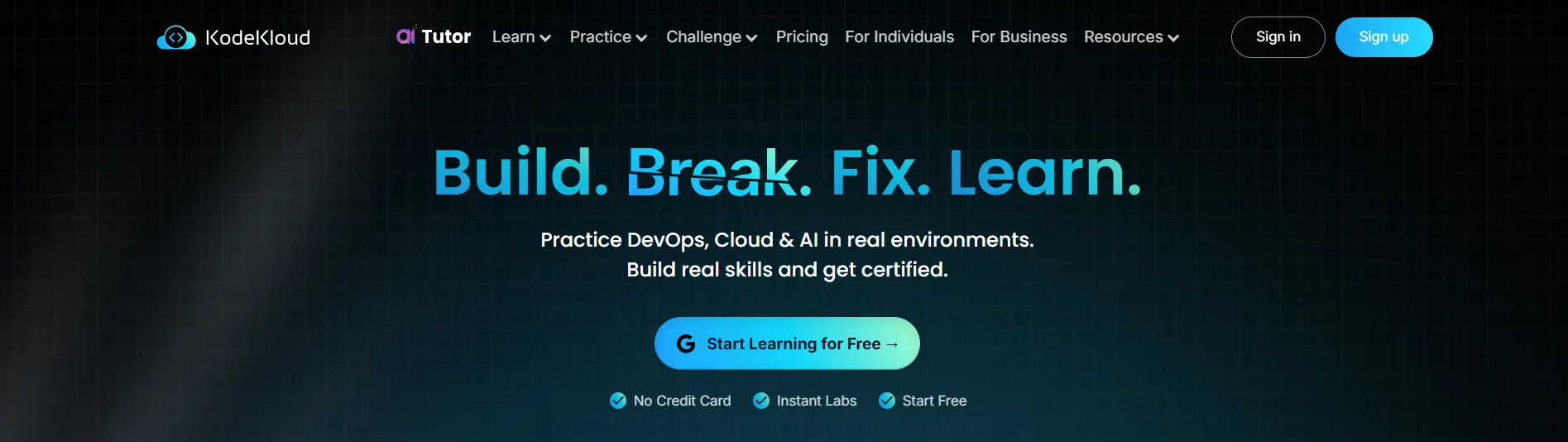
If your focus is mastering cloud technologies and DevOps practices, KodeKloud is one of the strongest CloudLabs alternatives available today. The platform combines video lessons with interactive labs, allowing you to move from theory to practical application without leaving the learning environment. Its courses cover a wide range of topics, including Kubernetes, Docker, Linux, automation, Azure, and Google Cloud, making it particularly appealing to learners preparing for technical careers or industry certifications.
Based on community feedback and user reviews, KodeKloud’s interactive labs are one of its biggest strengths. Learners often praise how quickly they can test concepts, troubleshoot issues, and build real skills through guided exercises. The platform doesn’t try to overwhelm you with unnecessary complexity. Instead, it focuses on hands-on learning that feels relevant and immediately useful, which explains why it has built a loyal following among aspiring DevOps engineers and cloud professionals.
Highlights
- Interactive Cloud Labs: Practice real-world tasks in cloud environments without needing separate infrastructure or additional setup.
- Comprehensive DevOps Courses: Covers essential skills including Kubernetes, Docker, Linux, CI/CD pipelines, and automation.
- Azure and Google Cloud Training: Offers dedicated learning paths for major cloud providers, helping learners build in-demand technical expertise.
- Guided Learning Paths: Structured courses make it easier to progress from beginner concepts to advanced cloud and DevOps topics.
- Browser-Based Access: Access courses and labs directly through your browser, reducing setup time and simplifying the learning experience.
Best For:
Students, IT professionals, and teams looking to develop cloud and DevOps skills through practical, hands-on learning.
Limitations:
The platform is heavily focused on cloud and DevOps topics, so organizations seeking broader enterprise training programs may require additional resources.
Pricing:
Subscription-based pricing with monthly and annual plans available for individuals and teams.
6. AWS Self-Paced Labs (Best for AWS Skills Development)
Overview
AWS Self-Paced Labs are designed for one clear purpose, helping you build practical AWS skills by working directly inside an actual AWS cloud environment. Rather than relying on simulations, these labs provide access to real services and resources, allowing learners to deploy applications, configure infrastructure, and experiment with cloud technologies at their own pace. For students and professionals preparing for AWS certifications, that hands-on experience can be incredibly valuable.
Based on course offerings and learner feedback, the platform does a good job of bridging the gap between theory and practical application. You don’t just read about AWS services, you interact with them. Launch virtual machines, configure networking, manage storage, and deploy cloud infrastructure in guided exercises that mirror common tasks performed by cloud professionals. That realism is perhaps its greatest advantage.
Highlights
- Real AWS Environment: Access genuine AWS services and resources rather than simplified simulations or static demonstrations.
- Self-Paced Learning: Complete labs according to your schedule, making it easier to balance learning with work or academic commitments.
- Hands-On Infrastructure Experience: Learn how to deploy, configure, and manage cloud infrastructure through practical exercises.
- Certification Preparation: Supports learners preparing for AWS certifications with labs aligned to real-world cloud concepts.
- Broad Service Coverage: Explore networking, storage, security, compute services, and other core AWS technologies in one learning environment.
Best For:
Students, IT professionals, and teams seeking practical AWS skills and real cloud environment experience.
Limitations:
The platform focuses exclusively on AWS, so learners interested in Azure, Google Cloud, or broader technology training may need additional resources.
Pricing:
Usage-based pricing varies depending on the labs, training programs, and AWS resources consumed.
7. CBT Nuggets (Best for IT Certification Training)
Overview
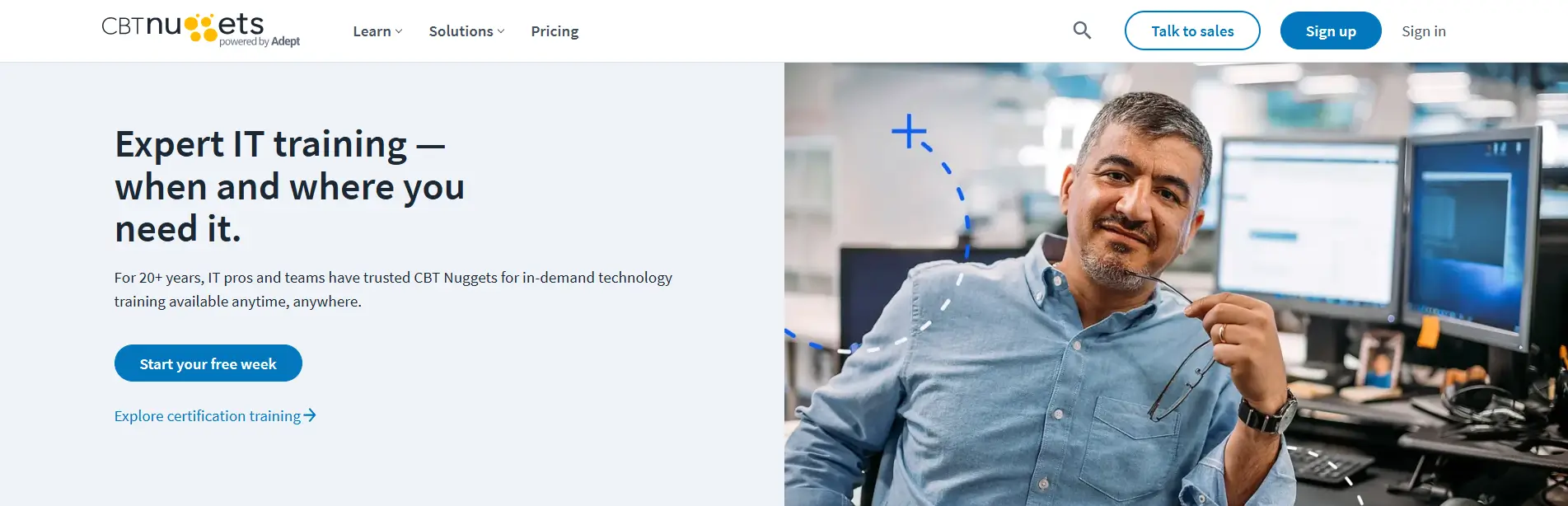
CBT Nuggets has been a familiar name in IT training for years, and for good reason. The platform combines video-based learning with virtual labs, quizzes, and certification-focused courses to help learners develop practical skills across networking, cybersecurity, cloud computing, and system administration. Its library covers popular certifications from vendors such as Cisco, Microsoft, CompTIA, and AWS, making it a strong choice for individuals and organizations investing in long-term technical learning.
According to learner reviews, one of CBT Nuggets’ biggest strengths is how approachable the content feels. Courses are led by experienced instructors who explain complex topics in plain language and keep participants engaged through short lessons and interactive exercises. Progress tracking tools and reports also make it easier for learners to monitor their development over time, which can be surprisingly motivating when working toward a certification.
Highlights
- Certification-Focused Learning: Offers training paths for major certifications, including Cisco, CompTIA, Microsoft, AWS, and cybersecurity programs.
- Interactive Virtual Labs: Allows learners to practice technical skills in a safe environment without requiring complex local setup.
- Expert Instructors: Courses are taught by experienced professionals who focus on practical learning and real-world applications.
- Progress Tracking and Reports: Provides dashboards that help learners and teams monitor course completion, progress, and performance.
- Mobile and Browser Access: Access courses from a browser or mobile device, giving participants flexibility to learn from anywhere.
Best For:
IT professionals, students, and organizations focused on certification training and structured technical learning.
Limitations:
The platform emphasizes certification preparation, so advanced enterprise lab customization options are more limited than some CloudLabs alternatives.
Pricing:
Subscription-based pricing starts with individual and team plans, with custom options available for businesses.
8. Pluralsight (Best for Technical Upskilling at Scale)
Overview
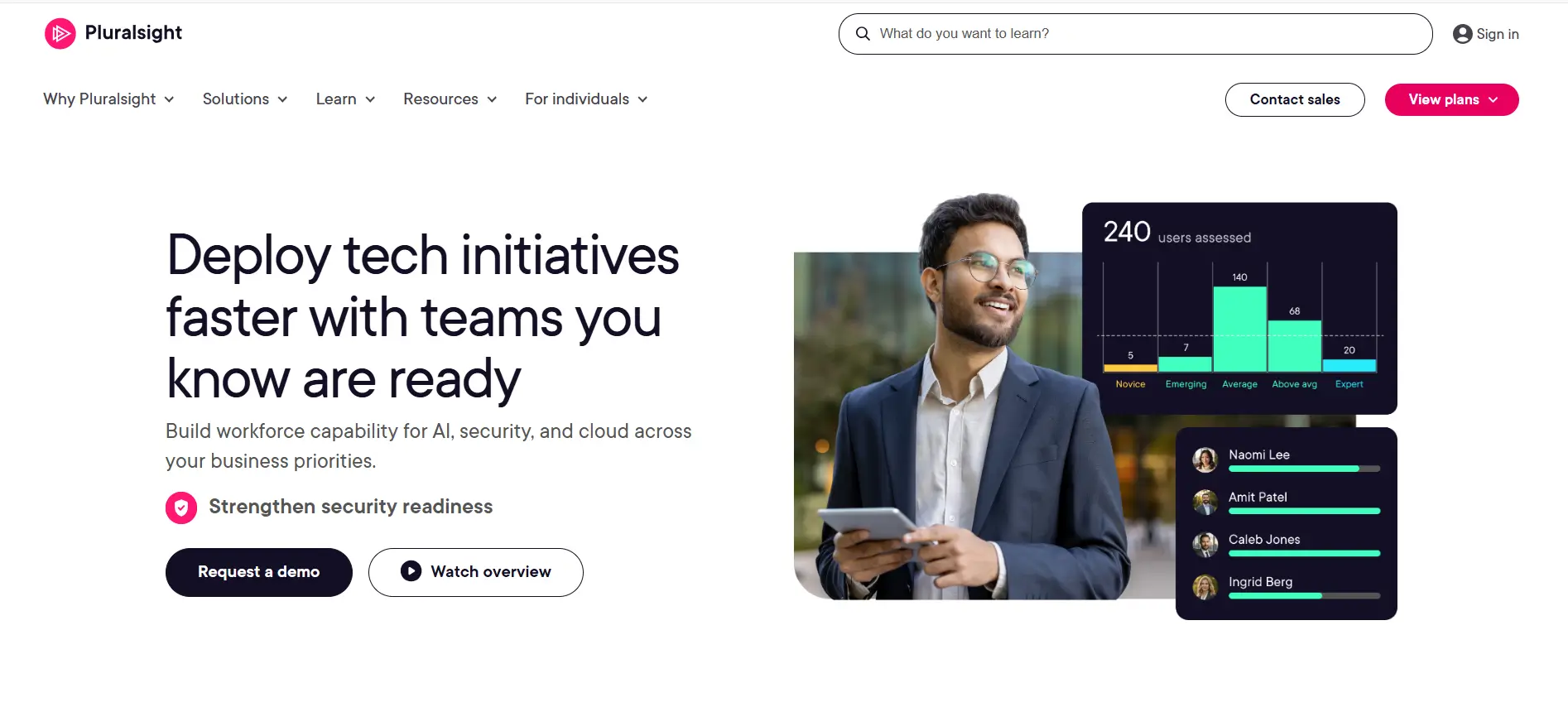
Pluralsight has evolved far beyond an online course library. Today, it is one of the most established platforms for technical upskilling, helping individuals and organizations develop skills across software development, cybersecurity, cloud computing, artificial intelligence, and IT operations. Its extensive course catalog, paired with hands-on labs and skill assessments, makes it particularly attractive for companies training teams at a large scale.
Based on industry reviews and user feedback, Pluralsight’s biggest advantage is the depth of its learning paths. The platform doesn’t simply offer isolated courses. It creates structured journeys that guide learners from foundational concepts to advanced skills, while measuring performance along the way. Many organizations also value the analytics tools, which help managers understand team progress and identify knowledge gaps before they become larger problems.
Highlights
- Extensive Technical Course Library: Covers cloud computing, cybersecurity, software engineering, AI, data science, and other in-demand technical skills.
- Hands-On Labs: Allows learners to practice concepts in interactive environments and apply knowledge through guided exercises.
- Skill Assessments: Measures current abilities and recommends learning paths tailored to individual strengths and weaknesses.
- Team Analytics and Reporting: Provides managers with insights into learning progress, skill development, and overall team performance.
- Scalable Learning Platform: Designed to support individuals, small teams, and large scale enterprise learning programs.
Best For:
Organizations, IT teams, and professionals looking to build technical skills through structured learning and measurable progress.
Limitations:
The platform focuses heavily on content and assessments, so organizations seeking highly customizable lab environments may find other options more flexible.
Pricing:
Subscription-based pricing is available for individuals, teams, and enterprises, with plans varying based on features and learning requirements.
9. Instruqt (Best for Interactive Product Training)
Overview
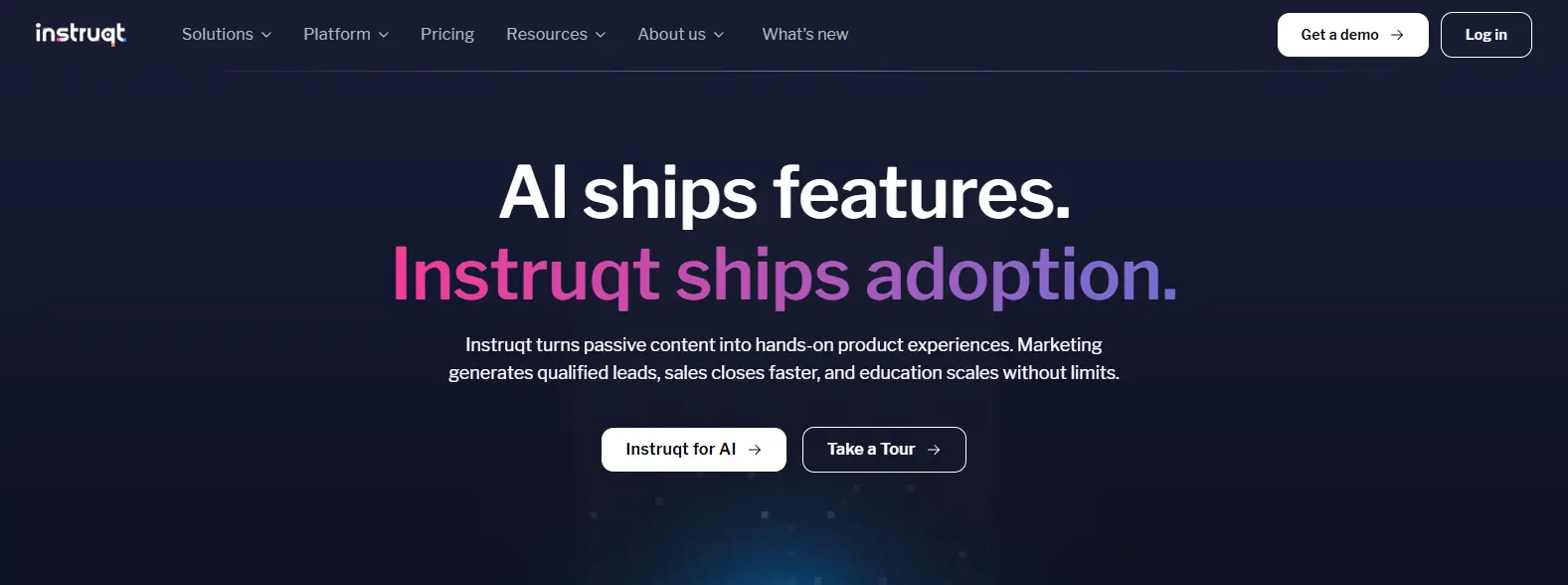
Instruqt is built for companies that want users to experience a product rather than simply read about it. The platform allows you to create interactive labs and guided product experiences inside a cloud environment, helping prospects, customers, and teams learn by doing. Instead of static demonstrations or long documentation pages, users interact directly with real environments through a browser, which makes the learning process feel far more engaging and practical.
Based on product reviews and customer feedback, Instruqt stands out for how effectively it combines product education with hands-on experiences. Organizations frequently use it to showcase software features, onboard customers, and train internal teams without asking participants to install software or configure complex environments. The browser-based approach lowers barriers to entry, and that simplicity often leads to higher participation and engagement rates.
Highlights
- Interactive Labs: Create guided, hands-on experiences that allow users to explore products in realistic environments and learn through practical tasks.
- Browser-Based Access: Users access training environments directly from a browser, eliminating installation requirements and simplifying onboarding.
- Cloud Environment Provisioning: Automatically creates isolated cloud environments for every learner, ensuring consistent and reliable experiences.
- Guided Product Showcases: Helps organizations showcase features and workflows in an interactive format rather than relying on static presentations.
- Analytics and Engagement Tracking: Monitor how users interact with labs, track completion rates, and identify areas where learners need additional support.
Best For:
SaaS companies, product teams, and organizations looking to deliver interactive product training and customer onboarding experiences.
Limitations:
The platform is primarily focused on product education and may not offer the broad certification or academic learning paths available with other CloudLabs alternatives.
Pricing:
Custom pricing based on usage, cloud resources, and the complexity of training environments.
10. Practice Labs (Best for Certification Preparation and Practical Skills)
Overview
Practice Labs focuses on one area exceptionally well, helping learners build practical skills through hands-on experience. The platform offers a combination of virtual labs, structured learning paths, and certification-focused content designed to prepare users for real technical roles. Its catalog spans cybersecurity, cloud computing, networking, IT support, and software development, making it a versatile option for individuals as well as organizations investing in workforce training.
Based on user reviews and industry feedback, Practice Labs is often appreciated for the realism of its lab environments. Learners don’t simply memorize concepts and move on. They spend time configuring systems, solving problems, and applying knowledge in a safe environment that closely resembles actual working conditions. That emphasis on practical application helps reinforce skills and gives learners measurable progress as they advance through certification tracks.
Highlights
- Hands-On Virtual Labs: Provides interactive lab environments where learners can practice technical tasks and gain hands on experience across multiple disciplines.
- Certification Learning Paths: Offers guided training aligned with popular certifications in cybersecurity, cloud, networking, and IT support.
- Realistic Practice Environment: Simulates real-world systems and scenarios, helping learners develop practical skills that transfer to the workplace.
- Progress Tracking: Tracks learner progress, completed labs, and skill development through reporting and assessment tools.
- Flexible Access: Supports self-paced learning, allowing users to access lab resources according to their schedules.
Best For:
Students, IT professionals, and organizations looking to strengthen practical skills and prepare for industry certifications through hands-on learning.
Limitations:
The interface can feel less modern compared to some newer cloud lab platforms, and advanced customization options are somewhat limited.
Pricing:
Subscription-based pricing is available for individuals, teams, and enterprise customers, with plans varying based on features and access requirements.
What Features Should You Look for in a CloudLabs Alternative?

Choosing between CloudLabs alternatives becomes much easier once you know what actually matters. Some platforms excel at hands-on learning, while others focus on enterprise scalability or cloud infrastructure. The right choice depends on how you train users, the level of technical complexity you support, and how easily the platform can grow alongside your programs. Before making a decision, pay close attention to these five features.
Hands-On Training
The most effective platforms provide realistic labs that go beyond theory. You should look for environments that simulate real-life scenarios and allow learners to experiment safely. Hands-on training strengthens understanding, improves retention, and gives users the confidence to apply concepts outside the lab.
Browser-Based Access
A browser-based platform removes a surprising amount of friction. Users can launch labs instantly without downloading software or adjusting VPN settings. This simplifies setup, reduces support requests, and creates a more accessible learning experience across different devices and operating systems.
Security and User Verification
Security should never be treated as an afterthought. Strong security verification processes, role-based access controls, and continuous monitoring help protect sensitive data and learning environments. Protection against malicious bots is equally important, particularly for educational institutions and organizations managing large groups of users.
Scalability
Training demand rarely stays fixed. A capable platform should support hundreds or even thousands of users while maintaining stable performance. Scalability becomes especially important when demand increases during onboarding programs, certification cycles, or semester starts.
Reporting and Progress Tracking
Detailed reports and progress dashboards help administrators monitor learner activity, evaluate outcomes, and identify areas where additional support may be needed. Clear visibility into progress makes training programs easier to measure and improve over time.
How Do You Choose the Right CloudLabs Alternative for Your Team?

After comparing the leading CloudLabs alternatives, one thing becomes clear. There isn’t a universal winner. The right platform depends on who you train, how you deliver learning, and the level of flexibility your organization requires. Some teams prioritize browser-based virtual labs, others need enterprise-grade reporting or advanced cloud training capabilities. Start by matching the platform to your specific goals rather than chasing the longest feature list.
Educational Institutions
If you manage learning environments for schools, colleges, or universities, simplicity matters.
- Browser-Based Access: Students should be able to access labs instantly without installing software or configuring devices.
- Virtual Computer Labs: Look for platforms that deliver specialized applications through the browser with minimal IT overhead.
- Student Access: Flexible access across personal devices helps improve participation and reduces compatibility issues.
- Simplified Management: Centralized administration saves time by allowing IT teams to manage users, applications, and permissions from one place.
Enterprise Training Teams
Enterprise learning programs often have different priorities.
- Large-Scale Deployments: The platform should handle growing teams without compromising performance.
- Technical Onboarding: Structured learning environments help new employees become productive faster.
- Hands-On Labs: Practical training develops real skills that employees can apply immediately.
- Monitoring and Reports: Detailed analytics make it easier to track engagement and measure learning outcomes.
Cloud and DevOps Training
For technical teams focused on cloud technologies:
- Azure and Google Cloud Support: Choose platforms that provide training across major cloud providers.
- Automation Skills: Interactive labs should cover automation tools and modern workflows.
- Cloud-Native Learning: Prioritize environments that teach real deployment practices and infrastructure management.
Budget and Pricing Considerations
Finally, evaluate pricing carefully. Subscription plans offer predictable costs, while custom pricing may provide greater flexibility for larger organizations. Consider long-term scalability, resource allocation, and how the platform will support your needs as training programs continue to grow.
Final Thoughts
The best CloudLabs alternative ultimately depends on what you’re trying to achieve. If you’re part of a university or educational institution looking for browser-based virtual labs with minimal setup and simplified management, Apporto Virtual Computer Labs stands out as the strongest choice. Its ability to provide instant student access without software installations gives it a practical advantage that many institutions appreciate.
For enterprise teams focused on hands-on learning, Skillable remains a leading option thanks to its realistic lab environments and strong emphasis on practical application. CloudShare is a smart pick if your goal is product demonstrations or technical onboarding, while KodeKloud continues to impress learners building cloud, automation, and DevOps skills. And if interactive product experiences are your priority, Instruqt offers one of the most engaging browser-based training environments available.
If there were only one recommendation for institutions seeking scalable virtual computer labs with lower IT overhead, Apporto would sit comfortably at the top of that shortlist. Its browser-first approach simply removes many of the barriers that make traditional labs difficult to manage.
Ready to modernize your virtual labs? Explore Apporto Virtual Computer Labs and see how browser-based labs can simplify learning, reduce IT overhead, and improve student access.
Frequently Asked Questions (FAQs)
1. What are the best CloudLabs alternatives in 2026?
Some of the best CloudLabs alternatives in 2026 include Apporto Virtual Computer Labs, Skillable, CloudShare, Strigo, KodeKloud, AWS Self-Paced Labs, CBT Nuggets, Pluralsight, Instruqt, and Practice Labs. Each platform serves different needs, from browser-based virtual labs and enterprise training to cloud learning and certification preparation.
2. Which CloudLabs alternative is best for educational institutions?
Apporto Virtual Computer Labs is one of the strongest choices for educational institutions because it provides browser-based access to virtual labs without requiring software installation or VPN configuration. This simplifies student access, reduces IT workload, and makes it easier to manage applications and resources at scale.
3. Are browser-based virtual labs better than VPN-based labs?
Browser-based virtual labs are often easier to deploy and manage because users can access them instantly from a web browser without installing software or configuring VPN settings. They also reduce technical barriers for students and remote learners, which helps improve accessibility and overall user experience.
4. What features should you prioritize in a hands-on lab platform?
You should prioritize realistic hands-on labs, browser-based access, strong security verification, scalable infrastructure, and detailed reporting capabilities. A good platform should help learners practice real-world skills safely while giving administrators the tools to monitor progress and manage users efficiently.
5. Can CloudLabs alternatives support large-scale training programs?
Yes. Many CloudLabs alternatives are designed to support large-scale deployments across educational institutions and enterprises. Platforms such as Apporto, Skillable, and Pluralsight can handle growing numbers of users while maintaining performance, simplifying management, and providing reporting tools for instructors and administrators.
6. Is Apporto a good CloudLabs alternative for higher education?
Yes, Apporto is an excellent CloudLabs alternative for higher education. Its browser-based virtual computer labs allow students to access specialized software from almost any device without installations. Combined with centralized management and scalable infrastructure, it helps institutions deliver flexible and accessible learning experiences.
