

What Is the Best Proctorio Alternative?
Apporto Exam Space is the best Proctorio alternative for higher education institutions seeking secure, browser-based online assessments. It combines AI-assisted monitoring, human review, identity verification, and seamless LMS integration without requiring browser extensions or software downloads, simplifying exam delivery while protecting academic integrity.
Online assessments have become a permanent part of education, but many institutions are now exploring Proctorio alternatives that offer greater flexibility and transparency. Concerns around privacy, biometric data collection, false positives, and the overall student experience have encouraged educators to look beyond traditional online proctoring software.
The goal is to maintain exam integrity while creating an assessment process that feels fair for both students and faculty.
This guide compares the best online proctoring software based on proctoring capabilities, LMS integration, security, pricing, and user experience, helping higher education institutions choose the right solution for their needs.
How Did We Evaluate These Proctorio Alternatives?

Selecting an online proctoring platform involves more than comparing feature lists. The right solution should protect academic integrity, respect student privacy, integrate with your existing learning ecosystem, and remain practical to manage as your institution grows.
For this guide, we evaluated leading online test proctoring services using vendor documentation, product capabilities, customer feedback, and common deployment practices across colleges, universities, and professional certification providers. Each platform was assessed using the criteria below to identify where it performs best.
Exam Security and Integrity
Protecting exam integrity was the most important factor in our evaluation. Effective proctoring platforms should accurately identify suspicious behavior while minimizing unnecessary interruptions for legitimate students. We looked at how each solution uses AI detection, live monitoring, and live proctoring, along with whether it supports human review before institutions make disciplinary decisions.
Platforms that combine automated monitoring with human oversight through hybrid proctoring generally provide a more balanced approach, helping reduce false positives while maintaining confidence in assessment results.
Student Experience and Privacy
Security should never come at the expense of trust. We examined how each platform handles webcam footage, browser permissions, and browser extension requirements, as well as its approach to biometric data. Privacy compliance also played a significant role, particularly for institutions operating under FERPA and GDPR regulations.
The best solutions create a secure exam environment while limiting unnecessary data collection and remaining compatible with a wide range of student devices, making online assessments more accessible without compromising security.
Integration and Ease of Deployment
A proctoring platform should fit naturally into your existing academic workflow. We evaluated LMS integration with widely used systems such as Canvas, Moodle, and Blackboard, along with browser compatibility and deployment complexity.
Solutions that require minimal configuration and work across common devices received higher scores because they reduce implementation time and ongoing administrative effort. For many educational institutions, seamless integration means instructors can focus on teaching instead of troubleshooting technology.
Pricing, Scalability, and Flexibility
Cost extends far beyond a subscription fee. We compared how leading online test proctoring services support different types of assessments, from classroom quizzes to high stakes exams, while remaining scalable for growing institutions and universities.
We also considered licensing flexibility, deployment models, support options, and long-term operational value. Platforms that adapt to changing enrollment, expanding academic programs, and evolving assessment strategies delivered stronger long-term value than solutions designed for a single use case.
Quick Comparison of the Best Proctorio Alternatives
Choosing an online proctoring platform often comes down to your institution’s priorities. Some solutions focus on AI-powered automation, while others emphasize live human review, LMS integration, or browser-based delivery.
The table below provides a side-by-side comparison of the leading Proctorio alternatives, making it easier to identify which platform best aligns with your assessment strategy, security requirements, and budget before exploring each solution in more detail.
| Solution | Best For | Proctoring Type | LMS Integration | Pricing |
|---|---|---|---|---|
| Apporto Exam Space | Higher education institutions seeking browser-based online exams | AI + Human Review | Canvas, Moodle, Blackboard, LTI | Custom Quote |
| Honorlock | AI-assisted live online proctoring | AI + Live Proctoring | Canvas, Blackboard, D2L, Moodle | Quote-based |
| AutoProctor | Automated online assessments | Fully Automated AI | Canvas, Moodle, Google Classroom | Subscription |
| Talview | Enterprise certification and workforce assessments | AI + Human Review | LMS & API Integrations | Quote-based |
| Schoolyear | In-person and hybrid exam security | Device Lockdown + Monitoring | Canvas, Moodle | Quote-based |
| WeCP | Technical and coding assessments | AI + Live Monitoring | Multiple LMS Platforms | Subscription |
| Respondus | LockDown Browser for academic exams | LockDown Browser + AI Monitoring | Canvas, Blackboard, Moodle, D2L | Quote-based |
| Examity | Live human proctoring for high-stakes exams | Live Human Proctoring | Canvas, Blackboard, Moodle | Quote-based |
| Digiexam | Secure digital assessments with offline support | Secure Browser + Monitoring | Canvas, Moodle, Microsoft Teams | Quote-based |
Best Proctorio Alternatives (Detailed Overview)
1. Apporto Exam Space (Best Browser-Based Alternative for Higher Education)
Overview
Apporto Exam Space is a browser-first online assessment platform designed to help colleges and universities deliver secure digital exams without adding unnecessary complexity. Students can launch exams directly from a supported web browser, eliminating software installation and reducing technical issues before an assessment begins.
The platform combines a secure exam environment, flexible exam settings, and seamless LMS integration to support both remote and campus-based assessments while helping institutions maintain strong academic integrity standards.
From our experience with higher education deployments, Apporto Exam Space consistently reduces onboarding challenges because students don’t need browser extensions or desktop applications. That simplicity makes implementation easier for instructors and IT teams while giving institutions the flexibility to scale online assessments across departments without increasing administrative workload.
Highlights
- Browser-based delivery allows students to access exams without installing additional software or browser extensions.
- Creates a secure exam environment using configurable controls, AI monitoring, and detailed activity reporting.
- Integrates with major learning management systems through LMS integration, including Canvas, Moodle, and Blackboard.
- Combines AI monitoring with human review to help institutions investigate flagged events before making academic integrity decisions.
- Supports identity verification before assessments begin to strengthen exam security and protect institutional standards.
Best For:
Higher education institutions seeking a browser-based assessment platform that balances security, usability, and scalable deployment.
Limitations:
Institutions requiring fully live human proctoring for every assessment may need additional workflows depending on their examination policies and compliance requirements.
Pricing:
Custom pricing based on institutional size, deployment requirements, and assessment volume.
2. Honorlock (Best for AI-Assisted Live Proctoring)
Overview
Honorlock is a widely used online proctoring platform that combines automation with live oversight to help institutions protect exam integrity during remote assessments. It operates through a browser extension and uses AI tools to monitor exam sessions in real time, identifying potential irregularities while allowing instructors to focus on the assessment itself. The platform is designed to integrate with major learning management systems, making it a practical option for colleges and universities delivering remote exams at scale.
Based on our review of product documentation and customer feedback, Honorlock is frequently recognized for balancing automated monitoring with instructor oversight. Institutions appreciate that AI performs the initial analysis, while trained reviewers can examine flagged incidents before academic decisions are made. This approach helps reduce unnecessary manual monitoring while providing additional context for suspicious events.
Highlights
- Uses AI tools to monitor exam sessions and identify patterns that may indicate policy violations.
- Supports live proctoring with trained personnel available to intervene when necessary during an assessment.
- Operates through a secure browser extension that helps restrict unauthorized activity during exams.
- Combines automated detection with human review, allowing flagged events to be evaluated before institutions take action.
- Generates detailed reports highlighting suspicious behavior, screen activity, and exam session timelines for instructor review.
Best For:
Colleges, universities, and certification providers that want AI-assisted online proctoring with optional live intervention for remote assessments.
Limitations:
The browser extension requirement and webcam-based monitoring may raise privacy concerns for some students, and institutions should clearly communicate data collection practices before exams.
For institutions where these requirements are not the right fit, exploring Honorlock alternatives can help compare platforms with different approaches to browser security, privacy, and exam monitoring.
Pricing:
Custom pricing based on institutional size, assessment volume, and deployment requirements.
3. AutoProctor (Best for Automated Online Assessments)
Overview
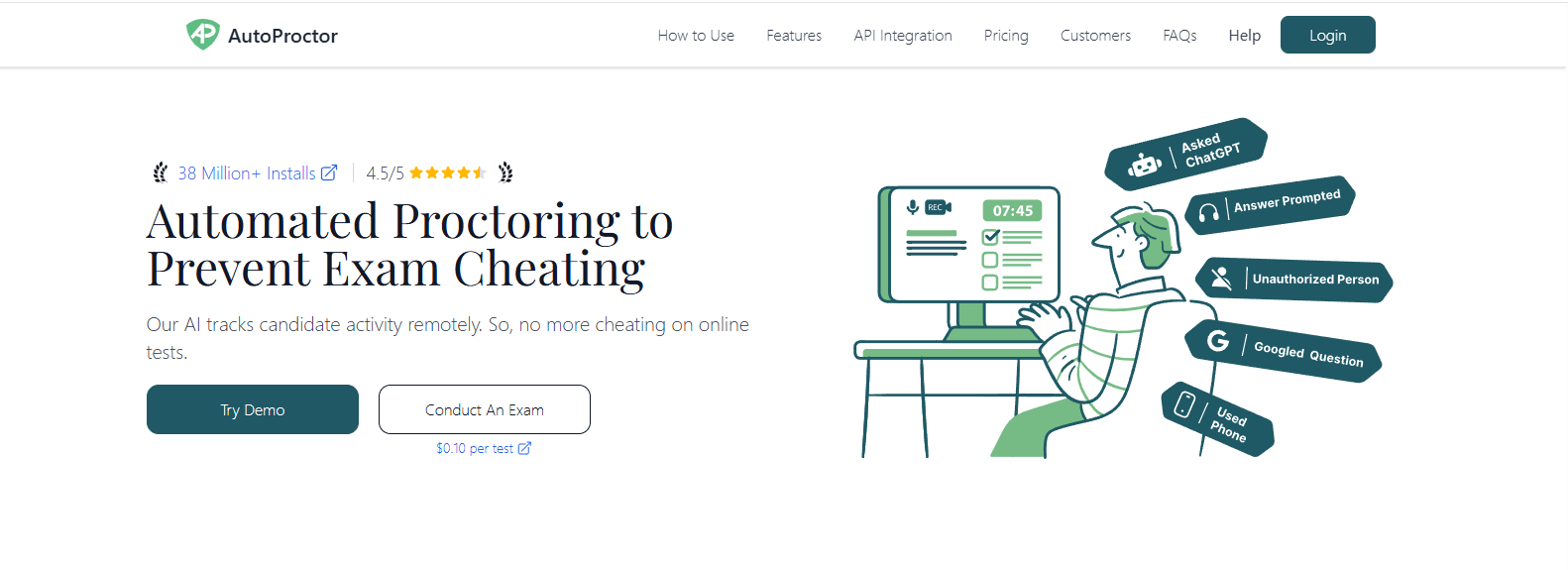
AutoProctor is an AI-powered online proctoring platform built for institutions that want to automate exam supervision without relying on live proctors. The platform uses AI monitoring, webcam monitoring, and activity tracking to oversee online assessments from start to finish. Its straightforward setup and cloud-based delivery make it an attractive option for schools, training providers, and certification organizations looking for a practical, cost-effective solution that can be deployed quickly.
Based on our review of product documentation and customer feedback, AutoProctor is often praised for its ease of use and affordable pricing. Many institutions appreciate that the platform automates much of the monitoring process, allowing faculty to review flagged incidents after an exam instead of supervising every session in real time. This makes it especially appealing for organizations with limited staffing resources.
Highlights
- Uses a fully automated proctoring workflow to monitor exams without requiring live invigilators.
- Employs AI monitoring to detect unusual activity, including multiple faces, abnormal movements, and unauthorized behavior.
- Includes screen recording throughout the assessment, giving instructors a complete record for post-exam review.
- Supports continuous webcam monitoring to help verify candidate identity and monitor the testing environment.
- Offers a cost-effective pricing model that makes online proctoring more accessible for schools and smaller training organizations.
Best For:
Small institutions, training providers, and certification programs seeking an affordable AI-powered proctoring platform with minimal administrative effort.
Limitations:
Because the platform relies primarily on automated monitoring, institutions conducting high-stakes examinations may prefer solutions that combine AI detection with documented human review.
Pricing:
Subscription-based pricing with plans based on exam volume and institutional requirements.
4. Talview (Best for Enterprise Certification and Hiring)
Overview
Talview is an AI-powered assessment and proctoring platform designed for organizations conducting large-scale certification exams, recruitment assessments, and professional credentialing. Beyond online exam monitoring, it provides identity verification, interview automation, and assessment management from a single platform. This broader feature set makes Talview particularly appealing to enterprises, testing organizations, and certification providers that need secure, scalable assessments while maintaining regulatory and organizational standards.
Based on our review of product documentation and customer feedback, Talview is frequently recognized for its enterprise-ready capabilities and flexible workflow configuration. Organizations value the combination of automated monitoring and manual verification, especially for certification programs where assessment outcomes must be accurate, transparent, and defensible. Users also appreciate its reporting tools, although implementation can require more planning than platforms designed for simpler academic use cases.
Highlights
- Supports secure certification exams with configurable proctoring workflows for professional testing programs.
- Performs identity verification using facial recognition, document validation, and candidate authentication before assessments begin.
- Uses AI detection to identify unusual behavior and automatically flag potential exam integrity concerns.
- Combines automated monitoring with human review, allowing flagged sessions to be evaluated before final decisions are made.
- Includes enterprise-grade reporting, audit trails, and compliance features that support regulated industries and large assessment programs.
Best For:
Enterprise organizations, certification providers, and professional testing companies that require scalable online assessments with strong compliance and identity verification capabilities.
Limitations:
The platform’s broad enterprise feature set may be more than smaller educational institutions need, and implementation typically requires additional configuration compared to simpler online proctoring solutions.
Pricing:
Quote-based pricing tailored to assessment volume, organizational size, and enterprise requirements.
5. Schoolyear (Best for In-Person and Hybrid Exam Security)
Overview
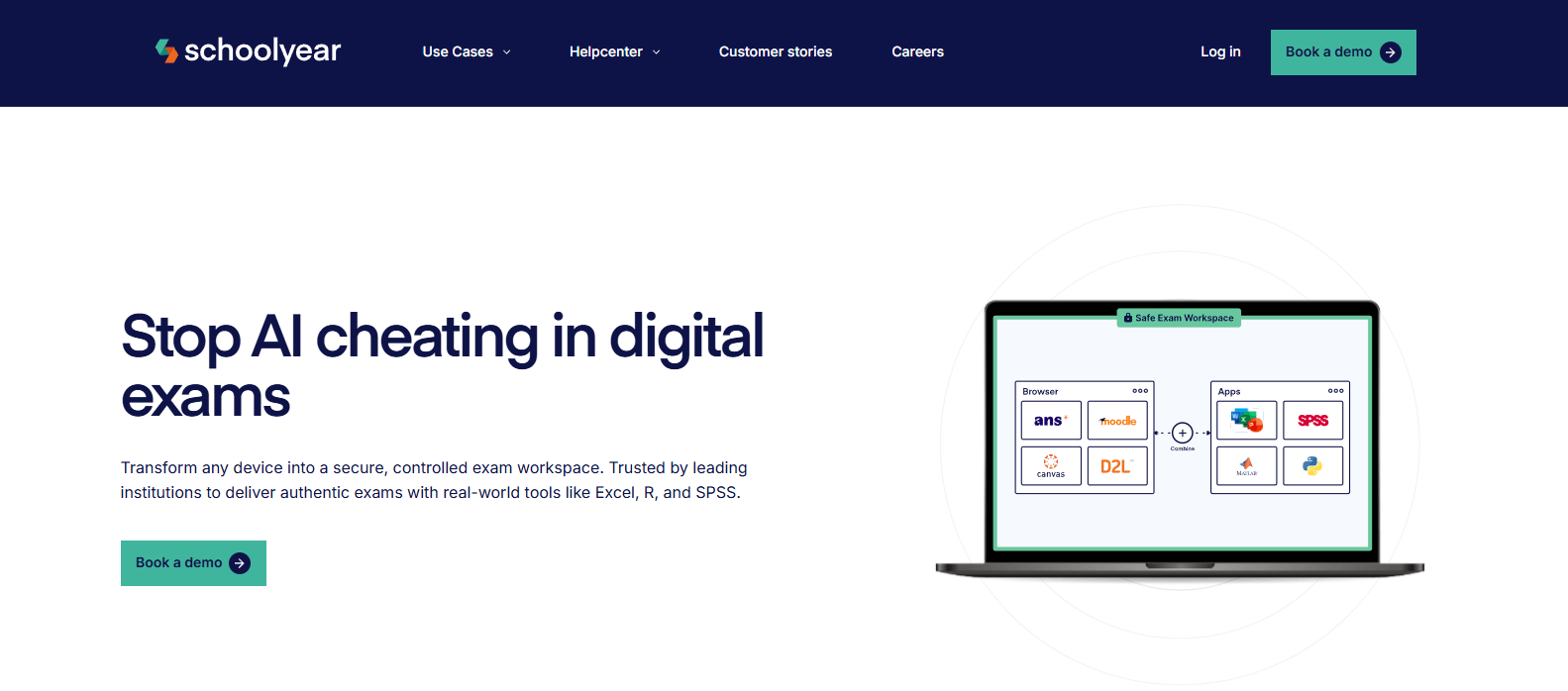
Schoolyear is an assessment platform designed to help educational institutions deliver secure in-person exams and hybrid assessments without adding unnecessary complexity. Unlike many online proctoring platforms that focus exclusively on remote testing, Schoolyear emphasizes device control inside the classroom. Its device lockdown capabilities and secure browser technology help prevent students from accessing unauthorized websites, applications, or files during an assessment, supporting a fair and controlled testing environment.
Based on our review of product documentation and customer feedback, Schoolyear stands out for institutions that conduct a mix of classroom and digital assessments. Educators frequently highlight its straightforward deployment and seamless LMS connectivity, allowing instructors to manage exams from familiar teaching platforms. Its focus on supervised classroom environments also makes it a practical option for schools that don’t require continuous webcam monitoring.
Highlights
- Uses device lockdown technology to restrict access to unauthorized applications and system functions during exams.
- Includes a secure browser that prevents tab switching, copy-pasting, and navigation away from the assessment.
- Integrates with Canvas, allowing instructors to launch and manage exams within their existing LMS.
- Supports Moodle integration for streamlined assessment delivery, grading, and course management.
- Designed for classroom assessments and hybrid testing, providing secure digital exams in supervised environments.
Best For:
Schools, colleges, and universities that conduct in-person or hybrid assessments and need reliable device lockdown without relying heavily on remote webcam proctoring.
Limitations:
Schoolyear is optimized for classroom-based testing, so institutions running large-scale remote examinations may need a dedicated online proctoring solution with live monitoring capabilities.
Pricing:
Quote-based pricing based on institutional size, deployment requirements, and assessment volume.
6. WeCP (Best for Technical and Coding Assessments)
Overview
WeCP is an assessment platform built for organizations that need to evaluate practical technical skills rather than traditional multiple-choice knowledge. It specializes in coding tests, developer hiring, and technical certification by providing realistic programming environments where candidates solve problems in real time. Beyond proctoring, the platform focuses on measuring actual job readiness, making it a popular choice for employers, coding bootcamps, universities, and training providers delivering hands-on technical assessments.
Based on our review of product documentation and customer feedback, WeCP is widely appreciated for combining assessment and proctoring in a single platform. Recruiters and instructors often highlight its ability to evaluate programming skills through realistic exercises while maintaining exam integrity using browser controls and monitoring tools. Its emphasis on practical performance sets it apart from platforms built primarily for traditional academic exams.
Highlights
- Supports customizable coding tests across multiple programming languages and technology stacks.
- Provides interactive live coding environments where candidates solve problems directly in the browser.
- Uses browser monitoring to help detect unauthorized activity during technical assessments.
- Delivers detailed reports for skills evaluation, helping instructors and hiring teams measure coding proficiency beyond final scores.
- Includes question banks, automated scoring, and collaborative assessment tools to streamline technical evaluation workflows.
Best For:
Universities, coding bootcamps, technology companies, and certification providers that need secure, hands-on technical assessments and coding evaluations.
Limitations:
WeCP is designed primarily for technical and programming assessments, so institutions requiring comprehensive online proctoring for a wide variety of academic subjects may need a broader assessment platform.
Pricing:
Quote-based pricing with plans based on assessment volume, team size, and organizational requirements.
7. Respondus Best LockDown Browser for LMS-Based Exams)
Overview
Respondus is one of the most established names in digital exam security, particularly across colleges and universities already using a learning management system. Its two core products, LockDown Browser and Respondus Monitor, work together to create a controlled testing experience. LockDown Browser restricts access to unauthorized resources during an exam, while Respondus Monitor adds webcam-based monitoring for remote assessments. This combination makes the platform a practical choice for institutions that want to strengthen secure testing without replacing their existing LMS.
Based on our review of product documentation and customer feedback, Respondus is widely recognized for its deep LMS integrations and ease of adoption within academic environments. Institutions frequently highlight that the platform fits naturally into existing assessment workflows. At the same time, some educators note that requiring students to install a dedicated browser can introduce occasional compatibility and support challenges.
For institutions that need different deployment options or broader assessment capabilities, exploring Respondus alternatives can provide additional approaches to secure online exams.
Highlights
- LockDown Browser prevents students from opening new tabs, copying content, printing, or accessing unauthorized applications during an exam.
- Respondus Monitor uses webcam recording and automated analysis to help instructors review remote exam sessions.
- Provides robust browser lockdown controls to create a more secure online testing environment.
- Integrates seamlessly with Canvas, allowing instructors to enable secure exams directly within their courses.
- Supports Blackboard and other major LMS platforms, simplifying exam setup and administration.
Best For:
Colleges, universities, and training providers that already use an LMS and want to add secure browser controls with optional remote monitoring.
Limitations:
Students must install LockDown Browser before taking an exam, and the platform is better suited for traditional academic testing than broader assessment workflows.
Pricing:
Quote-based pricing based on institutional licensing, student enrollment, and deployment requirements.
8. Examity (Best for Live Human Proctoring)
Overview
Examity is an online proctoring platform that emphasizes live supervision for institutions delivering high stakes exams. Rather than relying solely on automated monitoring, the platform combines identity verification, real-time observation, and post-exam reporting to help institutions maintain academic integrity. This human-centered approach makes Examity a popular choice for universities, professional certification providers, and organizations where exam outcomes carry significant academic or professional consequences.
Based on our review of product documentation and customer feedback, Examity is consistently recognized for its live proctoring services and structured verification process. Institutions value the ability to have trained proctors intervene when necessary instead of depending entirely on automated detection. Many users also note that the platform provides detailed audit trails, which can be valuable when reviewing assessment decisions or addressing academic misconduct cases.
Highlights
- Provides live monitoring by trained proctors who supervise candidates throughout the assessment.
- Includes documented human review to evaluate incidents and support fair, defensible academic decisions.
- Performs identity verification using government-issued identification and facial authentication before exams begin.
- Designed to support high stakes exams, including professional licensing, entrance tests, and university assessments.
- Offers scheduling, reporting, and compliance tools for certification providers and universities managing large-scale online examinations.
Best For:
Universities, professional certification organizations, and testing providers that require live human supervision for high-stakes online assessments.
Limitations:
Live proctoring generally involves higher operational costs and scheduling requirements than AI-first solutions, making it less practical for frequent low-stakes assessments.
Pricing:
Quote-based pricing determined by exam volume, proctoring model, institutional size, and service requirements.
9. Digiexam (Best for Flexible Digital Assessments)
Overview
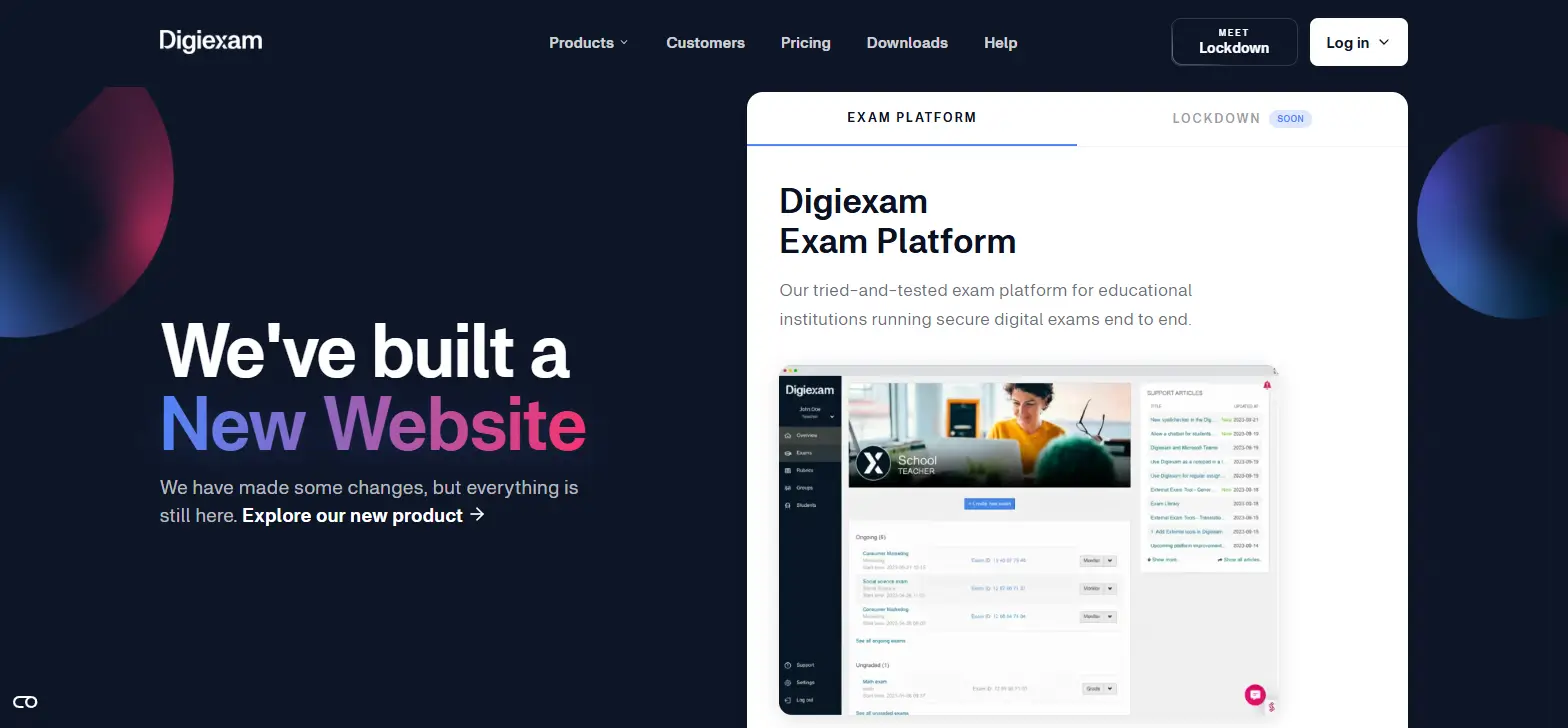
Digiexam is a digital assessment platform designed to help educational institutions deliver secure exams across both online and in-person learning environments. Instead of focusing exclusively on remote proctoring, it provides a comprehensive assessment platform with tools for exam creation, delivery, grading, and administration.
One of its standout capabilities is support for offline exams, allowing students to continue working even if their internet connection is interrupted. This flexibility makes Digiexam a practical solution for schools and universities seeking a reliable testing experience across different teaching models.
Based on our review of product documentation and customer feedback, Digiexam is frequently recognized for its reliability and ease of use. Institutions appreciate its ability to support large-scale assessments while minimizing technical disruptions. Educators also highlight the platform’s straightforward exam management tools and compatibility with different student devices, helping reduce administrative effort throughout the testing process.
Highlights
- Includes a secure browser that helps prevent students from accessing unauthorized websites, applications, and files during assessments.
- Supports offline exams, allowing students to continue working even during temporary internet interruptions, with responses syncing once connectivity is restored.
- Provides a complete assessment platform for creating, delivering, grading, and reviewing digital exams.
- Built with higher education in mind, offering scalable tools for universities, colleges, and academic institutions.
- Offers excellent device flexibility, supporting Windows, macOS, iPadOS, and managed school devices while simplifying exam management for instructors and administrators.
Best For:
Educational institutions looking for a flexible digital assessment platform that supports both online and offline exams with secure browser protection.
Limitations:
Digiexam emphasizes secure exam delivery rather than advanced AI-driven remote proctoring, so institutions requiring continuous live monitoring may need an additional proctoring solution.
Pricing:
Quote-based pricing based on institutional size, deployment requirements, and assessment volume.
Which Proctorio Alternative Is Right for Your Institution?

Selecting the right Proctorio alternative goes beyond comparing feature lists. The best platform should support your assessment strategy, fit your institution’s technology ecosystem, and provide a balance between security, usability, and cost.
Comparing Proctorio vs Apporto ExamSpace can also help you understand how different approaches to online assessment security, monitoring, and deployment align with those requirements.
Some institutions prioritize live oversight for certification exams, while others focus on automation, privacy, or seamless LMS integration. Asking the right questions before making a decision will help you invest in a solution that continues to deliver value as your assessment needs evolve.
Do You Need AI, Live Proctoring, or Both?
The first decision is determining how much oversight your assessments require. AI monitoring can automatically detect suspicious behavior, such as unusual eye movement, multiple people appearing on camera, or attempts to leave the exam window. This approach works well for large-scale assessments because it reduces manual supervision.
However, AI is not perfect. Automated systems can generate false positives, which is why many institutions prefer platforms that include human review before academic decisions are made. If you administer professional certifications or other sensitive assessments, live monitoring offers immediate intervention when problems occur.
Many universities now favor hybrid proctoring, where AI identifies potential issues and trained reviewers validate those findings before any action is taken.
How Important Are Privacy and Student Experience?
Security should never undermine student trust. Many online proctoring platforms collect webcam footage, require a browser extension, or use biometric data for identity verification. While these capabilities strengthen exam security, they also raise important privacy considerations.
Before selecting a platform, review how student information is collected, stored, and retained. Institutions operating under FERPA or GDPR should verify that privacy practices align with applicable regulations.
It’s equally important to consider the overall exam environment. Browser-based platforms that minimize software installation often create a smoother experience for students while reducing technical support requests during assessments.
Which Platform Fits Your Assessment Strategy?
Not every assessment requires the same level of supervision. High stakes exams, such as licensing or certification tests, often justify AI-assisted monitoring combined with human review. In contrast, many instructors now rely on low stakes assessments, project-based learning, and continuous evaluation to reduce the incentive for misconduct.
Many universities are also adopting authentic assessments, open-book exams, and take-home exams that emphasize critical thinking over memorization. These approaches encourage students to apply knowledge instead of simply recalling information.
Your proctoring platform should support this broader assessment strategy while continuing to reinforce academic integrity where secure monitoring is genuinely necessary.
What Should You Look for Before Making a Decision?
The best platform should integrate naturally with your existing technology stack. Strong LMS integration with Canvas, Moodle, Blackboard, and other learning platforms reduces implementation time and simplifies exam administration for faculty.
You should also evaluate scalability, especially if your institution expects enrollment growth or expanding online programs. Consider the quality of vendor support, implementation assistance, and ongoing product updates.
Finally, compare pricing against the features you actually need instead of selecting the platform with the longest feature list. For many educational institutions, the strongest investment is the one that delivers dependable performance, straightforward implementation, and measurable long-term value for both instructors and students.
Final Thoughts
The best Proctorio alternative depends on your institution’s assessment strategy, technology stack, and security requirements. Honorlock is a strong option for AI-assisted live proctoring, while Examity is well suited for high-stakes exams that require continuous human oversight. Respondus remains a popular choice for institutions seeking secure browser controls within existing LMS platforms, and WeCP stands out for technical and coding assessments. Schoolyear is a practical choice for classroom-based digital testing and hybrid environments.
For higher education institutions seeking a modern, browser-first assessment platform, Apporto Exam Space stands out as the strongest choice. Its browser-based delivery, AI-assisted monitoring, human review, identity verification, and seamless LMS integration create a secure, scalable testing experience without adding unnecessary complexity for students or administrators.
Ultimately, the right platform is the one that aligns with your academic goals while protecting exam integrity. Explore Apporto Exam Space to simplify secure exam delivery across your institution.
Frequently Asked Questions (FAQs)
1. What is the best Proctorio alternative in 2026?
The best Proctorio alternative depends on your institution’s needs. Apporto Exam Space is a leading choice for higher education, while Honorlock, Examity, and Respondus are strong options for AI-assisted, live, and browser-based exam proctoring.
2. Why are universities looking for Proctorio alternatives?
Many universities are evaluating Proctorio alternatives because of concerns around privacy, biometric data collection, false positives, and licensing costs. Institutions also want more flexible online proctoring platforms that integrate easily with existing learning management systems.
3. Which Proctorio alternative is best for higher education?
Apporto Exam Space is well suited for higher education because it combines browser-based exam delivery, AI-assisted monitoring, human review, identity verification, and LMS integration. It helps institutions maintain academic integrity while creating a smoother experience for students and faculty.
4. Do all online proctoring platforms require a webcam?
No. Many online proctoring platforms use webcams for identity verification and exam monitoring, but some assessments rely on secure browsers, device lockdown, or alternative assessment methods that reduce or eliminate webcam requirements.
5. Which online proctoring platform offers the strongest privacy protections?
Privacy protections vary by platform. Institutions should compare how each solution handles biometric data, webcam recordings, FERPA and GDPR compliance, data retention policies, and human review before selecting an online proctoring platform.
6. Is AI proctoring enough without human review?
AI proctoring improves efficiency by identifying suspicious behavior, but it should not be the only factor in academic decisions. Platforms that combine AI detection with documented human review generally provide more accurate and defensible assessment outcomes.
7. Which Proctorio alternative integrates best with Canvas and Moodle?
Several platforms integrate with Canvas and Moodle, including Apporto Exam Space, Schoolyear, Respondus, and Honorlock. The best choice depends on your institution’s assessment workflow, security requirements, and preferred level of automation.
8. Can assessment design reduce the need for online proctoring?
Yes. Low-stakes quizzes, authentic assessments, open-book exams, and project-based evaluations can reduce opportunities for cheating while encouraging critical thinking. Many institutions combine these approaches with online proctoring only when additional exam security is necessary.
