

What Are the Best Respondus Alternatives for Secure Online Exams?
A Respondus alternative is an online exam security platform that helps institutions protect assessments through browser lockdown, environment control, identity verification, or proctoring. Solutions such as Apporto Exam Space, Honorlock, Schoolyear, and Safe Exam Browser offer different approaches based on exam security, deployment, and assessment requirements.
Respondus has been a widely used tool for online exams since the early 2000s, particularly for LMS-based quizzes and assessments. However, institutions today often need stronger exam security for high-stakes digital exams, while also addressing challenges such as student-owned devices, manual software installation, and widely shared lockdown browser bypass methods.
As expectations around academic integrity continue to grow, many schools are exploring Respondus alternatives that offer greater flexibility and control. This guide evaluates the leading options based on security, LMS integration, deployment requirements, student experience, and overall assessment protection.
How Did We Select the Best Respondus Alternatives?
Choosing a Respondus alternative isn’t simply about finding another lockdown browser. Institutions today manage a wide variety of assessments, from low-stakes quizzes to high-stakes certification exams, often across multiple campuses and learning environments. The right platform must balance exam security, administrative efficiency, student accessibility, and long-term scalability.
To build this list, each solution was evaluated based on its ability to secure online assessments, integrate with Learning Management Systems, support different device types, and reduce the burden on students and IT departments. We also considered identity verification capabilities, deployment requirements, and how well each platform adapts to different assessment models. Some institutions prioritize browser restrictions, while others need complete exam environment control or advanced monitoring functionality.
The goal was to identify solutions that help maintain academic integrity without creating unnecessary friction for instructors, students, or support teams.
Evaluation Criteria
- Security Effectiveness: Ability to prevent students from accessing unauthorized resources, applications, and websites during assessments.
- Deployment Simplicity: Reduced installation requirements and lower administrative burden for students and the IT department.
- Assessment Flexibility: Support for quizzes, exams, practical assessments, computer-based testing, and specialized software environments.
- Institutional Scalability: Suitable for both small campuses and large institutions with diverse testing requirements.
Quick Comparison Table: Which Respondus Alternative Fits Your Assessment Model Best?
No single platform is ideal for every institution. Some solutions focus on browser restrictions, while others secure the entire exam environment or add identity verification and proctoring capabilities. The best choice depends on your assessment model, infrastructure, and exam security requirements.
The table below provides a high-level comparison of the leading Respondus alternatives before we explore each platform in greater detail.
| Platform | Best For | Security Approach | Deployment Model | Standout Feature |
|---|---|---|---|---|
| Apporto Exam Space | Secure exam environments | Environment Control | Cloud / Hybrid | Controlled exam workspace |
| Honorlock | Remote online exams | AI + Live Proctors | Browser-Based | Live intervention |
| Schoolyear | High-security digital exams | Continuous Verification | Cloud | Desktop application support |
| Safe Exam Browser | Configurable lockdown exams | Browser Restrictions | Local Installation | Open-source flexibility |
| SMOWL | Identity verification | Continuous Authentication | Cloud | Snapshot-based verification |
| Think Exam | Institutional assessments | Proctoring + Testing | Cloud | End-to-end exam platform |
| Digiexam | LMS-connected assessments | Lockdown + Monitoring | Cloud | LMS integration |
| Proctorio | Large-scale automated exams | AI Monitoring | Browser Extension | Automated proctoring |
Respondus Alternative (Complete Reviews)
1. Apporto Exam Space (Best Respondus Alternative for Secure Exam Environments)
Overview
Many Respondus alternatives focus on locking down a browser. Apporto Exam Space takes a different route. Instead of restricting only what happens inside a browser window, it creates a controlled exam environment where students receive access only to the resources, software, and applications required for the assessment.
This distinction becomes increasingly important as institutions move beyond traditional multiple choice exams. Practical assessments often require access to specialized software, virtual labs, statistical tools, programming environments, or discipline-specific applications. A browser lockdown alone cannot always secure those experiences effectively.
Because Apporto operates through a managed workspace, institutions can provide students with secure access to approved resources without requiring extensive local configuration on a student’s computer. The result is a more flexible approach to exam security, particularly for programs that need to support complex digital assessments.
Highlights
- Controlled Exam Workspace: Restricts access to approved applications, files, websites, and resources during assessments.
- No Lockdown Browser Required: Eliminates dependence on local lockdown browser installations and frequent software updates.
- Centralized Administration: Simplifies exam setup, user management, and assessment delivery through a single platform.
- Supports Specialized Software: Enables access to applications commonly used in computer labs, including statistical packages, design tools, programming environments, and other academic software.
Best For
Apporto Exam Space is best suited for higher education institutions, certification providers, and programs that deliver practical assessments requiring specialized applications. It is particularly valuable when students need access to software that traditional lockdown browsers cannot easily secure.
Limitations
Institutions seeking a heavily proctoring-focused solution with continuous live monitoring may need to combine Apporto with additional assessment integrity measures depending on the exam model and security requirements.
Pricing
Apporto Exam Space offers custom pricing based on institutional size, deployment requirements, assessment volume, and support needs. Organizations typically work directly with Apporto to develop a solution tailored to their academic and operational goals.
2. Honorlock (Best Respondus Alternative for Remote Exam Monitoring)
Overview
For institutions that want more than a traditional lockdown browser, Honorlock offers a combination of browser restrictions, AI monitoring, and live proctor intervention. While Respondus primarily focuses on controlling access to applications and websites during an exam, Honorlock adds active monitoring capabilities designed to help maintain academic integrity throughout the testing session.
The platform integrates with popular Learning Management Systems and is widely used for remote online exams in higher education. Its monitoring approach combines automated detection tools with human oversight, allowing suspicious activity to be reviewed and addressed in real time. This model is intended to help prevent cheating while reducing the need for instructors to manually review large numbers of exam recordings.
Honorlock is often selected by institutions that conduct fully remote assessments and want a proctoring layer in addition to browser restrictions.
Highlights
- AI Monitoring: Uses automated tools to analyze exam behavior, screen activity, and potential integrity concerns during online exams.
- Live Proctor Intervention: Combines AI alerts with human review, allowing proctors to intervene when suspicious activity is detected.
- Browser Lockdown: Restricts access to unauthorized websites, applications, and resources during an assessment.
- LMS Integration: Connects with major Learning Management Systems, helping instructors deploy and manage exams within existing course workflows.
Best For
Honorlock is best suited for colleges, universities, and testing programs that need remote exam monitoring at scale. It works particularly well for institutions seeking a combination of browser security, webcam monitoring, and active proctoring capabilities.
Limitations
The platform requires students to install a Chrome extension before taking exams. Some institutions and students have also raised concerns regarding privacy, monitoring practices, and the impact that continuous observation can have on the testing experience.
Pricing
Honorlock offers institution-based pricing that varies according to enrollment, exam volume, and implementation requirements. Organizations typically need to contact Honorlock directly to receive customized pricing information and deployment options.
3. Schoolyear (Best Respondus Alternative for Securing High-Stakes Digital Exams)
Overview
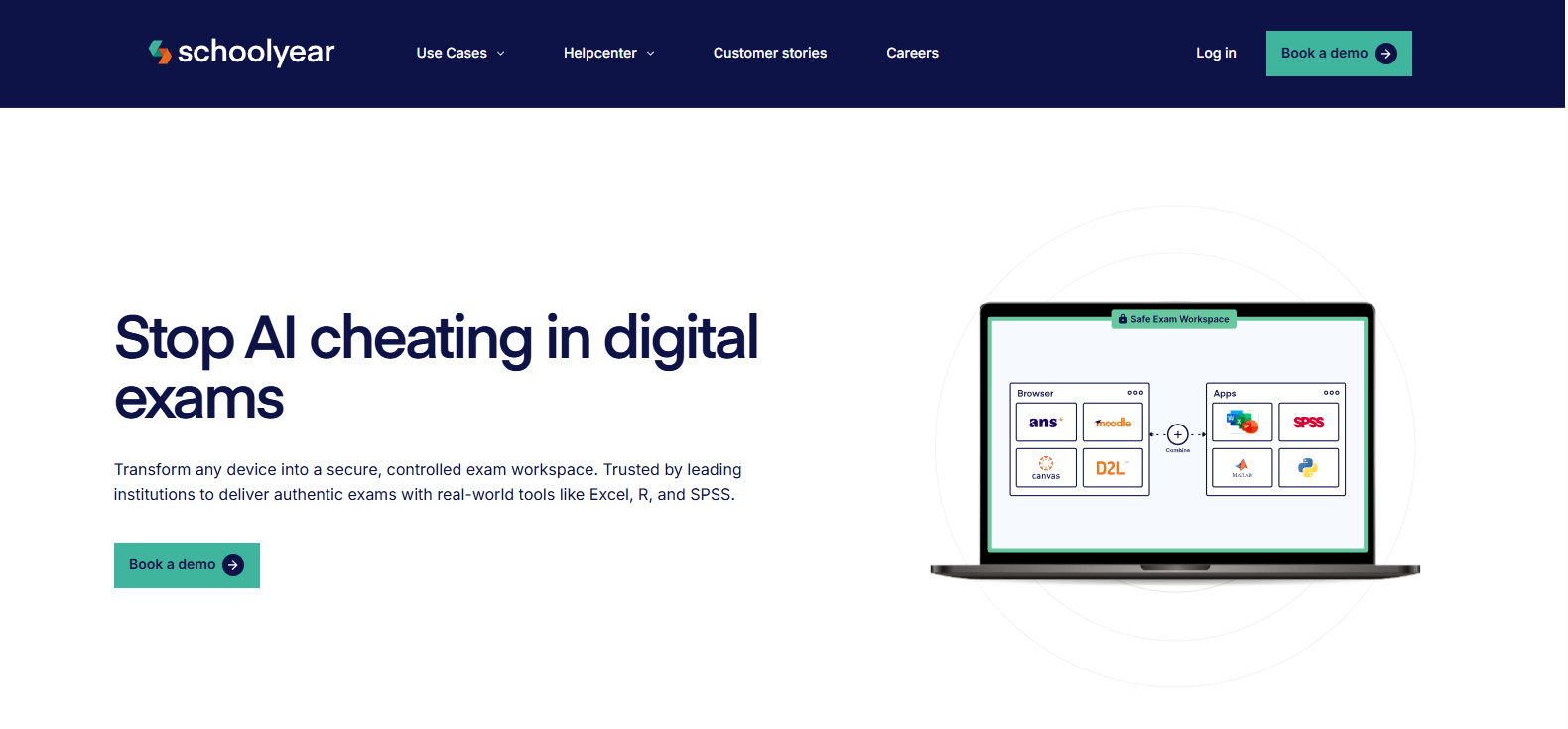
As institutions move beyond traditional LMS quizzes, many face a challenge that lockdown browsers were never fully designed to solve. High-stakes digital exams often require students to use desktop applications such as Excel, SPSS, programming tools, engineering software, or other specialized resources. Restricting browser activity alone does not necessarily secure the entire testing environment.
Schoolyear addresses this problem through continuous verification and exam environment monitoring. Rather than performing a one-time security check at the beginning of an exam, the platform continuously evaluates the testing environment throughout the assessment session. This helps institutions maintain stronger exam security while supporting more complex assessment models.
The platform is designed for secure assessments where institutions need greater visibility into the exam environment and stronger controls over testing conditions. For programs administering professional certifications, practical exams, or high-value academic assessments, that added oversight can be particularly important.
Highlights
- Continuous Verification: Monitors the exam environment throughout the testing session rather than relying solely on initial authentication.
- Desktop Application Support: Supports exams that require access to applications such as Excel, SPSS, coding tools, and other specialized academic software.
- Exam Environment Monitoring: Provides ongoing oversight of the testing environment to help identify changes that could compromise exam integrity.
- Institutional Controls: Allows administrators to configure security settings and assessment policies based on specific exam requirements.
Best For
Schoolyear is best suited for universities, certification providers, and professional programs conducting high-stakes digital exams that require desktop applications and enhanced security controls. It is particularly valuable when assessments extend beyond simple browser-based testing.
Limitations
Institutions administering primarily low-stakes quizzes may find Schoolyear’s advanced security capabilities more extensive than necessary. Implementation and configuration may also require additional planning compared to simpler lockdown browser solutions.
Pricing
Schoolyear offers custom pricing based on institutional requirements, exam volume, deployment scope, and support needs. Organizations typically work directly with the vendor to develop a pricing structure aligned with their assessment strategy.
4. Safe Exam Browser (Best Open-Source Respondus Alternative for Flexible Exam Restrictions)
Overview
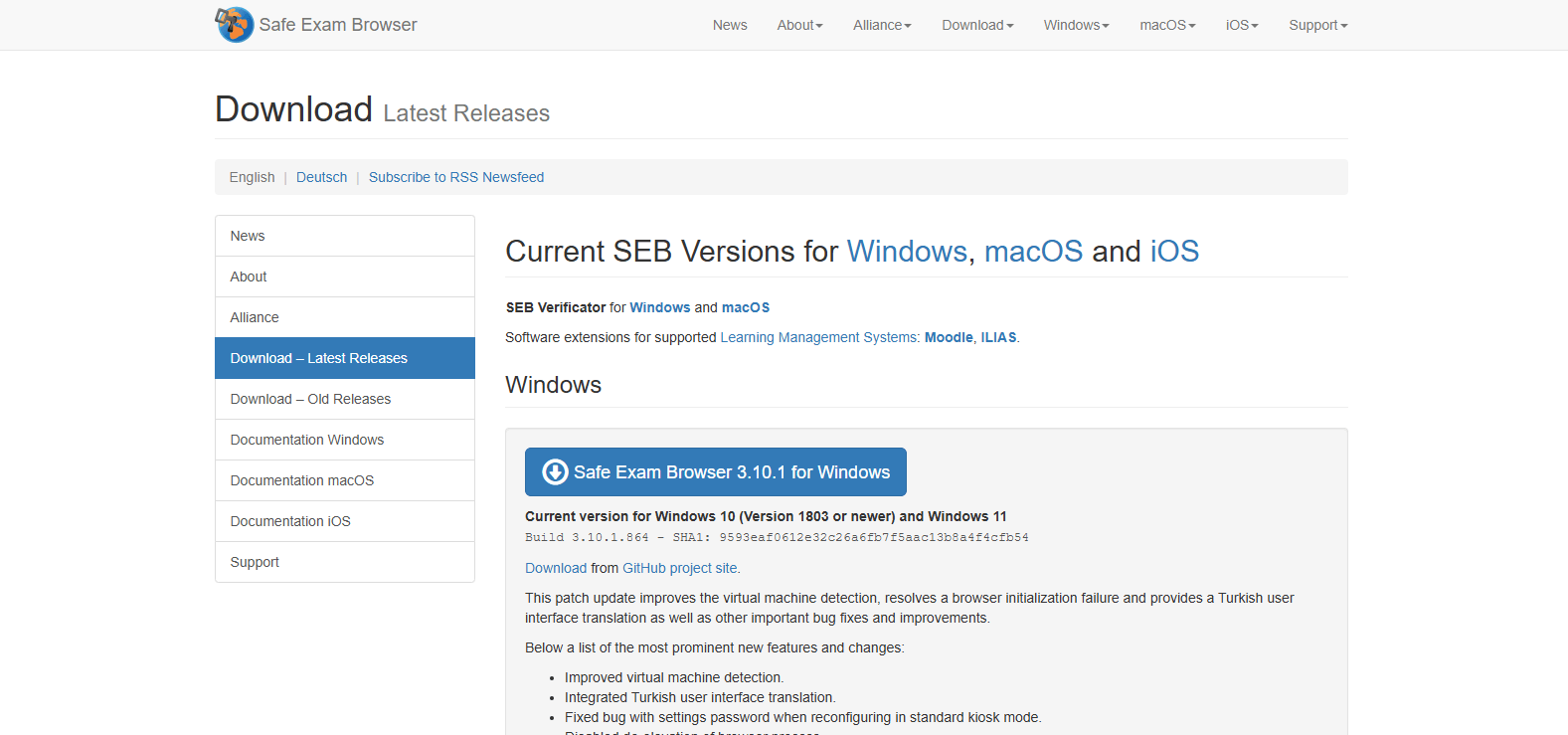
For institutions that prefer greater control over exam settings without relying on proprietary software, Safe Exam Browser (SEB) is one of the most established Respondus alternatives available. As an open-source platform, SEB allows schools, universities, and certification providers to configure exam environments based on their specific requirements rather than adopting a fixed set of restrictions.
Like Respondus LockDown Browser, Safe Exam Browser is designed to limit access to unauthorized resources during assessments. However, its flexibility is one of its biggest strengths. Administrators can customize browser restrictions, control access to websites, define permitted functions, and tailor security settings to match different exam models.
Because SEB is widely used across educational institutions worldwide, it has developed a strong reputation as a practical option for secure online exams. For organizations that want a configurable lockdown browser without vendor lock-in, it remains a compelling choice.
Highlights
- Open-Source Platform: Freely available and supported by an active community, giving institutions greater transparency and control.
- Highly Configurable Restrictions: Allows administrators to customize exam rules, browser settings, website access, and security policies.
- Cross-Platform Support: Supports Windows, Mac, and other compatible operating environments, making deployment easier across diverse student populations.
- Secure Browser Controls: Restricts access to unauthorized websites, applications, system functions, and browser features during exams.
Best For
Safe Exam Browser is best suited for educational institutions, certification providers, and testing organizations that want a flexible lockdown browser with extensive configuration options. It is particularly useful when exam requirements vary across departments, courses, or programs.
Limitations
Although highly configurable, Safe Exam Browser focuses primarily on browser restrictions rather than comprehensive proctoring or continuous identity verification. Institutions seeking advanced monitoring capabilities may need to combine it with additional tools or services.
Pricing
Safe Exam Browser is open-source and free to use. Institutions may still incur costs related to implementation, configuration, support, training, and integration depending on their specific deployment requirements.
5. SMOWL (Best Respondus Alternative for Identity Verification During Exams)
Overview
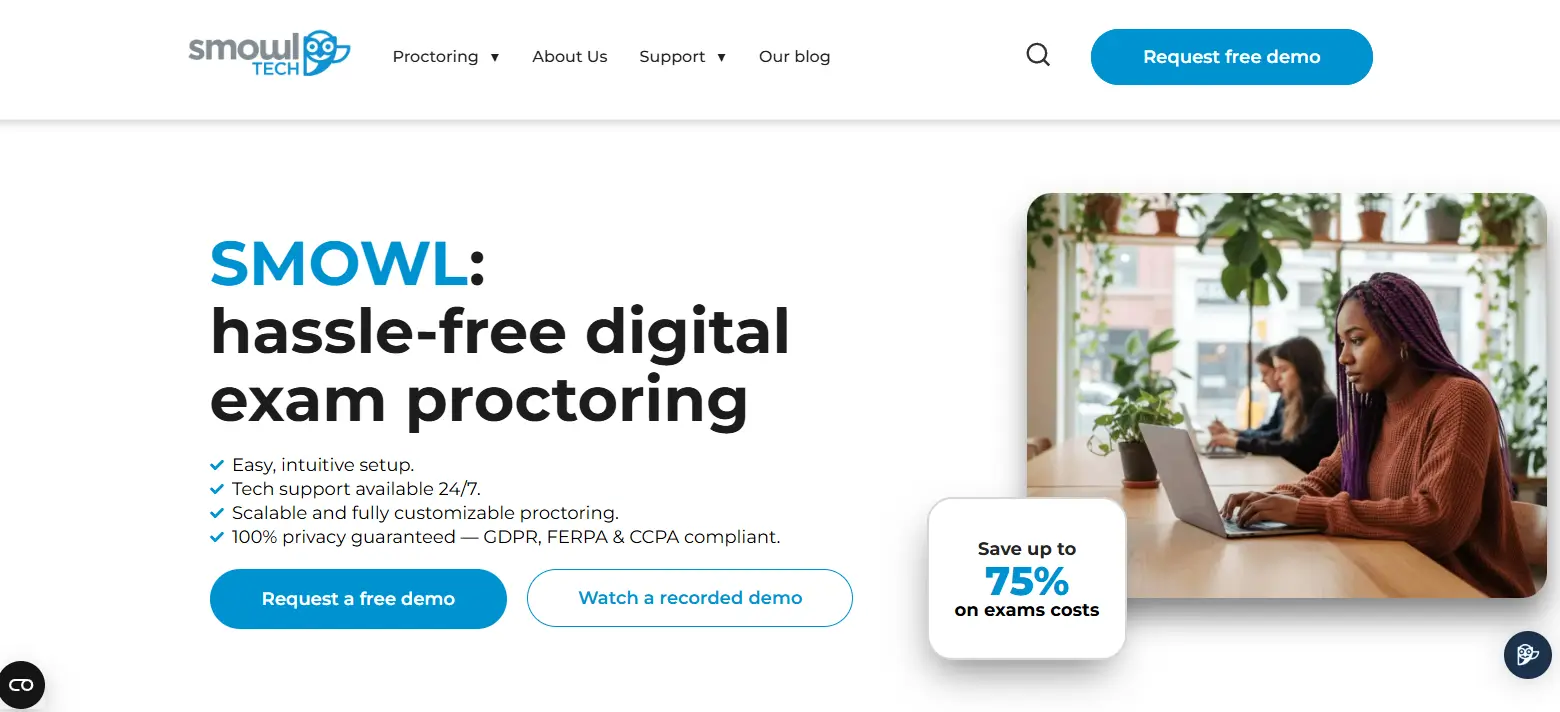
Not every institution is looking for a lockdown browser or a heavily proctored testing environment. In many cases, the primary concern is ensuring that the right person is taking the exam. That’s where SMOWL differentiates itself from many other Respondus alternatives.
SMOWL focuses on identity verification and authentication throughout the assessment process. Rather than relying solely on browser restrictions or live proctors, the platform continuously validates participant identity using webcam-based monitoring and verification technologies. This approach helps institutions strengthen exam integrity while maintaining a relatively streamlined testing experience.
The platform is commonly used in higher education, certification programs, and online learning environments where confirming student identity is a key requirement. By continuously checking who is present during an exam session, SMOWL adds a layer of assurance that traditional lockdown browsers alone cannot provide.
Highlights
- Continuous Identity Verification: Confirms that the same individual remains present throughout the exam rather than relying on a single login or authentication step.
- Periodic Snapshot Capture: Uses webcam monitoring to capture images at intervals during exams, helping verify participant identity over time.
- Authentication Controls: Supports identity validation processes before and during assessments to strengthen exam security.
- LMS Compatibility: Integrates with popular Learning Management Systems, allowing institutions to incorporate identity verification into existing assessment workflows.
Best For
SMOWL is best suited for universities, online learning providers, certification organizations, and institutions that prioritize identity verification during exams. It is particularly useful when confirming student participation is a greater concern than implementing extensive browser restrictions.
Limitations
SMOWL focuses primarily on authentication and identity verification rather than comprehensive lockdown functionality. Institutions seeking advanced browser controls, application restrictions, or live proctoring may need to combine SMOWL with other assessment security tools.
Pricing
SMOWL offers custom pricing based on student volume, deployment requirements, institutional size, and support needs. Organizations typically work directly with the vendor to determine a pricing model that aligns with their assessment strategy.
6. Think Exam (Best Respondus Alternative for End-to-End Online Assessment Management)
Overview
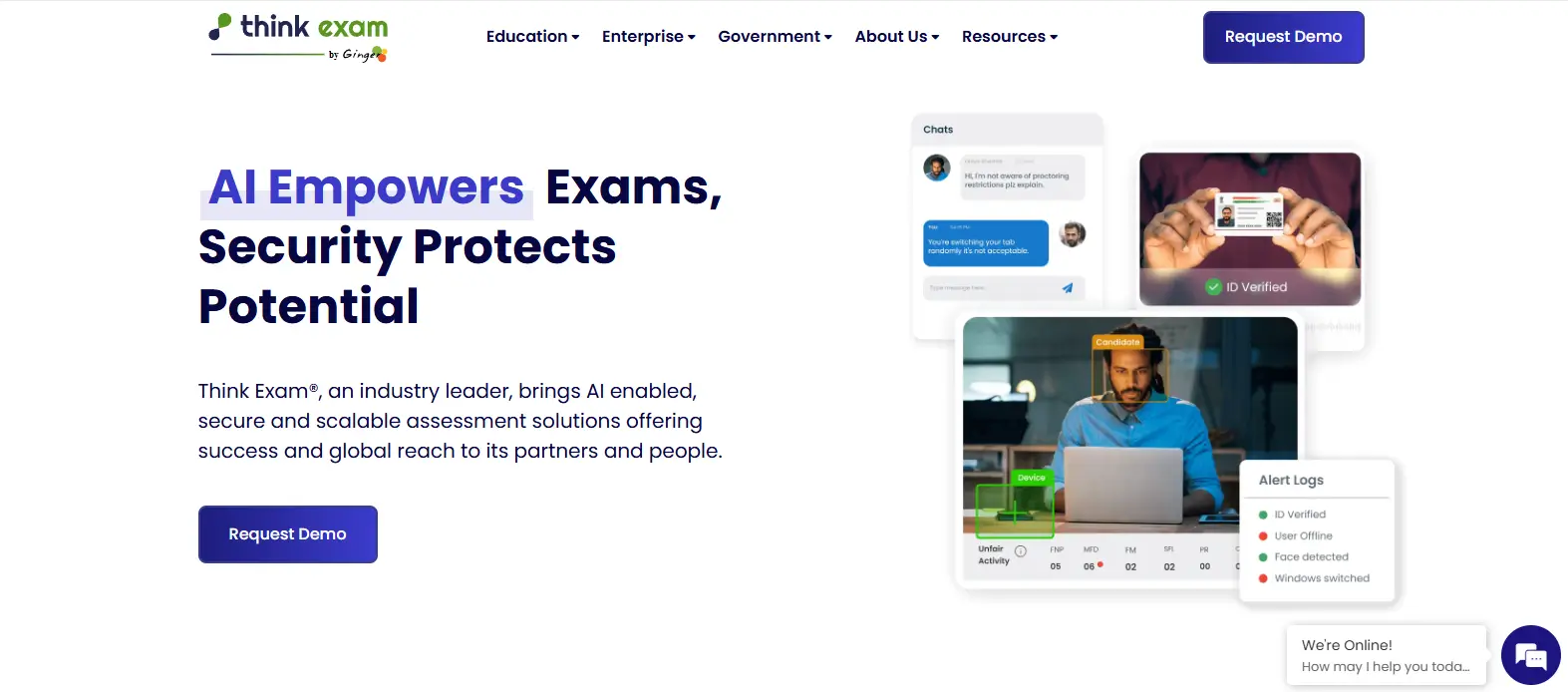
Some institutions are not simply looking for a replacement for Respondus LockDown Browser. They are looking for a complete assessment platform that can handle exam creation, delivery, proctoring, reporting, and administration from a single system. Think Exam is designed to meet that broader need.
Rather than focusing exclusively on browser restrictions, Think Exam provides a comprehensive online testing environment that supports the entire assessment lifecycle. Teachers and administrators can create exams, manage question banks, deliver assessments, monitor test sessions, and review performance data without relying on multiple disconnected tools.
This all-in-one approach can be particularly appealing for institutions that want to simplify assessment management. Instead of stitching together separate platforms for exam creation, online proctoring, and reporting, Think Exam centralizes these functions within a unified system.
Highlights
- Assessment Creation: Enables instructors and administrators to create quizzes, exams, and other forms of online testing using a variety of question formats.
- Online Proctoring: Includes monitoring capabilities designed to support exam security and maintain academic integrity during assessments.
- Question Banks: Allows institutions to build, organize, and reuse assessment content across courses and testing programs.
- Reporting Tools: Provides performance analytics, exam insights, and administrative reports to help educators evaluate results and manage assessment outcomes.
Best For
Think Exam is best suited for schools, universities, training organizations, and certification providers that want to manage assessments through a single platform. It works particularly well for institutions conducting frequent online testing across multiple courses or departments.
Limitations
Organizations seeking highly specialized lockdown browser functionality or advanced identity verification may find stronger capabilities in platforms focused specifically on those areas. The breadth of features may also require additional setup compared to simpler exam security tools.
Pricing
Think Exam offers custom pricing based on assessment volume, user counts, deployment requirements, and support needs. Institutions typically work directly with the vendor to develop a package tailored to their testing and administrative requirements.
7. Digiexam (Best Respondus Alternative for LMS-Integrated Digital Assessments)
Overview
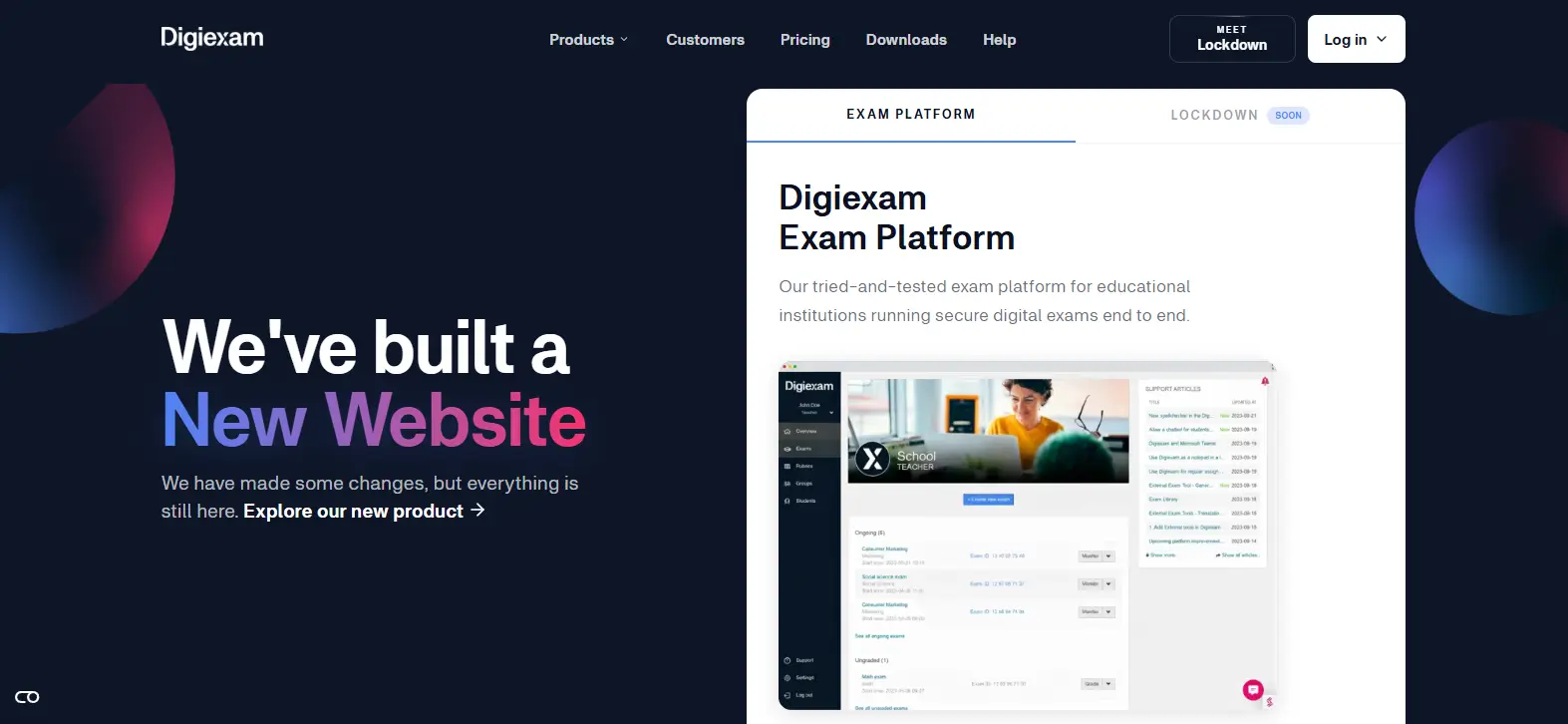
For institutions that rely heavily on Learning Management Systems, assessment security is only one part of the equation. Equally important is how well an exam platform fits into existing academic workflows. Digiexam was built with this reality in mind, combining secure exam delivery with strong integration capabilities that help institutions manage digital exams more efficiently.
Unlike traditional lockdown browser solutions that often operate as separate tools, Digiexam is designed to work alongside existing learning environments. This allows instructors and administrators to deliver online assessments without dramatically changing how courses are managed. The platform also supports a variety of assessment formats, making it suitable for both routine testing and more formal examinations.
Another distinguishing feature is its ability to support exams in situations where internet connectivity may be unreliable. For institutions serving diverse student populations, that flexibility can help reduce disruptions while maintaining exam integrity.
Highlights
- Learning Management System Integration: Connects with popular learning management systems, helping institutions streamline assessment delivery and administration within existing academic workflows.
- Secure Exam Delivery: Provides controls designed to protect exam content and reduce opportunities for unauthorized access during digital exams.
- Offline Exam Support: Allows students to continue working on assessments even if internet connectivity is interrupted, reducing the risk of technical disruptions.
- Assessment Analytics: Generates performance insights and reporting tools that help instructors evaluate outcomes and improve assessment strategies.
Best For
Digiexam is best suited for universities, colleges, and educational institutions seeking a platform that integrates smoothly with existing learning management systems. It is particularly valuable for organizations delivering large numbers of online assessments across multiple courses and departments.
Limitations
Institutions looking for extensive live proctoring services or advanced identity verification features may find stronger capabilities in platforms designed specifically for monitoring and authentication. Some advanced integrations may also require additional configuration depending on the institution’s technology environment.
Pricing
Digiexam offers custom pricing based on student volume, deployment scope, support requirements, and institutional needs. Organizations typically work directly with Digiexam to determine a pricing model that aligns with their assessment and operational goals.
8. Proctorio (Best Respondus Alternative for Automated AI-Based Exam Monitoring)
Overview
As online testing scales across universities, certification providers, and training organizations, many institutions are looking for ways to maintain exam integrity without relying on large teams of human proctors. Proctorio was built to address that challenge through automated monitoring and AI-driven exam security.
Unlike Respondus, which primarily focuses on restricting access through a lockdown browser, Proctorio combines browser security with AI tools designed to monitor student behavior throughout an exam session. The platform analyzes activity such as screen interactions, webcam monitoring, browser usage, and other exam-related signals to identify potential integrity concerns.
This automation-first approach has made Proctorio particularly popular among organizations administering large numbers of online exams. Rather than requiring continuous human oversight, institutions can use automated flagging systems to identify sessions that may need additional review. For many testing programs, that balance between scalability and security is a major advantage.
Highlights
- AI Monitoring: Uses automated systems to analyze exam activity and identify behaviors that may warrant further review.
- Browser Extension Security: Operates through a browser extension that helps enforce exam rules and restrict unauthorized activity during assessments.
- Automated Flagging: Generates incident reports when potential integrity concerns are detected, allowing administrators to review relevant events.
- Scalable Deployment: Supports large-scale online exams without requiring proportional increases in human proctoring resources.
Best For
Proctorio is best suited for universities, certification providers, and organizations conducting high volumes of online exams. It works particularly well when institutions want automated proctoring capabilities combined with browser-level exam security.
Limitations
Like many AI-based proctoring platforms, Proctorio can generate false positives that require human review. The platform also depends on a browser extension, which may create installation requirements and raise privacy concerns among some students and institutions.
Pricing
Proctorio offers custom pricing based on assessment volume, institutional size, feature requirements, and deployment needs. Organizations typically work directly with the vendor to obtain a pricing package tailored to their testing environment and security requirements.
How Do You Choose the Right Respondus Alternative for Your Institution?

Choosing a Respondus alternative is ultimately about matching technology to your assessment strategy. Some institutions need a simple lockdown browser for routine quizzes. Others require secure environments for practical exams, identity verification for certification testing, or AI-assisted monitoring for large-scale online exams.
The challenge is that no single platform solves every problem equally well. The best solution depends on your exam model, student population, technology infrastructure, and security requirements. Before making a decision, it helps to evaluate a few key factors that directly affect both exam integrity and the student experience.
Do You Need Browser Lockdown, Environment Control, or Full Proctoring?
One of the most important decisions is determining what type of exam security you actually need. Institutions often assume all assessment security tools serve the same purpose, but the approaches are quite different.
Consider the following options:
- Browser Lockdown: Restricts access to websites, browser functions, and certain applications during exams. Tools such as Safe Exam Browser and Respondus LockDown Browser fall into this category.
- Environment Control: Secures the entire testing environment rather than just the browser. Solutions such as Apporto Exam Space can control access to approved applications, software, and resources while supporting more complex assessments.
- Full Proctoring: Adds monitoring capabilities through AI tools, webcam monitoring, identity verification, and in some cases human oversight. Platforms such as Honorlock and Proctorio focus heavily on this model.
The right choice depends on how much security your assessments require and what level of oversight is appropriate for your institution. If your assessments require AI monitoring, webcam-based supervision, identity verification, or human proctor intervention, comparing the best online proctoring software can help you evaluate platforms based on their monitoring capabilities, security controls, integrations, and scalability.
How Important Is LMS Integration for Your Assessment Workflow?
Assessment tools rarely operate in isolation. In most institutions, exams are delivered through existing learning management systems, making integration a major consideration.
Strong LMS integration can reduce administrative work and improve the experience for both instructors and students.
Key considerations include:
- Canvas Support: Verify that the platform integrates smoothly with Canvas if it serves as your primary learning environment.
- Blackboard Compatibility: Institutions using Blackboard should evaluate how exams, grades, and reporting workflows connect across systems.
- Assessment Administration: Look for solutions that simplify exam creation, scheduling, delivery, and reporting.
- Instructor Experience: The best platforms reduce complexity for faculty rather than adding extra steps to already busy workflows.
A secure assessment platform becomes far more valuable when it fits naturally into the tools instructors already use every day.
Are Students Using Managed Devices or Personal Computers?
Device management can have a significant impact on deployment success. A solution that works well on institution-managed computers may create challenges when students use personal laptops and home devices.
Before selecting a platform, consider your technology environment carefully.
- Managed Devices: Institutions that control device configuration often have greater flexibility when deploying security tools and software restrictions.
- Student-Owned Devices: Personal devices introduce variability in operating systems, software versions, and hardware capabilities.
- Installation Requirements: Some platforms require local software installation, browser extensions, or periodic updates that students must manage themselves.
- IT Support Burden: The more software students must install and troubleshoot, the more support requests your IT teams are likely to receive.
Reducing complexity often improves both adoption and the overall assessment experience.
What Type of Assessments Are You Delivering?
Different assessments require different security models. A platform designed for one type of testing may not be the best fit for another.
Think carefully about the assessments your institution delivers most frequently.
- Low-Stakes Quizzes: Browser restrictions and basic monitoring may provide sufficient protection without adding unnecessary friction.
- High-Stakes Exams: Professional licensing, admissions testing, and major academic assessments often require stronger security measures and identity verification.
- Practical Assessments: Exams involving software, virtual labs, data analysis tools, or discipline-specific applications often benefit from environment-control solutions rather than browser lockdown alone.
- Certification Testing: Credentialing programs frequently require detailed audit trails, authentication controls, and comprehensive exam security.
The closer your platform aligns with your assessment model, the more effective it will be at protecting academic integrity while supporting student success.
What Are the Biggest Limitations of Respondus LockDown Browser Today?

Respondus LockDown Browser remains one of the most widely recognized tools for securing online assessments. For many institutions, it provides a familiar way to restrict access to websites, applications, and browser functions during exams. Yet as digital assessments become more complex, some of the platform’s limitations have become harder to ignore.
Part of the challenge stems from its original purpose. Respondus was developed during a time when many online exams were relatively straightforward LMS quizzes. Today’s assessment models often involve practical exercises, specialized software, remote testing environments, and a broader range of security concerns.
As institutions evaluate alternatives, several limitations are frequently cited:
- Designed for LMS Quizzes: Respondus works best for lower-risk assessments delivered through learning management systems. More complex exam models may require broader security controls.
- Manual Installation Requirements: Students must install and periodically update the software manually. This can create friction, particularly for large institutions managing thousands of exam takers.
- Student-Owned Device Challenges: Institutions have limited control over a student’s computer, operating system, background processes, and local configurations, making consistent enforcement more difficult.
- Bypass Methods: Various workarounds and bypass techniques continue to circulate online, creating ongoing security concerns for institutions relying solely on browser restrictions.
- Limited Verification: The platform does not continuously verify lockdown integrity throughout the exam session, leaving potential gaps if conditions change after the assessment begins.
- Application Restrictions: While the lockdown browser can restrict access to many resources, it cannot fully secure all software environments, specialized applications, or complex digital workflows.
For many institutions, the question is no longer whether browser lockdown technology has value. The real question is whether it provides enough protection for the assessments being delivered today.
Final Thoughts
The best Respondus alternative depends on the type of assessments you deliver and the level of security your institution requires. If your priority is creating a secure exam environment that supports specialized software and practical assessments, Apporto Exam Space stands out as the strongest option. Institutions focused on remote monitoring may prefer Honorlock, while Schoolyear is well suited for high-security digital exams that require continuous verification throughout the testing process.
For organizations seeking flexibility and transparency, Safe Exam Browser remains one of the most respected open-source solutions available. If identity verification is your primary concern, SMOWL provides a focused approach to authenticating students during exams.
Digiexam offers a compelling choice for institutions that rely heavily on Learning Management Systems and want tighter integration with existing workflows. Meanwhile, Proctorio continues to be a leading option for large-scale online exams that benefit from AI-powered monitoring and automated proctoring capabilities.
Ultimately, the right platform is the one that aligns with your assessment model, technology infrastructure, and student experience goals. Security matters, but so do usability, scalability, and administrative efficiency. Explore Apporto Exam Space.
Frequently Asked Questions (FAQs)
1. What is the best Respondus alternative in 2026?
The best Respondus alternative depends on your assessment requirements. Apporto Exam Space is ideal for secure exam environments, Schoolyear excels in high-security testing, Safe Exam Browser offers open-source flexibility, and Proctorio provides scalable AI-powered monitoring for online exams.
2. Do professors actually check Respondus LockDown Browser?
Yes, many professors review Respondus reports, flagged events, and proctoring data when investigating potential academic integrity concerns. However, institutions typically use these reports as supporting evidence alongside instructor judgment, assessment context, and other information before taking action.
3. Is Safe Exam Browser better than Respondus?
Safe Exam Browser can be a better option for institutions seeking greater configurability and open-source flexibility. It allows administrators to customize browser restrictions and exam settings extensively. However, the best choice depends on your security requirements and assessment workflow.
4. Can Respondus alternatives support high-stakes exams?
Yes. Several Respondus alternatives are designed specifically for high-stakes assessments. Schoolyear offers continuous verification, Honorlock combines AI monitoring with live intervention, and Proctorio provides automated proctoring capabilities that help strengthen exam security during remote testing.
5. Which Respondus alternative works best with Canvas?
Digiexam is one of the strongest options for Canvas users because of its focus on Learning Management System integration. Honorlock also integrates well with Canvas and other LMS platforms, helping institutions manage exams within existing course workflows.
6. Do Respondus alternatives require software installation?
It depends on the platform. Some solutions, such as Safe Exam Browser, require local installation, while others use browser extensions or cloud-based delivery models. Platforms like Apporto Exam Space reduce dependence on software installation by providing controlled exam environments through the cloud.
7. Is Proctorio better than Respondus?
Proctorio and Respondus serve different purposes. Proctorio combines browser security with AI-powered monitoring and automated flagging, while Respondus primarily focuses on browser lockdown. The better choice depends on whether an institution prioritizes exam monitoring, browser restrictions, or broader assessment security requirements.
8. Which is the No. 1 secure browser?
There is no single best secure browser for every institution. Safe Exam Browser, Respondus LockDown Browser, and similar solutions provide strong browser-level security, while platforms like Apporto Exam Space extend protection beyond the browser by securing the entire exam environment.
9. Can Safe Exam Browser see your screen?
Safe Exam Browser restricts access to unauthorized websites, applications, and system functions during an exam, but it does not typically monitor or record a student’s screen by itself. Additional proctoring tools may provide screen monitoring when integrated with the platform.
10. What is similar to Safe Exam Browser?
Several platforms offer functionality similar to Safe Exam Browser, including Apporto Exam Space, Respondus LockDown Browser, Digiexam, and Honorlock. While Safe Exam Browser focuses on browser restrictions, some alternatives provide broader exam security through environment control, identity verification, or remote proctoring.
