

What Are the Best Edcite Alternatives?
Apporto PowerGrader is one of the best Edcite alternatives for higher education, offering AI-assisted grading, rubric-based feedback, and seamless LMS integration. Other strong options include Pear Assessment, Classtime, Wayground, Socrative, Formative, and ASSISTments, each designed for interactive learning, formative assessment, or K–12 instruction.
Every assessment tells a story, but only if you have the right tools to understand it. Today’s classrooms need more than basic quizzes and worksheets. Teachers are expected to measure understanding, personalize instruction, and keep students engaged, all while working within limited time and budget. That’s why many schools are exploring alternatives to Edcite.
Modern assessment platforms combine AI, immediate feedback, technology-enhanced question types, and state-aligned digital practice to make learning more interactive and actionable. Ease of use, LMS integration, and affordability have also become important when comparing solutions.
In this guide, you’ll discover the best Edcite alternatives based on assessment capabilities, AI features, question types, integrations, pricing, and overall educational value, helping you choose the platform that best fits your classroom.
How Did We Evaluate These Edcite Alternatives?

Choosing the right assessment platform goes beyond comparing feature lists. The best solution should make it easier to create engaging assessments, measure student understanding, and give teachers meaningful insights they can act on. Some platforms focus on standards-aligned testing, while others prioritize interactive learning, AI-assisted grading, or classroom collaboration.
To help you make an informed decision, we evaluated each Edcite alternative using three practical criteria that matter most to schools, districts, and educators: assessment quality, interactive learning capabilities, and overall value.
These factors determine how effectively a platform supports instruction today while remaining useful as your classroom needs continue to grow.
How Well Does the Platform Support Assessments and Student Learning?
An effective assessment platform should do more than assign a grade. It should help teachers understand where students excel, identify learning gaps, and adjust instruction with confidence. We looked for platforms that support state-aligned digital practice, state standards, and even state released tests where available.
Flexible question types, immediate feedback, and formative assessment tools were also key considerations because they help track student progress throughout the learning process, not just at the end. Standards-aligned assessments make classroom instruction more consistent, while timely feedback gives students a clearer understanding of concepts before they move on to new material.
Which Interactive Features Make the Biggest Difference?
Student engagement often depends on how assessments are delivered. We evaluated platforms based on the variety of technology-enhanced question types they offer, including multiple choice, drag-and-drop activities, essay responses, image submissions, speech recording, and other interactive formats.
Rich content creation tools allow teachers to build assignments that go beyond static quizzes. Platforms such as H5P support drag-and-drop activities and interactive quizzes, while Pear Assessment and Genially help create engaging presentations that encourage participation.
EdPuzzle takes a different approach by combining instructional videos with embedded quizzes and voice notes, making lessons more interactive without adding unnecessary complexity.
Which Platform Offers the Best Overall Value?
Features matter, but long-term value depends on balancing functionality with cost, usability, and support. We considered pricing, free plans, implementation effort, and how easily each solution fits into an existing school or district workflow. Detailed reports and assessment data were especially important because they help educators and administrators make informed instructional decisions instead of relying on assumptions.
We also looked at account management, customer support, and platform reliability. Solutions that integrate with Google Classroom earned additional credit because they simplify assignment management, reduce administrative work, and make daily classroom tasks easier for both teachers and students.
Quick Comparison of the Best Edcite Alternatives
No two assessment platforms are built with the same priorities. Some are designed to reduce grading time through AI-assisted workflows, while others focus on formative assessment, classroom engagement, or standards-aligned testing that supports curriculum goals.
You’ll also find platforms that specialize in interactive lessons, real-time feedback, or collaborative learning experiences. The right choice depends on how you teach, the age group you support, and the features your school values most.
Before diving into the detailed reviews, use the comparison table below to get a quick overview of each platform’s strengths. It highlights the best use case, AI capabilities, LMS compatibility, and pricing, making it easier to narrow down the solutions that deserve a closer look.
For a broader look at grading tools available to educators, explore our guide to best automated grading software, which covers solutions for AI-assisted evaluation, rubric-based grading, and personalized student feedback.
| Platform | Best For | AI Features | LMS Integration | Pricing |
|---|---|---|---|---|
| Apporto PowerGrader | AI-assisted grading and higher education assessment | AI grading, AI-generated feedback, academic integrity support | Canvas, Blackboard, Moodle, D2L Brightspace, and other major LMSs | Custom pricing |
| Pear Assessment | Interactive presentations and live classroom engagement | AI-assisted content creation | Google Classroom, Microsoft Teams, Canvas | Free plan, paid plans available |
| Classtime | Formative assessment and real-time classroom insights | AI question generation | Google Classroom, Microsoft Teams | Free plan, premium plans available |
| Wayground | Gamified quizzes and self-paced learning | AI quiz generation | Google Classroom, Canvas | Free plan, premium plans available |
| Socrative | Quick formative assessments and classroom response | Limited AI capabilities | Google Classroom compatible | Free plan, Pro plans available |
| Formative | Standards-aligned assessments and continuous feedback | AI-assisted question creation and feedback | Google Classroom, Canvas, Schoology | Free plan, paid plans available |
| ASSISTments | Math practice and standards-based homework | Limited AI features | Google Classroom, Canvas | Free for teachers |
Edcite Alternatives (Detailed Breakdown)
1. Apporto PowerGrader
Overview
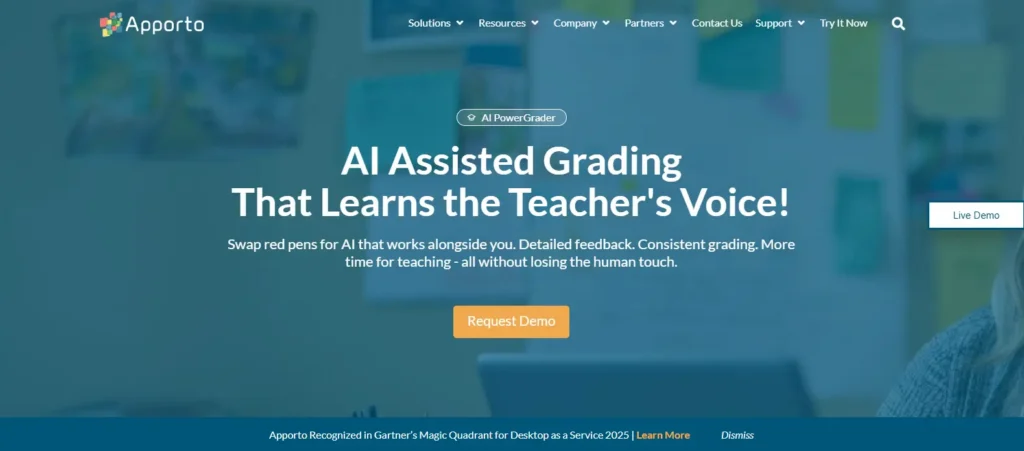
Apporto PowerGrader is an AI-powered assessment platform built for colleges and universities that want to simplify grading without sacrificing quality. Instead of relying on multiple tools for grading, feedback, and assignment management, it brings everything together in one place. The platform helps instructors evaluate student work more efficiently while maintaining consistent grading standards across courses and departments.
Combined with seamless LMS integration, the platform fits naturally into existing teaching workflows, allowing educators to spend more time supporting student learning and less time on administrative work.
Its scalable assessment capabilities also make it well suited for institutions managing large enrollments without compromising academic integrity. If you’re evaluating these two platforms specifically, our Apporto PowerGrader vs Edcite comparison provides a closer look at their assessment and grading features.
Highlights
- AI-assisted grading reduces repetitive evaluation tasks while maintaining instructor oversight.
- Generates detailed, personalized feedback that helps improve student understanding and writing.
- Supports standards-based assessment through customizable rubrics and consistent grading criteria.
- Integrates seamlessly with leading learning management systems for streamlined assignment management.
- Promotes academic integrity with fair, consistent, rubric-driven evaluation.
- Built to support scalable assessment workflows across courses, departments, and institutions.
- Simplifies grading, feedback, assignments, and assessment within a single all-in-one platform.
Best For:
Colleges and universities looking for an all-in-one platform that combines AI-assisted grading, standards-based assessment, LMS integration, and scalable workflows.
Limitations:
Pricing is only available through a custom institutional quote, making it less suitable for individual educators seeking a self-service solution.
Pricing:
Custom pricing based on institutional requirements. Contact Apporto for a quote tailored to your institution’s size, programs, and assessment needs.
2. Pear Assessment
Overview
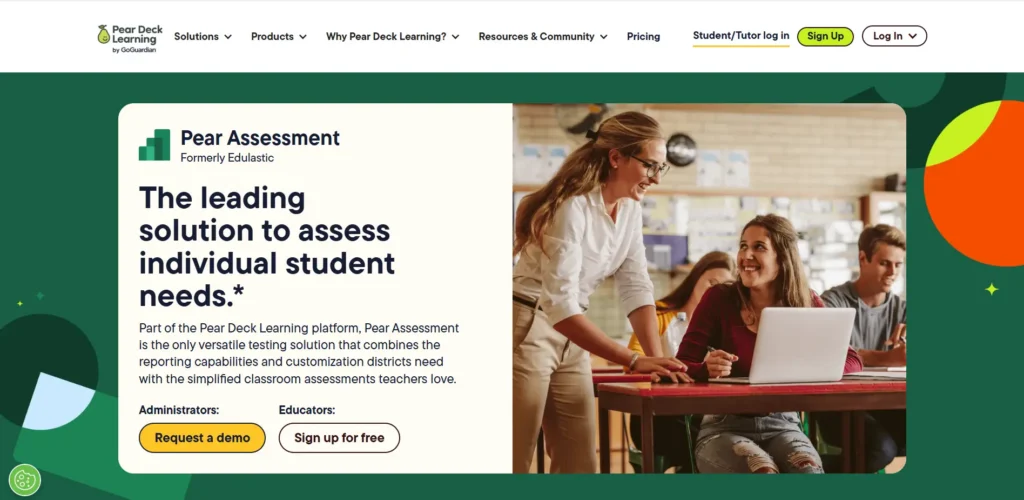
Pear Assessment is a strong choice if your goal is to turn everyday lessons into interactive learning experiences. Built around Google Slides, it allows teachers to transform static presentations into engaging classroom activities where students can respond in real time. Instead of waiting until the end of a lesson to measure understanding, you can collect responses throughout instruction and adjust your teaching based on immediate feedback.
The platform is especially effective for formative assessment because it encourages active participation rather than passive learning. Students can answer questions, complete activities, and interact with lesson content from their own devices while teachers monitor progress through a live dashboard. This real-time visibility makes it easier to identify misconceptions, keep learners engaged, and provide timely support before small knowledge gaps become bigger challenges. Its seamless integration with Google Slides also reduces lesson preparation time, making it easy to build interactive presentations using materials you already have.
Highlights
- Creates interactive presentations directly from Google Slides.
- Supports formative assessment with live checks for understanding throughout lessons.
- Delivers immediate feedback that helps teachers adjust instruction in real time.
- Encourages active student participation through interactive questions and classroom activities.
- Includes multiple question formats to keep lessons engaging and measure understanding.
- Provides real-time participation data through an easy-to-use teacher dashboard.
- Integrates with Google Classroom and other learning platforms for streamlined assignment management.
Best For:
K-12 teachers and schools looking to combine interactive presentations, formative assessment, and real-time classroom participation within familiar Google Slides workflows.
Limitations:
While it excels during live instruction, some advanced assessment and reporting features require paid plans.
Pricing:
Free plan available with core instructional tools. Premium plans unlock additional assessment features, integrations, and reporting capabilities.
3. Classtime
Overview
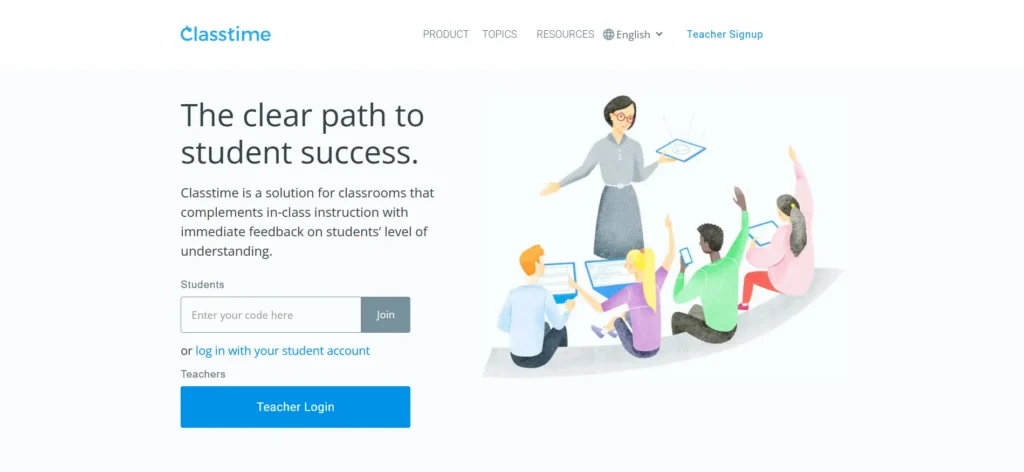
Classtime is designed to help teachers understand student performance while learning is still happening, not after a test has been graded. Its strength lies in formative assessment, allowing educators to create quizzes, monitor responses in real time, and identify learning gaps before they become larger challenges. The platform supports a collaborative classroom environment where assessment becomes part of the learning process rather than just a way to assign grades.
A standout feature of Classtime is its variety of question types, making it easy to build assessments that go beyond traditional multiple-choice quizzes. Teachers can mix different formats to evaluate critical thinking, reinforce key concepts, and encourage active participation. Instant feedback keeps students engaged by showing them where they need improvement, while detailed reports provide valuable insights into class performance. These analytics help teachers adjust instruction, group students more effectively, and make informed decisions based on assessment data rather than assumptions.
Highlights
- Supports formative assessment with real-time monitoring of student progress.
- Offers a wide range of question types to evaluate different learning objectives.
- Provides instant feedback to reinforce understanding during lessons.
- Generates detailed reports that highlight individual and class performance.
- Encourages classroom collaboration through live activities and shared discussions.
- Makes it easy to create quizzes for in-class instruction, homework, or remote learning.
- Includes analytics that help teachers identify learning gaps and improve future assessments.
Best For:
Schools and educators looking for a formative assessment platform that combines flexible quizzes, instant feedback, collaboration, and actionable reporting.
Limitations:
While Classtime offers robust assessment features, some advanced analytics, collaboration tools, and integrations are reserved for premium plans.
Pricing:
Free plan available with essential assessment tools. Paid plans provide expanded reporting, collaboration features, and additional classroom management capabilities.
4. Wayground
Overview
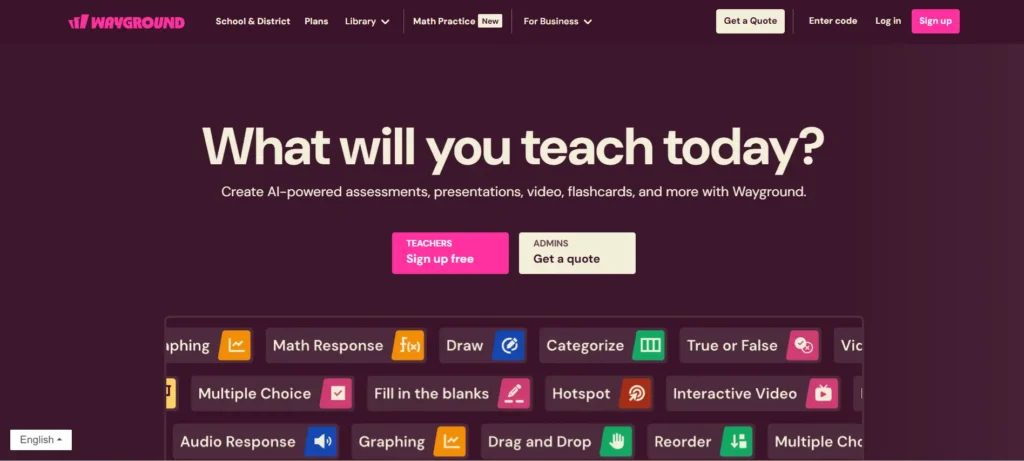
Wayground is built for teachers who want to make classroom assessments more engaging without adding complexity to lesson planning. The platform combines quizzes, assignments, and gamified assessment experiences that encourage students to participate actively while reinforcing key concepts. Rather than treating assessments as standalone activities, Wayground integrates them into everyday instruction, helping teachers maintain student interest from beginning to end.
Its game-inspired approach is one of its biggest strengths. Students can complete quizzes at their own pace while receiving feedback that keeps them motivated to improve. Teachers benefit from an intuitive interface for creating assignments, monitoring participation, and reviewing classroom performance through easy-to-read reports.
The platform also supports a variety of question formats, making it suitable for quick knowledge checks, homework, and review sessions. By turning assessments into interactive learning experiences, Wayground helps create a more engaging classroom while giving educators valuable insights into student progress.
Highlights
- Creates engaging quizzes that encourage active participation and learning.
- Uses gamified assessment elements to increase student motivation and classroom engagement.
- Supports self-paced assignments that allow students to learn at a comfortable pace.
- Provides instant feedback to reinforce concepts and improve understanding.
- Generates detailed reports that help teachers monitor individual and class performance.
- Offers multiple question formats for classroom activities, homework, and review sessions.
- Simple interface makes it easy to create, assign, and manage assessments with minimal setup.
Best For:
Teachers and schools looking to increase classroom engagement through interactive quizzes, gamified assessments, and easy-to-manage assignments.
Limitations:
While it excels at engagement and classroom activities, some advanced analytics, customization options, and premium features require a paid subscription.
Pricing:
Free plan available with core assessment tools. Premium plans provide additional reporting, customization options, and expanded classroom features.
5. Socrative
Overview
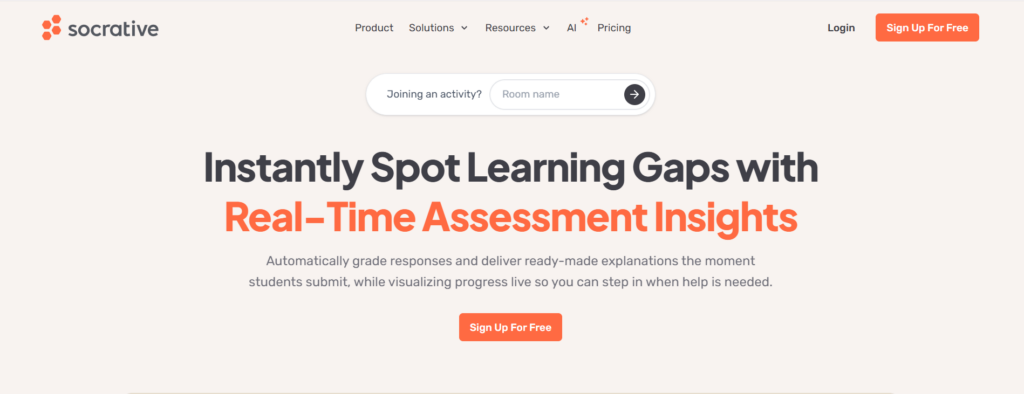
Socrative is a classroom assessment platform designed to help teachers measure student understanding quickly and respond before learning gaps grow. It focuses on formative assessment through live quizzes, exit tickets, and classroom activities that provide instant results. Instead of waiting until the end of a lesson or unit, you can check comprehension in real time and adjust instruction based on how students are performing.
One of Socrative’s biggest advantages is its simplicity. Teachers can create assessments in minutes or choose from existing activities, while students can join using any internet-connected device without a complicated setup. The platform delivers instant formative assessment results as responses are submitted, giving teachers real-time classroom insights that support faster instructional decisions.
Detailed reports make it easy to review both individual and class performance, helping identify concepts that need additional practice. This straightforward approach makes Socrative an excellent option for daily knowledge checks, lesson reviews, and quick assessments that keep students engaged throughout the learning process.
Highlights
- Supports formative assessment through live quizzes, polls, and classroom activities.
- Includes exit tickets that quickly measure student understanding before class ends.
- Delivers instant results so teachers can respond immediately to learning gaps.
- Provides real-time classroom insights through live response monitoring.
- Generates detailed reports to evaluate individual and class performance.
- Simple interface makes it easy to create assessments and launch activities.
- Works across computers, tablets, and smartphones for flexible classroom access.
Best For:
Teachers looking for an easy-to-use formative assessment platform that provides instant results, classroom insights, and efficient exit tickets.
Limitations:
Advanced reporting, larger room sizes, and some classroom management features are available only with paid plans.
Pricing:
Free plan available with core assessment features. Pro plans unlock expanded reporting, additional room capacity, and advanced classroom tools.
6. Formative
Overview
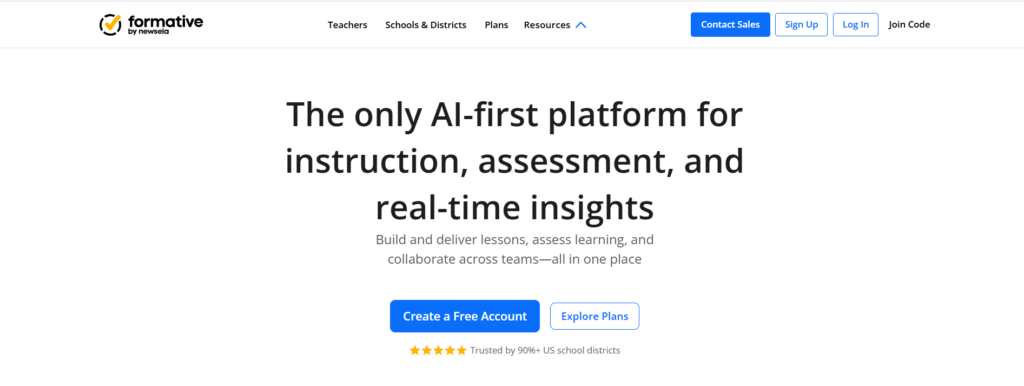
Formative is built to help teachers assess learning as it happens instead of waiting until the end of a unit. The platform combines standards-aligned assessments with immediate feedback, making it easier to identify learning gaps and adapt instruction in real time. From daily classroom activities to larger assignments, Formative gives educators the tools to monitor student progress while keeping assessments closely aligned with curriculum goals.
A main advantage of Formative is its flexibility. Teachers can create assessments from scratch, import existing materials, or enhance lessons with interactive question types that encourage meaningful responses. Students can submit images alongside written answers, making the platform especially useful for subjects that require diagrams, handwritten work, or visual explanations.
Google Classroom integration further simplifies assignment distribution and grading, reducing administrative work while keeping everything organized in one place. Combined with detailed reports and progress tracking, Formative provides educators with the information they need to support every learner more effectively.
Highlights
- Supports standards-aligned assessments that reinforce curriculum objectives.
- Provides immediate feedback to help students improve while learning is still in progress.
- Allows students to submit images as part of their responses for visual demonstrations of understanding.
- Creates and manages assignments with multiple interactive question formats.
- Tracks student progress through detailed performance reports and analytics.
- Integrates with Google Classroom for streamlined assignment management and grading.
- Helps teachers monitor classroom performance and make informed instructional decisions.
Best For:
Schools and educators looking for a flexible formative assessment platform with standards-aligned assessments, visual response options, and seamless Google Classroom integration.
Limitations:
Many advanced analytics, collaborative features, and AI-powered capabilities are only available through premium plans.
Pricing:
Free plan available with core assessment tools. Paid plans unlock advanced reporting, enhanced collaboration, and additional classroom management features.
7. ASSISTments
Overview
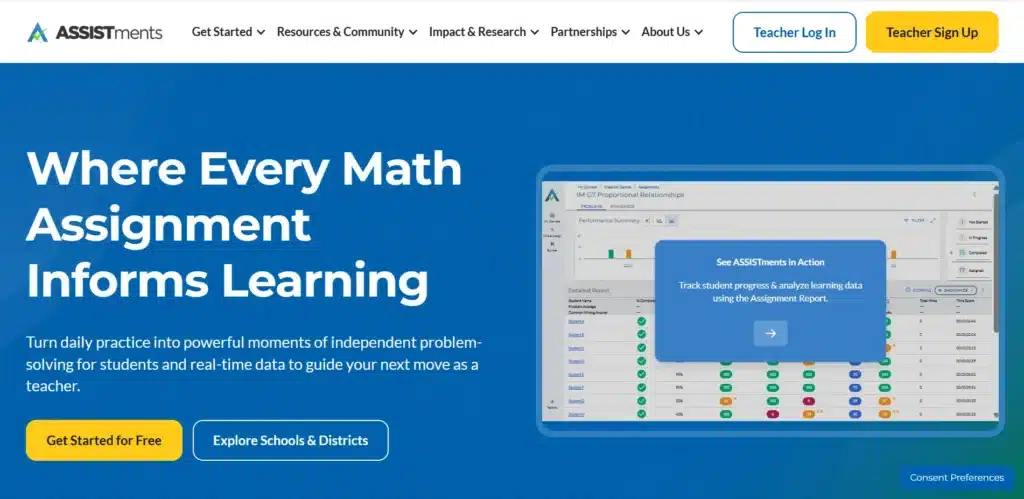
ASSISTments is a learning platform designed to strengthen math instruction through continuous formative assessment. Developed with K-12 classrooms in mind, it helps teachers assign standards-based practice while giving students immediate feedback on their work. Instead of waiting until homework is collected or a test is graded, students receive guidance as they solve problems, helping them correct mistakes and build confidence along the way.
The platform connects assignments directly to learning objectives, making it easier for teachers to monitor progress and identify concepts that need additional attention. ASSISTments also provides detailed reports that highlight individual and class performance, allowing educators to make informed instructional decisions based on real classroom data.
Its focus on math practice and timely feedback creates a more supportive learning experience where assessment becomes part of everyday instruction rather than a separate activity. For schools looking to reinforce core math skills while tracking long-term progress, ASSISTments offers a practical and research-backed solution.
Highlights
- Supports standards-aligned math practice for daily classroom instruction.
- Delivers immediate feedback that helps students learn from mistakes as they work.
- Enables teachers to assign formative assessments that reinforce key concepts.
- Provides detailed reports to track student performance and classroom progress.
- Simplifies assignment management with organized practice activities and homework.
- Helps identify learning gaps early through ongoing assessment and progress monitoring.
- Encourages continuous learning by combining practice, feedback, and measurable outcomes.
Best For:
K-12 teachers and schools seeking a formative assessment platform focused on math practice, standards-based instruction, and actionable progress reporting.
Limitations:
ASSISTments is primarily designed for mathematics, making it less suitable for educators who need comprehensive assessment tools across multiple subject areas.
Pricing:
Free for teachers, with additional district and school partnerships available for expanded implementation, training, and support.
Which Edcite Alternative Is Right for You?

Finding the best Edcite alternative isn’t simply about choosing the platform with the longest feature list. The right solution depends on your instructional goals, the age group you teach, your school’s technology ecosystem, and the type of assessments you use most often.
Some platforms excel at interactive learning, while others focus on standards-based instruction, AI-assisted grading, or real-time formative assessment.
Understanding what your classroom needs today, and what it may need in the future, will help you invest in a platform that supports both teachers and students for years to come.
Do You Need Standards-Aligned Assessments or Interactive Learning?
Your first decision should be based on how you plan to use the platform during instruction. If your priority is preparing students for state assessments, look for solutions that support state-aligned digital practice, state standards, and consistent assessment workflows.
Standards-aligned platforms help maintain instructional consistency across classrooms and ensure learning activities remain connected to curriculum objectives.
If classroom participation is your biggest challenge, an interactive learning platform may be a better fit. Solutions like Pear Assessment emphasize live presentations and student interaction, while Wayground encourages engagement through gamified quizzes. These platforms make lessons more dynamic and keep students involved throughout instruction.
Immediate feedback is another factor worth considering. Students benefit when they can identify mistakes and improve their understanding while the lesson is still fresh.
At the same time, teachers gain valuable insights that help them adjust instruction before misconceptions become long-term learning gaps. Ultimately, your assessment goals should guide your platform choice rather than selecting software based solely on popularity or feature count.
Which Features Should Schools and Educators Prioritize?
Modern assessment platforms offer far more than online quizzes, so it’s important to focus on the features that will have the greatest impact on daily instruction.
Technology-enhanced question types, including drag-and-drop activities, essay responses, and image submissions, create more meaningful assessments by allowing students to demonstrate understanding in different ways instead of relying only on multiple-choice questions.
Detailed reports are equally valuable because they transform assessment data into actionable insights. Teachers can identify struggling students, monitor classroom trends, and evaluate instructional effectiveness, while district leaders and administrators can use broader reporting to support curriculum planning and academic improvement.
You should also consider workflow efficiency. AI-assisted grading can significantly reduce the time instructors spend evaluating assignments, especially in higher education or large classrooms.
Google Classroom integration simplifies assignment distribution and grading, while accessible interfaces make it easier for both educators and students to adopt the platform with minimal training. The right combination of features should improve teaching, not create additional work.
How Important Are Pricing, Integrations, and Ease of Use?
Budget plays an important role in every purchasing decision, but choosing the lowest-priced platform doesn’t always deliver the best value.
A solution that saves teachers several hours each week through automation and streamlined workflows can easily justify a higher subscription cost. Instead of comparing price alone, evaluate the overall value each platform provides.
Integration is another factor that should not be overlooked. Platforms that connect with Google Classroom, Canvas, or other learning management systems simplify assignment management, reduce duplicate work, and keep classroom resources organized in one place.
Easy implementation also increases adoption because teachers can begin using the platform without extensive training or technical support.
Free plans are often a practical starting point for individual teachers who want to test new assessment tools before recommending them to their school or institution.
Larger schools and institutions, however, may benefit from premium plans that include advanced reporting, administrative controls, expanded integrations, and dedicated customer support.
Choosing a platform that fits your existing workflow will usually deliver a smoother experience than introducing entirely new processes.
Which Edcite Alternative Offers the Best Long-Term Value?
The best long-term investment depends on your instructional priorities and future growth plans. If your institution wants to automate grading while maintaining consistent feedback, AI-first assessment platforms like Apporto PowerGrader offer the greatest advantages through scalable assessment workflows, detailed feedback, and seamless LMS integration. They are particularly well suited for higher education and institutions managing large course enrollments.
If your goal is increasing classroom participation, interactive presentation platforms such as Pear Assessment provide engaging lessons with live student responses and immediate feedback.
For teachers who prioritize continuous progress monitoring, formative assessment platforms like Classtime, Socrative, Formative, and ASSISTments deliver practical tools for measuring understanding throughout instruction.
If you’re comparing more tools in this category, explore our guide to Formative alternatives to evaluate additional platforms, assessment features, and classroom capabilities. Meanwhile, standards-based assessment platforms help schools maintain curriculum alignment and prepare students for state expectations.
The right fit is the one that supports your teaching style, scales with your classroom or institution, improves learning outcomes, and delivers measurable value long after implementation.
Final Verdict
The best Edcite alternative depends on your instructional goals. Pear Assessment excels at interactive presentations, while Socrative and Classtime are ideal for formative assessment and real-time classroom insights. Formative and ASSISTments are strong choices for standards-based learning and tracking student progress. Schools, districts, and higher education institutions each have unique priorities, so the right platform should align with your assessment strategy and long-term needs.
For higher education, Apporto PowerGrader stands out as the strongest overall solution. Its AI-assisted grading, detailed feedback, scalable assessment workflows, academic integrity features, and seamless LMS integration make it an excellent choice for improving efficiency and learning outcomes. Explore Apporto PowerGrader to modernize your assessment process with confidence.
Frequently Asked Questions (FAQs)
1. What are the best Edcite alternatives in 2026?
Some of the best Edcite alternatives in 2026 include Apporto PowerGrader, Pear Assessment, Classtime, Wayground, Socrative, Formative, and ASSISTments. Each platform offers unique strengths, from AI-assisted grading and interactive lessons to formative assessment and standards-aligned learning.
2. Which Edcite alternative is best for formative assessment?
Classtime, Socrative, Formative, and ASSISTments are excellent choices for formative assessment. They provide immediate feedback, progress tracking, detailed reports, and classroom insights that help teachers identify learning gaps and adjust instruction throughout the learning process.
3. Which platform is best for standards-aligned assessments?
Formative and ASSISTments stand out for standards-aligned assessments. Both platforms help teachers create curriculum-aligned assignments, monitor student progress, deliver immediate feedback, and generate reports that support consistent instruction and measurable learning outcomes.
4. Which Edcite alternative is best for higher education?
Apporto PowerGrader is the strongest option for higher education. It combines AI-assisted grading, personalized feedback, scalable assessment workflows, academic integrity features, and seamless LMS integration, making it ideal for colleges and universities managing high volumes of student submissions.
5. Can Edcite alternatives integrate with Google Classroom or Canvas?
Yes. Many Edcite alternatives integrate with Google Classroom, Canvas, and other learning management systems. These integrations streamline assignment distribution, grading, feedback, and course management, helping educators maintain a more efficient instructional workflow.
6. Are there free Edcite alternatives for teachers?
Yes. Platforms such as Socrative, Formative, Classtime, Pear Assessment, and Wayground offer free plans with core assessment features. While premium plans provide additional analytics and administrative tools, free versions are often sufficient for individual teachers and small classrooms.
7. How do interactive assessments improve student learning?
Interactive assessments encourage active participation through quizzes, polls, image responses, and technology-enhanced question types. Combined with immediate feedback, they help students strengthen understanding, correct mistakes more quickly, and stay engaged throughout the learning process.
8. What should you look for when choosing an Edcite alternative?
Choose a platform that aligns with your instructional goals and classroom needs. Prioritize features such as formative assessment, standards-aligned assessments, AI-assisted grading, detailed reporting, Google Classroom or Canvas integration, ease of use, scalability, and long-term value.
