
Something interesting is happening with how desktops are delivered. Not replaced entirely, but rethought. DaaS in cloud computing is becoming a serious option, not just for large enterprises, but for teams trying to keep things simple without losing control.
The numbers point in that direction. The market is expected to reach $18.7 billion by 2030, growing at a steady 20.6% CAGR. That kind of growth usually signals a shift in how organizations approach everyday infrastructure.
You’re also dealing with a remote workforce that isn’t temporary anymore. Add BYOD policies, cloud based services, and changing business needs, and suddenly traditional desktop management starts to feel heavy.
DaaS promises flexibility. But it also raises questions around cost, control, and long-term fit. In this guide, you’ll look at how it works, where it helps, and where it needs closer attention.
What Is DaaS in Cloud Computing and How Does It Actually Work?
Desktop as a Service, or DaaS, is exactly what it sounds like. Your desktop isn’t tied to a physical machine anymore. It lives somewhere else, in the cloud, and you connect to it when you need it.
A cloud hosted virtual desktop is delivered over the internet. You log in from your laptop, tablet, even a mobile device, and what shows up feels familiar. Same desktop environment, same apps, same files. Just not stored on your device.
Behind that simplicity, there’s a layered setup. A centralized server runs the environment. Inside it, virtual machines simulate individual desktops, each with its own operating system. Windows, Linux, whatever your setup requires. The cloud provider handles the backend management, updates, performance tuning, and most of the heavy lifting you’d otherwise deal with.
It’s built on shared cloud infrastructure, often multi-tenant, meaning resources are distributed across users while still keeping environments separate.
There’s also a choice in how desktops behave. Persistent desktops retain your settings and data over time. Nonpersistent desktops reset after each session, which is cleaner, sometimes safer.
In a way, DaaS removes the dependency on physical hardware. The desktop becomes something you access, not something you own.
How Does DaaS Compare to Traditional VDI ?
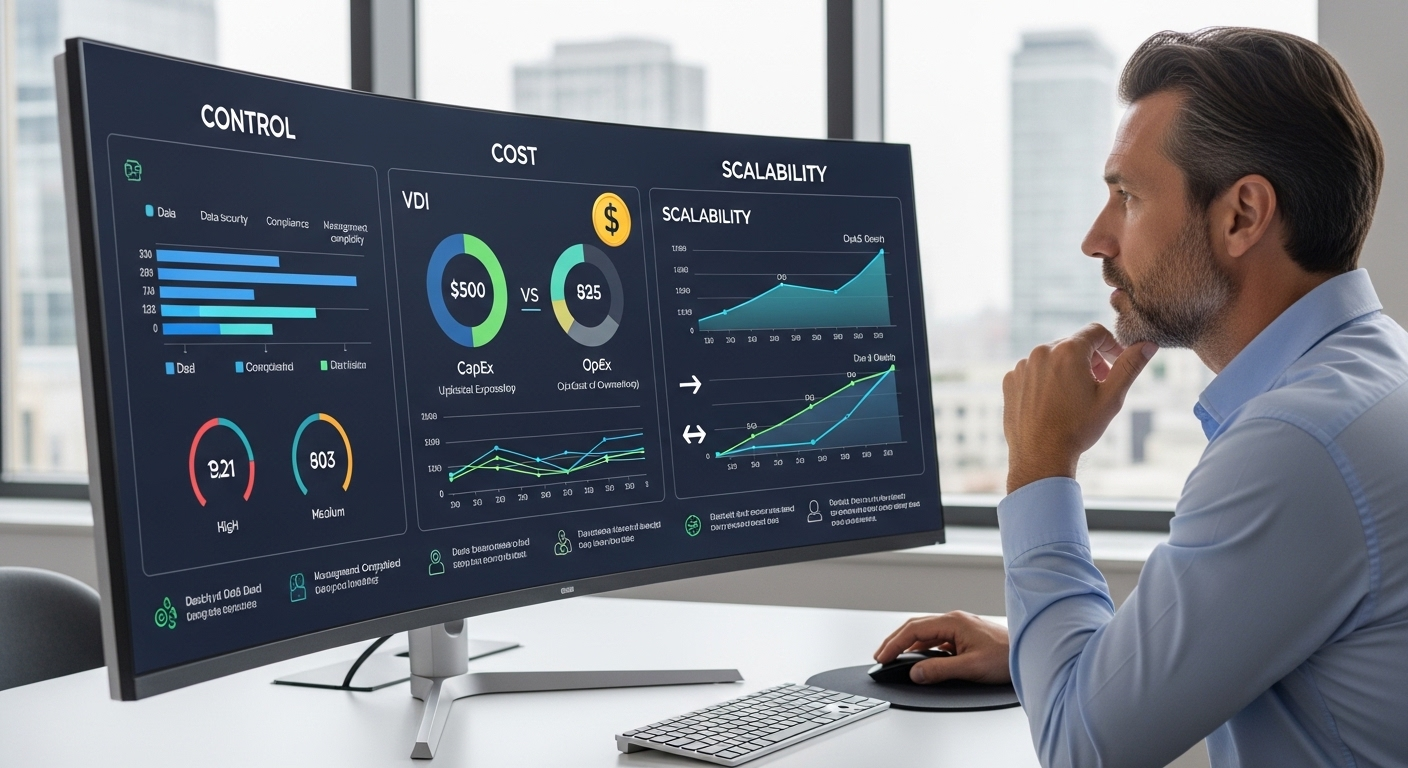
The comparison comes up often, and for good reason. On the surface, DaaS and virtual desktop infrastructure, VDI, look similar. Both deliver virtual desktops. Both move workloads away from local machines. But once you look a little closer, the differences start to matter.
With DaaS, the cloud provider handles the infrastructure. Servers, storage, updates, backend management, it’s all managed for you. You’re essentially subscribing to a service. That subscription model removes the need for large upfront investments, which is often where organizations hesitate with traditional setups.
VDI works differently. Your IT team owns and manages everything, usually within an on-prem data center. That gives you more control, no question. You can customize environments deeply, adjust configurations, fine-tune performance. But it also brings complexity. Infrastructure management becomes an ongoing responsibility, not a one-time effort.
There’s also the question of scale. DaaS can expand quickly since it relies on cloud resources. VDI, on the other hand, depends on the hardware you already have, or plan to add.
So it becomes a trade-off. Simplicity versus control. Speed versus customization.
| Feature | DaaS | VDI |
|---|---|---|
| Infrastructure | Hosted by cloud provider | On-prem data center |
| Cost Model | Subscription-based | High upfront CapEx |
| Management | Provider handles backend | IT team manages |
| Scalability | Elastic and fast | Hardware-dependent |
| IT Effort | Lower | Higher |
| Control | Limited customization | Full control |
What Are the Benefits of DaaS in Cloud Computing?
Once you understand how DaaS works, the appeal becomes easier to see. It’s not about replacing everything you already have, it’s about removing the parts that tend to slow you down over time.
Here’s what makes DaaS a strong fit for modern cloud environments:
- Cost Savings: Reduce hardware investments and move spending toward predictable operational expenses, avoiding the pressure of large upfront infrastructure costs that often come with traditional setups.
- Simplified Desktop Management: Allows IT administrators to manage users, updates, and environments from a centralized point, without needing to configure or maintain physical hardware across locations.
- Scalability: Enables you to scale desktop environments up or down based on active end users and changing business needs, without waiting on procurement or deployment cycles.
- Seamless Access: Allows users to access virtual desktops from almost any device with an internet connection, including laptops, tablets, and mobile devices, with a consistent experience.
- Enhanced Security: Keeps sensitive data stored within the cloud, reducing the risk of data loss if a user’s device is lost, stolen, or compromised.
- Business Continuity: Supports ongoing operations during disruptions by allowing users to reconnect to their desktop environments from different locations without interruption.
- Support for BYOD: Allows employees to work from their own devices while maintaining control over business data, which stays within the managed environment.
- Faster Deployment: Enables quick onboarding of new users without delays tied to hardware setup, imaging, or manual configuration.
What Are the Hidden Costs and Risks of DaaS?

There’s a quiet assumption that DaaS always reduces costs. In many cases it does. But not automatically, and not without careful planning.
If the wrong virtual desktop solution is chosen, expenses can creep up in ways that aren’t obvious at the start. Licensing, storage, performance tiers, they add up. And in about 44% of deployments, organizations rely on ongoing managed services, which introduces another layer of cost. Sometimes necessary, sometimes underestimated.
You’re also depending on the provider more than you might expect. Infrastructure, updates, backend management, most of it sits outside your direct control. That can simplify things, but it also means your performance and reliability are tied to someone else’s system.
And performance itself isn’t always consistent. It leans heavily on internet connectivity. When the connection is stable, things feel smooth. When it’s not, even basic tasks can slow down.
- Internet dependency affects performance and reliability, especially for remote users on weaker networks
- High latency can create frustrating user experiences, particularly in real-time applications
- Pricing models can become unpredictable without transparency, making budgeting harder over time
- Security risks increase with poor access management and weak control over user logs and data access
- Vendor lock-in limits flexibility, making it harder to switch providers without disruption
What Types of DaaS Deployments Should You Know?
Not all desktop environments behave the same, and that’s by design. DaaS gives you options, which sounds simple, but the choice you make here tends to shape how users experience the system day to day.
Start with the persistent desktop. This is closer to what you’re used to. Settings stay. Files remain. Applications don’t reset. It’s a personalized environment, which makes it a better fit for power users, developers, or anyone working with complex tools over time.
Then there’s the non persistent desktop. Every session begins fresh. Once you log out, the environment resets. Clean slate. This works well for task workers, shared environments, or roles where consistency matters more than customization.
Neither approach is better in isolation. It depends on the workload. Some organizations mix both. Persistent desktops for users who need continuity, non persistent ones for efficiency and control. That flexibility is part of what makes DaaS deployments adaptable, you’re not locked into a single model.
How Does DaaS Handle Security and Data Protection?
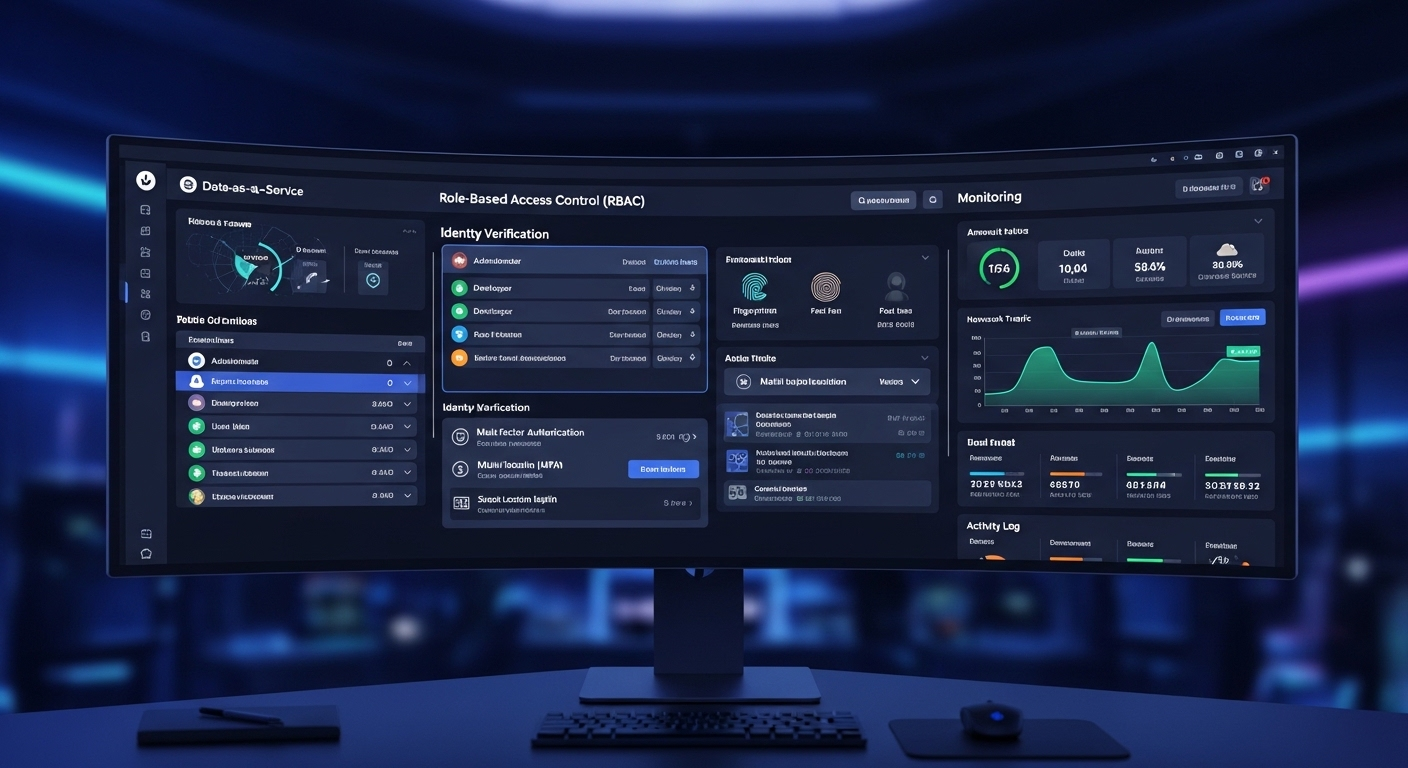
Security tends to be one of the main reasons organizations consider DaaS in the first place. Not because it removes risk entirely, but because it changes where that risk lives.
With DaaS, data isn’t stored on individual devices. It stays within a centralized cloud environment. That matters more than it sounds. If a laptop is lost or a personal device is compromised, the actual business data isn’t sitting there exposed. Access can be revoked, sessions can be closed, and the core data remains protected.
There’s also more consistency in how security is applied. Instead of relying on each endpoint to be properly configured, controls are enforced at the platform level. That includes encryption, identity checks, and access management policies.
Compliance becomes easier to manage as well. Frameworks tied to regulations like HIPAA or GDPR often require strict control over sensitive data. Centralization helps meet those expectations without relying on scattered systems.
- Data Encryption: Protects sensitive data both at rest and in transit across cloud environments
- Centralized Data Storage: Keeps business data within controlled cloud infrastructure instead of user devices
- Access Management: Restricts access based on roles and permissions, reducing unauthorized entry
- Security Patches: Ensures systems are regularly updated by service providers without manual effort
- Reduced Endpoint Risk: Limits exposure when user devices are lost, stolen, or compromised
How Does DaaS Support Remote Work and Modern Workforce Needs?
Work doesn’t really stay in one place anymore. It moves, across locations, across devices, sometimes across time zones. That’s where DaaS starts to make practical sense.
It gives your remote workforce a consistent way to access their desktop environments without being tied to a specific machine. You log in, and your workspace follows. Same apps, same files, same setup. Whether it’s a laptop at home or a mobile device on the go, the experience stays mostly intact.
There’s also flexibility with BYOD. Employees can use their own device without exposing business data, since everything runs within the cloud. That separation matters, especially when devices aren’t centrally managed.
Of course, it all depends on one thing. A reliable internet connection. Without it, performance can dip, sometimes noticeably. Still, for teams that need mobility without losing structure, DaaS fits naturally into how work already happens.
What Should You Evaluate Before Choosing a DaaS Provider?
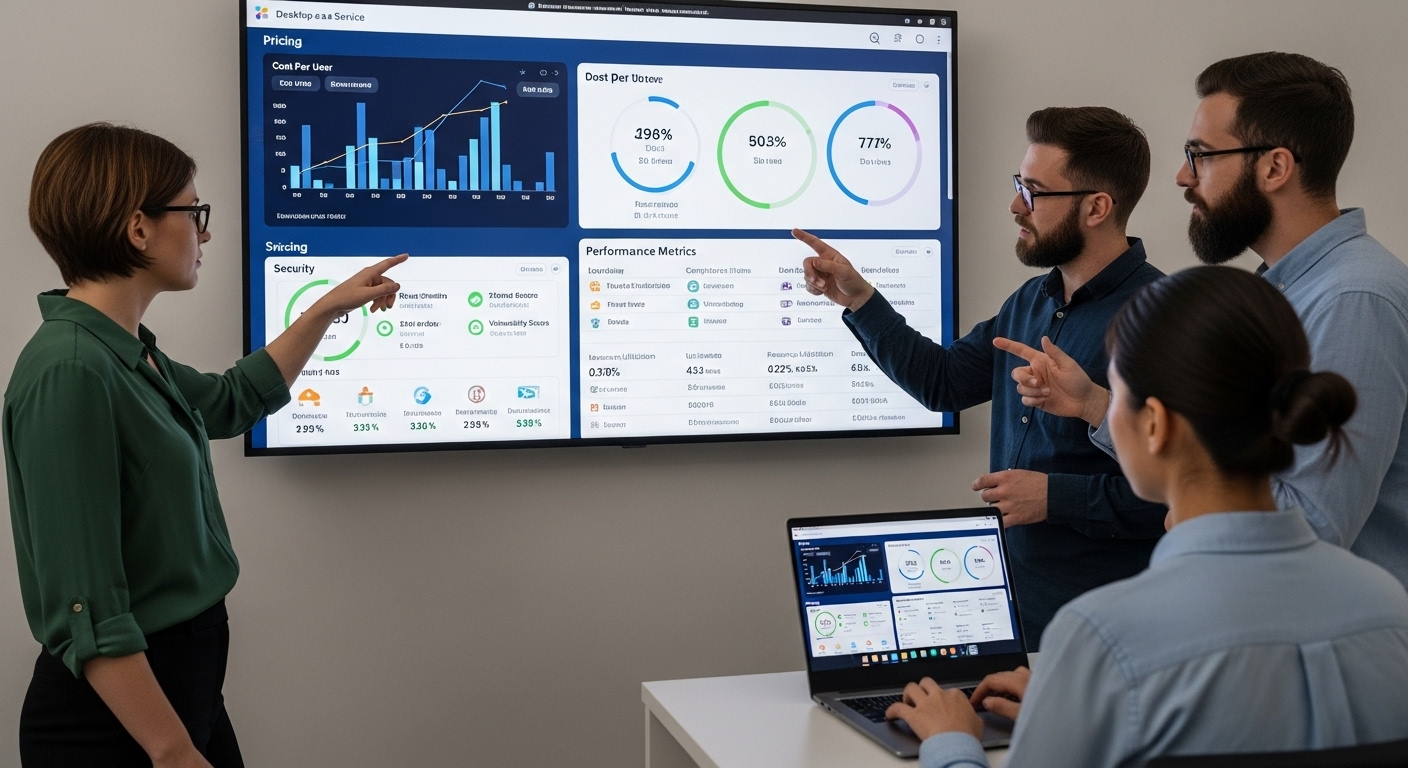
Not all DaaS providers are built the same. Some look similar on the surface, same promises, same features, but the differences tend to show up later. Usually when you’re already committed.
Choosing a DaaS provider requires more than surface-level comparison:
- Transparent Pricing: Prevent unexpected costs and ensure predictable budgeting over time, especially when usage scales or additional services are introduced.
- Security Standards: Ensure strong data protection, encryption, and compliance capabilities so sensitive business data remains protected within the cloud service environment.
- Performance Reliability: Deliver a consistent user experience across varying network conditions and devices, which becomes critical for remote teams relying on stable access.
- Scalability: Support growth without requiring infrastructure redesign, allowing you to add or remove users without disrupting existing operations.
- Managed Services Availability: Provide ongoing support to reduce the burden on internal IT teams, particularly in environments with limited resources or expertise.
- Compliance Capabilities: Help meet regulatory requirements like HIPAA or GDPR, which is essential if your organization handles sensitive or regulated data.
Why Apporto Simplifies DaaS in Cloud Computing?
Some DaaS platforms still carry a bit of weight. Setup takes time, infrastructure decisions pile up, and before long, the simplicity you expected starts to fade. That’s where a browser-based approach feels different.
Apporto delivers desktops directly through the browser. No installs. No complex setup on the user’s device. You open a tab, log in, and your environment is there. It sounds simple, and it is, but that simplicity reduces friction in ways that matter over time.
There’s no need to manage heavy infrastructure or maintain layers of backend systems. That lowers the burden on your IT team, especially when resources are limited. Provisioning users becomes faster. Updates happen without disruption.
The experience itself stays consistent. Across devices, across locations, without relying on local configurations.
It’s a cleaner way to approach a DaaS platform. Less overhead, more control where it counts, and a secure environment that doesn’t feel complicated.
Final Thoughts
DaaS in cloud computing brings clear advantages. Flexibility, simplified management, easier scaling. It removes a lot of the friction tied to traditional desktop environments.
But it also comes with trade-offs, especially around cost control, performance, and reliance on the provider. That’s where planning starts to matter more than the technology itself.
The daas model works best when it aligns with your actual business needs, not just trends or expectations. A careful evaluation, looking at how your users work, what your infrastructure can support, and where risks may sit, tends to make the difference. In the end, it’s less about adoption, more about fit.
Frequently Asked Questions (FAQs)
1. What is DaaS in cloud computing?
DaaS in cloud computing is a cloud service where a provider delivers virtual desktops over the internet. You access your desktop environment remotely, without relying on physical hardware, using a subscription-based model managed by the provider.
2. How is DaaS different from VDI?
DaaS is managed by a cloud provider, which reduces infrastructure and management effort. VDI, on the other hand, is controlled by your IT team, offering more customization but requiring higher investment and ongoing infrastructure management.
3. Is DaaS secure?
DaaS can be secure when properly configured. Data stays in the cloud, protected by encryption and access controls. Risks still exist, especially around user access and misconfigurations, so consistent security practices remain important.
4. Does DaaS reduce IT costs?
DaaS can reduce upfront hardware and infrastructure costs, shifting expenses to a subscription model. However, total costs depend on usage, provider pricing, and whether additional managed services are required over time.
5. What devices support DaaS?
DaaS supports a wide range of devices, including laptops, desktops, tablets, and mobile devices. Since access happens through an internet connection, users can connect from almost any device without needing high-end hardware.
6. Does DaaS require constant internet?
Yes, DaaS depends on a stable internet connection. Performance is directly tied to network quality, and high latency or interruptions can affect the user experience, especially for tasks requiring real-time responsiveness.