

Which Strigo Alternative Is Best for Higher Education and Technical Training?
The best Strigo alternatives depend on your training needs, but browser-based platforms are increasingly preferred for flexibility and ease of access. Solutions like Apporto Virtual Computer Labs provide hands-on virtual labs, no software installation, and scalable environments that support both self-paced and instructor-led training.
Not long ago, virtual instructor-led training was enough. Today, expectations are higher. You need virtual labs that launch quickly, browser-based access that works without friction, and training platforms that combine speed, flexibility, security, and meaningful analytics. That’s one reason interest in Strigo alternatives continues to grow.
Strigo remains a capable platform for live technical training and hands-on labs. Still, different teams have different priorities. Some need deeper analytics, others want more flexible environments or stronger user management and security controls.
This guide compares the best Strigo alternatives, evaluating them based on training experience, deployment speed, scalability, and the overall value they bring to modern technical education.
How We Evaluated These Strigo Alternatives?

Finding the right Strigo alternative isn’t simply about replacing one platform with another. The bigger question is how well a platform supports your training goals, adapts to changing requirements, and creates an experience that learners actually enjoy using. Some tools excel at virtual instructor-led training, while others prioritize browser-based labs, automation, or large-scale deployments. To make this comparison meaningful, the evaluation focused on four areas that have the greatest impact on training outcomes and long-term value.
How Important Are Virtual Labs and Hands-On Training?
Virtual labs formed the foundation of this evaluation because technical skills are built through practice. The strongest platforms create environments where users interact with real applications, experiment freely, and develop practical skills over time. Interactive learning also plays an important role. A well-designed app should encourage participation, keep users engaged, and make training feel productive rather than repetitive.
Instructor-led experiences were another key consideration. The best solutions balance guided instruction with hands-on exercises, helping learners spend more time applying concepts and less time passively consuming information.
How Fast and Flexible Are Their Training Environments?
Speed matters more than many teams initially expect. Long setup times and complicated configurations create friction before training even begins.
We looked closely at deployment speed, browser accessibility, and how easily virtual machine environments could be provisioned. Platforms that allow users to launch labs quickly, without unnecessary waiting, create a smoother experience from the moment the training page is displayed. Flexibility was equally important, especially for organizations running complex lab setups across different teams.
How Strong Are Their Analytics and Learning Insights?
Training programs become far more valuable when you can measure what is actually happening. We evaluated learner analytics, participation tracking, and reporting capabilities to understand how platforms present information and monitor performance.
The best tools provide clear analytics dashboards, detailed reports, and actionable insights that help instructors refine programs as new courses are added over time.
How Well Do They Handle Security and User Protection?
Finally, security remains essential for any virtual training environment. We assessed how each platform handles security verification, access controls, authentication, and monitoring. Protection against malicious bots was another important factor, particularly for organizations managing larger groups of users.
Strong security services perform security verification efficiently, verify legitimate access, and help protect training environments without creating unnecessary barriers for users.
Quick Comparison Table: Which Strigo Alternative Fits Your Training Needs?
Before diving into the detailed reviews, it helps to compare these Strigo alternatives side by side. Some platforms focus on browser-based virtual labs and higher education, while others specialize in product training, enterprise labs, or advanced cloud environments. The table below provides a quick overview of their strengths, pricing approach, and standout capabilities.
| Platform | Best For | Browser-Based | Pricing | Standout Feature |
|---|---|---|---|---|
| Apporto Virtual Computer Labs | Higher Education | Yes | Custom | Browser-Based Virtual Labs |
| Heropa | IT Labs & Training | Yes | Custom | Lab Automation |
| CloudShare | Product Training | Yes | Custom | Sandbox Environments |
| DaDesktop | Complex Virtual Labs | Partial | Custom | Nested Virtualization |
| Skillable | Enterprise Training | Partial | Custom | Performance-Based Labs |
| Instruqt | Product Training | Yes | Custom | Interactive Cloud Labs |
| KodeKloud | Cloud & DevOps Training | Yes | Subscription | DevOps Learning Paths |
Strigo Alternatives ( A Detailed Breakdown)
1. Apporto Virtual Computer Labs (Best Browser-Based Strigo Alternative for Higher Education)
Overview
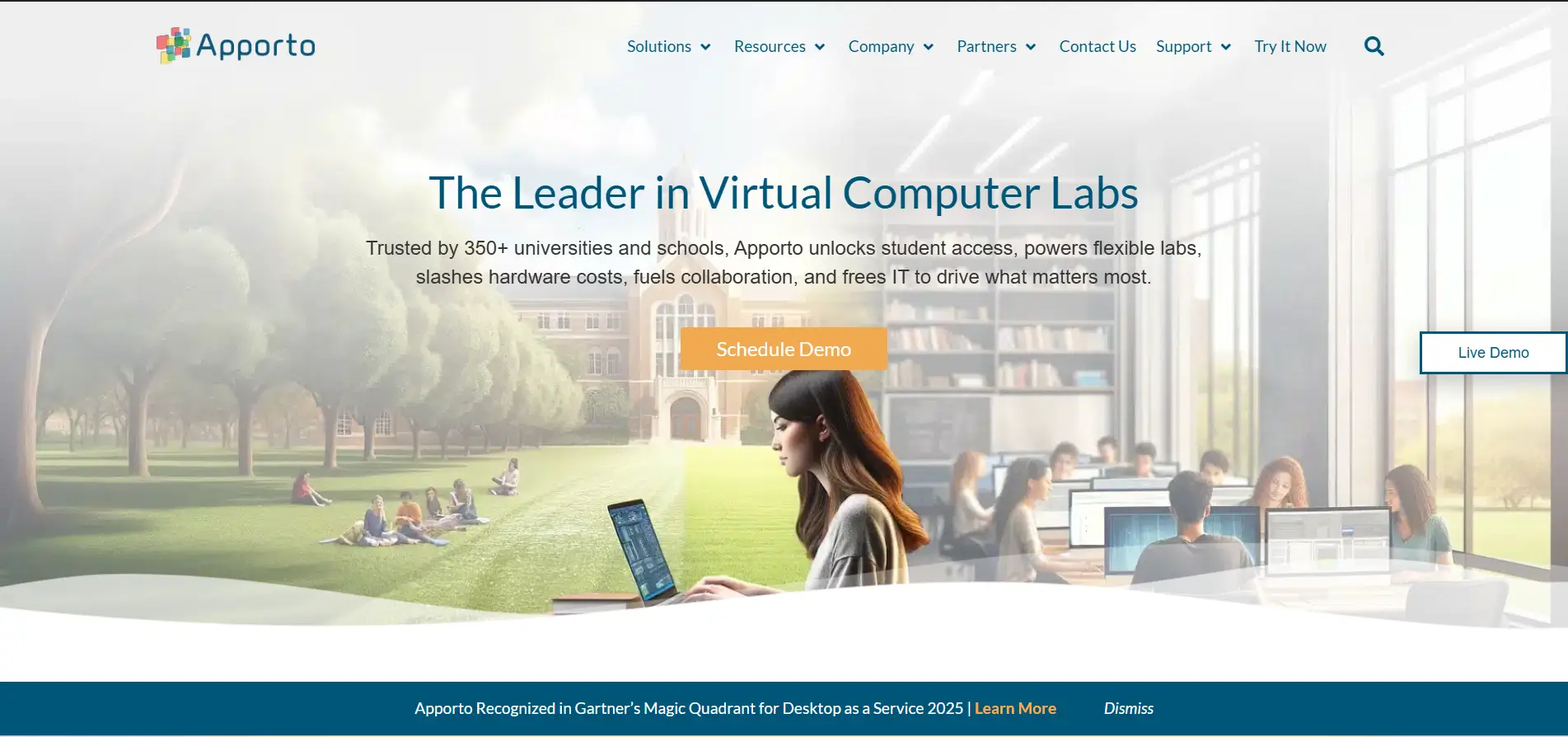
Apporto Virtual Computer Labs takes a different route from traditional virtual instructor-led training platforms. Instead of requiring software installations or complex configurations, Apporto delivers fully functional virtual labs directly through a browser. This browser-first approach has made it a popular choice among colleges, universities, and technical training providers looking to simplify access while expanding learning opportunities. Students can launch applications instantly, access specialized software from almost any device, and continue learning without being tied to physical computer labs.
What makes Apporto stand out is its simplicity. Training environments are easy to access, administrators spend less time troubleshooting, and students avoid the frustrations that often come with downloads or device compatibility issues. The experience feels streamlined from beginning to end, which is not always common in virtual lab environments. Sometimes the most valuable feature is simply removing barriers that slow learning down.
Highlights
- Browser-Based Virtual Labs with no software installation required.
- Zero Client Setup, eliminating VPNs and complicated configurations.
- Centralized IT Management for users, applications, and permissions.
- Scalable Cloud Infrastructure that supports growing student populations.
- Anywhere Access across laptops, desktops, and personal devices.
Best For:
Higher education institutions, technical training providers, and organizations seeking browser-based virtual computer labs with simplified administration.
Limitations:
Public pricing information is not available, and organizations looking for advanced instructor-led classroom features may need additional training tools.
Pricing:
Apporto offers custom pricing based on institution size, concurrent users, software requirements, and deployment preferences. Organizations can request a tailored quote that aligns with their learning goals, infrastructure needs, and long-term growth plans.
2. Heropa (Best for Automated Virtual IT Labs)

Overview
Heropa is designed to simplify the creation and delivery of virtual IT labs through automation. The platform enables training providers, educational institutions, and software vendors to deploy ready-to-use lab environments quickly, reducing the time spent on manual setup and infrastructure management. With browser-based access and support for a wide range of applications, Heropa helps users launch labs with minimal friction while maintaining a smooth learning experience.
One of Heropa’s strongest advantages is speed. Lab environments can be provisioned automatically, allowing users to begin training almost immediately rather than waiting for resources to become available. For organizations running multiple courses or technical workshops, that efficiency can save a considerable amount of administrative effort.
Heropa focuses on making complex environments easier to manage behind the scenes. The interface is straightforward, the app works smoothly across browsers, and automated provisioning reduces many of the delays that traditionally slow down virtual training. It feels efficient without becoming overly complicated, which is a balance many platforms struggle to achieve.
Highlights
- Automated Lab Provisioning for faster deployment and reduced setup time.
- Browser-Based Access that allows users to launch labs instantly.
- Custom Virtual Environments tailored to different training requirements.
- Application Hosting for software demonstrations and technical learning.
- Centralized Management for users, resources, and training sessions.
Best For:
Training providers, IT educators, and organizations seeking automated virtual labs with fast deployment and simplified management.
Limitations:
Heropa offers fewer advanced analytics features than some enterprise-focused platforms, and public pricing details are limited.
Pricing:
Heropa provides custom pricing based on the number of users, lab environments, and infrastructure requirements. Organizations need to contact the sales team for a personalized quote that matches their training goals and usage needs.
3. CloudShare (Best for Product Training and Complex Environments)
Overview
CloudShare is built for organizations that need more than standard virtual labs. The platform specializes in product training, software demonstrations, and complex virtual environments that closely resemble real production systems. This makes it particularly attractive for software companies and technical teams that want users to interact directly with products instead of relying solely on presentations or static documentation.
CloudShare is also known for its deployment speed. Environments can be launched quickly, allowing users to access training sessions or product demos without lengthy setup procedures. The platform’s browser-based approach keeps the experience simple, while its robust infrastructure supports sophisticated environments behind the scenes.
One of CloudShare’s strengths is flexibility. You can create customized environments, manage resources efficiently, and deliver training experiences that feel remarkably close to real-world use cases. The website is easy to navigate, information is organized clearly, and users can move between labs without unnecessary friction. That focus on usability makes a noticeable difference, especially when training programs grow more complex.
Highlights
- Custom Sandbox Environments designed for product training and software demonstrations.
- Rapid Deployment Speed that minimizes waiting and accelerates training delivery.
- Browser-Based Access for convenient user access across devices.
- Virtual Machine Support for complex technical environments and simulations.
- Collaboration Tools that help teams and customers engage more effectively during training.
Best For:
Software vendors, product teams, and organizations delivering technical training, demonstrations, or customer onboarding.
Limitations:
CloudShare is optimized for product environments and demonstrations, so organizations seeking certification-focused learning paths may prefer other options.
Pricing:
CloudShare offers custom pricing based on user requirements, environment complexity, and infrastructure usage. Organizations can request a tailored plan that aligns with their training objectives and long-term growth plans.
4. DaDesktop (Best for Nested Virtualization and Advanced Labs)
Overview
DaDesktop is built for organizations that need highly customizable virtual labs and advanced training environments. Unlike many platforms that focus on standard virtual machines, DaDesktop stands out because of its built-in nested virtualization capabilities. This allows you to run technologies such as Kubernetes, Docker, and multi-layered infrastructure inside virtual labs, making it an appealing choice for advanced technical training and testing scenarios.
The platform is designed to handle complex environments without sacrificing deployment speed. Users can launch labs quickly, access preconfigured resources, and build sophisticated environments that closely mirror production systems. For teams working with modern infrastructure technologies, that level of flexibility can be difficult to find elsewhere.
DaDesktop works particularly well when training extends beyond basic virtual machines. The ability to create nested environments by default gives instructors and learners more room to experiment with real infrastructure scenarios. Setup remains relatively straightforward despite the added complexity, and information about lab resources is presented clearly throughout the platform. That balance between power and usability is one of its strongest qualities.
Highlights
- Nested Virtualization for Kubernetes, Docker, and advanced infrastructure labs.
- Rapid Environment Provisioning with fast deployment speed and minimal setup.
- Custom Virtual Machines designed for technical training and testing.
- Flexible Infrastructure that supports complex lab configurations.
- Centralized Resource Management for easier administration and monitoring.
Best For:
Advanced technical training, cloud engineering teams, and organizations requiring nested virtualization or end-to-end testing environments.
Limitations:
The platform is designed for technically advanced use cases, so it may feel more complex for organizations seeking simple browser-based training experiences.
Pricing:
DaDesktop offers custom pricing based on infrastructure requirements, user volume, and environment complexity. Organizations can request a tailored quote that aligns with their technical and training objectives.
5. Skillable (Best for Enterprise Hands-On Training)
Overview
Skillable has established itself as one of the leading platforms for enterprise hands-on training, particularly in technical fields where practical experience matters as much as theoretical knowledge. The platform specializes in performance-based learning, allowing users to develop skills through interactive virtual labs rather than passive instruction. Its cloud-based environments support a wide range of training scenarios, from IT operations and cybersecurity to cloud computing and software development.
A major reason organizations consider Skillable among the top Strigo alternatives is the depth of its lab ecosystem. The platform is designed to create realistic environments where users can practice tasks, validate skills, and work through exercises that closely resemble real job responsibilities. That practical approach gives training programs a stronger sense of purpose and measurable outcomes.
Skillable works particularly well for enterprise teams that need both scalability and visibility into learning outcomes. The platform provides detailed analytics, allowing administrators to monitor user progress, evaluate performance, and gather information that helps improve future training initiatives. AI-driven assessments and hands-on exercises also make the learning experience more engaging, which can have a meaningful impact on long-term retention.
Highlights
- Performance-Based Virtual Labs designed for practical skill validation.
- Cloud-Based Training Environments that scale across enterprise teams.
- Advanced Analytics for tracking learner performance and engagement.
- AI-Driven Assessments that provide deeper insights into user progress.
- Custom Lab Environments tailored to different technical disciplines.
Best For:
Enterprises, IT departments, and organizations seeking scalable hands-on training with advanced analytics and practical skill assessments.
Limitations:
Public pricing is not available, and smaller organizations may find the platform more feature-rich than they require.
Pricing:
Skillable offers custom pricing based on training volume, lab requirements, and organizational needs. Businesses can request a tailored quote that aligns with their users, learning objectives, and long-term training strategy.
6. Instruqt (Best for Interactive Product Education)
Overview
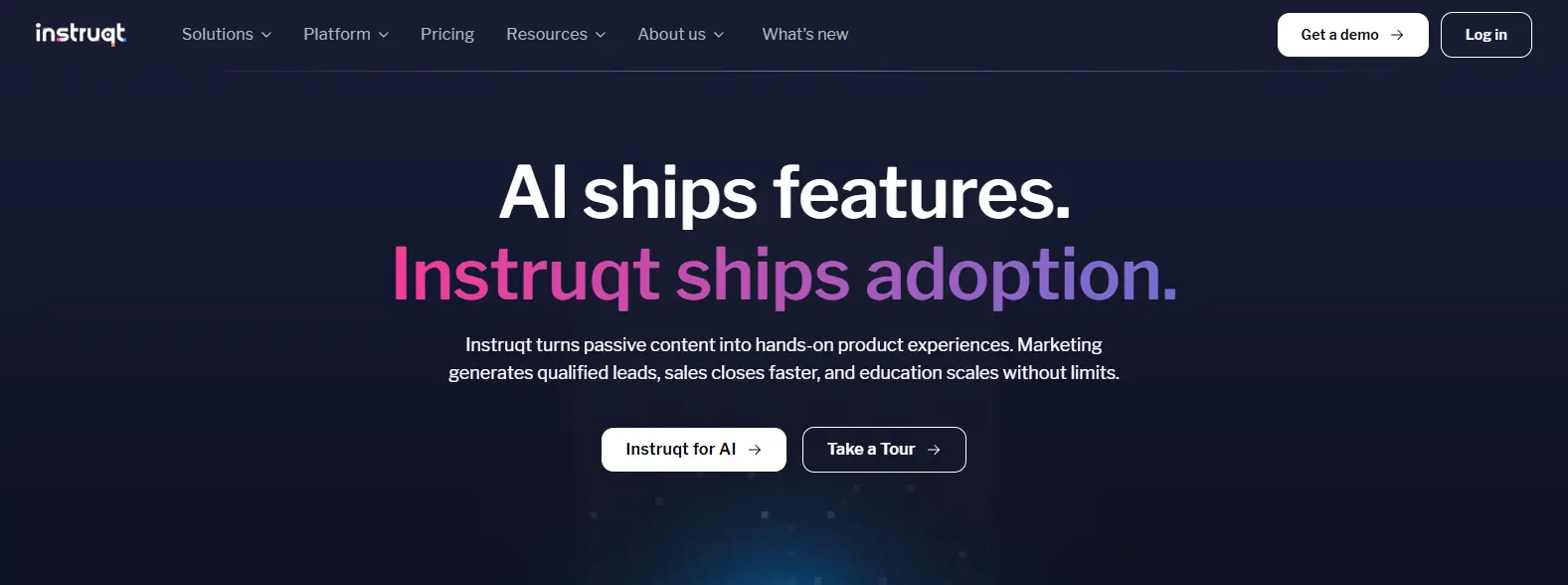
Instruqt is built around a simple idea, people learn products faster when they can interact with them directly. Instead of relying on static guides or recorded demonstrations, the platform creates interactive environments where users explore features, complete guided exercises, and gain hands-on experience through a browser. This approach has made Instruqt a popular choice for SaaS companies, developer platforms, and technology vendors that want to educate users while keeping them actively engaged.
The platform also excels at flexibility. Organizations can create custom environments, provision cloud resources on demand, and design learning journeys that closely mirror real product experiences. For teams focused on product adoption, that level of control can be incredibly valuable.
What stands out about Instruqt is how naturally the learning experience unfolds. Users progress through exercises at their own pace, receive immediate feedback, and interact with real environments instead of simulations. The app is intuitive, information is presented clearly, and built-in analytics give teams a better understanding of how users engage with training content over time. Small details, admittedly, but they add up.
Highlights
- Interactive Browser-Based Labs that provide hands-on product experiences.
- Custom Cloud Environments tailored to specific products and training objectives.
- Real-Time Feedback that helps users progress more confidently.
- Advanced Analytics for monitoring engagement and learning outcomes.
- On-Demand Resource Provisioning for flexible and scalable training.
Best For:
SaaS companies, developer-focused businesses, and organizations delivering interactive product education or customer onboarding.
Limitations:
Instruqt focuses heavily on product education and cloud environments, so teams looking for traditional instructor-led classroom experiences may prefer other alternatives.
Pricing:
Instruqt offers custom pricing based on user volume, cloud resources, and training complexity. Organizations can request a personalized plan that aligns with their educational goals, technical requirements, and long-term growth strategy.
7. KodeKloud (Best for Cloud and DevOps Training)
Overview
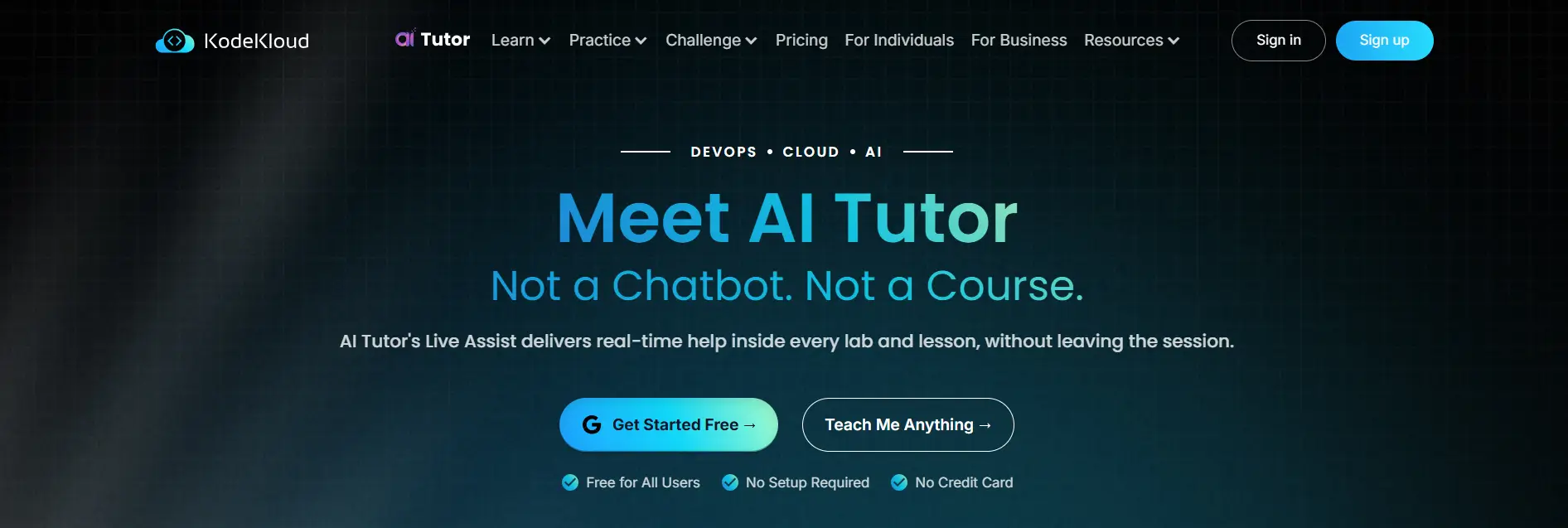
KodeKloud has become a go-to platform for learners who want to build practical cloud and DevOps skills through hands-on experience. Rather than focusing solely on theory, the platform combines guided courses with interactive labs where users work directly with technologies such as Kubernetes, Docker, Linux, AWS, and automation tools. This practical approach helps learners understand not only how a technology works, but also how to apply it in real environments.
The platform is particularly appealing because of its simplicity. Labs launch quickly, the browser-based app is easy to navigate, and learners can move from lessons to exercises without interrupting their workflow. That smooth transition between learning and practice is one of KodeKloud’s biggest strengths.
KodeKloud works best when the goal is skill development through repetition and experimentation. Users receive immediate feedback while progressing through labs, and the platform maintains a steady pace that keeps learning engaging without feeling overwhelming. The app performs reliably, lab deployment speed is impressive, and learners spend more time building skills than dealing with setup issues.
Highlights
- Interactive DevOps Labs with real-world exercises and guided challenges.
- Browser-Based Learning App that provides instant access to courses and labs.
- Comprehensive Cloud Training covering AWS, Kubernetes, Docker, Linux, and automation.
- Hands-On Projects that help users apply concepts through practical exercises.
- Structured Learning Paths designed for beginners as well as experienced professionals.
Best For:
Individuals, technical teams, and organizations seeking practical cloud and DevOps training with extensive hands-on learning.
Limitations:
KodeKloud focuses primarily on cloud and DevOps technologies, so organizations requiring broader enterprise training or instructor-led classroom features may need additional platforms.
Pricing:
KodeKloud follows a subscription-based pricing model with monthly and annual plans available. Team plans include additional administrative features, making it easier to manage users and scale training programs across larger groups.
What Features Should You Look for in a Strigo Alternative?

Choosing among Strigo alternatives can become surprisingly difficult because many platforms appear similar at first glance. The real differences emerge when you evaluate how well they deliver training, support users, and scale as your programs expand. A strong platform should simplify access, provide meaningful insights, and create learning experiences that feel practical rather than restrictive. Here are the features that deserve the closest attention.
Virtual Labs
Virtual labs are the foundation of modern technical training. Flexible lab environments allow users to practice real tasks, experiment safely, and gain hands-on experience that mirrors actual working conditions. The more adaptable the environment, the easier it becomes to support different courses, technologies, and learning objectives without rebuilding infrastructure for every program.
Deployment Speed
Fast deployment has a direct impact on learner engagement. When labs launch quickly and require minimal setup, users spend less time waiting and more time learning. Browser-based environments with streamlined provisioning also reduce technical friction, helping training sessions start smoothly and maintain momentum throughout the learning process.
Analytics and Reporting
Training becomes far more valuable when you can measure outcomes clearly. Detailed dashboards, learner analytics, and performance reports help administrators understand how users engage with courses and where additional support may be needed. Strong analytics also provide actionable insights that improve training quality over time.
Security and User Verification
Security should never be treated as an afterthought. Platforms that perform security verification efficiently help protect training environments while maintaining a smooth user experience. Features such as access controls, authentication, and protection against malicious bots ensure that only authorized users can access resources, reducing security risks without creating unnecessary barriers.
Scalable Infrastructure
As training programs grow, infrastructure needs grow as well. The right platform should support larger teams, maintain consistent performance, and manage increasing demand without driving costs higher than expected. Scalable infrastructure gives you the flexibility to expand training initiatives while keeping resource usage and long-term cost under control.
How Do You Choose the Right Strigo Alternative for Your Team?

The best Strigo alternative isn’t necessarily the platform with the most features. It’s the one that aligns with how your team trains, the type of learners you support, and the complexity of your environments. Some organizations need browser-based virtual labs that are easy to manage, while others prioritize hands-on technical training, product education, or advanced analytics. Defining your priorities first makes the selection process far more practical, especially when comparing solutions such as Apporto vs Strigo.
Higher Education
Educational institutions often place accessibility and simplicity at the top of their requirements.
- Browser-Based Virtual Labs: Students should be able to access applications and labs instantly without downloading software.
- Student Accessibility: Support for different devices and remote learning environments helps create a more inclusive experience.
- Simplified IT Management: Centralized administration reduces the burden on IT teams and makes software deployment easier to maintain.
Enterprise Training
Enterprise teams usually need platforms that measure outcomes as carefully as they deliver training.
- Hands-On Labs: Practical exercises help employees develop skills they can apply immediately.
- Performance Tracking: Assessments and learner progress reports provide visibility into training effectiveness.
- Advanced Analytics: Detailed dashboards help administrators evaluate outcomes and improve future learning programs.
Product Training Teams
For software vendors and product-focused organizations, engagement becomes especially important.
- Sandbox Environments: Users can explore products safely in realistic environments.
- Interactive Product Demos: Hands-on demonstrations improve understanding and adoption.
- Customer Onboarding: Guided experiences help customers become productive more quickly.
Budget and Growth
Finally, consider how the platform fits your long-term plans.
- Custom vs Subscription Pricing: Compare pricing models based on your budget and training scale.
- Resource Planning: Evaluate how efficiently the platform manages infrastructure and user growth.
- Long-Term Scalability: Choose a solution that can expand alongside your organization without sacrificing performance or significantly increasing costs.
Final Thoughts
After comparing the leading Strigo alternatives, one thing becomes clear. The best platform depends on your training priorities and the audience you serve. If your goal is to provide browser-based virtual labs with minimal setup and broad accessibility, Apporto Virtual Computer Labs stands out as the strongest choice, especially for higher education institutions and technical training programs. Its browser-first approach simplifies access, reduces IT overhead, and makes specialized software available to students from virtually anywhere.
For organizations focused on automated IT labs, Heropa offers impressive deployment speed and streamlined lab management. CloudShare remains a top option for sandbox environments and product training, while Skillable excels at enterprise hands-on training with advanced analytics and performance-based learning. If interactive product experiences are your priority, Instruqt delivers engaging cloud-based environments that encourage active participation. Meanwhile, KodeKloud continues to be a favorite for learners building cloud and DevOps skills through practical exercises.
No single platform is perfect for every team. But if browser-based accessibility, simplified administration, and scalable virtual labs are at the top of your list, Apporto offers one of the most balanced solutions available today.
If browser-based access, simplified administration, and flexible virtual labs are priorities for your organization, Apporto is worth a closer look. Its approach to virtual computer labs focuses on removing complexity, giving students and training teams easier access to the applications and resources they need, without the overhead of traditional lab infrastructure. Try Now.
Frequently Asked Questions (FAQs)
1. What are the best Strigo alternatives in 2026?
Some of the best Strigo alternatives in 2026 include Apporto Virtual Computer Labs, Heropa, CloudShare, DaDesktop, Skillable, Instruqt, and KodeKloud. These platforms offer different strengths, ranging from browser-based virtual labs and product training to enterprise hands-on learning and cloud-based technical education.
2. Which Strigo alternative is best for higher education?
Apporto Virtual Computer Labs is one of the strongest Strigo alternatives for higher education. Its browser-based virtual labs allow students to access applications without software installations, while centralized management helps institutions simplify IT operations and provide consistent learning experiences across different devices and locations.
3. Are browser-based virtual labs better than traditional training labs?
Browser-based virtual labs are often easier to deploy and manage than traditional training labs. Learners can access resources instantly without downloading software, while administrators spend less time on maintenance and device compatibility issues. This simplicity can improve accessibility and reduce technical barriers across training programs.
4. What features should you prioritize in a Strigo alternative?
You should prioritize flexible virtual labs, fast deployment speed, learner analytics, strong security verification, and scalable infrastructure. A platform that combines these features can improve training quality, simplify administration, protect users from malicious bots, and support growing learning programs more effectively.
5. Can Strigo alternatives support enterprise training programs?
Yes. Many Strigo alternatives are designed specifically for enterprise learning. Platforms such as Skillable, CloudShare, and Apporto support hands-on labs, performance tracking, advanced analytics, and scalable environments that help organizations train larger teams while maintaining consistency and training quality.
6. Is Apporto a good Strigo alternative for universities?
Yes, Apporto is an excellent Strigo alternative for universities and colleges. Its browser-based virtual computer labs remove many of the challenges associated with traditional labs, giving students easy access to applications while helping institutions reduce IT complexity and scale learning environments more efficiently.
