
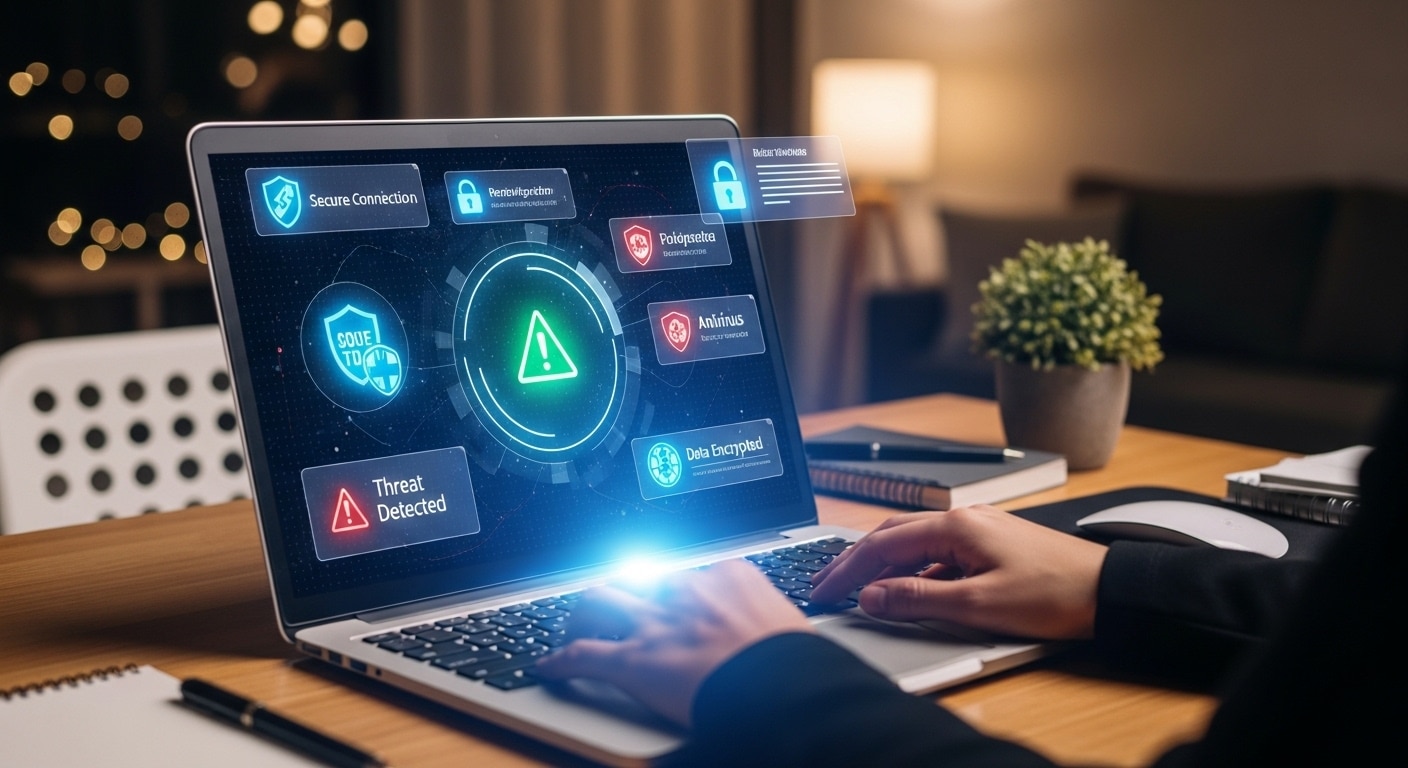
What Are the Best Cybersecurity Tips for Remote Workers?
Remote workers can improve cybersecurity by using strong passwords, enabling multi-factor authentication, securing home Wi-Fi networks, updating devices regularly, and avoiding suspicious links or public networks. Browser-based platforms like Apporto also reduce endpoint risk by keeping sensitive data inside secure cloud-based work environments.
Remote work arrived, expanded, and then simply stayed. What used to be occasional access from home is now how you operate every day. That changes things, especially when it comes to cybersecurity.
When you’re working remotely, your office isn’t a controlled environment anymore. It’s your home network, your personal devices, sometimes even public Wi Fi. That creates more entry points than most people realize. And yes, attackers have noticed. Cyberattacks have increased sharply in recent years, with remote workers becoming one of the easiest targets.
In this blog, you’ll explore practical cybersecurity tips for remote workers, focusing on how to reduce cyber security risks and stay secure while working remotely, without overcomplicating your setup.
What Are the Biggest Cybersecurity Risks Remote Workers Face Today?
Step outside a traditional office setup and something subtle changes. Control loosens. Not dramatically, just enough. And that’s usually all it takes. The cybersecurity risks tied to remote work don’t come from a single flaw, they creep in from multiple directions at once, often unnoticed until it’s a bit too late.
Here are some biggest cybersecurity risks:
- Phishing Attacks: Messages that look routine, almost boring, until you click. Many now use AI to sound convincing, polished, even familiar. That’s the unsettling part.
- Unsecured Home Network: Your home Wi Fi network might feel private, but weak passwords or outdated settings can quietly open the door to outsiders.
- Public Network Risks: Coffee shop Wi Fi, airport connections, shared networks, they expose your data in ways most people underestimate.
- Unmanaged Devices: Personal devices often miss critical security updates, leaving gaps that attackers are quick to exploit.
- Accidental Disclosure: A file shared too quickly, a screen visible during a call, small slips that can expose sensitive information.
How Can You Secure Your Devices When Working Remotely?
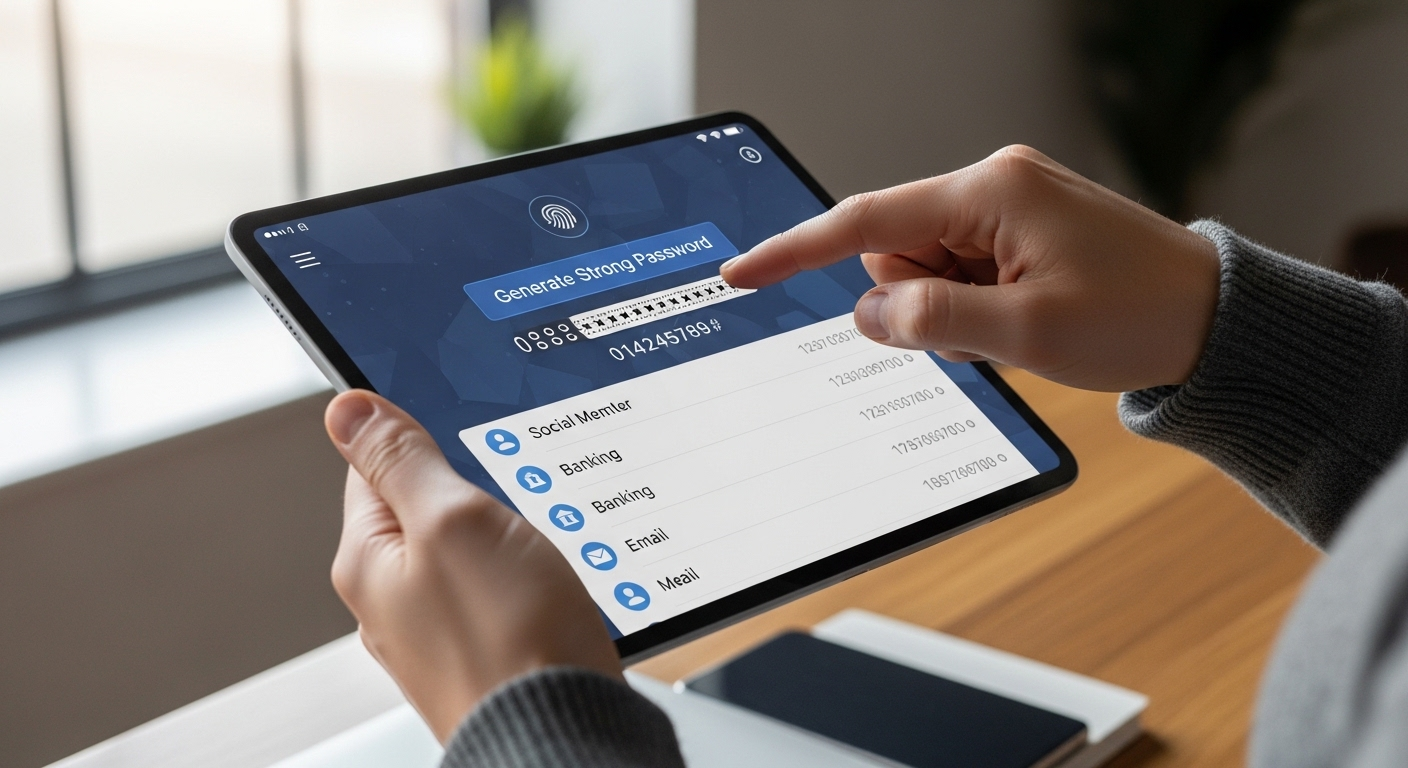
Your device is where everything begins, and sometimes where everything quietly falls apart. A single missed update, a weak password, that’s often enough.
Here’s how you secure your devices remotely:
- Keep Devices Updated: Regularly install updates and patches. They fix known weaknesses, the kind attackers already understand better than you might expect.
- Install Antivirus Software: Provides automatic protection against malware, ransomware, and other threats that don’t announce themselves before causing damage.
- Use Strong Passwords: Create passwords with length, variation, and special characters. Simple ones get guessed, quickly.
- Use a Password Manager: Helps you generate and store different passwords across accounts without relying on memory, which tends to fail at the worst time.
- Enable Screen Locks: Lock your device whenever you step away. It sounds basic, but it prevents casual access that can turn serious.
Why Is Securing Your Home Wi-Fi Network Critical?
Your home network used to be just that, personal, informal, not particularly important. That’s no longer true. It’s now your office perimeter, even if it doesn’t look like one. And unfortunately, Wi Fi is one of the easiest places for things to go wrong.
A weak home network doesn’t just slow you down, it quietly exposes your work, your data, your access points. Here’s where to focus:
- Use Strong Wi-Fi Passwords: A simple password is an open invitation. Make it long, unpredictable, something that isn’t reused anywhere else.
- Enable Encryption: Use WPA2 or WPA3 encryption. Without it, your network traffic is far easier to intercept.
- Update Router Firmware: Routers don’t update themselves unless you tell them to. Outdated firmware often carries known vulnerabilities.
- Change Default Credentials: Default usernames and passwords are widely known. Leaving them unchanged is risky, plain and simple.
- Segment Your Network: Keep work devices separate from personal ones. It limits exposure if something goes wrong elsewhere.
How Does a VPN Protect Remote Workers?
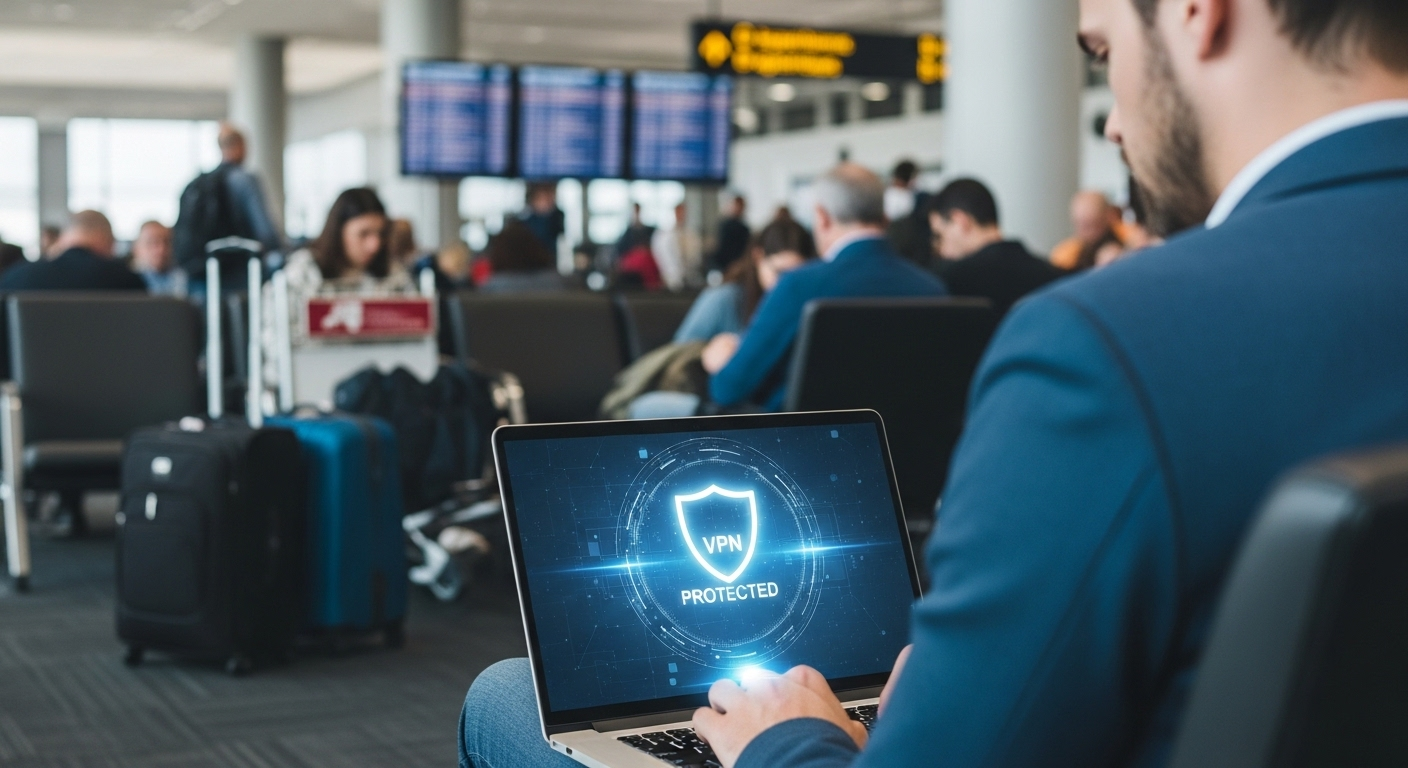
A virtual private network, usually just called a VPN, sounds more complicated than it is. In simple terms, it creates a private, encrypted path between your device and the internet. Think of it as a protective tunnel, one that keeps your data from being easily seen or intercepted while it moves.
This matters most when you connect through public networks. Coffee shops, airports, shared Wi Fi, these environments are convenient, but not exactly safe. Without protection, your data can be exposed to what’s known as man in the middle attacks, where someone quietly intercepts what you send and receive.
A VPN reduces that risk by encrypting everything. Even if someone tries to look, they won’t see anything useful.
For remote access, it’s close to essential. Not perfect, nothing is, but it adds a strong layer of protection where you’d otherwise have very little.
How Can You Protect Your Accounts and Access Points?
Access is where most security failures eventually lead. Not always through force, often through small gaps, reused passwords, weak verification, overlooked activity. It adds up.
Here’s how you can protect your accounts:
- Enable Multi-Factor Authentication: Adds a second step beyond your password, usually a code or prompt, making unauthorized access far less likely even if credentials are exposed.
- Use Different Passwords: Each account should have its own password. If one gets compromised, the damage stays contained instead of spreading across systems.
- Avoid Password Reuse: Reusing passwords might feel efficient, but it creates a chain reaction if one account is breached. Attackers rely on that habit.
- Monitor Account Activity: Regularly check for unfamiliar logins or changes. Early detection can prevent a minor issue from becoming something larger.
- Limit Access Permissions: Only grant access where it’s truly needed. The fewer entry points available, the smaller the risk surface becomes.
How Do You Recognize and Avoid Phishing Attacks?
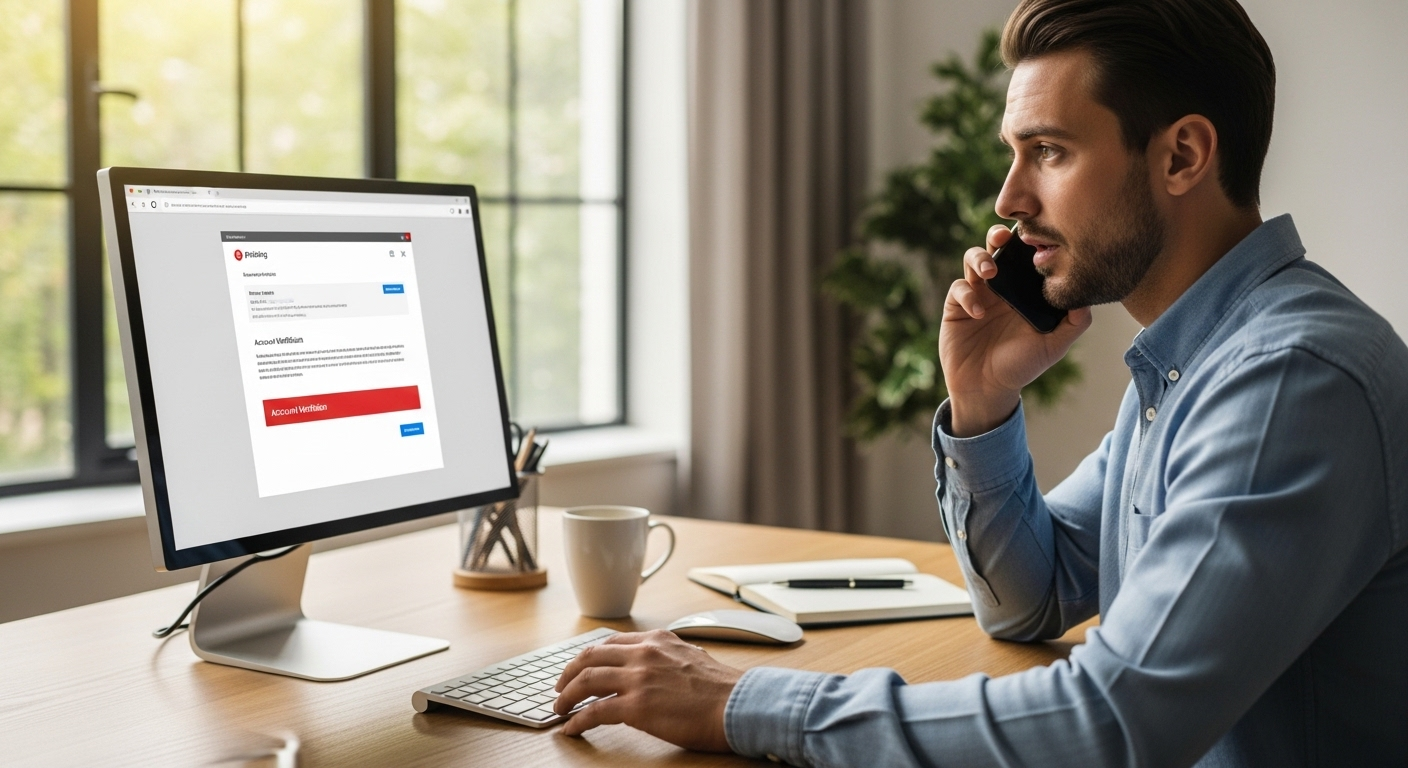
Phishing hasn’t gone anywhere. If anything, it’s gotten sharper, quieter, more convincing. Still the most common entry point. And not by accident. It works because it doesn’t attack systems first, it targets you.
Modern phishing emails don’t always look suspicious anymore. Some are clean, well-written, even personalized using AI. They mimic legitimate sources closely, sometimes down to logos, tone, and timing. That’s what makes them dangerous.
Here’s what to watch for:
- Check Sender Details: Look closely at email addresses. Slight misspellings or unusual domains often give things away, though not always at first glance.
- Avoid Suspicious Links: If something feels off, don’t click. Hover, inspect, or just ignore. One click can be enough.
- Verify Requests: Unexpected requests, especially involving access, passwords, or files, should be confirmed through another channel, ideally your IT team.
- Watch for Urgency: Messages that push you to act quickly are often engineered that way. Pressure reduces caution.
What Best Practices Help Protect Sensitive Data While Working Remotely?
Data doesn’t usually disappear all at once. It leaks, bit by bit, through habits that seem harmless at the time. A file stored locally, a document shared too quickly, a screen left visible. Small things. Until they aren’t.
Protecting sensitive data is less about one big decision and more about consistent behavior:
- Use Secure Storage: Keep files in approved cloud systems instead of saving them on personal devices. It’s safer, and easier to control.
- Back Up Data: Regular backups reduce the impact of ransomware or accidental loss. You don’t want recovery to be guesswork.
- Avoid Oversharing: Be mindful of what you post or share, especially in public or semi-public spaces. Information travels further than expected.
- Secure Physical Documents: Store paper files in locked spaces, and shred them when they’re no longer needed. Old habits still matter here.
- Use Secure Video Call Settings: Adjust backgrounds, check what’s visible, and avoid exposing sensitive information during meetings.
How Can You Build Long-Term Cybersecurity Habits as a Remote Worker?

Short-term fixes help. Habits, though, are what actually hold things together over time. And cybersecurity, for the most part, is a habit game.
It starts with awareness. Not the once-a-year training you click through, but a kind of ongoing attention. Threats change, tactics evolve, and what worked six months ago might not hold up today. Training, when taken seriously, does improve your overall security posture. That part is well established.
Then there’s reporting. If something feels off, even slightly, say it. Delays tend to make things worse. Early signals matter more than perfect certainty.
Staying updated helps too, both your devices and your understanding of current risks. And yes, working closely with your IT team makes a difference.
Security isn’t an individual effort, even if it feels that way when you’re working alone. Awareness reduces risk. Not completely, but enough to change outcomes.
Why Apporto Helps Secure Remote Work Environments?

Security often breaks at the endpoint, the device you’re using, the network you don’t fully control. That’s where Apporto takes a different approach.
Instead of relying on local machines, it delivers a browser-based environment where your work stays contained and controlled. No sensitive data is stored on your personal device, which removes a large part of the risk by default.
Access is centralized, managed through a single system, with built-in security controls that don’t require constant manual oversight. It works across devices, quietly consistent, without adding friction to your workflow.
If you’re looking for a more controlled way to work remotely, you can explore it here.
Final Thoughts
There’s a tendency to treat cybersecurity like a checklist. Install a tool, update a setting, move on. But it doesn’t quite work that way. Not anymore.
What actually protects you is a combination of layers, your device, your network, your access controls, and, perhaps most importantly, your behavior. Each one supports the other. If one weakens, the rest carry more weight.
The tricky part is that risks don’t stay still. They evolve, quietly, often faster than expected. So the way you think about security has to evolve too. Not dramatically, just consistently. Stay aware. Stay a little cautious. That’s usually enough to avoid most problems before they even begin.
Frequently Asked Questions (FAQs)
1. What is the most important cybersecurity tip for remote workers?
Focus on layered security. No single tool or setting is enough on its own. Protect your device, secure your network, strengthen account access, and stay aware of threats. Together, these layers create a more resilient defense.
2. Is public Wi-Fi safe for remote work?
Public Wi-Fi is convenient but risky. Data can be intercepted if it’s not protected. Using a VPN adds encryption, making it much harder for attackers to access your information while you’re connected.
3. Why is MFA important for remote workers?
Multi-factor authentication adds a second layer of verification beyond your password. Even if someone gains access to your credentials, they still can’t log in without that additional step, which significantly reduces risk.
4. How often should devices be updated?
Devices should be updated as soon as updates become available. These updates fix known vulnerabilities that attackers actively exploit. Delaying them, even briefly, can leave your system exposed in ways that are easily avoidable.
5. Can personal devices be used securely for work?
Yes, but only with proper precautions. Keep devices updated, use strong passwords, enable MFA, and avoid storing sensitive data locally. Secure access methods, like cloud-based environments, also help reduce overall risk.
