
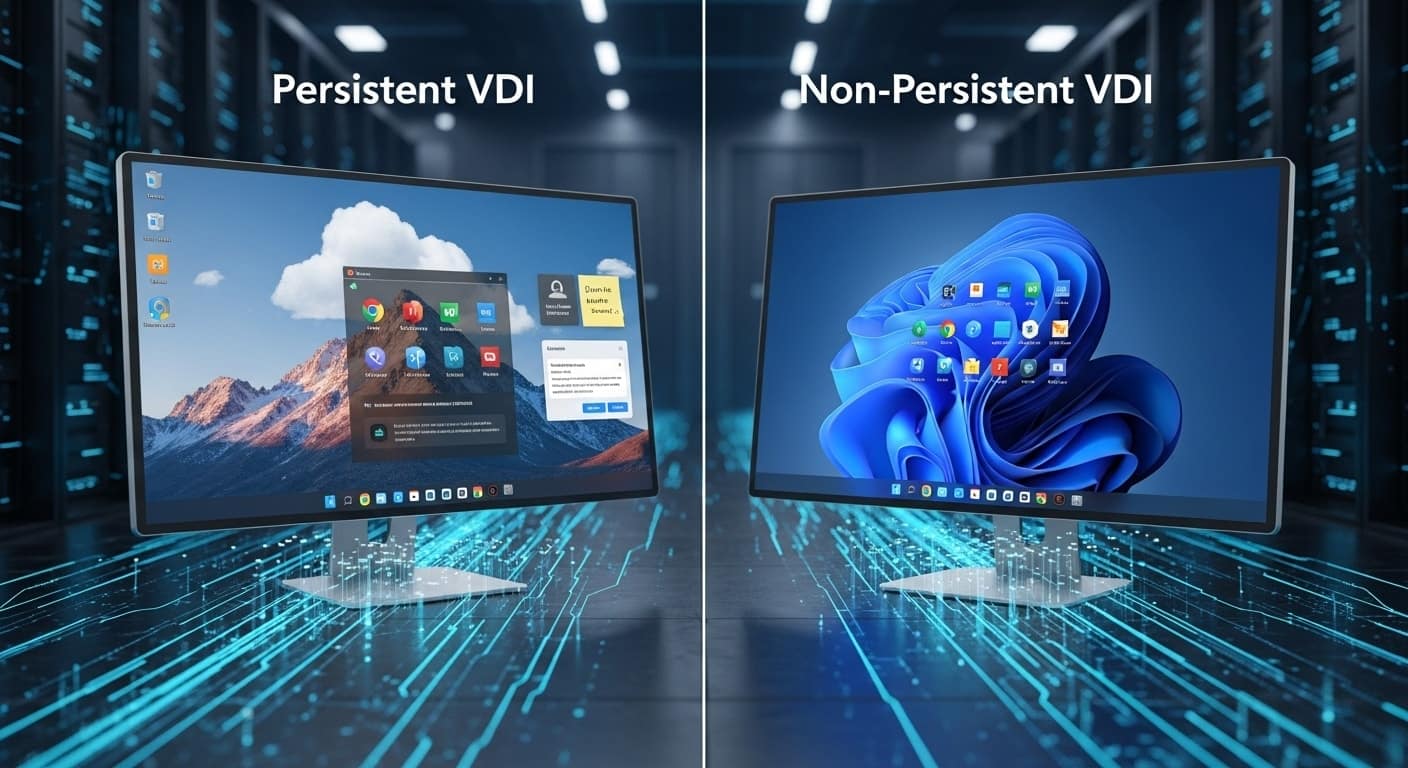
What is the Difference Between Persistent and Non-Persistent VDI?
Persistent and non-persistent VDI differ in how they manage user data and desktop customization. Persistent VDI assigns users a dedicated virtual desktop that retains settings and files between sessions, while non-persistent VDI resets desktops after logout for simpler management, lower storage costs, and improved scalability. Solutions like Apporto support both deployment models.
Virtual Desktop Infrastructure (VDI) allows users to access desktops and applications from anywhere through a centralized system. Instead of running everything locally, you connect to a virtual machine hosted on a server.
It’s efficient, scalable, and widely used in education, healthcare, government, and enterprise environments.
But not all virtual desktops are the same. One of the most important distinctions you’ll encounter is between persistent and non-persistent VDI. The difference affects everything—from user experience to storage needs, security, and administration overhead.
Choosing the wrong model can lead to frustrated users or bloated IT budgets. Choosing the right one? It streamlines access, simplifies management, and fits your environment.
This guide breaks down both VDI types, compares their strengths, and shows you when to use each—so you can make a smart, informed decision.
What Is a Persistent VDI and How Does It Work?

A persistent VDI assigns each user their own dedicated virtual desktop—just like having a personal computer, only hosted in a data center or cloud environment.
When a user logs in, they always return to the same virtual machine. Everything from desktop layout to user settings, downloaded applications, and stored files remains intact between sessions.
This setup allows for full customization and personalization. You can install applications, adjust preferences, and organize files without losing them after logout.
It’s ideal for users who require a consistent environment over time, like developers, designers, or staff working with complex workflows.
Because it mirrors the behavior of a traditional desktop, persistent VDI delivers a familiar experience for end users. However, it comes with tradeoffs: managing and backing up these desktops is more complex, and storage demands are significantly higher. Still, when continuity and personal settings matter, persistent VDI is often the right fit.
What Is a Non-Persistent VDI and How Does It Work?
A non-persistent VDI works more like a hotel room than a personal apartment. Each time a user logs in, they’re assigned a temporary desktop from a shared pool of multi-user virtual desktops. After logout, everything resets—user settings, downloaded files, and application changes are wiped, returning the desktop to its original, clean state.
This type of setup is powered by a golden image (also called a master image). It’s a pre-configured template that includes the operating system and essential applications.
All virtual desktops are cloned from this image, ensuring consistency across users and reducing administrative effort.
Because non-persistent desktops don’t retain user data, they’re easier to maintain, faster to deploy, and more secure in environments where personalization isn’t needed.
Think of call centers, training labs, or kiosks—places where many people use the same tools in repeatable ways. Non-persistent VDI is all about simplicity, scale, and cost-efficiency—especially for task-focused roles.
What Are the Core Differences Between Persistent and Non-Persistent VDI?
The core distinction between persistent and non-persistent VDI lies in how user data and settings are handled. But beyond that, the differences extend to management, storage, use cases, and overall user experience. Here’s how they compare:
| Feature | Persistent VDI | Non-Persistent VDI |
|---|---|---|
| User Data | Saved across sessions | Reset after logout |
| Personalization | High — users can install apps, change settings | Minimal — identical setup for all users |
| Storage Requirements | Higher — unique data per user | Lower — shared image, no retained user data |
| Use Case | Developers, designers, power users | Call centers, task workers, training labs |
| Management | Complex — backup, updates, individual tracking | Simplified — single image to manage |
| Boot Time | Slower — individual environment loads each time | Faster — spun up from a shared template |
Choosing the right model depends on your organization’s goals—whether you prioritize personalization and continuity, or simplicity and scale. Each offers distinct benefits depending on who’s logging in and what they need to do.
When Should You Use Persistent VDI?
Persistent VDI is ideal when users need a consistent, personalized environment that doesn’t change from session to session. If your teams rely on specialized software, store data locally, or customize their desktops to support complex tasks, this setup delivers the experience they expect.
Use persistent VDI for:
- Knowledge workers who rely on saved configurations
- Developers and designers working with custom tools or environments
- Financial professionals needing access to sensitive files
- Medical data entry where session continuity improves productivity
In these cases, the extra storage requirements and management effort are worthwhile because they enable a seamless user experience. You’re not just offering access—you’re providing a full workstation that adapts to each individual user, session after session.
When Should You Use Non-Persistent VDI?
Non-persistent VDI is best suited for environments where users don’t need to save personal data or customize settings. It’s a clean, efficient solution for high-turnover teams or shared workstations—where everyone uses the same apps in a repeatable way.
Use non-persistent VDI for:
- Task workers in roles with routine, repetitive processes
- Call centers, airline check-in terminals, or library workstations
- Computer labs and training sessions where desktops reset after use
- Self-service kiosks or contractor devices where minimal access is needed
The appeal here is simplicity. You reduce the need for backups, minimize security risks, and lower storage costs. When the session ends, the system resets—clean, fast, and ready for the next user. It’s a model that works best when efficiency and manageability are more important than customization.
What Are the Benefits and Tradeoffs of Each Approach?

Choosing between persistent and non-persistent VDI isn’t just a technical decision—it’s about balancing user needs with system efficiency. Each option brings distinct advantages and tradeoffs.
Persistent VDI Benefits:
- Supports full personalization for users
- Ideal for power users with advanced workflows
- Retains user data, settings, and installed applications across sessions
Tradeoffs:
- Requires more storage per user, which increases costs
- Involves more complex management, including backups and patching for individual desktops
Non-Persistent VDI Benefits:
- Easier to manage and scale, especially for large teams
- Significantly lower storage costs due to shared base image
- Enhances security by wiping changes after each session
Tradeoffs:
- Offers limited personalization—users can’t save changes
- Doesn’t automatically retain user data or custom applications
Understanding these differences helps align your VDI strategy with actual use cases, rather than theoretical preferences. It’s not just about features—it’s about how people work and what the infrastructure can support.
How Can Organizations Decide Between Persistent and Non-Persistent VDI?
Making the right choice starts with understanding who your users are and what they need. If most users are task-oriented, with limited customization needs, non-persistent VDI offers simplicity and cost savings. If your environment includes developers, analysts, or executives needing tailored setups, persistent VDI may be essential.
Also consider your IT team’s capacity. Persistent desktops require more oversight, updates, and storage management. Non-persistent setups are easier to deploy and maintain but less flexible.
Think through your security policies, application requirements, and existing infrastructure. Some organizations even use a mix of both models, assigning desktop types based on role.
There’s no one-size-fits-all solution—only the one that fits your operational reality.
Why Apporto Makes the Choice Easier

If you’re weighing persistent vs. non-persistent VDI, Apporto offers a flexible platform that supports both—without the complexity that usually comes with managing virtual desktops. With browser-based access, built-in security, and support for hybrid deployments, Apporto simplifies the decision-making process.
Whether you’re supporting task workers in non-persistent environments or power users who need full personalization, Apporto gives you the control to assign desktops based on role—not limitations.
IT teams benefit from streamlined management, while end users get a consistent, responsive experience.
Instead of building workarounds, Apporto lets you deliver the right desktop to the right user—efficiently, securely, and at scale. Explore Apporto now
Final Thoughts
There’s no one-size-fits-all answer when it comes to persistent vs. non-persistent VDI. The right choice depends on who your users are, how they work, and what your systems can support. It’s not just a technical preference—it’s an operational strategy.
Some environments thrive on flexibility and personalization, while others need simplicity, speed, and scale. The secret is to match the VDI model to the workflow, not the other way around.
If you haven’t revisited your virtual desktop strategy in a while, now’s the time. Evaluate your current setup, assess future needs, and make the choice that will keep your users productive—and your IT team sane.
Frequently Asked Questions (FAQs)
1. Is persistent VDI better than non-persistent?
Not necessarily. Persistent VDI is better for users who need personalization and data retention. Non-persistent VDI is better for scalability, lower storage use, and easier management. It depends entirely on your use case.
2. Can users install apps on non-persistent desktops?
No. Any changes made in a non-persistent desktop—like app installs or file downloads—are lost after logout. The system reverts to its original state every time a user signs out.
3. What is a golden image in VDI?
A golden image is a pre-configured virtual desktop template used in non-persistent environments. It includes the operating system, apps, and settings shared across all user sessions for consistency and control.
4. Which VDI model is more secure?
Non-persistent VDI is generally considered more secure because it resets after every session, eliminating lingering data and reducing the risk of persistent malware or unauthorized changes.
