
What Is Dedicated VDI?
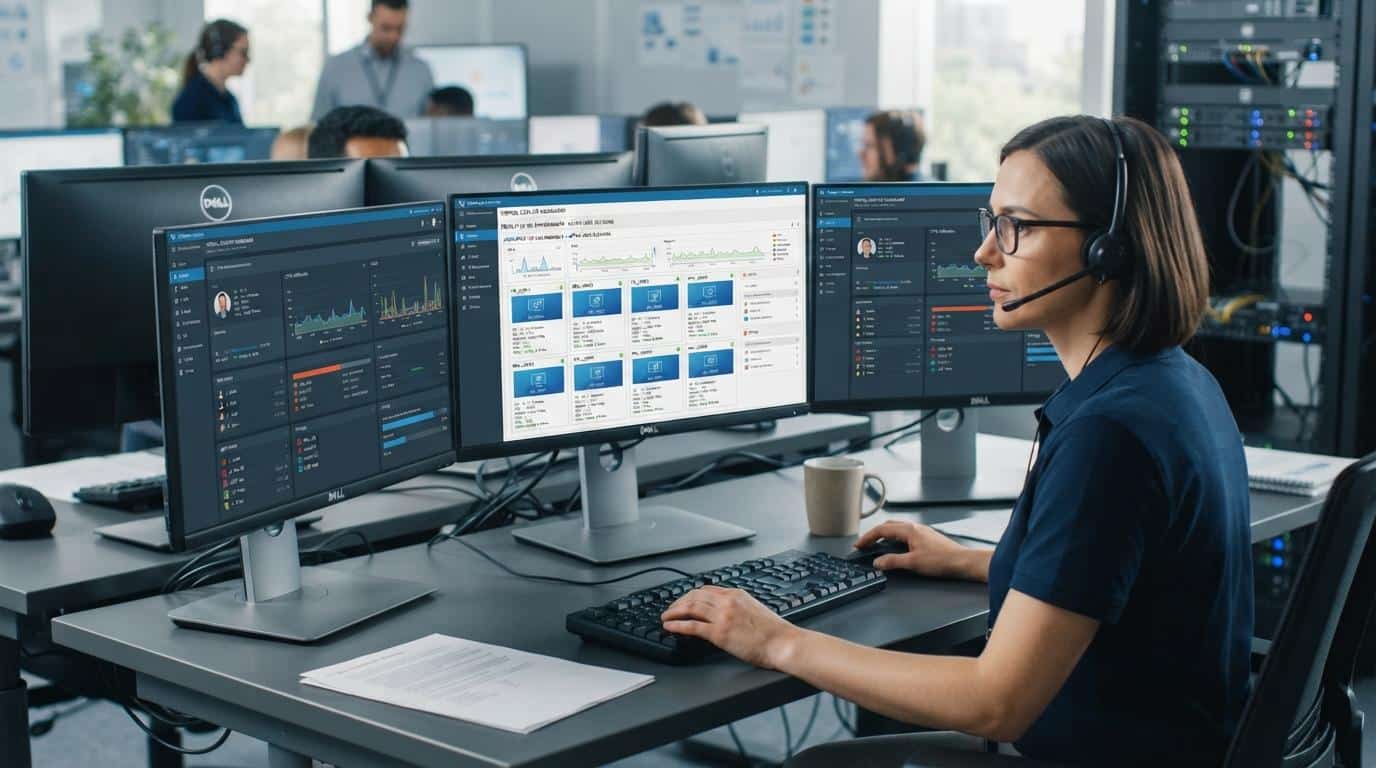
Dedicated VDI assigns each user a persistent virtual machine or personal desktop that they return to every time they log in. Unlike pooled or non-persistent desktops, the desktop environment can retain user settings, applications, and files across sessions. In Azure Virtual Desktop, personal host pools use this one-user-to-one-desktop assignment model.
Virtual desktops can be delivered in several ways, and the details matter more once performance, personalization, and control become priorities. Dedicated VDI is built for users who need a consistent desktop experience, persistent settings, isolated resources, or specialized applications that do not fit neatly into a shared environment.
That makes it especially relevant for power users, technical teams, and remote work setups where the same virtual desktop needs to feel familiar every time someone logs in.
The tradeoff is straightforward. Dedicated virtual desktop infrastructure VDI gives you more control and a more personal environment, but it also demands more compute, storage, planning, and IT management than pooled or shared models. For some organizations, that extra overhead is worth it. For others, it may be more than they actually need.
What Is Dedicated VDI and How Does It Work?
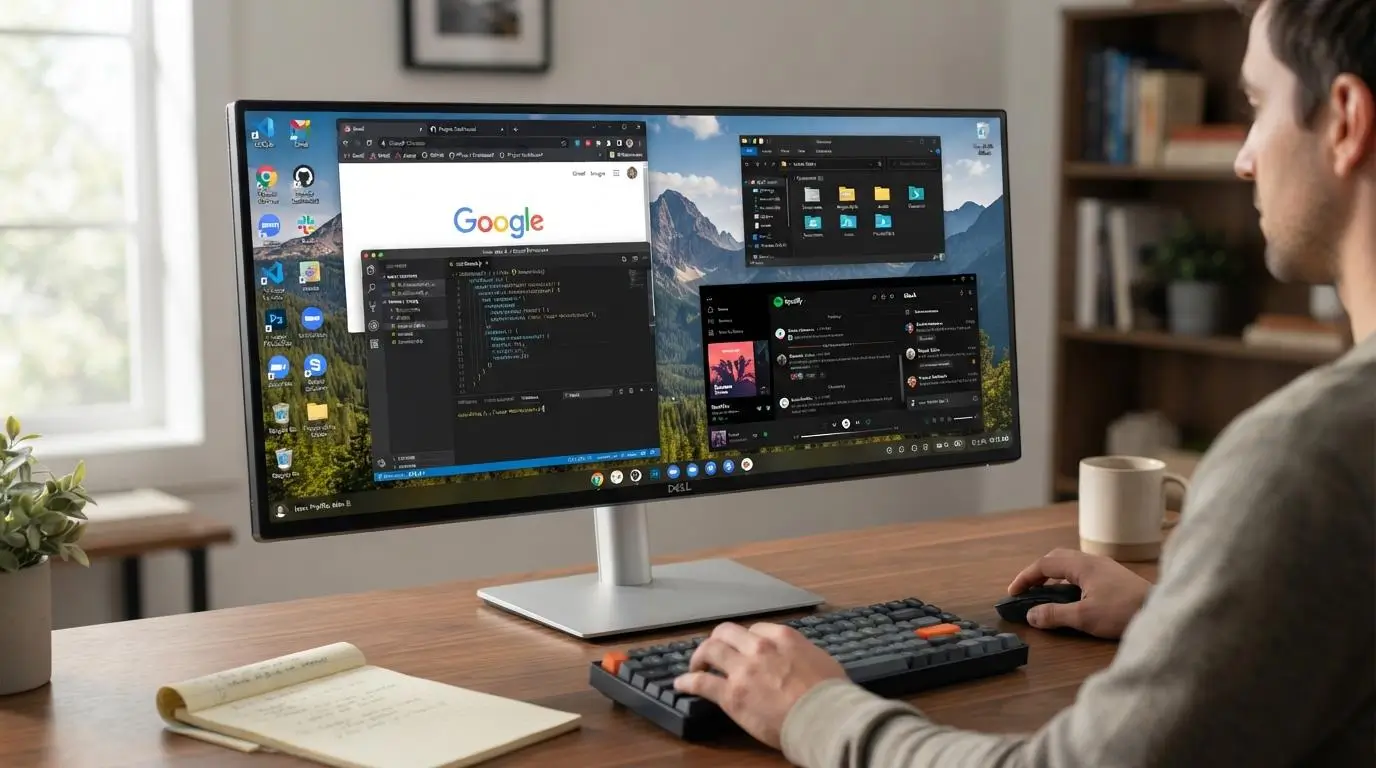
Dedicated VDI usually means a personal or persistent desktop assignment. Instead of being placed into any available desktop from a shared pool, each user is connected to the same virtual machine every time they return.
That changes the experience quite a bit. User settings can stay in place, applications remain installed, and desktop changes do not disappear after logoff. For people who need a stable environment, that persistence is one of the main reasons dedicated VDI stands out.
What Happens When a User Logs Into a Dedicated VDI Desktop?
The connection process generally works like this:
- The user connects from a client device. This may be a laptop, thin client, or another supported endpoint.
- Authentication takes place. The platform verifies the user before allowing access.
- A connection broker checks the desktop assignment. It identifies which virtual machine belongs to that user.
- The user is routed to the same VM. Instead of receiving a random desktop session, the user returns to the assigned personal desktop.
- Settings and applications remain available. User settings, installed tools, files, and desktop changes can persist between sessions.
Azure Virtual Desktop personal host pools follow this one-to-one mapping model, where a user is assigned to a specific personal desktop rather than a pooled resource.
What Does a Dedicated VDI Environment Include?
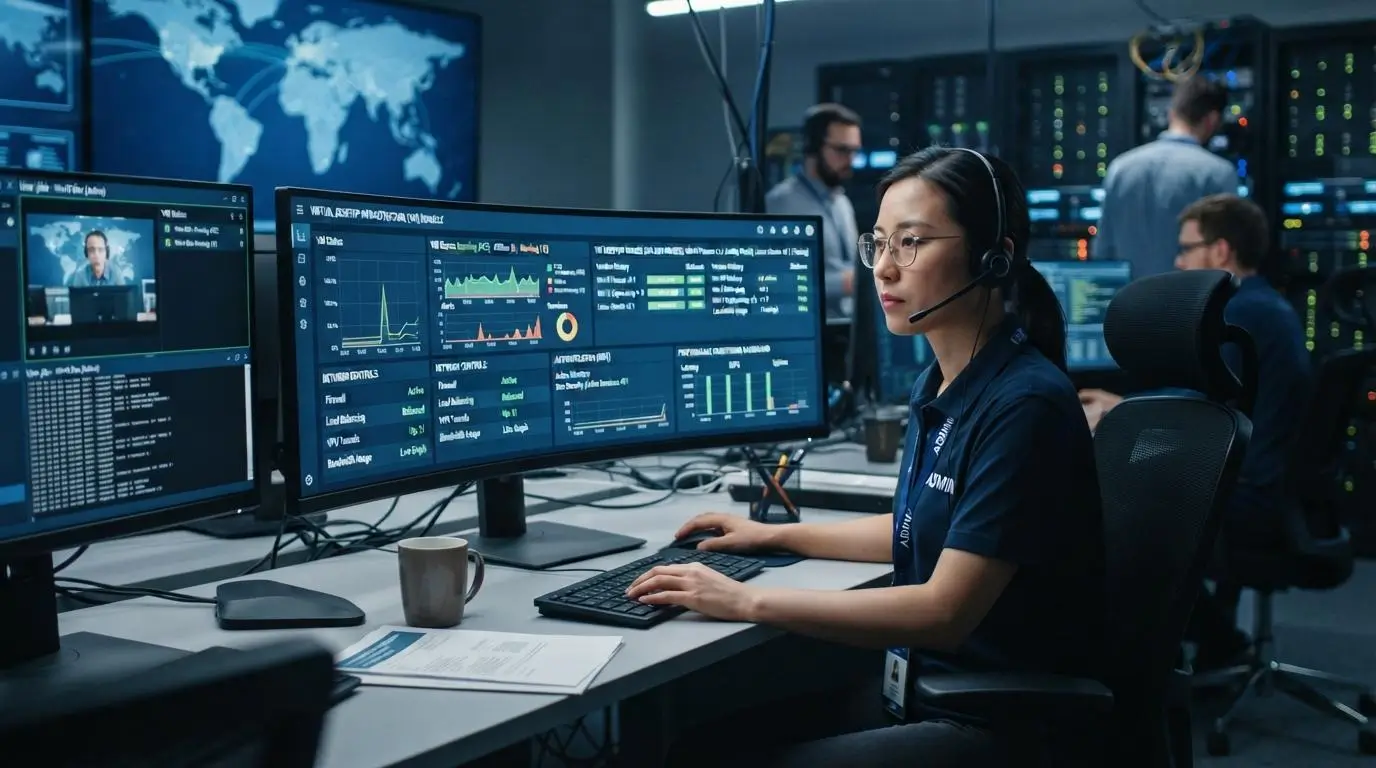
A dedicated VDI environment is built from several layers working together. The desktop may feel simple to the user, but behind it sits a coordinated mix of infrastructure, software, storage, networking, and access controls.
The core components usually include:
- Centralized servers or cloud infrastructure that host desktop workloads
- Virtualization software that creates and manages virtual machines
- Virtual machines assigned to individual users
- Desktop images that define the operating system and core applications
- A connection broker that routes users to the right desktop
- Centralized storage for profiles, files, and desktop data
- Network infrastructure that carries the remote session
- Identity and authentication controls
- Endpoint devices such as laptops or thin clients
- Monitoring and centralized management tools
What Role Does the Connection Broker Play?
The connection broker acts like a traffic controller. It coordinates user access, checks desktop assignment, and directs each user to the correct virtual machine or desktop pool.
Where Does the Desktop Actually Run?
The desktop can run on a physical server inside an on-premises data center, in a private cloud, on public cloud infrastructure, or across a hybrid environment. The location changes the management model, but the basic architecture stays similar.
What Is the Difference Between Dedicated, Persistent, and Non-Persistent VDI?
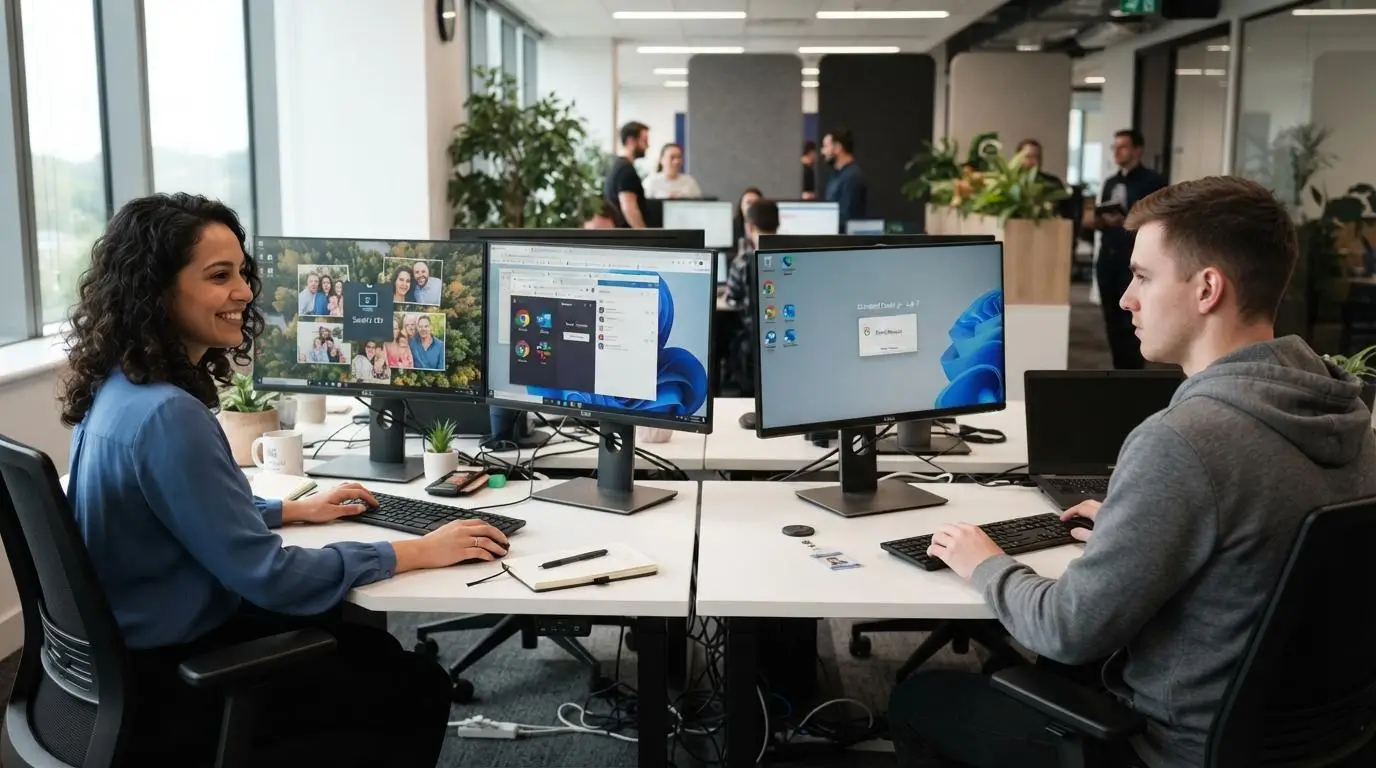
Dedicated VDI and persistent VDI are closely related, but they are not always the same thing.
Dedicated usually describes how the desktop is assigned. One user gets a personal virtual machine or desktop. Persistent describes what happens to that desktop over time, mainly whether user settings, apps, and changes remain after the session ends.
That distinction matters because a platform can use personal assignment while handling persistence in different ways.
What Are Persistent Desktops?
Persistent desktops keep the user’s environment intact between sessions. That means user settings, installed applications, files, and personalization can remain available when the user logs back in.
They feel much closer to a physical desktop because the environment develops around the individual over time. Microsoft describes persistent VDI as an experience where the user can customize and save the desktop state.
What Are Non-Persistent Desktops?
Non-persistent desktops work from standardized desktop images and usually reset after the user session ends.
That makes them easier to keep uniform. It also reduces storage overhead because every user does not need a fully individualized desktop state.
The tradeoff is personalization. Non-persistent desktops offer fewer customization options, which makes them a better fit for task workers, labs, and other environments where consistency matters more than a personalised desktop experience.
How Is Dedicated VDI Different From Pooled VDI?
Dedicated VDI and pooled VDI both deliver virtual desktops, but they handle assignment, persistence, and resource use very differently.
| Factor | Dedicated VDI | Pooled VDI |
|---|---|---|
| Desktop assignment | One user to one desktop or VM | User assigned from a desktop pool |
| Persistence | Usually persistent | Often non-persistent |
| Personalization | High | Limited |
| Resource allocation | More isolated | Shared or pooled |
| Cost | Higher | Lower |
| Storage | Higher | Lower |
| Management | More individual state to maintain | Easier to standardize |
| Best fit | Power users, developers, specialized roles | Task workers, labs, standardized users |
Azure Virtual Desktop makes a similar distinction between Personal and Pooled host pools. Personal pools assign users to individual session hosts, while pooled environments distribute users across shared capacity.
The practical difference is fairly simple. Dedicated VDI gives each user a more personal and predictable desktop assignment, which usually means persistent desktops, more customization, and better resource separation.
Pooled VDI moves in the other direction. Users connect to the right desktop pool based on policy rather than returning to one specific machine. That usually improves cost savings, storage efficiency, and administrative consistency.
So the choice depends on the workload. Dedicated VDI suits users who need control and continuity. Pooled or non persistent desktops work better when standardization and efficiency matter more.
What Are the Main Benefits of Dedicated VDI?
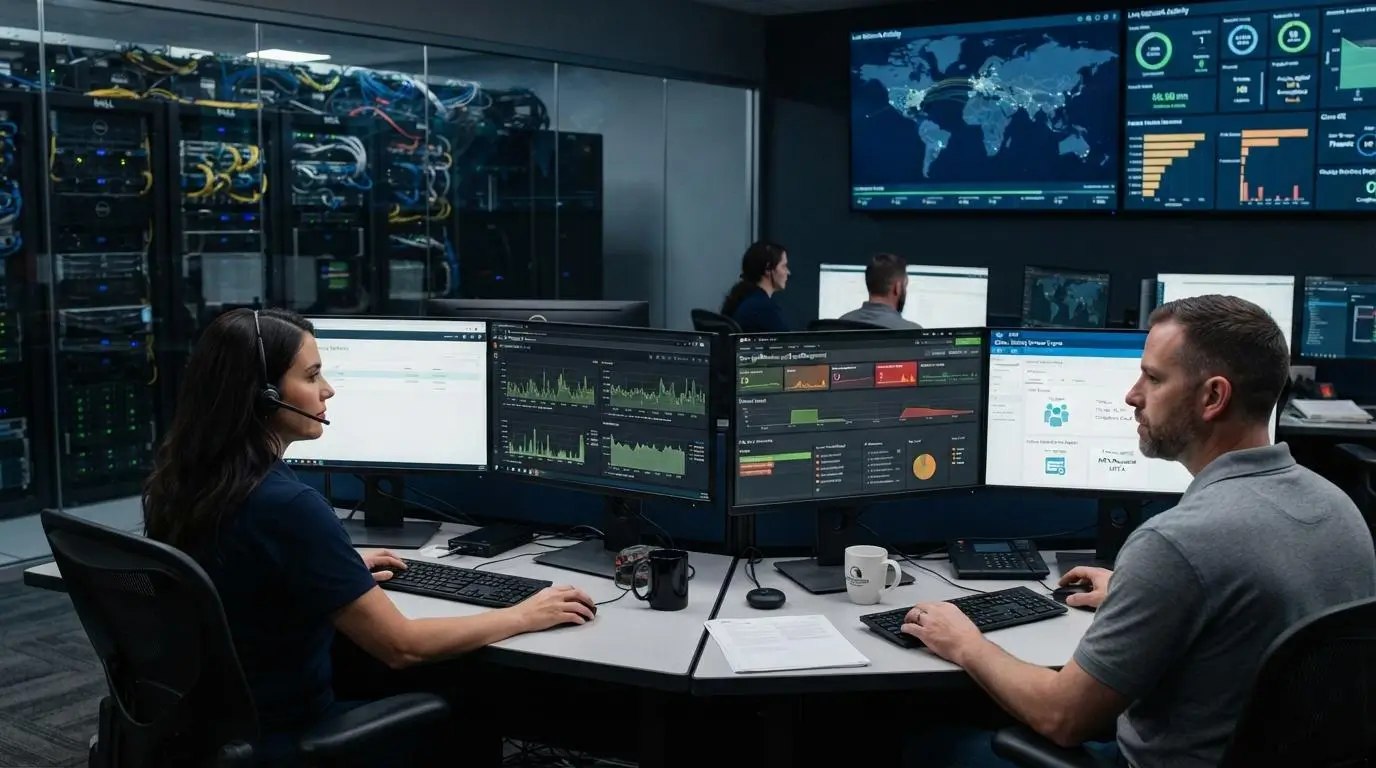
Dedicated VDI becomes useful when a standard desktop pool starts feeling too restrictive. The main advantages come from giving each user a stable, personal environment while keeping data and management centralized.
- Consistent Desktop Experience: Users return to the same desktop each time they log in, with settings, files, and applications still in place. That consistency can reduce friction and support a smoother daily workflow.
- Personalization: Applications, preferences, shortcuts, and desktop configurations can be tailored to the individual instead of forcing everyone into the same standardized image.
- Resource Isolation: Dedicated resources reduce competition between users. CPU, memory, and storage are less affected by what someone else is doing elsewhere in the environment.
- Support for Power Users: Developers, engineers, designers, and other power users can be assigned more CPU, RAM, GPU capacity, or specialized software for demanding workloads.
- Centralized Data Security: Sensitive data remains inside the data center or cloud environment rather than depending heavily on local endpoint storage.
- Remote Access: Users can reach the same desktop from multiple devices and locations, helping maintain a consistent user experience during remote work.
- Centralized Management: IT teams can still handle patching, security policies, access controls, and monitoring from a central point.
Taken together, these key advantages make dedicated VDI a strong fit when enhancing productivity depends on personalization, predictable performance, and tighter control over sensitive data.
Which Users Benefit Most From Dedicated VDI?

Dedicated VDI is not necessary for every user. It makes the most sense when someone needs a persistent environment, predictable resources, or software that does not fit comfortably inside a shared desktop pool.
- Software Developers: Developers benefit from persistent tools, SDKs, test environments, local configuration, and production-like setups that need to remain intact between sessions.
- Designers and Video Editors: Video editing and design workloads often depend on consistent GPU, compute, and storage performance, which is easier to control in a dedicated environment.
- Engineers and Technical Users: Specialized applications, custom drivers, and unique software profiles can be assigned without affecting other users.
- Finance and Regulated Teams: Dedicated desktops provide stronger separation and centralized control over sensitive data, useful where access policies and auditability matter.
- Healthcare and Compliance Roles: Persistent desktops can support stricter policy enforcement, controlled applications, and standardized access to regulated information.
- Power Users: Users running resource intensive tasks may need more CPU, RAM, GPU capacity, or storage than a shared environment can reliably provide.
The common thread is simple. Dedicated VDI works best when performance, personalization, and control matter more than squeezing maximum efficiency from shared infrastructure.
How Does Dedicated VDI Perform for Resource-Intensive Workloads?

Dedicated VDI is well suited to resource-intensive tasks because each user can be assigned a more predictable share of CPU, RAM, storage, and, where needed, GPU capacity. That reduces resource contention and helps keep desktop session performance steadier during demanding work.
Storage I/O matters too. Fast applications can still feel sluggish if desktop images, user data, or project files sit on slow storage. Network quality is just as important. Even a powerful virtual machine can deliver a poor experience when latency is high or network stability is weak.
Can Dedicated VDI Support Video Editing and GPU Workloads?
Yes, provided the environment is designed correctly. Dedicated virtual machines can be configured with GPU-backed resources for video editing, 3D applications, engineering software, and other high-performance workloads.
The key is balance. You need enough CPU, memory, GPU power, storage throughput, and network capacity to match the workload. Dedicated resources help, but they do not fix weak architecture. Poor sizing, congested storage, or unreliable connectivity can still create bottlenecks and hurt VDI performance.
How Does Dedicated VDI Improve Security and Data Control?

Dedicated VDI can strengthen data security by keeping more information inside the centralized environment instead of spreading files across personal devices. That gives IT teams tighter control over access, patch management, encryption, and user activity.
Individual virtual machines also create more separation between users. One compromised desktop is less likely to expose another user’s environment directly, though that does not make the system automatically secure. Centralized management helps with:
- Access controls that limit who can reach specific desktops or applications
- Patch management across operating systems and software
- Centralized logging through user logs and security events
- Auditing for compliance and incident review
- Encryption for data in transit and, where configured, at rest
Does Dedicated VDI Reduce Data Breach Risk?
It can reduce some risks, especially those linked to lost or stolen endpoint devices. If sensitive data stays inside the VDI environment, there is less information sitting on local hardware.
Still, endpoint risk remains. A compromised endpoint device, stolen credentials, weak MFA, poor network policies, or delayed patching can all create exposure.
So dedicated VDI improves control, but security still depends on configuration, identity protection, monitoring, encryption, patching, and disciplined access management.
Does Dedicated VDI Work Well for Remote Work and BYOD?

Yes, dedicated VDI can work very well for remote work and bring-your-own-device setups because the desktop itself stays centralized while users connect from whatever supported endpoint they have available.
That can include:
- Laptops used from home or while travelling
- Thin clients in offices or shared spaces
- Personal devices under a BYOD policy
- Multiple devices used across different locations
The main benefit is consistency. Users can return to the same persistent desktop, with the same applications, settings, and files, even when the endpoint hardware changes.
There is also a security advantage. Sensitive data can remain inside the centralized VDI environment instead of being stored directly on an employee’s own device.
Still, endpoint requirements matter. The device needs enough processing power for display, input, security software, and peripheral support. Network stability matters even more. Poor connectivity can make a powerful dedicated desktop feel slow, which means remote work capabilities depend on both the backend and the connection reaching it.
What Endpoint Hardware Do You Need for Dedicated VDI?
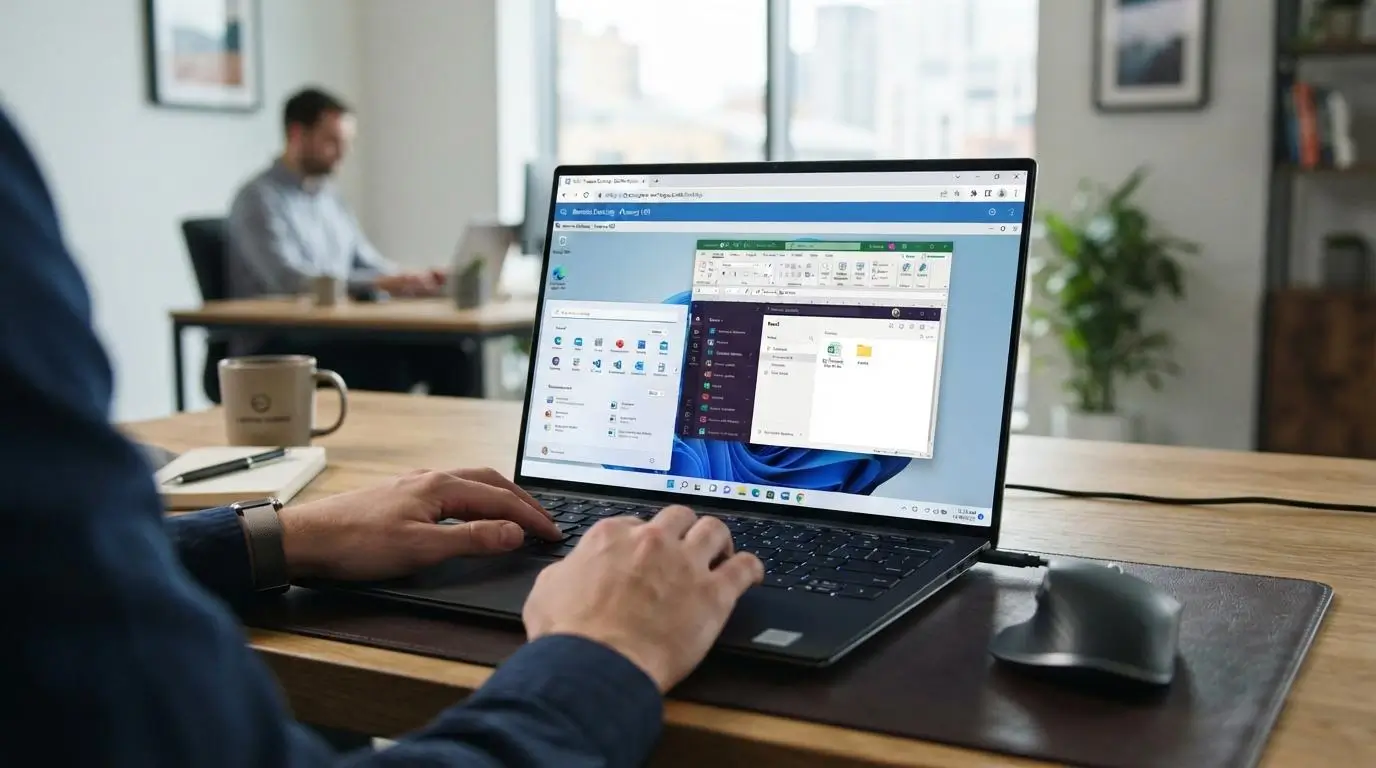
Dedicated VDI usually reduces how much processing happens on the endpoint device because applications and most desktop workloads run inside the virtual desktop environment instead of on the local machine.
That gives you more flexibility in the hardware users connect from, including:
- Thin clients built mainly for remote desktop access
- Laptops with standard business specifications
- Repurposed older devices that may no longer handle demanding local applications well
- Browser-based access where the VDI platform supports it
Compared with traditional desktops, the client device often needs less CPU and storage. Still, endpoint hardware is not irrelevant.
The device must handle display rendering, video decoding, keyboards, mice, webcams, headsets, multiple monitors, security software, and other peripherals. A weak endpoint can still affect the user experience.
Network quality matters just as much. Even capable endpoint hardware will struggle if latency, bandwidth, or connection stability is poor.
How much Does Dedicated VDI Costs?
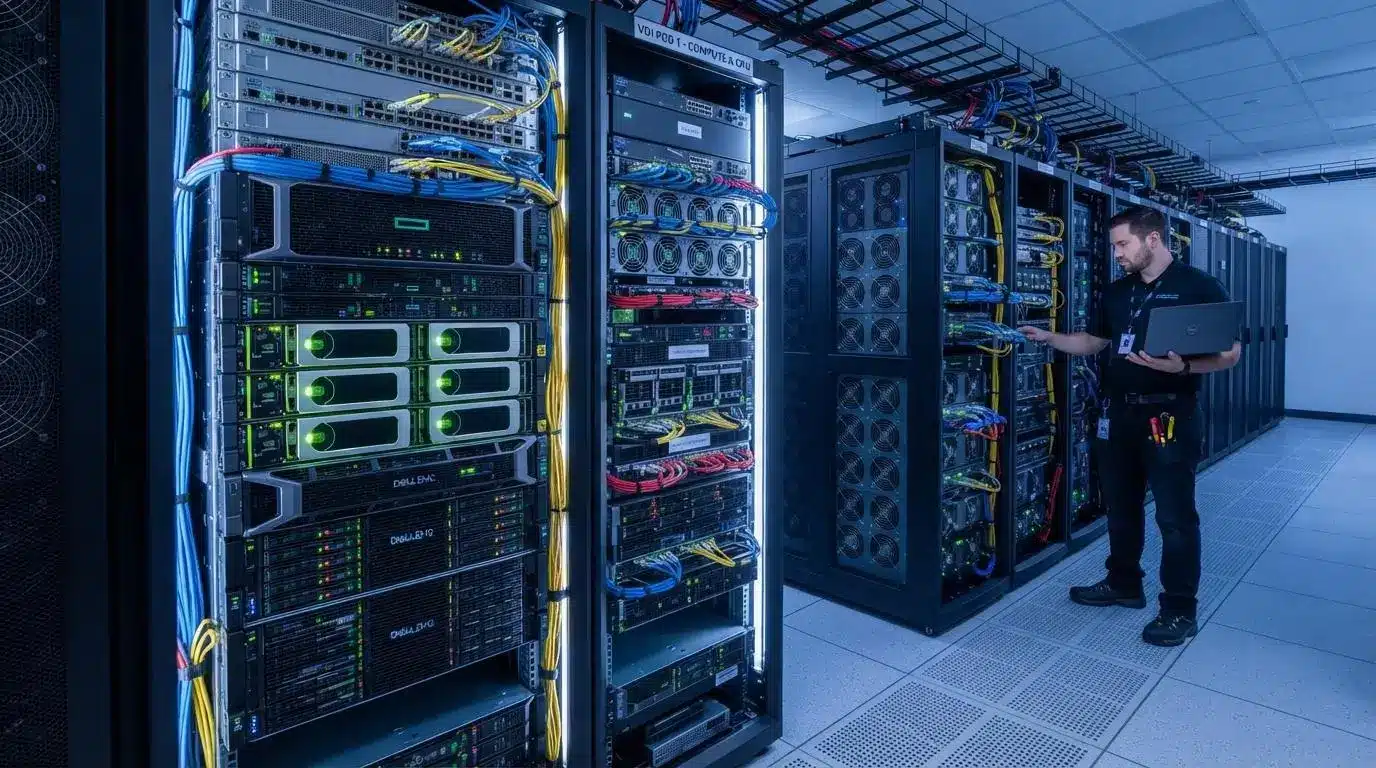
Dedicated VDI usually costs more than pooled VDI because each user receives a larger, more individualized share of the infrastructure. The exact VDI cost depends on how the environment is deployed, sized, and managed.
Common cost drivers include:
- Compute per desktop instance
- Storage allocated per user
- Operating system and application licensing
- Hypervisor or VDI platform costs
- Networking and bandwidth
- GPU resources for demanding workloads
- Backup and recovery
- Management and monitoring tools
- IT staffing, patching, and support
- Cloud consumption when desktops run on public cloud services
Why Is Dedicated VDI More Expensive Than Pooled VDI?
Each user typically consumes more compute and storage because the desktop retains individual state rather than resetting back to a shared image. That increases infrastructure needs and can raise the initial investment, especially when high-performance hardware or GPUs are involved.
Can Dedicated VDI Still Deliver Cost Savings?
Yes, but savings depend on the environment. Centralized management can simplify support, while thin clients and repurposed endpoint hardware may reduce local hardware costs. Remote support can also become easier because desktops are managed centrally.
Cloud-hosted deployments may improve cost control by matching consumption more closely to demand, but poor sizing can do the opposite. Managing VDI efficiently requires careful capacity planning, licensing review, and ongoing resource optimization.
How Does Cloud-Hosted Dedicated VDI Change the Cost and Management Model?

Cloud-hosted dedicated VDI moves much of the underlying infrastructure from your own data center into cloud platforms such as Microsoft Azure or AWS.
That changes both spending and administration. You may need less physical server procurement and less on-premises hardware, but costs move toward ongoing cloud consumption for compute, storage, networking, and related cloud services. Provisioning can also be faster because new virtual machines can be created without waiting for physical hardware.
Cloud-hosted VDI can also support:
- Central management across distributed users
- Cloud storage for desktop and profile data
- Autoscaling where the platform supports it
- Flexible provisioning as user demand changes
The tradeoff is continued dependence on network quality and careful cloud cost management.
How Does Azure Virtual Desktop Support Dedicated Desktops?
Azure Virtual Desktop uses Personal host pools for dedicated desktops. Microsoft states that each session host is assigned to an individual user, creating a one-to-one desktop assignment designed for performance and data separation.
Can Dedicated VDI Run Linux Desktops?
Yes. Some cloud desktop platforms support Linux desktops alongside Windows. Amazon WorkSpaces currently supports Ubuntu Linux, Rocky Linux, Red Hat Enterprise Linux, and Microsoft Windows, giving organizations more flexibility when specific workloads require a Linux desktop environment.
What Is the Role of a Connection Broker in Dedicated VDI?
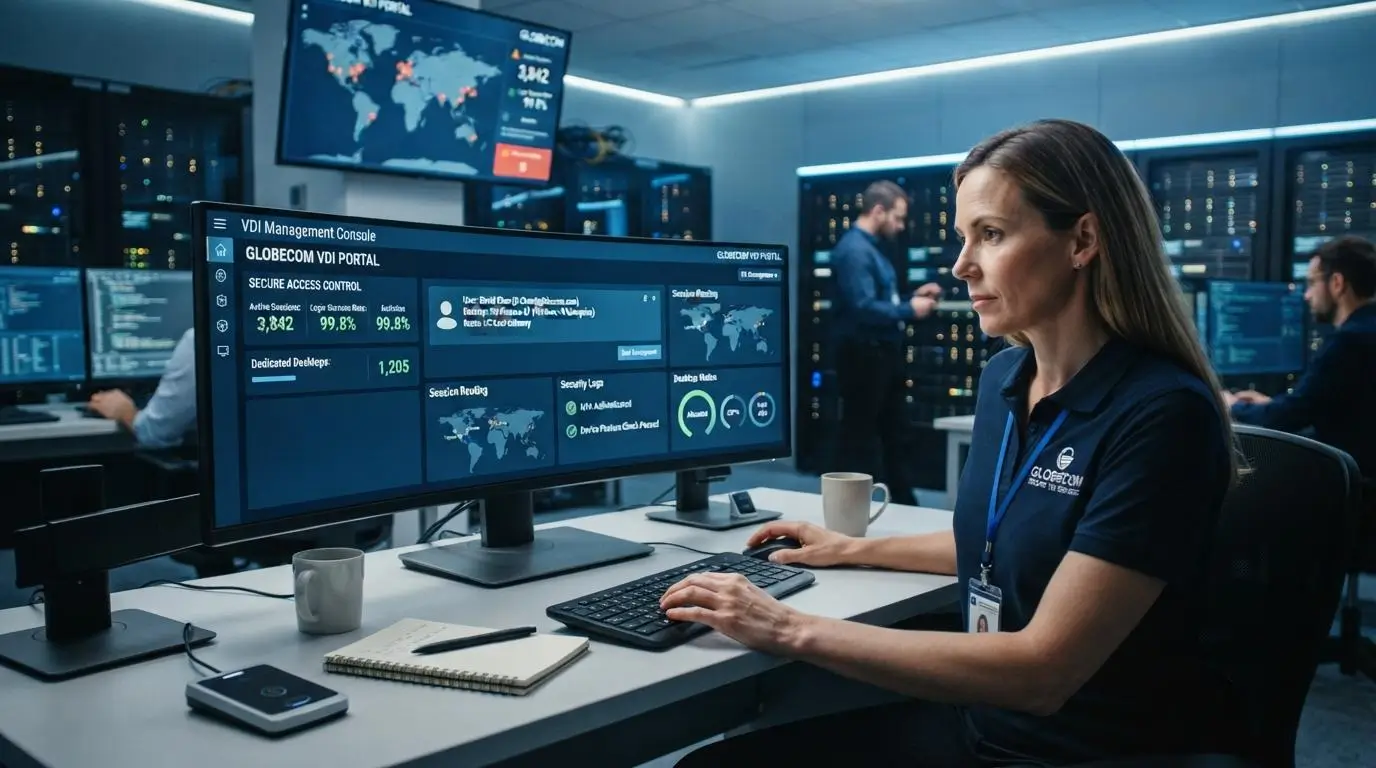
A connection broker is the component that helps users reach the correct virtual desktop. It sits between the user and the centralized servers hosting the desktop environment, coordinating access and session routing. Its responsibilities can include:
- User-to-desktop mapping so each person reaches the correct assigned machine
- Desktop assignment based on identity, policy, or entitlement
- Session routing when users connect from different devices or locations
- Availability checks to confirm the assigned desktop is ready
- Policy enforcement for access rules and session behavior
- Load balancing in environments that use shared desktop pools
In dedicated VDI, the broker has an especially important role because it helps ensure the user returns to the same assigned desktop rather than receiving a random session.
That consistency is what preserves the personal nature of the environment. User sessions remain tied to the intended desktop assignment, while IT still manages access centrally across the wider VDI infrastructure.
How Do You Manage and Maintain Dedicated VDI?
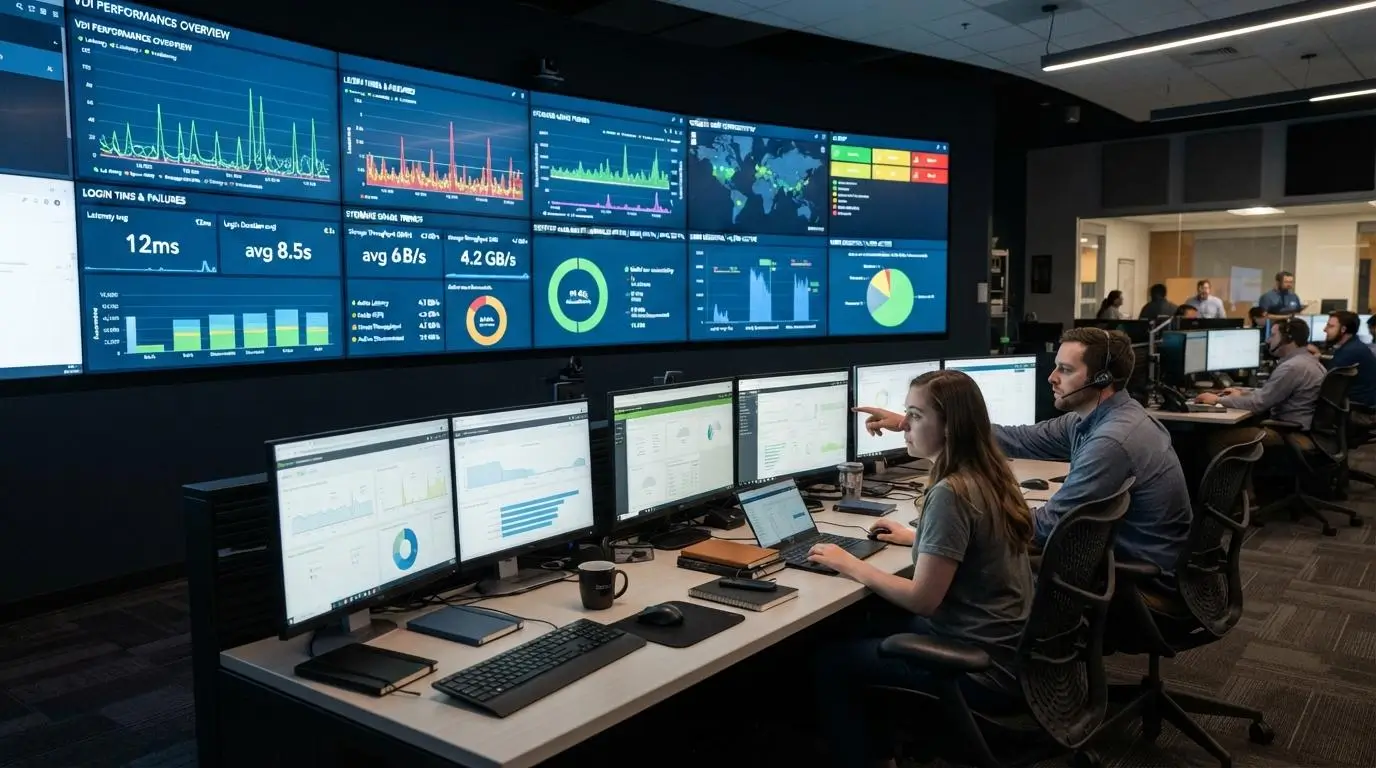
Managing VDI well requires more than keeping virtual machines online. IT teams have to maintain the full desktop lifecycle, from the base image to daily user support. Main management tasks include:
- Desktop image lifecycle: Maintain approved desktop images and retire outdated versions.
- OS and application updates: Keep operating systems and software current without disrupting users.
- Patch management: Apply security fixes consistently across the environment.
- Monitoring: Track performance, availability, login issues, and resource usage.
- Storage management: Watch profile growth, desktop data, and backup requirements.
- Backups and recovery: Protect important user data and support restoration when needed.
- Capacity planning: Make sure compute, memory, storage, and network resources match demand.
- Security policies: Enforce access controls, configuration standards, and logging.
- User support: Troubleshoot desktop-specific issues and application problems.
Centralized management improves operational efficiency, but dedicated desktops still require close attention because each environment may evolve differently.
Why Is Dedicated VDI Harder to Manage Than Pooled VDI?
Personalized state creates more variance between desktops. Users may have different applications, settings, storage usage, and support needs. That makes lifecycle management more complex than in pooled VDI, where standardized desktop images and resets make the environment easier to control at scale.
What Are the Main Challenges of Dedicated VDI?
Dedicated VDI gives users more control and consistency, but that comes with additional infrastructure and management demands. The main challenges usually appear around cost, complexity, and resource planning.
- Higher Storage Use: Persistent desktops retain individual settings, applications, and data, so storage requirements can grow faster than in pooled environments.
- Higher Compute Requirements: Each user may need a larger share of CPU, memory, and sometimes GPU resources, increasing hardware costs or cloud consumption.
- Management Complexity: Personalized desktops create more variation, which can make patching, troubleshooting, and managing VDI more demanding.
- Network Dependence: Desktop responsiveness still depends heavily on bandwidth, latency, and overall network stability.
- Capacity Planning: Poor sizing can lead to slow performance during peak user demand or wasted resources during quieter periods.
- Licensing Complexity: Operating systems, applications, VDI platforms, cloud services, and infrastructure licenses can add up quickly.
- Higher Initial Investment: On-premises VDI deployment may require servers, storage, networking, and virtualization software before users are onboarded.
These challenges do not make dedicated VDI unsuitable. They simply mean the deployment needs careful planning, realistic sizing, and ongoing monitoring to stay efficient.
How Do You Plan a Dedicated VDI Deployment?

A successful dedicated VDI deployment starts with understanding who needs what. If every user receives the same configuration, you can easily overspend on resources or create performance problems for demanding roles.
Use this checklist when implementing VDI:
- Profile users: Separate power users, developers, general users, and high-performance roles based on workload requirements.
- Size resources: Estimate CPU, RAM, GPU, storage, and network infrastructure needs for each user group.
- Choose deployment location: Decide whether desktops will run on-premises, in cloud infrastructure, or across a hybrid model.
- Select the desktop model: Determine which users need personal or persistent desktops and which could use pooled or non-persistent options.
- Plan desktop images: Standardize operating systems and applications where possible to simplify updates and support.
- Design identity and access: Define authentication, MFA, permissions, and access rules before rollout.
- Plan capacity: Account for current user demand, future growth, peak usage, and failover requirements.
- Test with production workloads: Validate application responsiveness, login times, storage performance, and network behavior before scaling.
Pilot testing is especially important. A configuration that looks adequate on paper may behave very differently under real production environments.
Good VDI planning balances user experience with infrastructure efficiency, giving demanding users enough resources without overprovisioning the entire environment.
How Does Dedicated VDI Compare With Remote Desktop Services?
Dedicated VDI and Remote Desktop Services both centralize desktop access, but they do so in different ways.
With dedicated VDI, each user typically receives a separate virtual machine with its own operating system instance. Traditional Remote Desktop Services (RDS) usually allows multiple users to run individual desktop sessions on the same server operating system hosted on centralized servers.
| Factor | Dedicated VDI | Remote Desktop Services |
|---|---|---|
| Isolation | Separate virtual machines provide stronger workload separation | Multiple users share the same server OS |
| Personalization | High, with persistent settings and applications | Usually more standardized |
| OS ownership | Dedicated OS instance per VM | Shared server operating system |
| Resource model | CPU, RAM, and storage allocated per desktop | Resources shared across user sessions |
| Cost | Typically higher | Often more cost-efficient |
| Best use cases | Power users, custom applications, specialized workloads | Task workers, shared applications, standardized users |
The practical difference comes down to how much individuality each user needs. Dedicated VDI offers greater isolation and control, while RDS can support more users efficiently when shared infrastructure and standardized desktop sessions are sufficient.
Can Dedicated and Pooled Desktops Be Used Together?
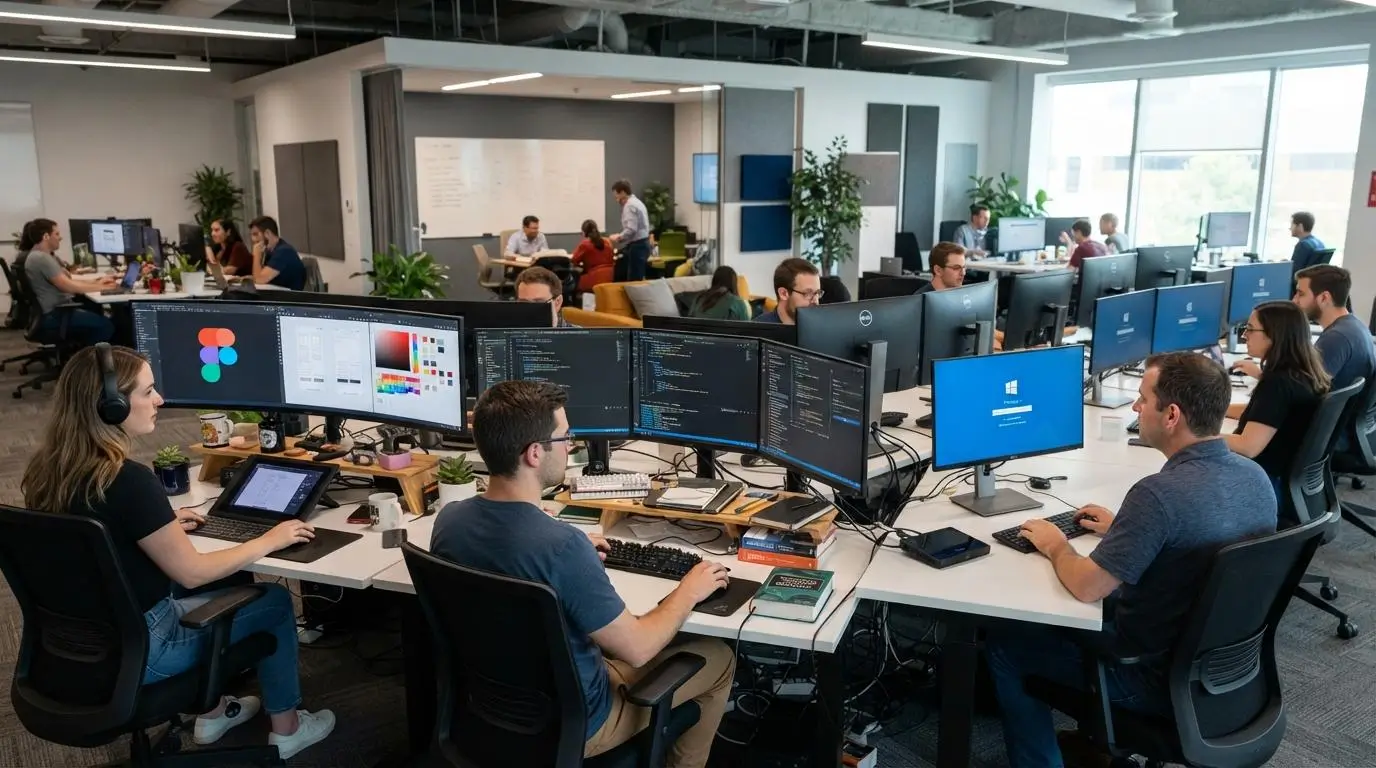
Yes. Dedicated and pooled desktops can be used in the same VDI environment, and that often makes more sense than forcing every user into one desktop model.
The goal is to match each user group with the right desktop pool based on workload, performance needs, and cost.
- Dedicated or persistent desktops can be assigned to developers, engineers, designers, and other users who need personalization, consistent resources, or specialized applications.
- Pooled or non persistent desktops can serve task workers, shared-use environments, and standard users who do not need individual desktop state.
This mixed approach helps improve operational efficiency because expensive dedicated resources are reserved for the users who actually benefit from them.
It also gives IT teams more flexibility. You can support demanding workloads without overprovisioning the entire environment, while still keeping simpler user groups on a more standardized and cost-efficient desktop pool.
How Does Apporto Simplify Dedicated Virtual Desktop Delivery?
Apporto provides a managed, browser-based approach to virtual desktop delivery, reducing some of the infrastructure burden that comes with traditional self-managed VDI.
Users can access Windows or Linux desktops directly through an HTML5 browser, which reduces dependency on specific endpoint hardware, client installations, and complex local configuration. Apporto also supports persistent virtual machines assigned to specific users, allowing changes to the desktop environment to remain available across sessions.
For IT teams, Apporto combines several functions into one cloud-hosted VDI platform:
- Browser-based remote access across supported devices
- Centralized management of desktops and applications
- Persistent and personalized desktop options
- Cloud delivery without requiring organizations to maintain all underlying physical infrastructure
- Security and access controls managed centrally
- Reduced endpoint dependency for a more consistent desktop experience
Because Apporto manages infrastructure tasks such as monitoring, backups, and patching as part of its service, organizations can reduce the number of VDI components they need to operate themselves.
For teams looking to improve operational efficiency without building a traditional VDI stack from scratch, Apporto offers a more streamlined digital workspace. Try Apporto
Final Thoughts
Dedicated VDI makes the most sense when users need a desktop that behaves like their own machine rather than a temporary session. That includes persistent settings, dedicated resources, personalization, specialized software, stronger workload isolation, and more predictable performance.
It is not always the most efficient option. Pooled and non-persistent desktops are usually better suited to standardized users who need the same applications and settings, especially when cost savings and operational efficiency are the main priorities.
Dedicated VDI trades some of that efficiency for greater control and consistency. For the right users, that tradeoff can be worthwhile.
If you want personalized virtual desktops with centralized management but without carrying as much traditional VDI infrastructure, Apporto offers a browser-based approach designed to simplify delivery and management. Try Apporto
Frequently Asked Questions (FAQs)
1. What is dedicated VDI?
Dedicated VDI is a virtual desktop model where each user is assigned a specific virtual machine or personal desktop. The user typically returns to the same environment each session, allowing settings, applications, files, and other desktop changes to remain available.
2. Is dedicated VDI the same as persistent VDI?
Dedicated and persistent VDI often overlap, but the terms describe different characteristics. Dedicated mainly refers to one-user-to-one-desktop assignment, while persistent describes whether user settings, applications, files, and other changes are retained between desktop sessions.
3. What is the difference between dedicated and pooled VDI?
Dedicated VDI assigns a personal virtual machine to an individual user, providing greater personalization and resource isolation. Pooled VDI assigns users desktops from a shared pool, typically prioritizing standardization, easier management, and more efficient infrastructure use.
4. Is dedicated VDI more expensive?
Dedicated VDI is generally more expensive than pooled VDI because each user requires more individual compute, storage, and desktop state. Costs can also include operating system licensing, applications, platform fees, networking, management tools, backups, and ongoing IT support.
5. Is dedicated VDI better for power users?
Dedicated VDI can be better suited to power users who need predictable performance, persistent configurations, or specialized applications. Developers, designers, engineers, and other technical users may benefit from dedicated CPU, RAM, GPU resources, storage, and personalized software environments.
6. Can dedicated VDI run in the cloud?
Yes. Dedicated VDI can run on cloud infrastructure instead of physical servers in your own data center. Azure Virtual Desktop, for example, supports Personal host pools that assign individual session hosts to specific users for dedicated desktop access.
7. Does dedicated VDI support remote work?
Yes. Users can access persistent dedicated desktops remotely from supported laptops, thin clients, personal devices, and other endpoints. The experience still depends on network quality, endpoint capabilities, authentication, access policies, and other security controls configured by the organization.
