

What Is the Difference Between Apporto and TestOut Labs?
Apporto virtual computer labs provide browser-based virtual desktops that deliver secure access to software across education and workforce training without local installation. Compared with TestOut Labs, which specializes in IT certification training, Apporto offers greater flexibility, broader software support, and centralized management for diverse learning environments.
Software access and practical training are no longer limited to physical computer labs or fixed campus environments. Virtual computer labs and virtual training labs now allow students to open applications directly in a browser, creating a more flexible way to learn, practice, and complete coursework from almost any location. This model supports hands on learning while reducing the operational burden of maintaining on-site infrastructure.
This Apporto vs TestOut Labs comparison examines two platforms built for modern learning environments, each with a different approach. Apporto delivers full virtual desktops through a browser, while TestOut Labs focuses on structured IT training and certification preparation. This guide compares deployment, learning experience, accessibility, security, performance, scalability, and long-term costs.
What Is the Difference Between Apporto and TestOut Labs?
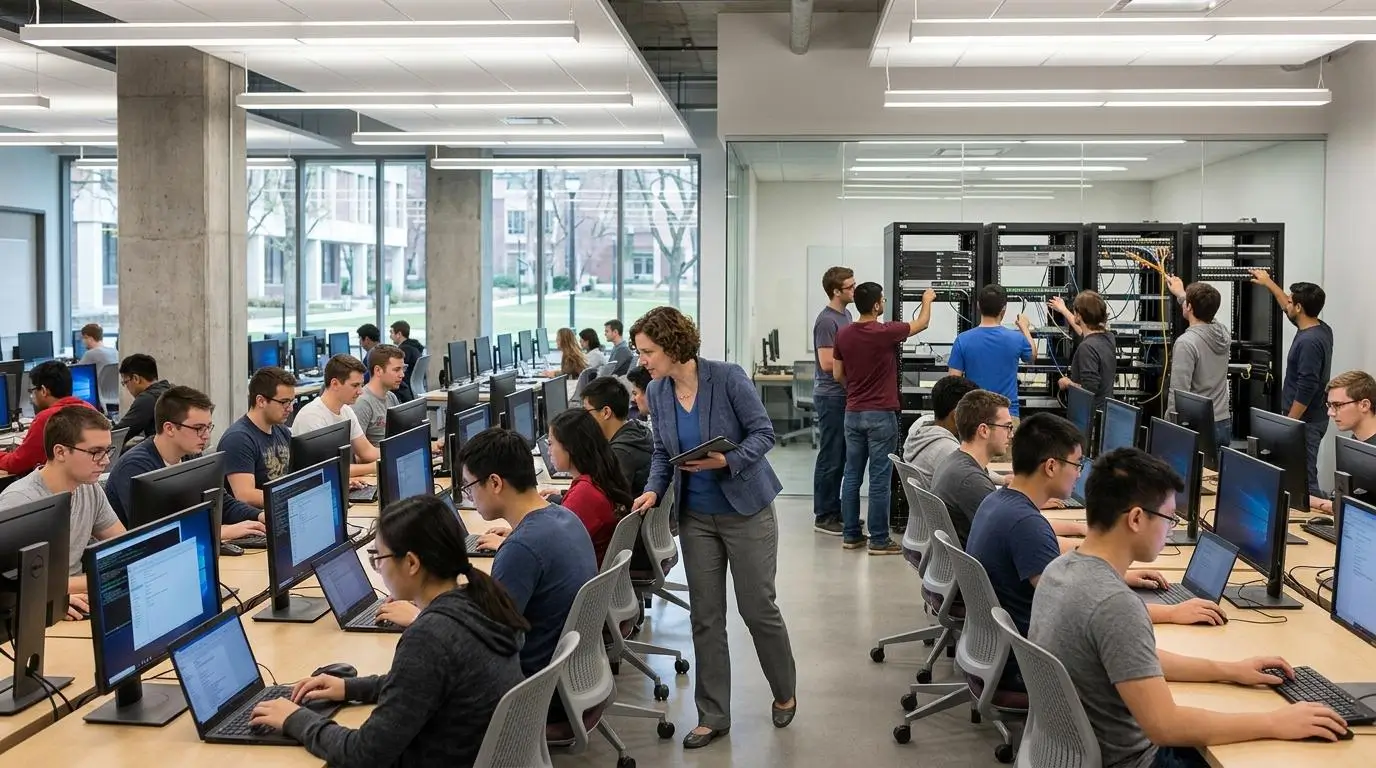
Apporto and TestOut Labs both support hands-on learning through virtual lab technology, but they are designed to solve different challenges. At a high level, both platforms reduce reliance on traditional computer labs and allow users to work in cloud-based environments. The difference lies in how those environments are built and the learning outcomes they are designed to achieve.
Apporto is a browser-based virtual desktop platform that gives users access to a wide variety of software without requiring local installation or configuration. Institutions can deliver everything from engineering and science applications to creative and business software through a single desktop environment. This makes Apporto suitable for universities, corporate training departments, and organizations that need flexible software access across multiple disciplines.
TestOut Labs takes a more specialized approach. The platform combines guided curriculum, interactive simulations, quizzes, and performance-based labs to prepare learners for IT certifications. Students work within simulated operating system and networking environments that reinforce technical concepts while building confidence through practical exercises. The focus is on structured learning that closely aligns with certification objectives rather than providing general-purpose software access.
The core philosophy reflects these different priorities. Apporto emphasizes accessibility, centralized software delivery, and flexible virtual desktops that support a broad range of academic and professional programs. TestOut Labs concentrates on certification-focused learning, helping students develop technical skills in safe virtual lab environments before working with production systems.
Main Differences at a Glance
| Category | Apporto | TestOut Labs |
|---|---|---|
| Primary Use Case | Browser-based virtual desktops for higher education, workforce learning, and broad software access. | Guided IT training and certification preparation through structured virtual lab experiences. |
| Access Methods | Users launch a complete desktop through a browser without installing software. | Learners access interactive simulations, guided labs, and courseware designed for technical training. |
| Learning Focus | Flexible software access across many academic disciplines and professional programs. | Practical IT skills, operating system concepts, networking, cybersecurity, and certification readiness. |
| Lab Environments | Full virtual desktop environments capable of hosting a wide variety of software applications. | Simulated IT lab environments designed around hands-on practice and performance-based learning. |
| Target Audience | Universities, colleges, corporate training teams, faculty, students, and organizations. | High schools, community colleges, vocational schools, instructors, and learners preparing for industry certifications such as CompTIA. |
How Do Apporto and TestOut Labs Deliver Virtual Labs?

Virtual labs have transformed the way institutions deliver software and practical training. Instead of relying on physical computer labs, organizations can provide learners with cloud-based environments that are accessible from almost anywhere. Both Apporto and TestOut Labs support hands-on learning, but they use different approaches. TestOut Labs emphasizes guided IT training through simulations, while Apporto delivers complete browser-based virtual desktops for broader software access across education and workforce learning.
How Does TestOut Labs Deliver Guided IT Training?
TestOut Labs is built for structured IT education. It combines interactive simulations, instructional videos, quizzes, and guided exercises to help learners develop technical skills in a safe environment. Students work with virtual machines and operating system configurations without affecting real hardware, making it easier to practice networking, troubleshooting, and system administration.
Its curriculum aligns closely with CompTIA certifications, allowing learners to prepare for certification exams through practical exercises rather than theory alone. Immediate feedback throughout each lab helps students measure progress and build confidence while completing real-world technical tasks.
How Does Apporto Deliver Browser-Based Virtual Desktops?
Apporto takes a broader approach by providing fully hosted virtual desktops that run directly through a browser. There is no need for local software installation or a VPN, allowing users to access applications almost immediately from virtually any device.
The platform supports Windows and Linux applications, enabling institutions to deliver a wide variety of software through a single virtual desktop. Centralized software deployment also allows administrators to manage applications from one location, ensuring consistent software environments across departments and courses.
By combining browser-based access with flexible software delivery, Apporto simplifies virtual lab management while giving students and instructors reliable access to the tools they need for everyday learning.
How Do Deployment and Accessibility Compare?

Deployment and accessibility have a direct impact on how quickly learners can begin using software. A platform that requires minimal setup reduces technical barriers, while broad device compatibility makes learning more flexible. Institutions also benefit when software can be delivered consistently without managing complicated installations across hundreds of computers.
Apporto and TestOut Labs both improve access compared to traditional computer labs, but they do so in different ways. TestOut Labs focuses on structured IT learning environments, while Apporto is designed to simplify software delivery across multiple academic and professional disciplines.
How Does TestOut Labs Support IT Certification Training?
TestOut Labs is designed around guided certification learning. Students access structured virtual labs that combine simulations, courseware, videos, and practical exercises to reinforce technical concepts. Because the platform follows a curriculum-driven approach, learners move through planned activities that support certification objectives.
Like most cloud-based learning platforms, TestOut Labs depends on a reliable, high-speed internet connection for a smooth experience. Institutions may also need to plan how the platform integrates with existing learning management systems to create a consistent workflow for instructors and students.
Its deployment model works well for schools and training providers focused on IT education, where standardized lab environments and guided instruction are priorities.
How Does Apporto Simplify Software Access?
Apporto is built around browser-based virtual desktops that remove many of the traditional barriers to software access. Users simply open a supported browser, sign in, and launch their desktop without installing applications or configuring a VPN. This allows students to begin working almost immediately from campus, home, or other remote locations.
Because software runs entirely in the cloud, users can access demanding applications from a wide range of devices while administrators manage deployments from a central location. This reduces onboarding time and simplifies software updates across departments. Apporto also integrates with learning management systems, helping institutions deliver software within existing teaching workflows rather than requiring separate access processes.
Accessibility Comparison Table
| Category | Apporto | TestOut Labs |
|---|---|---|
| Access Method | Browser-based virtual desktops accessed through a supported web browser. | Cloud-based access to structured virtual labs, simulations, and courseware. |
| Device Support | Accessible from a wide variety of devices because applications run in the cloud. | Compatible with modern devices capable of accessing online training environments. |
| Installation Required | No local software installation or VPN required. | No traditional software deployment, but users access guided online learning environments. |
| Software Access | Immediate access to a broad range of software through a virtual desktop. | Access to certification-focused labs, simulations, videos, and learning materials. |
| Learning Flexibility | Supports diverse academic programs and integrates with learning management systems. | Optimized for structured IT certification training with guided learning paths. |
Which Platform Provides a Better Learning Experience?
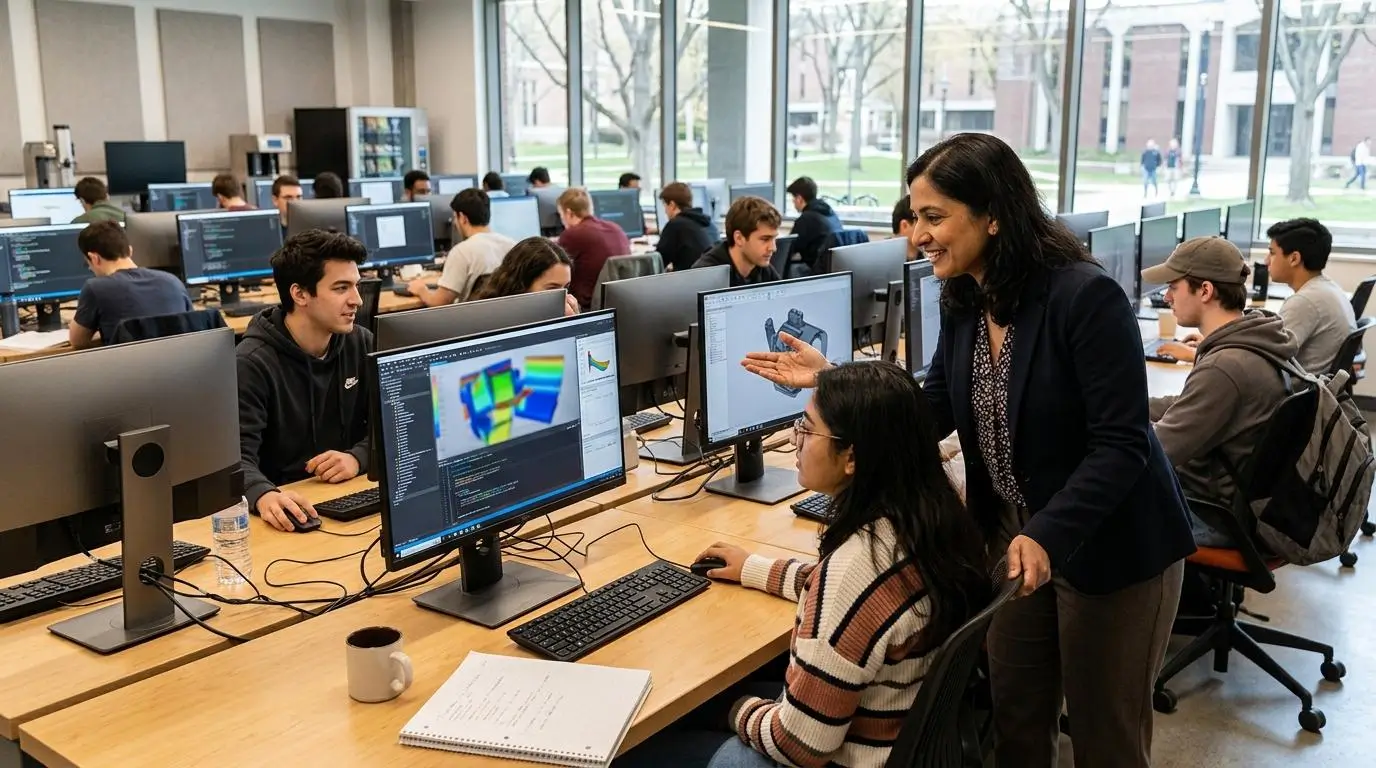
A strong virtual lab should help students build confidence through practical experience, not simply deliver software. Both Apporto and TestOut Labs support hands on learning, but they use different teaching approaches to achieve that goal.
TestOut Labs is built around structured IT education. Learners move through interactive simulations, instructional videos, quizzes, and practical exercises that reinforce technical concepts. Instant feedback, gamification, and performance-based assessments keep students engaged while helping instructors measure skill development throughout the learning process.
Apporto takes a broader approach by providing browser-based virtual desktops that give students access to the software used in their actual courses. Instead of limiting learning to certification scenarios, institutions can support a wide range of academic programs using the same platform. Collaboration tools also help instructors guide students during practical activities, making teaching more interactive and reducing barriers to participation.
The better learning experience depends on your objectives. TestOut Labs excels at certification-focused training, while Apporto provides greater flexibility for institutions that want students to work with real software across multiple disciplines.
What Features Improve Learning Outcomes?
- Simulations: TestOut Labs uses interactive simulations that allow students to practice technical concepts in safe virtual environments.
- Videos and Quizzes: Guided videos and quizzes reinforce learning before learners complete practical exercises.
- Performance-Based Assessments: Practical assessments, combined with instant feedback, help measure skill development instead of memorization alone.
- Collaboration: Apporto provides collaboration tools that help instructors support students during classes and practical projects.
- Practical Tasks: Both platforms promote practical experience, but Apporto emphasizes real software applications, while TestOut Labs focuses on certification-oriented IT tasks.
How Do Security and Platform Management Compare?

Security is essential when delivering software through virtual labs, especially when multiple users access applications from different locations. Institutions need platforms that protect users and data while making software deployment and administration easier. Strong security should support learning, not create additional complexity for instructors or IT teams.
Apporto and TestOut Labs both provide secure virtual lab environments, but they focus on different management priorities. TestOut Labs protects learners through isolated sandbox environments designed for safe experimentation, while Apporto combines zero-trust security with centralized management to simplify software delivery across departments and campuses.
What Security Features Matter in Virtual Labs?
- Zero-Trust Security: Apporto applies a zero-trust security approach that helps verify user access while protecting virtual desktops and software resources.
- User Permissions: Role-based user access controls ensure students, instructors, and administrators only access the software and resources assigned to them.
- Centralized Management: Centralized administration allows IT teams to deploy software, manage users, and maintain consistent virtual desktop environments from a single platform.
- Software Deployment: Managing software centrally reduces installation issues, simplifies updates, and provides users with consistent application versions.
- Data Protection: TestOut Labs uses safe sandbox environments that allow learners to practice technical tasks without affecting production systems, while Apporto protects software and user sessions through secure browser-based virtual desktops.
Security Comparison Table
| Security Category | Apporto | TestOut Labs |
|---|---|---|
| Secure Access | Zero-trust security protects browser-based virtual desktops and user sessions. | Secure access to sandboxed virtual lab environments for technical training. |
| User Management | Centralized user management simplifies permissions and software access across institutions. | User access controls manage learner participation within structured training environments. |
| Platform Security | Browser-based virtual desktops reduce local software risks while providing secure remote access. | Safe sandbox environments allow students to practice configurations without affecting live systems. |
| Administrative Controls | Centralized management simplifies software deployment, updates, and administrative oversight. | Administrative tools support instructors and administrators in managing labs, learners, and course activities. |
| Data Protection | Secure browser-based access and centralized software management help protect institutional data. | Sandboxed virtual labs isolate activities and protect production environments during practical exercises. |
How Do Performance and Scalability Compare?

Performance and scalability determine how well a virtual lab platform supports growing numbers of users without compromising the learning experience. As institutions expand online courses and remote learning, they need platforms that deliver consistent software access while maintaining reliable performance. Cloud-based infrastructure makes this possible, but each platform approaches scalability differently.
What Are TestOut Labs Strengths?
TestOut Labs performs best in structured IT training environments where learners complete guided exercises and certification-focused activities. Its cloud-based labs are designed to support practical learning through simulations and performance-based tasks. As learner numbers grow, cloud labs can scale to accommodate additional users, although institutions should plan for infrastructure limitations and reliable internet connectivity. High latency can affect responsiveness during complex lab activities, making network performance an important consideration.
What Makes Apporto Stand Out?
Apporto is designed for scalable browser-based software delivery. Through centralized hosting, institutions can provide consistent virtual desktops to large numbers of users without requiring powerful local hardware or software installation. Because applications run in the cloud, students access the same desktop experience from different devices while administrators manage software centrally. This approach simplifies infrastructure planning and supports growing classes without significantly increasing administrative complexity.
Main Performance Considerations
- Cloud Scalability: Both platforms use cloud infrastructure that allows virtual labs to scale as the number of users increases.
- Concurrent Users: Centralized hosting helps support large groups of users while maintaining a consistent software experience.
- Infrastructure Planning: Institutions should evaluate network capacity and internet reliability when deploying cloud-based virtual labs.
- High Latency Considerations: Slow or unstable internet connections can affect browser responsiveness and interrupt virtual lab activities.
- Consistent Software Access: Apporto’s browser-based virtual desktops provide users with consistent access to software across supported devices while simplifying long-term infrastructure management.
What Should You Know About Pricing and Long-Term Costs?

Selecting a virtual lab platform involves more than comparing subscription pricing. The real investment includes infrastructure, hardware, software deployment, ongoing maintenance, and the IT resources needed to support users over time. These factors determine the total cost of ownership and influence how well a platform can continue to serve growing institutions without creating unnecessary operational costs.
Both Apporto and TestOut Labs reduce many of the expenses associated with traditional computer labs, but they approach long-term efficiency differently. TestOut Labs delivers specialized IT training without requiring physical networking equipment, while Apporto lowers costs by simplifying software delivery across an entire institution through browser-based virtual desktops.
Why Are Organizations Choosing Virtual Computer Labs?
Organizations are increasingly moving to cloud based virtual computer labs because maintaining physical computer labs is both expensive and time consuming. Purchasing high-performance computers, installing software on every device, and keeping applications updated requires significant infrastructure and ongoing support.
Cloud-based platforms simplify this process. Software is hosted centrally instead of on individual computers, making deployment faster and reducing maintenance requirements. Institutions also benefit from reduced hardware investments because students can access demanding software from existing devices through a browser.
Another advantage is scalability. As enrollment or training needs grow, organizations can expand cloud resources more efficiently than continually purchasing additional physical equipment. This creates more predictable operational costs and supports better long-term budget planning.
How Does Apporto Reduce Long-Term Costs?
Apporto is designed to reduce operational costs by centralizing software delivery. Because applications run through browser-based virtual desktops, institutions eliminate the need for local software installation across hundreds or thousands of computers. Software updates, licensing, and deployment are managed from a single location, reducing administrative effort and simplifying long-term support.
The platform also reduces dependence on expensive physical equipment. Students and instructors can access software using existing devices while cloud infrastructure handles the computing workload. This extends the life of institutional hardware and lowers replacement costs.
Cloud scalability further improves efficiency by allowing institutions to allocate resources as demand changes. Combined with reduced maintenance and centralized deployment, this approach helps institutions simplify infrastructure management while maintaining predictable pricing over time.
Cost Comparison Table
| Cost Category | Apporto | TestOut Labs |
|---|---|---|
| Infrastructure Costs | Centralized cloud-based deployment reduces infrastructure requirements across departments and campuses. | Eliminates much of the physical infrastructure needed for certification training and technical labs. |
| Hardware Costs | Reduces dependence on high-performance computers by delivering software through browser-based virtual desktops. | Reduces the need for dedicated networking hardware by providing virtual IT lab environments. |
| Maintenance Costs | Eliminates local software installation and simplifies updates through centralized deployment, reducing ongoing support requirements. | Cloud delivery lowers maintenance compared to physical labs, though certification courseware and lab environments still require platform management. |
| Scalability Costs | Cloud scalability allows institutions to expand software access without major infrastructure investments. | Cloud-based virtual labs scale more easily than traditional computer labs as learner numbers increase. |
| Budget Predictability | Centralized management, reduced maintenance, and cloud-based delivery help create more predictable long-term operational costs. | Subscription-based pricing provides predictable budgeting for IT certification programs and technical training. |
Why Are Organizations Moving Beyond Traditional Computer Labs?
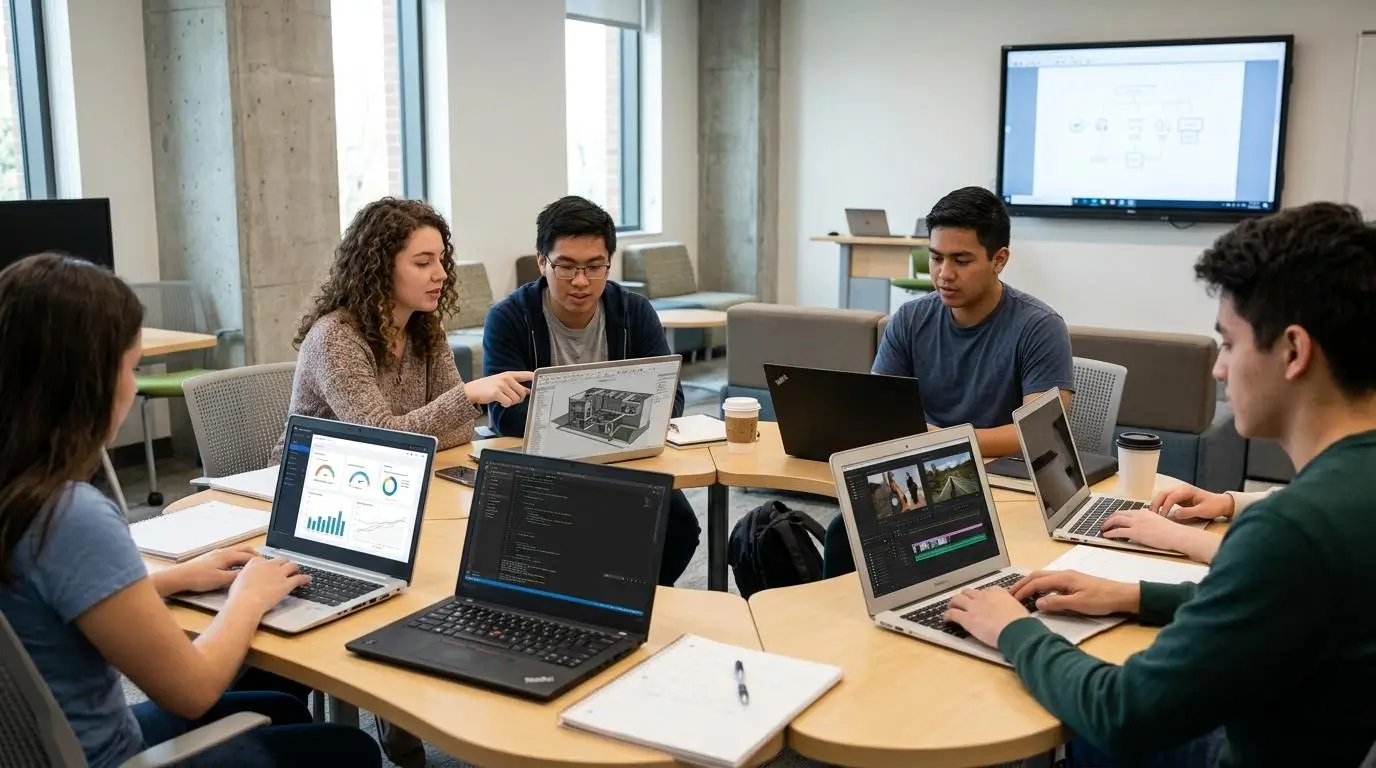
Traditional computer labs served education well for many years, but they are becoming increasingly difficult to maintain. Hardware upgrades, software installations, and ongoing maintenance require significant time and resources, while students expect the flexibility to learn from virtually anywhere. As online courses and hybrid learning continue to expand, institutions are looking for solutions that make software easier to deliver and simpler to manage.
Virtual computer labs address many of these challenges. By delivering applications through a browser, institutions can provide secure access without relying on dedicated computer rooms or complex local installations. Students can continue learning from campus, home, or other remote locations while using the same applications and learning resources. At the same time, IT teams spend less time maintaining physical devices and more time supporting teaching and innovation.
Modern training expectations have also changed. Learners want immediate access to software, instructors want consistent learning environments, and organizations need platforms that can grow without major infrastructure investments.
Browser-based virtual training labs help meet these expectations while improving accessibility, reducing maintenance, and creating more flexible learning environments. If you’re exploring alternatives to existing training platforms, TestOut Labs alternatives can help you compare different approaches to hands-on learning and virtual lab delivery.
Most Common Reasons Organizations Explore Alternatives
- Better Accessibility: Browser-based platforms allow students and instructors to access software from almost any location using supported devices.
- Lower Infrastructure Costs: Virtual computer labs reduce the need to purchase, maintain, and regularly replace expensive physical computer lab equipment.
- Flexible Learning: Cloud-based virtual training labs support in-person, hybrid, and remote learning without limiting software access to campus facilities.
- Reduced Maintenance: Centralized software delivery simplifies updates, reduces technical support requirements, and minimizes administrative effort.
- Improved Learning Outcomes: Immediate access to software helps learners spend more time developing practical skills and less time dealing with installation or hardware issues.
Why Does Apporto Stand Out as a Modern TestOut Labs Alternative?
TestOut Labs is well suited for certification-focused IT education, but many organizations need a platform that supports far more than technical training. Universities and corporate training departments often require flexible access to a wide range of software across multiple disciplines, not just certification labs.
Apporto addresses this need through browser-based virtual desktops that eliminate local software installation while simplifying software delivery. Students and instructors can access applications from almost any device, allowing institutions to create virtual computer labs without investing in extensive hardware or managing complex deployments.
The platform also reduces administrative effort through centralized software deployment, making it easier to deliver consistent software environments across departments. Combined with collaboration features, LMS integration, and zero-trust security, Apporto provides a modern solution that supports teaching, learning, and workforce development from a single platform. Try Now.
What Makes Apporto Different?
- Browser-Based Virtual Desktops: Deliver software through a browser without requiring local installation.
- No Local Software Installation: Give users immediate access to applications while reducing IT support requirements.
- Windows and Linux Support: Run Windows and Linux software from the same browser-based virtual desktop.
- Centralized Management: Manage software deployment and user access from one location across the institution.
- Collaboration Tools: Help instructors and learners work together more effectively during practical sessions.
- LMS Integration: Integrate with learning management systems for a smoother educational workflow.
- Zero-Trust Security: Protect users and software with a modern security approach designed for browser-based environments.
- Accessible from Any Device: Enable students and staff to access software from supported devices on or off campus.
- Rapid Software Deployment: Deliver applications quickly for higher education institutions and corporate training departments.
Final Thoughts
The right platform depends on your learning objectives and the type of experience you want to deliver. TestOut Labs is an excellent choice for schools and training providers focused on IT certification preparation. Its structured curriculum, interactive simulations, and performance-based assessments help students build practical skills aligned with certifications like CompTIA.
Apporto takes a broader approach by offering browser-based virtual desktops that support multiple disciplines without local installation. Students can access software from any device, while IT teams benefit from centralized management and scalability.
If your priority is certification-focused training, TestOut Labs is a strong option. If you need flexible virtual labs across programs, Apporto is more versatile. Choose based on your students, goals, and institutional needs.
Frequently Asked Questions (FAQs)
1. Is Apporto a good TestOut Labs alternative?
Yes. Apporto is a strong TestOut Labs alternative for institutions that need browser-based virtual computer labs across multiple disciplines. It supports flexible software delivery, centralized management, and remote access, making it suitable for higher education and corporate training beyond certification-focused programs.
2. What is the biggest difference between Apporto and TestOut Labs?
The biggest difference is their purpose. Apporto provides browser-based virtual desktops for broad software access across education and workforce learning, while TestOut Labs focuses on guided IT training, interactive simulations, and preparation for industry certifications such as CompTIA.
3. Does Apporto require software installation or a VPN?
No. Apporto delivers software through browser-based virtual desktops, so users do not need to install applications or configure a VPN. They simply sign in through a supported browser and access the software required for their courses or training.
4. Is TestOut Labs better for CompTIA certification preparation?
Yes. TestOut Labs is designed around CompTIA certification objectives and combines simulations, videos, quizzes, and performance-based assessments to help students develop practical IT skills while preparing for certification exams.
5. Can Apporto run demanding software on low-spec devices?
Yes. Because applications run in the cloud, Apporto allows students to access demanding software from low-spec devices through a browser. Processing happens remotely, reducing the need for high-performance local hardware.
6. Why are organizations replacing physical computer labs?
Organizations are replacing physical computer labs to reduce infrastructure costs, simplify software deployment, and improve accessibility. Virtual computer labs allow students to access applications remotely while reducing hardware maintenance and ongoing IT support requirements.
7. How does Apporto support hands-on learning?
Apporto supports hands-on learning by providing browser-based access to real software instead of relying only on simulations. Students complete practical coursework using the same applications required for their academic programs while instructors support learning through collaboration features.
8. Is Apporto suitable for higher education institutions?
Absolutely. Apporto is designed for higher education institutions that need scalable virtual computer labs across multiple departments. It supports diverse software environments, centralized management, and flexible access for students, faculty, and administrators.
9. Can students access Apporto from anywhere?
Yes. Students can access Apporto from virtually anywhere using a supported browser and an internet connection. This flexibility makes it easier to continue learning on campus, at home, or while working remotely.
10. Which platform is easier to manage?
For most colleges and universities, Apporto is easier to manage because it centralizes software deployment, user access, and administration. TestOut Labs is simpler to manage within certification programs, but its focus is limited to structured IT training environments.
