
Are VPNs Safe to Use?
VPNs are generally safe when they use strong encryption, trustworthy providers, and secure protocols to protect internet traffic and privacy. They help reduce risks on public networks, but they do not prevent malware, phishing, or replace broader security protections.
Are VPNs safe, or do they simply make you feel safer than you actually are? That question lingers beneath all the marketing promises. You see ads everywhere claiming instant privacy, airtight VPN security, total anonymity. It sounds reassuring. Almost too reassuring.
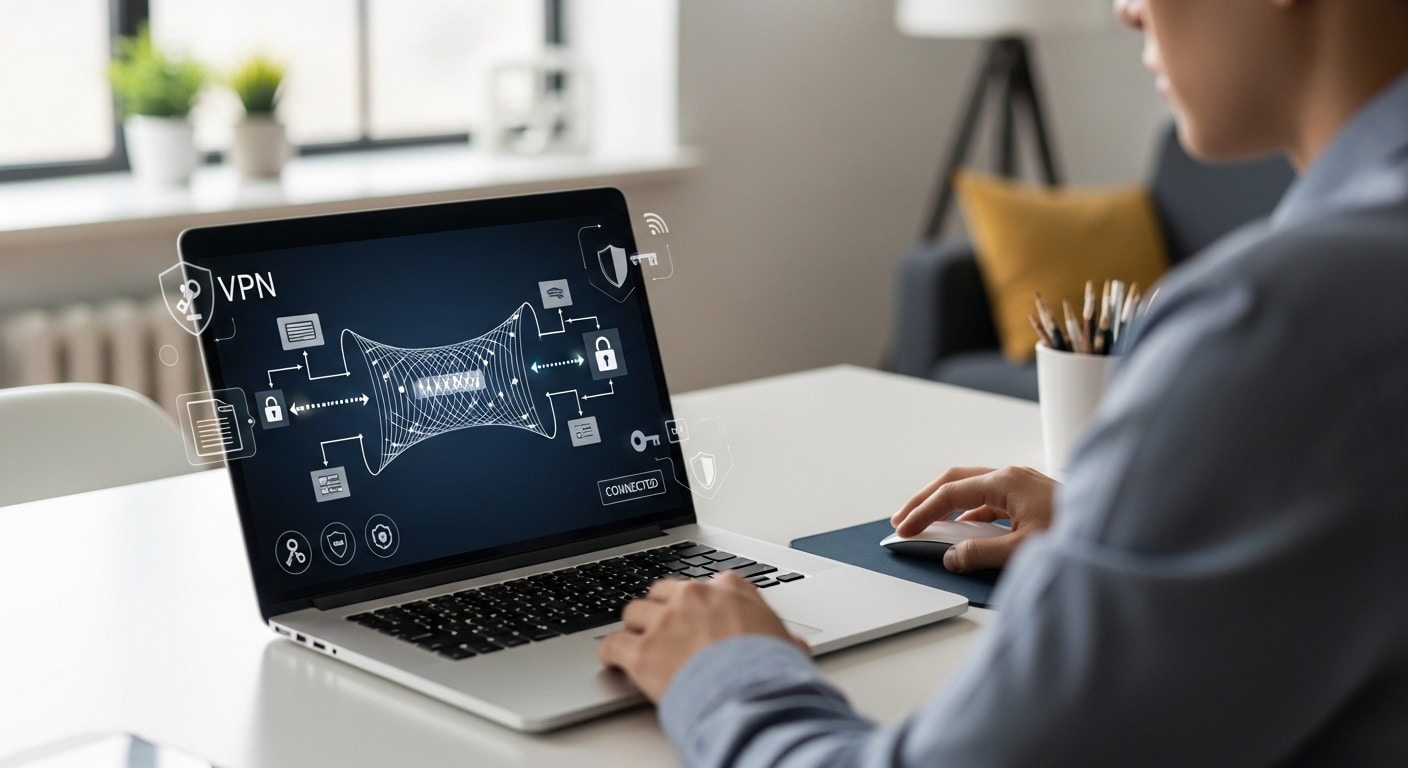
A virtual private network, usually shortened to VPN, is a tool that creates a secure connection between your device and a remote server. It encrypts your internet traffic so outsiders cannot easily read it, and it masks your IP address so your online activity appears to come from somewhere else.
For many internet users, that feels like a shield. For remote workers accessing company systems, it feels essential. Enterprises rely on VPN service platforms to support secure remote access and protect corporate data.
And yes, VPN safety is real, up to a point. A well-configured VPN can strengthen online security and help with protecting data on public networks. But it is not absolute protection. Encryption standards matter. The VPN provider matters.
Free VPN services carry risks. Enterprise security requires more than a VPN alone. Legal restrictions vary by country. Data leaks still happen. In this blog post, you will understand whether VPNs are truly safe, and where their protection begins and ends.
What Is a VPN and How Does a VPN Actually Work?
A VPN creates a secure tunnel between your device and a VPN server operated by your provider. That tunnel is encrypted, which simply means your internet traffic is scrambled into unreadable data while it travels across your internet connection. Anyone trying to intercept it sees nonsense, not usable information.
Once connected, your data no longer travels directly from your device to a website. Instead, it moves through a remote server first. That remote server then forwards your request to the wider internet. Because of this rerouting, your real IP address is hidden. Websites and services see the IP address of the VPN server, not your own.
This entire setup forms what is often called a VPN network, essentially a private network layered on top of the public internet. The encrypted tunnel protects your data in transit, while masking your digital location.
Under the hood, VPN services rely on tunneling protocols such as L2TP or IPsec. You do not need to memorize the acronyms. What matters is that they establish and maintain the encrypted connection. Most reputable providers use AES encryption standards, widely trusted for protecting sensitive data efficiently.
In practical terms, a VPN creates distance between you and the open internet. It inserts a protective layer. That layer matters, but it is not magic.
How a VPN Creates a Secure Connection?
- Encrypts traffic so it becomes unreadable data
- Routes internet traffic through a remote server
- Hides your IP address from your internet service provider
- Prevents unauthorized parties from monitoring public Wi Fi connections
What Security Benefits Do VPNs Actually Provide?
Now that you understand how a VPN works, the next step is clarity. What does it genuinely protect, and where does that protection hold up?
A properly configured VPN strengthens data protection by encrypting your internet traffic while it moves across networks. That matters most when you are using public Wi Fi in airports, hotels, cafés, anywhere strangers share the same connection. Without encryption, your data can be intercepted. With it, your information becomes unreadable to opportunistic attackers.
For remote workers, VPNs provide secure remote access to company resources. Instead of exposing internal systems directly to the internet, enterprises route access through a controlled VPN network. This supports enterprise security by reducing the likelihood of unauthorized intrusion during remote access sessions.
A VPN also prevents your internet service provider from easily tracking your search history or monitoring patterns in your online activity. You can browse anonymously in a limited sense, meaning your ISP cannot readily profile what sites you visit. It may also prevent throttling, since your ISP cannot easily detect specific types of traffic to slow down.
There are even smaller advantages. Changing your apparent location can sometimes reduce price discrimination on travel sites. And by masking your IP address, a VPN can help prevent hackers from targeting your visible network identity.
What a Safe VPN Can Protect You From
- Interception of sensitive information on public Wi Fi
- Exposure of your user’s IP address
- Basic ISP tracking of online activity
- Data breaches caused by unencrypted connections
- Throttling of specific types of internet traffic
Where Do VPNs Fall Short? What VPNs Do NOT Protect You From?
This is where the conversation usually gets uncomfortable. VPN safety is real, but it is often overstated. And overstating protection creates blind spots.
First, a VPN does not stop malware. It does not scan files, block phishing emails, or prevent you from clicking a malicious link. If you download infected software or fall for a scam, encryption will not save you. Malware protection requires antivirus tools, secure browsing habits, and updated systems.
Second, a VPN does not prevent cookie tracking or browser fingerprinting. Websites can still identify you through login sessions, device characteristics, and tracking technologies. If you are logged into your social media or email account, your activity is still tied to you. A VPN cannot undo that connection.
Absolute anonymity is also a myth. Your VPN provider can potentially see your internet traffic. Some providers claim zero-log policies, but not all are audited. Depending on the jurisdiction, certain VPN services may be required to log or share data. That introduces privacy concerns, especially if the service provider lacks transparency.
Performance is another limitation. VPN connections frequently introduce latency, particularly when you connect to geographically distant servers or when many remote users share the same network. Encrypting all traffic adds processing overhead. The result can be slower internet speed and occasional bandwidth challenges.
Finally, a VPN does not replace firewalls, intrusion detection systems, or strong password hygiene. If your login credentials are weak, or reused across services, a VPN does nothing to correct that vulnerability. It protects data in transit, not poor security decisions.
Security Risks You Should Understand
- VPN connections can introduce latency, especially across distant servers
- Encrypting all traffic may reduce internet speed
- Some VPN providers log online activity
- Free VPN services may sell user data
- VPNs cannot prevent malware infections
- VPNs cannot protect against tracking via cookies
So, are VPNs safe? In many cases, yes. But only within boundaries. Understanding those boundaries is the difference between smart protection and misplaced confidence.
Are Free VPN Services Safe or a Hidden Risk?
Free sounds harmless. Sometimes generous. But in the VPN market, free VPN services deserve careful scrutiny. Running a VPN network costs money. Servers, bandwidth, security updates, customer support, audits, none of it is free. So when a service provider offers unlimited access at no charge, you have to ask how the operation is funded.
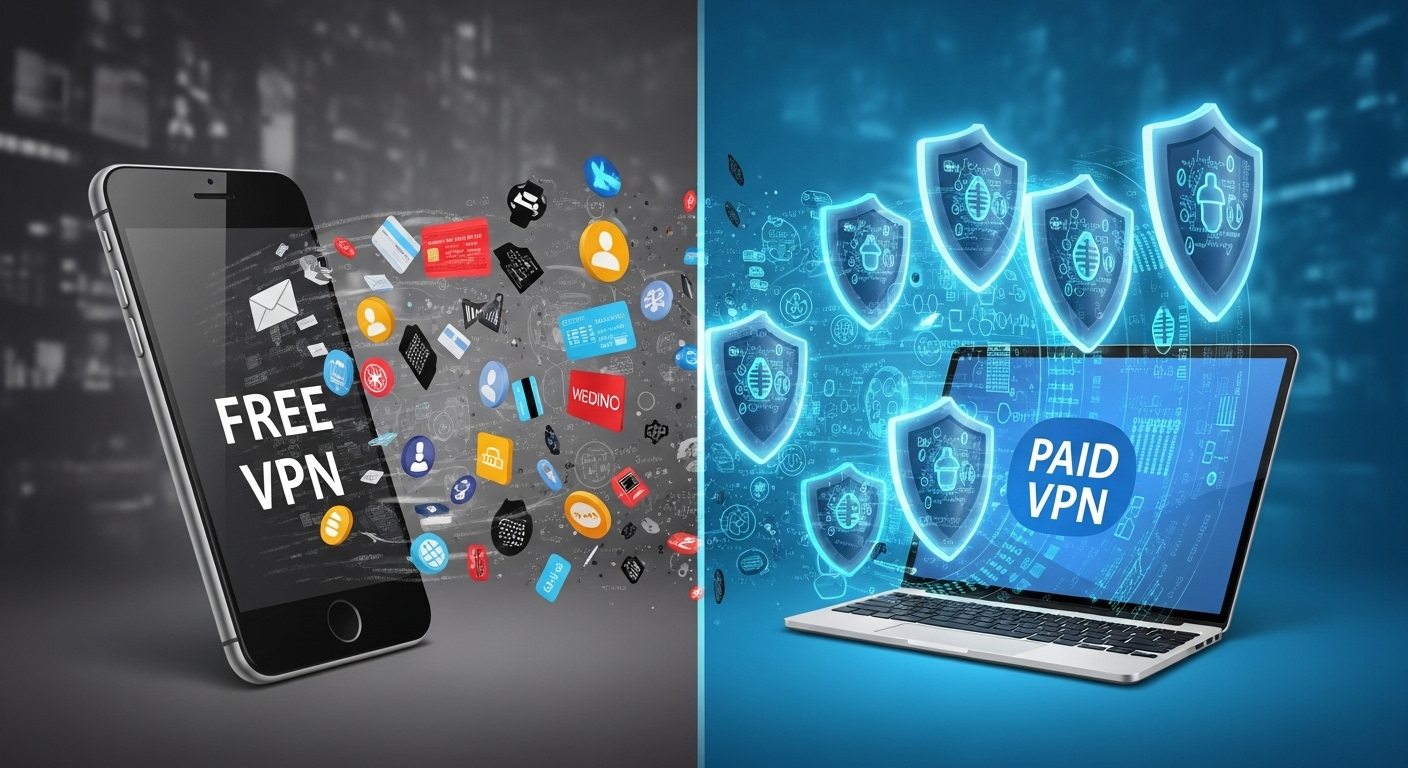
In many cases, the answer is uncomfortable. Some free VPNs monetize user data. They may log browsing activity, analyze patterns, and in certain cases sell user data to third parties. That directly undermines online privacy.
Security standards can also be weaker. Some free services rely on outdated encryption standards or limit bandwidth to control costs. Others have been caught distributing bundled software that includes malware. A tool meant to protect your device ends up exposing it instead.
Independent audits are rare among free VPNs. Without third-party verification, claims of zero logs or strong VPN security remain unproven. Jurisdiction matters too. Providers based in countries with mandatory data-sharing laws may be legally required to hand over user information.
Customer support is typically minimal. If something goes wrong, you may be left guessing.
Why Free VPNs Can Be Dangerous
- May monetize user data
- Often lack strong encryption standards
- Can contain malware
- Provide limited secure access
- Rarely offer transparent pricing
Difference between Free VPNs vs Paid VPNs
| Feature | Free VPN Services | Reputable Paid VPN Service |
|---|---|---|
| Encryption Standards | Often limited | AES or strong encryption |
| Zero-Log Policy | Rare | Often independently audited |
| Customer Support | Minimal | Dedicated support |
| Risk of Data Monetization | High | Low |
A safe VPN usually requires investment. Free services often collect their payment in other ways.
Can You Trust Your VPN Provider? What Really Matters
At this point, the real question is not simply are VPNs safe, it is whether your VPN provider deserves your trust. Because once you route your internet traffic through a VPN network, you are placing a great deal of faith in that service.
Start with the zero log policy. A credible provider should clearly state that it does not store your browsing history or connection data. Even better, that claim should be verified through independent security audits. Words on a website mean little without external validation.
Jurisdiction also matters. Some providers operate in countries with mandatory data-sharing laws. In those cases, even a privacy-focused service may be legally compelled to disclose information. If you care about online privacy, that is not a small detail.
Transparency is another signal. A trustworthy VPN provider should offer a clear pricing model, straightforward terms of service, and accessible customer support. Hidden fees or vague policies are warning signs. Regular updates to VPN software also matter, because outdated systems create security risks.
Strong authentication methods add another layer of protection. Multifactor authentication helps secure your account even if your password is compromised. Secure tunneling protocols and modern encryption standards further strengthen the foundation.
Granular access control is especially important for enterprise environments, where different users should not have unrestricted access to sensitive systems.
What Makes a Good VPN Provider
- Verified zero log policy
- Independent security audits
- Strong encryption standards
- Multi-factor authentication options
- Transparent pricing
- Reliable customer support
- Regular security updates
Are VPNs Enough for Enterprise Security?
For enterprise security, a VPN is a tool, not a complete strategy. It plays a role in network security, particularly by enabling secure remote access for remote users. But it is not the whole structure.
A traditional VPN grants vpn access to the internal network once authentication succeeds. That approach assumes that anyone inside the tunnel is trustworthy. In practice, that assumption can be risky. If a compromised device connects, it may gain access to sensitive company resources and move laterally across systems. This is where granular access control becomes critical. Not every user should see everything.
Modern security models lean toward Zero Trust principles. Instead of trusting a connection by default, Zero Trust verifies identity continuously and limits access to only what is necessary. A VPN alone does not enforce that level of precision.
Enterprises also require firewalls, intrusion detection systems, endpoint protection, and identity management frameworks. Without those layers, a VPN becomes a single gate protecting a much larger structure.
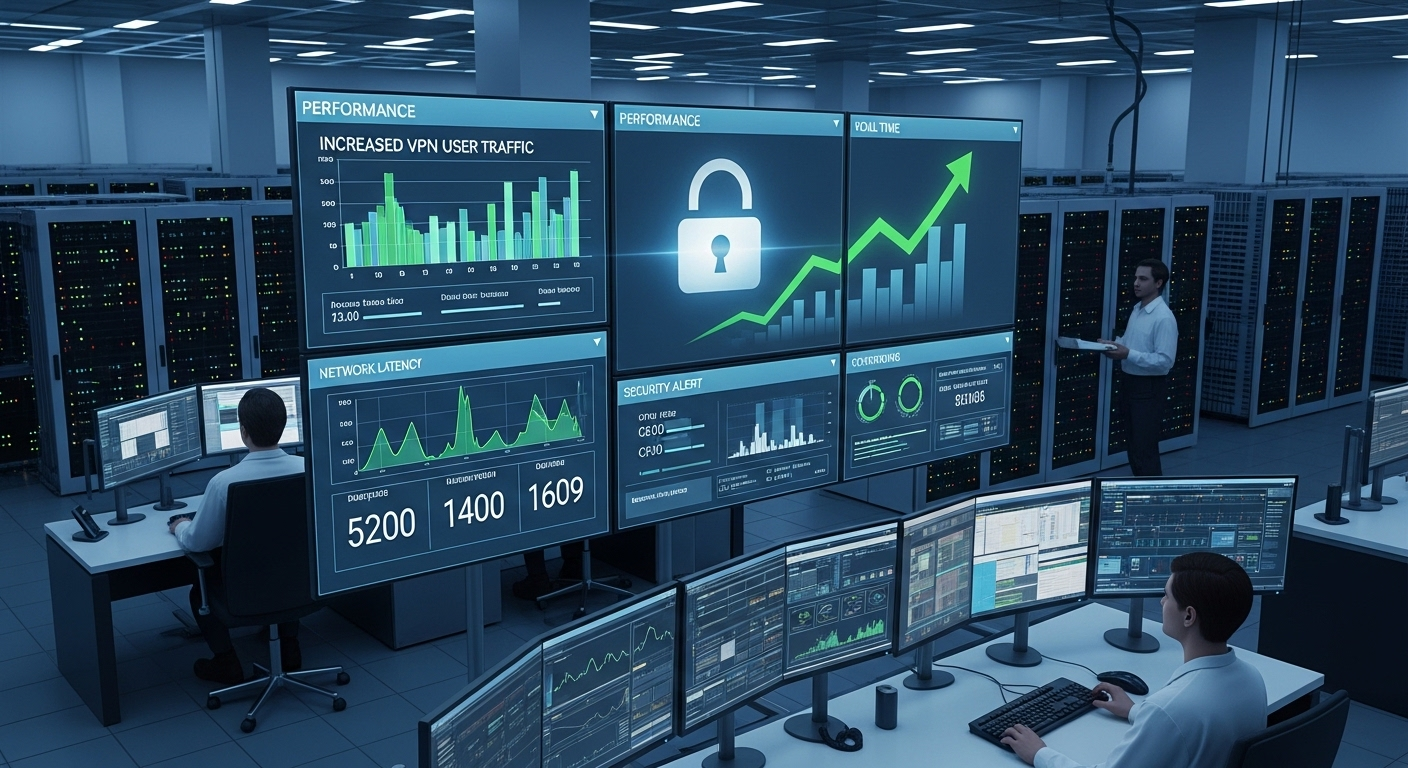
Scalability introduces another challenge. As the number of remote users grows, bandwidth strain and performance bottlenecks can emerge. Data center infrastructure must be designed to handle the load securely.
Do VPNs Slow Down Your Internet Connection?
Yes, a VPN connection can reduce internet speed. The reason is simple, your internet traffic no longer travels directly to its destination. It detours through a VPN server first. That extra step introduces latency, especially if the server is located far from you geographically.
Distance matters. The farther the VPN server, the longer the data path. High user load also plays a role. If many people are connected to the same server, bandwidth challenges can emerge, and performance may dip.
Encryption adds processing overhead as well. Scrambling and unscrambling data requires computing power, which can slightly slow your internet connection. For streaming platforms or business applications that rely on real-time responsiveness, even small delays can become noticeable.
That said, high-quality VPN services invest in optimized infrastructure. Fast servers, efficient routing, and modern encryption standards can minimize slowdowns. You may not experience dramatic speed loss, but some reduction in internet speed is normal.
Is Using a VPN Legal Everywhere?
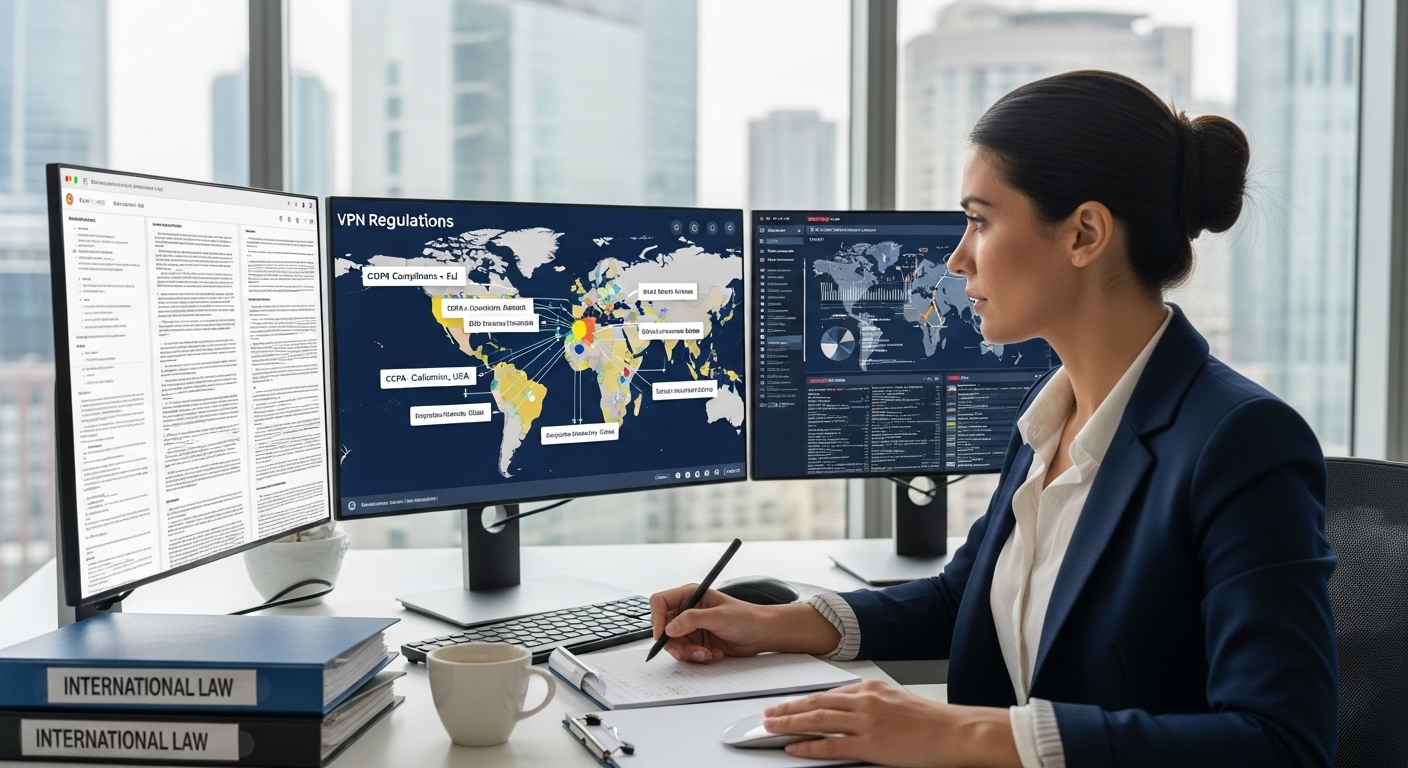
VPN usage is legal in many countries, including the United States and the United Kingdom. In those regions, using a VPN for online privacy or secure access on public networks is generally permitted. However, legality is not universal.
Some governments restrict or tightly regulate VPN usage. Countries such as China, Russia, and Iraq impose limitations, and in certain cases only government-approved services are allowed. Using unauthorized VPN services in those jurisdictions can lead to legal consequences.
For enterprises operating globally, compliance becomes complex. Government agencies may require specific data handling standards. Before deploying a VPN solution across borders, understanding local regulations is essential.
Conclusion
So, are VPNs safe? In many practical situations, yes. A VPN is a vital resource for protecting data while it travels across networks. It strengthens online security by encrypting traffic and reducing exposure, especially on public Wi Fi connections where private data can otherwise be intercepted.
But clarity matters. A safe VPN does not provide absolute anonymity. It does not replace malware protection. It does not correct weak passwords or eliminate every security risk. VPN safety is real, yet bounded.
For remote workers handling company resources, a VPN supports secure access and reduces the likelihood of interception. For everyday users, it adds a useful layer of defense when browsing on unsecured networks. Still, it should be part of a broader, layered security approach that includes strong authentication, endpoint protection, and sound network policies.
Before assuming you are fully protected, take a moment to evaluate your overall security posture. A VPN can strengthen your defenses, but thoughtful strategy provides lasting protection.
Frequently Asked Questions (FAQs)
2. Are VPNs safe for everyday internet users?
For most internet users, VPNs are generally safe when you choose a reputable provider. A reliable VPN encrypts your internet traffic, protects data on public Wi Fi, and limits basic ISP tracking. However, overall safety still depends on your browsing habits and provider transparency.
3. Can a VPN hide my IP address?
Yes, a VPN hides your IP address by routing internet traffic through a remote server, making websites see the server’s address instead of yours. This improves privacy, though it does not provide complete anonymity online.
4. Do VPNs protect against malware and phishing attacks?
VPNs do not function as malware protection tools. They encrypt data in transit but cannot prevent you from downloading infected files or clicking phishing links. Antivirus software and cautious browsing remain essential parts of online security.
5. Why are free VPN services considered risky?
Free VPN services are often risky because they must generate revenue somehow. Some monetize user data, use weak encryption standards, or lack independent audits. In extreme cases, free services may even contain malicious software.
6. Do VPNs slow down your internet speed?
Yes, using a VPN can reduce internet speed. Routing traffic through a VPN server and encrypting data introduces latency. High-quality services minimize slowdowns, but some reduction in speed is normal.
7. Are VPNs enough for enterprise security?
No, VPNs alone are not sufficient for enterprise security. They support secure remote access, but organizations also need firewalls, identity management, intrusion detection, and granular access control to protect sensitive systems.
8. Can I use VPN on a public Wi-Fi?
Yes, using a VPN on public Wi-Fi is recommended because it encrypts your internet traffic and helps protect sensitive data from interception. It adds security on shared networks commonly found in airports, hotels, cafés, and schools.
9. Is using a VPN legal in all countries?
VPN usage is legal in many countries, including the US and UK. However, some nations restrict or regulate VPN services. In places like China or Russia, unauthorized VPN usage can carry legal consequences.
