
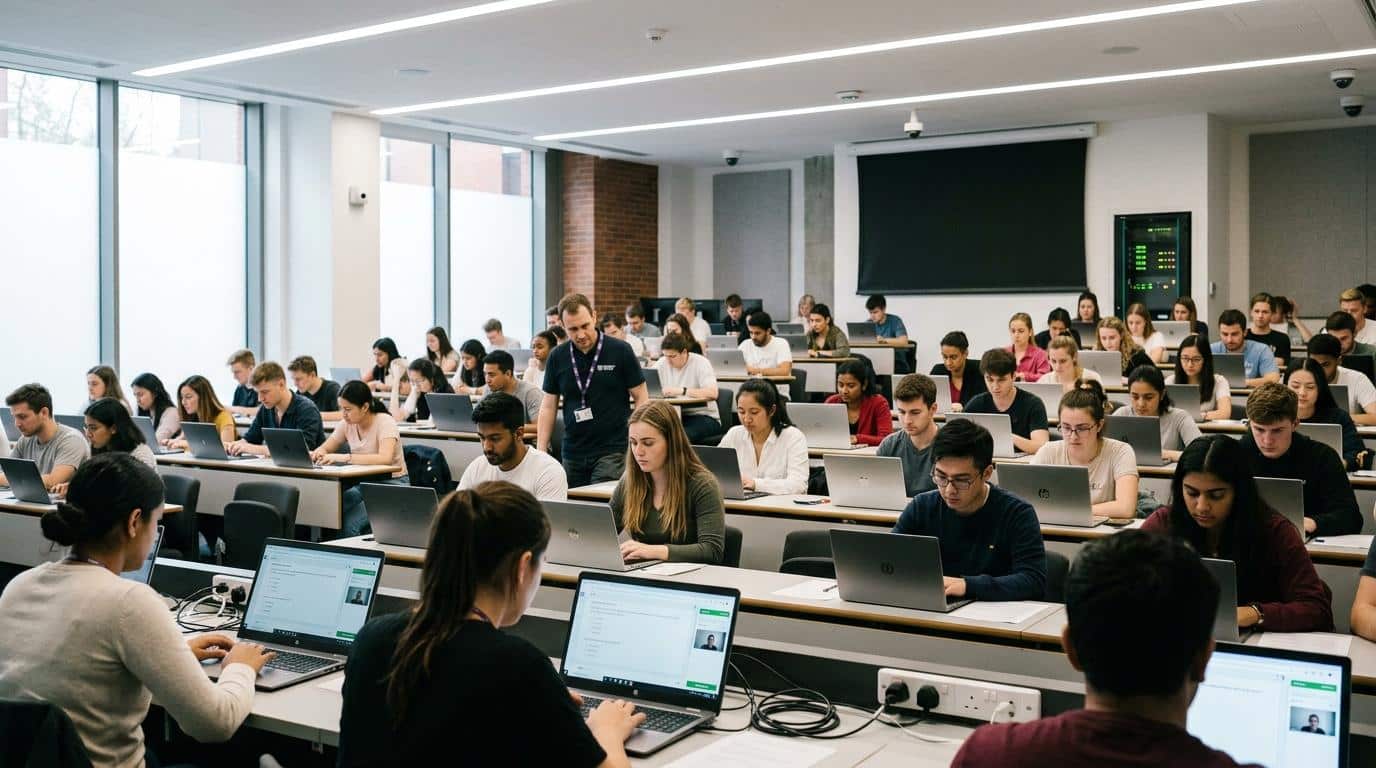
Which Is Better: ProctorU or Apporto ExamSpace?
ProctorU and Apporto ExamSpace secure online exams using different approaches. ProctorU combines live proctoring with AI-assisted monitoring, while Apporto ExamSpace uses a secure virtual desktop to control the testing environment. For technical assessments, Apporto offers a more consistent, scalable, and privacy-focused exam experience.
Online exams have become a standard part of education, professional certification, and workforce training. As more universities, certification organizations, and employers move assessments online, choosing the right exam provider has become a much bigger decision than it once was.
Institutions now have to balance exam security with student privacy, accessibility, and a consistent testing environment. That challenge has led many to reconsider traditional online proctoring methods. ProctorU and Apporto ExamSpace take two very different approaches to securing online assessments.
This guide compares their features, security models, student experience, pricing considerations, and ideal use cases, helping you determine which solution best fits your assessment needs.
What Are ProctorU and Apporto ExamSpace & How Do They Differ?
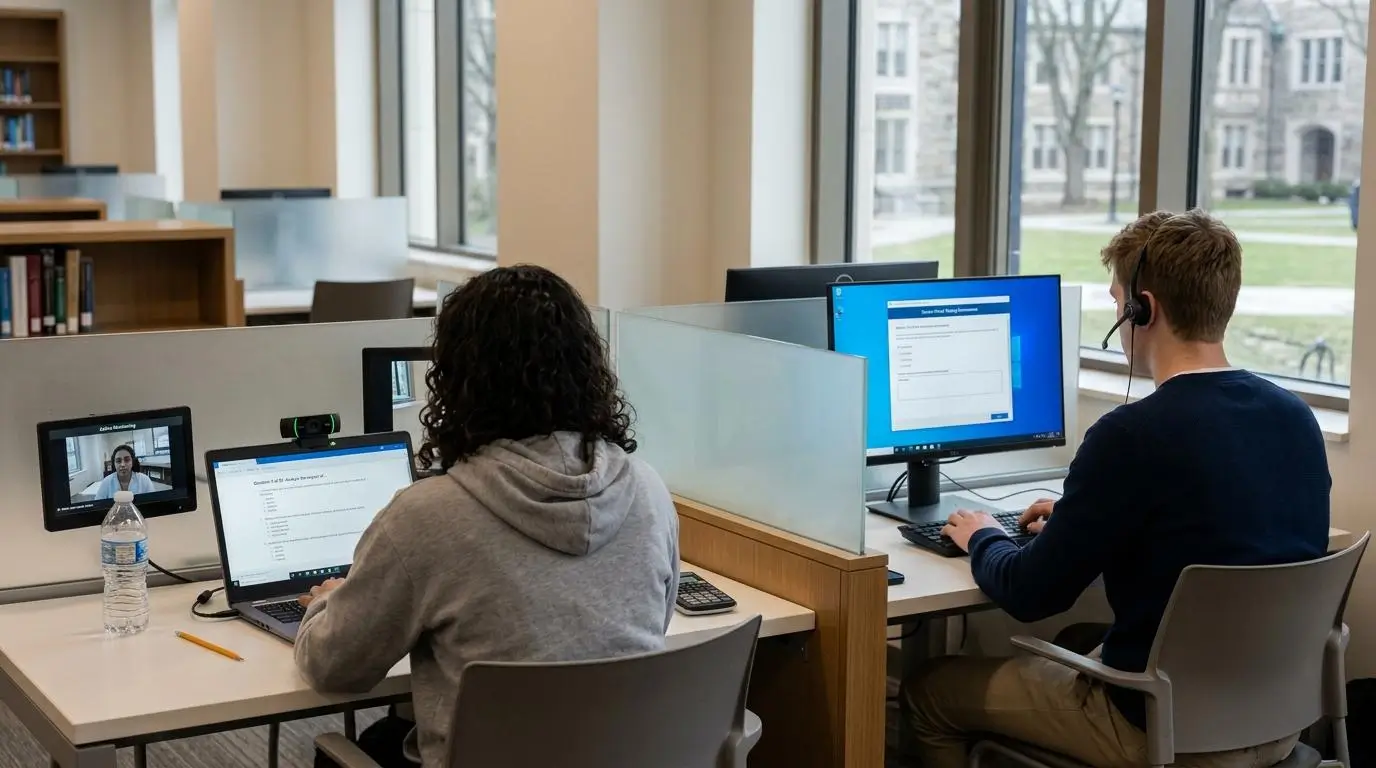
While both platforms help institutions deliver secure online exams, they solve the challenge in very different ways. ProctorU primarily secures the person taking the exam through live observation and identity verification. Apporto ExamSpace focuses on securing the computing environment itself, giving students access to a controlled virtual desktop where unauthorized resources are unavailable. Understanding this distinction is important because it influences everything from exam security and student privacy to setup requirements and technical support.
ProctorU Overview
ProctorU is a well-established online proctoring platform used by universities, certification organizations, and testing providers around the world. It combines live proctors with AI-assisted monitoring to verify identity, monitor testing sessions, and detect suspicious activity during online assessments. Depending on the level of oversight an institution requires, ProctorU offers multiple service tiers that range from automated monitoring to live human proctoring.
It is commonly used for high-stakes exams where identity verification and continuous observation are essential, including university final exams, professional certifications, and credentialing programs.
If you’re exploring ProctorU alternatives, comparing different approaches to identity verification, live proctoring, AI monitoring, and exam security can help you identify a platform that fits your assessment requirements.
Quick highlights
- Live online proctoring combines trained human proctors with AI-assisted monitoring throughout the testing session.
- Three service levels allow institutions to select different levels of monitoring based on exam requirements.
- Identity verification includes ID checks, room scans, and pre-checks before the exam begins.
- Widely adopted across universities, certification organizations, and professional testing programs.
Apporto ExamSpace Overview
Apporto ExamSpace approaches exam security from a different direction. Rather than relying on continuous observation, it delivers a secure, browser-based virtual desktop that isolates students inside a controlled testing environment. This reduces opportunities for unauthorized access while simplifying the overall testing experience.
The platform is especially effective for technical exams that require specialized software, programming tools, or high-performance applications. Because everything runs in the cloud, students can access the same standardized environment without installing complex software on their own computer. Built-in learning management system integration also makes exam administration more efficient for instructors and IT teams.
Quick highlights
- Browser-based virtual desktop provides secure access without complex local installations.
- Environment control secures the exam by locking down the virtual workspace instead of continuously observing the student.
- Designed for technical assessments that require specialized software and consistent computing resources.
- LMS integration streamlines exam delivery and administration.
- Cloud-managed infrastructure gives students a consistent experience across supported devices.
Quick Comparison Snapshot
| Feature | ProctorU | Apporto ExamSpace |
|---|---|---|
| Core approach | Live online proctoring with AI-assisted monitoring | Secure virtual desktop with controlled testing environment |
| Best use case | High-stakes certification and identity-sensitive exams | Technical assessments, lab-based courses, and secure online exams |
| Installation | Requires Guardian Browser and supporting software | Browser-based access with no complex local installation |
| Monitoring method | Human proctor, AI monitoring, room scans, and identity verification | Environmental lockdown and secure virtual desktop isolation |
| Device requirements | Relies on the student’s hardware, webcam, microphone, and compatible software | Managed cloud desktop accessible from supported devices with fewer local dependencies |
| Learning curve | Moderate, due to setup requirements and pre-exam checks | Lower, with simplified access and a consistent testing experience |
How Does Each Platform Secure Your Exam?
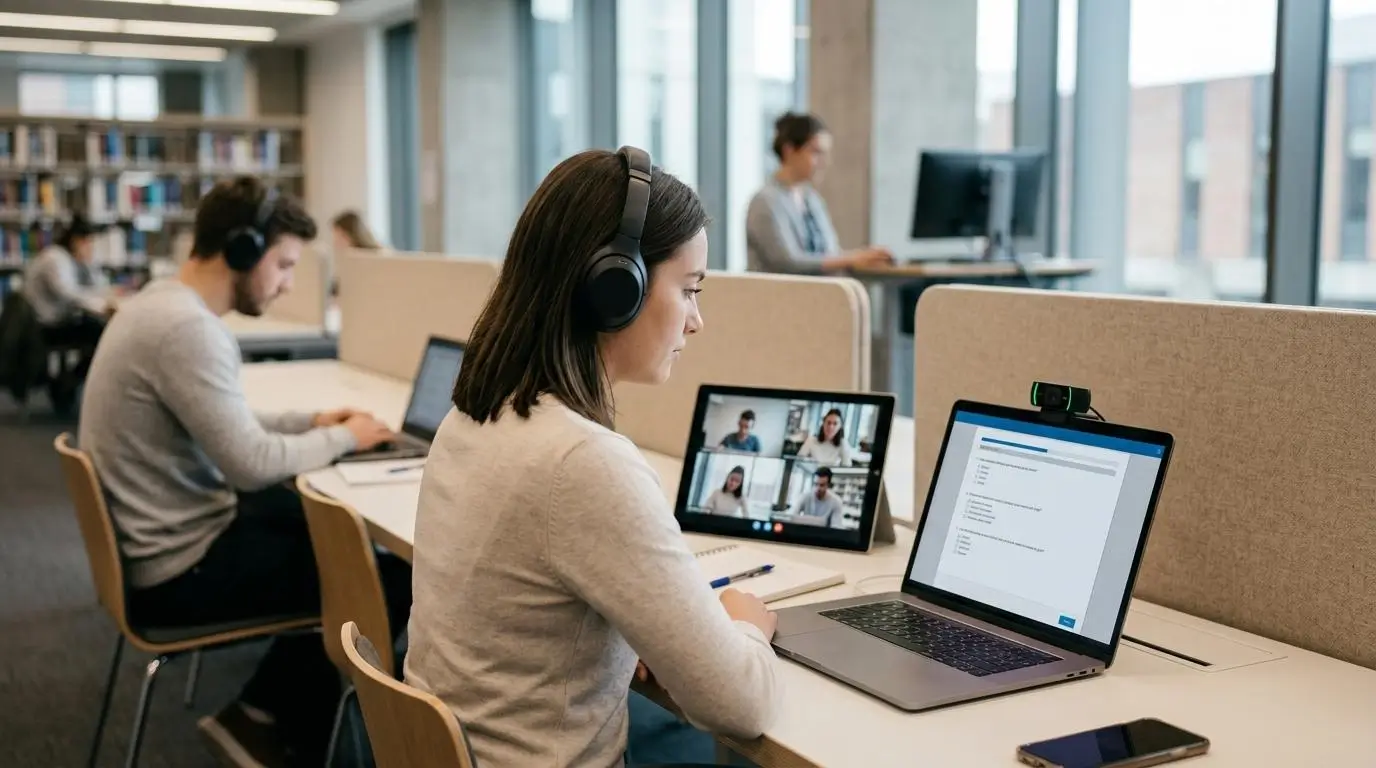
Protecting an online exam goes beyond preventing cheating. The best online proctoring software should create a secure testing environment while minimizing technical issues and maintaining a fair experience for every student. ProctorU and Apporto ExamSpace both prioritize exam security, but they take fundamentally different approaches. One focuses on monitoring the person taking the exam, while the other focuses on controlling the environment where the exam takes place.
How ProctorU Protects Online Exams?
ProctorU secures online exams through a combination of live proctoring, artificial intelligence, and identity verification. Before the testing session begins, students complete several pre-checks to confirm their identity and demonstrate that their testing area meets exam requirements. During the exam, the platform monitors activity through the student’s camera, microphone, and computer to identify suspicious activity or policy violations.
This approach works well for certification organizations and institutions that require continuous human oversight during high-stakes assessments. However, it also means students must prepare their device in advance by installing the required software and completing multiple verification steps.
Some security features include:
- Live proctoring: A real person supervises the exam in real time and can communicate with students if an issue occurs.
- AI-assisted monitoring: Automated systems help identify unusual behavior for additional review.
- Behavioral monitoring: The platform tracks actions that could indicate unauthorized assistance or exam misconduct.
- Room scan: Students complete a guided scan of their testing area before the exam begins.
- ID verification: Government-issued identification and facial verification help confirm the test taker’s identity.
- Guardian Browser: A dedicated browser helps secure the testing session by restricting certain computer functions.
- Screen sharing: Proctors can view the student’s screen throughout the assessment to monitor activity.
- Browser extensions and software: Additional software components help enforce exam rules and support monitoring features.
Together, these measures create multiple layers of security throughout the assessment process.
How Apporto ExamSpace Protects Online Exams?
Apporto ExamSpace approaches exam security from the opposite direction. Instead of relying on continuous observation, it creates a secure virtual machine that isolates students inside a locked virtual desktop. The emphasis is on controlling the computing environment rather than constantly monitoring student behavior.
Because the entire assessment runs inside a cloud-hosted desktop, students work within the same standardized environment regardless of their local computer. This greatly reduces opportunities to access unauthorized applications, websites, or files while also minimizing compatibility problems during technical exams.
Security features include:
- Locked virtual desktop: Students complete assessments inside a dedicated cloud desktop designed exclusively for testing.
- Environmental lockdown: Access to unauthorized resources is restricted throughout the exam session.
- Secure virtual machine: Every testing session runs inside an isolated environment separate from the student’s personal device.
- Controlled computing environment: Institutions determine exactly which software, websites, and tools students can access.
- Protection against unauthorized resources: Personal files, local applications, and unsupported utilities remain outside the testing workspace.
- Cloud-hosted infrastructure: Exams run on managed cloud resources, creating a consistent experience across supported devices.
This design is particularly valuable for technical assessments that require specialized software while maintaining strong academic integrity.
Feature Comparison
| Security Feature | ProctorU | Apporto ExamSpace |
|---|---|---|
| Human observation | Live proctors monitor students throughout the exam | Not the primary security model, focuses on controlled environments |
| Environment lockdown | Limited, primarily through Guardian Browser restrictions | Comprehensive virtual desktop lockdown with controlled access |
| Screen sharing | Continuous screen sharing with the proctor | Not required because activity occurs inside the secure virtual desktop |
| Browser restrictions | Guardian Browser and browser extensions help enforce exam rules | Entire virtual desktop is secured, reducing reliance on local browser restrictions |
| Identity verification | ID checks, facial verification, and room scans before testing | Can integrate with institutional authentication and secure access workflows |
| Virtual desktop isolation | Not a core feature | Built-in isolated virtual machine for every testing session |
| Device dependency | Relies heavily on the student’s computer, camera, microphone, and compatible hardware | Runs within a managed cloud environment, reducing dependence on local device performance |
| Academic integrity | Maintained through continuous monitoring, AI detection, and human review | Maintained through environmental control, restricted access, and secure virtual desktop isolation |
What Does the Student Experience Look Like on Exam Day?
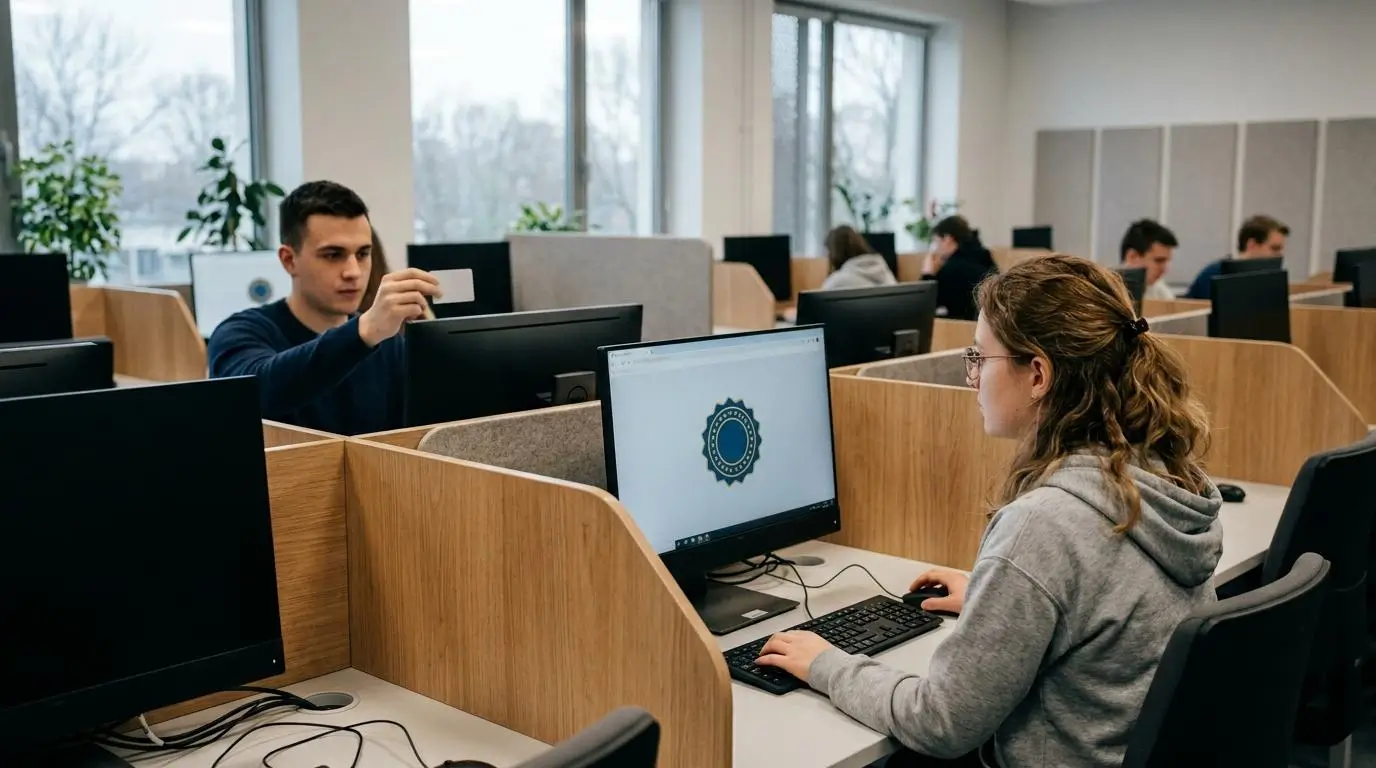
The testing experience can have a real impact on student confidence and performance. A platform may offer strong exam security, but if students spend too much time preparing their device or troubleshooting technical issues, frustration can quickly replace focus. ProctorU and Apporto ExamSpace both provide secure online assessments, but the steps students follow on exam day are noticeably different. One emphasizes verification and continuous monitoring, while the other prioritizes a controlled testing environment that is ready as soon as you log in.
Taking an Exam with ProctorU
Students using ProctorU typically complete several preparation steps before the testing session officially begins. This process helps verify identity and confirms that the testing environment meets the institution’s exam rules.
- Complete pre-checks: Before exam day, confirm that your camera, microphone, internet connection, and computer meet the required system specifications.
- Download the Guardian Browser: Many ProctorU exams require the Guardian Browser, which helps secure the testing session by limiting unauthorized activity.
- Install required software: Depending on the exam provider, you may also need browser extensions or supporting software before you can begin.
- Verify your identity: Follow the on-screen instructions to present a valid photo ID and confirm your identity before accessing the assessment.
- Take a face photo: Some exams require a live facial image to match your identification and complete the authentication process.
- Perform a room scan: Using your camera, you’ll complete a guided scan of your testing area so the proctor can confirm it follows exam requirements.
- Connect with the proctor: Once verification is complete, a live proctor reviews your setup, answers final questions if needed, and authorizes the testing session.
- Begin your exam: After all checks are completed, the assessment launches and monitoring continues until you submit your answers.
Taking an Exam with Apporto ExamSpace
Apporto ExamSpace simplifies exam day by delivering a secure virtual desktop through the browser. Instead of preparing your personal computer with multiple installations, you access a managed cloud environment built specifically for testing.
- Log in securely: Sign in using your institution’s credentials or single sign-on authentication.
- Launch your virtual desktop: The secure cloud desktop opens directly in your browser without requiring complex local installations.
- Access the secure workspace: All approved software, applications, and exam resources are already available inside the managed environment.
- Begin your exam: Open the assessment through your learning management system or assigned course and start working immediately.
- Complete the assessment: Perform your work inside the controlled virtual desktop, where access to unauthorized applications and files is restricted.
- Exit your session: Once your exam is submitted, simply close the secure workspace and end the session.
Student Experience Comparison
| Experience Area | ProctorU | Apporto ExamSpace |
|---|---|---|
| Preparation time | Longer due to software installation, identity verification, and room scans | Shorter with browser-based access and a ready-to-use virtual desktop |
| Technical complexity | Moderate to high, depending on device compatibility and required installations | Lower because the computing environment is managed in the cloud |
| Privacy | Continuous monitoring through camera, microphone, and screen observation | Focuses on securing the testing environment rather than constant observation |
| Anxiety | Some students may feel increased pressure from continuous live monitoring | Reduced emphasis on observation can create a more comfortable testing experience |
| Device setup | Requires compatible hardware, Guardian Browser, and supporting software | Works through a managed virtual desktop with minimal local configuration |
| Troubleshooting | Local software or hardware issues may delay the exam | Cloud-managed environment reduces many common compatibility problems |
| Accessibility | Experience may vary depending on the student’s PC or laptop configuration | Delivers a standardized environment that provides more consistent access across supported devices |
Which Platform Creates a Better Testing Environment?
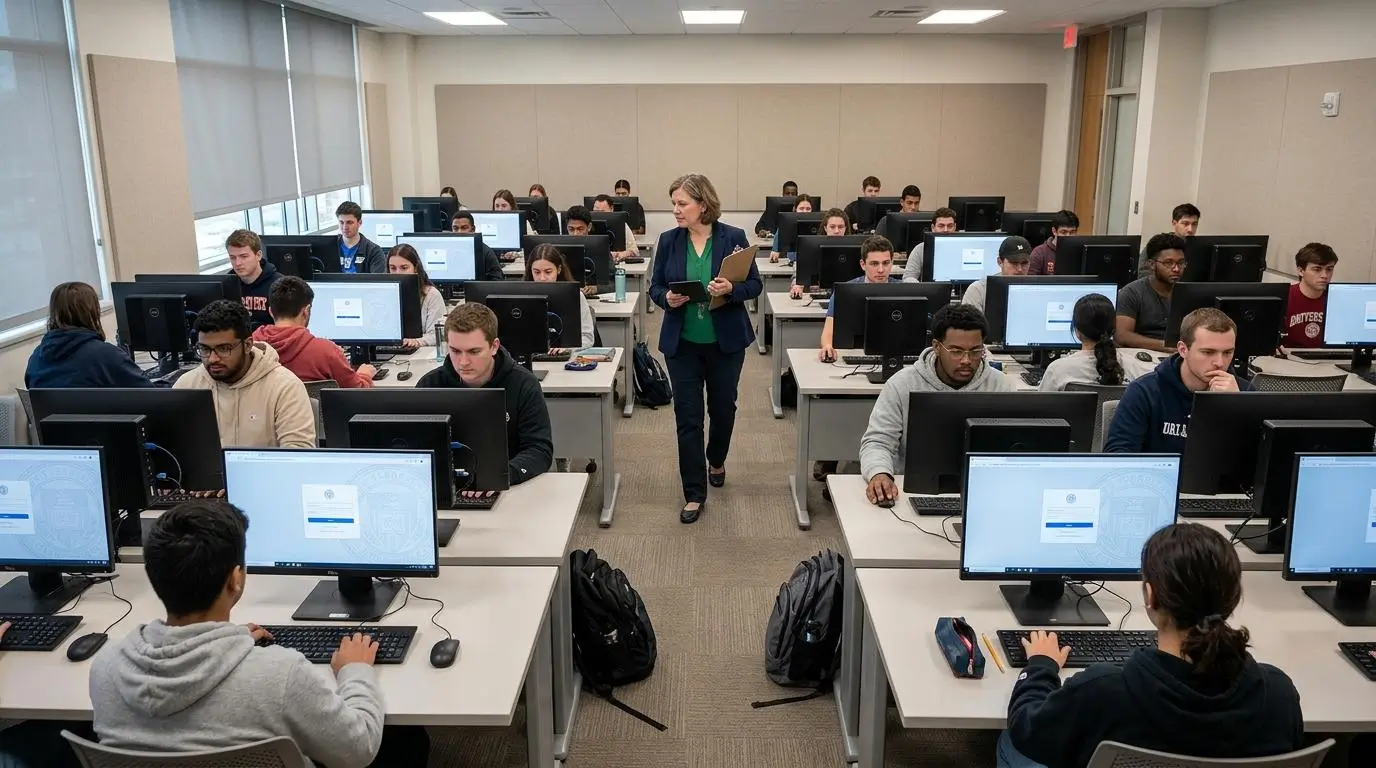
A secure testing environment should do more than prevent cheating. It should help every student begin an exam with the same opportunities, the same resources, and as few distractions as possible. This is where the difference between ProctorU and Apporto ExamSpace becomes more apparent. ProctorU emphasizes observing the test taker throughout the testing session, while Apporto ExamSpace emphasizes controlling the environment in which the assessment takes place. Both approaches support secure online assessments, but they solve different problems.
When comparing the two, consider the following factors:
- Environment control: Apporto ExamSpace delivers every student into the same locked virtual desktop, limiting access to unauthorized applications and creating a standardized testing environment. ProctorU primarily secures the assessment through live observation and monitoring.
- Student privacy: ProctorU relies on camera access, room scans, and continuous monitoring during many exams. Apporto ExamSpace focuses on securing the virtual workspace, reducing the need for constant observation throughout the assessment.
- Exam fairness: A consistent virtual desktop means every student uses the same software, settings, and computing resources. This can be particularly valuable when exams depend on specialized applications or technical tools.
- Consistent testing environment: Because Apporto ExamSpace runs in the cloud, institutions can provide identical exam environments regardless of the student’s local computer. This helps eliminate differences caused by software versions or device configurations.
- Device equality: Students often use different laptops or PCs with varying levels of performance. A managed virtual desktop reduces these differences by delivering the same cloud-based workspace to everyone.
- Technical exams: Courses involving programming, engineering, cybersecurity, or data science often require specific software. Apporto ExamSpace allows institutions to preconfigure these applications, helping students focus on demonstrating knowledge instead of troubleshooting installations.
- Low stakes assessments: For quizzes and formative assessments, institutions may prioritize simplicity and efficiency over continuous human observation. Environment control can often provide sufficient protection while reducing administrative overhead.
- Certification exams: High-stakes certification exams frequently require strict identity verification and live monitoring. In these situations, ProctorU’s human proctoring model may better satisfy certification organizations and regulatory requirements.
Ultimately, the better testing environment depends on the goals of your assessment. If continuous observation and identity verification are your highest priorities, ProctorU provides a proven proctoring model. If your focus is creating a secure, consistent, and technically reliable environment for online assessments, particularly those involving specialized software, Apporto ExamSpace offers a compelling alternative.
How Do Privacy and Student Trust Compare?

Privacy has become one of the biggest considerations when institutions evaluate an online proctoring solution. Strong exam security is still essential, but universities and certification providers are also paying closer attention to how much personal information is collected, how students are monitored, and how those practices affect the overall testing experience. As a result, many procurement decisions now weigh privacy alongside security, accessibility, and ease of administration.
Students are becoming more aware of what happens during an online assessment. A platform that feels overly intrusive can increase stress before the exam even begins, while one that creates a secure environment with fewer privacy concerns may encourage greater confidence. The goal is finding the right balance between protecting academic integrity and maintaining student trust.
Here are some of the differences to consider:
- Privacy expectations: Institutions increasingly evaluate how a proctoring solution collects, stores, and uses student data before making purchasing decisions.
- Monitoring concerns: Continuous monitoring through cameras and behavioral analysis can make some students feel uncomfortable, particularly during lengthy examinations.
- Exam anxiety: Extensive observation may increase pressure for some test takers, making it harder to focus on demonstrating knowledge rather than worrying about being watched.
- Room scans: ProctorU often requires students to perform a room scan before the exam begins. While this helps verify the testing area, some students may view the process as invasive.
- Continuous camera monitoring: Live proctoring typically requires camera access throughout the testing session so proctors can review student activity and identify suspicious activity if it occurs.
- Identity verification: Verifying a student’s identity through photo identification and facial confirmation adds another layer of exam security, especially for certification and high-stakes assessments.
- Environmental security: Apporto ExamSpace takes a different approach by securing the computing environment instead of relying primarily on continuous surveillance. A locked virtual desktop helps restrict unauthorized access while reducing the emphasis on constant observation.
- Institutional decision making: Every institution has different priorities. Some place greater value on live monitoring for regulatory compliance, while others prioritize privacy, accessibility, and a consistent student experience when selecting an assessment platform.
There is no universal answer because every assessment has different security requirements. However, as concerns around privacy continue to influence higher education and professional testing, many institutions are looking for solutions that preserve academic integrity while creating a testing experience that students view as fair, respectful, and trustworthy.
Which Platform Handles Technical Exams More Effectively?
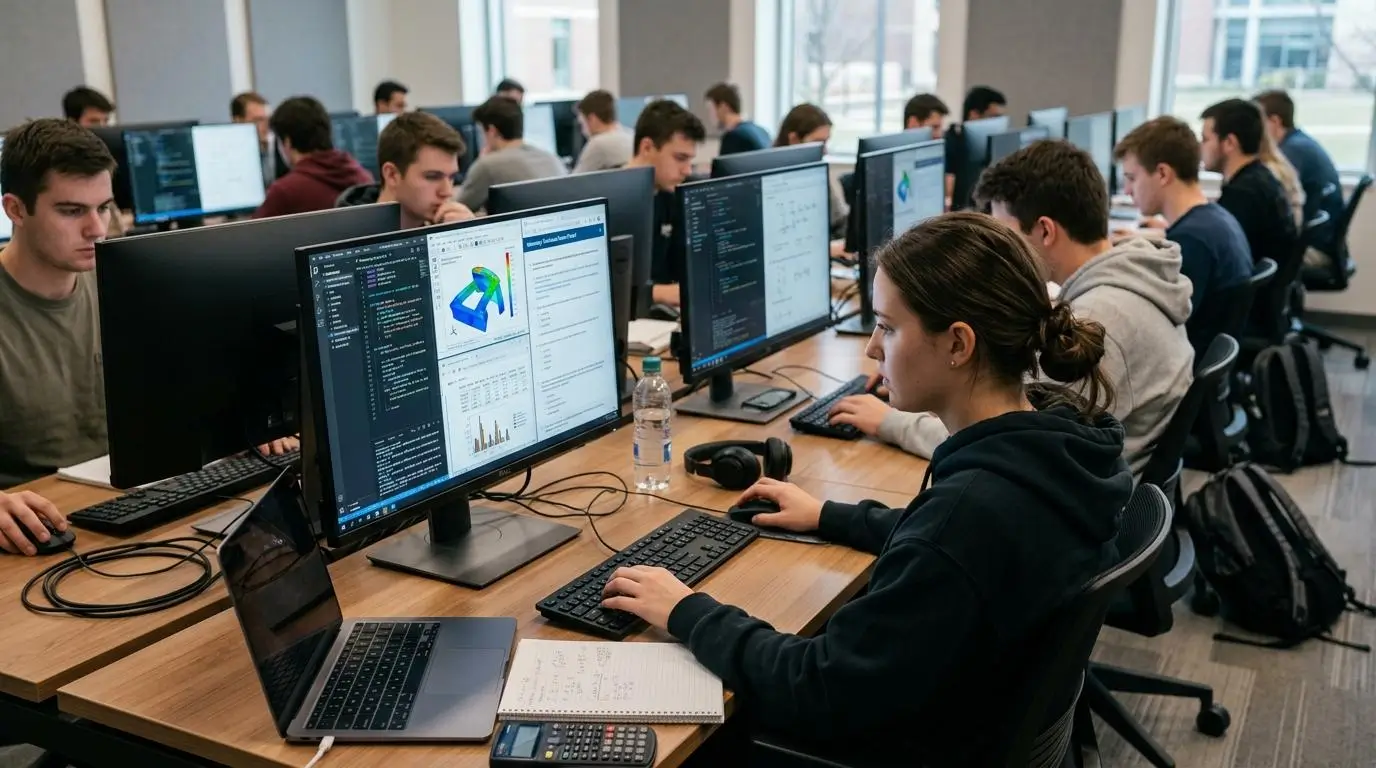
Not every online exam consists of multiple-choice questions. Many courses require students to write code, analyze data, use engineering applications, or complete tasks with specialized software. In these situations, the exam platform must do more than monitor student behavior. It needs to deliver a stable, consistent environment where every required tool is available and performs reliably.
This is where the differences between ProctorU and Apporto ExamSpace become more noticeable. ProctorU focuses on supervising the student while relying on the student’s own computer to run the required software.
Apporto ExamSpace delivers a managed cloud desktop with preconfigured applications, reducing many of the technical issues that can interrupt an assessment. When evaluating platforms for technical exams, consider these factors:
- Programming exams: Coding assessments often require integrated development environments (IDEs), compilers, or command-line tools. Apporto ExamSpace allows institutions to preload these applications so every student works in the same environment.
- Engineering software: Applications used for engineering, architecture, or computer-aided design can demand significant computing power. Cloud desktops provide consistent performance without depending entirely on a student’s laptop or PC.
- Data science tools: Courses involving Python, R, SQL, Jupyter Notebook, or analytics software benefit from a standardized workspace where libraries and dependencies are already configured.
- Specialized applications: Many technical programs rely on licensed software that can be difficult to install or configure on personal computers. A managed virtual desktop simplifies access by making these applications available from the moment students log in.
- Cloud desktops: Because the software runs in the cloud, institutions maintain greater control over updates, configurations, and application availability throughout the exam.
- File persistence: Students can save and access files within the secure virtual environment without relying on local storage, helping reduce compatibility and file management issues during the assessment.
- Controlled software environment: Every student receives the same operating system, software versions, and approved tools, creating a more consistent testing experience while limiting unauthorized resources.
- Hardware independence: Students use a wide range of Windows PCs, Macs, and laptops with different specifications. A cloud-hosted desktop minimizes performance differences, allowing students to demonstrate their knowledge instead of being limited by their hardware.
For traditional exams that primarily require identity verification and observation, ProctorU remains a strong option. However, when assessments depend on specialized software, computing resources, and consistent technical performance, Apporto ExamSpace provides an advantage by giving every student access to the same secure, fully configured environment. That consistency can reduce technical disruptions and allow students to focus on completing the exam rather than troubleshooting their computer.
How Easy Are Setup, Support, and Exam Administration?
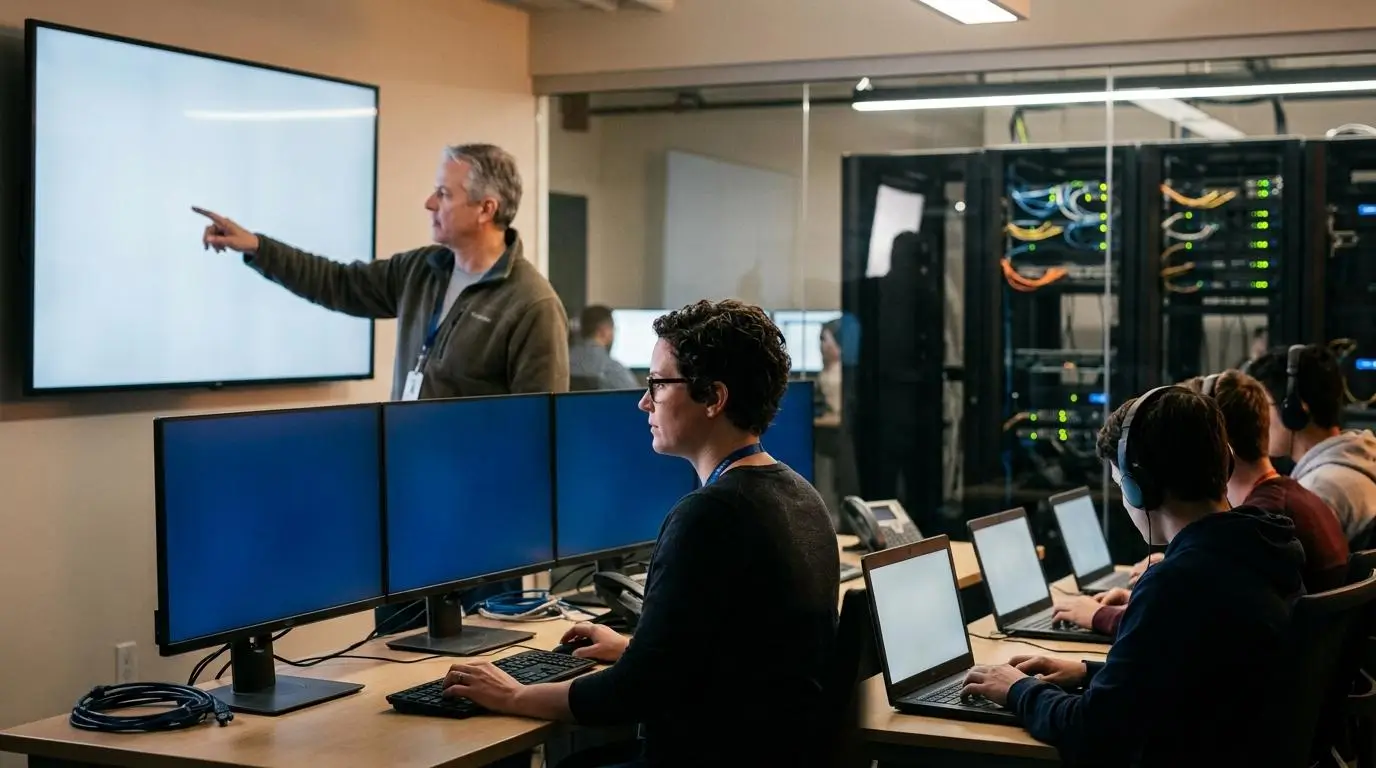
A secure exam platform should also be manageable behind the scenes. Administrators, instructors, and IT teams need a solution that is straightforward to deploy, simple to maintain, and capable of supporting students throughout the assessment process. While both ProctorU and Apporto ExamSpace are designed to support online exams, their administrative workflows differ considerably. ProctorU centers around proctoring operations, while Apporto ExamSpace focuses on delivering a managed testing environment that integrates with existing institutional systems.
ProctorU Administration
ProctorU requires coordination between the institution, students, and the proctoring service to prepare each assessment. This model provides strong oversight but often involves additional administrative planning.
Main administration features include:
- Scheduling: Institutions schedule exams in advance, allowing students to reserve or access available testing sessions based on exam requirements.
- Proctor assignment: Depending on the selected service level, students are connected with a live proctor or monitored through automated workflows during the exam.
- Browser installation: Students must install the Guardian Browser and any required software before the assessment, making clear documentation and preparation important.
- Student support: Technical support is available to help students resolve installation, connectivity, or exam access issues before and during the testing session.
Apporto ExamSpace Administration
Apporto ExamSpace simplifies administration by delivering a secure cloud desktop that is managed by the institution and accessible through the browser. Much of the technical preparation happens before students log in.
Main administration features include:
- LMS integration: The platform connects with learning management systems, allowing instructors to launch exams directly from existing course environments.
- Browser-based delivery: Students access the secure workspace without installing complex local software, reducing onboarding time.
- Virtual desktop provisioning: Institutions create standardized virtual desktops with approved software already installed, ensuring every student receives the same environment.
- Managed environment: Updates, software configuration, and resource management are handled centrally, reducing ongoing IT workload and simplifying long-term administration.
Administrator Comparison
| Administration Area | ProctorU | Apporto ExamSpace |
|---|---|---|
| Setup effort | Requires exam scheduling, browser installation, and proctor configuration | Centralized setup with managed virtual desktops and browser-based access |
| IT workload | Higher due to student device compatibility and installation support | Lower because software and environments are managed centrally |
| Student onboarding | Students follow preparation guides, install required software, and complete pre-checks | Students log in through the institution and access a ready-to-use virtual desktop |
| Instructor management | Instructors coordinate with the proctoring service and communicate exam requirements | Instructors deliver exams through LMS integration with minimal workflow changes |
| Technical support | Focuses on installation, device compatibility, and testing session assistance | Focuses primarily on platform access and cloud environment availability |
| Deployment | Suitable for institutions requiring structured online proctoring services | Well suited for universities seeking scalable, standardized exam delivery with less administrative complexity |
How Does Pricing Compare Between ProctorU and Apporto ExamSpace?

Pricing is an important part of choosing an online assessment solution, but it should be evaluated alongside security, administration, and long-term value. ProctorU and Apporto ExamSpace use different pricing approaches because they solve different problems. ProctorU’s pricing generally reflects its service levels, with costs increasing as more live human proctoring is included. Institutions can choose the level of monitoring that best matches their exam requirements.
Apporto ExamSpace, on the other hand, centers its value on providing a managed, cloud-based testing environment rather than charging for different levels of proctor oversight. Institutions typically receive custom pricing based on deployment size and specific requirements.
Beyond licensing, it is worth considering operational costs. Supporting browser installations, troubleshooting student devices, and managing technical issues all require staff time. A managed virtual desktop can reduce much of that overhead by delivering a standardized environment for every assessment. Looking beyond the initial price often provides a clearer picture of the total cost of ownership.
Pricing Comparison
| Pricing Model | ProctorU | Apporto ExamSpace |
|---|---|---|
| Licensing | Custom institutional pricing | Custom institutional pricing |
| Service tiers | Multiple service levels with increasing costs based on monitoring | Secure virtual desktop service without tiered proctoring levels |
| Infrastructure | Relies on student devices and required software installations | Cloud-hosted managed virtual desktop infrastructure |
| Student requirements | Device compatibility, browser installation, and setup | Browser-based access with minimal local configuration |
| Support | Proctoring, technical assistance, and exam session support | Platform management, virtual desktop administration, and technical support |
| Best fit | High-stakes exams requiring live human oversight | Technical assessments and institutions seeking a consistent testing environment |
Why Is Apporto ExamSpace the Better Choice for Technical and Secure Online Assessments?
Both ProctorU and Apporto ExamSpace help institutions deliver secure online assessments, but they excel in different areas. ProctorU is well suited for exams that depend on continuous human observation and identity verification.
Apporto ExamSpace, however, is built for institutions that need a secure, reliable, and standardized environment for technical assessments. By controlling the computing environment instead of relying primarily on surveillance, it allows students to focus on demonstrating their knowledge without unnecessary technical barriers.
This approach is particularly valuable for universities, certification providers, and training organizations delivering programming, engineering, cybersecurity, and other software-intensive exams. Every student enters the same secure virtual workspace with the required applications already available, creating a more consistent testing experience while reducing the administrative burden on instructors and IT teams.
Here are the features that make Apporto ExamSpace stand out:
- Secure virtual desktop: Every assessment runs inside a dedicated virtual desktop, keeping the testing environment isolated from the student’s personal computer.
- Environment control: Instead of continuously monitoring the student, Apporto secures the workspace by limiting access to unauthorized applications, websites, and files.
- Browser-based delivery: Students access their exam through a web browser without installing complex software or browser extensions.
- High-performance cloud desktops: Computing resources are delivered from the cloud, giving students consistent performance regardless of their laptop or PC specifications.
- LMS integration: ExamSpace integrates with popular learning management systems, allowing instructors to launch assessments through familiar course workflows.
- Technical exam support: Institutions can preload programming tools, engineering applications, data science software, and other specialized resources before the exam begins.
- Reduced troubleshooting: Because the environment is centrally managed, students spend less time resolving compatibility issues and more time completing their assessment.
- Improved student equity Every student receives the same configured workspace, helping reduce performance differences caused by varying hardware capabilities.
- Scalable deployments: Institutions can expand secure online assessments across departments and programs without rebuilding the testing environment for every course.
If your institution values consistent technical performance, simplified administration, and a secure testing environment that supports modern online assessments, Apporto ExamSpace provides a practical long-term solution. Try Apporto ExamSpace
Final Thoughts
The right platform depends on the type of assessment you plan to deliver. ProctorU is a strong choice for high-stakes exams where live human proctoring, identity verification, and continuous monitoring are essential. Apporto ExamSpace is better suited for technical assessments that require specialized software, a consistent testing environment, and simplified administration through a secure virtual desktop.
As you evaluate your options, look beyond individual features or pricing. Consider the long-term student experience, the level of exam security your institution requires, how easily the platform can scale, and the operational effort needed to support every assessment.
A solution that balances security with accessibility and efficiency will deliver greater value over time. By matching the platform to your assessment goals, you can create a more reliable and effective online testing experience for everyone involved.
Frequently Asked Questions (FAQs)
1. Is Apporto ExamSpace better than ProctorU for technical exams?
For technical exams, Apporto ExamSpace is often the stronger choice because it provides a secure virtual desktop with preconfigured software and a consistent computing environment. This reduces compatibility issues and allows students to focus on completing the assessment instead of troubleshooting their device.
2. Does ProctorU require students to install software before an exam?
Yes. Many ProctorU exams require students to download the Guardian Browser and, in some cases, additional software or browser extensions. Students must also complete system checks, identity verification, and other pre-exam requirements before the testing session begins.
3. How does Apporto ExamSpace prevent cheating during online exams?
Apporto ExamSpace secures the assessment by locking students into a controlled virtual desktop where access to unauthorized applications, websites, and files is restricted. This environment-focused approach helps maintain academic integrity without relying primarily on continuous live monitoring throughout the exam.
4. Which platform offers a better student experience?
The answer depends on the assessment. ProctorU provides strong oversight for high-stakes exams but involves additional preparation and monitoring. Apporto ExamSpace offers a simpler experience through browser-based access, standardized cloud desktops, and fewer local setup requirements, making it especially effective for technical assessments.
5. Is ProctorU suitable for certification exams?
Yes. ProctorU is widely used for certification exams because it combines identity verification, live human proctoring, and AI-assisted monitoring. These features help certification organizations meet strict security requirements while confirming that the registered candidate completes the assessment.
6. Can Apporto ExamSpace integrate with a learning management system?
Yes. Apporto ExamSpace integrates with learning management systems, allowing instructors to launch secure assessments directly from their existing course environment. This streamlines exam administration, reduces manual setup, and provides students with a familiar workflow on exam day.
7. Which platform is more privacy friendly?
Apporto ExamSpace generally places greater emphasis on securing the testing environment rather than continuously monitoring students through cameras and live observation. ProctorU collects additional verification data and relies on active monitoring, making privacy considerations an important factor for many institutions.
8. How should you choose between ProctorU and Apporto ExamSpace?
Start by evaluating your assessment goals. If you need live human proctoring for high-stakes certification exams, ProctorU is a proven option. If your priority is delivering secure technical assessments with consistent software, simplified administration, and a controlled virtual environment, Apporto ExamSpace is likely the better fit.
