

Cheating used to be simple.
Not good. Not acceptable. Just simple.
A folded note under the sleeve. Writing on the back of your hand. A calculator that somehow knew more than the textbook. Maybe the classic look-left-look-right routine that fooled absolutely no one except the student performing it.
The model was physical, the boundaries were obvious, and the unauthorized help was somewhere in the room.
That world is gone, and the tools institutions built to replace it, lockdown browsers chief among them, have brought a new question along with them: is lockdown browser invasive, or is it simply doing the job it was designed to do.
The hidden note does not need to be under a sleeve anymore. It can be a digital ghost sitting beside the student. Not physically there. Not obvious. Not something the old exam rulebook was built to handle. The assistance can be remote, synthetic, invisible, and sitting one tab, one application, one device, or one workflow away from the assessment.
This is why I believe the secure testing conversation in Higher-Ed is so often framed incorrectly, and it’s also why so many students end up asking that same pointed question before an exam even starts.
Why Do Students Find Lockdown Browser Invasive?
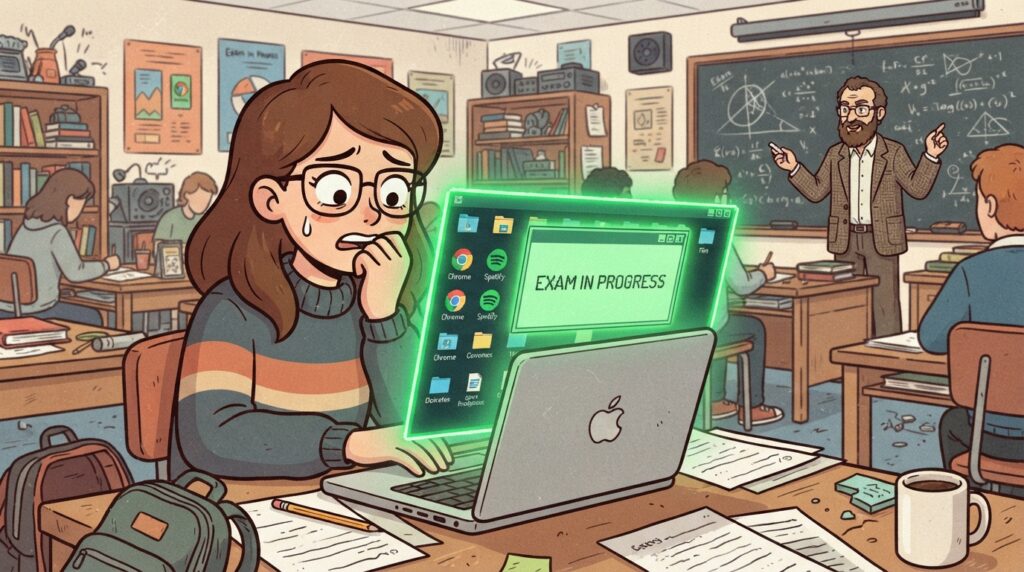
Browser lockdown made sense when the assessment lived almost entirely inside the browser.
Lock the tab, block outside websites, disable copy and paste. For a basic exam, that model was understandable.
But modern assessment is not always a collection of radio buttons and text fields.
A meaningful exam may require Excel, CAD, a coding IDE, SPSS, a database tool, licensed applications, datasets, course files, and enough computing power to complete the kind of work students will eventually perform outside the classroom.
This is where the old lockdown model starts to feel like putting a bicycle lock on the front door while the building has no walls.
You can lock the browser all day, but if the assessment requires a real workspace, then the browser is not the environment. It is one window inside the environment.
The question is no longer, “Can we lock a tab?”
The better question is, “Can we govern the workspace where the exam actually happens?”
When the answer is no, institutions are forced into bad choices. Simplify the assessment until it fits inside a lockdown browser, weakening authenticity. Or allow the real tools while losing control and visibility, weakening integrity.
One option makes the exam less realistic. The other makes the result harder to trust.
It’s worth naming plainly why students find this invasive in the first place. Students often describe lockdown browsers as intrusive and stressful, and that reaction isn’t irrational.
Many students also report technical glitches during exams, freezes, crashes, connectivity drops, and when that happens mid-test, the anxiety compounds fast. The software becomes one more thing to worry about, on top of the material itself.
What Privacy Concerns Come With Lockdown Browsers?
A meaningful part of the “invasive” reaction comes down to privacy, and the concerns here are specific enough to name directly:
- Data storage practices around lockdown browsers used in exams raise real questions, since session recordings and data have to live somewhere after the exam ends
- Concerns include the over-collection of personal data and the possibility of a security breach exposing that data later
- Some proctoring software uses facial recognition and eye tracking, which extends the tool’s reach into biometric data, not just exam responses
- Keystrokes and mouse movements can be monitored during a session
- These concerns have led some universities to reject online proctoring altogether, choosing different assessment methods instead
Can Lockdown Browser Damage Your Computer?

This question comes up often enough to address directly. Some students have reported system crashes while using proctoring software, and some describe performance issues on their laptop after installation, including on Windows and Mac systems.
These are reported experiences worth taking seriously, not confirmed technical findings, and results can vary depending on your system and what else is running on the device at the time.
Some critics have gone further, describing Respondus LockDown Browser as behaving like a rootkit, pointing to the level of system access it requests during install. That characterization comes from specific critics and student discussions online, not from an independent technical audit, and it’s worth treating as a viewpoint to be aware of rather than a settled fact. If system-level access is a concern, it’s a reasonable question to bring to your university’s IT office directly.
If you’ve finished the course that required it and want it gone, most students find that removal takes a bit more effort than a typical uninstall. Standard removal through your Control Panel on Windows or dragging the application to trash on a Mac usually gets most of it.
Some users report needing to manually clear leftover files, background services, or registry entries afterward, followed by a restart, before the program is fully gone from the system.
The Surveillance Detour
When institutions realize browser lockdown is not enough, the conversation often jumps directly to surveillance. Webcam flags. Room scans. Eye movement alerts. Face recognition. Suspicious behavior scores. The student slowly becomes a walking probability problem.
Dun dun dunnnnn.
To be sure, identity verification and session monitoring can be legitimate depending on the assessment. But if the entire strategy becomes “watch the student harder,” we are solving the wrong layer of the problem.
The more useful questions are about the environment.
What tools were available? What applications were allowed? What resources could be opened? What network paths were accessible? What files could move in or out? What happened during the session? What evidence would be available if a faculty member needed to review an event later?
That is different from attempting to read intent through a webcam like it is a crystal ball.
A student looking away is not automatically cheating. A sound in the room is not a confession. A system flag is not a conviction. Turning an ambiguous signal into an institutional verdict does not reduce risk. It moves the risk from the exam into the appeals process.
Evidence has to be understandable. Context has to be visible. Faculty judgment has to remain the final decision point.
Otherwise, the institution is outsourcing suspicion.
What Are the Alternatives to Lockdown Browser for Online Exams?
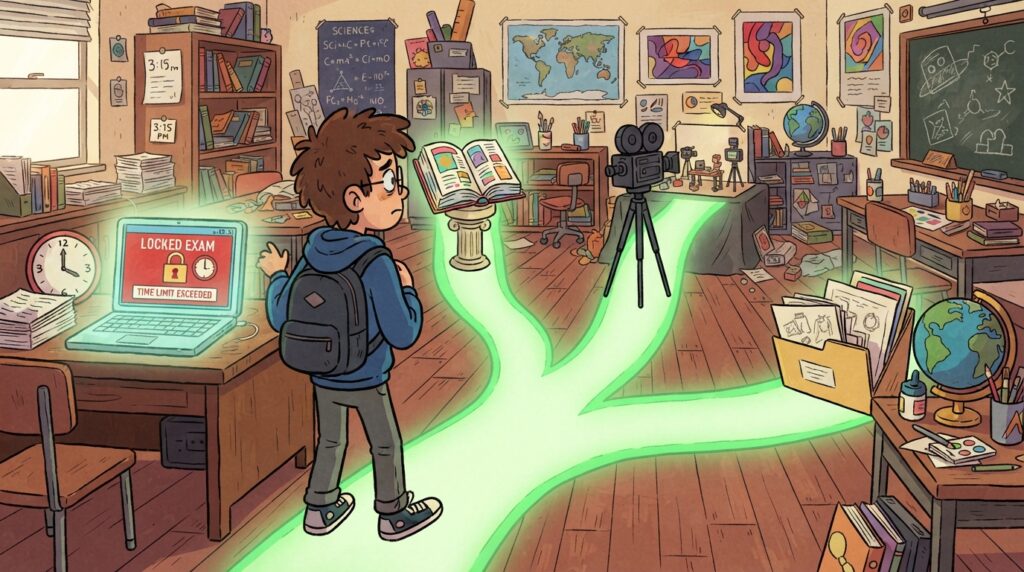
Some institutions aren’t waiting around for a perfect answer. A few are already testing different approaches: moving away from traditional high-stakes exams toward project-based assessments, offering open book exams to reduce the need for surveillance, or proctoring live over Zoom as a more human alternative to automated monitoring. Some faculty treat proctoring software as a last resort rather than a default setting for every course.
None of these come free of tradeoffs. Alternative assessments often mean more grading time for instructors, which is part of why lockdown browsers remain common on campus even where student frustration with them runs high.
What the Research Actually Tells Us
The research on digital proctoring keeps returning to a frustratingly human conclusion: there is no magic signal.
A 2026 systematic review published in Springer Nature’s Discover Education synthesized 80 peer-reviewed studies from 2014 through 2024 on automated and AI-supported proctoring systems.
It examined machine learning, deep learning, biometric verification, environmental monitoring, system performance, and the ethical and practical realities of deployment.
The useful takeaway is not that more AI automatically produces more trustworthy exams.
The review describes a field filled with tradeoffs. False positives and false negatives remain a challenge. Performance can vary across demographics, lighting conditions, devices, datasets, and real-world environments.
Many systems lack contextual awareness, meaning they can notice movement or sound without understanding why it happened. The research points toward integrated, multi-layered frameworks rather than one signal pretending to know the truth.
Other studies reach the same pressure point. Digital proctoring research connects security with adoption and implementation, while privacy research raises questions around transparency, fairness, consent, accountability, and accuracy. Faculty research adds the practical tradeoffs around trust and assessment design.
That is where vendor marketing tends to become inconveniently quiet.
The literature does not support the fantasy that one mysterious score should decide what happened. It supports a governance model where technology controls what it can control, records what occurred, and gives humans enough context to interpret the evidence responsibly.
A flag is not a verdict. No visibility is not trust.
Both statements have to remain true.
Is There a Better Way to Secure Online Exams Without Being Invasive?

At Apporto, the way we think about secure testing begins with a different question.
Not, “How do we lock the student down?”
That framing is already poisoned.
The better question is, “How do we provide a controlled, functional assessment environment where students can use approved resources, institutions can restrict what should not be available, and faculty still retain enough visibility to trust the process?”
That is environment-level governance.
ExamSpace is built around that model. It provides a secure, browser-based virtual desktop assessment environment without requiring a traditional student-side installation or VPN. Instead of controlling one browser tab, the institution governs the assessment workspace at the infrastructure level.
An exam can include approved software, controlled files, coding environments, professional applications, and institutionally permitted AI tools without opening the rest of the digital universe.
Students can access the tools required for an authentic assessment, while the institution defines boundaries around applications, network access, files, clipboard activity, and the broader environment.
The assessment does not have to become less authentic simply to become more secure.
If an institution teaches with professional tools and then tests through a stripped-down imitation, the assessment is serving the security product instead of the learning objective.
The tool should adapt to the assessment.
The assessment should not shrink itself to fit the tool.
Evidence, Not Accusation
Controlling the exam workspace solves one part of the problem. Understanding how work was created solves another.
This is where TrustEd fits.
TrustEd is designed to provide process visibility rather than a black-box accusation. It can reconstruct how work developed through writing timelines, keystroke and edit patterns, copy and paste events, writing velocity, revision behavior, and other contextual signals.
Faculty can review the sequence and examine flagged moments instead of receiving a mysterious percentage with no story behind it.
Imagine a large block of text appears inside a submission. The event may deserve review. But the event alone does not tell you whether the student copied from an unauthorized source, moved content from an approved draft, recovered work after a technical issue, or used a permitted workflow.
The signal starts the question.
It does not answer it.
TrustEd presents evidence for faculty review while leaving the decision with the institution and instructor. That protects students from automated accusation, gives faculty something they can explain, and creates a more defensible process if a case moves into formal review.
This is not about building a better digital police officer.
It is about building a better record of what happened.
What Should Universities and Professors Consider Before Choosing Proctoring Software?
Higher-Ed leaders do not need to become infrastructure engineers, but they do need to ask better questions.
First, stop evaluating secure testing products only by asking whether they can lock a browser. Ask whether the environment can support the applications, files, resources, and workflows required by the assessment. If the tool forces faculty to reduce an authentic task into a simplified imitation, the institution is paying for security by weakening learning validity.
Second, require evidence-first integrity workflows. Any automated signal should be traceable to an observable event, presented with context, and subject to human review. Institutions should be skeptical of proprietary scores that cannot be explained to the faculty member, the student, or the academic integrity committee.
Third, separate visibility from surveillance. More data does not automatically create more truth. Governance should define what is collected, why, who can access it, and how interpretations can be challenged.
Finally, frame academic integrity as the protection of authentic learning rather than an endless hunt for wrongdoing. “Evidence,” “process visibility,” “assessment validity,” and “faculty review” lead institutions toward better systems than “catch,” “detect,” and “punish.”
The goal is not to win an arms race against students.
The goal is to make the assessment worth trusting.
The Line Higher-Ed Has to Draw
AI created some of the new problem. It made assistance more available, more capable, and far less visible than the folded note under the sleeve.
But AI and modern infrastructure can also help institutions respond more intelligently. Better controls. Better evidence. Better review workflows. Better distinctions between a signal and a conclusion.
The future of secure testing should not be a more aggressive webcam pointed at a more anxious student.
It should be a governed environment that supports authentic work, limits unauthorized access, records meaningful events, protects privacy where possible, and keeps faculty judgment exactly where it belongs.
The student who studied deserves that. The faculty member grading fairly deserves that. And the institution standing behind the credential absolutely needs that.
We should not be choosing between blind trust and automated suspicion.
We should be building the middle: trust supported by evidence, authentic assessment supported by secure infrastructure, and verification that does not forget the human being on the other side of the screen.
That is the line between browser lockdown and exam governance.
And Higher-Ed crossed it the moment the hidden note became a digital ghost.
Frequently Asked Questions (FAQs)
1. Is LockDown Browser invasive?
Many students describe it that way, largely due to webcam monitoring, browser restrictions, and occasional technical glitches during high-stakes exams.
2. Is Respondus LockDown Browser considered a rootkit?
Some critics describe it that way because of its system-level access during installation, though this is a characterization from specific critics rather than an independent technical finding.
3. Can LockDown Browser damage my computer?
Some students have reported crashes or performance issues, though these are user-reported experiences rather than confirmed technical findings, and results vary by system.
4. How do I fully remove LockDown Browser from my computer?
Standard uninstall steps usually work, though some users report needing to manually clear leftover files or background services, followed by a restart.
5. What are the alternatives to LockDown Browser for online exams?
Options include open book exams, project-based assessments, live Zoom proctoring, and environment-level platforms that govern the full exam workspace instead of locking a single browser tab.
Sources and Further Reading
- Springer Nature, Discover Education “Ensuring academic integrity through automated online exam proctoring: a decade-long systematic review” https://link.springer.com/article/10.1007/s44217-026-01224-3
- International Journal of Educational Management “Digital proctoring in higher education: a systematic literature review” https://www.sciencedirect.com/org/science/article/pii/S0951354X23002594
- arXiv “Privacy as Contextual Integrity in Online Proctoring Systems in Higher Education: A Scoping Review” https://arxiv.org/abs/2310.18792
- USENIX Security / arXiv “Educators’ Perspectives of Using (or Not Using) Online Exam Proctoring” https://arxiv.org/abs/2302.12936
- Open Praxis / ERIC “A Systematic-Narrative Review of Online Proctoring Systems and a Case for Open Standards” https://eric.ed.gov/?id=EJ1481131
